


18.8K ·GitHub
这是干什么的?
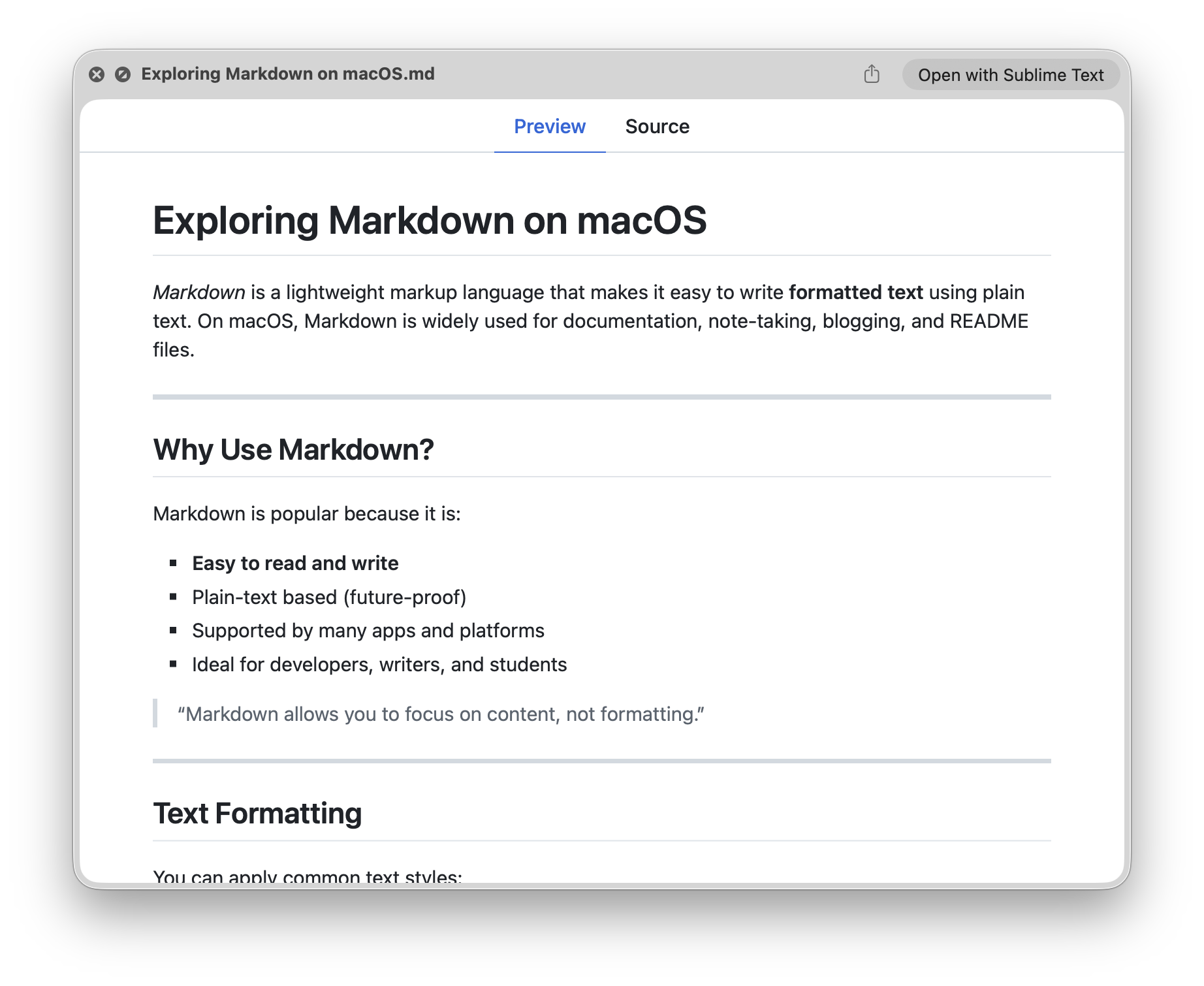
 一份为开发者整理的 Quick Look 插件清单。Quick Look 是 macOS 的预览功能——在 Finder 里按一下空格键就能预览文件;这里的每个插件都能让它多支持一种文件类型,比如 Markdown、JSON 或源代码。
一份为开发者整理的 Quick Look 插件清单。Quick Look 是 macOS 的预览功能——在 Finder 里按一下空格键就能预览文件;这里的每个插件都能让它多支持一种文件类型,比如 Markdown、JSON 或源代码。这是一个应用,还是一堆独立的插件?是一堆独立的插件,不是一个应用——每种文件类型都有自己单独安装的插件。清单里既有可以通过 Homebrew 免费安装的插件,也有几款需要付费的 App Store 应用。
是一堆独立的插件,不是一个应用——每种文件类型都有自己单独安装的插件。清单里既有可以通过 Homebrew 免费安装的插件,也有几款需要付费的 App Store 应用。这些插件怎么安装?大多数插件只需一条 Homebrew 命令,比如 brew install qlstephen 或 brew install --cask qlmarkdown。手动安装的话:把 .qlgenerator 文件下载到 ~/Library/QuickLook,然后运行 qlmanage -r。
大多数插件只需一条 Homebrew 命令,比如 brew install qlstephen 或 brew install --cask qlmarkdown。手动安装的话:把 .qlgenerator 文件下载到 ~/Library/QuickLook,然后运行 qlmanage -r。它们在最新的 macOS 版本上能用吗?在 macOS Catalina 及之后的版本上,很多插件要先去掉它们的隔离属性才能用——README 里给出了具体命令。另外,SourceCodeSyntaxHighlight 插件可能会覆盖其他 Quick Look 插件。
在 macOS Catalina 及之后的版本上,很多插件要先去掉它们的隔离属性才能用——README 里给出了具体命令。另外,SourceCodeSyntaxHighlight 插件可能会覆盖其他 Quick Look 插件。是不是只能在 Mac 上用?是的。Quick Look 是 macOS Finder 的功能,所以这些插件只在 Mac 上有意义——Windows 和 Linux 上没有对应的。
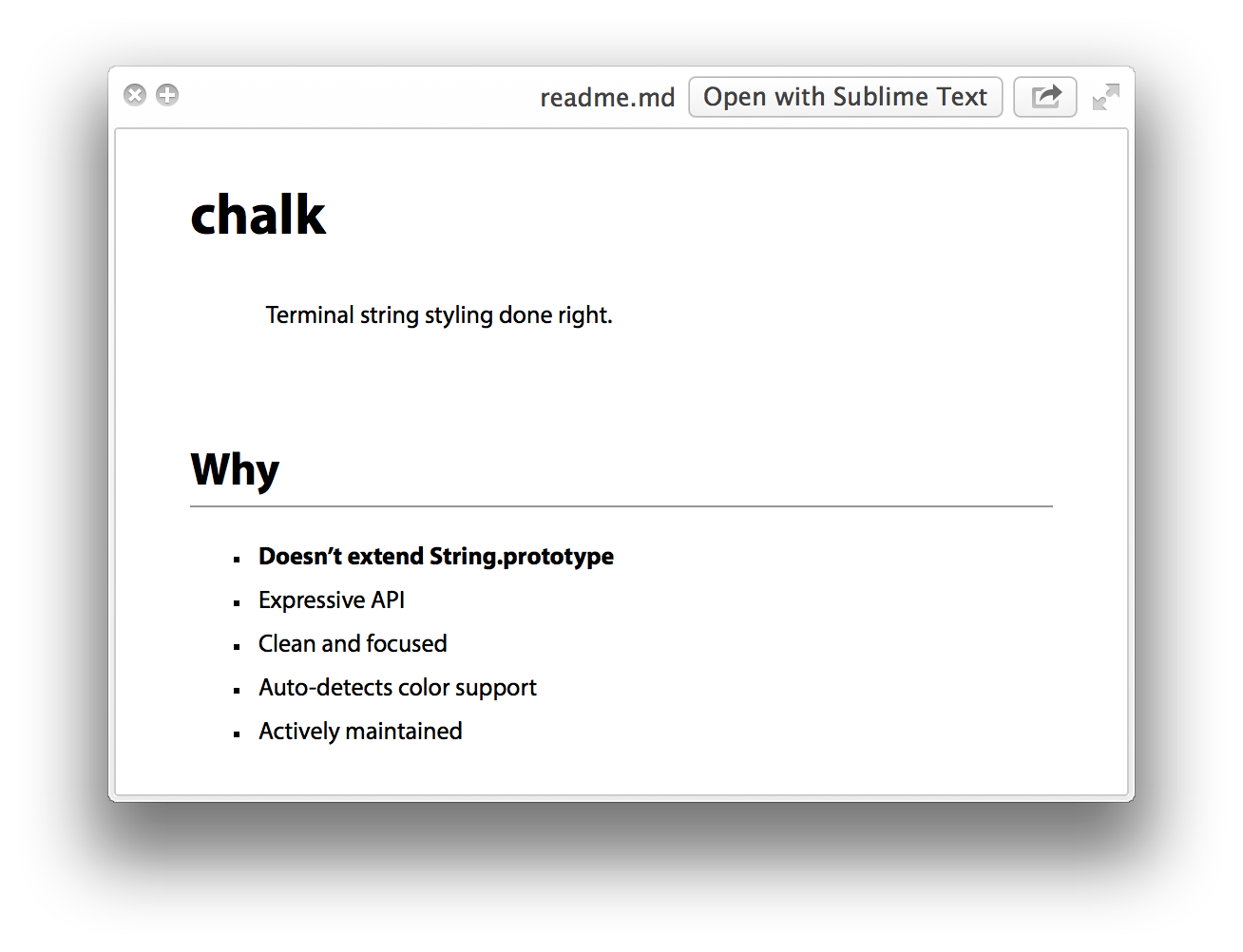
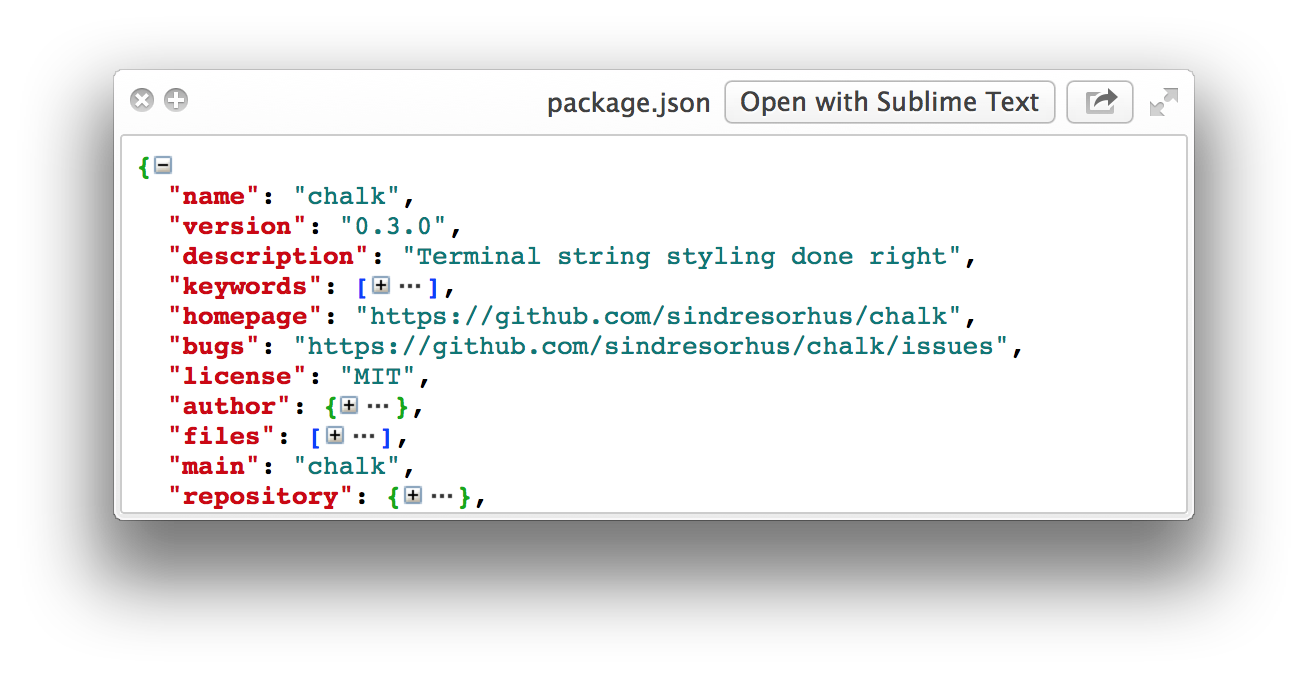
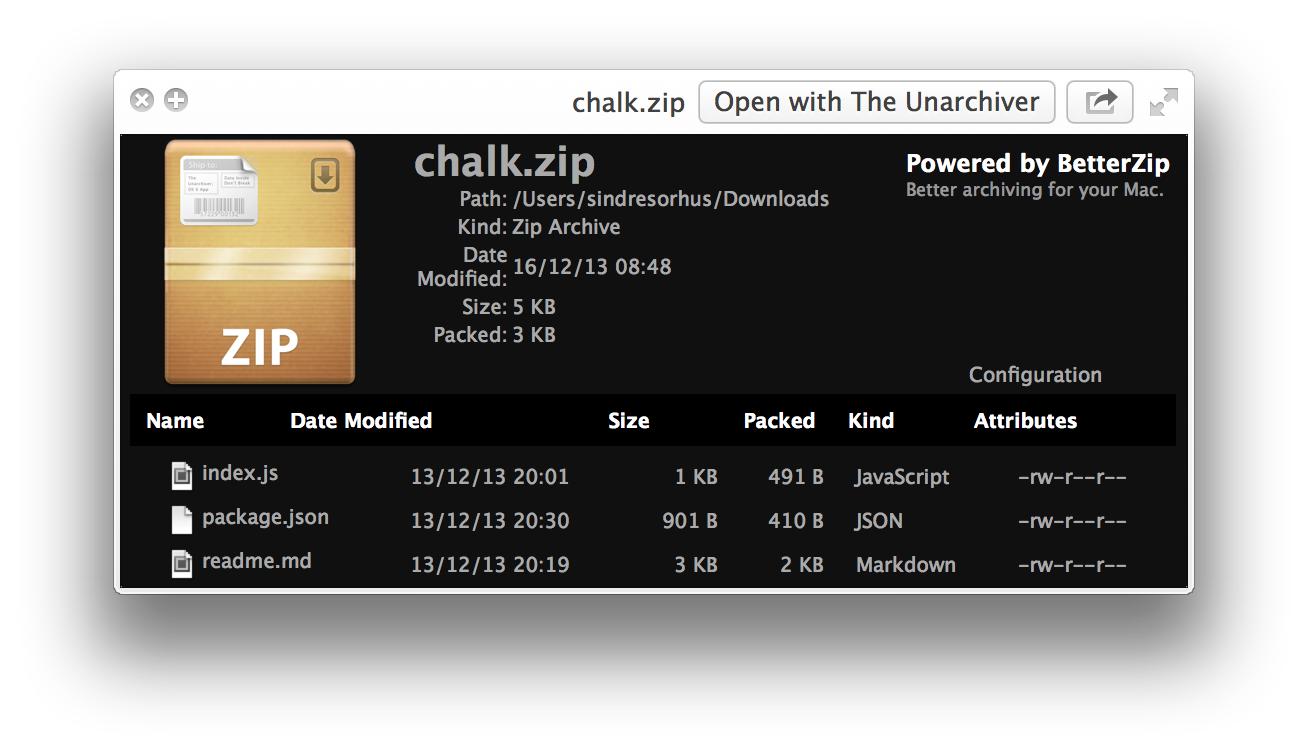
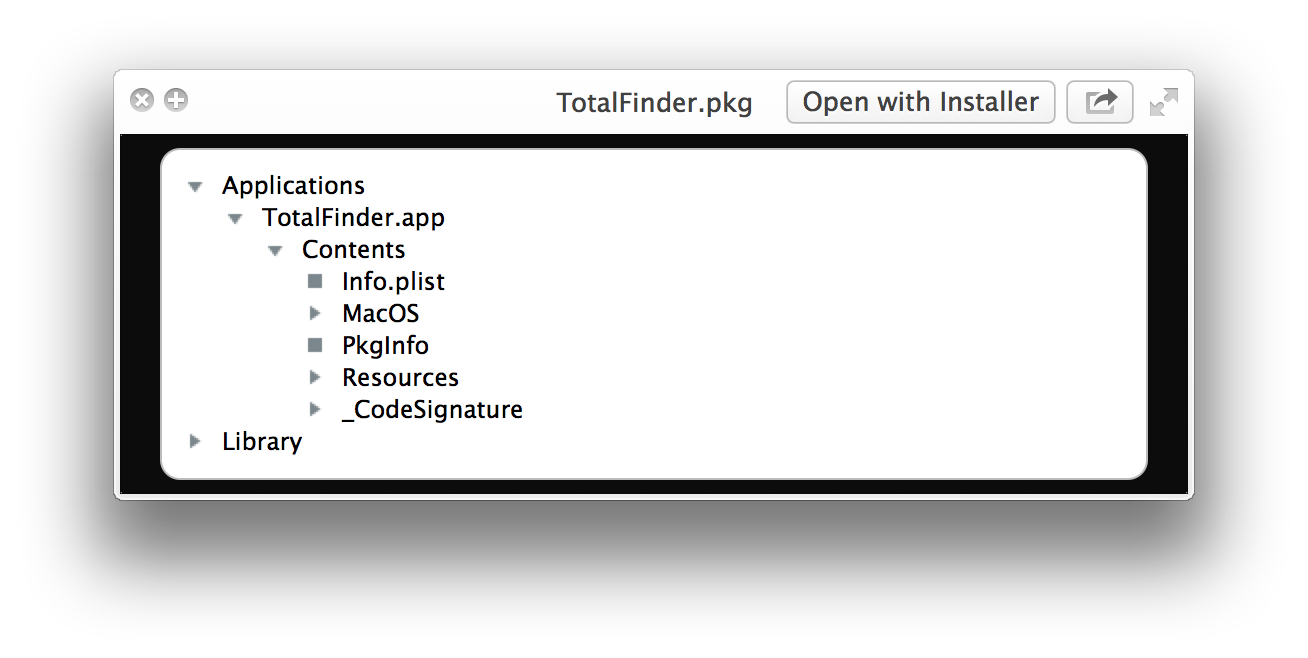
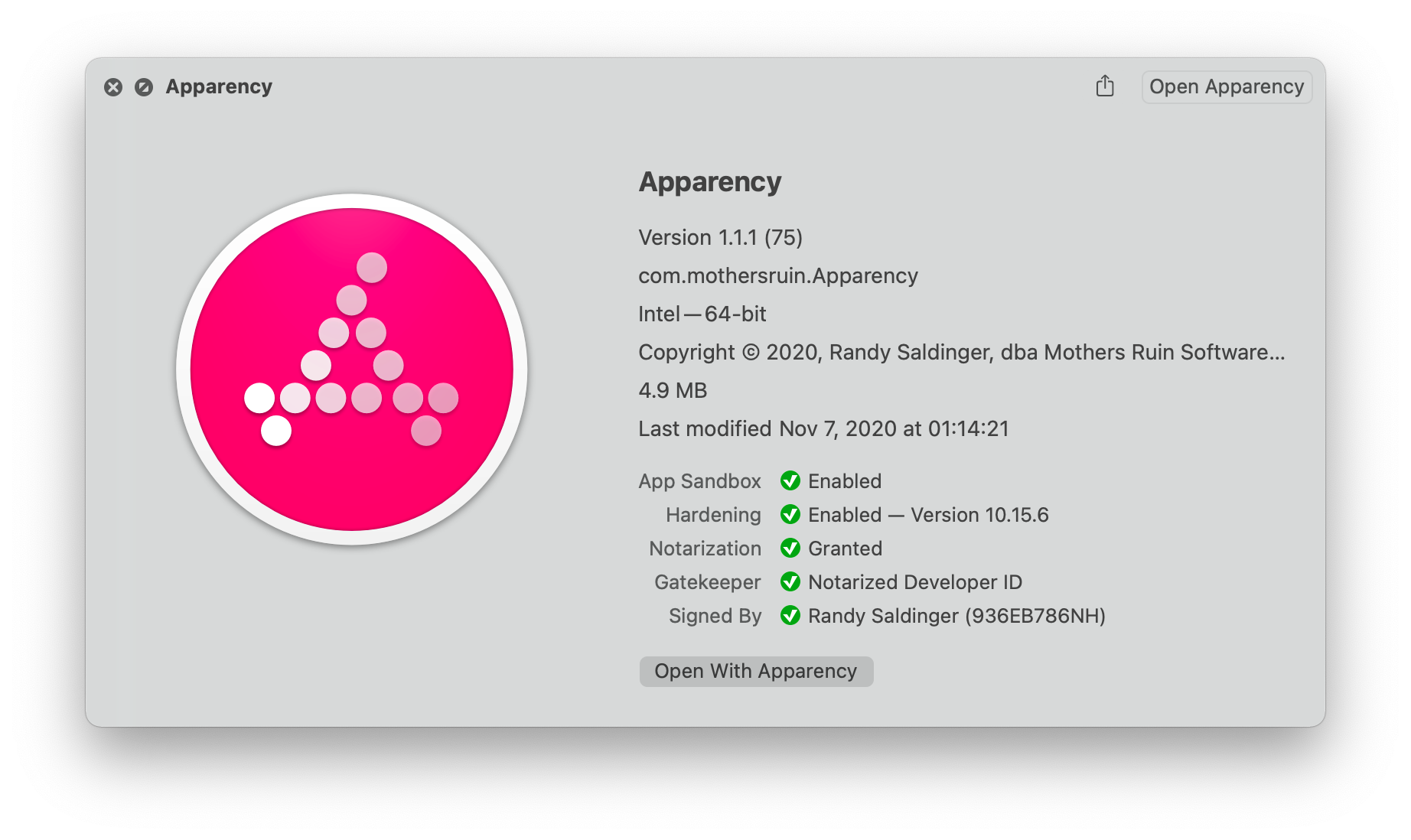
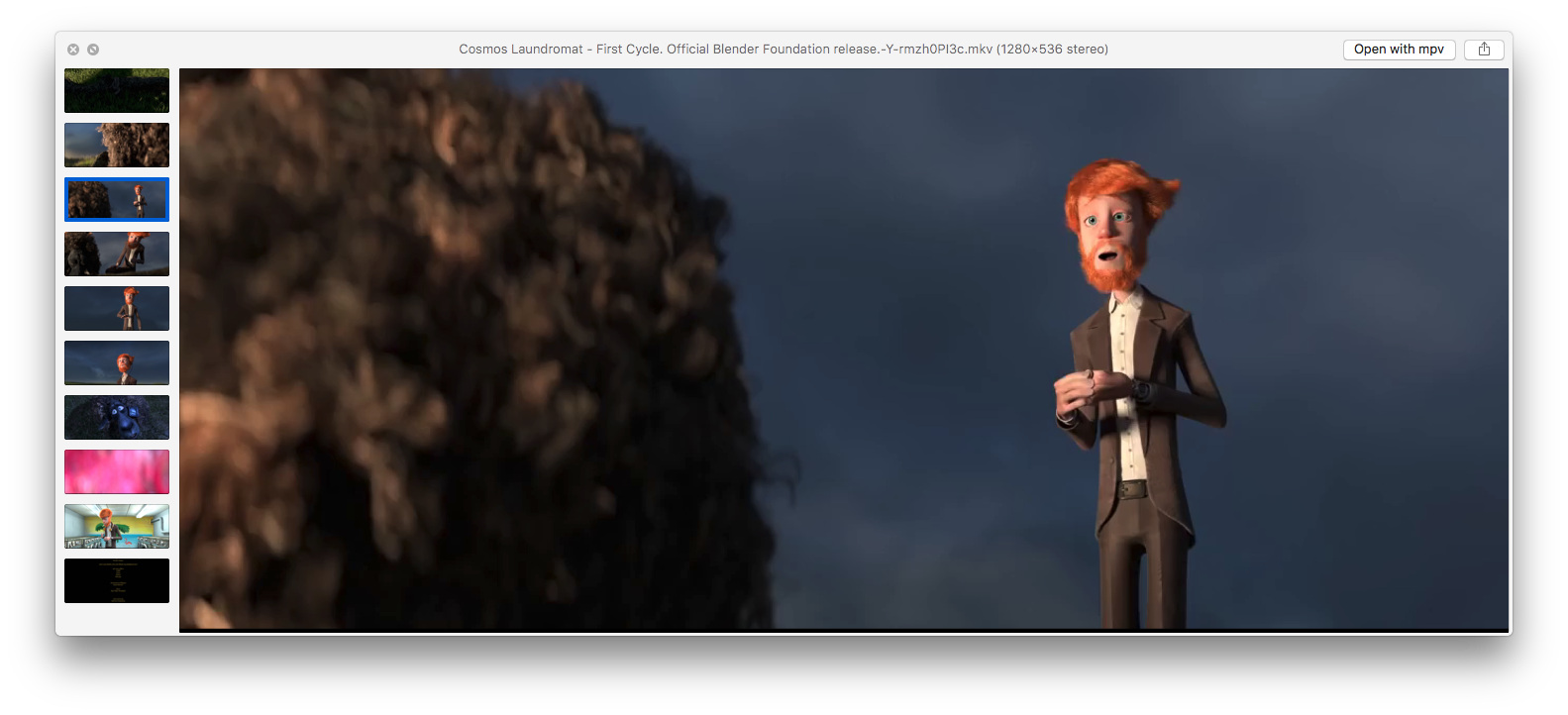
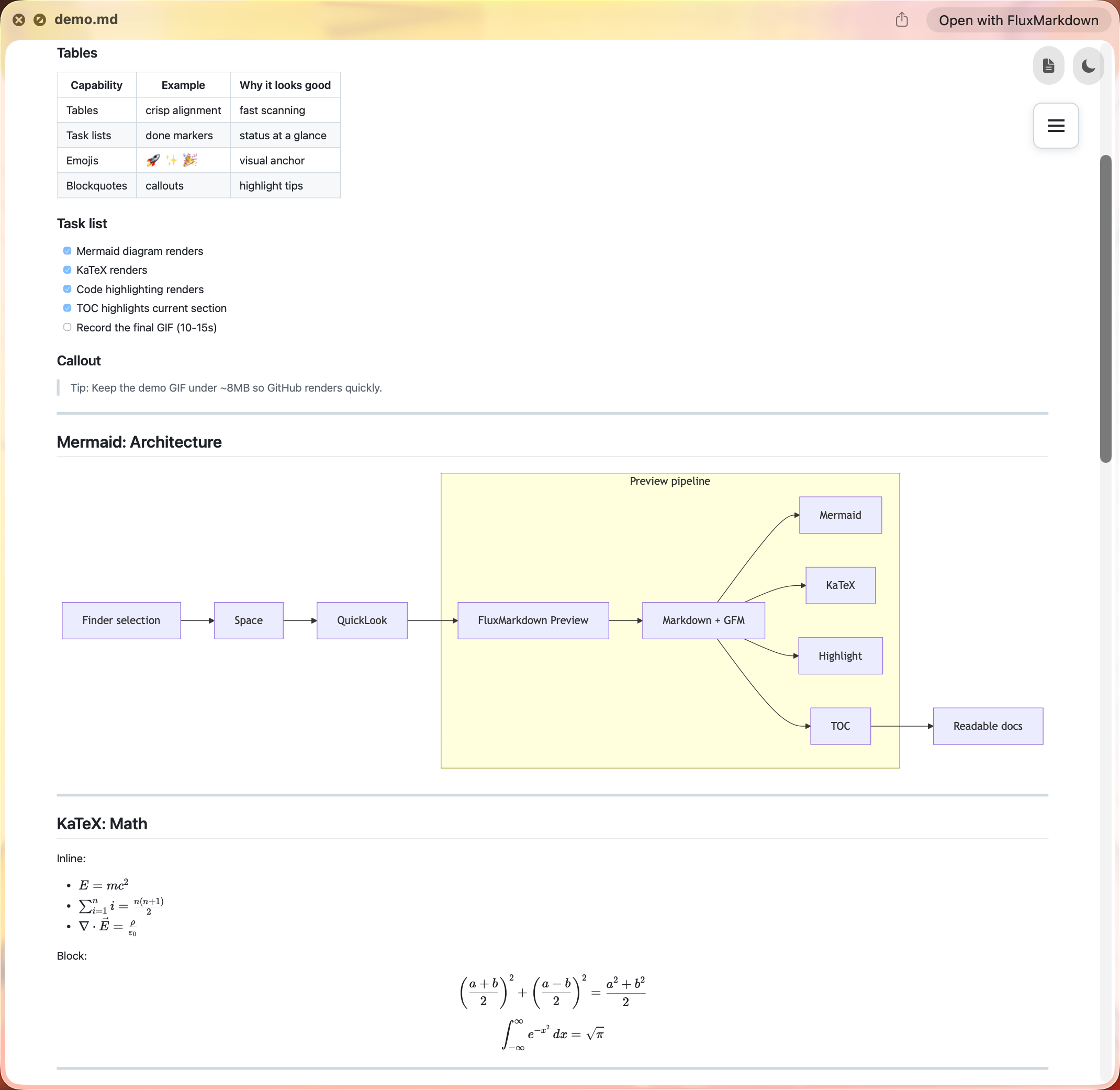
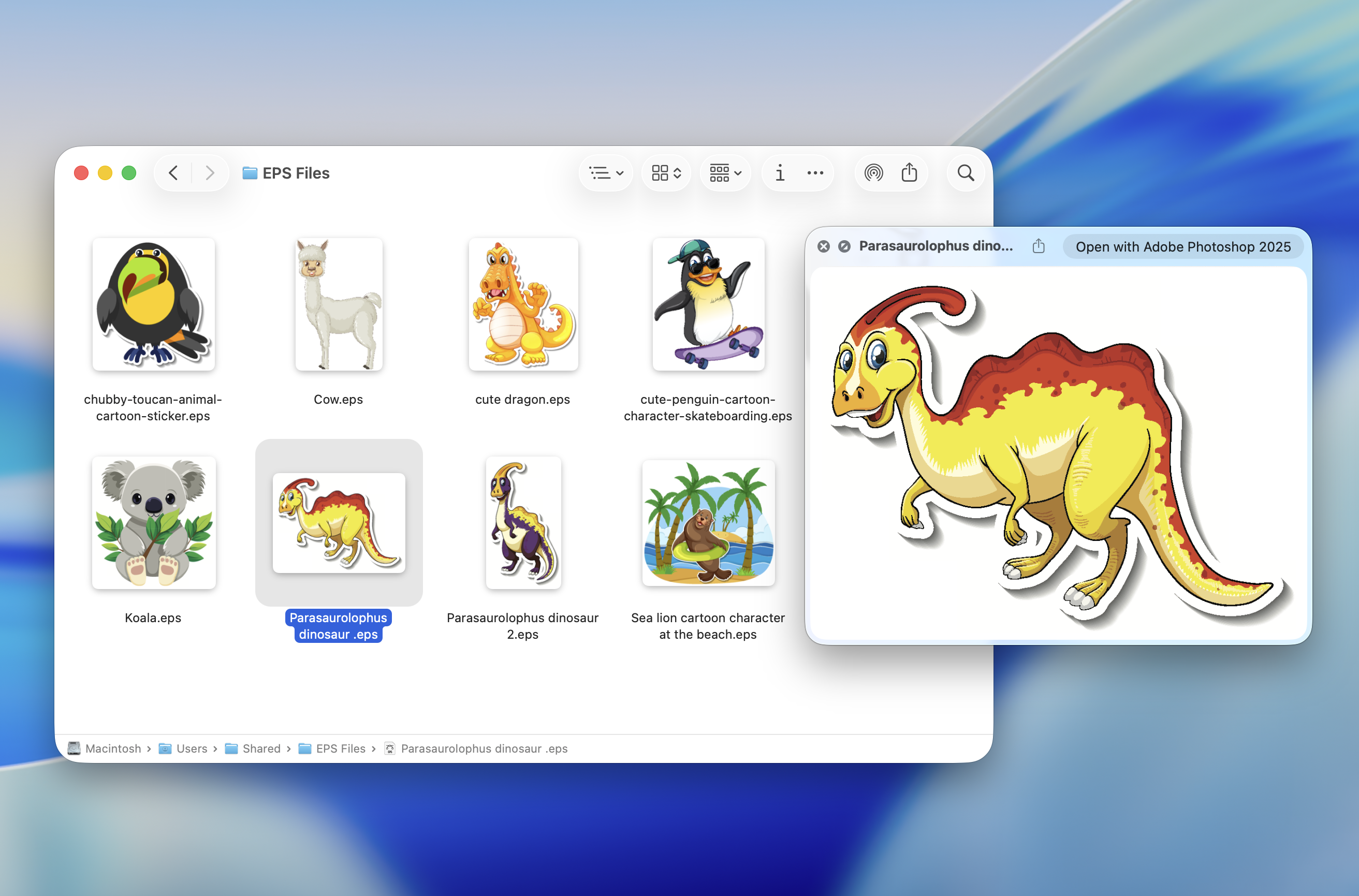
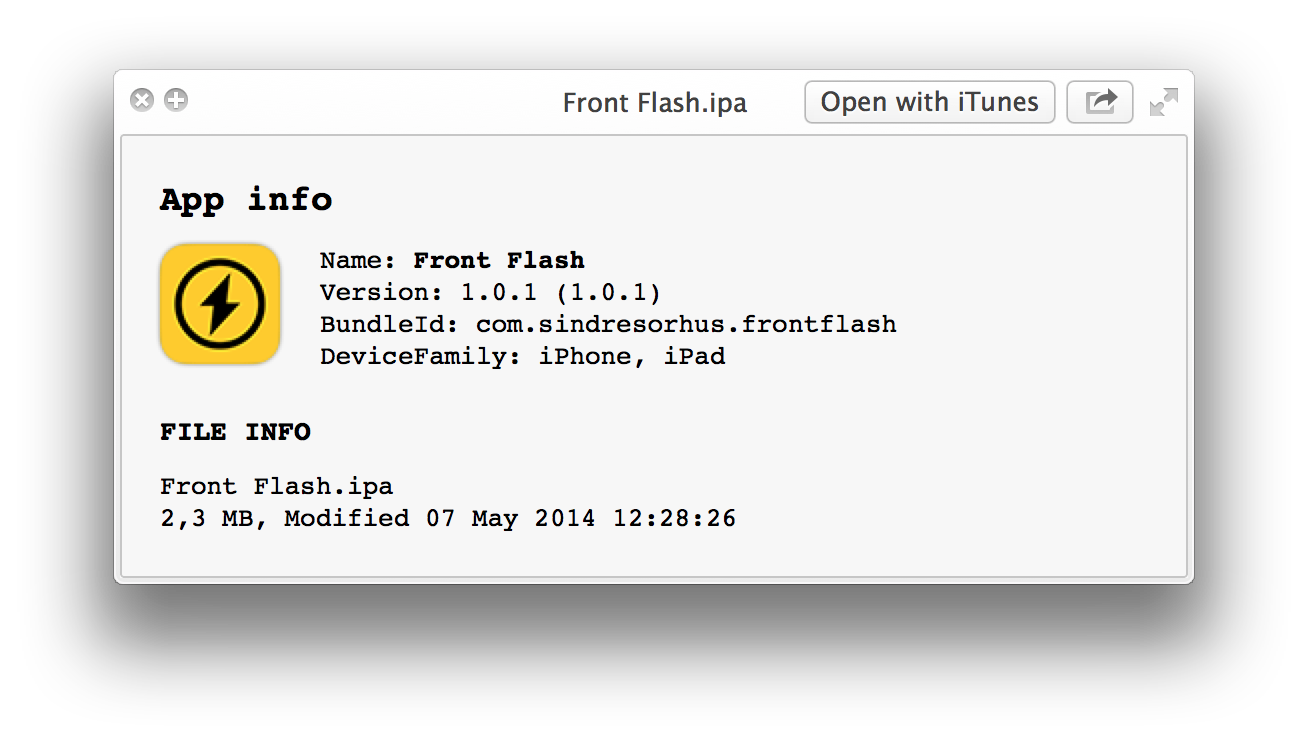
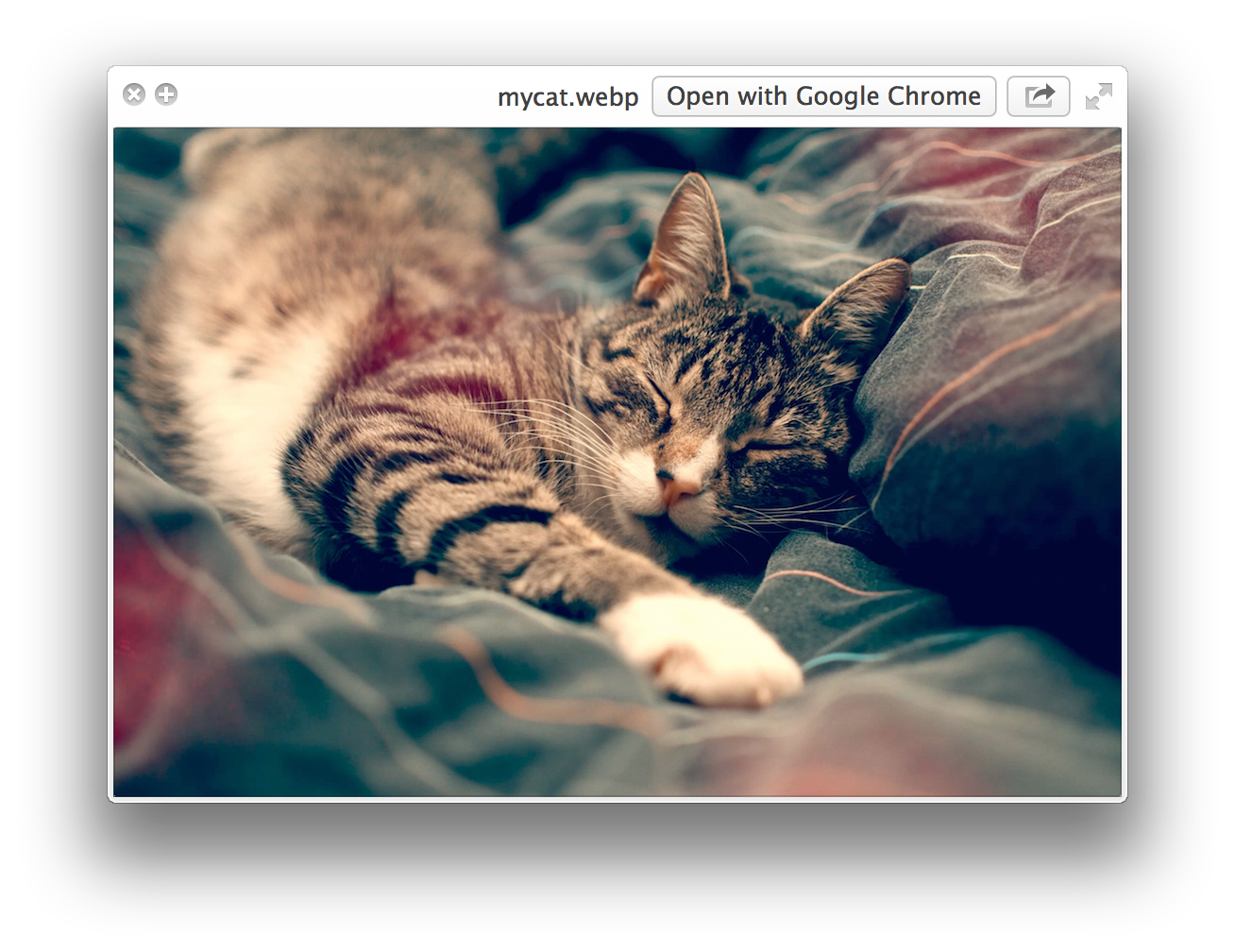
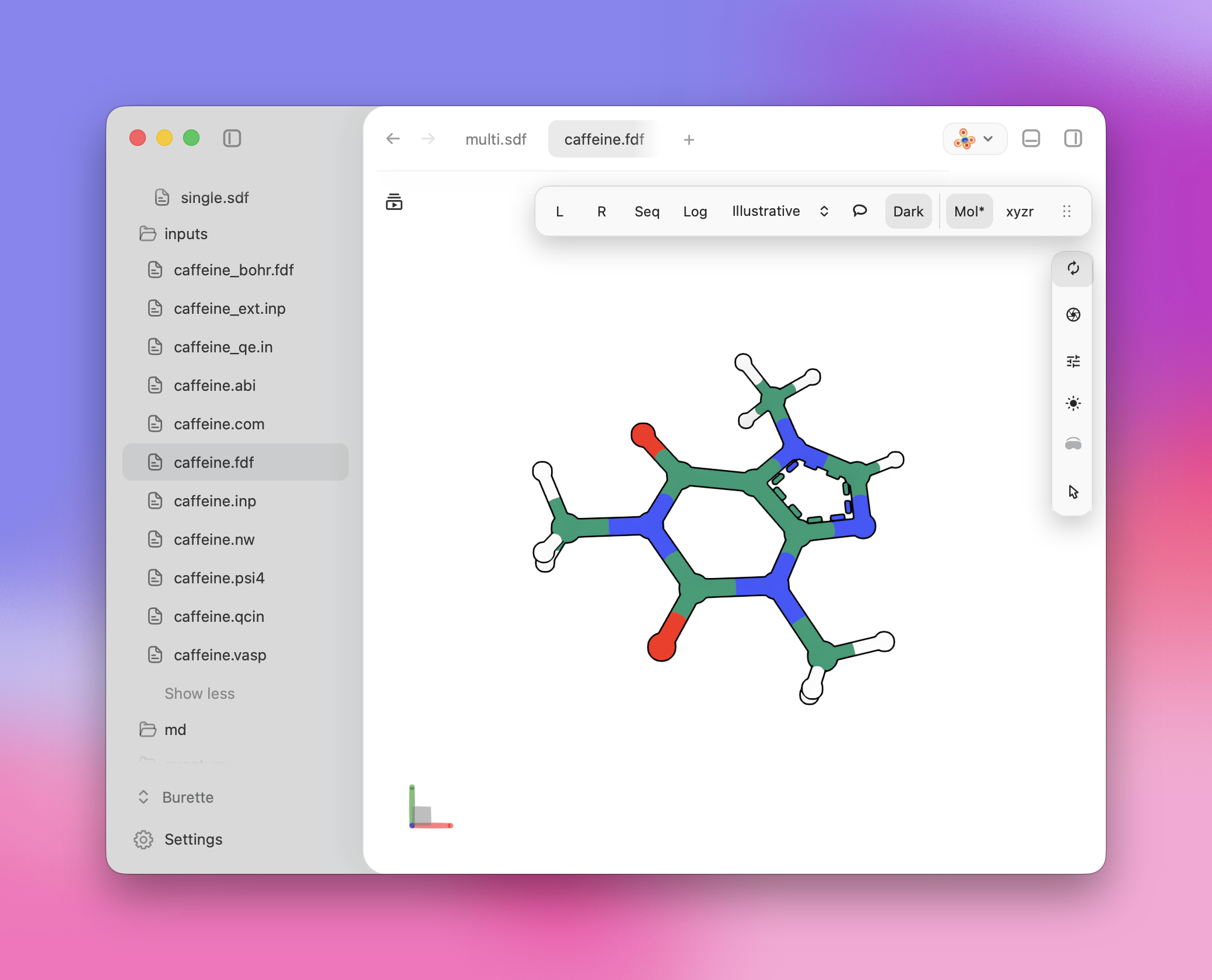
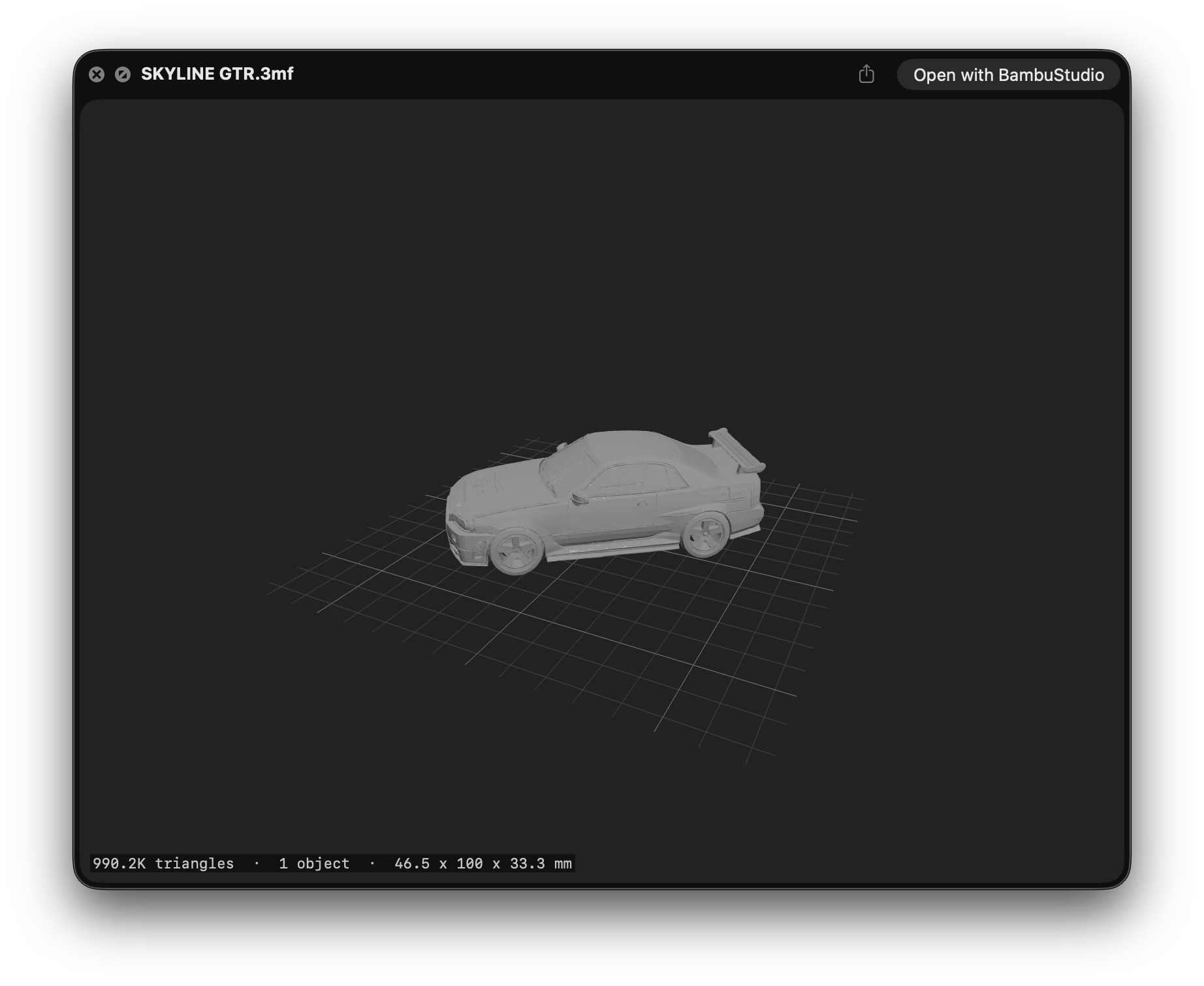
是的。Quick Look 是 macOS Finder 的功能,所以这些插件只在 Mac 上有意义——Windows 和 Linux 上没有对应的。装好插件之后我能预览哪些文件类型?没有已知扩展名的纯文本文件(README、CHANGELOG、index.styl)、Markdown、JSON、压缩包、Apple 安装包和应用包、视频、WebP 图片、带语法高亮的源代码、iOS/macOS 描述文件、化学文件,以及 3MF 3D 打印模型。
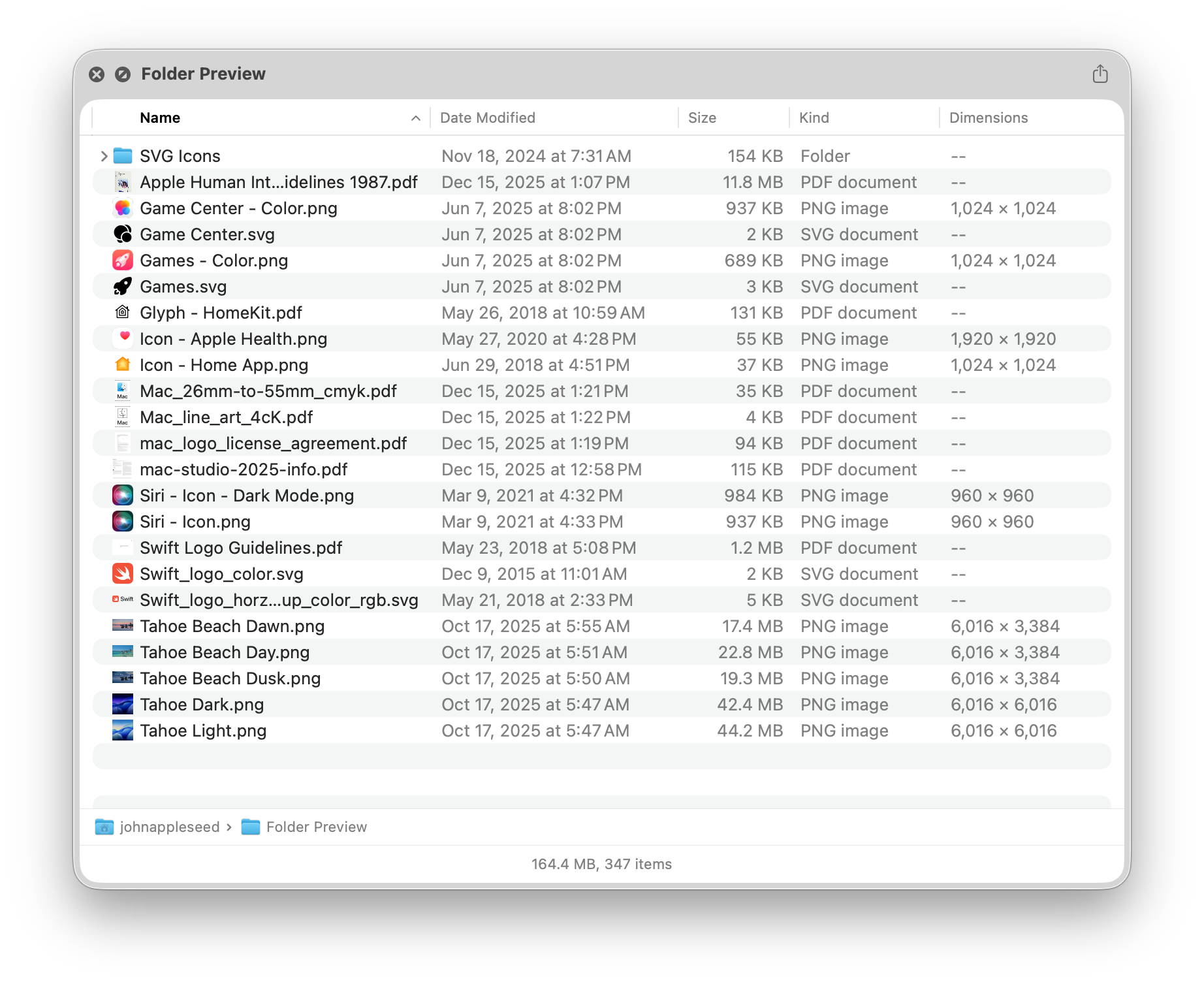
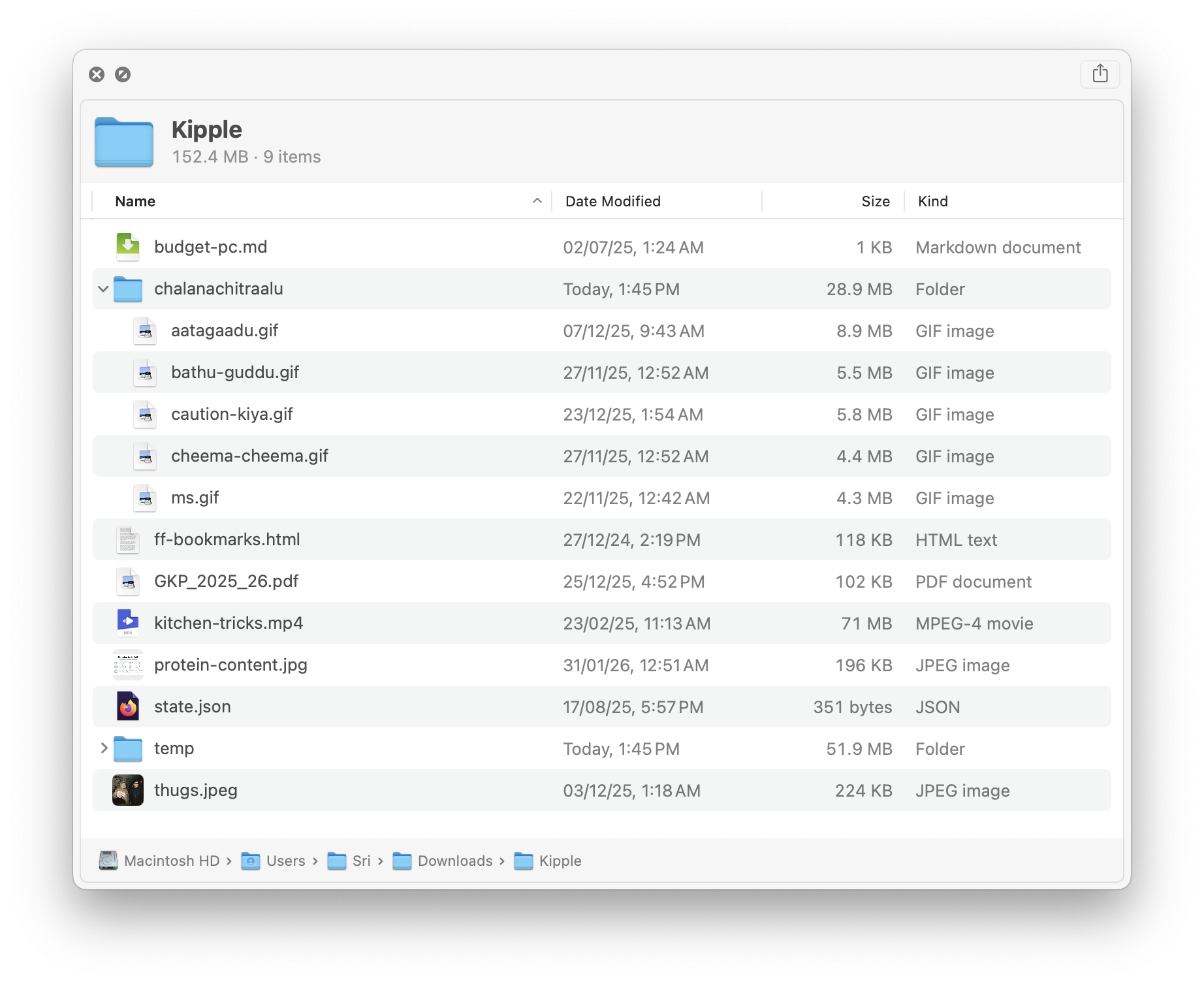
没有已知扩展名的纯文本文件(README、CHANGELOG、index.styl)、Markdown、JSON、压缩包、Apple 安装包和应用包、视频、WebP 图片、带语法高亮的源代码、iOS/macOS 描述文件、化学文件,以及 3MF 3D 打印模型。所有插件都是免费的吗?不是——大部分免费,但有几款是 App Store 上的付费应用:Source Code Preview、Peek、Folder Preview、Folder Quick Look、Markdown Preview 和 EPS Preview。README 里提到 Peek 已经停止维护且有 bug,但仍可以使用。
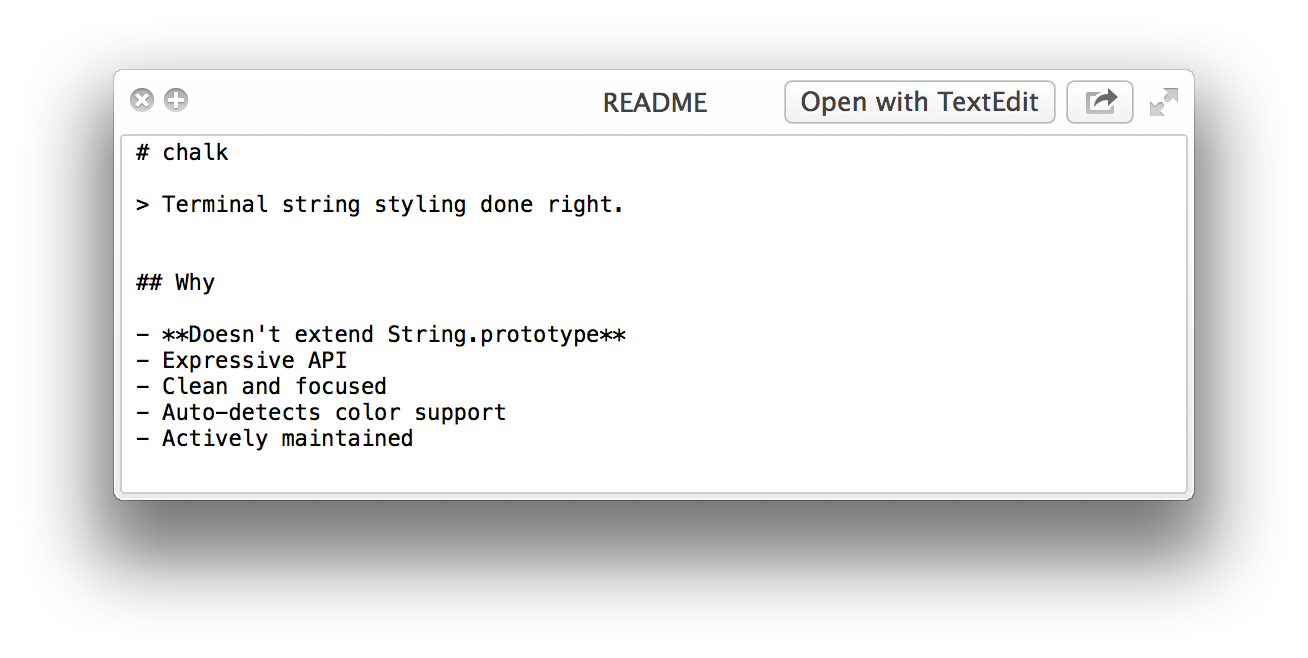
不是——大部分免费,但有几款是 App Store 上的付费应用:Source Code Preview、Peek、Folder Preview、Folder Quick Look、Markdown Preview 和 EPS Preview。README 里提到 Peek 已经停止维护且有 bug,但仍可以使用。清单里第一个插件 QLStephen 是什么?它可以预览没有扩展名或扩展名未知的纯文本文件——比如 README、CHANGELOG、index.styl 这类 Finder 平时不肯预览的文件。用 brew install qlstephen 就能安装。
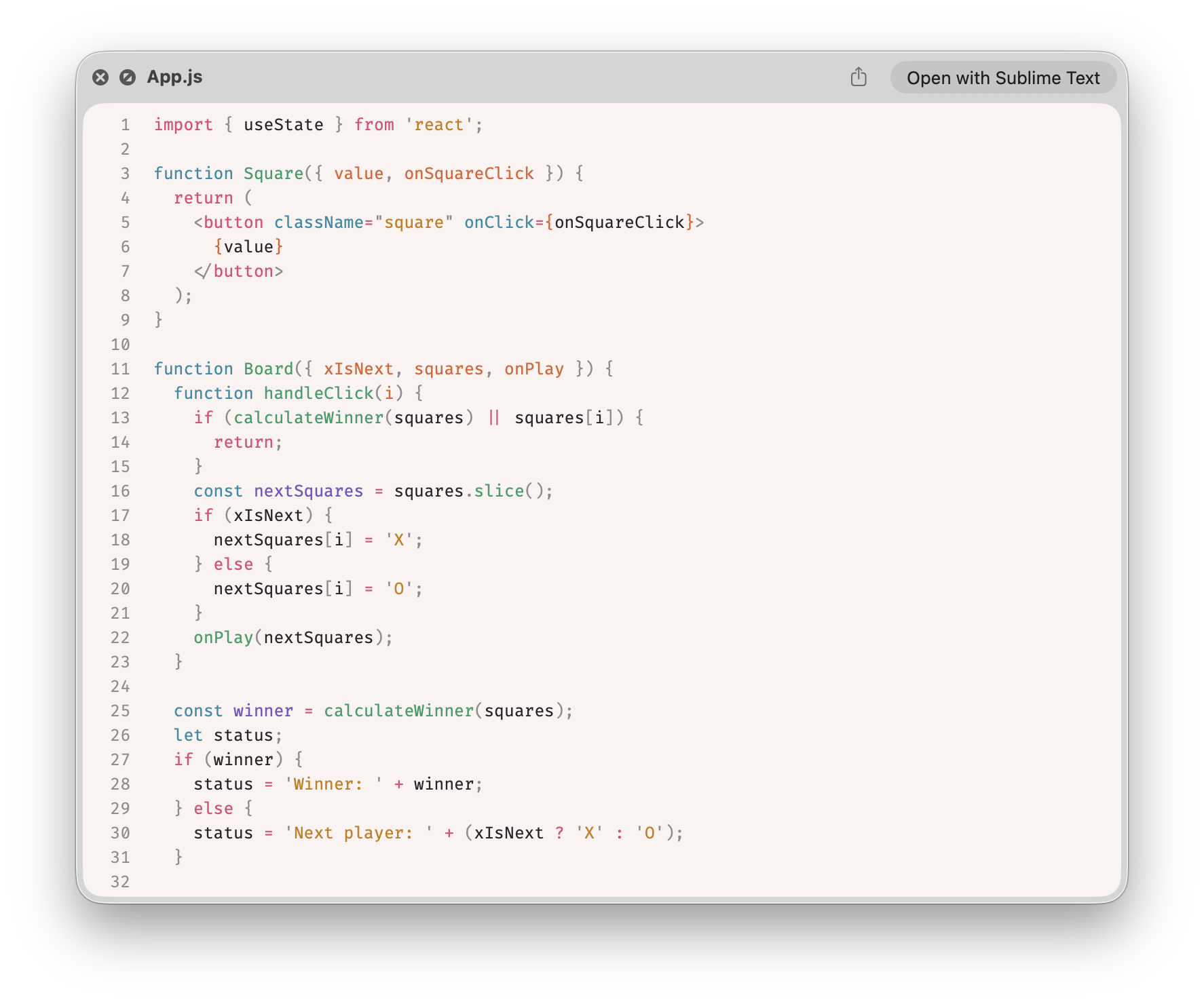
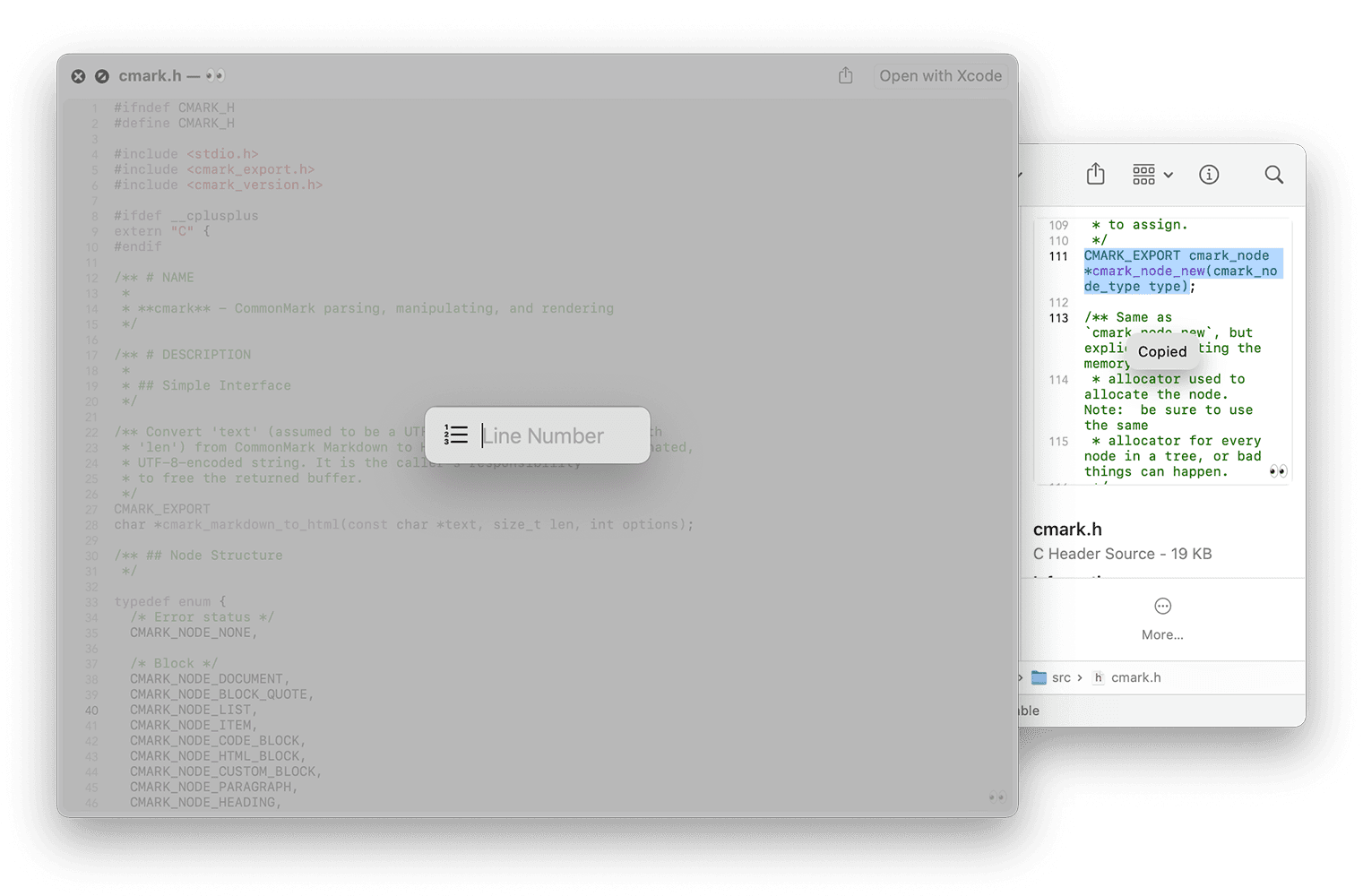
它可以预览没有扩展名或扩展名未知的纯文本文件——比如 README、CHANGELOG、index.styl 这类 Finder 平时不肯预览的文件。用 brew install qlstephen 就能安装。Quick Look 能显示带语法高亮的源代码吗?有两个选择。免费的:SourceCodeSyntaxHighlight,用 brew install --cask --no-quarantine syntax-highlight 安装。付费的:App Store 上的 Source Code Preview,提供 10 多种主题,支持 50 多种编程语言的语法高亮。
有两个选择。免费的:SourceCodeSyntaxHighlight,用 brew install --cask --no-quarantine syntax-highlight 安装。付费的:App Store 上的 Source Code Preview,提供 10 多种主题,支持 50 多种编程语言的语法高亮。What are similar projects?awesome-macos-command-line, public-api-lists, awesome-mac, awesome-macOS, awesome-python-applications, awesome-vscode, awesome-zsh-plugins, definitive-opensource
awesome-macos-command-line, public-api-lists, awesome-mac, awesome-macOS, awesome-python-applications, awesome-vscode, awesome-zsh-plugins, definitive-opensourceWhich topics is it in?utilities, syntax-highlighting, apple, macos-app, homebrew, json, video, developers, plugin, awesome-list, list, markdown
utilities, syntax-highlighting, apple, macos-app, homebrew, json, video, developers, plugin, awesome-list, list, markdown