


18.8K ·GitHub
Что это такое?
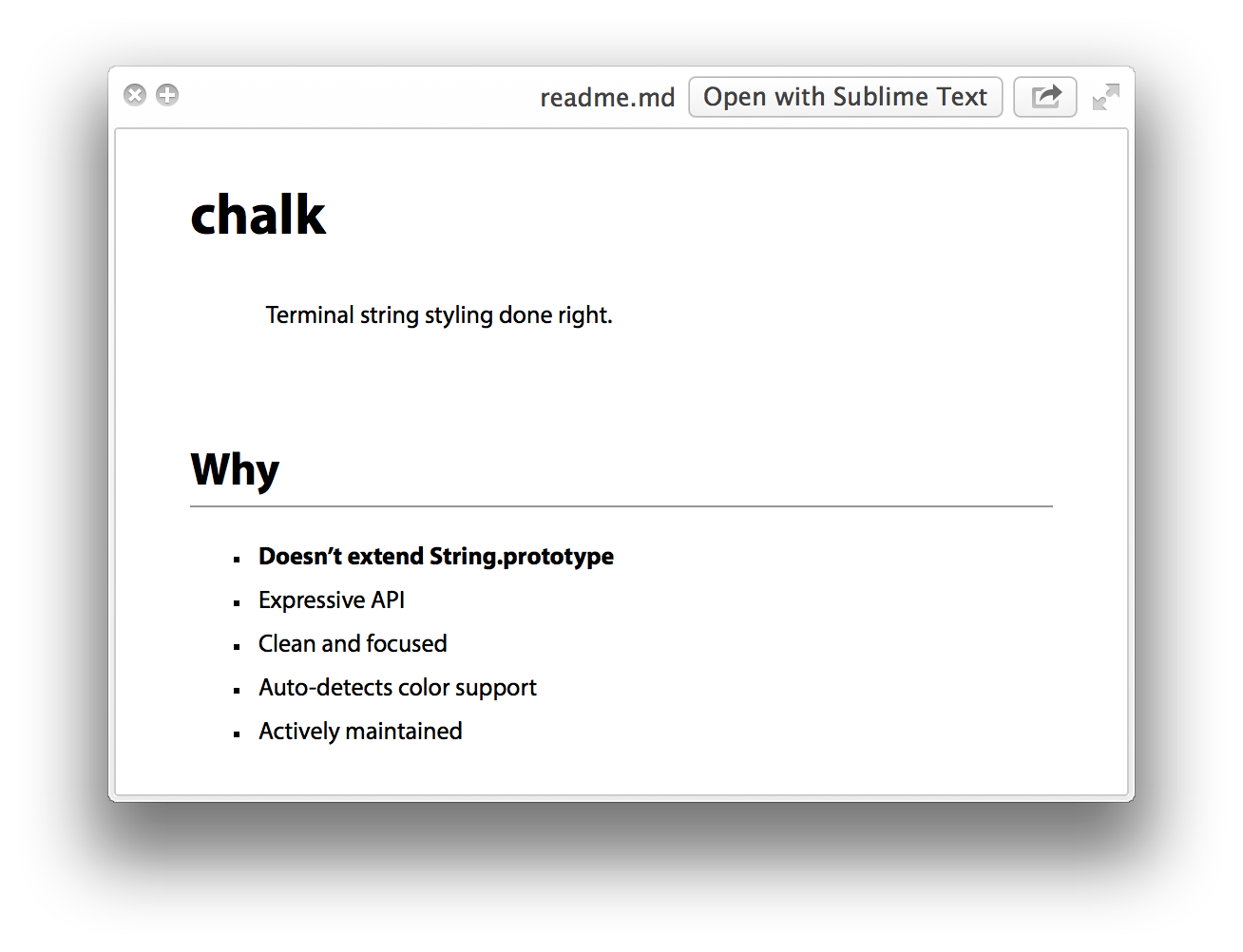
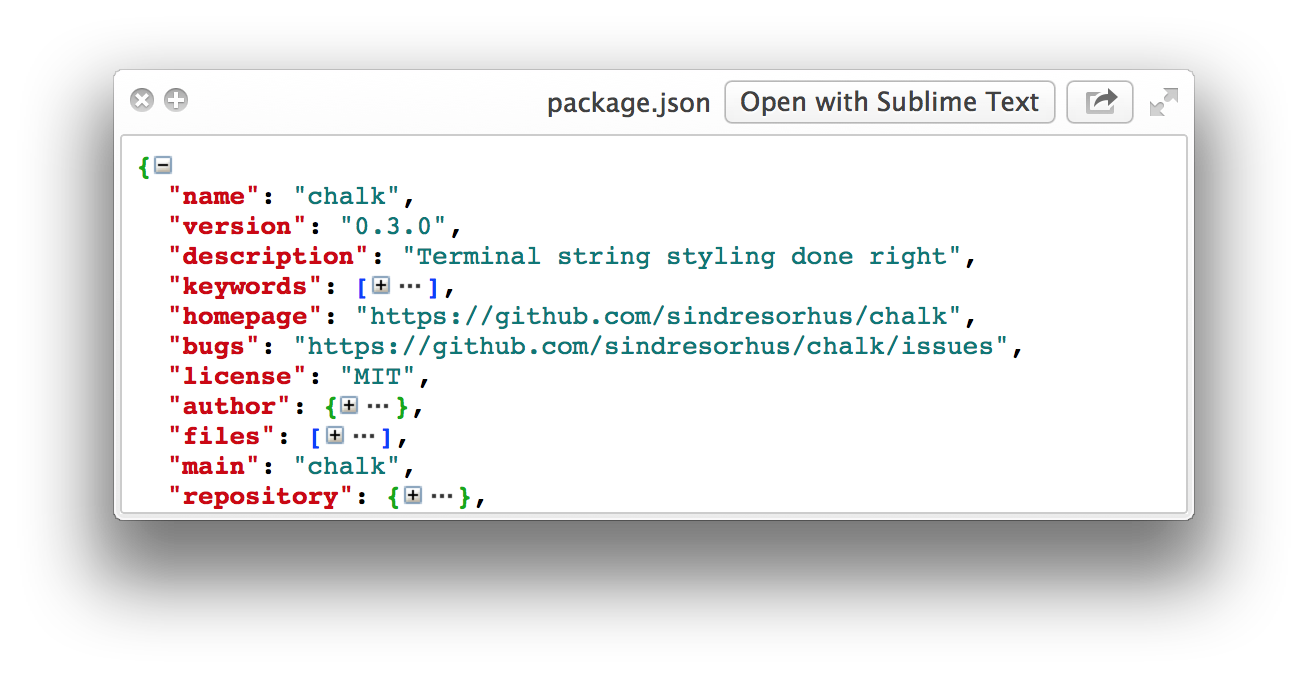
 Тщательно подобранный список плагинов Quick Look для разработчиков. Quick Look — это предпросмотр в macOS, который открывается по нажатию пробела в Finder; каждый плагин из этого списка учит его показывать новый тип файлов, например Markdown, JSON или исходный код.
Тщательно подобранный список плагинов Quick Look для разработчиков. Quick Look — это предпросмотр в macOS, который открывается по нажатию пробела в Finder; каждый плагин из этого списка учит его показывать новый тип файлов, например Markdown, JSON или исходный код.Это одно приложение или много отдельных плагинов?Много отдельных плагинов, а не одно приложение — для каждого типа файлов свой плагин, который устанавливается отдельно. В списке есть бесплатные плагины, устанавливаемые через Homebrew, и несколько платных приложений из App Store.
Много отдельных плагинов, а не одно приложение — для каждого типа файлов свой плагин, который устанавливается отдельно. В списке есть бесплатные плагины, устанавливаемые через Homebrew, и несколько платных приложений из App Store.Как установить один из этих плагинов?Обычно одна команда Homebrew на плагин, например brew install qlstephen или brew install --cask qlmarkdown. Вручную: скачать файл .qlgenerator в ~/Library/QuickLook и выполнить qlmanage -r.
Обычно одна команда Homebrew на плагин, например brew install qlstephen или brew install --cask qlmarkdown. Вручную: скачать файл .qlgenerator в ~/Library/QuickLook и выполнить qlmanage -r.Будут ли они работать на последних версиях macOS?Начиная с macOS Catalina многие плагины не заработают, пока вы не снимете с них атрибут карантина — в README приведены точные команды. Кроме того, плагин SourceCodeSyntaxHighlight может перезаписать другие плагины Quick Look.
Начиная с macOS Catalina многие плагины не заработают, пока вы не снимете с них атрибут карантина — в README приведены точные команды. Кроме того, плагин SourceCodeSyntaxHighlight может перезаписать другие плагины Quick Look.Это только для Mac?Да. Quick Look — это функция Finder в macOS, поэтому эти плагины имеют смысл только на Mac — для Windows или Linux здесь ничего нет.
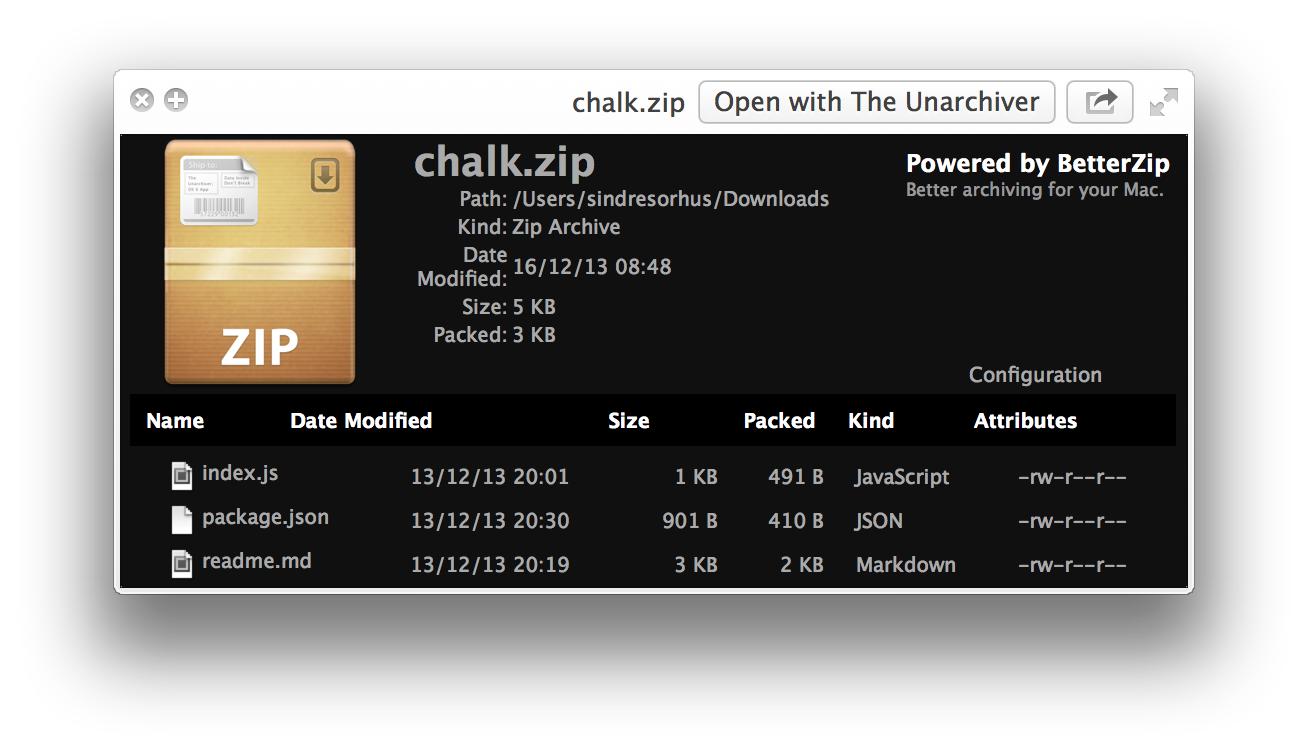
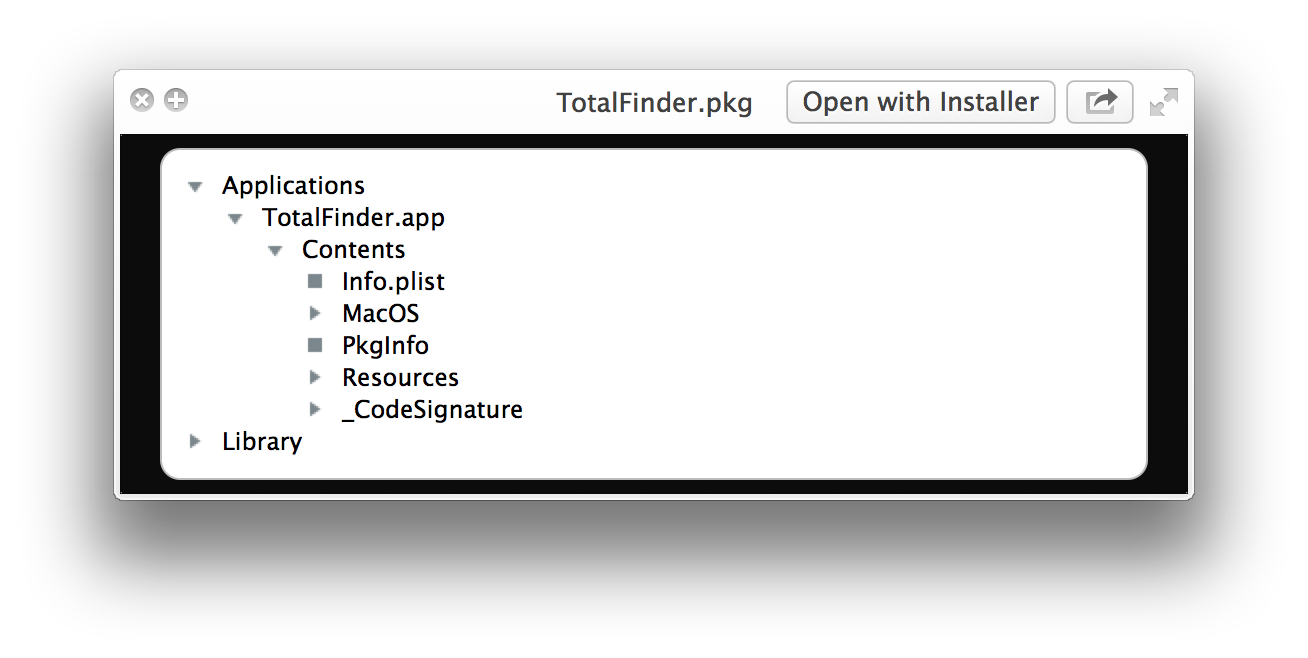
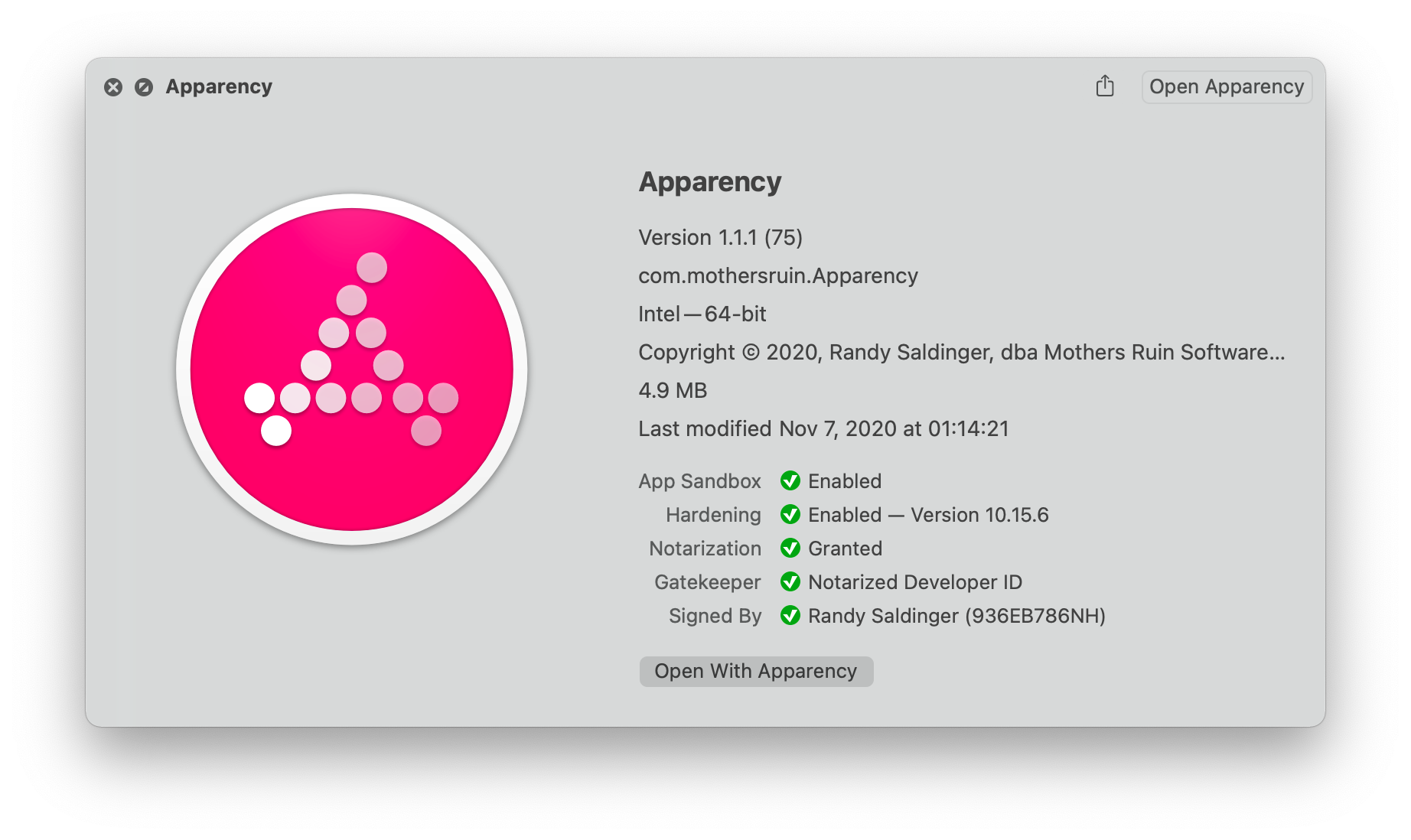
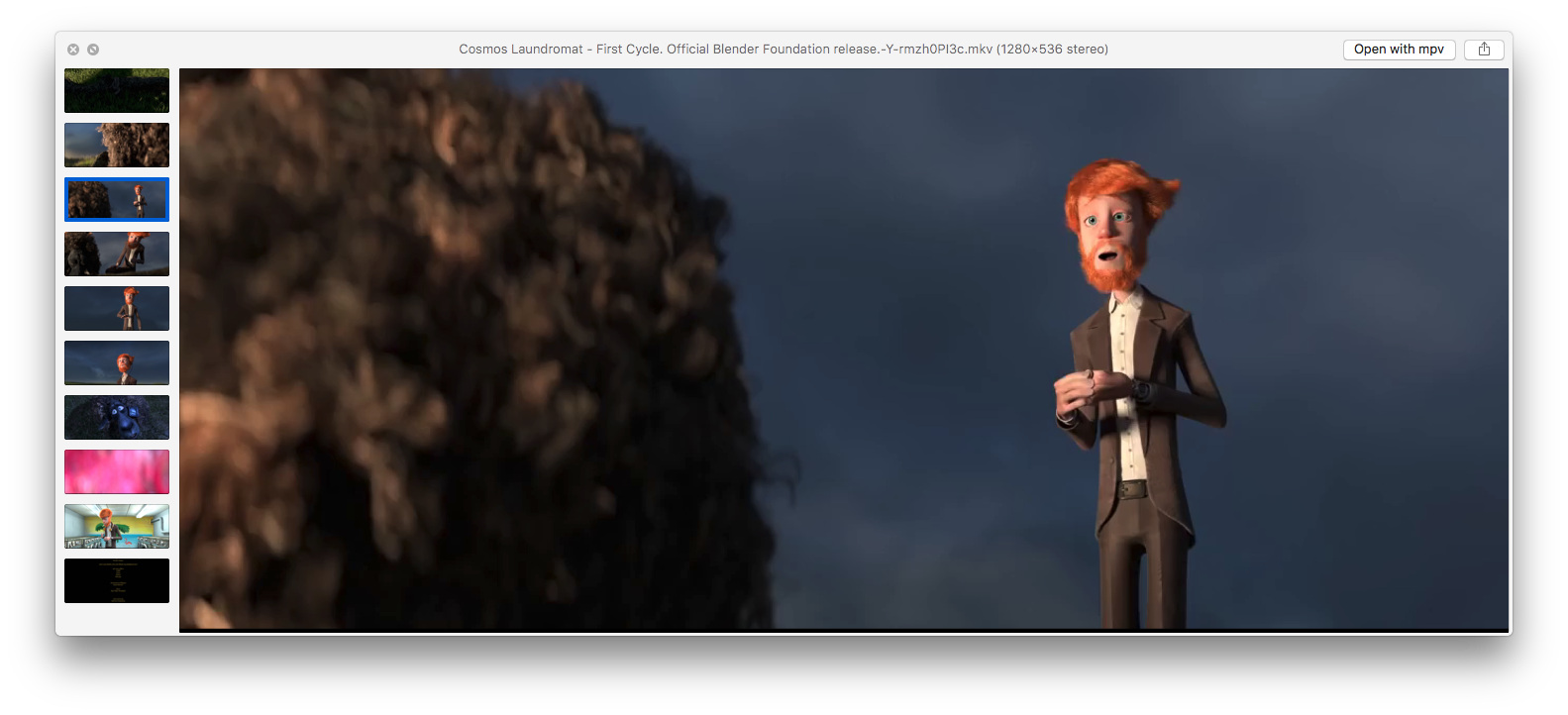
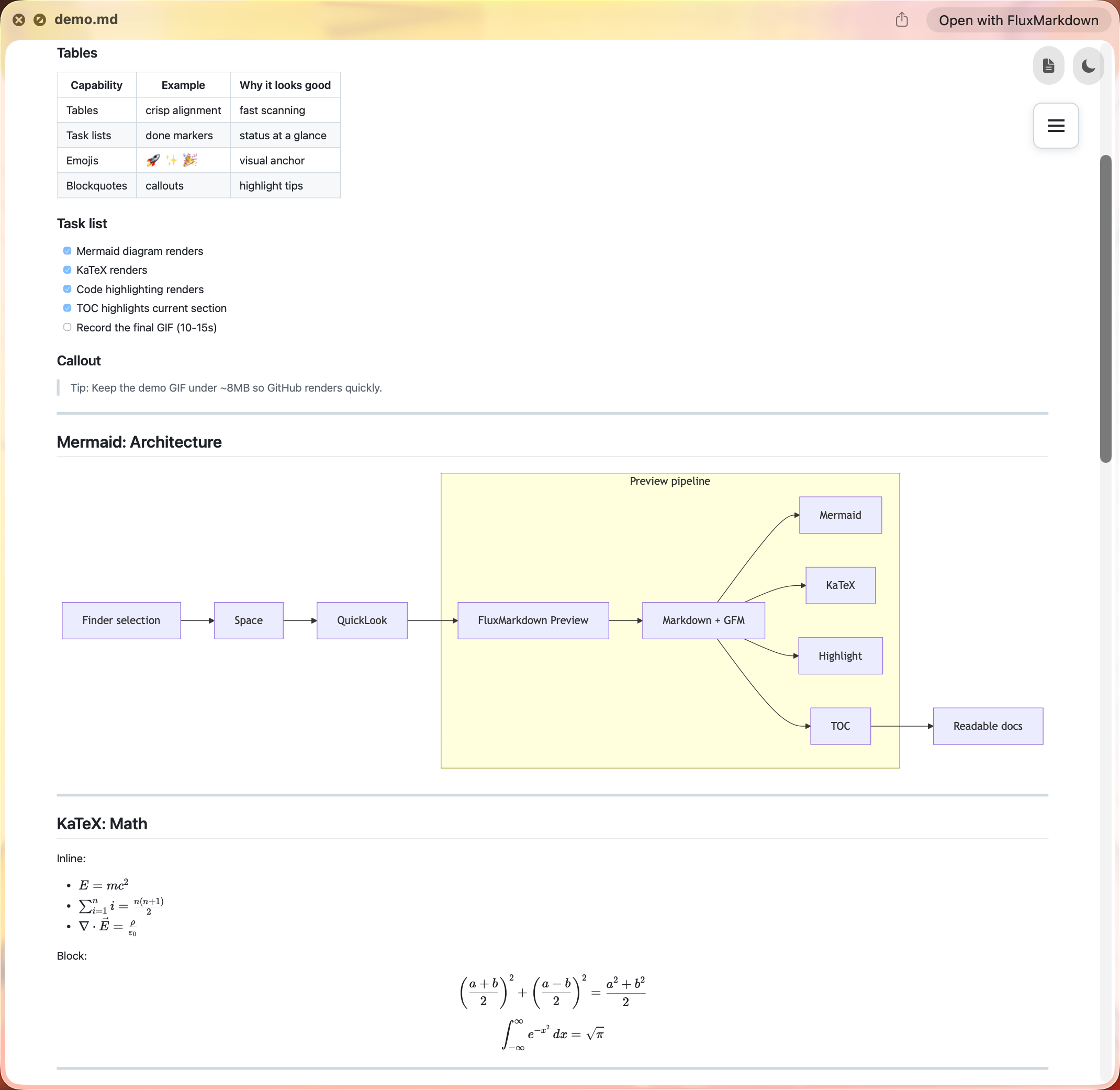
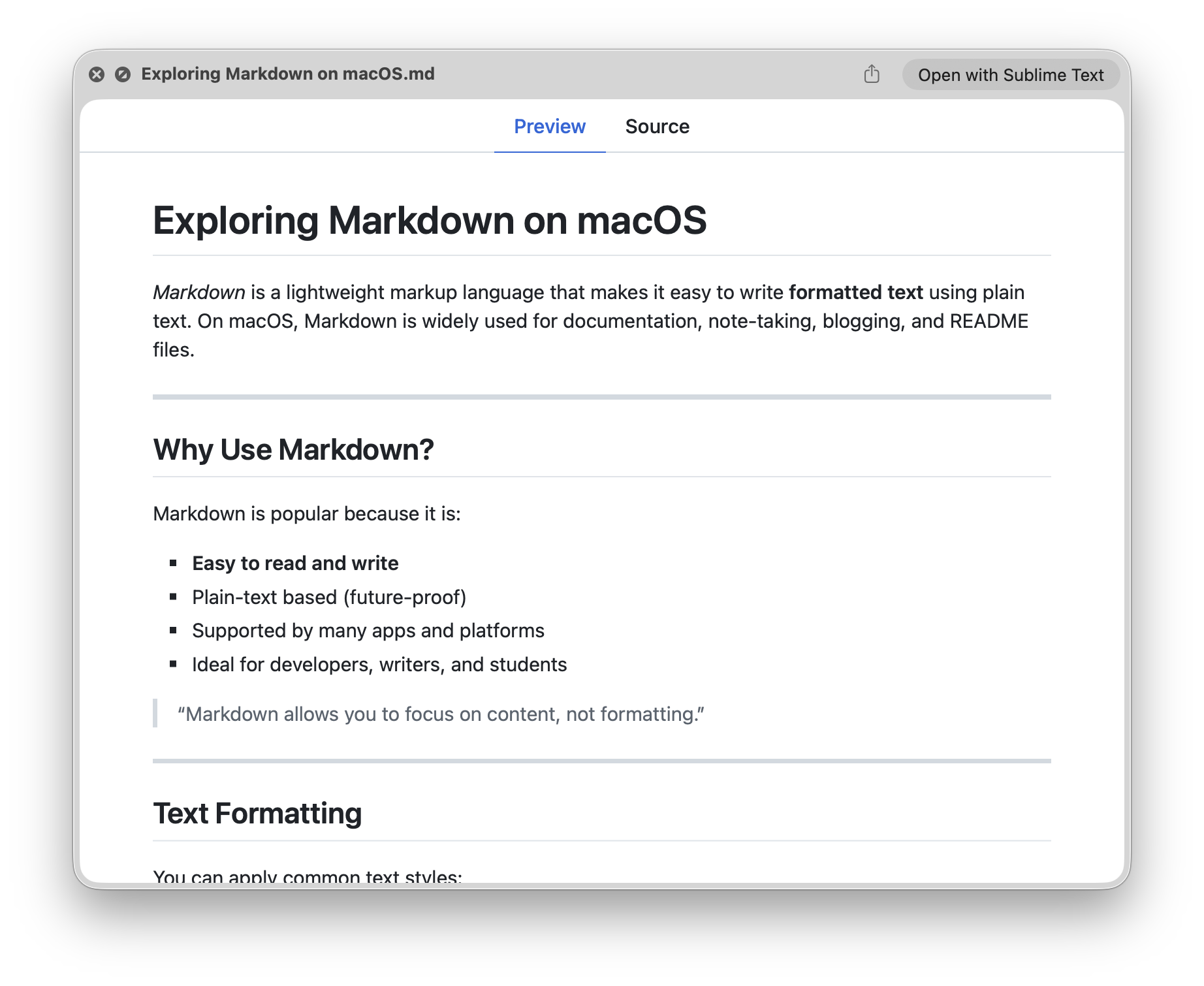
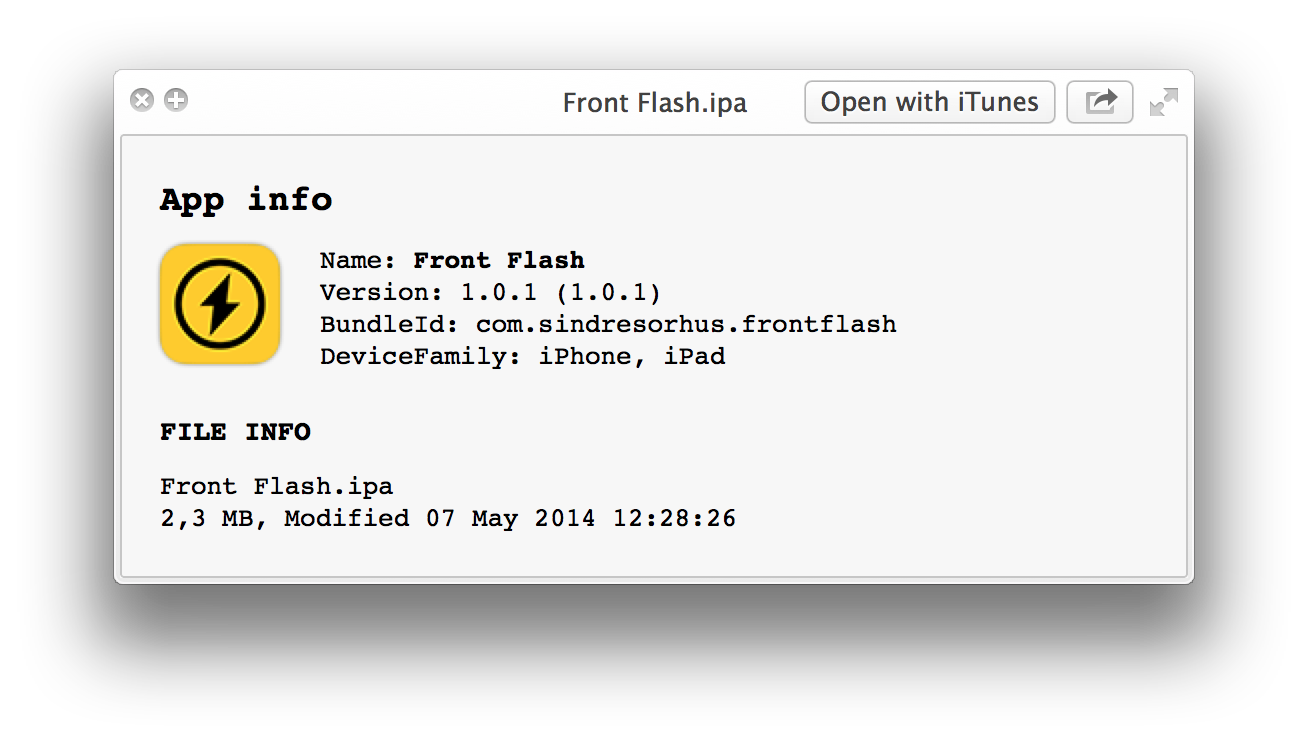
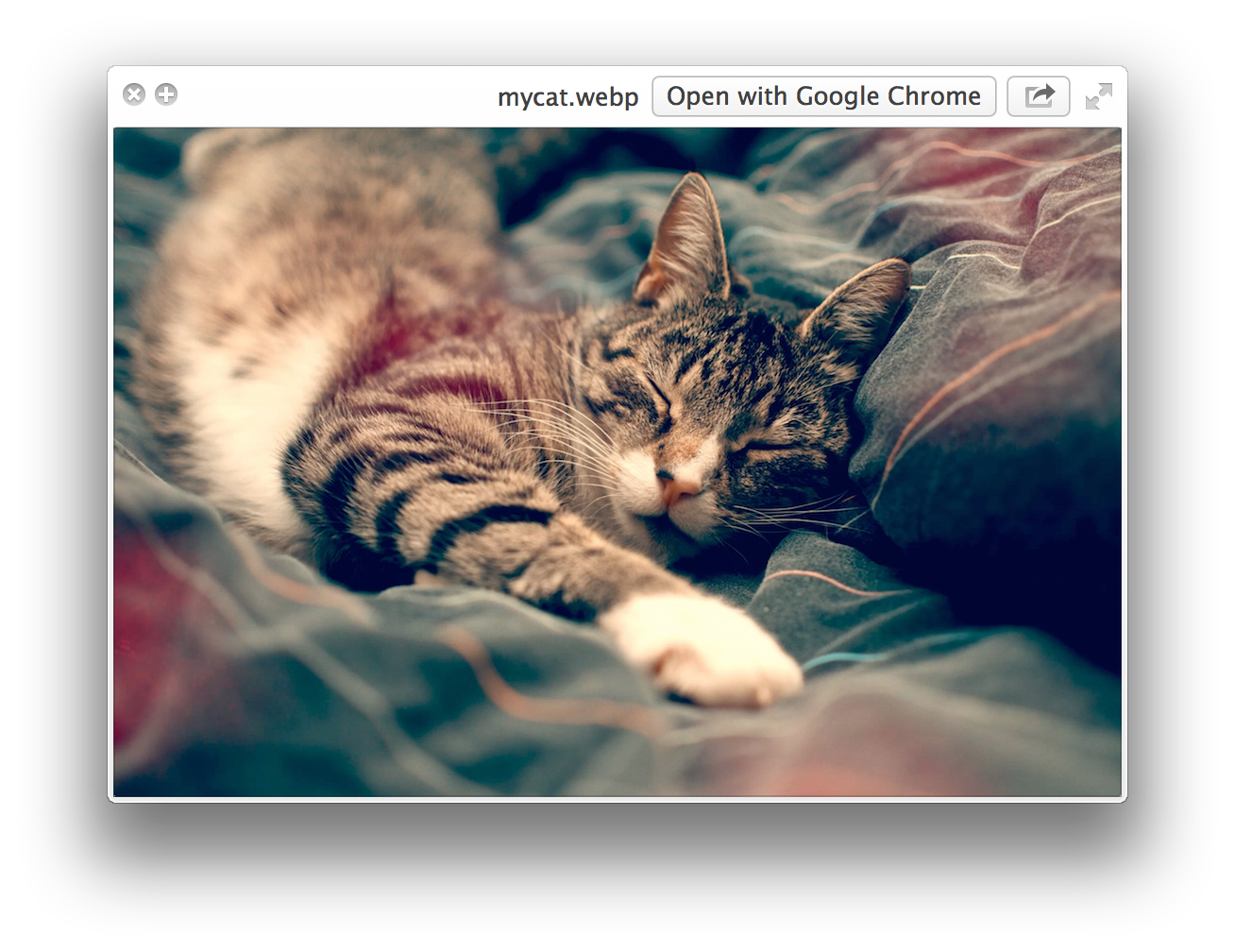
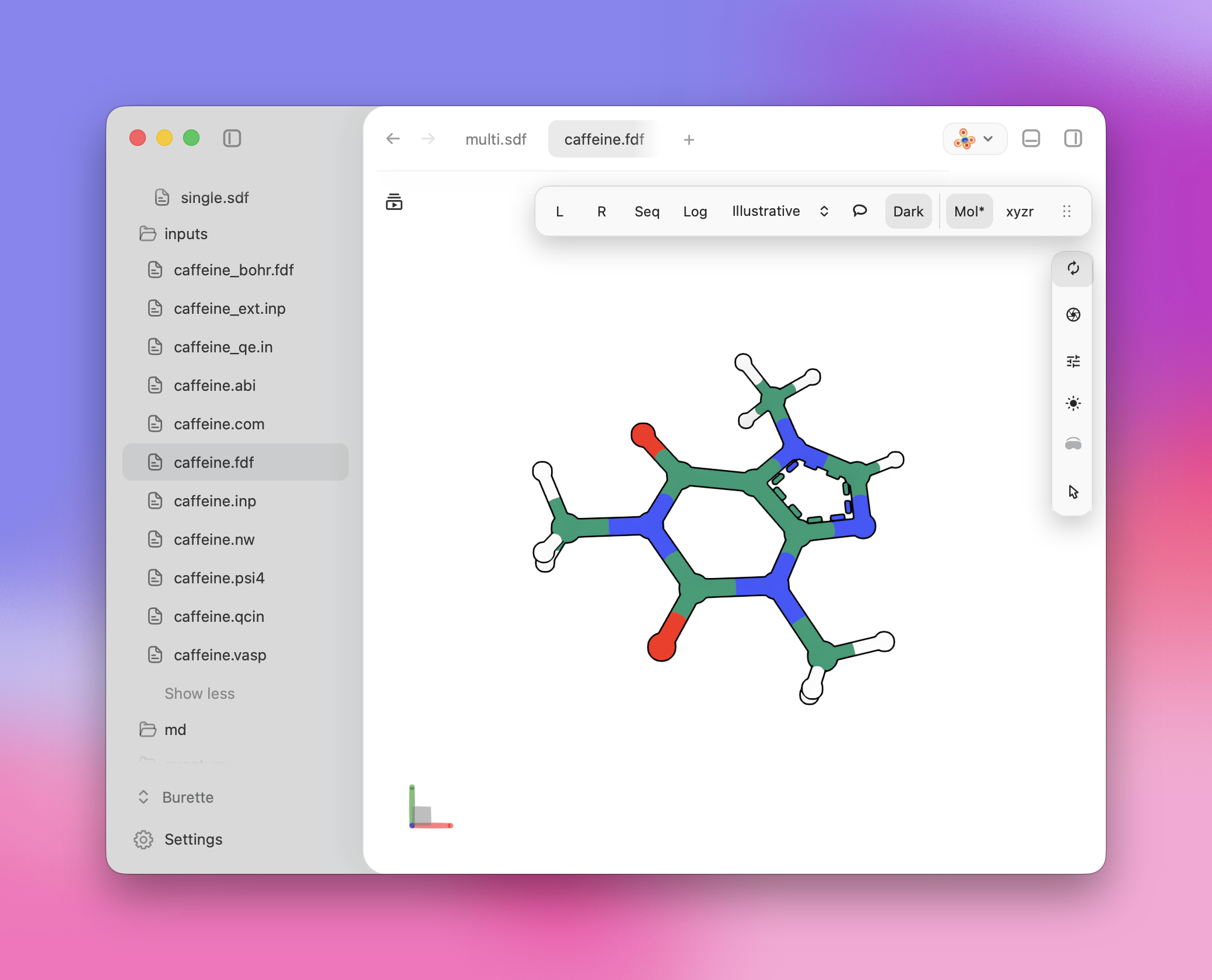
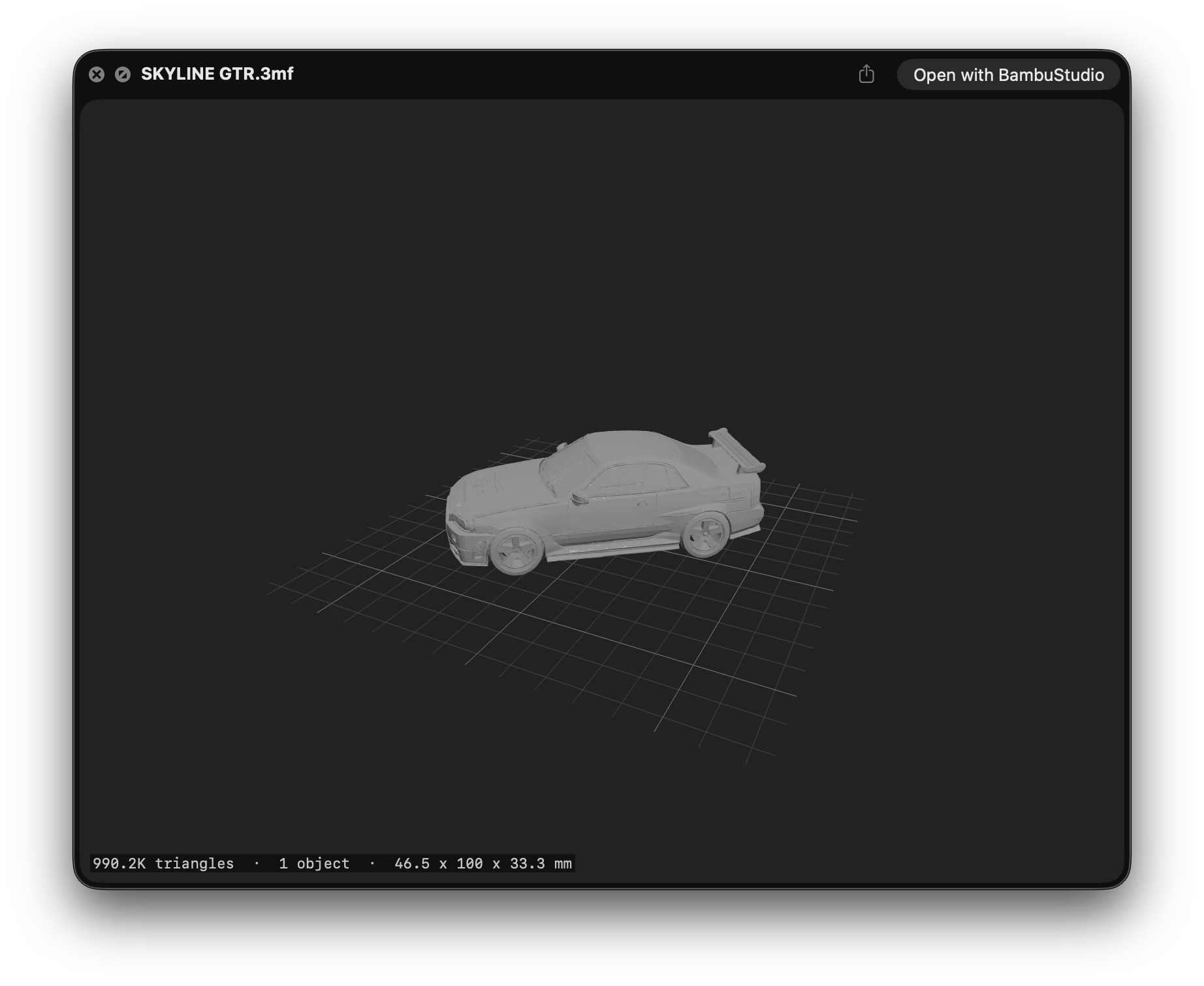
Да. Quick Look — это функция Finder в macOS, поэтому эти плагины имеют смысл только на Mac — для Windows или Linux здесь ничего нет.Какие типы файлов я смогу просматривать после установки плагинов?Обычный текст без известного расширения (README, CHANGELOG, index.styl), Markdown, JSON, архивы, установочные пакеты Apple и приложения, видео, изображения WebP, исходный код с подсветкой синтаксиса, файлы provisioning для iOS и macOS, химические форматы и 3D-модели 3MF для 3D-печати.
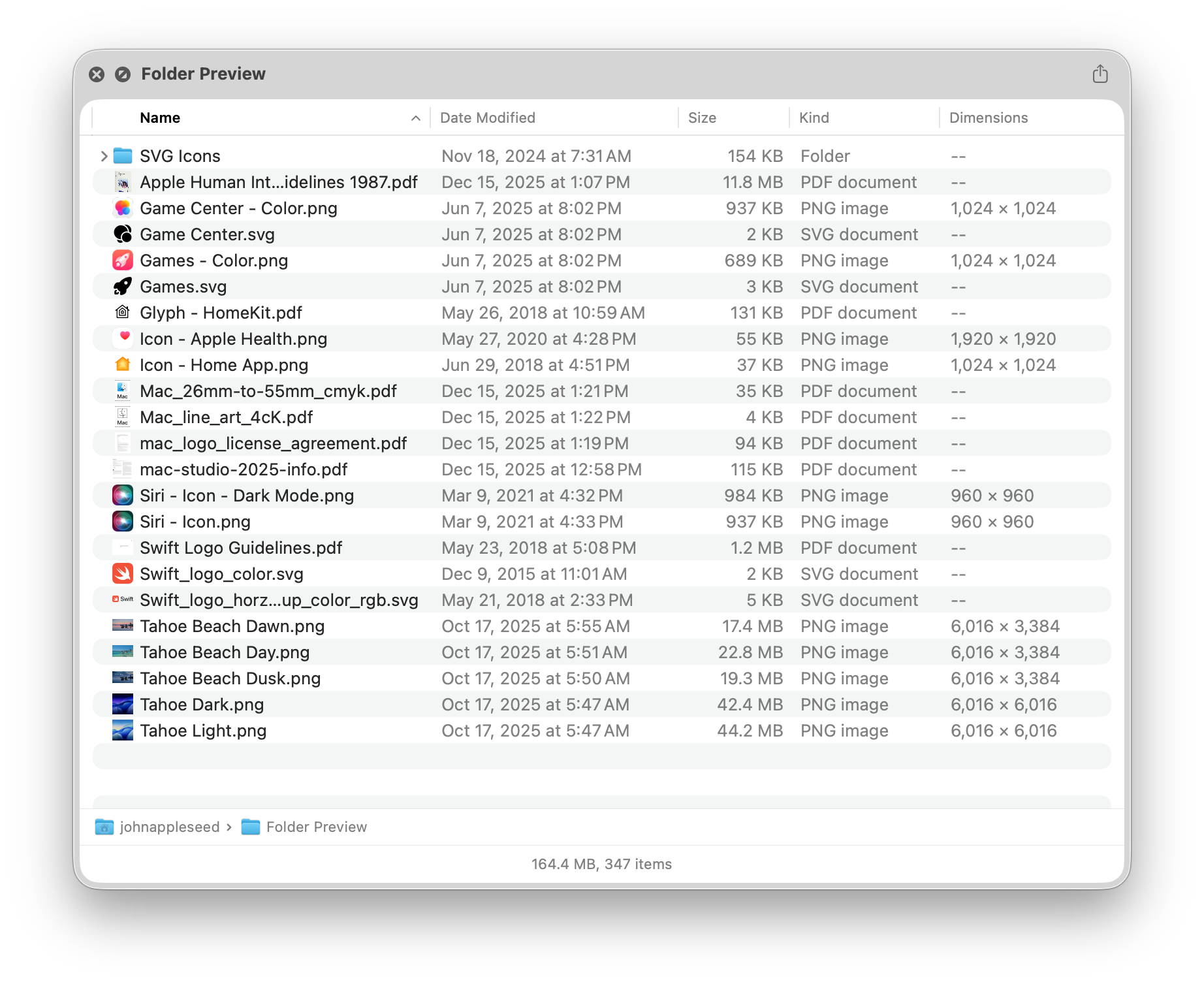
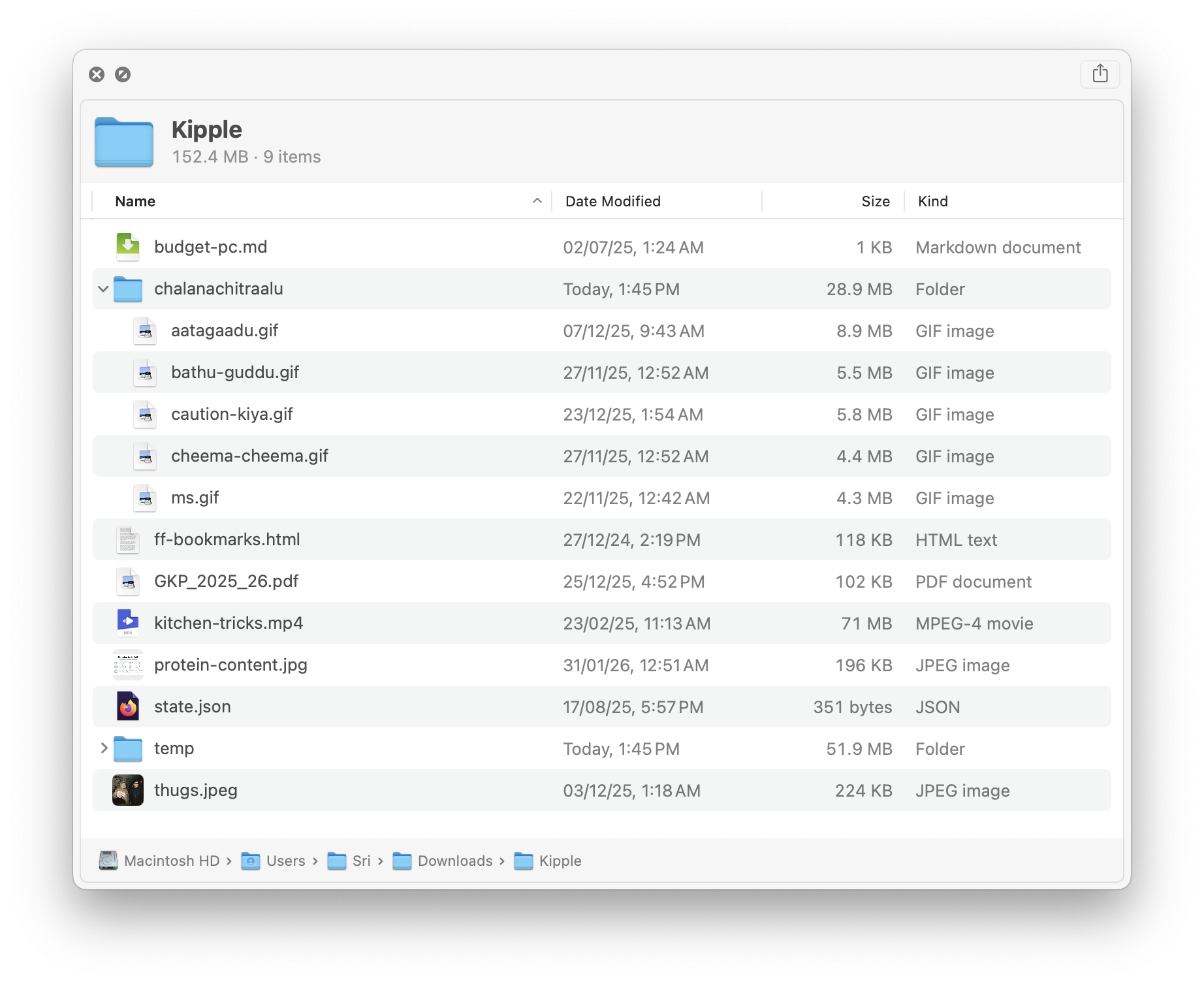
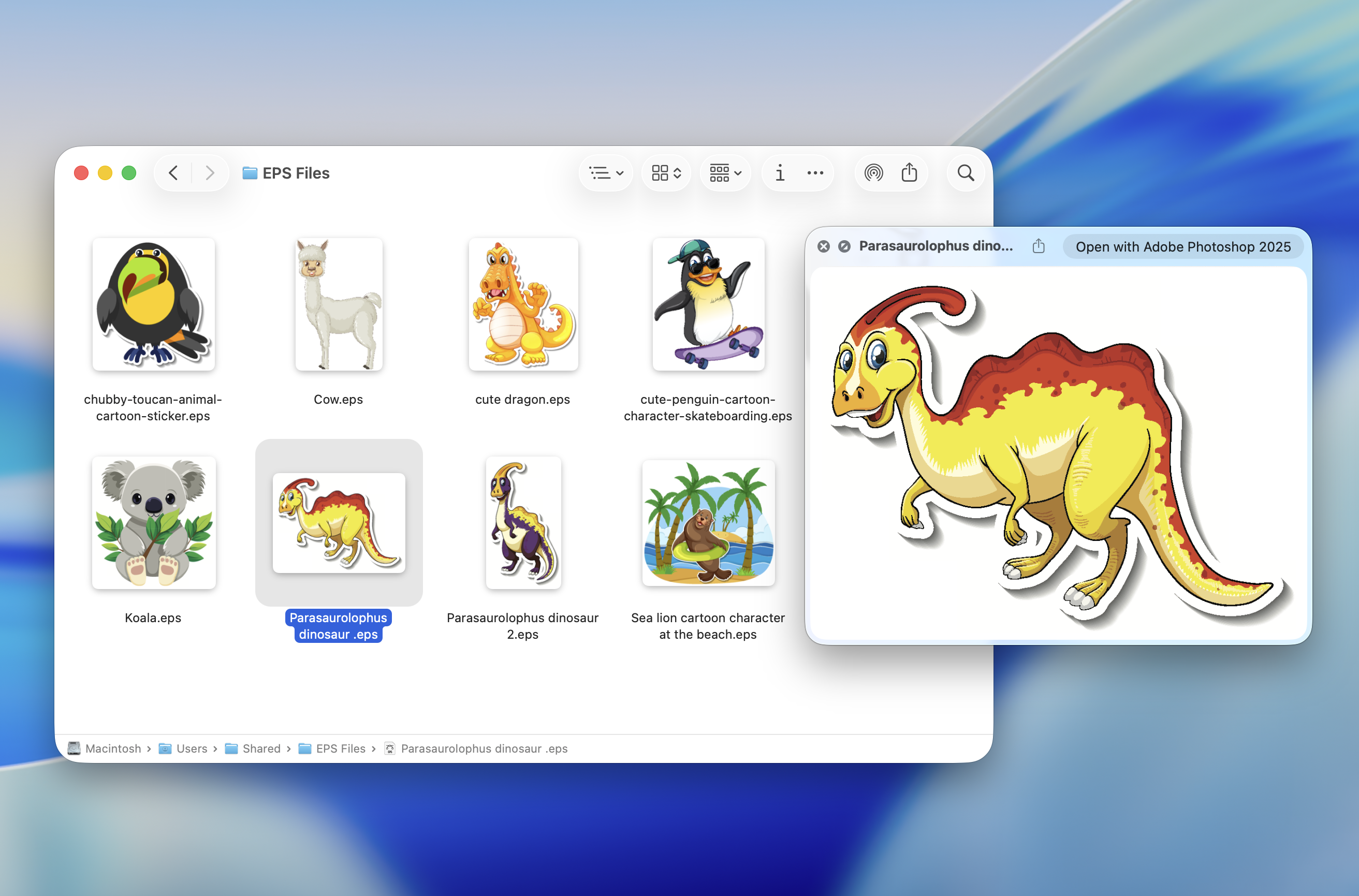
Обычный текст без известного расширения (README, CHANGELOG, index.styl), Markdown, JSON, архивы, установочные пакеты Apple и приложения, видео, изображения WebP, исходный код с подсветкой синтаксиса, файлы provisioning для iOS и macOS, химические форматы и 3D-модели 3MF для 3D-печати.Все плагины бесплатные?Нет — большинство бесплатны, но несколько — платные приложения из App Store: Source Code Preview, Peek, Folder Preview, Folder Quick Look, Markdown Preview и EPS Preview. В README отмечено, что Peek заброшен и глючит, но всё ещё работает.
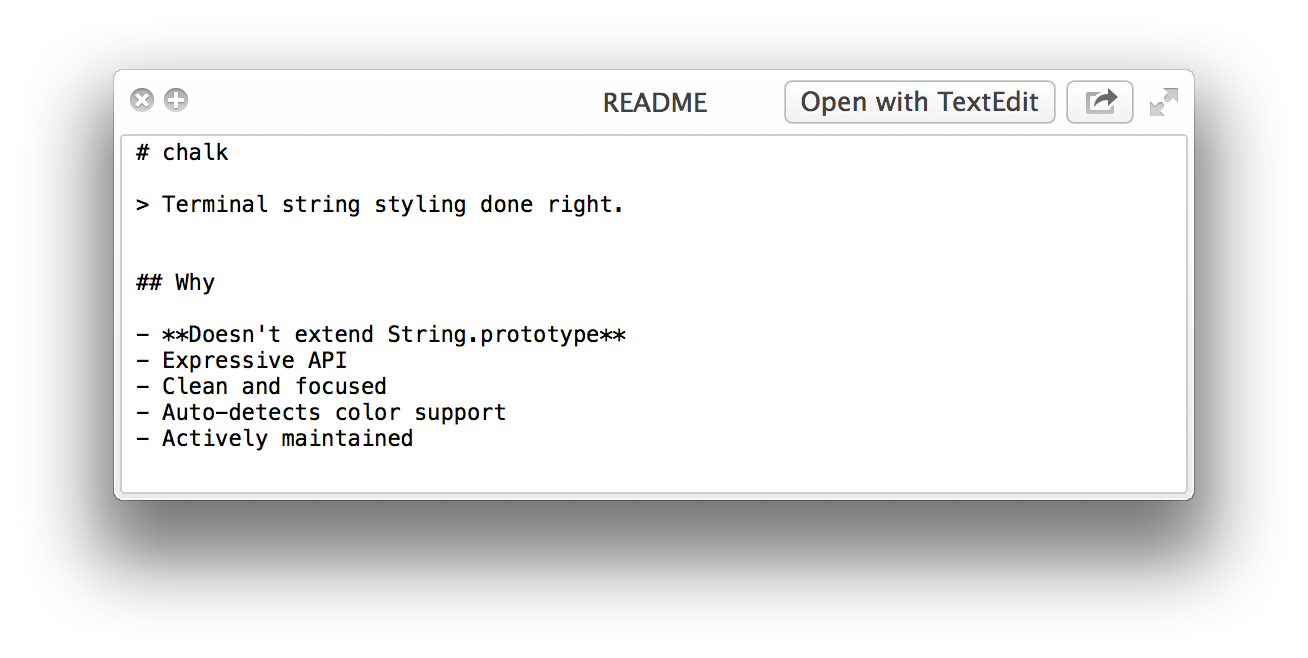
Нет — большинство бесплатны, но несколько — платные приложения из App Store: Source Code Preview, Peek, Folder Preview, Folder Quick Look, Markdown Preview и EPS Preview. В README отмечено, что Peek заброшен и глючит, но всё ещё работает.Что такое QLStephen — первый плагин в списке?Он показывает предпросмотр текстовых файлов без расширения или с неизвестным расширением — README, CHANGELOG, index.styl и подобных, которые Finder иначе отказывается открывать. Устанавливается командой brew install qlstephen.
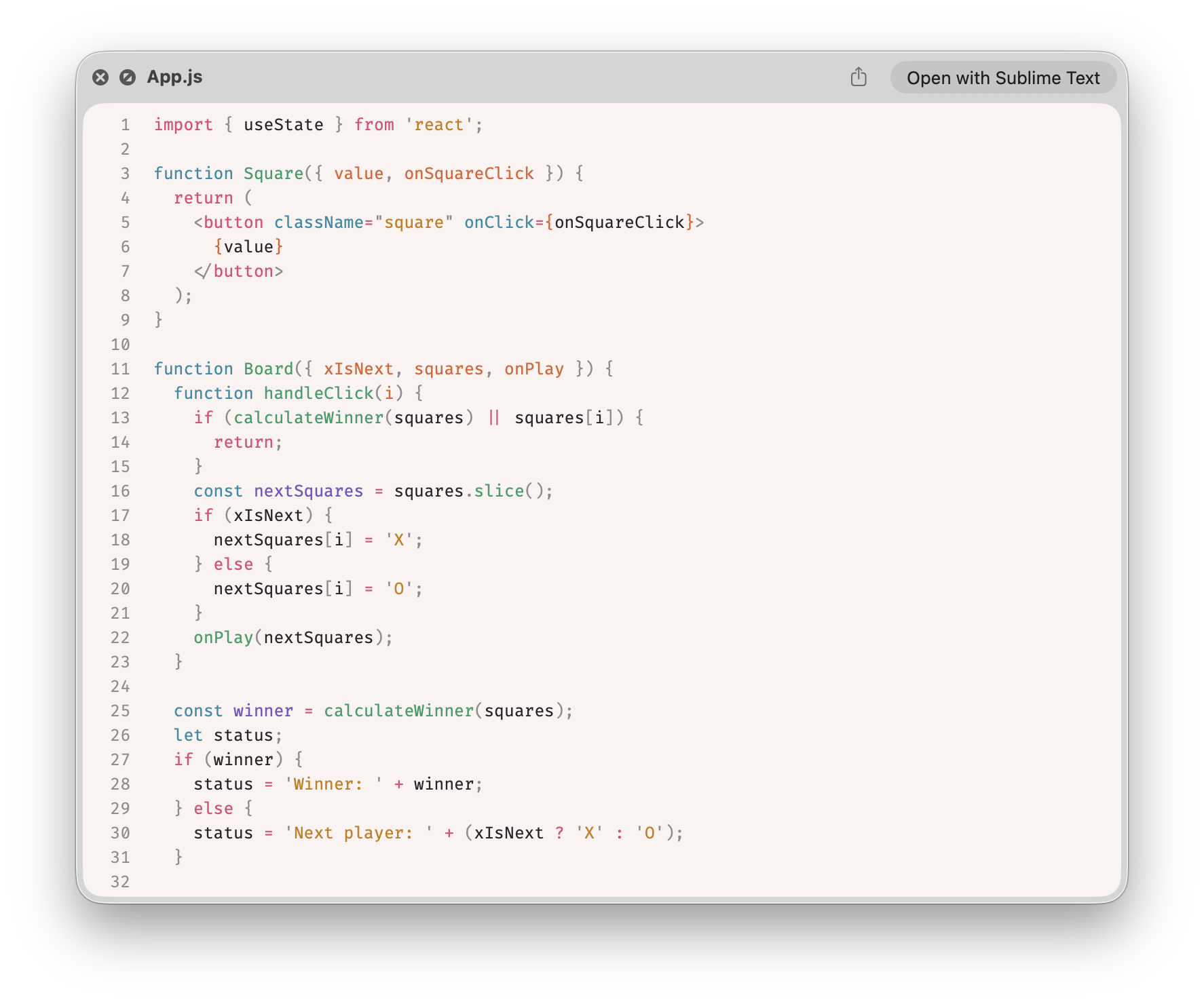
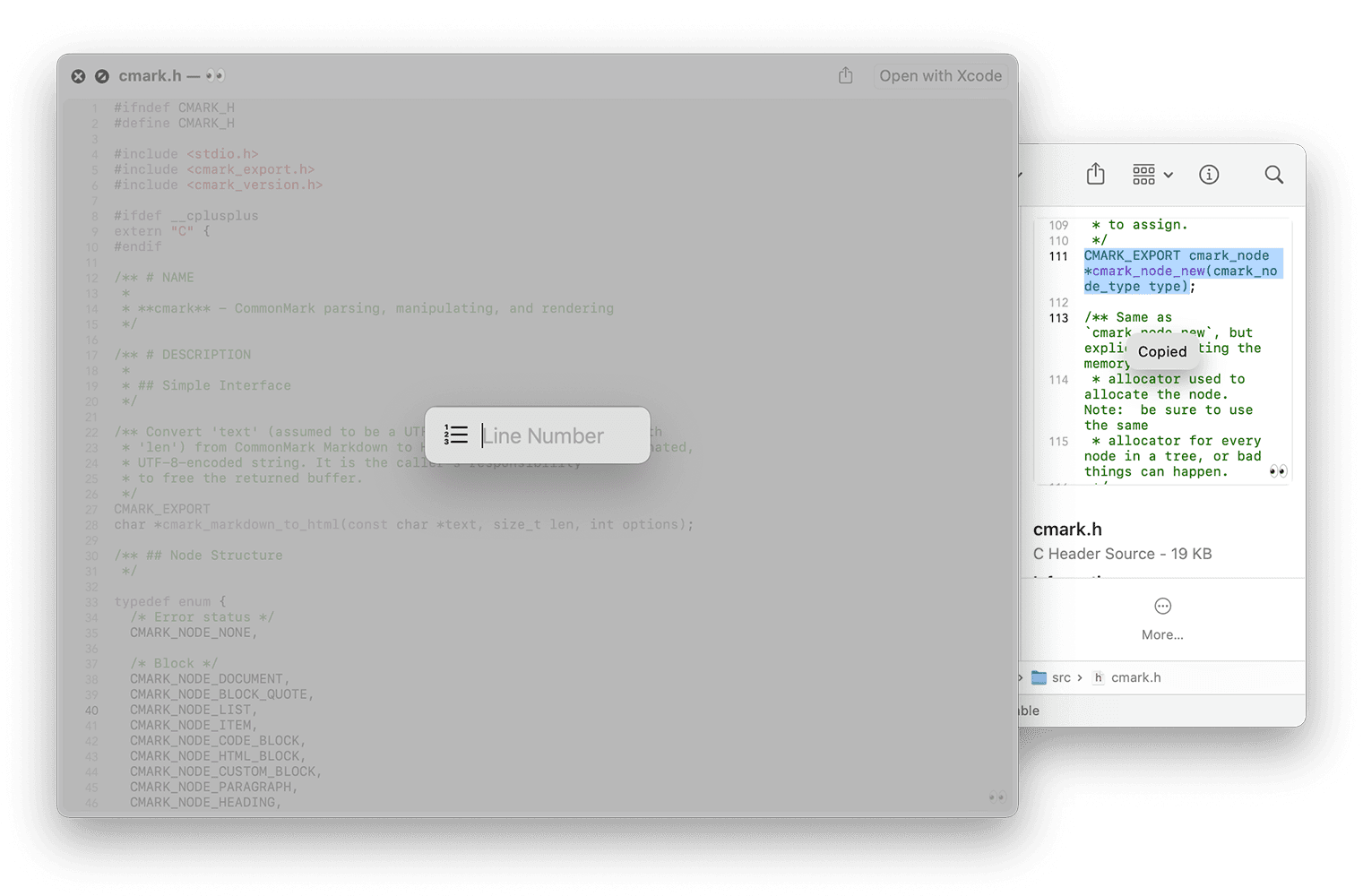
Он показывает предпросмотр текстовых файлов без расширения или с неизвестным расширением — README, CHANGELOG, index.styl и подобных, которые Finder иначе отказывается открывать. Устанавливается командой brew install qlstephen.Может ли Quick Look показывать исходный код с подсветкой синтаксиса?Два варианта. Бесплатный: SourceCodeSyntaxHighlight, устанавливается командой brew install --cask --no-quarantine syntax-highlight. Платный: Source Code Preview в App Store, с более чем 10 темами и подсветкой для более чем 50 языков.
Два варианта. Бесплатный: SourceCodeSyntaxHighlight, устанавливается командой brew install --cask --no-quarantine syntax-highlight. Платный: Source Code Preview в App Store, с более чем 10 темами и подсветкой для более чем 50 языков.What are similar projects?awesome-macos-command-line, public-api-lists, awesome-mac, awesome-macOS, awesome-python-applications, awesome-vscode, awesome-zsh-plugins, definitive-opensource
awesome-macos-command-line, public-api-lists, awesome-mac, awesome-macOS, awesome-python-applications, awesome-vscode, awesome-zsh-plugins, definitive-opensourceWhich topics is it in?utilities, syntax-highlighting, macos-app, apple, homebrew, json, video, developers, plugin, awesome-list, list, markdown
utilities, syntax-highlighting, macos-app, apple, homebrew, json, video, developers, plugin, awesome-list, list, markdown