


18.8K ·GitHub
What is this?
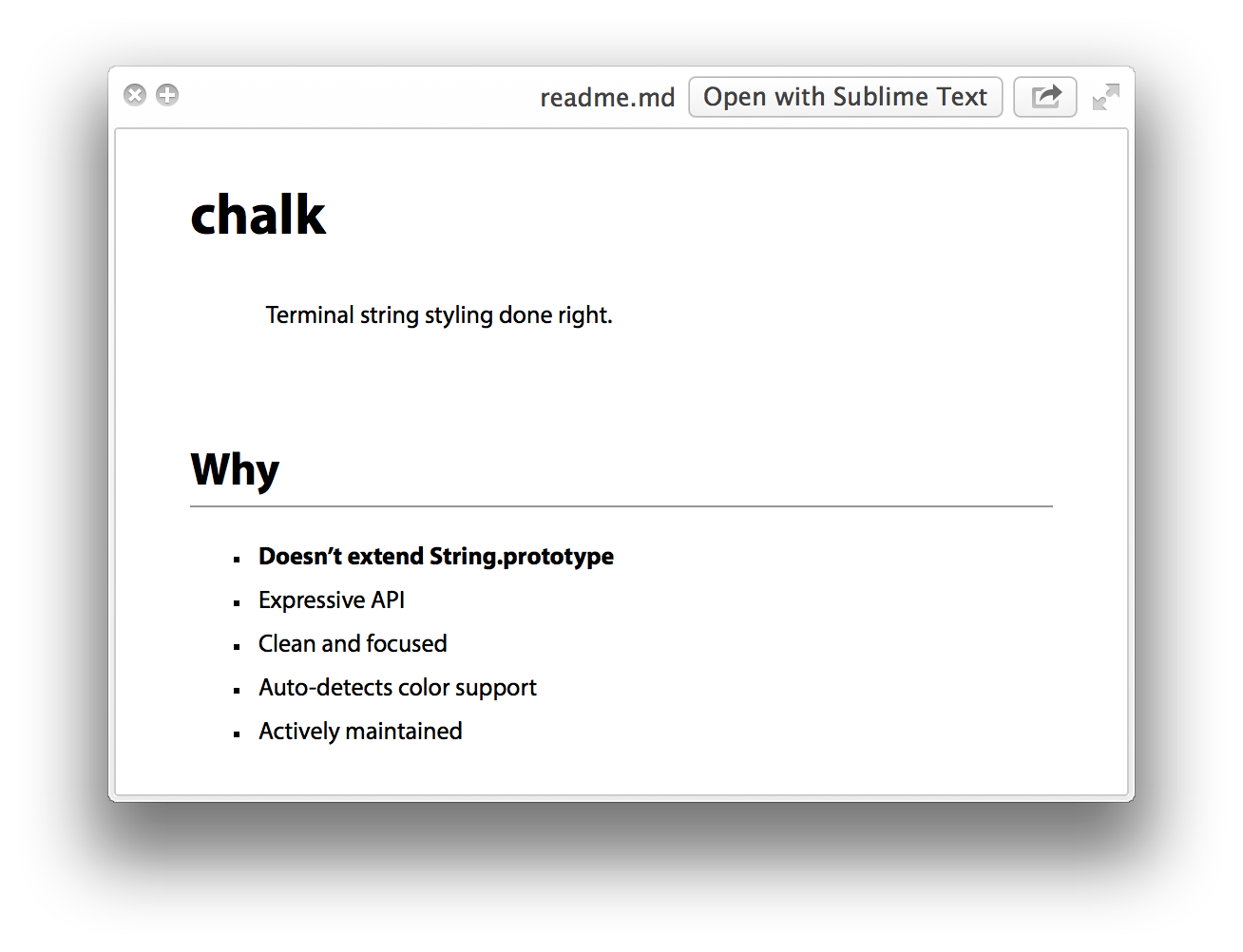
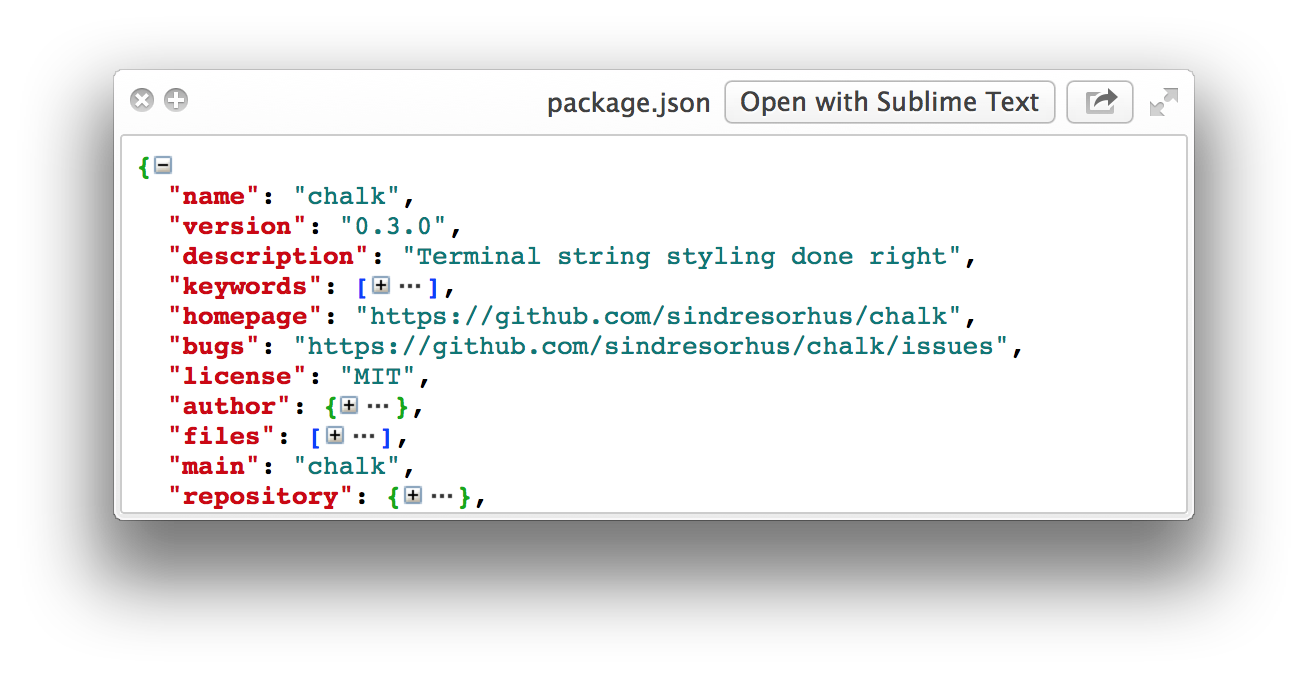
 A curated list of Quick Look plugins for developers. Quick Look is the macOS preview you get by hitting Space in Finder; each plugin here teaches it a new file type, like Markdown, JSON, or source code.
A curated list of Quick Look plugins for developers. Quick Look is the macOS preview you get by hitting Space in Finder; each plugin here teaches it a new file type, like Markdown, JSON, or source code.Is this one app or a bunch of separate plugins?A bunch of separate plugins, not one app — each file type has its own plugin you install individually. The list mixes free Homebrew-installable plugins with several paid App Store apps.
A bunch of separate plugins, not one app — each file type has its own plugin you install individually. The list mixes free Homebrew-installable plugins with several paid App Store apps.How do I install one of these plugins?Mostly one Homebrew command per plugin, e.g. brew install qlstephen or brew install --cask qlmarkdown. Manual route: download the .qlgenerator file into ~/Library/QuickLook and run qlmanage -r.
Mostly one Homebrew command per plugin, e.g. brew install qlstephen or brew install --cask qlmarkdown. Manual route: download the .qlgenerator file into ~/Library/QuickLook and run qlmanage -r.Will they work on the latest macOS versions?On macOS Catalina and later, many plugins won't work until you remove their quarantine attribute — the README shows the exact commands. Also, the SourceCodeSyntaxHighlight plugin may overwrite other Quick Look plugins.
On macOS Catalina and later, many plugins won't work until you remove their quarantine attribute — the README shows the exact commands. Also, the SourceCodeSyntaxHighlight plugin may overwrite other Quick Look plugins.Is it Mac-only?Yes. Quick Look is a macOS Finder feature, so these plugins only make sense on a Mac — nothing here for Windows or Linux.
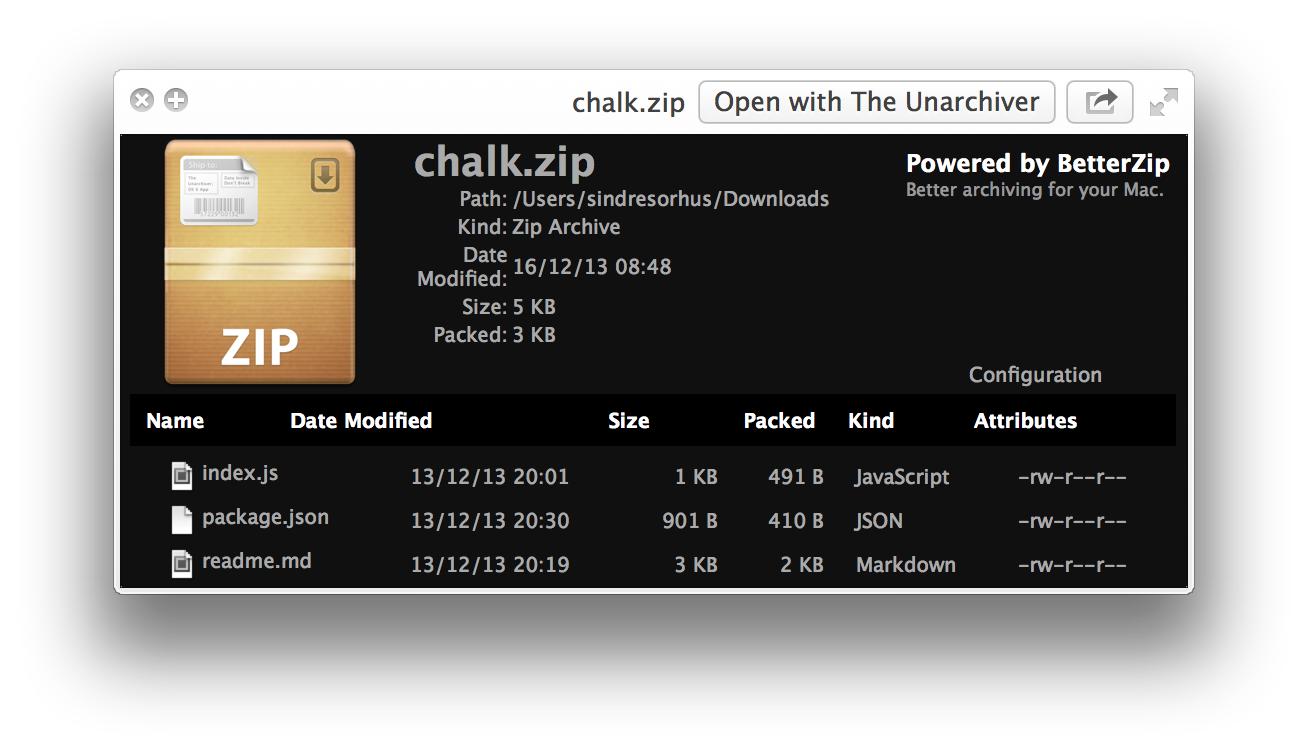
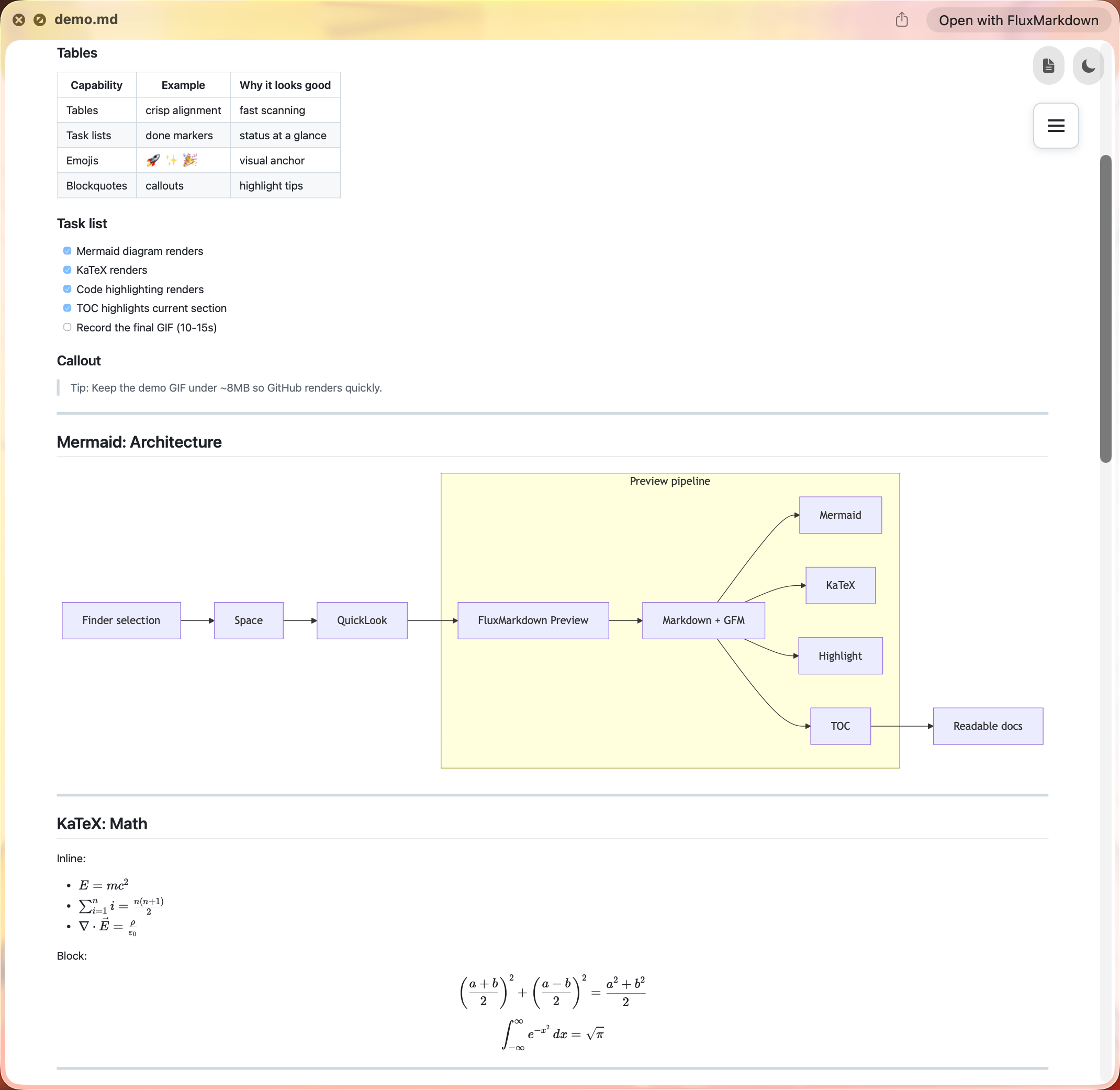
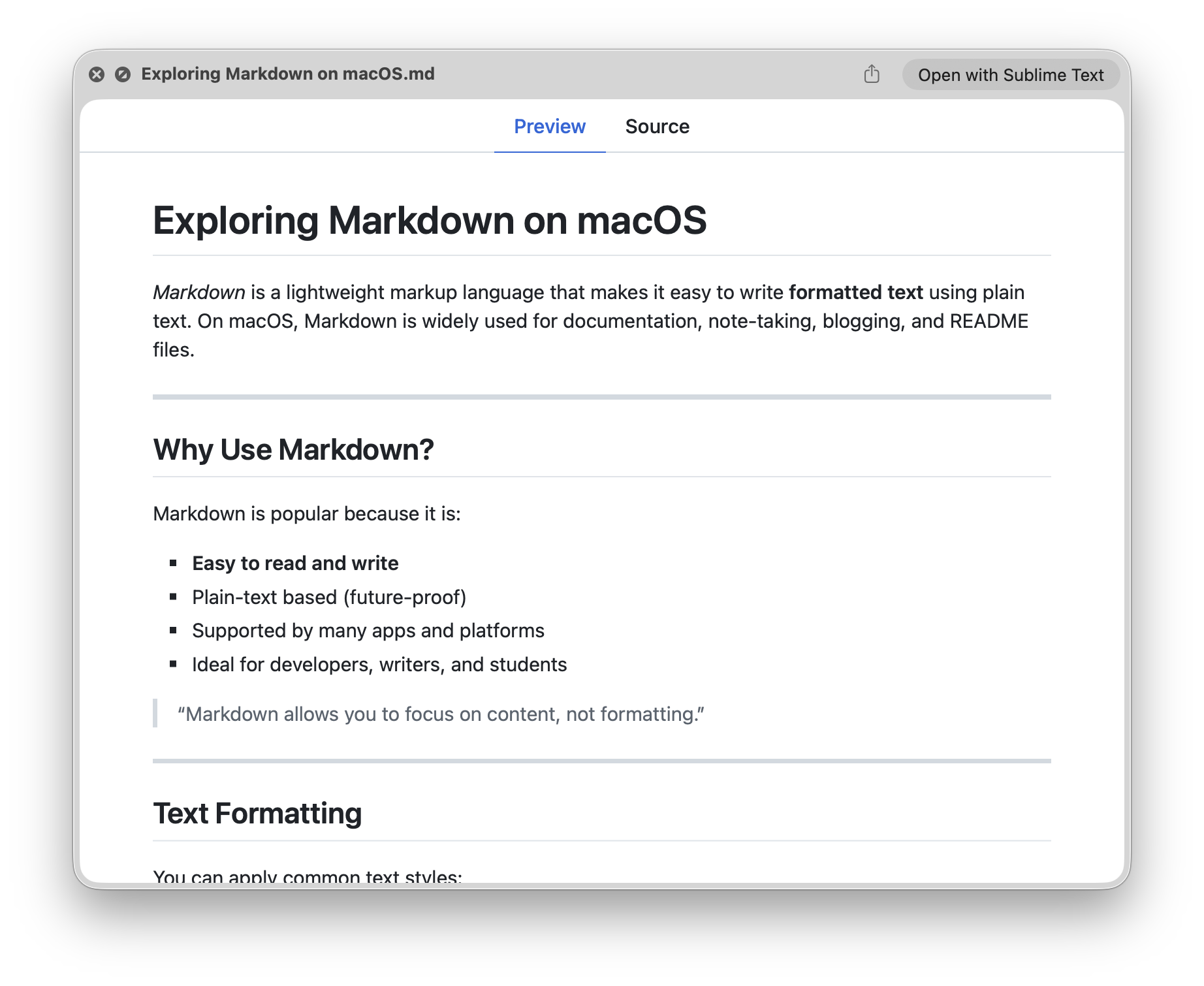
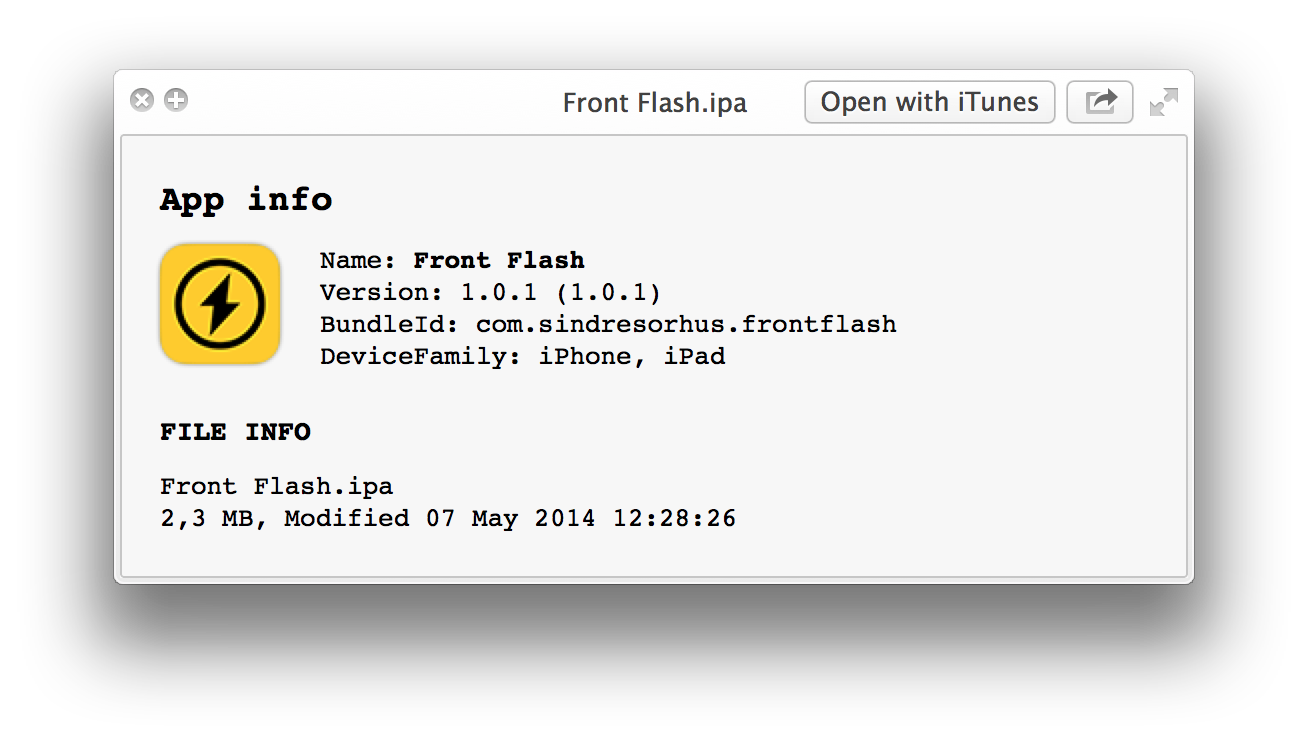
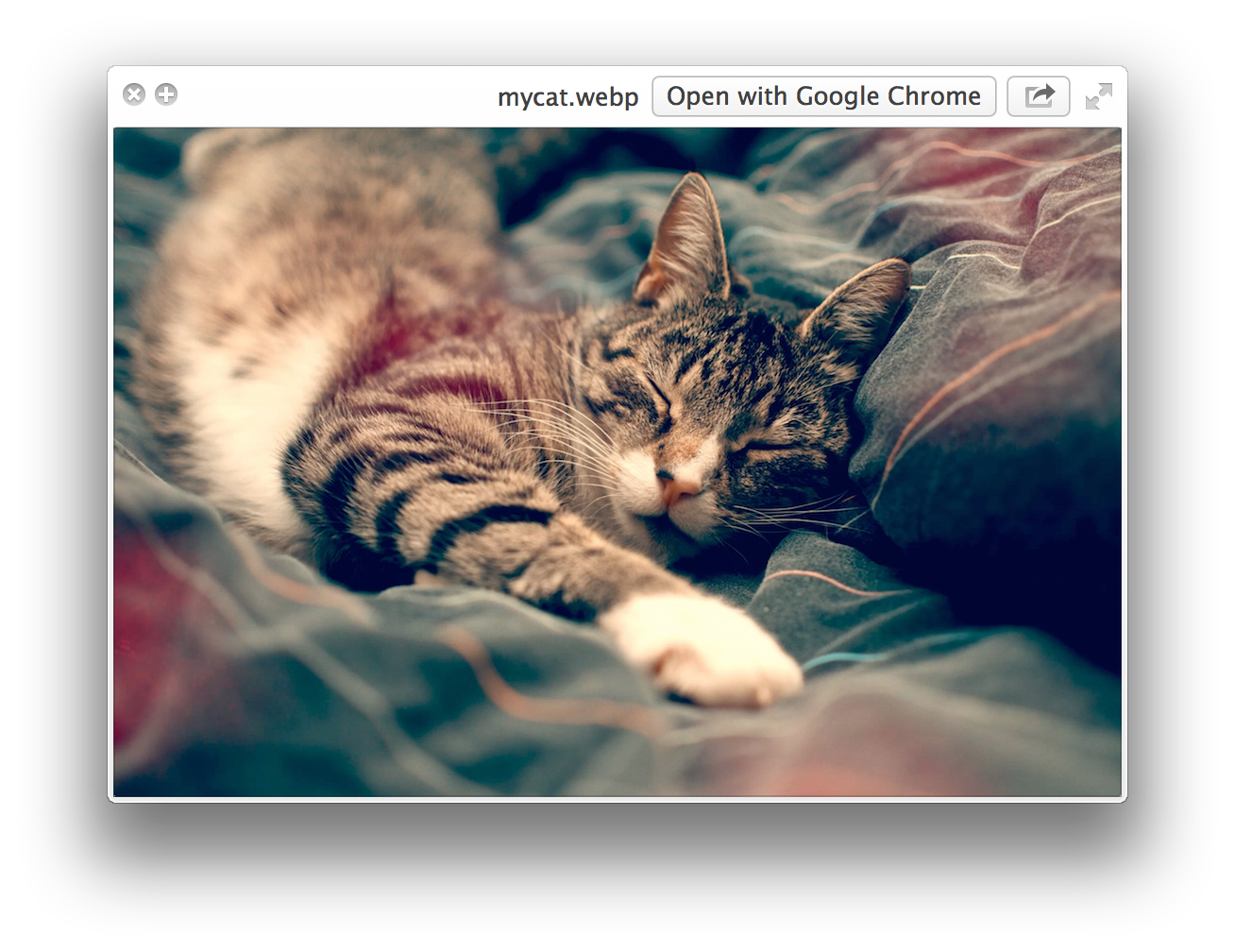
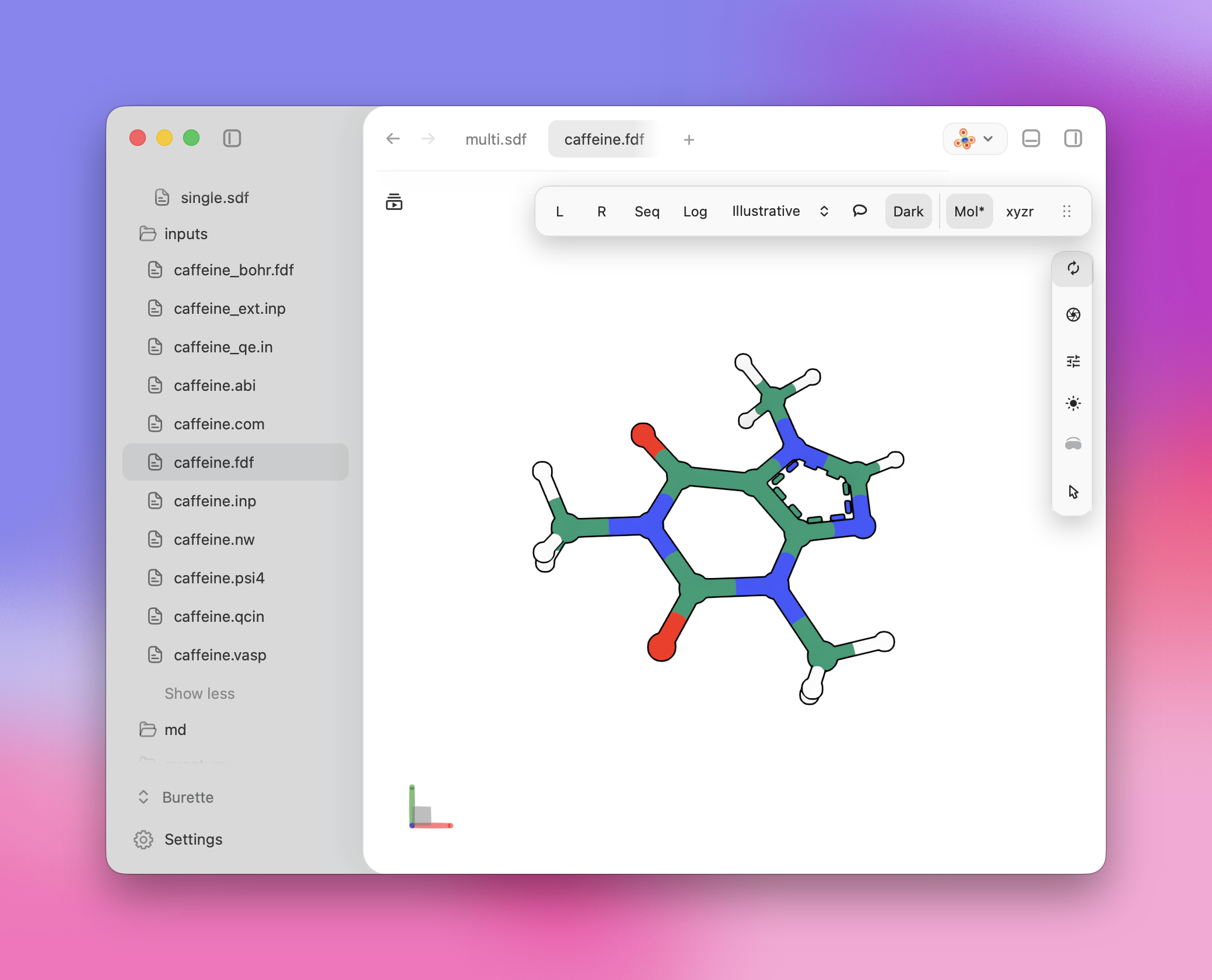
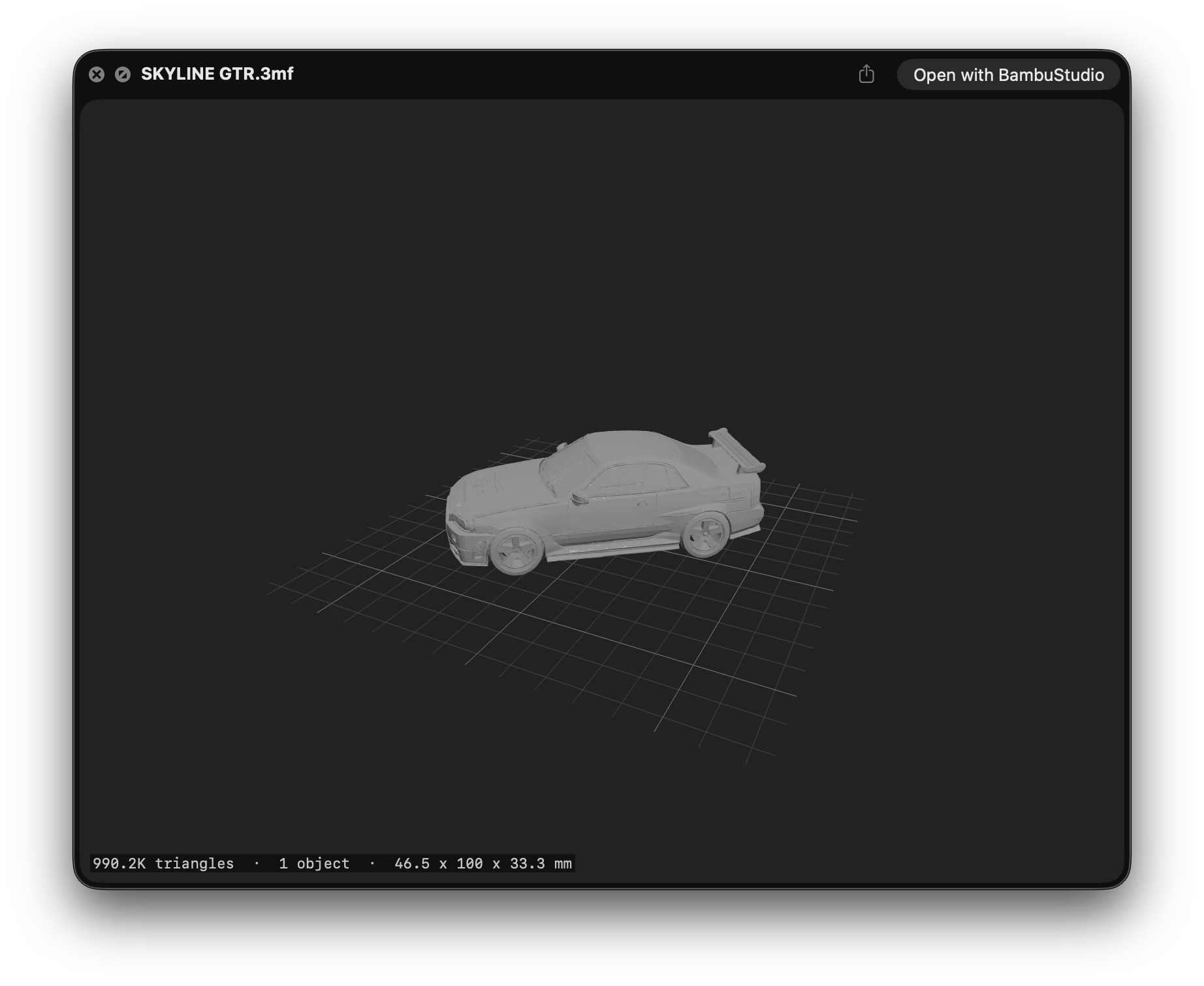
Yes. Quick Look is a macOS Finder feature, so these plugins only make sense on a Mac — nothing here for Windows or Linux.What file types can I preview once the plugins are installed?Plain text without a known extension (README, CHANGELOG, index.styl), Markdown, JSON, archives, Apple installer packages and app bundles, videos, WebP images, source code with highlighting, iOS/macOS provisioning files, chemistry files, and 3MF 3D-printing models.
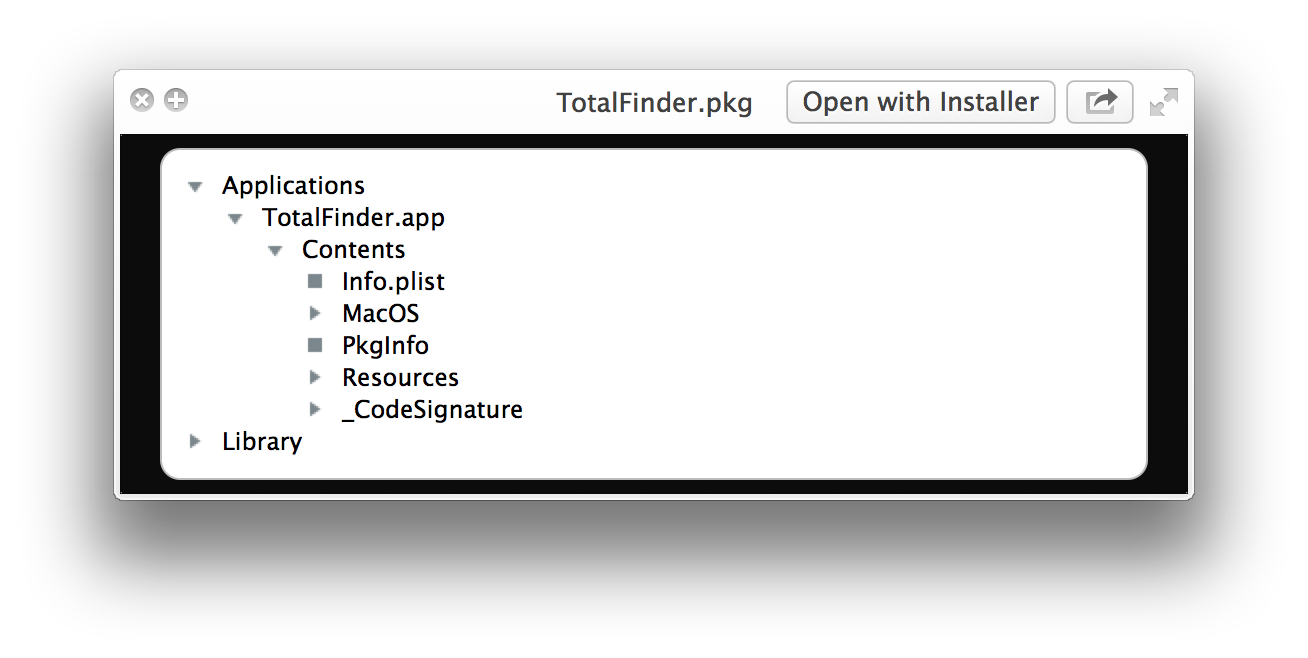
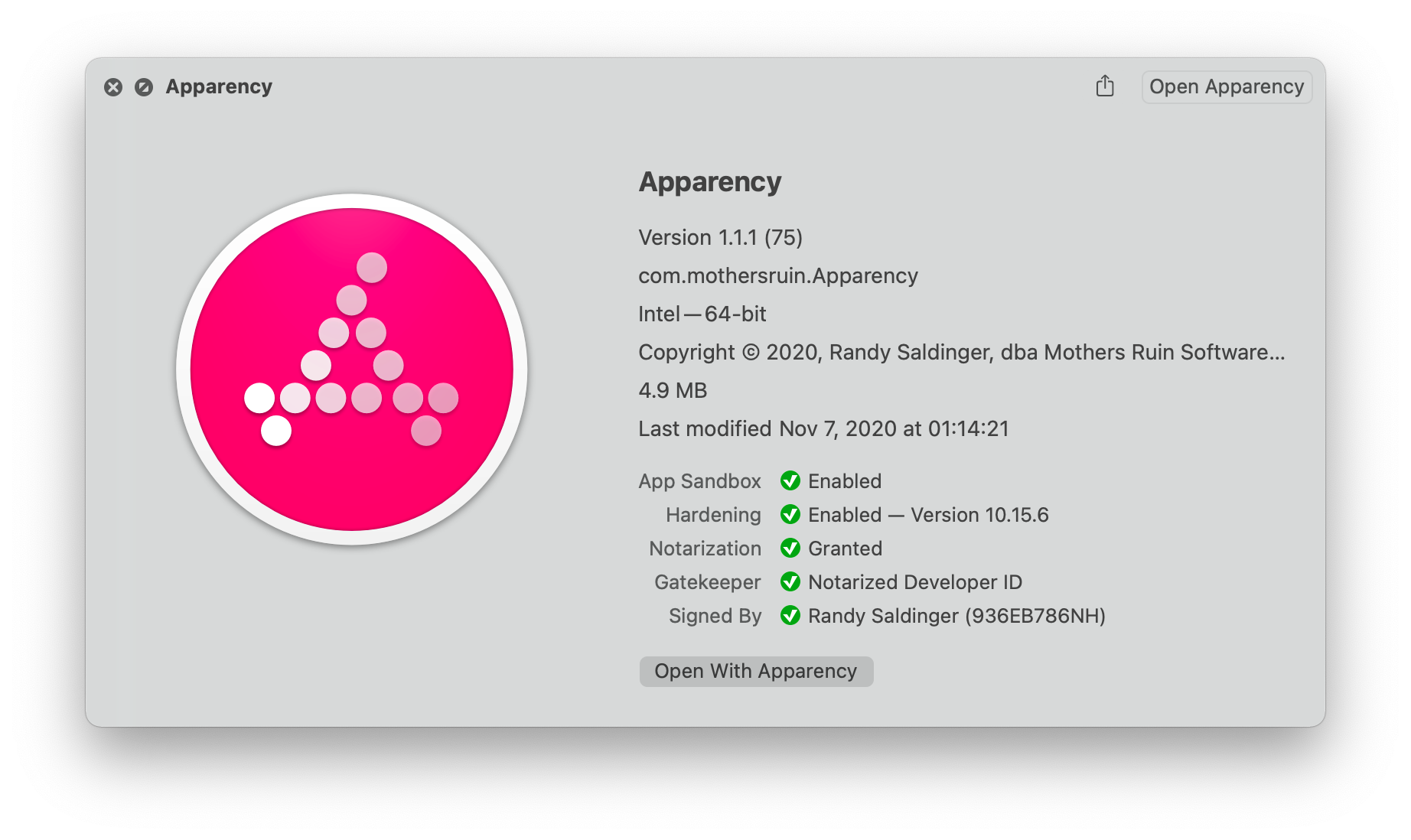
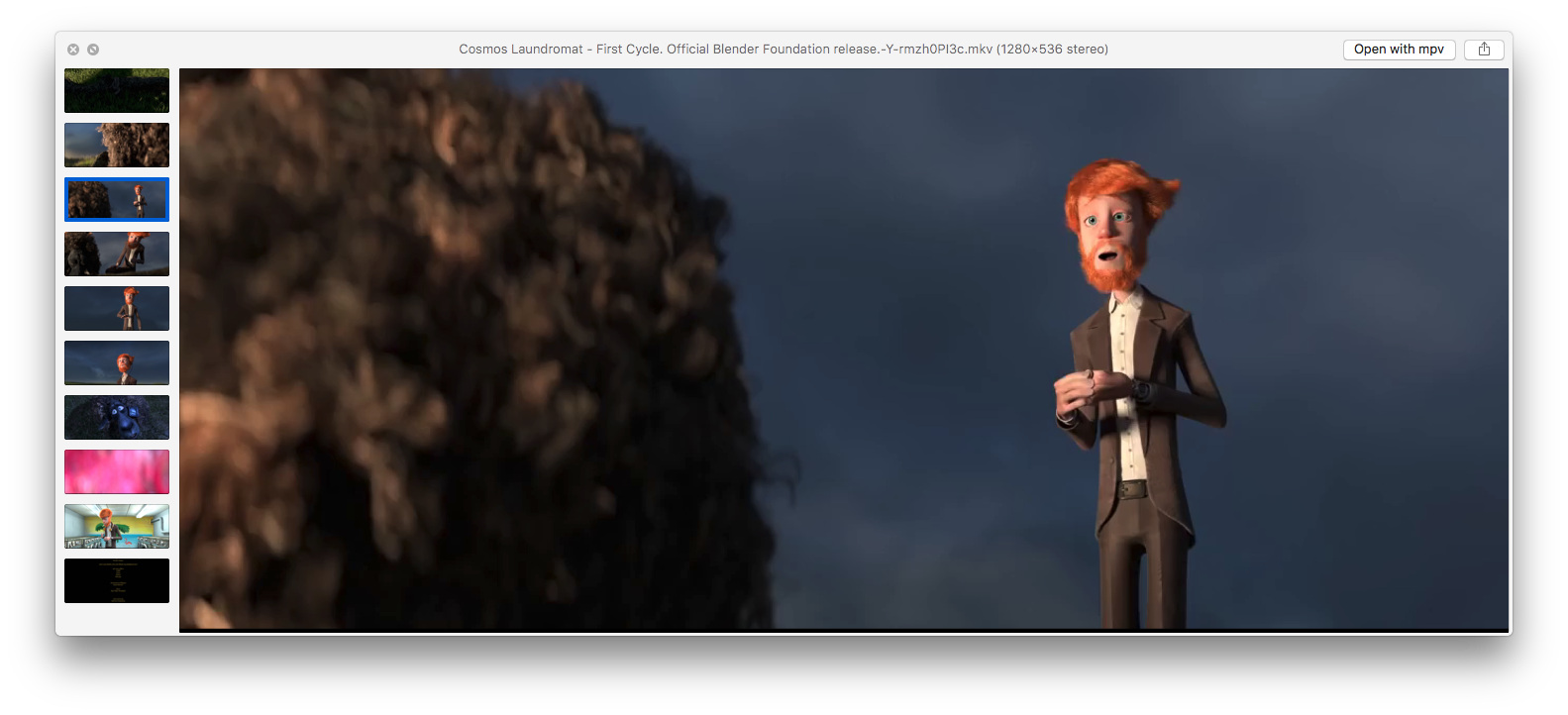
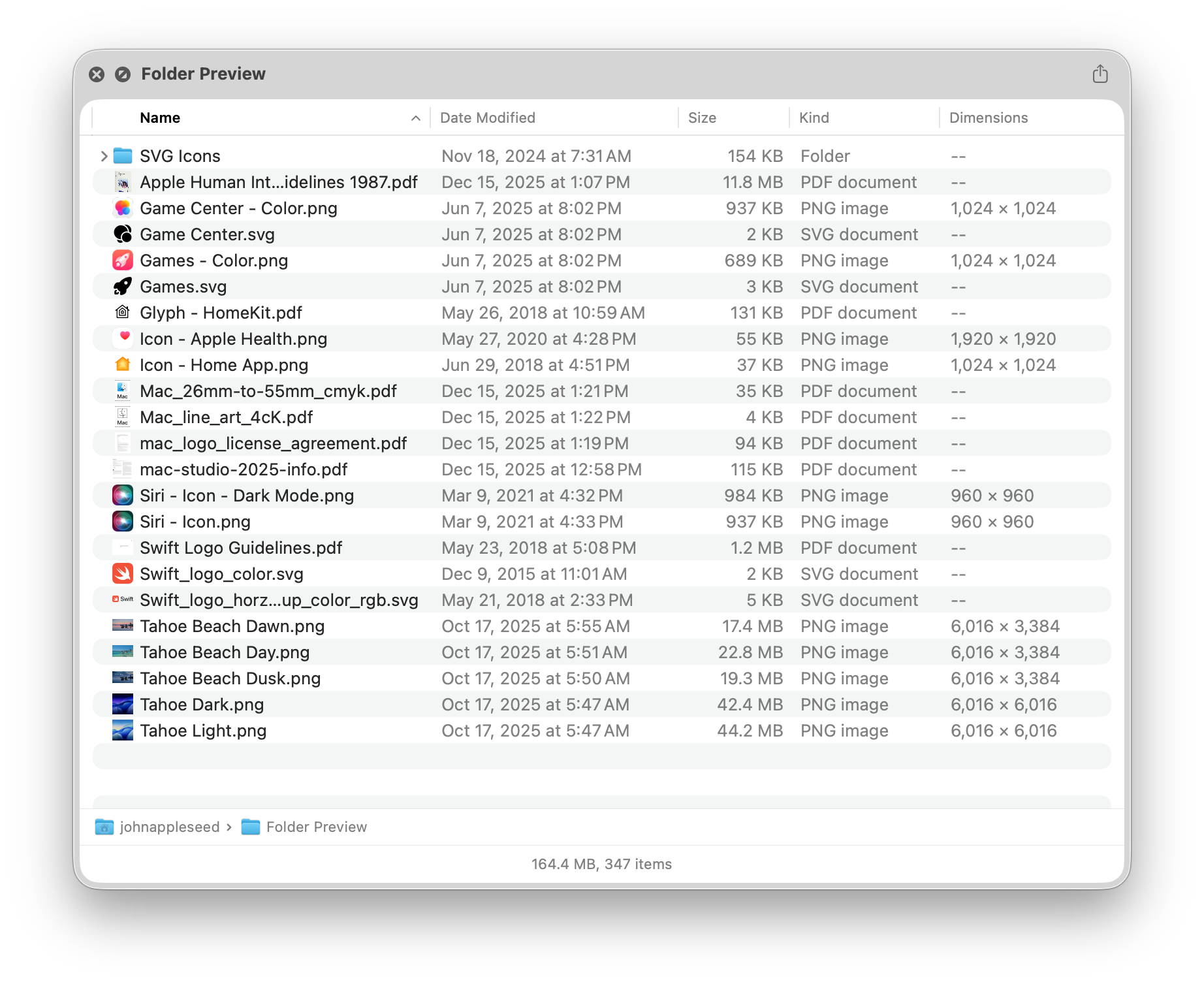
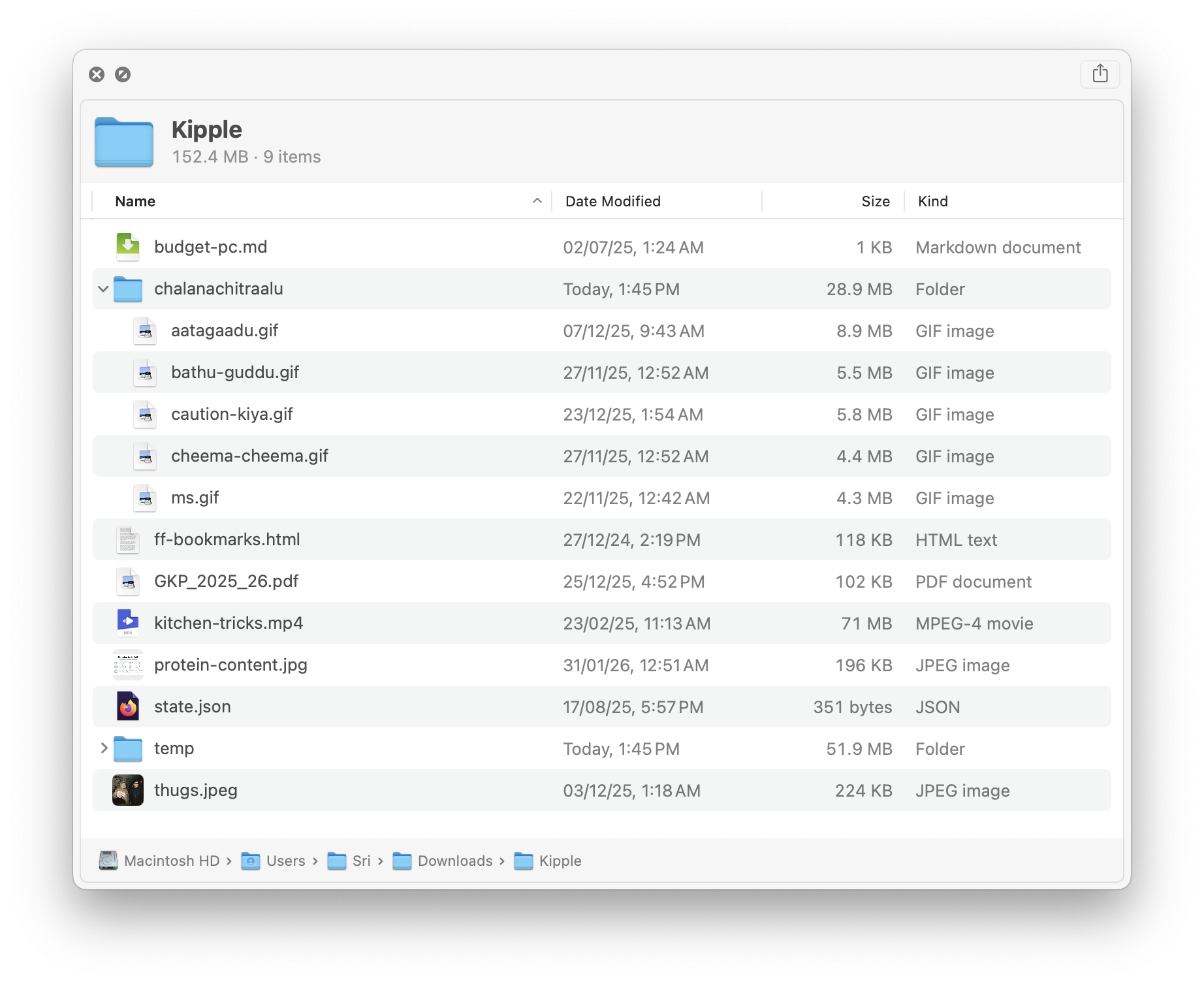
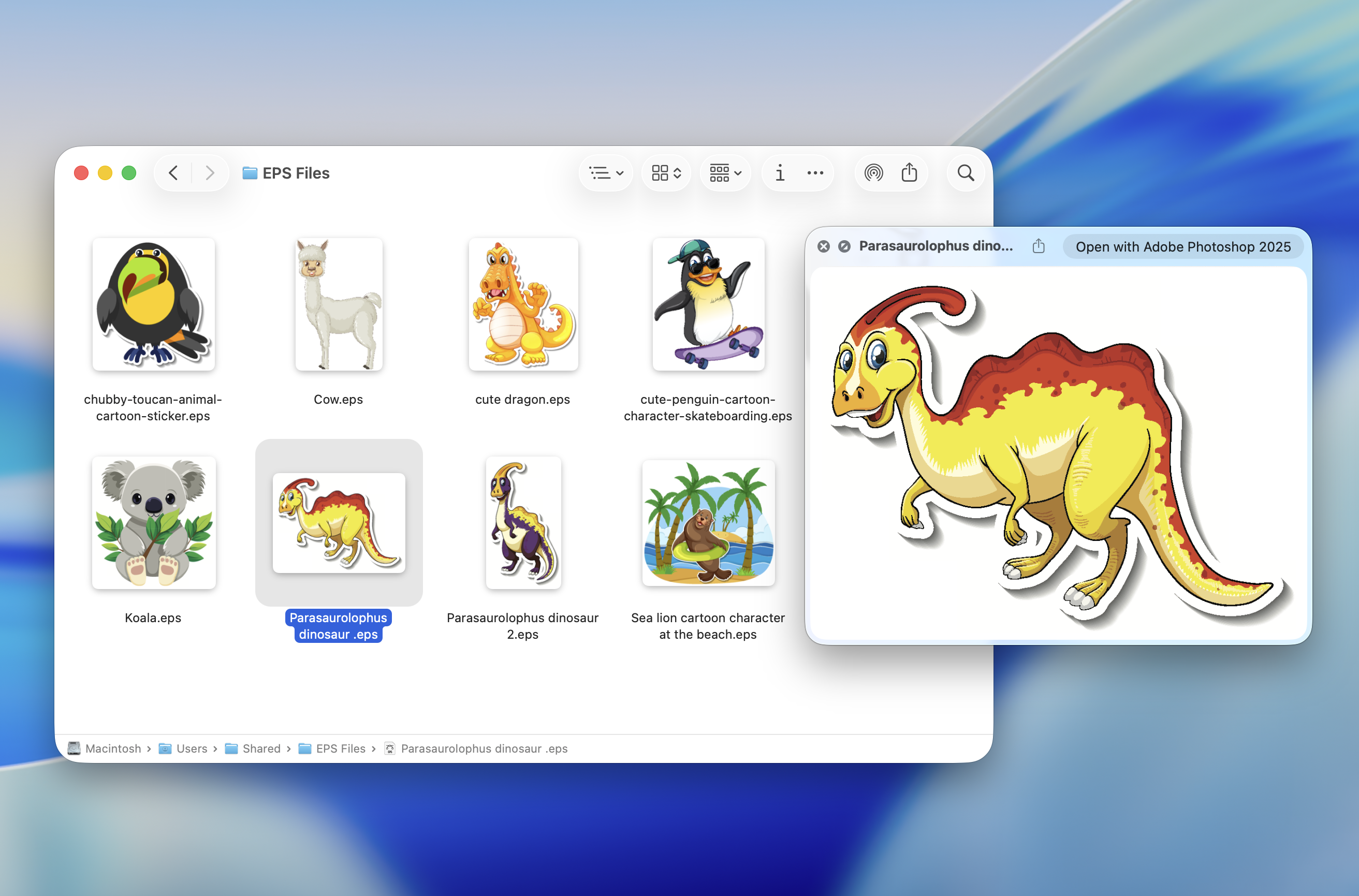
Plain text without a known extension (README, CHANGELOG, index.styl), Markdown, JSON, archives, Apple installer packages and app bundles, videos, WebP images, source code with highlighting, iOS/macOS provisioning files, chemistry files, and 3MF 3D-printing models.Are all the plugins free?No — most are free, but several are paid App Store apps: Source Code Preview, Peek, Folder Preview, Folder Quick Look, Markdown Preview, and EPS Preview. The README notes Peek is abandoned and buggy but still functional.
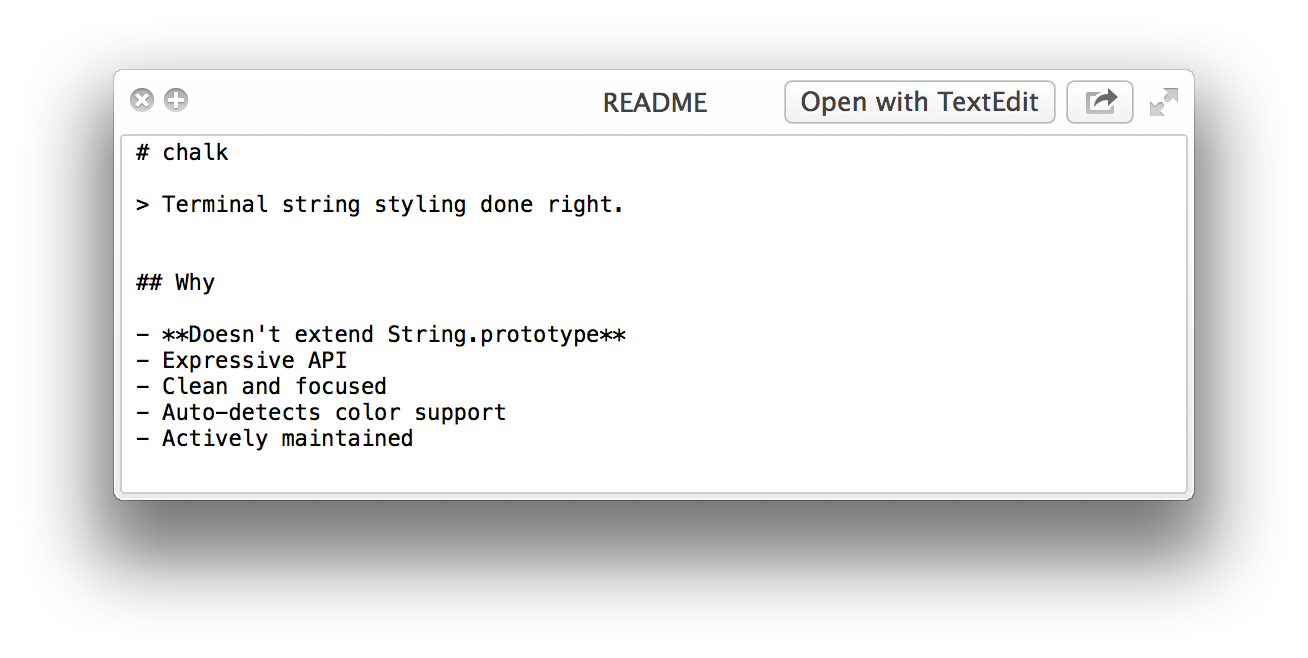
No — most are free, but several are paid App Store apps: Source Code Preview, Peek, Folder Preview, Folder Quick Look, Markdown Preview, and EPS Preview. The README notes Peek is abandoned and buggy but still functional.What is QLStephen, the first plugin on the list?It previews plain-text files without or with unknown file extensions — README, CHANGELOG, index.styl and the like, which Finder otherwise refuses to preview. Install it with brew install qlstephen.
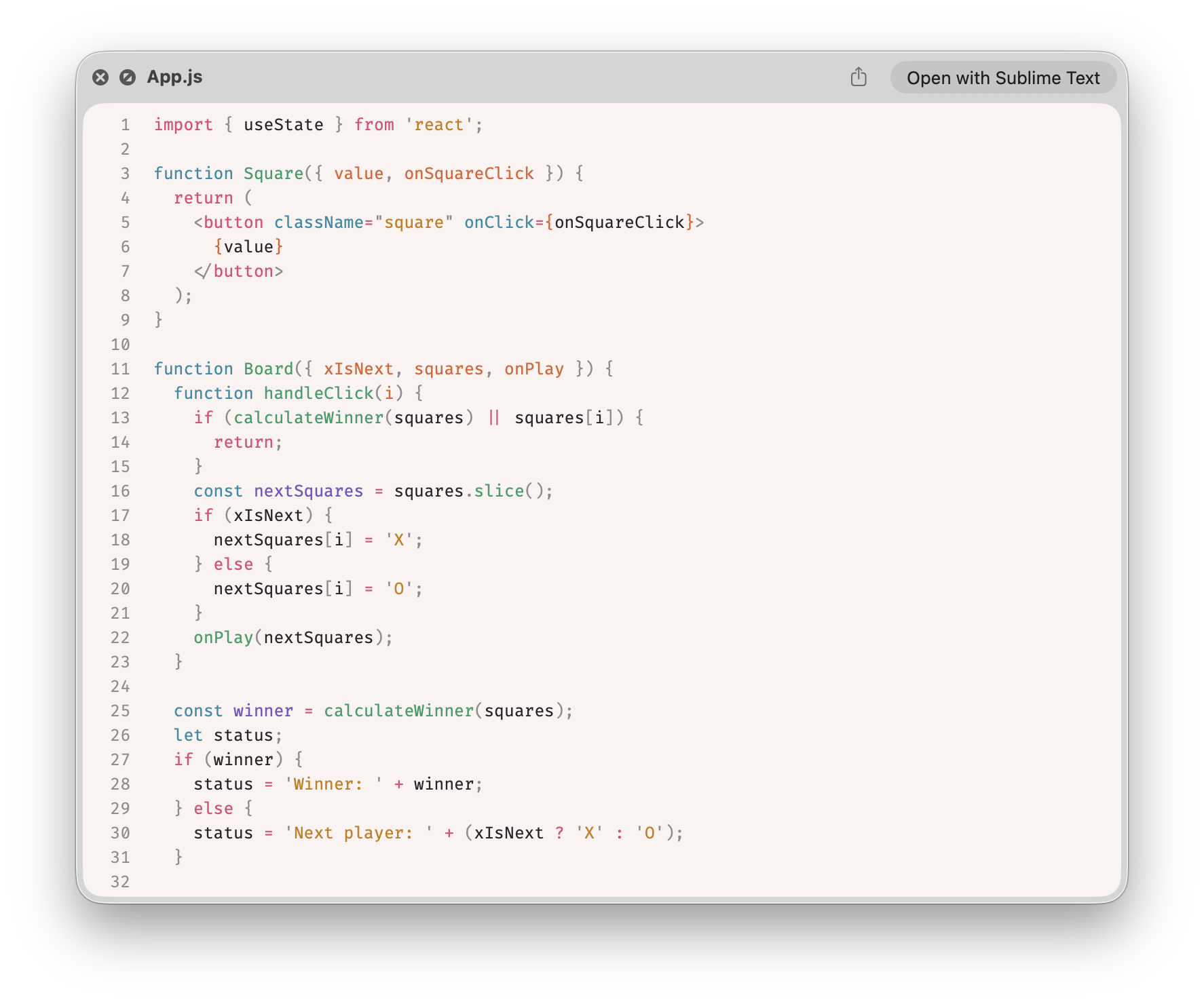
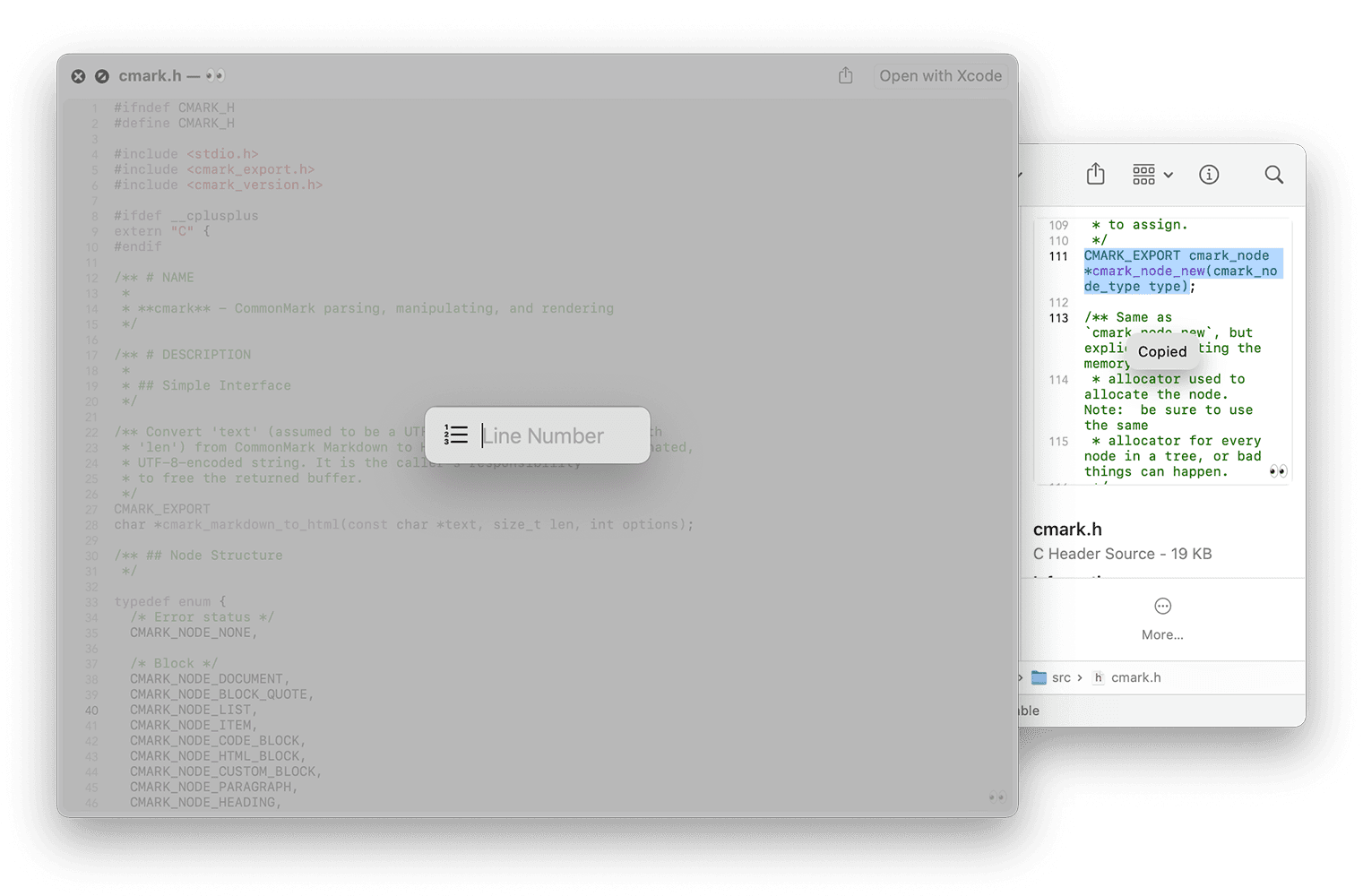
It previews plain-text files without or with unknown file extensions — README, CHANGELOG, index.styl and the like, which Finder otherwise refuses to preview. Install it with brew install qlstephen.Can Quick Look show source code with syntax highlighting?Two options. Free: SourceCodeSyntaxHighlight, installed with brew install --cask --no-quarantine syntax-highlight. Paid: Source Code Preview on the App Store, with 10+ themes and highlighting for 50+ languages.
Two options. Free: SourceCodeSyntaxHighlight, installed with brew install --cask --no-quarantine syntax-highlight. Paid: Source Code Preview on the App Store, with 10+ themes and highlighting for 50+ languages.What are similar projects?awesome-macos-command-line, public-api-lists, awesome-mac, awesome-macOS, awesome-python-applications, awesome-vscode, awesome-zsh-plugins, definitive-opensource
awesome-macos-command-line, public-api-lists, awesome-mac, awesome-macOS, awesome-python-applications, awesome-vscode, awesome-zsh-plugins, definitive-opensourceWhich topics is it in?utilities, syntax-highlighting, apple, macos-app, homebrew, json, video, developers, plugin, awesome-list, list, markdown
utilities, syntax-highlighting, apple, macos-app, homebrew, json, video, developers, plugin, awesome-list, list, markdown