
What is this?
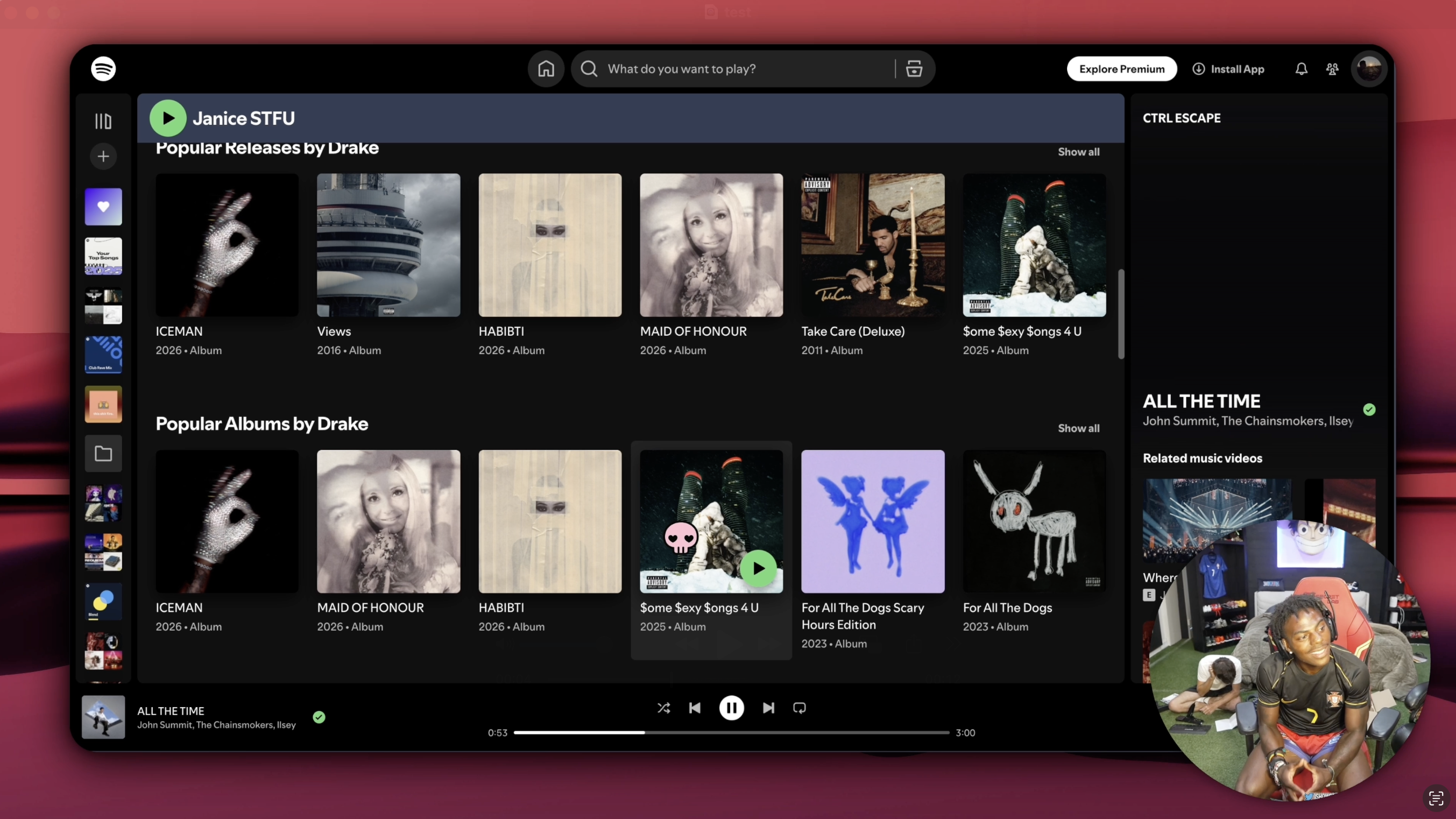
 OpenScreen is a free, open-source alternative to Screen Studio for making polished screen-recording demos and walkthroughs, with no subscriptions or watermarks.
OpenScreen is a free, open-source alternative to Screen Studio for making polished screen-recording demos and walkthroughs, with no subscriptions or watermarks.Is this a desktop app or a web tool?It is a native desktop app built with Electron, with capture, editing, zoom, annotations, and export all done locally.
It is a native desktop app built with Electron, with capture, editing, zoom, annotations, and export all done locally.Do I need any accounts or extra software to use it?No accounts, API keys, or paid tier are required; on Linux you just need PipeWire for system-audio capture to work.
No accounts, API keys, or paid tier are required; on Linux you just need PipeWire for system-audio capture to work.Is it still being maintained?No, the project is archived and no longer maintained; it started as a side project and the README itself warns it is not production grade and you may hit bugs.
No, the project is archived and no longer maintained; it started as a side project and the README itself warns it is not production grade and you may hit bugs.Does it work the same on macOS, Windows, and Linux?The editor and export are identical everywhere, but capture differs: macOS and Windows use native capture pipelines with full cursor-theme and native webcam support, while Linux records through the browser pipeline and only captures cursor position, not shape or clicks.
The editor and export are identical everywhere, but capture differs: macOS and Windows use native capture pipelines with full cursor-theme and native webcam support, while Linux records through the browser pipeline and only captures cursor position, not shape or clicks.Are the automatic captions sent to a server?No, captions for voiceovers are generated on-device and work fully offline, with nothing uploaded.
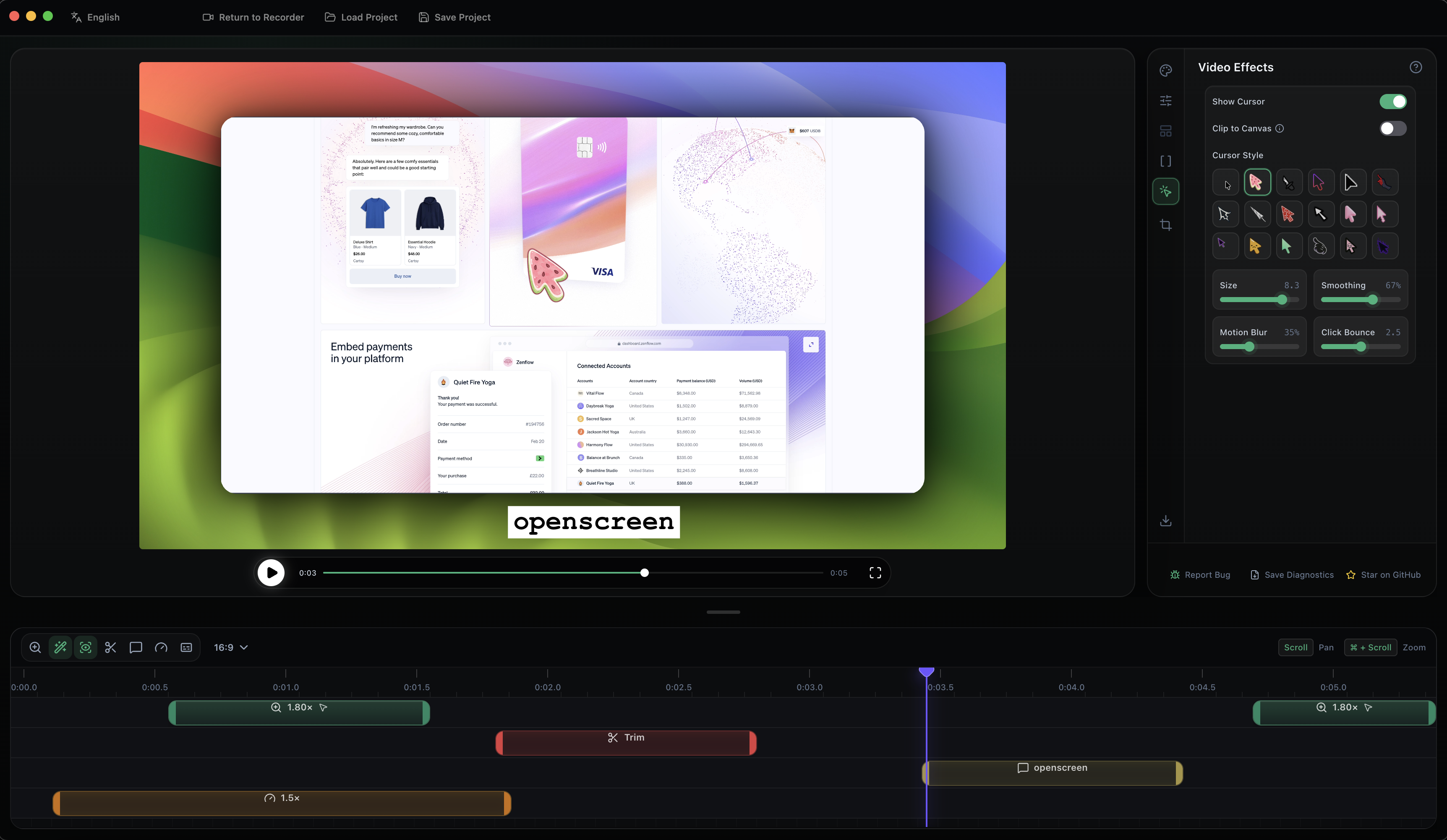
No, captions for voiceovers are generated on-device and work fully offline, with nothing uploaded.What editing features does it have besides recording?It supports crop/trim/speed control per timeline segment, auto or manual zooms that follow the cursor, motion blur, custom wallpapers/backgrounds, webcam picture-in-picture, and text/arrow/image annotations with animation presets.
It supports crop/trim/speed control per timeline segment, auto or manual zooms that follow the cursor, motion blur, custom wallpapers/backgrounds, webcam picture-in-picture, and text/arrow/image annotations with animation presets.What export formats and languages are supported?You can export to MP4 or GIF in multiple aspect ratios and resolutions, and the UI/captions support 13 languages including Arabic, Spanish, Japanese, Korean, and both Simplified and Traditional Chinese.
You can export to MP4 or GIF in multiple aspect ratios and resolutions, and the UI/captions support 13 languages including Arabic, Spanish, Japanese, Korean, and both Simplified and Traditional Chinese.If I hit a Gatekeeper block on macOS, what do I do?If you install the .dmg manually and macOS Gatekeeper blocks it, you run a bypass command in Terminal (after granting it Full Disk Access) and then enable Screen Recording and Accessibility permissions in System Settings.
If you install the .dmg manually and macOS Gatekeeper blocks it, you run a bypass command in Terminal (after granting it Full Disk Access) and then enable Screen Recording and Accessibility permissions in System Settings.Why was this built instead of just paying for Screen Studio?The author wanted a fully free tool covering the core demo-recording workflow most people need, without Screen Studio's $29/month subscription, while acknowledging it's not a 1:1 feature clone.
The author wanted a fully free tool covering the core demo-recording workflow most people need, without Screen Studio's $29/month subscription, while acknowledging it's not a 1:1 feature clone.Which topics is it in?pixijs, mp4, screen-recorder, video-production, radix-ui, winget, annotations, webcam, gif, nix, screen-capture, appimage
pixijs, mp4, screen-recorder, video-production, radix-ui, winget, annotations, webcam, gif, nix, screen-capture, appimage