What is this?
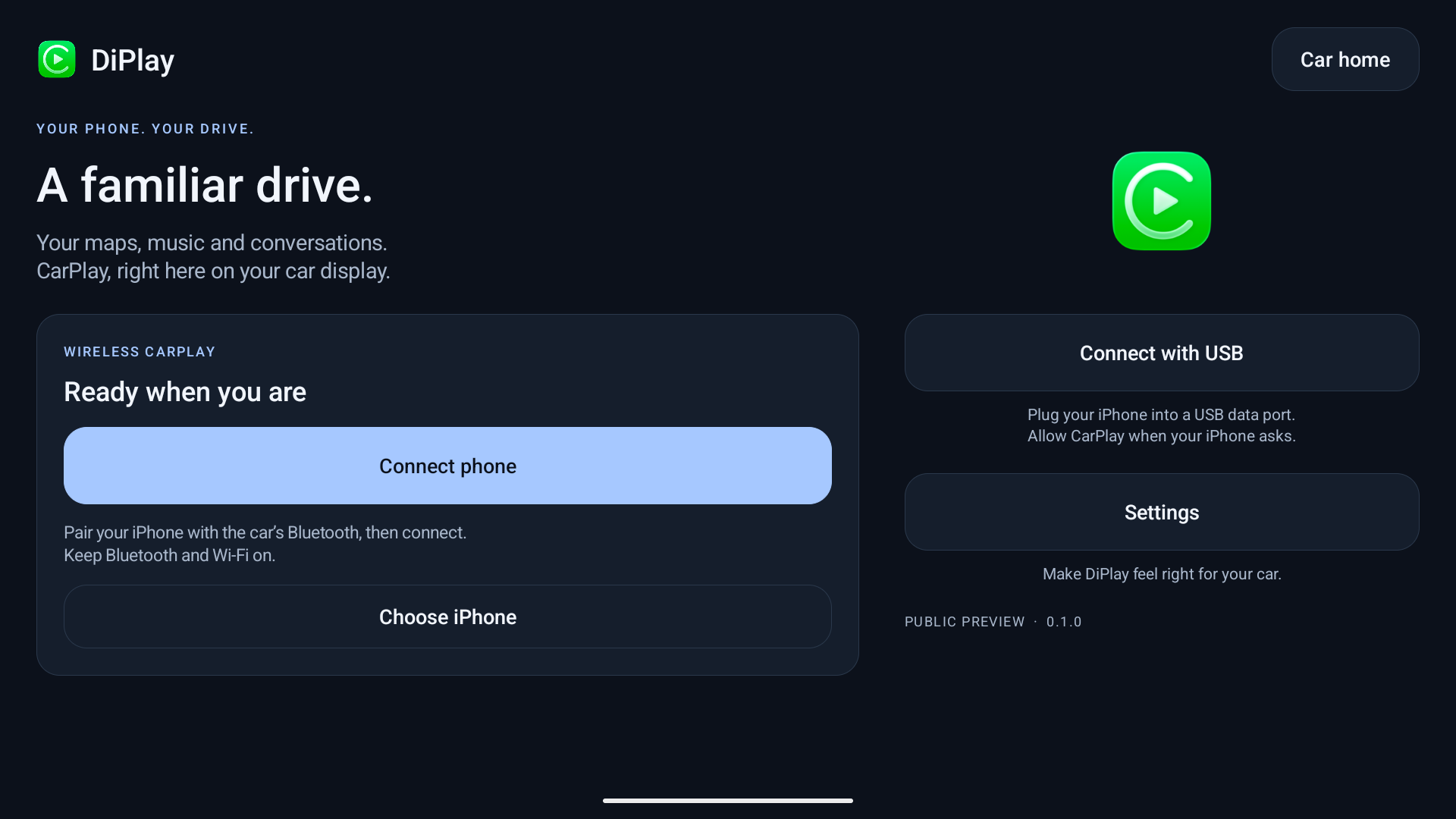
 DiPlay CN is an Android app that brings Apple CarPlay to compatible BYD car head units, wired or wirelessly, using the familiar DiAuto interface.
DiPlay CN is an Android app that brings Apple CarPlay to compatible BYD car head units, wired or wirelessly, using the familiar DiAuto interface.Is this installed on my iPhone or on the car's head unit?It is an APK installed on the car's BYD Android head unit, not on the iPhone — the phone only connects to it via CarPlay.
It is an APK installed on the car's BYD Android head unit, not on the iPhone — the phone only connects to it via CarPlay.How do I get it running on my BYD head unit?Download the APK from the project's releases, install it on the head unit (which must permit APK installation), then connect over wired USB or use Wi-Fi Direct / the car's existing hotspot for wireless CarPlay.
Download the APK from the project's releases, install it on the head unit (which must permit APK installation), then connect over wired USB or use Wi-Fi Direct / the car's existing hotspot for wireless CarPlay.Do I need a jailbreak, dongle or account to use it?No — no jailbreak, dongle, Mac, account or authentication server is required; core CarPlay works without ADB, though optional dashboard, battery, wheel-speed and parked-video features need it.
No — no jailbreak, dongle, Mac, account or authentication server is required; core CarPlay works without ADB, though optional dashboard, battery, wheel-speed and parked-video features need it.Is this an Apple-certified product?No. It bundles an experimental accessory identity recovered from public Carlinkit firmware rather than a proper MFi identity, the bundled private key is extractable, and long-term iOS and head-unit compatibility are still unresolved.
No. It bundles an experimental accessory identity recovered from public Carlinkit firmware rather than a proper MFi identity, the bundled private key is extractable, and long-term iOS and head-unit compatibility are still unresolved.Will this work with any car, or only BYD models?It is built and tested specifically for BYD cars; it may work on other brands but there's no support or plans to fix brand-specific incompatibilities.
It is built and tested specifically for BYD cars; it may work on other brands but there's no support or plans to fix brand-specific incompatibilities.Which Android versions does it support?Wired CarPlay works on Android 9 and up, while wireless Wi-Fi Direct connections require Android 10 or newer.
Wired CarPlay works on Android 9 and up, while wireless Wi-Fi Direct connections require Android 10 or newer.What happens to my diagnostic data?Diagnostic reports are saved locally (to Downloads/DiPlay on Android 10+) and are only shared if you manually attach them to an issue; there is no automatic uploading of audio, video or packet payloads.
Diagnostic reports are saved locally (to Downloads/DiPlay on Android 10+) and are only shared if you manually attach them to an issue; there is no automatic uploading of audio, video or packet payloads.What's the licensing situation with the DiAuto and xcertplay code it's based on?The project builds on xcertplay (GPL-3.0) and adapts the DiAuto UI (AGPL-3.0); both license notices must be preserved in any distributed modifications.
The project builds on xcertplay (GPL-3.0) and adapts the DiAuto UI (AGPL-3.0); both license notices must be preserved in any distributed modifications.What languages does the app support?The app and website support English, Arabic, Russian, Ukrainian, Spanish and Simplified Chinese; the language can be changed in Settings and auto-syncs with Android's per-app language setting on Android 13+.
The app and website support English, Arabic, Russian, Ukrainian, Spanish and Simplified Chinese; the language can be changed in Settings and auto-syncs with Android's per-app language setting on Android 13+.Can I keep the original DiAuto app installed alongside DiPlay?Yes, DiPlay installs as a separate package next to DiAuto, but only one CarPlay projection app can be running at a time.
Yes, DiPlay installs as a separate package next to DiAuto, but only one CarPlay projection app can be running at a time.What's new in version 0.2.11?It adds a preferred Wi-Fi Direct channel setting, a customizable dashboard turn card, multi-finger settings swipes, opt-in read-only legacy vehicle-data detection, and an optional automatic car-hotspot startup.
It adds a preferred Wi-Fi Direct channel setting, a customizable dashboard turn card, multi-finger settings swipes, opt-in read-only legacy vehicle-data detection, and an optional automatic car-hotspot startup.Does BYD HUD navigation always work?HUD navigation with arrows, distance and street names has only been verified on specific tested firmware, so results on other head units are not guaranteed.
HUD navigation with arrows, distance and street names has only been verified on specific tested firmware, so results on other head units are not guaranteed.What are similar projects?DiPlay, DiPlay, YunX, android-airplay-server, librepods, YumaPlayer, LocationSpoofer, gkd
DiPlay, DiPlay, YunX, android-airplay-server, librepods, YumaPlayer, LocationSpoofer, gkdWhich topics is it in?localization, firmware, android-app, kotlin, apple, app, i18n, multilingual, reverse-engineering, audio, agpl, mobile-app
localization, firmware, android-app, kotlin, apple, app, i18n, multilingual, reverse-engineering, audio, agpl, mobile-app