











857 ·GitHub
What is this?
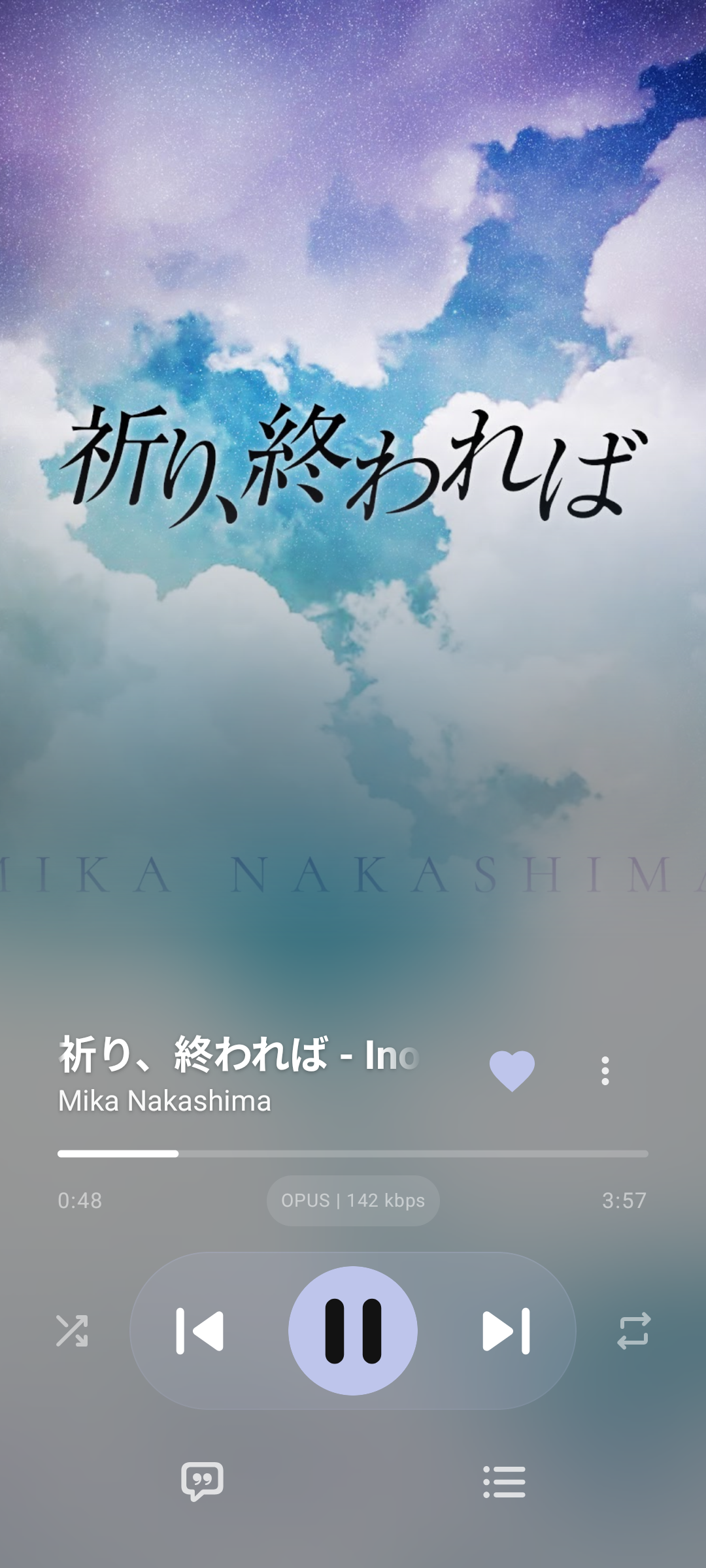
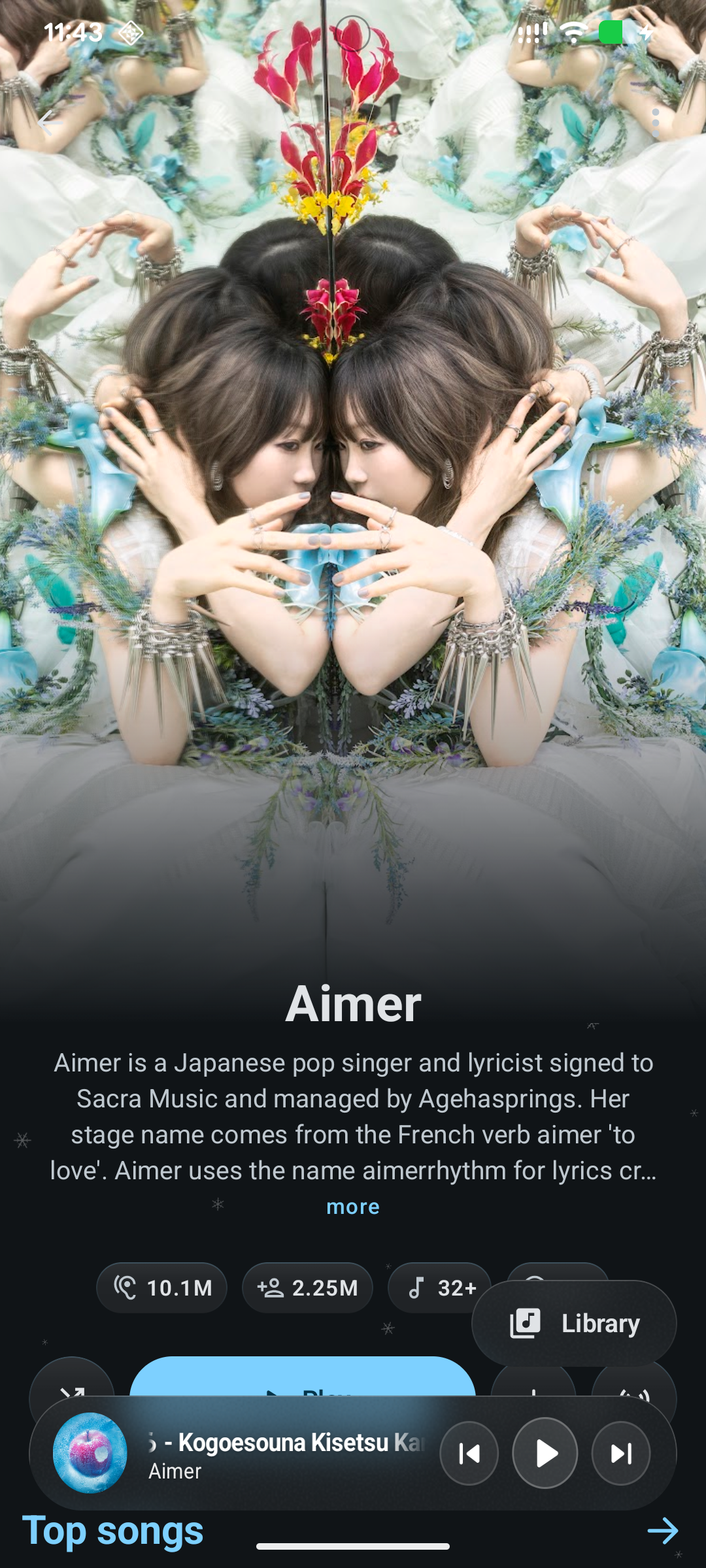
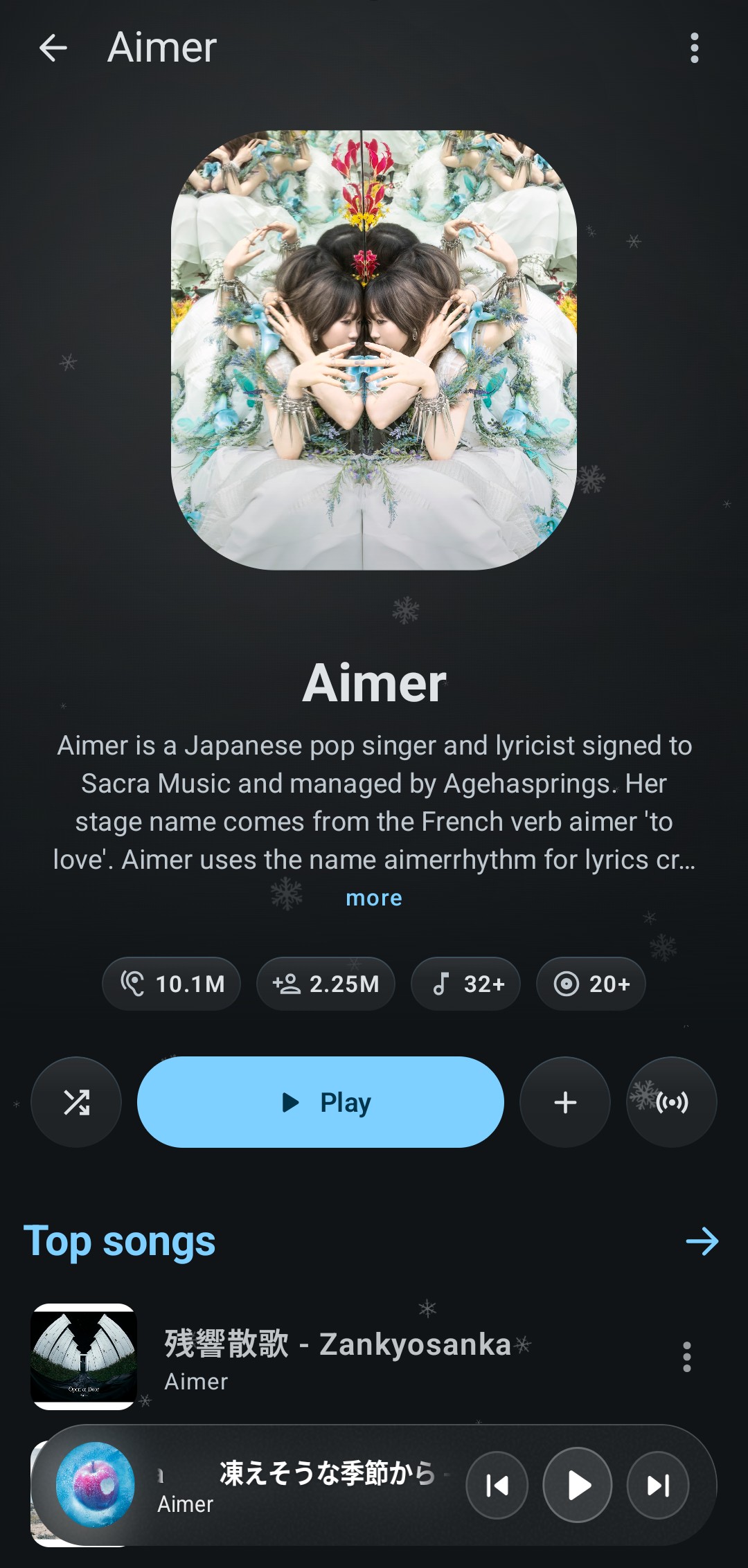
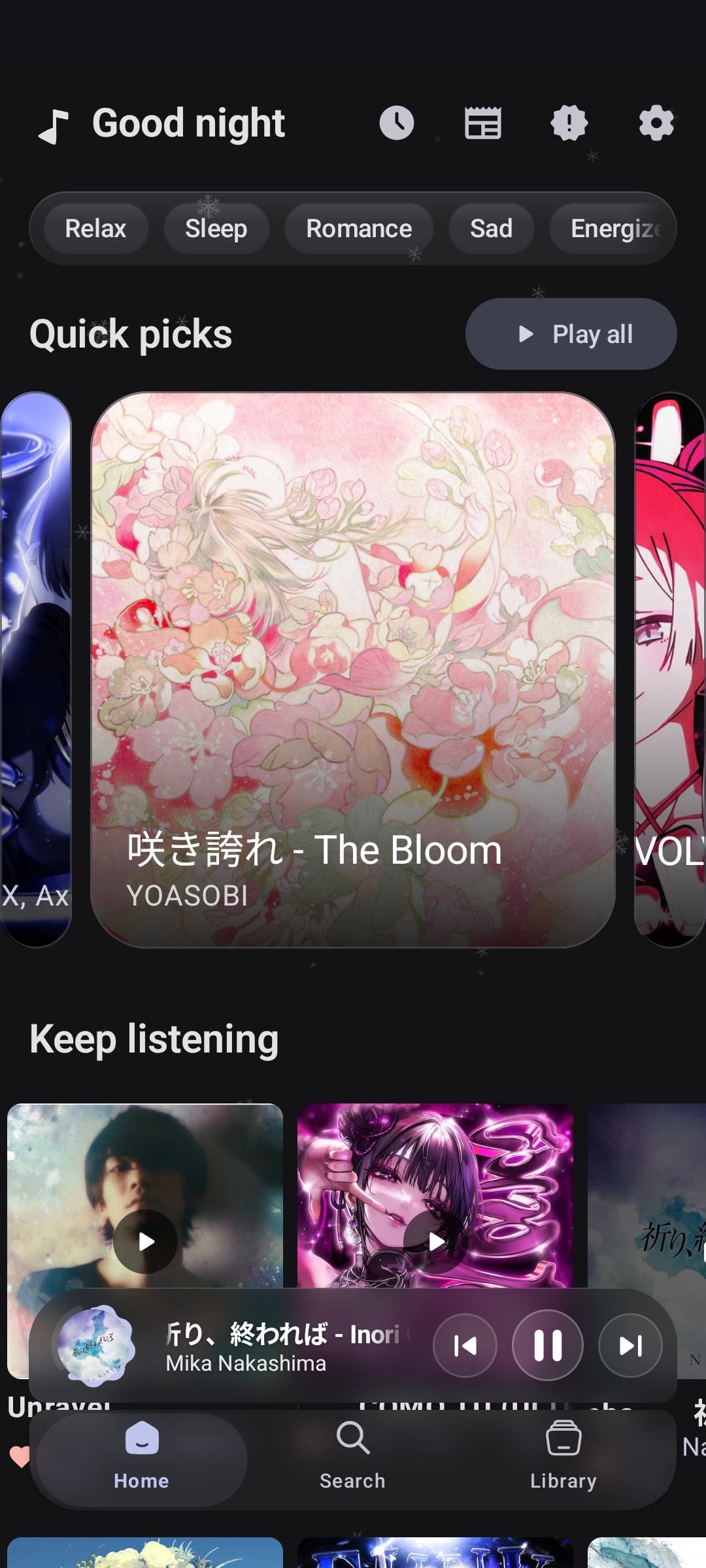
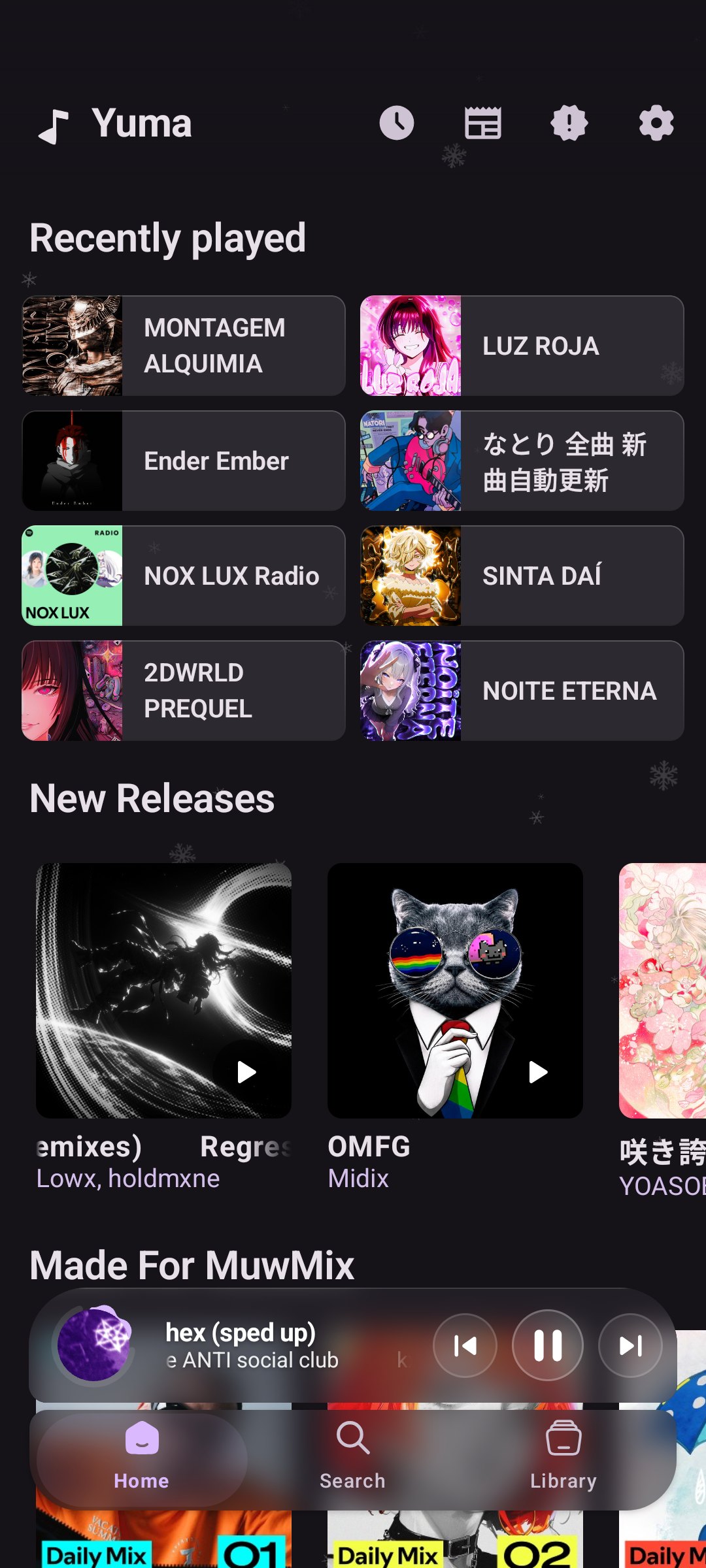
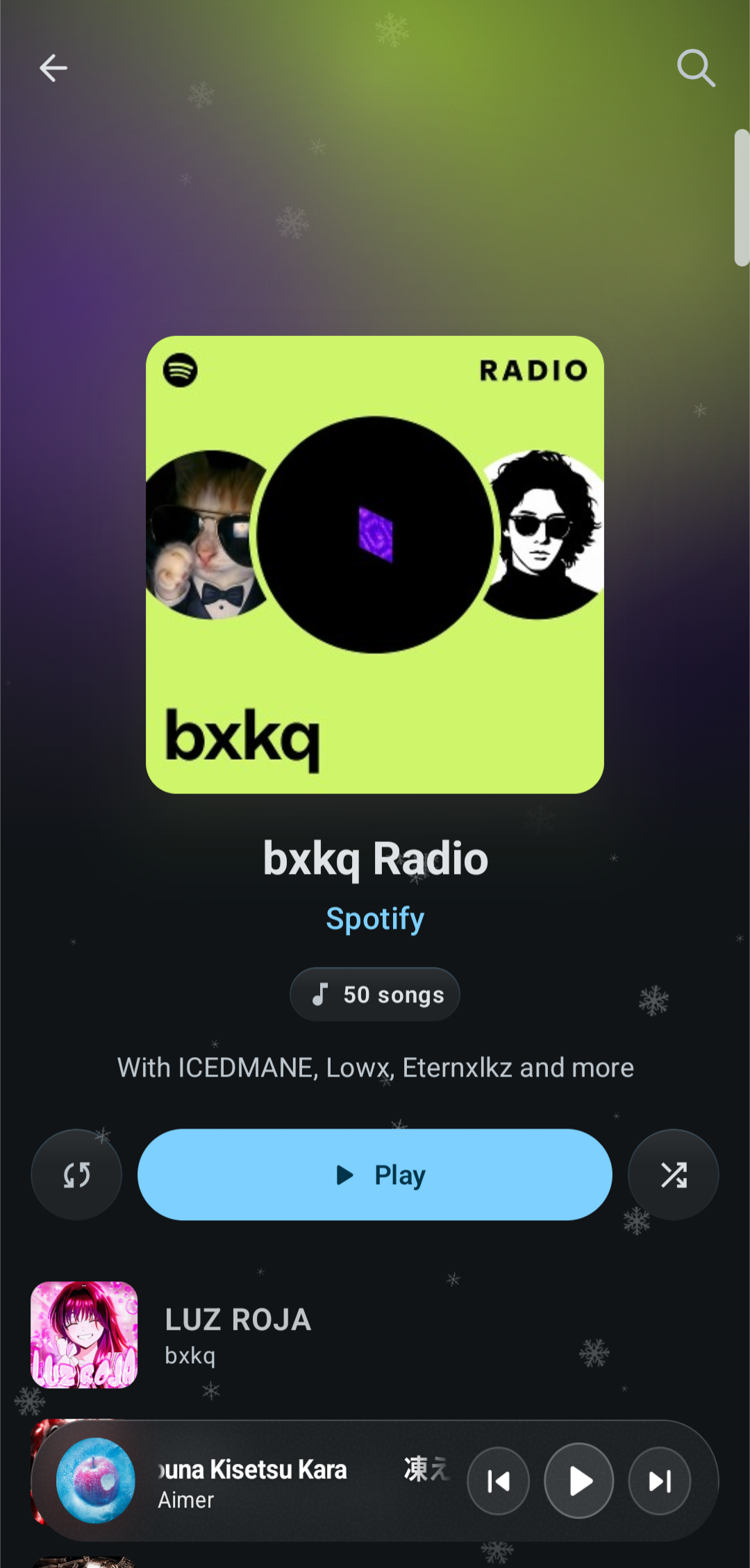
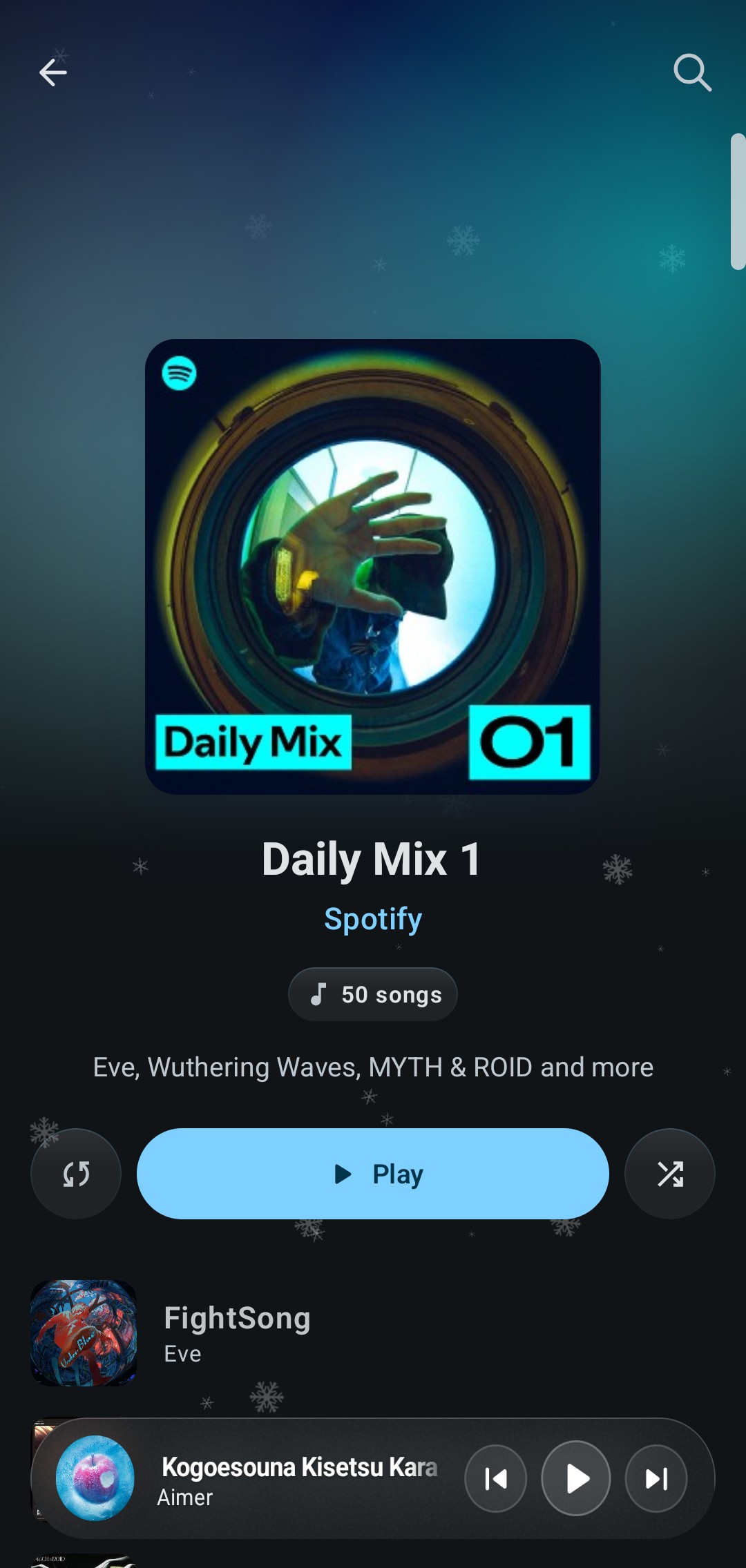
 YumaPlayer (Yuma) is an independent, open-source Android music player that combines Spotify's discovery/recommendation UI with the YouTube Music library and adds Hi-Res Lossless FLAC streaming, wrapped in a custom glassmorphism design.
YumaPlayer (Yuma) is an independent, open-source Android music player that combines Spotify's discovery/recommendation UI with the YouTube Music library and adds Hi-Res Lossless FLAC streaming, wrapped in a custom glassmorphism design.Is this an official Spotify or YouTube Music app?No, it is a third-party client built independently, not affiliated with or endorsed by Google, YouTube Music, or Spotify AB.
No, it is a third-party client built independently, not affiliated with or endorsed by Google, YouTube Music, or Spotify AB.How do I install and get it running?Download a ready APK from GitHub Releases, the project's Telegram channel, or Obtainium; alternatively build it yourself in Android Studio with AGP 9.x, JDK 21 and Android SDK 37.
Download a ready APK from GitHub Releases, the project's Telegram channel, or Obtainium; alternatively build it yourself in Android Studio with AGP 9.x, JDK 21 and Android SDK 37.Do I need a Spotify or YouTube Music account to use it?No, the app works fully without signing in. Logging in is optional and only needed to sync your personal playlists, likes and recommendations via a captured Spotify session cookie or a Google/token-based YouTube Music login.
No, the app works fully without signing in. Logging in is optional and only needed to sync your personal playlists, likes and recommendations via a captured Spotify session cookie or a Google/token-based YouTube Music login.Does lossless FLAC streaming always work?Lossless FLAC relies on the Qobuz/QBDLX resolver backbone; if a track isn't available there, playback silently falls back to YouTube Music's high-bitrate Opus/AAC stream instead. Features like Spotify Canvas backgrounds and Shazam-style music recognition are still listed as in development.
Lossless FLAC relies on the Qobuz/QBDLX resolver backbone; if a track isn't available there, playback silently falls back to YouTube Music's high-bitrate Opus/AAC stream instead. Features like Spotify Canvas backgrounds and Shazam-style music recognition are still listed as in development.Where do my login credentials and listening data go?Everything stays on your device: there is no telemetry, crash reporting or third-party trackers, and credentials are encrypted locally with AES-256-GCM via Google Tink.
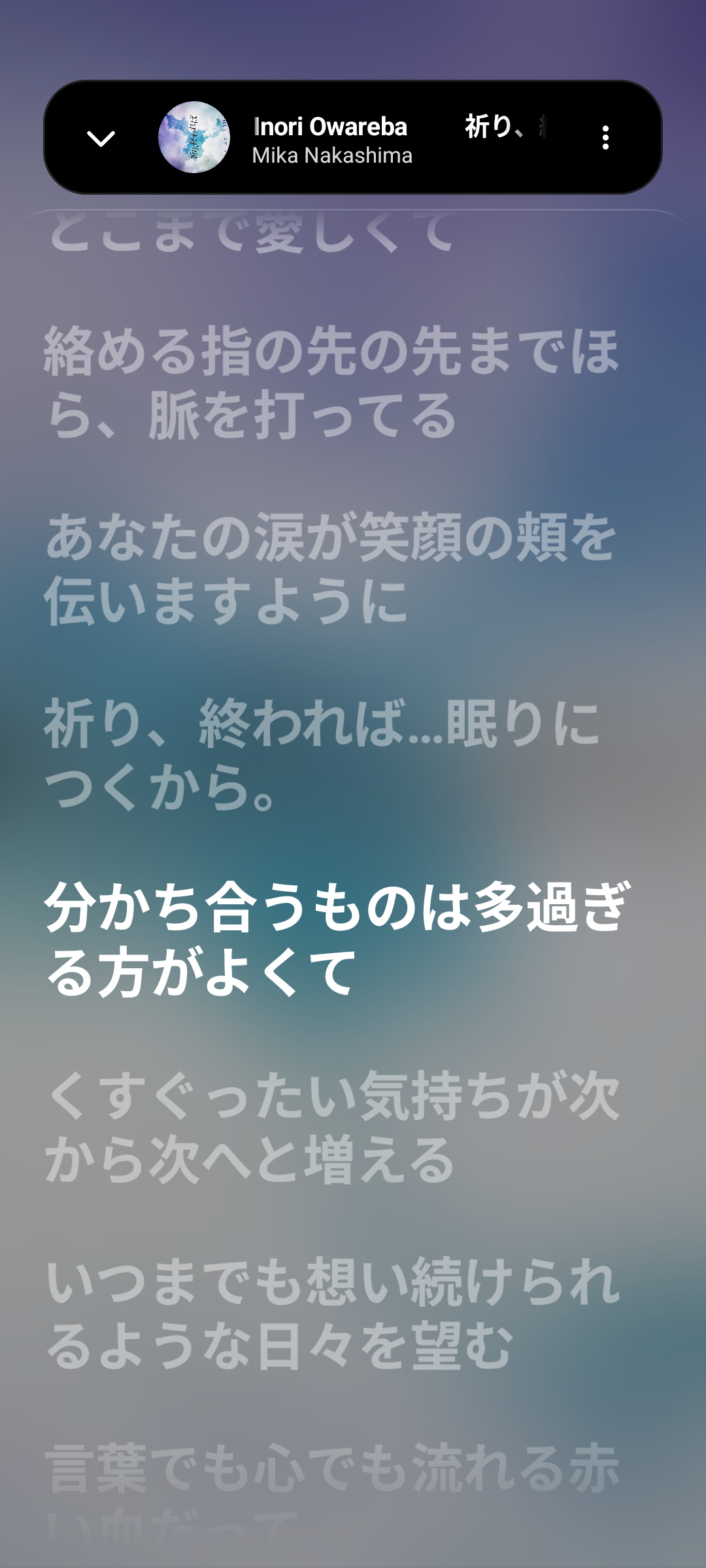
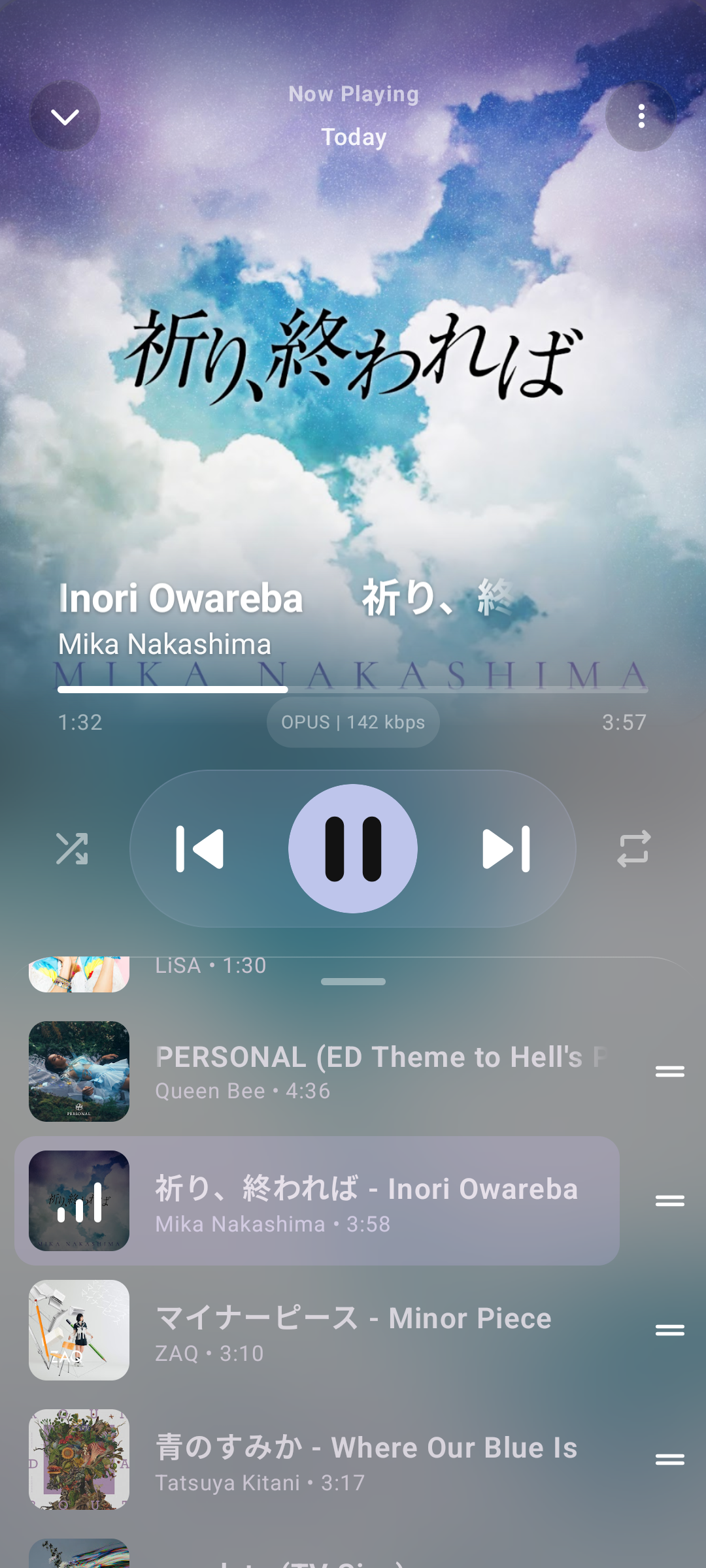
Everything stays on your device: there is no telemetry, crash reporting or third-party trackers, and credentials are encrypted locally with AES-256-GCM via Google Tink.What is the Yuma Design System (YDS 2.1)?It's the app's custom visual system: translucent glass cards with thin hairline borders and layered corner geometry, plus a dual-sheet gesture engine where swiping left opens Lyrics and swiping right opens the Queue, animated with a Telegram-style morphing header.
It's the app's custom visual system: translucent glass cards with thin hairline borders and layered corner geometry, plus a dual-sheet gesture engine where swiping left opens Lyrics and swiping right opens the Queue, animated with a Telegram-style morphing header.How does the synchronized lyrics feature work?Lyrics are shown in a 3-tier live display (original script, romanization, and translation) with word-by-word karaoke scrolling pulled from 6+ providers like LRCLIB and SimpMusic, and lines can be instantly AI-translated into your preferred language.
Lyrics are shown in a 3-tier live display (original script, romanization, and translation) with word-by-word karaoke scrolling pulled from 6+ providers like LRCLIB and SimpMusic, and lines can be instantly AI-translated into your preferred language.Can I listen along with friends in real time?Yes, the 'Together' feature syncs playback between devices over WebSockets, and the app also supports Discord Rich Presence and Last.fm/ListenBrainz scrobbling.
Yes, the 'Together' feature syncs playback between devices over WebSockets, and the app also supports Discord Rich Presence and Last.fm/ListenBrainz scrobbling.What codebases is YumaPlayer built on?It's a rebuild of ArchiveTune with foundations from Metrolist and SimpMusic, taking queue mechanics from PixelPlayer, Spotify integration ideas from Meld, and FLAC architecture inspiration from Stash.
It's a rebuild of ArchiveTune with foundations from Metrolist and SimpMusic, taking queue mechanics from PixelPlayer, Spotify integration ideas from Meld, and FLAC architecture inspiration from Stash.What are similar projects?Metrolist, vivi-music, LastWave-Native, ArchiveTune, Levyra-deepsound, SimpMusic, BitChord, Echo-Music
Metrolist, vivi-music, LastWave-Native, ArchiveTune, Levyra-deepsound, SimpMusic, BitChord, Echo-MusicWhich topics is it in?glassmorphism, lyrics, flac, android-ui, youtube-music, material3, spotify, jetpack-compose, music-player, localization, music, translation
glassmorphism, lyrics, flac, android-ui, youtube-music, material3, spotify, jetpack-compose, music-player, localization, music, translation