







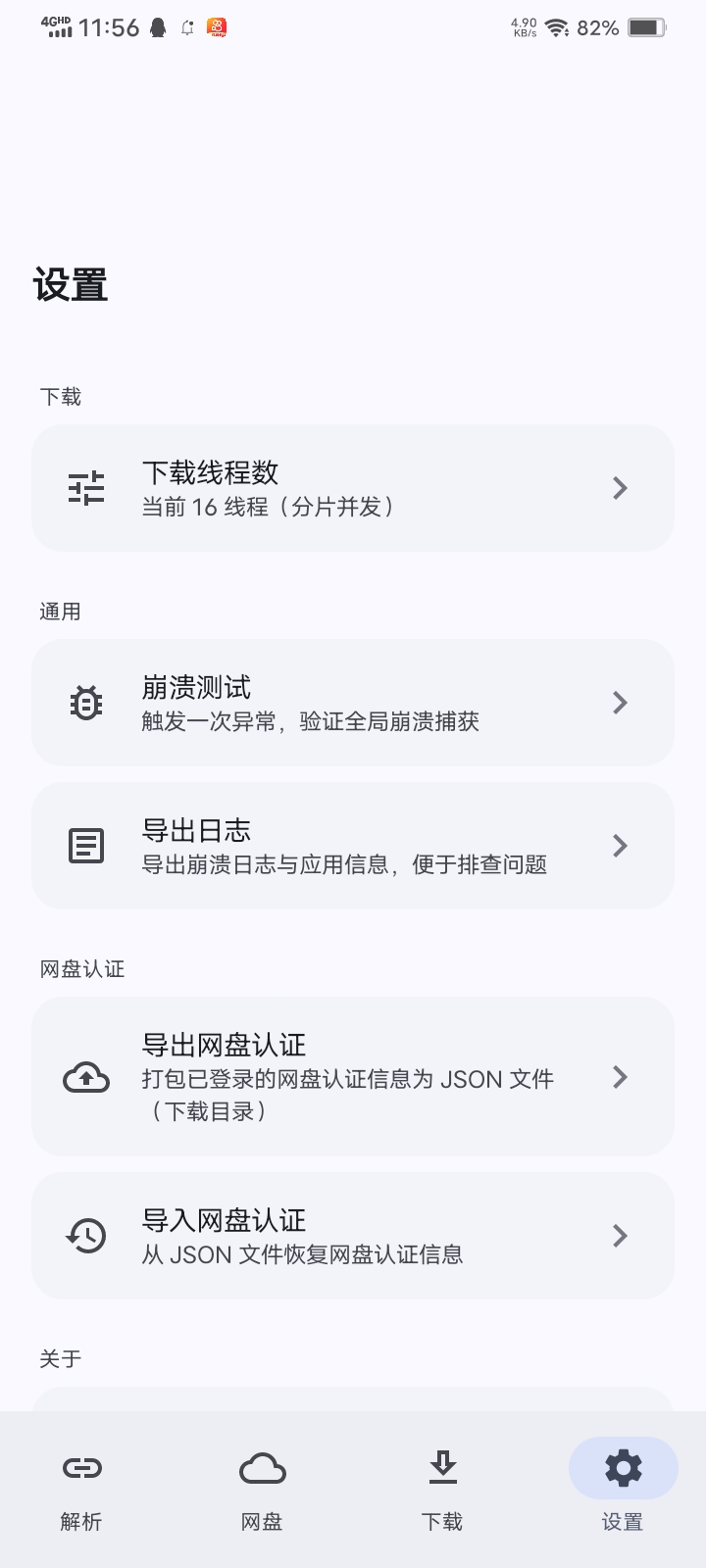
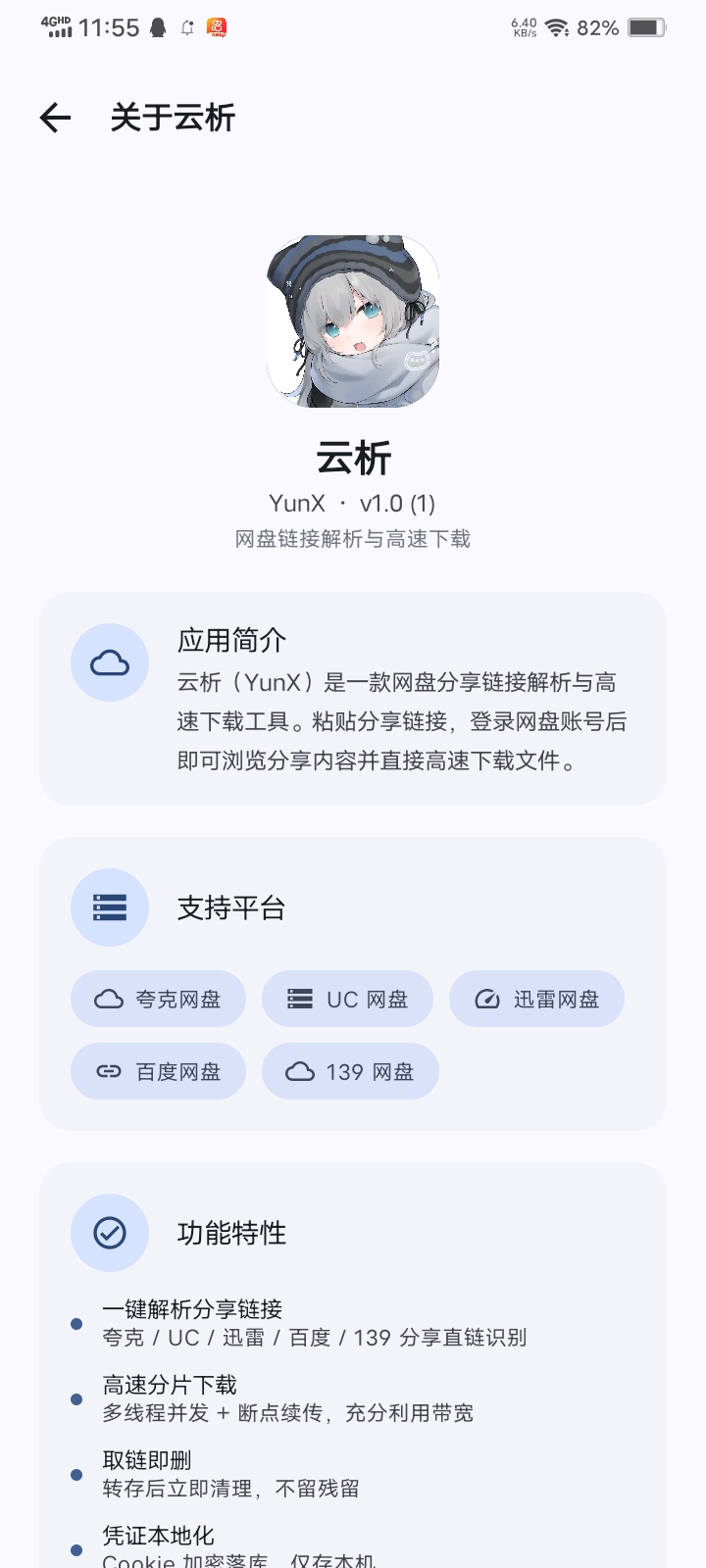
What is this?
 YunX (云析) is an open-source Android app that parses share links from Chinese cloud storage services and downloads the files directly, with chunked concurrent downloading and resume support.
YunX (云析) is an open-source Android app that parses share links from Chinese cloud storage services and downloads the files directly, with chunked concurrent downloading and resume support.Is this an app I install, or a library for developers?It is a standalone Android application built with Kotlin and Jetpack Compose; you install the APK on your phone rather than integrating it as a library.
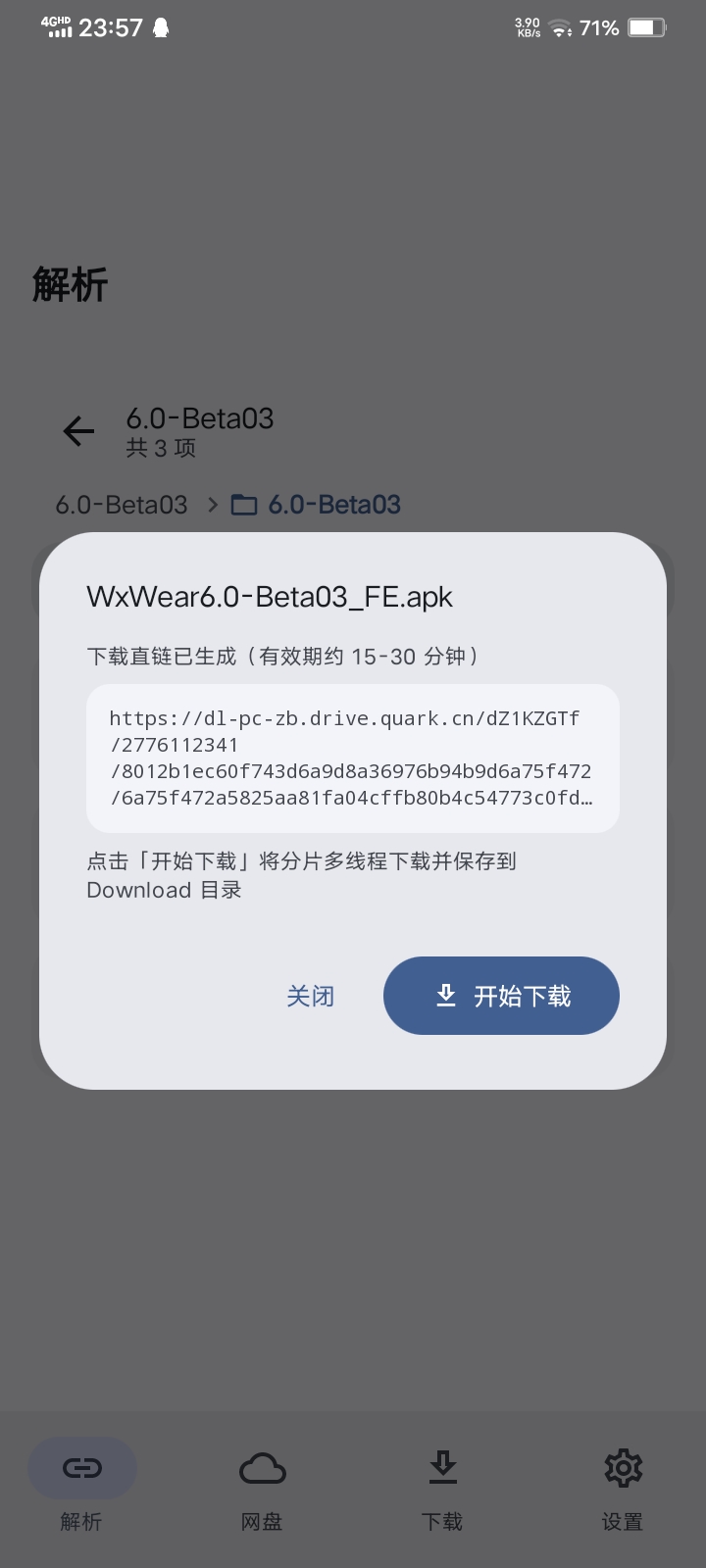
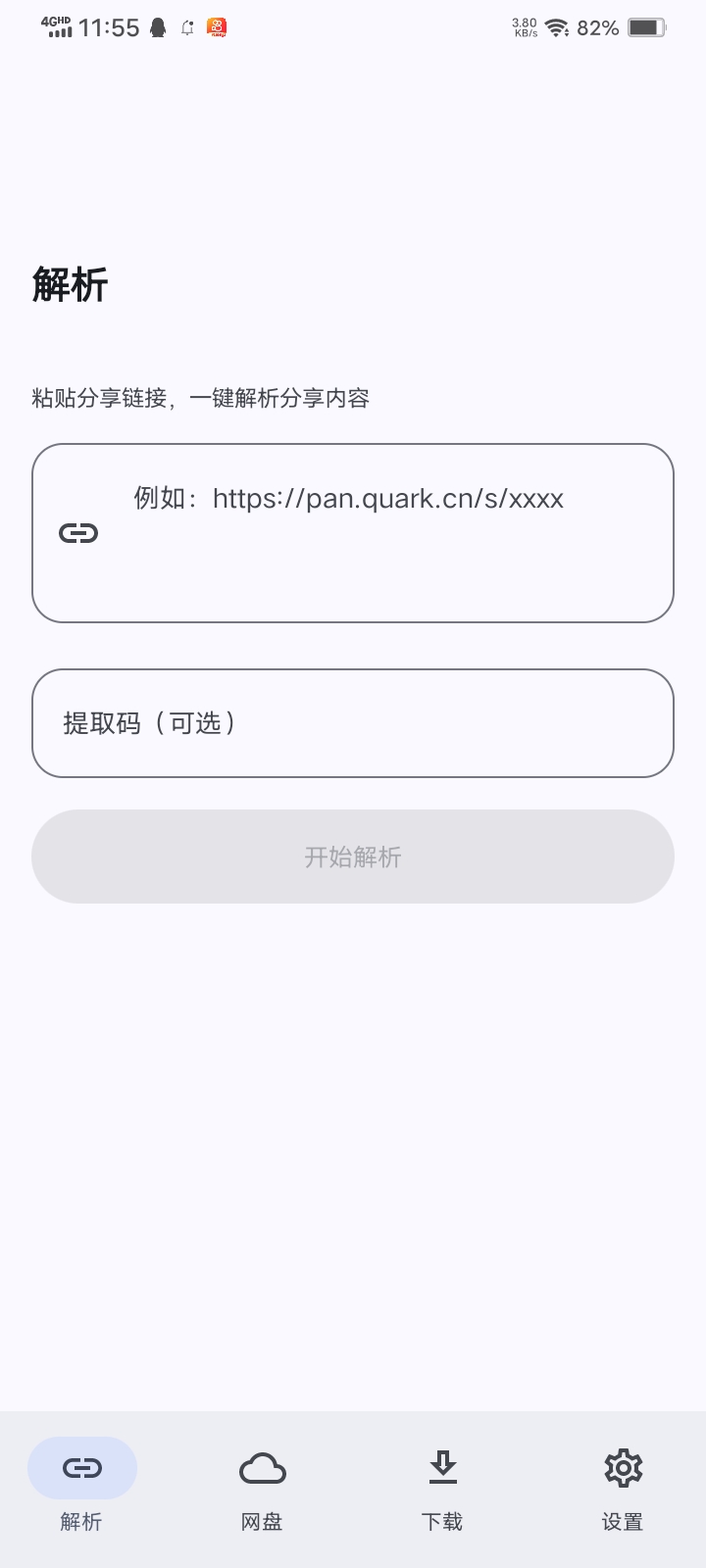
It is a standalone Android application built with Kotlin and Jetpack Compose; you install the APK on your phone rather than integrating it as a library.How do I start using it to download from a share link?Log into the cloud drive you need on the Netdisk tab, paste the share link (with extraction code if needed) on the Parse tab, browse the shared content, then tap a file to get its direct download link and track progress on the Download tab.
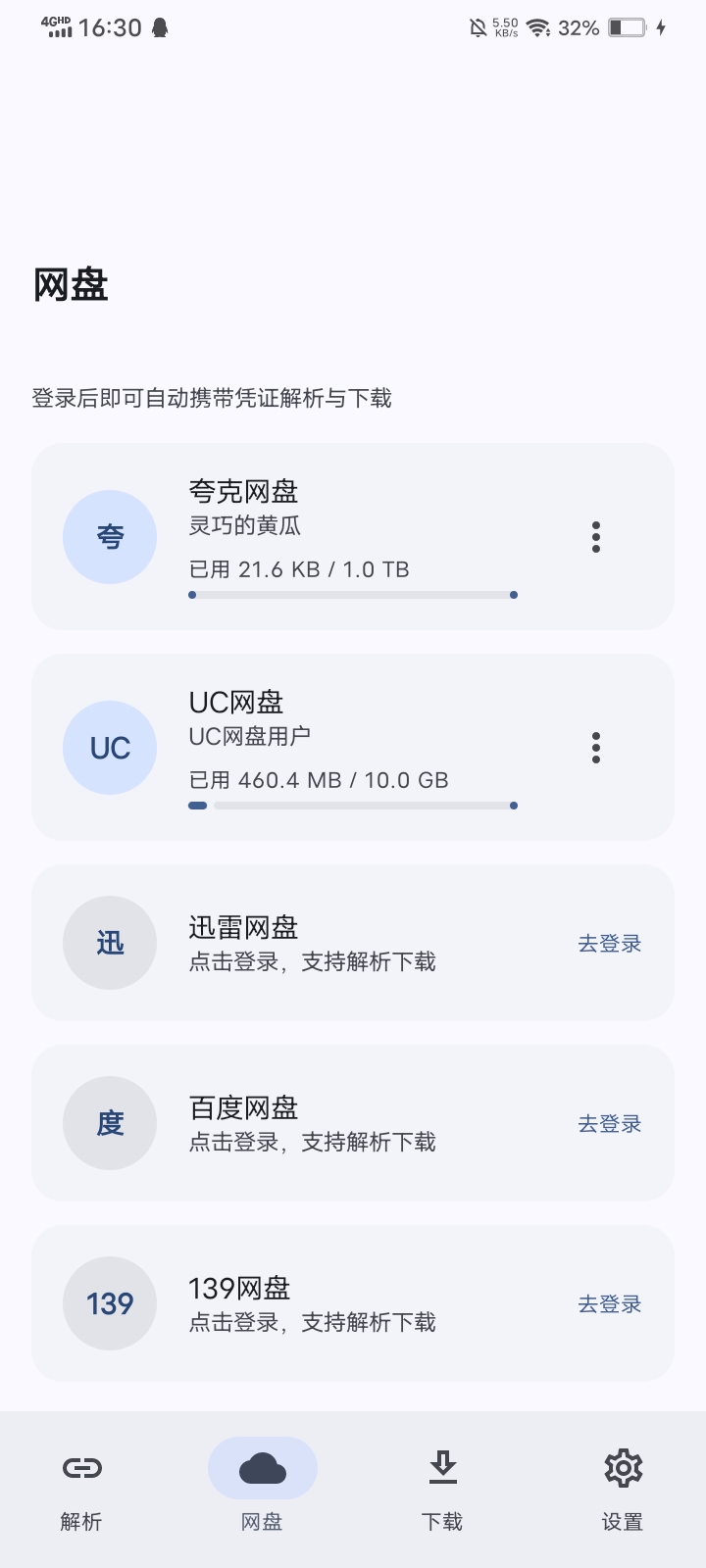
Log into the cloud drive you need on the Netdisk tab, paste the share link (with extraction code if needed) on the Parse tab, browse the shared content, then tap a file to get its direct download link and track progress on the Download tab.Do I need accounts for each cloud drive, or can I just paste a link?You first need to log into the relevant cloud drive inside the app: Quark/UC/Baidu/139 use WebView cookie login, Thunder uses a password or SMS, and 123 Cloud uses an account/password to obtain a JWT.
You first need to log into the relevant cloud drive inside the app: Quark/UC/Baidu/139 use WebView cookie login, Thunder uses a password or SMS, and 123 Cloud uses an account/password to obtain a JWT.Is Baidu Netdisk support safe to use?The README explicitly warns against using Baidu Netdisk because it can trigger account 'risk control' restrictions; other supported platforms don't carry this warning.
The README explicitly warns against using Baidu Netdisk because it can trigger account 'risk control' restrictions; other supported platforms don't carry this warning.Does it run on iOS or only Android?YunX is Android-only; a separate community project called YunX-Desktop covers PC, since the author has no plans to build an official desktop version.
YunX is Android-only; a separate community project called YunX-Desktop covers PC, since the author has no plans to build an official desktop version.Which cloud storage services are supported?Quark, UC, Thunder (Xunlei), Baidu, 123 Cloud, and 139 Netdisk (Caiyun); support for other platforms can be requested via an issue.
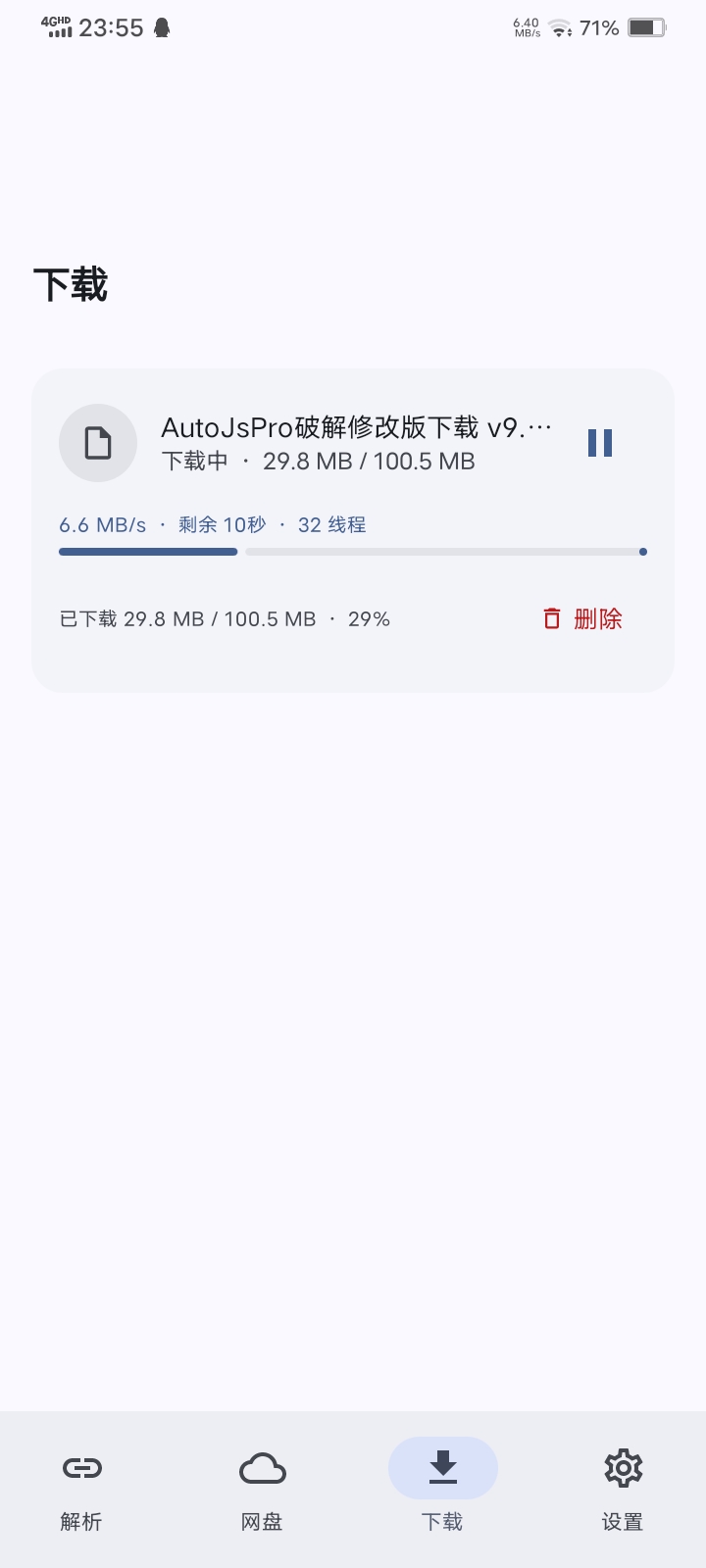
Quark, UC, Thunder (Xunlei), Baidu, 123 Cloud, and 139 Netdisk (Caiyun); support for other platforms can be requested via an issue.How fast is the download, and does it survive interruptions?Downloads use Range-based chunked concurrency with up to 32 parallel chunks, saving request headers and a fixed chunk plan so paused or interrupted tasks resume where they left off.
Downloads use Range-based chunked concurrency with up to 32 parallel chunks, saving request headers and a fixed chunk plan so paused or interrupted tasks resume where they left off.What happens to temporarily transferred files after downloading?For Baidu and Thunder the temporary transfer is cleaned up right after the direct link is fetched; for Quark it's kept until the download finishes or the task is deleted.
For Baidu and Thunder the temporary transfer is cleaned up right after the direct link is fetched; for Quark it's kept until the download finishes or the task is deleted.Can I paste a link without manually opening the parse screen?Yes — after copying a share link elsewhere, returning to YunX shows a one-tap prompt to paste and parse it straight from the clipboard.
Yes — after copying a share link elsewhere, returning to YunX shows a one-tap prompt to paste and parse it straight from the clipboard.What are similar projects?Seal, nowinandroid, Shizuku-Next, Metrolist, dsh-mobile, DiPlay-CN, BiliPai, ArchiveTune
Seal, nowinandroid, Shizuku-Next, Metrolist, dsh-mobile, DiPlay-CN, BiliPai, ArchiveTuneWhich topics is it in?resumable, material3, webview, clipboard, gradle, download-manager, cloud-storage, jetpack-compose, file-sharing, jwt, material-design, backup
resumable, material3, webview, clipboard, gradle, download-manager, cloud-storage, jetpack-compose, file-sharing, jwt, material-design, backup