






13.1K ·GitHub
Что это такое?
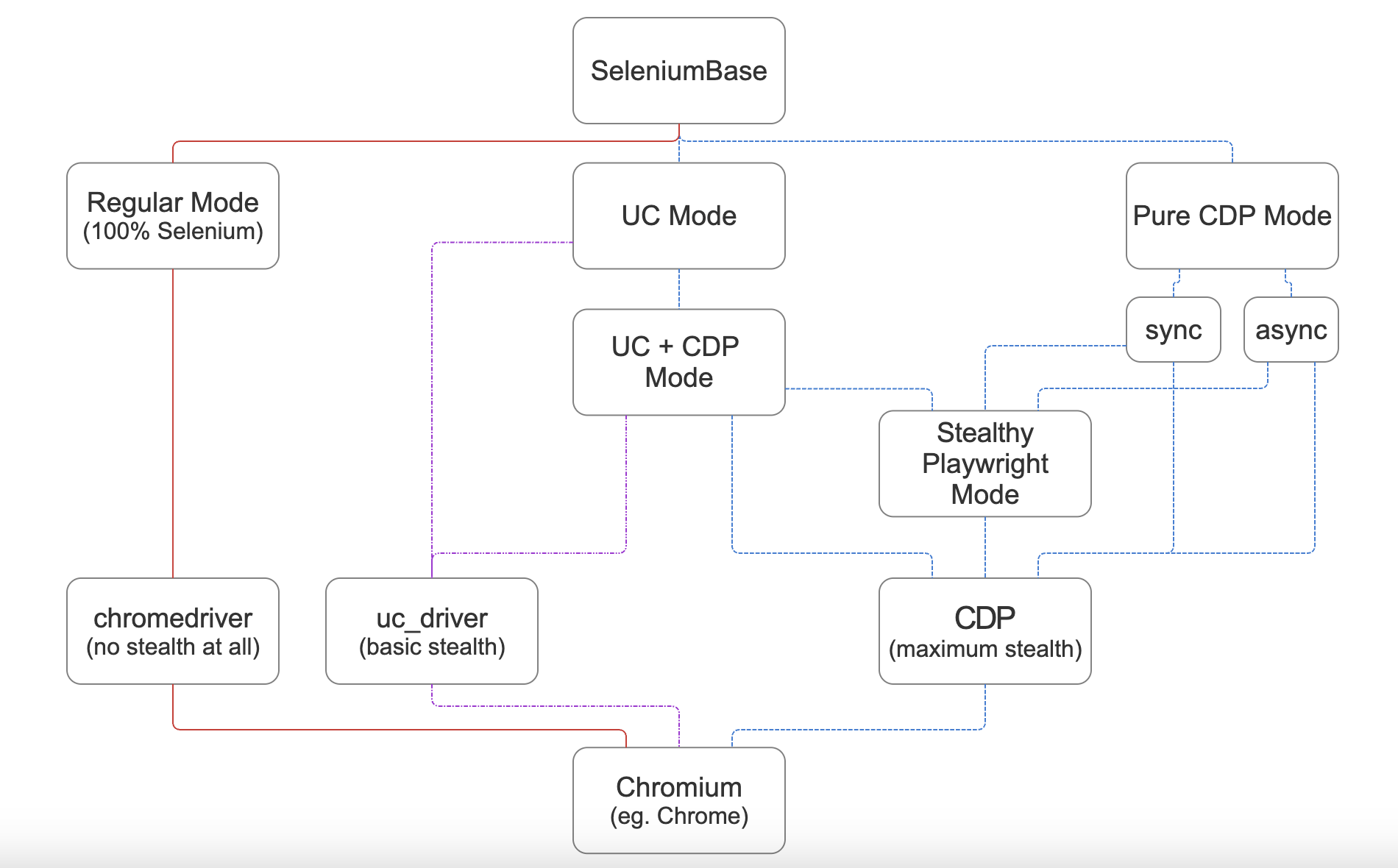
 SeleniumBase — это универсальный Python-фреймворк для автоматизации браузера: краулинг, тестирование, скрапинг и скрытная работа. Его режим CDP Mode обходит ботов-детект в браузерах на базе Chromium, а Stealthy Playwright Mode распространяет это ещё и на Playwright.
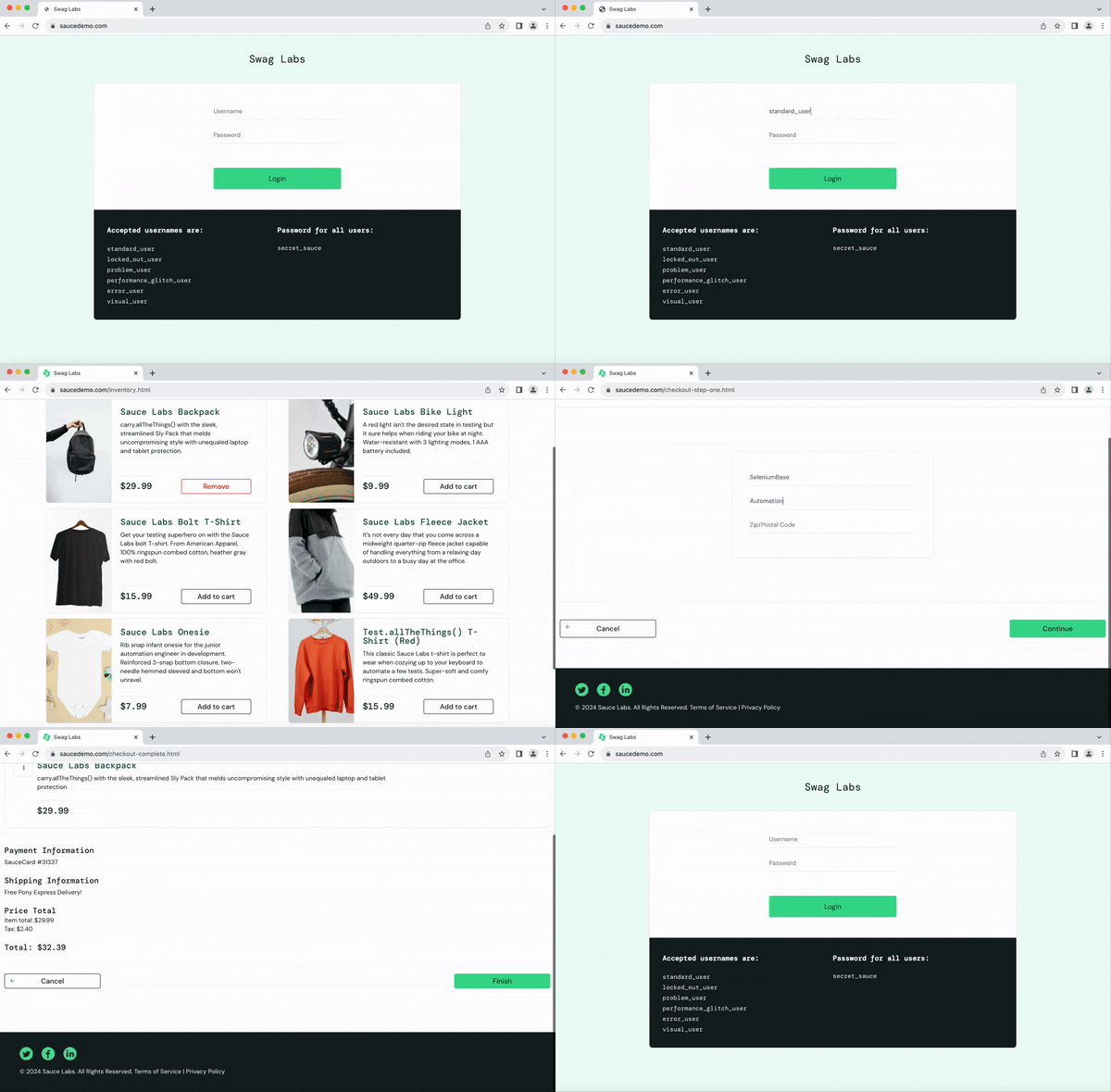
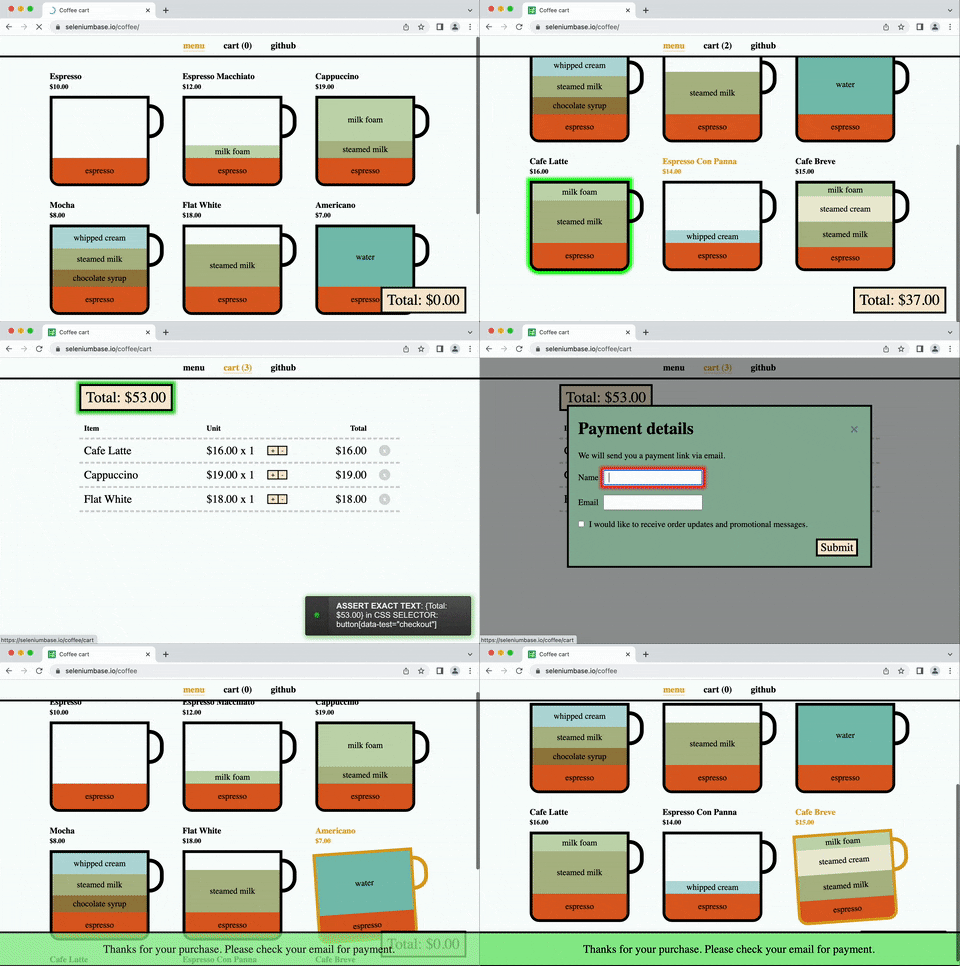
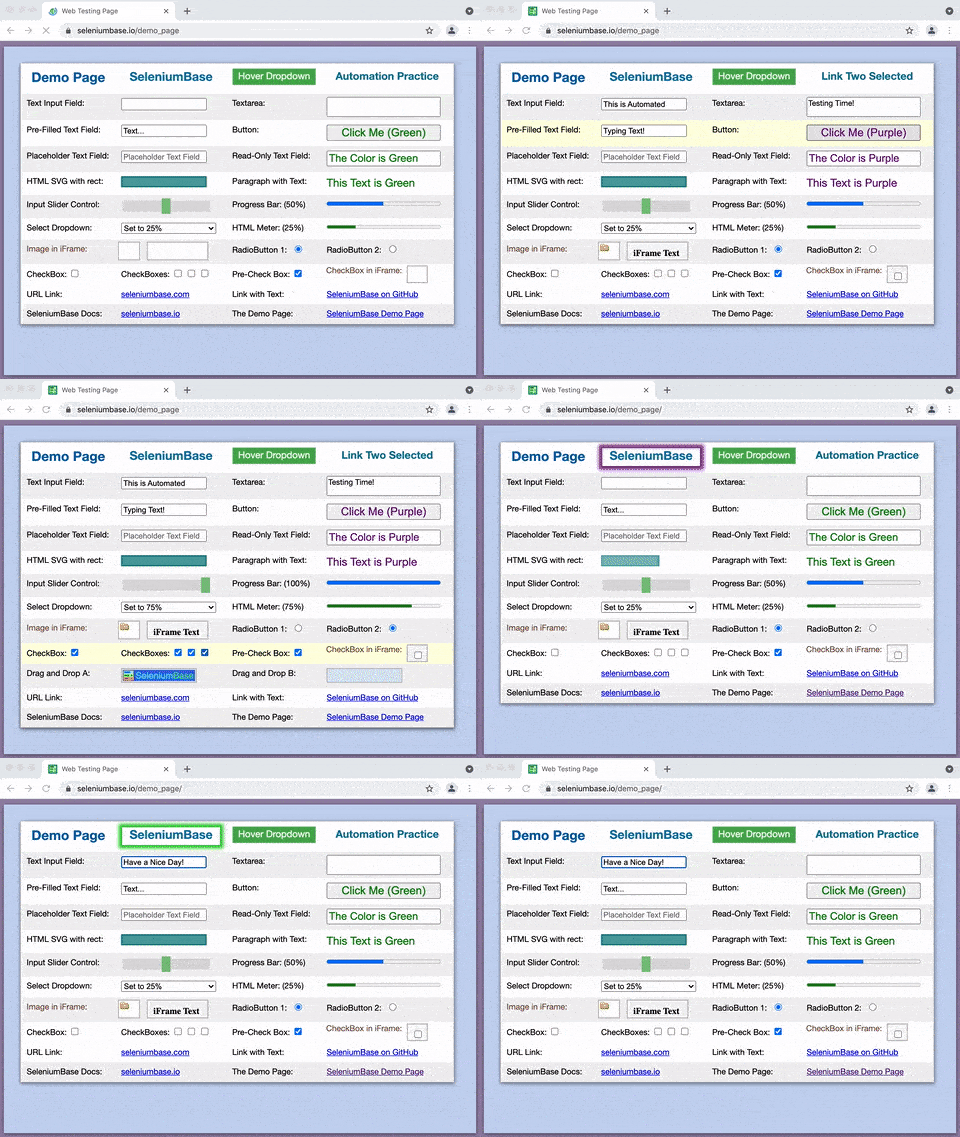
SeleniumBase — это универсальный Python-фреймворк для автоматизации браузера: краулинг, тестирование, скрапинг и скрытная работа. Его режим CDP Mode обходит ботов-детект в браузерах на базе Chromium, а Stealthy Playwright Mode распространяет это ещё и на Playwright.Это тестовый фреймворк или библиотека для скрапинга?И то и другое в одном фреймворке: он оборачивает API Selenium/WebDriver и подключается к тест-раннерам вроде pytest, pynose и behave, поэтому одни и те же вызовы работают и в организованных наборах E2E-тестов, и в скриптах для краулинга и скрапинга.
И то и другое в одном фреймворке: он оборачивает API Selenium/WebDriver и подключается к тест-раннерам вроде pytest, pynose и behave, поэтому одни и те же вызовы работают и в организованных наборах E2E-тестов, и в скриптах для краулинга и скрапинга.Как его запустить?Достаточно команды 'pip install seleniumbase' (подойдёт и 'uv add seleniumbase'). Для опционального Stealthy Playwright Mode дополнительно выполните 'pip install playwright'.
Достаточно команды 'pip install seleniumbase' (подойдёт и 'uv add seleniumbase'). Для опционального Stealthy Playwright Mode дополнительно выполните 'pip install playwright'.Какие браузеры он умеет управлять — и придётся ли мне следить за версиями chromedriver?Браузеры на базе Chromium; по умолчанию используется Google Chrome, а обычный Chromium или Chrome-for-Testing скачиваются автоматически, если их нет. Версии драйверов тоже подбираются сами — SeleniumBase подстраивается под ваш браузер, если вы явно не укажете версию через --driver-version=VER.
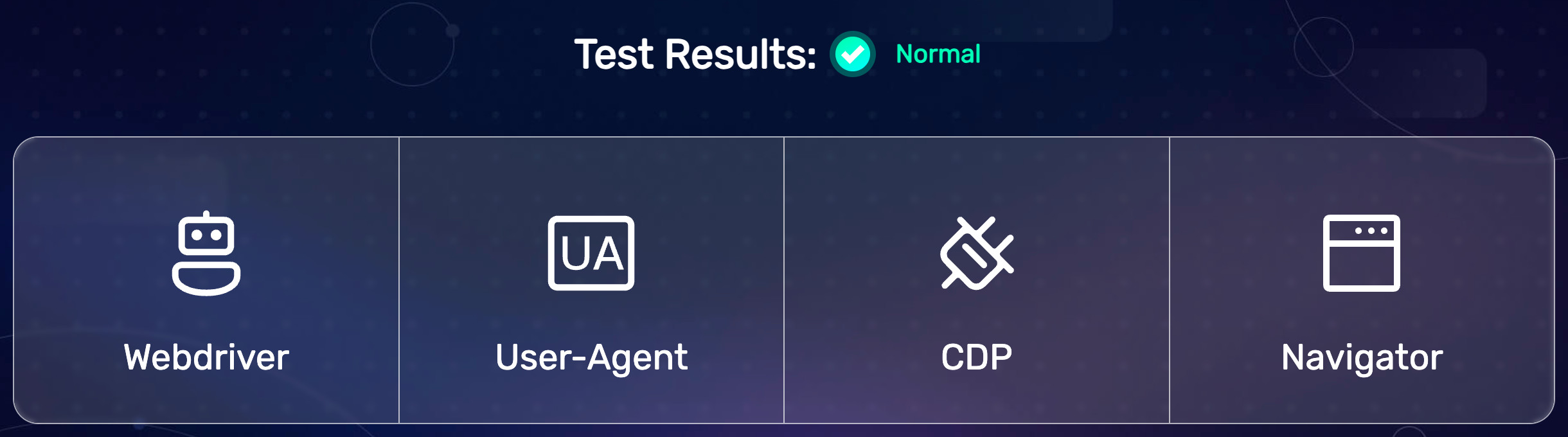
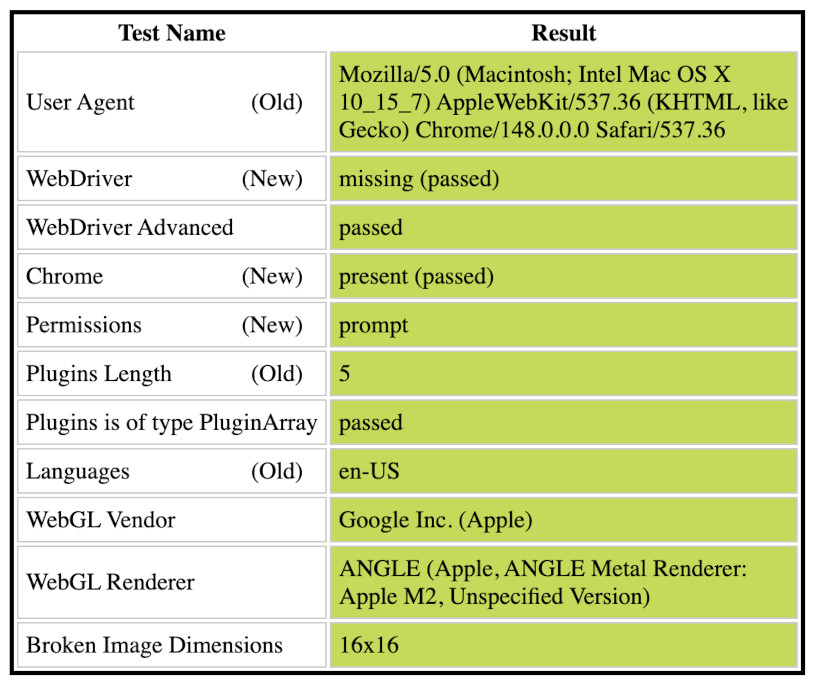
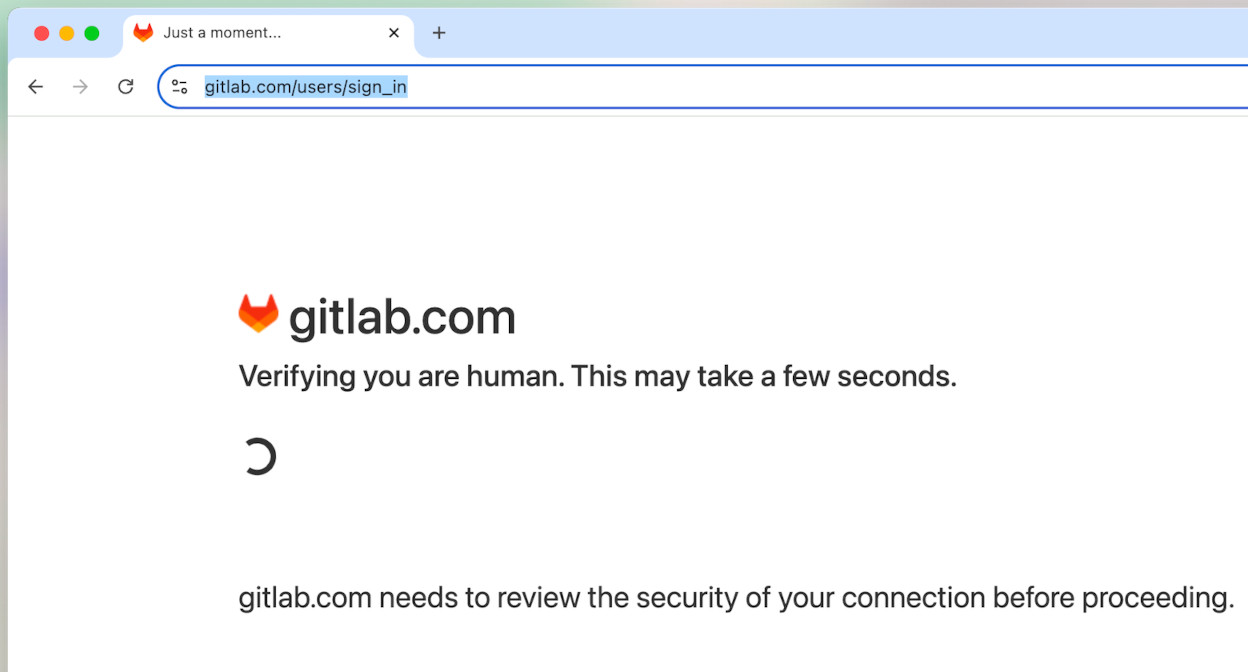
Браузеры на базе Chromium; по умолчанию используется Google Chrome, а обычный Chromium или Chrome-for-Testing скачиваются автоматически, если их нет. Версии драйверов тоже подбираются сами — SeleniumBase подстраивается под ваш браузер, если вы явно не укажете версию через --driver-version=VER.Обход ботов-детекта сработает на любом сайте?Не на каждом — в README показано прохождение всех проверок BrowserScan и челленджа Cloudflare Turnstile, но всё, что не обходится автоматически, переходит на sb.solvecaptcha(), который подключается только тогда, когда CAPTCHA реально есть на странице.
Не на каждом — в README показано прохождение всех проверок BrowserScan и челленджа Cloudflare Turnstile, но всё, что не обходится автоматически, переходит на sb.solvecaptcha(), который подключается только тогда, когда CAPTCHA реально есть на странице.Это в основном для QA-инженеров или ещё и для скрапинга?Для тех и других: основа — E2E-тестирование на pytest, но тот же API подходит для краулинга и скрапинга, а ботов-детект в CDP Mode нацелен на защищённые сайты, до которых обычному скрипту на Selenium не добраться.
Для тех и других: основа — E2E-тестирование на pytest, но тот же API подходит для краулинга и скрапинга, а ботов-детект в CDP Mode нацелен на защищённые сайты, до которых обычному скрипту на Selenium не добраться.Имеет ли значение, работаю ли я на Windows, Mac или Linux?Ночная CI-сборка прогоняет тесты на macOS и Ubuntu, а поскольку это пакет из pip, он работает везде, где есть Python и браузер на базе Chromium. Какой вариант Chromium использовать — решаете вы: в аргументах методов есть browser='edge' и browser='brave'.
Ночная CI-сборка прогоняет тесты на macOS и Ubuntu, а поскольку это пакет из pip, он работает везде, где есть Python и браузер на базе Chromium. Какой вариант Chromium использовать — решаете вы: в аргументах методов есть browser='edge' и browser='brave'.Чем это отличается от чистого Selenium?Чистый Selenium — это просто «голые» вызовы WebDriver. SeleniumBase добавляет интеграцию с тест-раннерами (pytest, pynose, behave), опции командной строки, автоматическое скачивание драйверов, автоопределение CSS- и XPath-селекторов и составные методы — например, self.type() дожидается, пока элемент станет видимым и интерактивным, очищает поле, вводит текст и нажимает Enter, если текст заканчивается переносом строки.
Чистый Selenium — это просто «голые» вызовы WebDriver. SeleniumBase добавляет интеграцию с тест-раннерами (pytest, pynose, behave), опции командной строки, автоматическое скачивание драйверов, автоопределение CSS- и XPath-селекторов и составные методы — например, self.type() дожидается, пока элемент станет видимым и интерактивным, очищает поле, вводит текст и нажимает Enter, если текст заканчивается переносом строки.Для чего на практике используют CDP Mode?Для скрытного скрапинга и автоматизации на защищённых сайтах: в README показано прохождение всех проверок ботов-детекта BrowserScan, обход страницы челленджа Cloudflare Turnstile и сохранение результатов поиска Google в файлы PDF, HTML и PNG в папку ./latestlogs/. Через Stealthy Playwright Mode к той же скрытной сессии может подключиться Playwright.
Для скрытного скрапинга и автоматизации на защищённых сайтах: в README показано прохождение всех проверок ботов-детекта BrowserScan, обход страницы челленджа Cloudflare Turnstile и сохранение результатов поиска Google в файлы PDF, HTML и PNG в папку ./latestlogs/. Через Stealthy Playwright Mode к той же скрытной сессии может подключиться Playwright.Есть ли MCP-сервер, чтобы кодинг-агенты могли им управлять?Да — README ссылается на MCP-сервер seleniumbase-mcp, отдельный пакет от основного фреймворка, который ставится через 'pip install seleniumbase'.
Да — README ссылается на MCP-сервер seleniumbase-mcp, отдельный пакет от основного фреймворка, который ставится через 'pip install seleniumbase'.Где найти рабочие примеры стелса, чтобы взять за основу?Примеры Stealthy CDP Mode лежат в ./examples/cdpmode/, а Stealthy Playwright — в ./examples/cdpmode/playwright/, включая запуски, которые проходят проверки ботов-детекта Sannysoft и BrowserScan.
Примеры Stealthy CDP Mode лежат в ./examples/cdpmode/, а Stealthy Playwright — в ./examples/cdpmode/playwright/, включая запуски, которые проходят проверки ботов-детекта Sannysoft и BrowserScan.What are similar projects?undetected-chromedriver, botasaurus, playwright, ovobrowser, CloakBrowser, turnstile-bypass, invisible_selenium, nopecha-extension
undetected-chromedriver, botasaurus, playwright, ovobrowser, CloakBrowser, turnstile-bypass, invisible_selenium, nopecha-extensionWhich topics is it in?end-to-end-testing, captcha-solving, cloudflare-bypass, web-automation, anti-detection, bot-detection, selenium, e2e-testing, chromium, test-automation, scraping, crawler
end-to-end-testing, captcha-solving, cloudflare-bypass, web-automation, anti-detection, bot-detection, selenium, e2e-testing, chromium, test-automation, scraping, crawler