






13.1K ·GitHub
What is this?
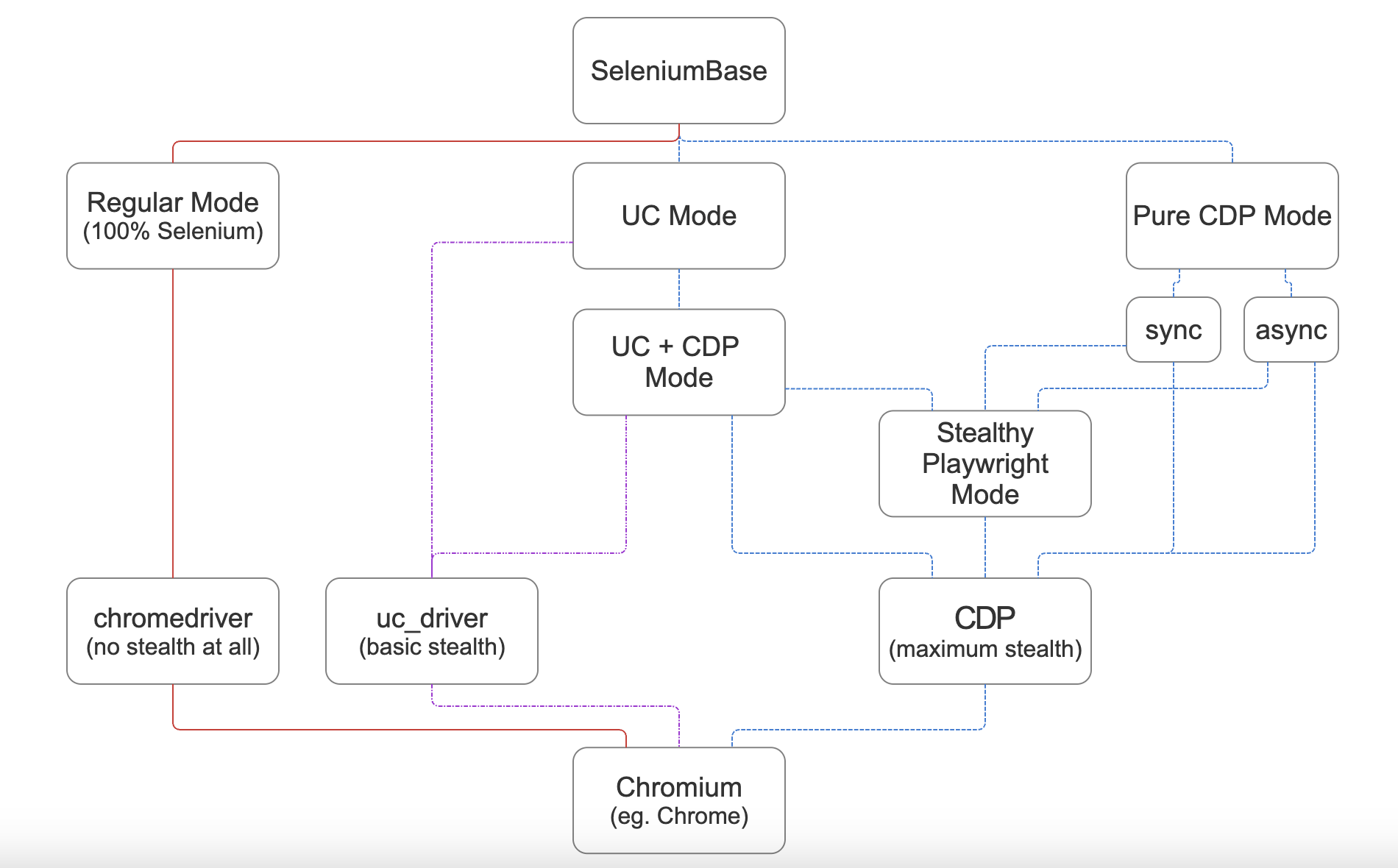
 SeleniumBase is an all-in-one Python framework for browser automation — web crawling, testing, scraping, and stealth. Its CDP Mode bypasses bot-detection in Chromium-based browsers, and a Stealthy Playwright Mode extends that to Playwright.
SeleniumBase is an all-in-one Python framework for browser automation — web crawling, testing, scraping, and stealth. Its CDP Mode bypasses bot-detection in Chromium-based browsers, and a Stealthy Playwright Mode extends that to Playwright.Is it a testing framework or a scraping library?Both, in one framework: it wraps the Selenium/WebDriver APIs and plugs into test runners like pytest, pynose, and behave, so the same calls power organized E2E test suites as well as crawling and scraping scripts.
Both, in one framework: it wraps the Selenium/WebDriver APIs and plugs into test runners like pytest, pynose, and behave, so the same calls power organized E2E test suites as well as crawling and scraping scripts.How do I get it running?'pip install seleniumbase' is all it takes ('uv add seleniumbase' works too). For the optional Stealthy Playwright Mode, also run 'pip install playwright'.
'pip install seleniumbase' is all it takes ('uv add seleniumbase' works too). For the optional Stealthy Playwright Mode, also run 'pip install playwright'.Which browsers can it drive — and do I have to babysit chromedriver versions?Chromium-based browsers; Google Chrome is the default, and unbranded Chromium or Chrome-for-Testing are downloaded automatically if missing. Driver versions are handled for you too — SeleniumBase matches your browser unless you pin one with --driver-version=VER.
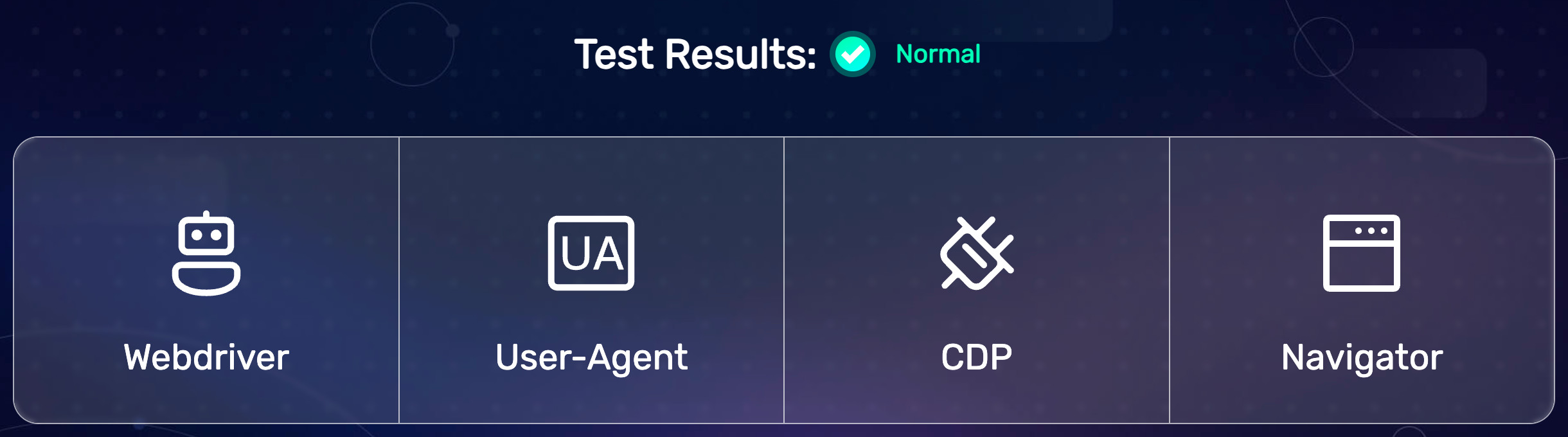
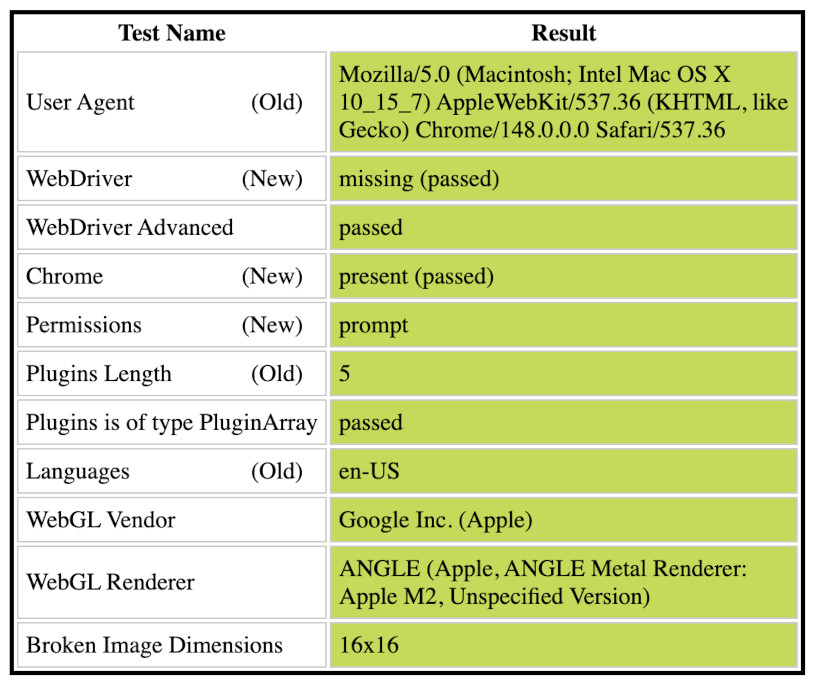
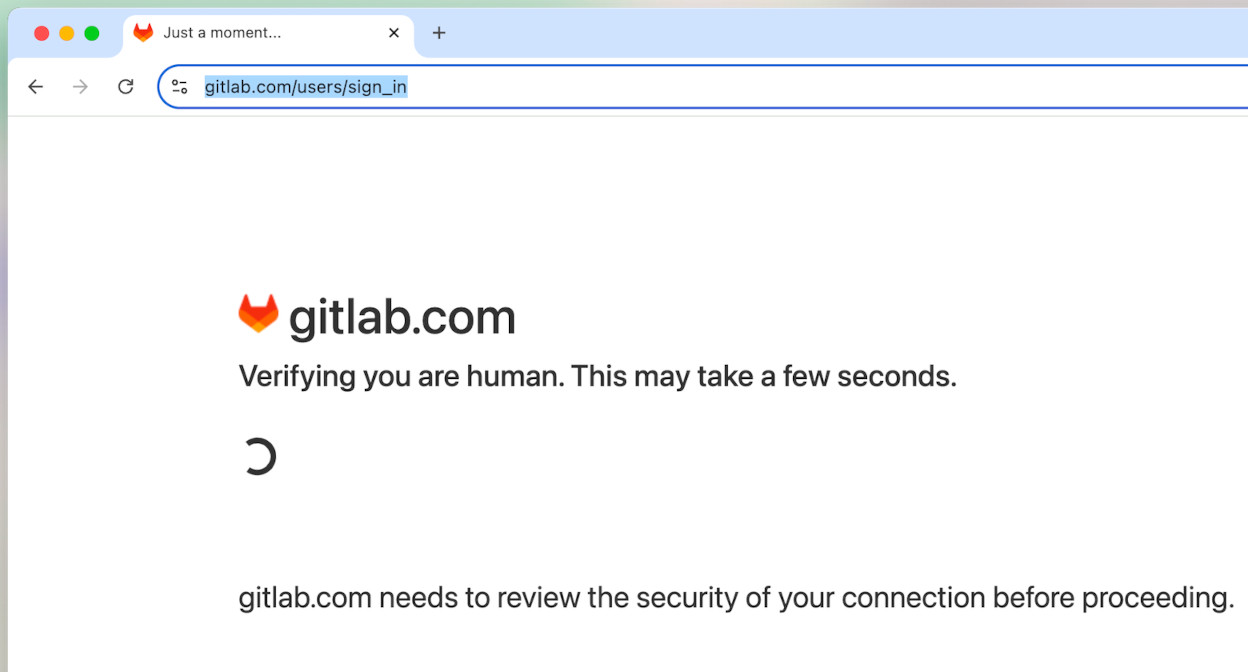
Chromium-based browsers; Google Chrome is the default, and unbranded Chromium or Chrome-for-Testing are downloaded automatically if missing. Driver versions are handled for you too — SeleniumBase matches your browser unless you pin one with --driver-version=VER.Will the bot-detection bypass work on any site?Not on every site — the README demos passing all BrowserScan checks and a Cloudflare Turnstile challenge, but whatever isn't bypassed automatically falls through to sb.solvecaptcha(), which steps in only when a CAPTCHA is actually on the page.
Not on every site — the README demos passing all BrowserScan checks and a Cloudflare Turnstile challenge, but whatever isn't bypassed automatically falls through to sb.solvecaptcha(), which steps in only when a CAPTCHA is actually on the page.Is this mainly for QA engineers, or also for scraping?Both audiences: pytest-based E2E testing is the core, but the same API drives crawling and scraping — and CDP Mode's bot-detection bypass is aimed at protected sites a plain Selenium script can't touch.
Both audiences: pytest-based E2E testing is the core, but the same API drives crawling and scraping — and CDP Mode's bot-detection bypass is aimed at protected sites a plain Selenium script can't touch.Does it matter if I'm on Windows, Mac, or Linux?Nightly CI exercises the suite on macOS and Ubuntu, and being a pip package it runs wherever Python and a Chromium browser are available. Which Chromium variant you drive is your call — method args include browser='edge' and browser='brave'.
Nightly CI exercises the suite on macOS and Ubuntu, and being a pip package it runs wherever Python and a Chromium browser are available. Which Chromium variant you drive is your call — method args include browser='edge' and browser='brave'.How is it different from just using raw Selenium?Raw Selenium is bare WebDriver calls. SeleniumBase layers on test-runner integration (pytest, pynose, behave), command-line options, automatic driver downloads, auto-detection of CSS vs XPath selectors, and multi-step methods — self.type() waits for the element to be visible and interactive, clears the field, types the text, and presses Enter if it ends in a newline.
Raw Selenium is bare WebDriver calls. SeleniumBase layers on test-runner integration (pytest, pynose, behave), command-line options, automatic driver downloads, auto-detection of CSS vs XPath selectors, and multi-step methods — self.type() waits for the element to be visible and interactive, clears the field, types the text, and presses Enter if it ends in a newline.What does CDP Mode get used for in practice?Stealthy scraping and automation on protected sites: the README demos passing every BrowserScan bot-detection check, bypassing a Cloudflare Turnstile challenge page, and saving Google Search results as PDF, HTML, and PNG files into ./latestlogs/. Playwright can hook into the same stealthy session via Stealthy Playwright Mode.
Stealthy scraping and automation on protected sites: the README demos passing every BrowserScan bot-detection check, bypassing a Cloudflare Turnstile challenge page, and saving Google Search results as PDF, HTML, and PNG files into ./latestlogs/. Playwright can hook into the same stealthy session via Stealthy Playwright Mode.Is there an MCP server so coding agents can drive it?Yes — the README points to a seleniumbase-mcp MCP server, a separate package from the main 'pip install seleniumbase' framework.
Yes — the README points to a seleniumbase-mcp MCP server, a separate package from the main 'pip install seleniumbase' framework.Where can I find working stealth examples to copy from?Stealthy CDP Mode examples live in ./examples/cdpmode/, and Stealthy Playwright ones in ./examples/cdpmode/playwright/ — including runs that pass Sannysoft and BrowserScan bot-detection checks.
Stealthy CDP Mode examples live in ./examples/cdpmode/, and Stealthy Playwright ones in ./examples/cdpmode/playwright/ — including runs that pass Sannysoft and BrowserScan bot-detection checks.What are similar projects?undetected-chromedriver, botasaurus, playwright, ovobrowser, CloakBrowser, turnstile-bypass, invisible_selenium, nopecha-extension
undetected-chromedriver, botasaurus, playwright, ovobrowser, CloakBrowser, turnstile-bypass, invisible_selenium, nopecha-extensionWhich topics is it in?end-to-end-testing, captcha-solving, cloudflare-bypass, web-automation, anti-detection, bot-detection, selenium, e2e-testing, chromium, test-automation, scraping, crawler
end-to-end-testing, captcha-solving, cloudflare-bypass, web-automation, anti-detection, bot-detection, selenium, e2e-testing, chromium, test-automation, scraping, crawler