







What is this?
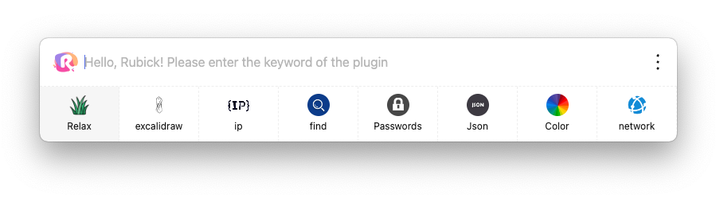
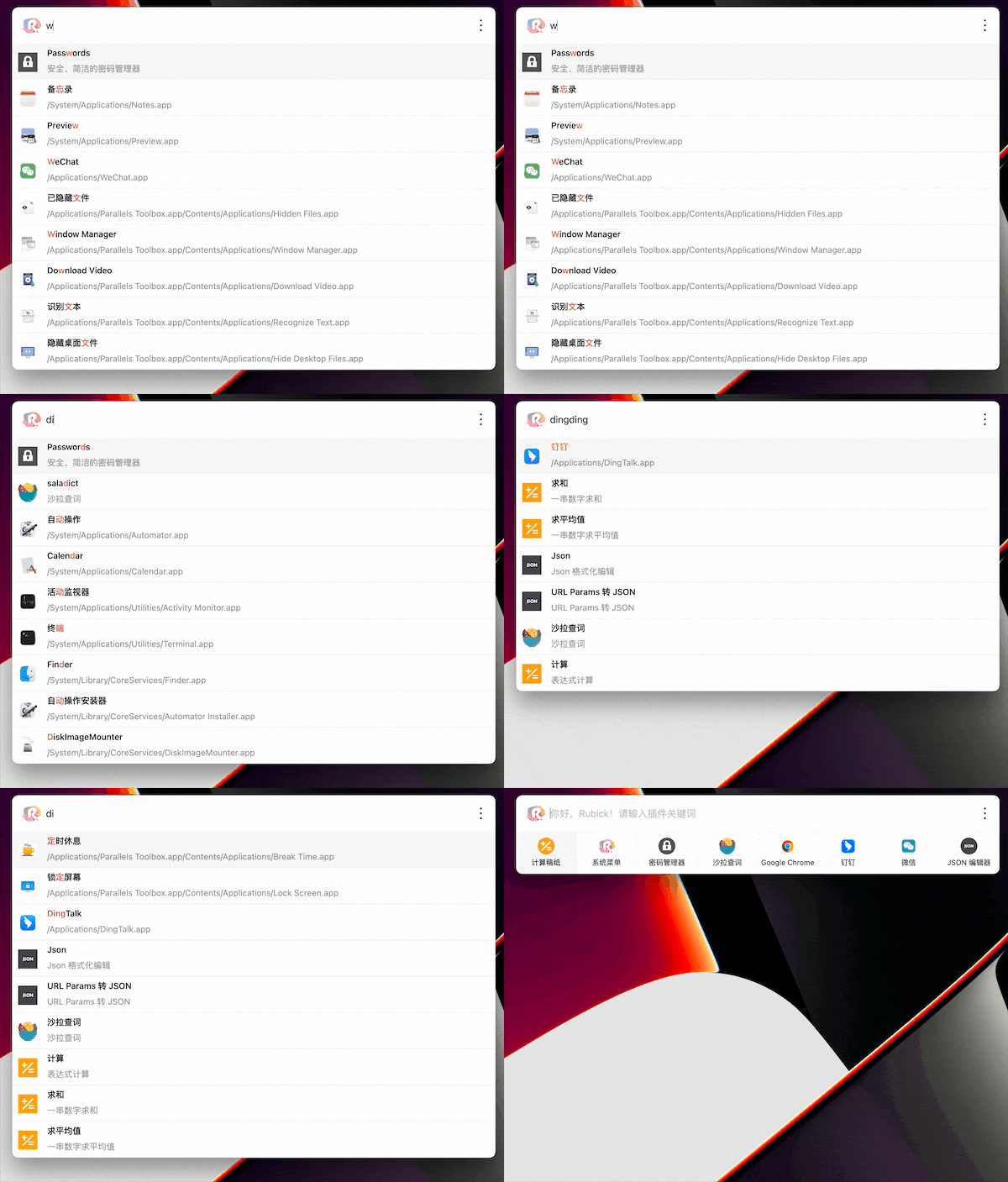
 Rubick is an open-source, plugin-based desktop efficiency toolbox: one search box that quick-launches local apps, files and folders, and hosts plugins you install from a built-in market.
Rubick is an open-source, plugin-based desktop efficiency toolbox: one search box that quick-launches local apps, files and folders, and hosts plugins you install from a built-in market.Is this a desktop app I install, or does it run in the browser?It is a native desktop app — you download an installer for your OS and run it locally; there is no web version.
It is a native desktop app — you download an installer for your OS and run it locally; there is no web version.How do I get it running?Download the installer for your OS from the releases page, install it, then press Alt/Option+R to bring up the search box and type keywords to find apps, plugins and files.
Download the installer for your OS from the releases page, install it, then press Alt/Option+R to bring up the search box and type keywords to find apps, plugins and files.Do I need Node or npm installed to use it?No — it is a self-contained desktop app. Plugins install with one click from the built-in market; they follow the npm package pattern under the hood, but that is handled for you.
No — it is a self-contained desktop app. Plugins install with one click from the built-in market; they follow the npm package pattern under the hood, but that is handled for you.Which operating systems does it run on?Windows, macOS and Linux — there is a separate download for each.
Windows, macOS and Linux — there is a separate download for each.Where does my plugin data end up?You stay in control: plugin data syncs across devices through your own WebDAV server, and Rubick also supports manual export/import and intranet deployment for companies.
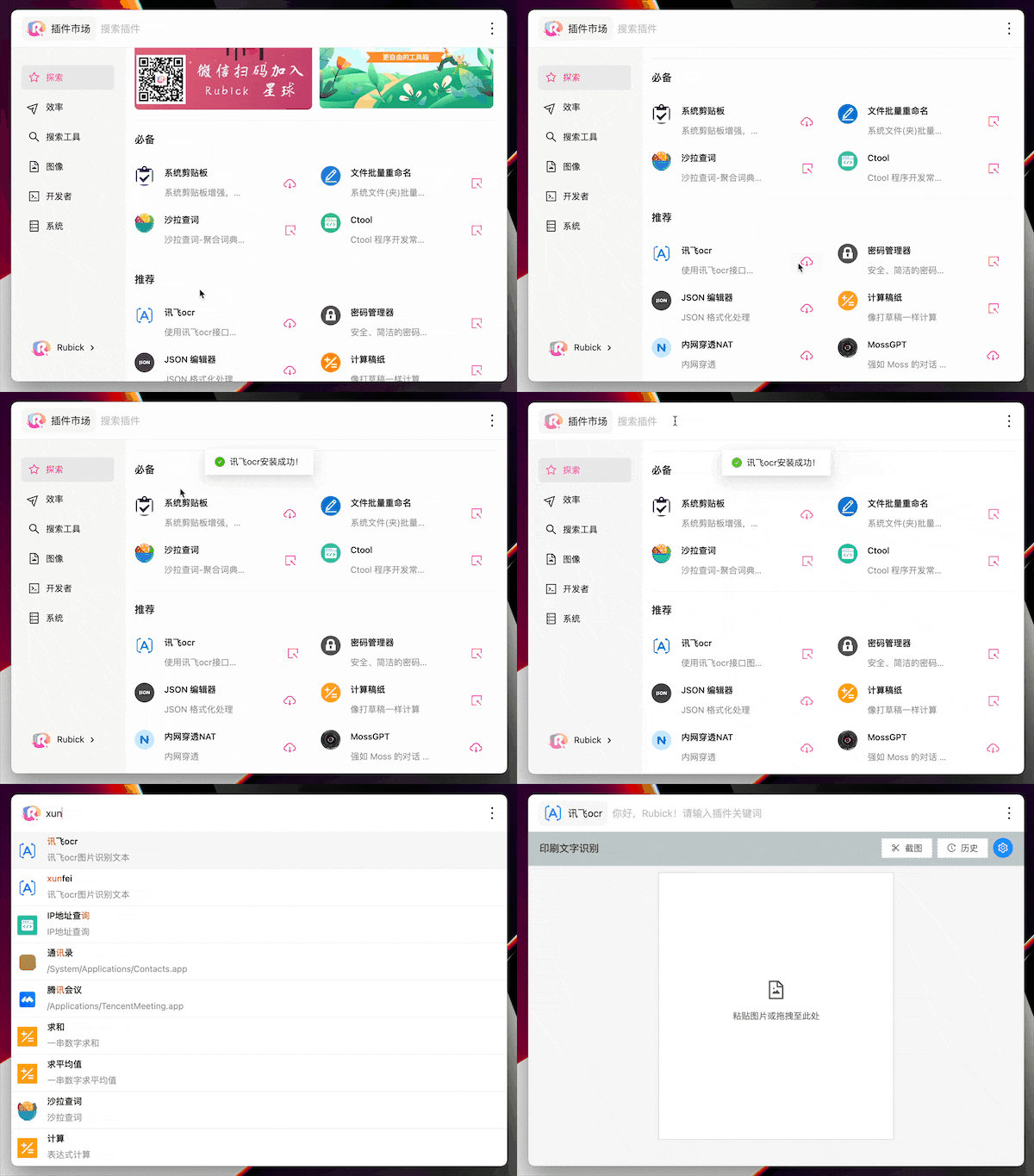
You stay in control: plugin data syncs across devices through your own WebDAV server, and Rubick also supports manual export/import and intranet deployment for companies.How do I install plugins?Click the rubick icon next to the search box to open the plugin market, pick a plugin and hit download. It then appears under the Installed tab, and you call it up by typing its keyword into the main search box.
Click the rubick icon next to the search box to open the plugin market, pick a plugin and hit download. It then appears under the Installed tab, and you call it up by typing its keyword into the main search box.What is the difference between UI plugins and system plugins?UI plugins are regular tools you summon by keyword from the search box. System plugins use a special mode that makes them an integral part of Rubick itself; both are installed from the plugin market's respective categories.
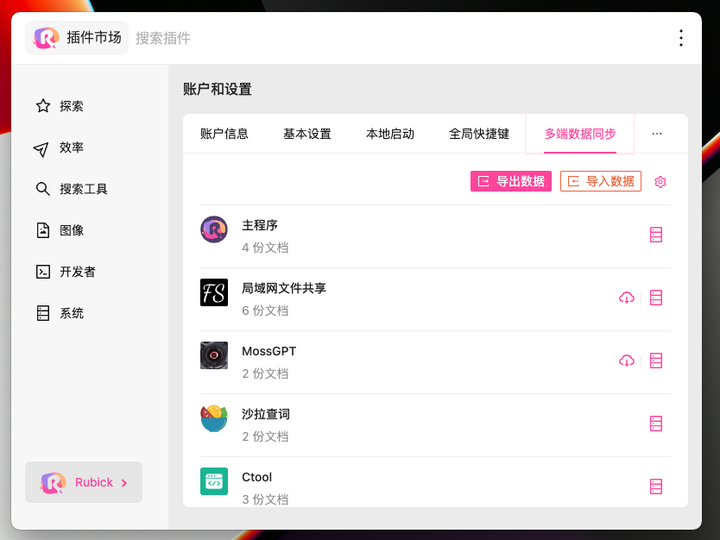
UI plugins are regular tools you summon by keyword from the search box. System plugins use a special mode that makes them an integral part of Rubick itself; both are installed from the plugin market's respective categories.Can I sync my data between several computers?Yes. Search for Preferences, open Account and Settings, and choose Multi-Device Data Synchronization: Rubick syncs plugin data over WebDAV, and you can also export and import data manually.
Yes. Search for Preferences, open Account and Settings, and choose Multi-Device Data Synchronization: Rubick syncs plugin data over WebDAV, and you can also export and import data manually.Can a company run it on its internal network?Yes — Rubick supports enterprise-level intranet deployment and can be customized for further development, so teams can run it entirely inside their own network.
Yes — Rubick supports enterprise-level intranet deployment and can be customized for further development, so teams can run it entirely inside their own network.What are similar projects?ZTools, Wox, PicGo, DSH-Launcher, deepseek-harness-desktop, rustcast, ZY-Player, Seelen-UI
ZTools, Wox, PicGo, DSH-Launcher, deepseek-harness-desktop, rustcast, ZY-Player, Seelen-UIWhich topics is it in?app-launcher, plugin-marketplace, launcher, webdav, toolkit, electron-app, search, plugin-system, multilingual, electron, vue, plugin
app-launcher, plugin-marketplace, launcher, webdav, toolkit, electron-app, search, plugin-system, multilingual, electron, vue, plugin