 UI for Apache Kafka




What is this?
 A free, open-source web UI for monitoring and managing Apache Kafka clusters — a lightweight dashboard that makes your data flows observable and helps find and troubleshoot issues faster. Built by developers, for developers.
A free, open-source web UI for monitoring and managing Apache Kafka clusters — a lightweight dashboard that makes your data flows observable and helps find and troubleshoot issues faster. Built by developers, for developers.Is it a hosted service I sign up for, or something I run myself?Something you run yourself: it's a web application you deploy locally or in the cloud with a couple of commands, then manage your Kafka clusters from a browser.
Something you run yourself: it's a web application you deploy locally or in the cloud with a couple of commands, then manage your Kafka clusters from a browser.How do I get it running?Use the pre-built Docker image for a quick demo run, or build it (or a jar) from sources yourself. For a persistent installation there's a configuration page, plus Docker Compose examples and Helm charts.
Use the pre-built Docker image for a quick demo run, or build it (or a jar) from sources yourself. For a persistent installation there's a configuration page, plus Docker Compose examples and Helm charts.Do I need Kafka clusters already running, or does it set them up for me?You connect it to your existing clusters — it's a monitoring and management layer on top of Kafka, not a Kafka distribution itself. Several clusters can be handled from one place.
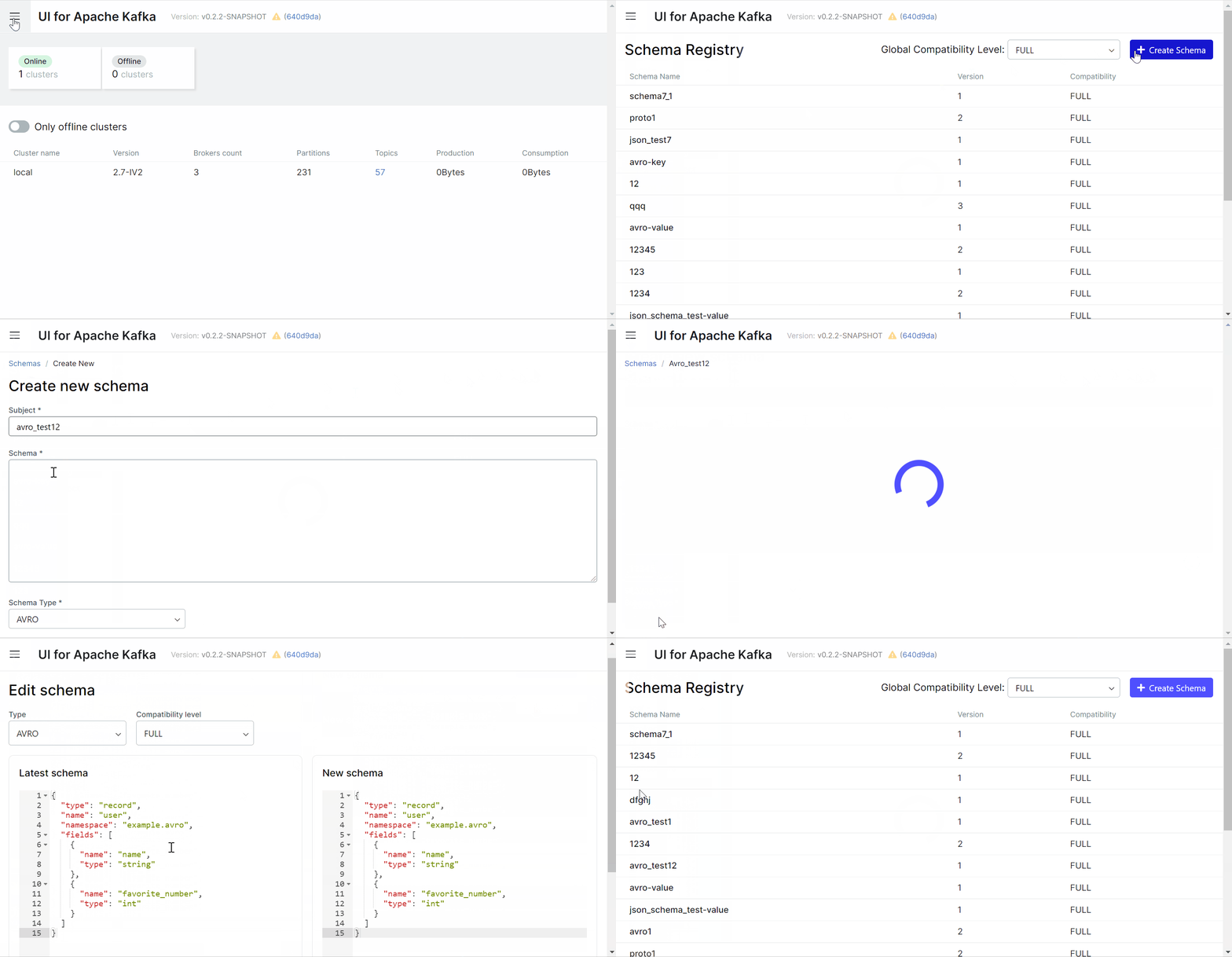
You connect it to your existing clusters — it's a monitoring and management layer on top of Kafka, not a Kafka distribution itself. Several clusters can be handled from one place.Can I produce Avro or Protobuf messages right away?Not until a schema is registered: before producing Avro or Protobuf encoded messages you have to add a schema for the topic in Schema Registry first. Avro, JSON Schema, and Protobuf schema types are supported.
Not until a schema is registered: before producing Avro or Protobuf encoded messages you have to add a schema for the topic in Schema Registry first. Avro, JSON Schema, and Protobuf schema types are supported.Can I lock it down, or is it open to anyone who has the URL?You can secure it: optional OAuth 2.0 sign-in via GitHub, GitLab or Google, role-based access control with granular permissions, and data masking that obfuscates sensitive data in topic messages.
You can secure it: optional OAuth 2.0 sign-in via GitHub, GitLab or Google, role-based access control with granular permissions, and data masking that obfuscates sensitive data in topic messages.Is any of this going to end up behind a paywall?No — it's Apache-2.0 licensed, and the maintainers promise it will remain free and open-source with no paid features or subscription plans ever being added. Provectus sells separate Kafka professional services around it.
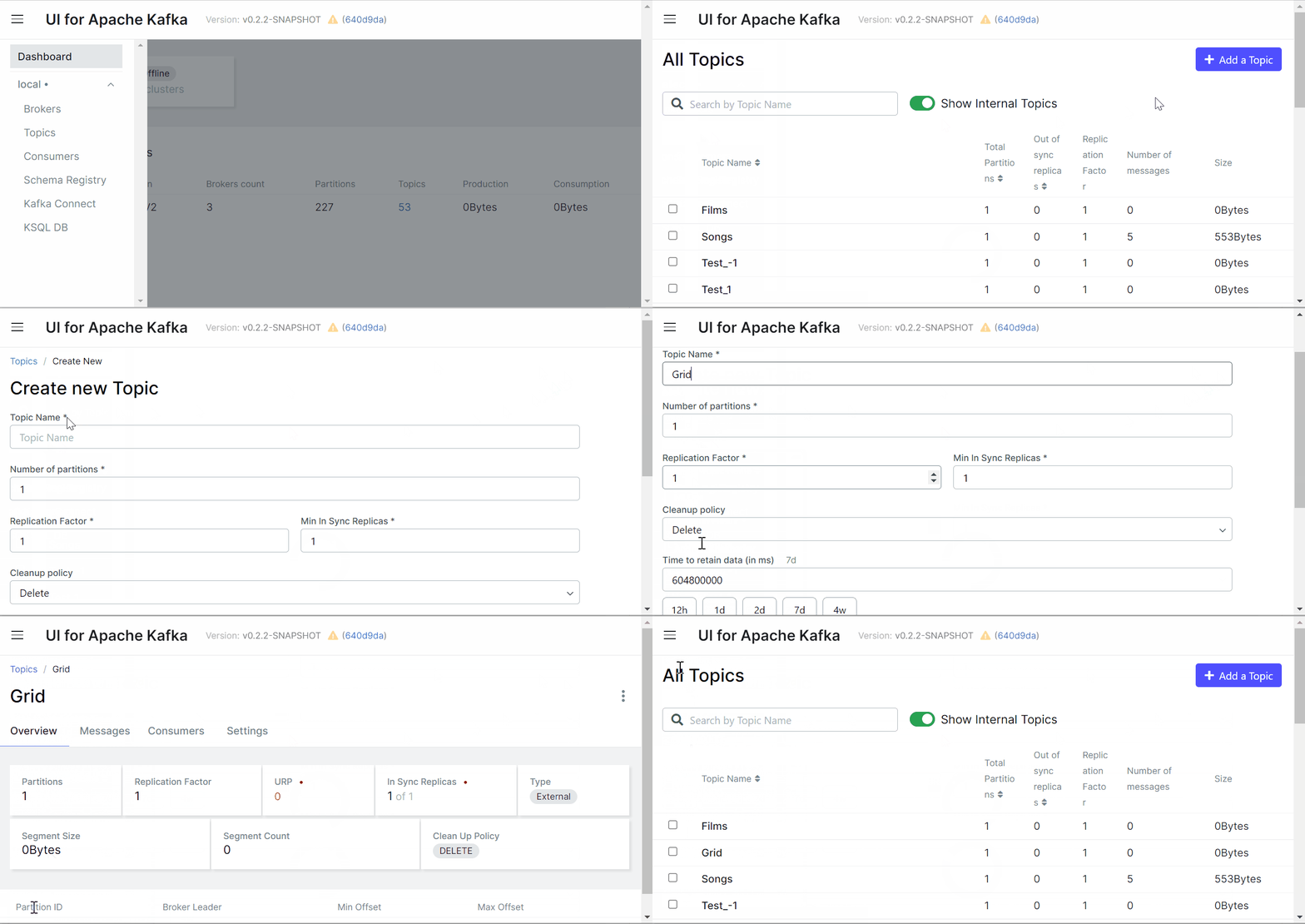
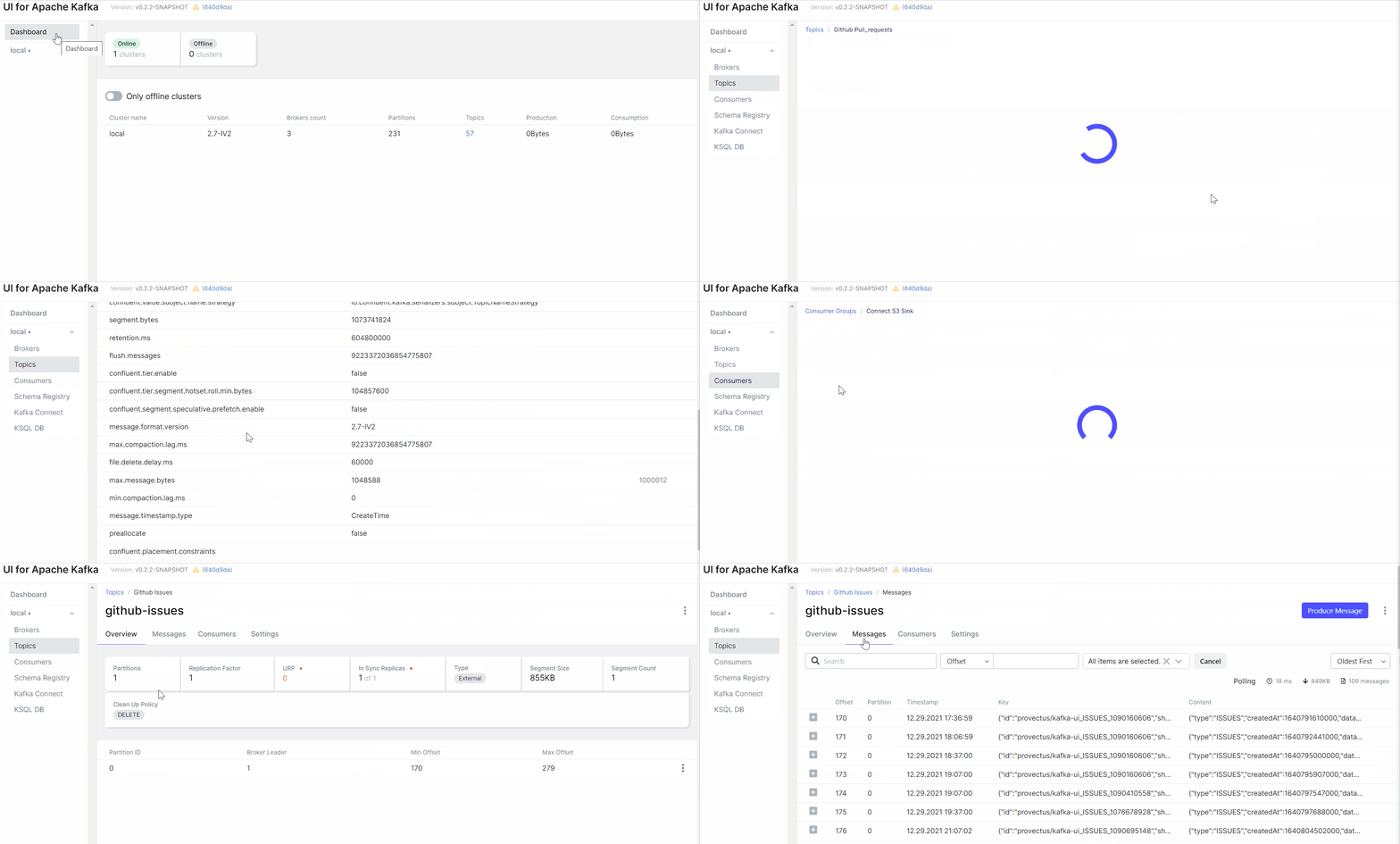
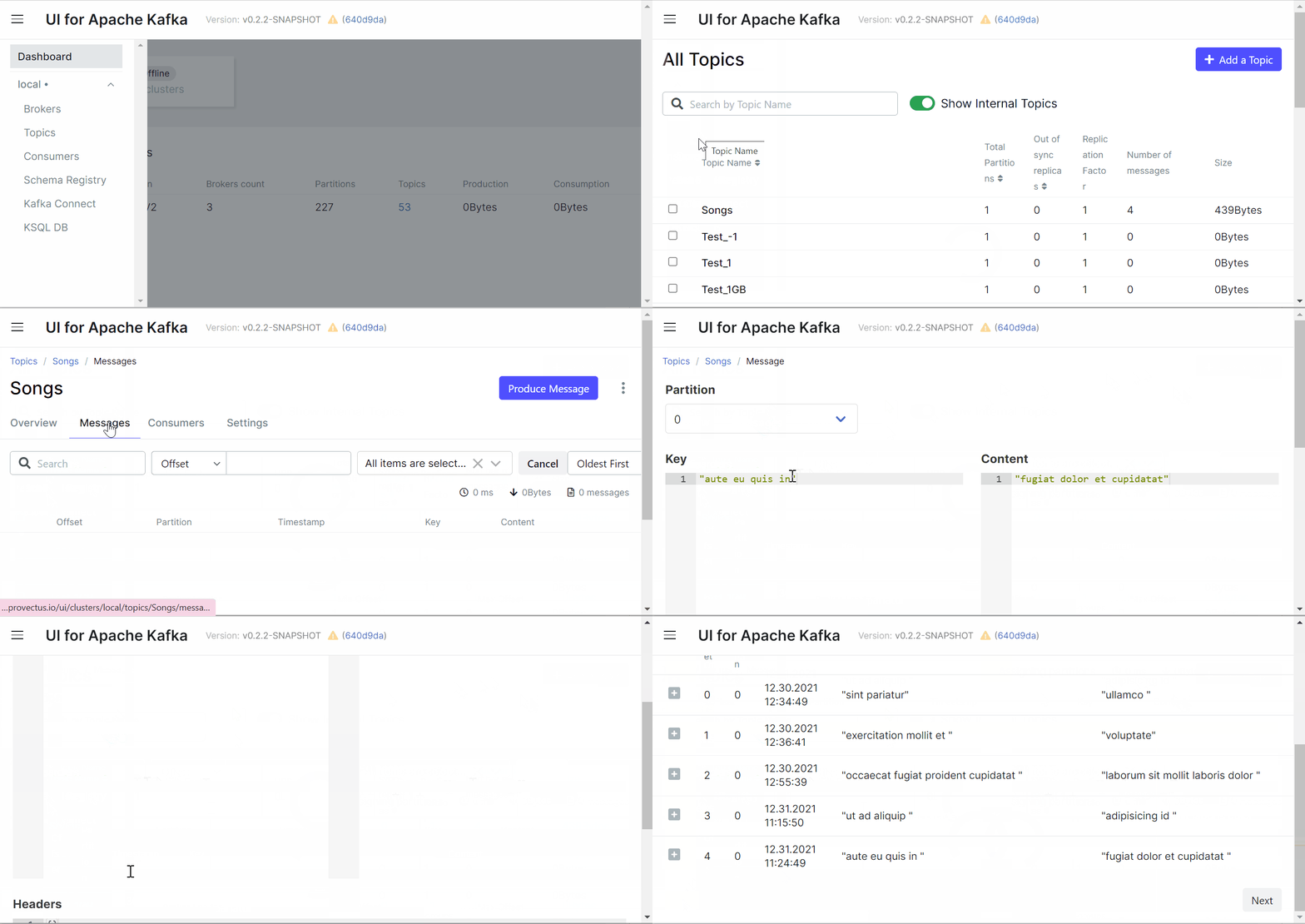
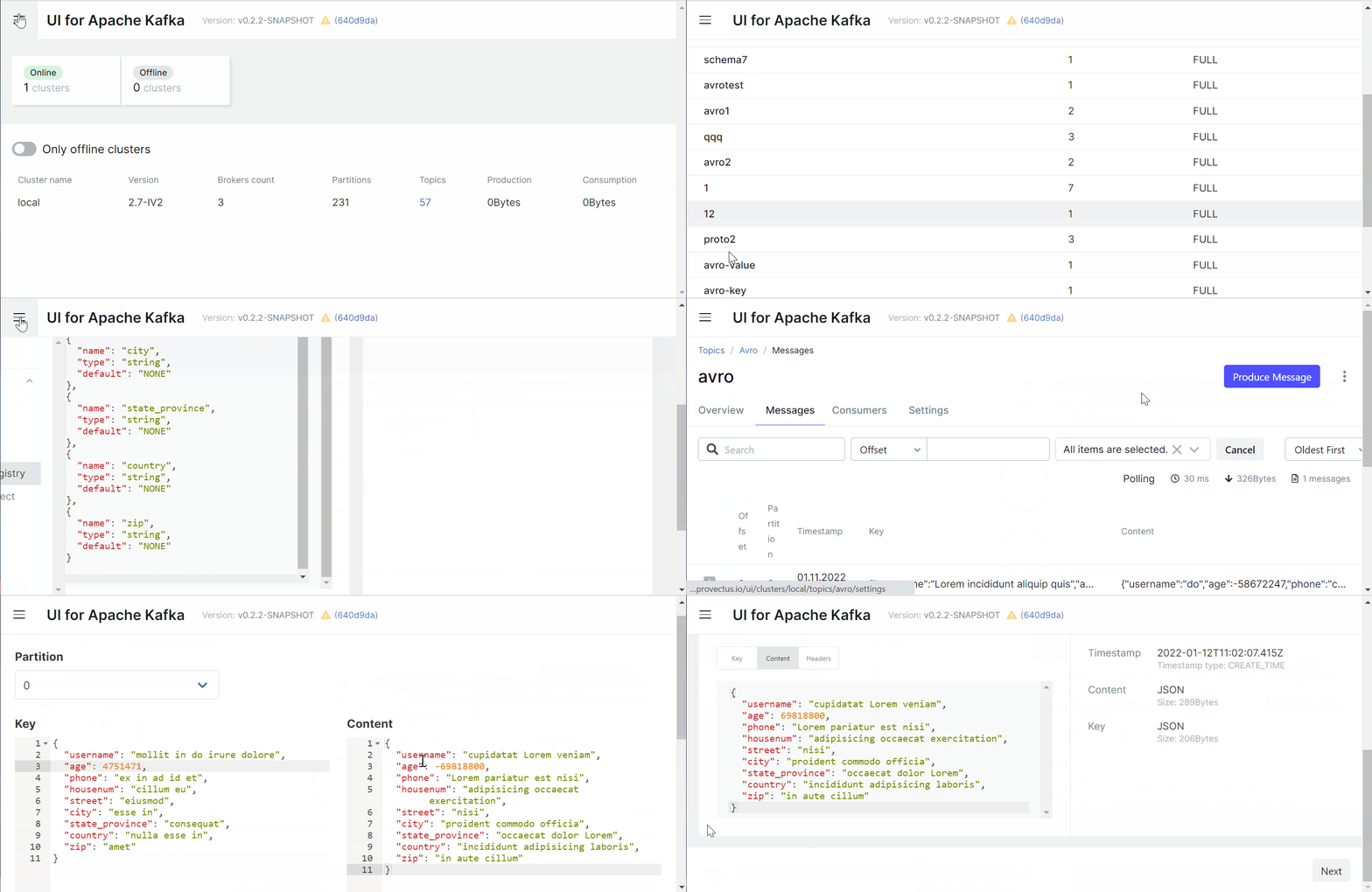
No — it's Apache-2.0 licensed, and the maintainers promise it will remain free and open-source with no paid features or subscription plans ever being added. Provectus sells separate Kafka professional services around it.What can I actually do with topics and messages from the UI?Create topics with a few clicks and dynamic configuration, browse messages encoded as JSON, plain text or Avro, inspect per-partition consumer group lag, and jump back and forth between connectors, topics and consumers while navigating.
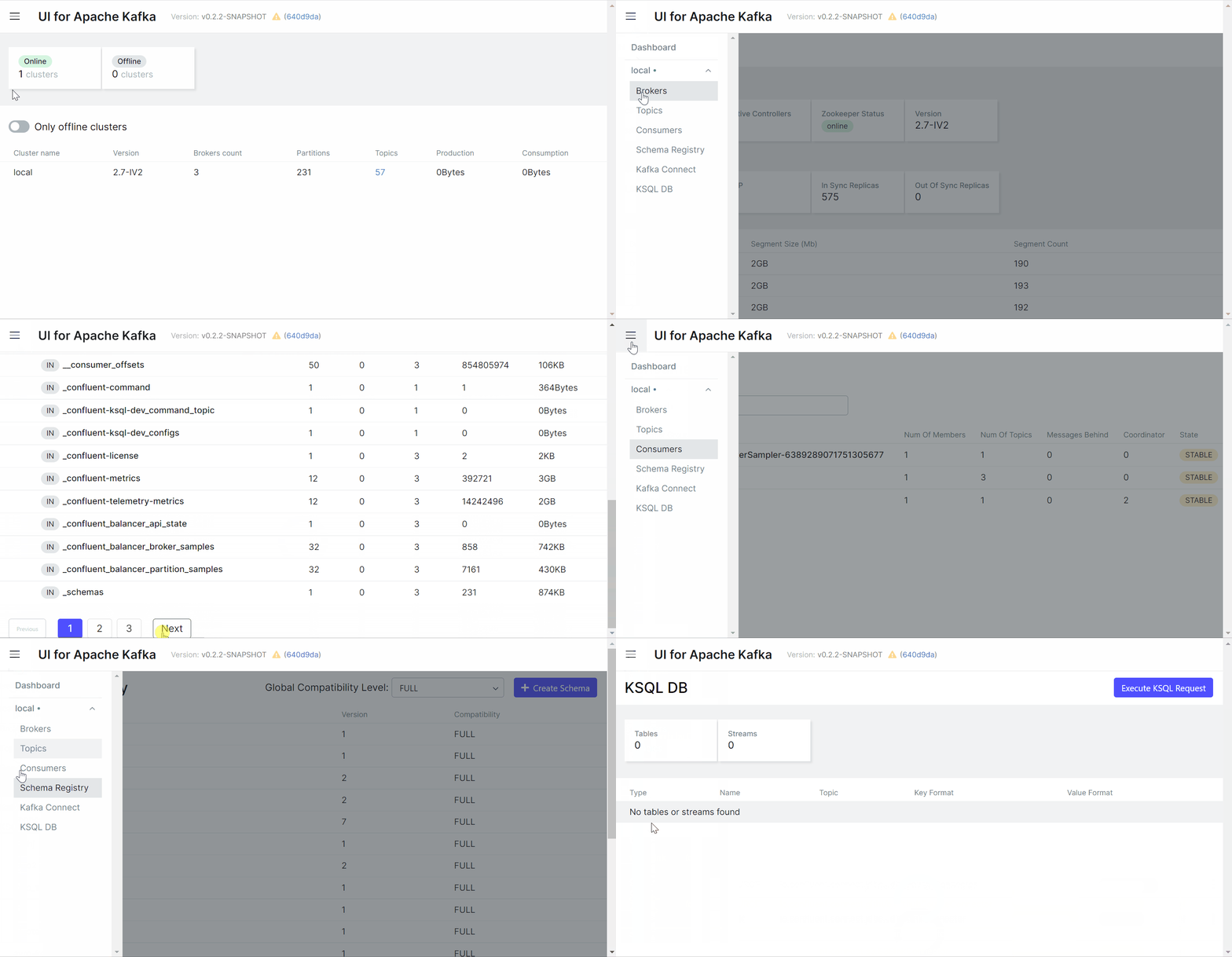
Create topics with a few clicks and dynamic configuration, browse messages encoded as JSON, plain text or Avro, inspect per-partition consumer group lag, and jump back and forth between connectors, topics and consumers while navigating.What does the metrics dashboard track?Key Kafka metrics — brokers, topics, partitions, production and consumption — in a lightweight dashboard meant to keep clusters observable and speed up troubleshooting.
Key Kafka metrics — brokers, topics, partitions, production and consumption — in a lightweight dashboard meant to keep clusters observable and speed up troubleshooting.My messages use a custom format — is that supported?Yes, through custom serialization/deserialization plugins: there are ready-to-go serdes like AWS Glue and Smile, or you can code your own.
Yes, through custom serialization/deserialization plugins: there are ready-to-go serdes like AWS Glue and Smile, or you can code your own.Is there a Kubernetes-friendly way to deploy it?Yes — the project ships Helm charts alongside Docker Compose examples, and exposes liveness/readiness probes at /actuator/health for orchestrators.
Yes — the project ships Helm charts alongside Docker Compose examples, and exposes liveness/readiness probes at /actuator/health for orchestrators.Which topics is it in?cluster-management, web-ui, streams, helm-charts, opensource, kafka, big-data, rbac, oauth, observability, streaming, kubernetes
cluster-management, web-ui, streams, helm-charts, opensource, kafka, big-data, rbac, oauth, observability, streaming, kubernetes