What is this?
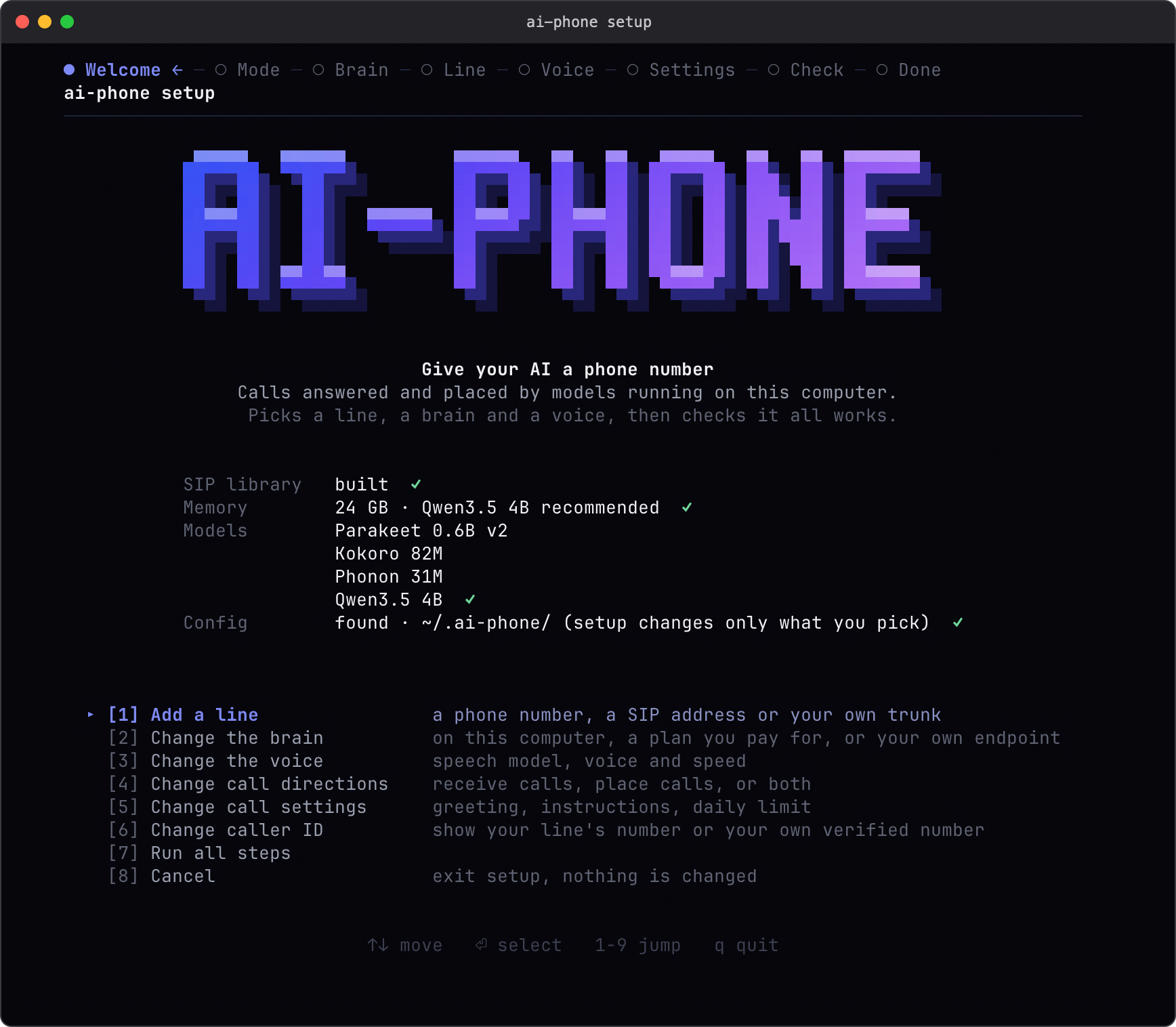
 ai-phone is an AI phone agent that runs on your own computer, answering and placing SIP phone calls using local speech recognition and synthesis plus a configurable language model.
How do I get it running?Clone the repo and run the setup wizard, which detects your RAM, recommends a local model, downloads the weights, and configures your line, voice and call directions; then start the daemon to begin handling calls.
Clone the repo and run the setup wizard, which detects your RAM, recommends a local model, downloads the weights, and configures your line, voice and call directions; then start the daemon to begin handling calls.What do I need installed before setup?You need Git, Homebrew and uv on the machine; the installer itself takes care of the Python packages and the native SIP library.
You need Git, Homebrew and uv on the machine; the installer itself takes care of the Python packages and the native SIP library.Does it run on any Mac, or other operating systems?Only macOS on Apple Silicon is supported right now; Intel Macs, Linux and Windows don't work because the speech backends depend on MLX.
Only macOS on Apple Silicon is supported right now; Intel Macs, Linux and Windows don't work because the speech backends depend on MLX.How does it actually connect to a real phone number?It uses SIP: you can test for free with a direct SIP address, or hook up your own SIP trunk, Telnyx or Twilio account to get a real telephone number, which brings carrier charges.
It uses SIP: you can test for free with a direct SIP address, or hook up your own SIP trunk, Telnyx or Twilio account to get a real telephone number, which brings carrier charges.How much RAM and storage do I need?16 GB RAM is recommended for the default 4B model (32 GB for the 9B option), with a smaller 2B model offered for 8 GB machines; model downloads take several GB of disk space.
16 GB RAM is recommended for the default 4B model (32 GB for the 9B option), with a smaller 2B model offered for 8 GB machines; model downloads take several GB of disk space.Where does my call data go?Speech recognition and voice synthesis always stay local on your Mac, but if you pick a remote language model (Claude Code, Codex, or an OpenAI-compatible endpoint), that provider receives the call's text, instructions and conversation history.
Speech recognition and voice synthesis always stay local on your Mac, but if you pick a remote language model (Claude Code, Codex, or an OpenAI-compatible endpoint), that provider receives the call's text, instructions and conversation history.What language model and voice options does it support?You can use a local MLX model, your Claude Code or Codex subscription, or any OpenAI-compatible endpoint for the conversation; voices are Phonon's bundled English voice or Kokoro with adjustable American/British accents and speed.
You can use a local MLX model, your Claude Code or Codex subscription, or any OpenAI-compatible endpoint for the conversation; voices are Phonon's bundled English voice or Kokoro with adjustable American/British accents and speed.Can a coding agent take direct control of a call?Yes, relay mode lets an agent with shell access answer and drive each turn itself; commands with --json return structured JSON for call IDs, transcripts, timeouts and exit codes.
Yes, relay mode lets an agent with shell access answer and drive each turn itself; commands with --json return structured JSON for call IDs, transcripts, timeouts and exit codes.How fast does it respond during a call?The latest measured run showed a 1.50-second median first-audible response under heavy memory pressure, which missed the project's one-second target.
The latest measured run showed a 1.50-second median first-audible response under heavy memory pressure, which missed the project's one-second target.How many calls or languages does it handle at once?Only one call at a time and English conversations are currently supported.
Only one call at a time and English conversations are currently supported.What are similar projects?Lampline, VoiceStudioV2, slotstream, speech-swift, Rapid-MLX, VoiceStudio, unsloth, lipflow
Lampline, VoiceStudioV2, slotstream, speech-swift, Rapid-MLX, VoiceStudio, unsloth, lipflowWhich topics is it in?kokoro, daemon, voice-ai, mlx, on-device-ai, voice-assistant, voice, local-ai, metal, speech-recognition, tts, text-to-speech
kokoro, daemon, voice-ai, mlx, on-device-ai, voice-assistant, voice, local-ai, metal, speech-recognition, tts, text-to-speech