








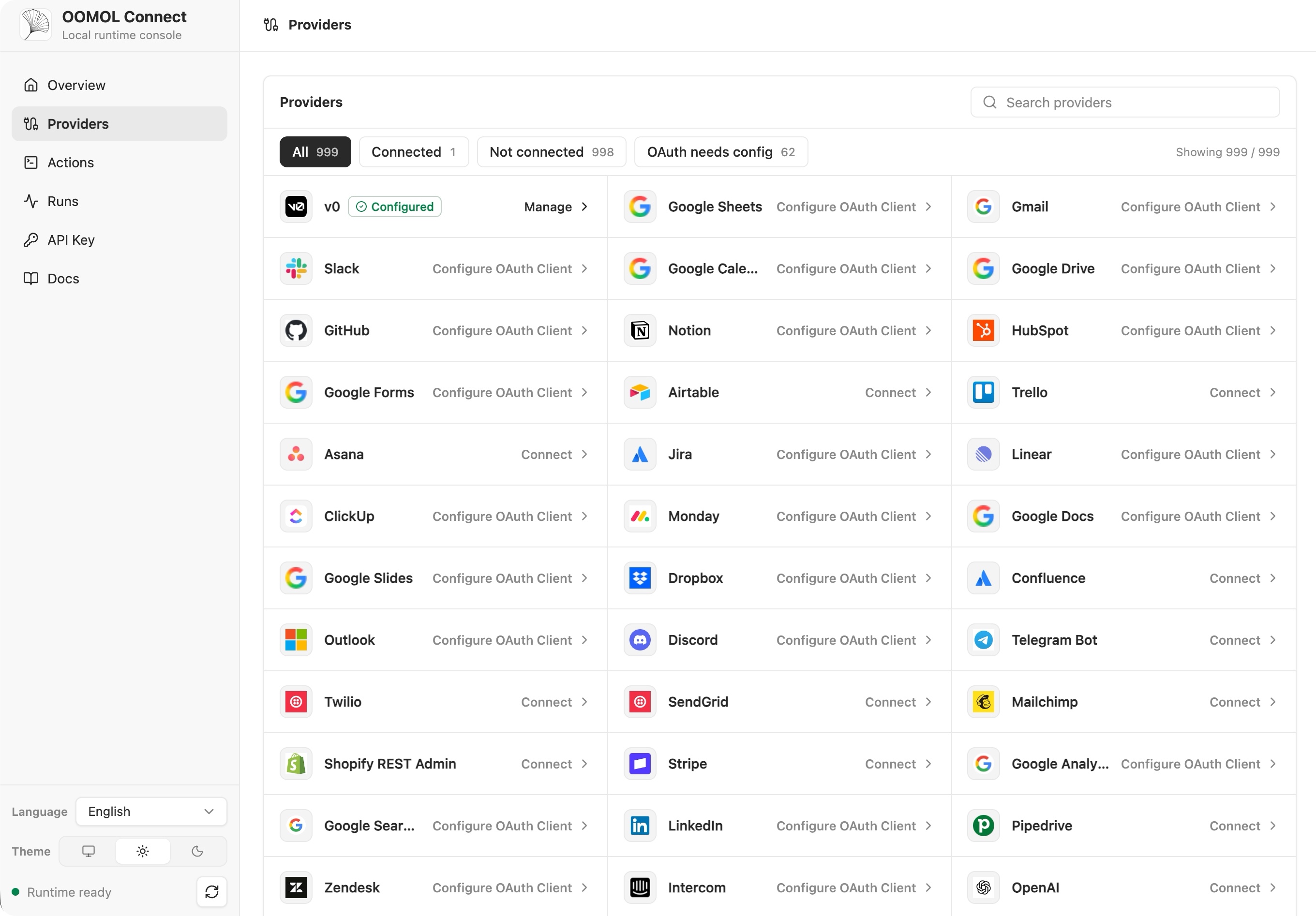
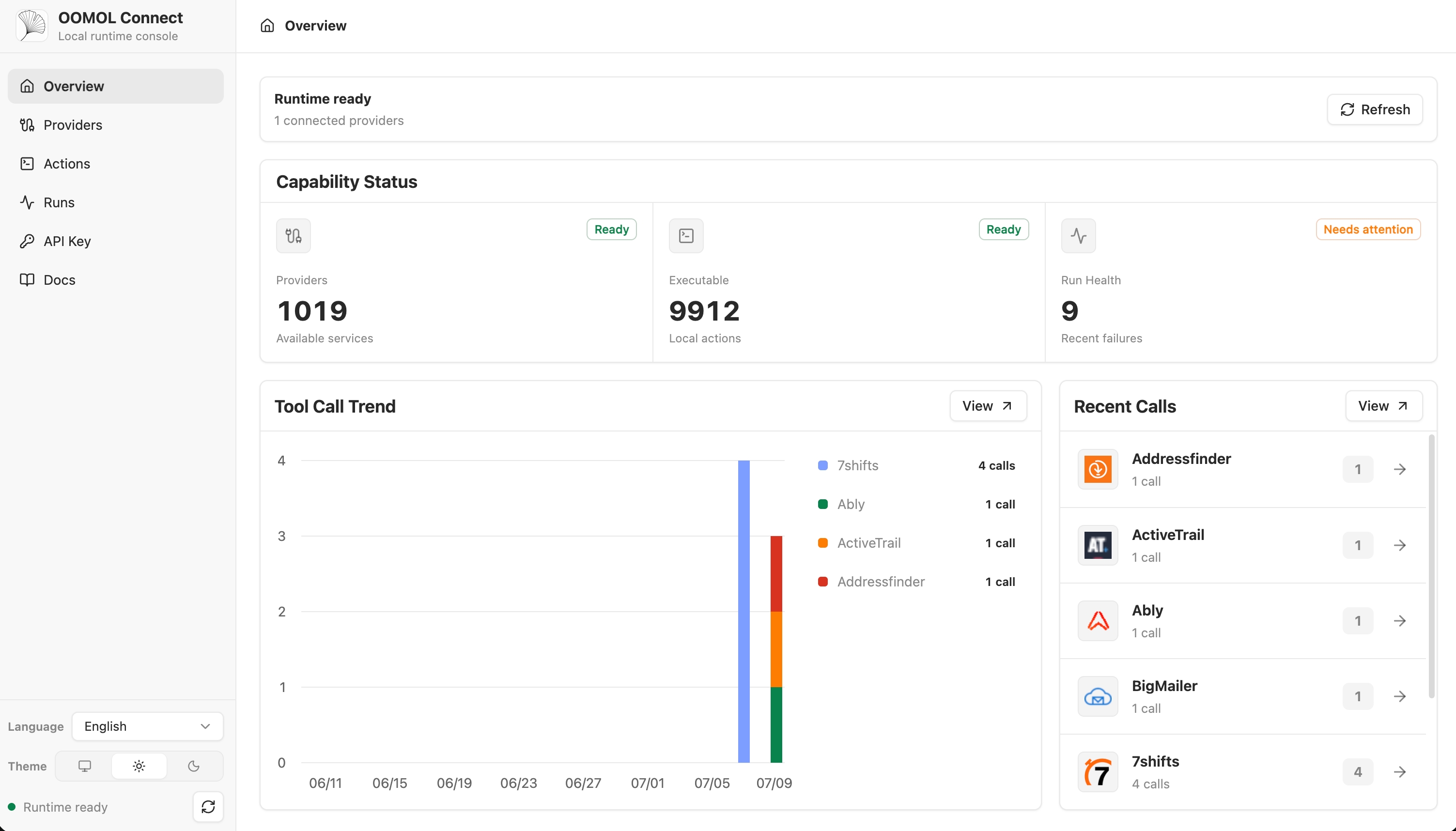
Что это такое?
 OpenConnector — это шлюз коннекторов с открытым исходным кодом, который позволяет ИИ-агентам проходить аутентификацию и вызывать более 1000 SaaS-провайдеров (GitHub, Gmail, Notion, Slack, BigQuery и др.) через общий каталог готовых Actions. Это открытая альтернатива Pipedream и Composio.
OpenConnector — это шлюз коннекторов с открытым исходным кодом, который позволяет ИИ-агентам проходить аутентификацию и вызывать более 1000 SaaS-провайдеров (GitHub, Gmail, Notion, Slack, BigQuery и др.) через общий каталог готовых Actions. Это открытая альтернатива Pipedream и Composio.Это шлюз, который я запускаю сам, или облачный сервис, к которому я просто обращаюсь?И то, и другое: можно развернуть его локально или на собственной инфраструктуре с помощью Docker или Node.js и самостоятельно управлять хранилищем и OAuth-приложениями, либо использовать размещенную среду выполнения OOMOL с управляемым OAuth. В обоих режимах контракты провайдеров и Actions одинаковые.
И то, и другое: можно развернуть его локально или на собственной инфраструктуре с помощью Docker или Node.js и самостоятельно управлять хранилищем и OAuth-приложениями, либо использовать размещенную среду выполнения OOMOL с управляемым OAuth. В обоих режимах контракты провайдеров и Actions одинаковые.Как его запустить?Запустите самостоятельно развернутую среду выполнения через Docker Compose, который загружает образ ghcr.io/oomol-lab/open-connector, или соберите ее из исходного кода; затем откройте локальную Web Console и сгенерированный справочник API для настройки.
Запустите самостоятельно развернутую среду выполнения через Docker Compose, который загружает образ ghcr.io/oomol-lab/open-connector, или соберите ее из исходного кода; затем откройте локальную Web Console и сгенерированный справочник API для настройки.Что нужно перед подключением OAuth-провайдера?Нужны учетные данные OAuth-клиента из приложения, которое вы сами регистрируете у каждого провайдера, если только вы не используете коннекторы, размещенные OOMOL, которые предоставляют готовые OAuth-приложения. GitHub — самый простой случай, так как для аутентификации достаточно персонального токена доступа.
Нужны учетные данные OAuth-клиента из приложения, которое вы сами регистрируете у каждого провайдера, если только вы не используете коннекторы, размещенные OOMOL, которые предоставляют готовые OAuth-приложения. GitHub — самый простой случай, так как для аутентификации достаточно персонального токена доступа.Есть ли подводные камни при установке, если перейти на PostgreSQL?Миграции PostgreSQL не выполняются автоматически: нужно выполнить 'npm run runtime:migrate' перед запуском версии с незавершенными миграциями, поскольку при старте сервера проверяется только готовность схемы, а сам DDL он никогда не применяет.
Миграции PostgreSQL не выполняются автоматически: нужно выполнить 'npm run runtime:migrate' перед запуском версии с незавершенными миграциями, поскольку при старте сервера проверяется только готовность схемы, а сам DDL он никогда не применяет.Как агенты и приложения на самом деле взаимодействуют с ним?Через тот интерфейс, который подходит вашему стеку: TypeScript Connector SDK из кода приложения, CLI 'oo' как локальный ретранслятор для агентов, MCP для хостов агентов с поддержкой MCP или прямые вызовы HTTP/OpenAPI, а также Web Console для администрирования и отладки.
Через тот интерфейс, который подходит вашему стеку: TypeScript Connector SDK из кода приложения, CLI 'oo' как локальный ретранслятор для агентов, MCP для хостов агентов с поддержкой MCP или прямые вызовы HTTP/OpenAPI, а также Web Console для администрирования и отладки.Видят ли агенты мои исходные учетные данные провайдеров?Нет, секреты провайдеров остаются за границей среды выполнения; агенты получают только метаданные Actions, безопасные метки аккаунтов и результаты выполнения, необходимые для запуска.
Нет, секреты провайдеров остаются за границей среды выполнения; агенты получают только метаданные Actions, безопасные метки аккаунтов и результаты выполнения, необходимые для запуска.Что на самом деле покрывает лицензия Apache-2.0 в этом проекте?Лицензия Apache-2.0 распространяется на исходный код репозитория, скрипты, каркас, тесты и документацию, но не предоставляет никаких прав на сторонних провайдеров, их товарные знаки, логотипы или фирменные материалы, включенные в каталог исключительно для идентификации.
Лицензия Apache-2.0 распространяется на исходный код репозитория, скрипты, каркас, тесты и документацию, но не предоставляет никаких прав на сторонних провайдеров, их товарные знаки, логотипы или фирменные материалы, включенные в каталог исключительно для идентификации.Можно ли развернуть это в Kubernetes?Да, есть защищенный Helm-чарт с хранением состояния на PVC в SQLite или PostgreSQL, хуками миграций, Ingress, автомасштабированием и переключателями NetworkPolicy для команд, которые управляют собственными кластерами.
Да, есть защищенный Helm-чарт с хранением состояния на PVC в SQLite или PostgreSQL, хуками миграций, Ingress, автомасштабированием и переключателями NetworkPolicy для команд, которые управляют собственными кластерами.Что такое Wanta и как он связан с OpenConnector?Wanta — отдельное настольное приложение ИИ-агента с открытым исходным кодом на базе OpenCode, которое внутри использует OpenConnector, чтобы его агент мог работать с подключенными SaaS-сервисами, такими как Gmail, Slack и Notion.
Wanta — отдельное настольное приложение ИИ-агента с открытым исходным кодом на базе OpenCode, которое внутри использует OpenConnector, чтобы его агент мог работать с подключенными SaaS-сервисами, такими как Gmail, Slack и Notion.Какие варианты хранения поддерживает среда выполнения?Среда выполнения Node по умолчанию использует SQLite и может переключиться на PostgreSQL 15+; промежуточные файлы могут храниться либо локально, либо в S3-совместимом хранилище.
Среда выполнения Node по умолчанию использует SQLite и может переключиться на PostgreSQL 15+; промежуточные файлы могут храниться либо локально, либо в S3-совместимом хранилище.Можно ли попробовать без предварительной настройки OAuth?Да, быстрый старт включает запуск Action без аутентификации на локальной среде выполнения, чтобы проверить, что всё работает, перед подключением реального провайдера с учетными данными.
Да, быстрый старт включает запуск Action без аутентификации на локальной среде выполнения, чтобы проверить, что всё работает, перед подключением реального провайдера с учетными данными.What are similar projects?trueforge, executor, anythingmcp, goshen-email, buzzkit, casdoor, open-webui, electric
trueforge, executor, anythingmcp, goshen-email, buzzkit, casdoor, open-webui, electricWhich topics is it in?agent-tools, api-gateway, openapi, cloudflare-workers, oauth, model-context-protocol, kubernetes, postgresql, docker-compose, sdk, cloud, database
agent-tools, api-gateway, openapi, cloudflare-workers, oauth, model-context-protocol, kubernetes, postgresql, docker-compose, sdk, cloud, database