
















38.8K ·GitHub
What is this?
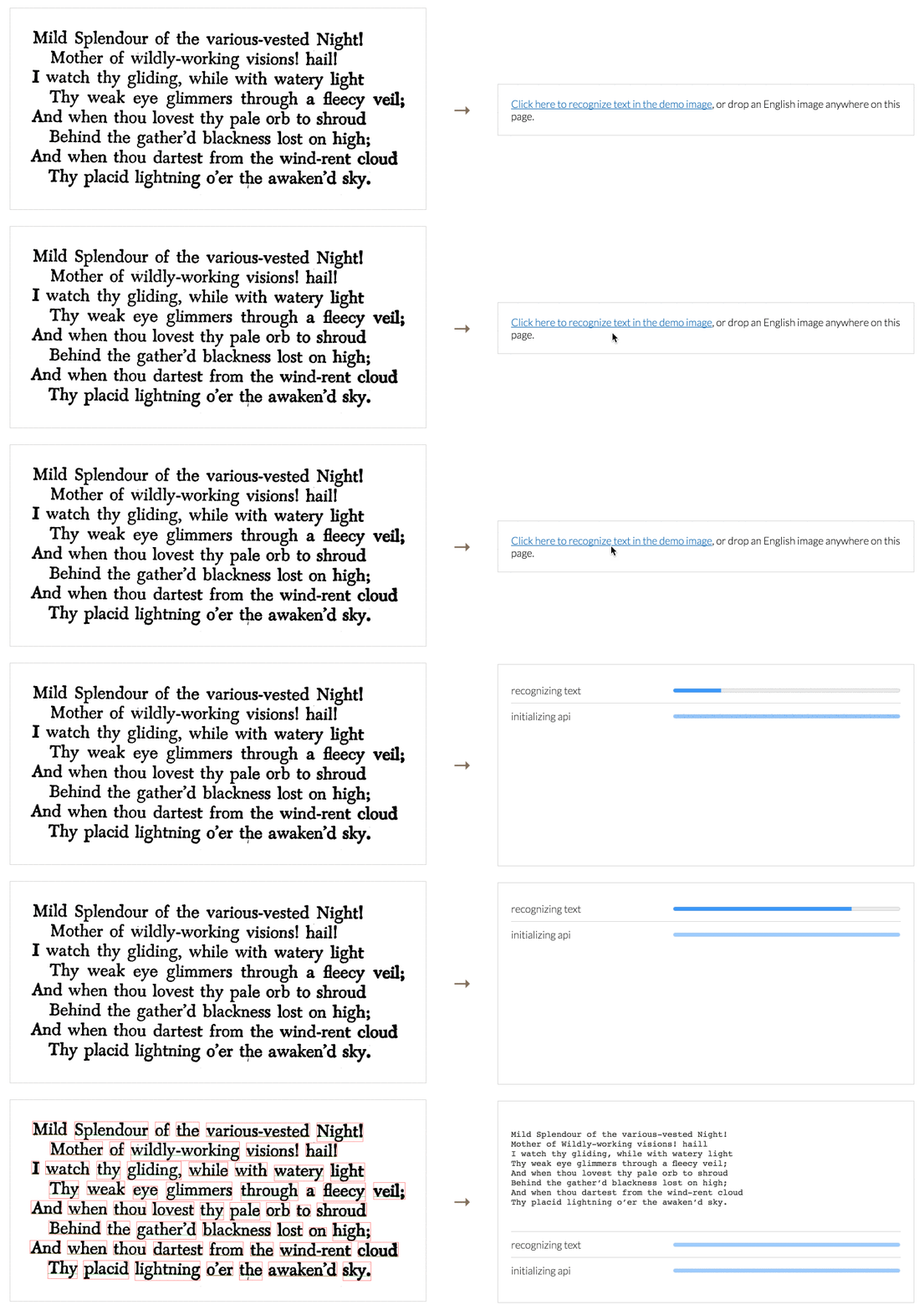
 Tesseract.js is a pure JavaScript OCR library that extracts text from images in more than 100 languages, running the Tesseract engine compiled to WebAssembly.
Tesseract.js is a pure JavaScript OCR library that extracts text from images in more than 100 languages, running the Tesseract engine compiled to WebAssembly.Is this a standalone app or a library I plug into my own project?It is a JavaScript library you install and import into your own code, not a standalone app; it is published on npm as 'tesseract.js'.
It is a JavaScript library you install and import into your own code, not a standalone app; it is published on npm as 'tesseract.js'.How do I add it to a project?Install it with 'npm install tesseract.js' or 'yarn add tesseract.js', then create a worker once and call worker.recognize(image) to get text out of an image.
Install it with 'npm install tesseract.js' or 'yarn add tesseract.js', then create a worker once and call worker.recognize(image) to get text out of an image.Do I need to install the native Tesseract OCR engine separately?No separate Tesseract binary is required; the engine is shipped as a WebAssembly build (tesseract.js-core) bundled with the npm package.
No separate Tesseract binary is required; the engine is shipped as a WebAssembly build (tesseract.js-core) bundled with the npm package.Is there a gotcha when processing many images in a row?Yes — for multiple images you should create one worker, call worker.recognize() for each image, and only call worker.terminate() once at the end, instead of spinning up a fresh worker per image.
Yes — for multiple images you should create one worker, call worker.recognize() for each image, and only call worker.terminate() once at the end, instead of spinning up a fresh worker per image.Does this only run in the browser, or can I use it on a server too?It works both in the browser (via webpack, ESM, or a plain script tag from a CDN) and on the server with Node.js.
It works both in the browser (via webpack, ESM, or a plain script tag from a CDN) and on the server with Node.js.How many languages can it recognize text in?Tesseract.js can pull words out of images in over 100 languages, since it wraps the multilingual Tesseract OCR engine.
Tesseract.js can pull words out of images in over 100 languages, since it wraps the multilingual Tesseract OCR engine.Can it do OCR on live video or a webcam feed?The README links a dedicated real-time recognition demo alongside the standard image recognition demo, so live-feed OCR is supported as a use case.
The README links a dedicated real-time recognition demo alongside the standard image recognition demo, so live-feed OCR is supported as a use case.How is development built and tested?The repo builds via webpack and rollup ('npm run build') and runs both browser and Node test suites with 'npm test', with CI configured through CodeQL and a Node.js GitHub Actions workflow.
The repo builds via webpack and rollup ('npm run build') and runs both browser and Node test suites with 'npm test', with CI configured through CodeQL and a Node.js GitHub Actions workflow.What are similar projects?tesseract, supertonic, lodash, tfjs, transformers.js, pglite, squoosh, ua-parser-js
tesseract, supertonic, lodash, tfjs, transformers.js, pglite, squoosh, ua-parser-jsWhich topics is it in?tesseract, cdn, esm, text-processing, webassembly, image, webpack, ocr, wasm, multilingual, real-time, image-processing
tesseract, cdn, esm, text-processing, webassembly, image, webpack, ocr, wasm, multilingual, real-time, image-processing