



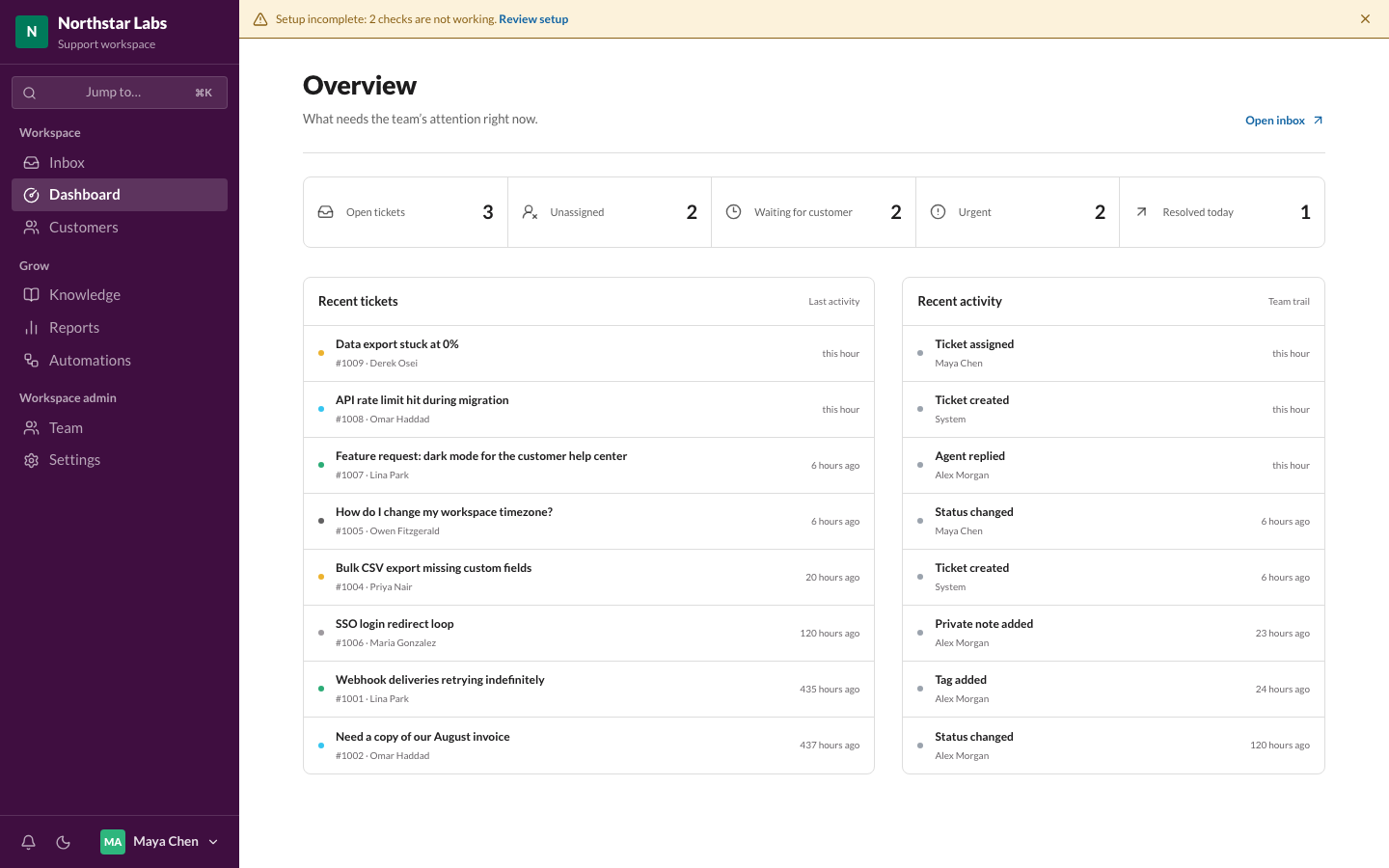
 Overview dashboard
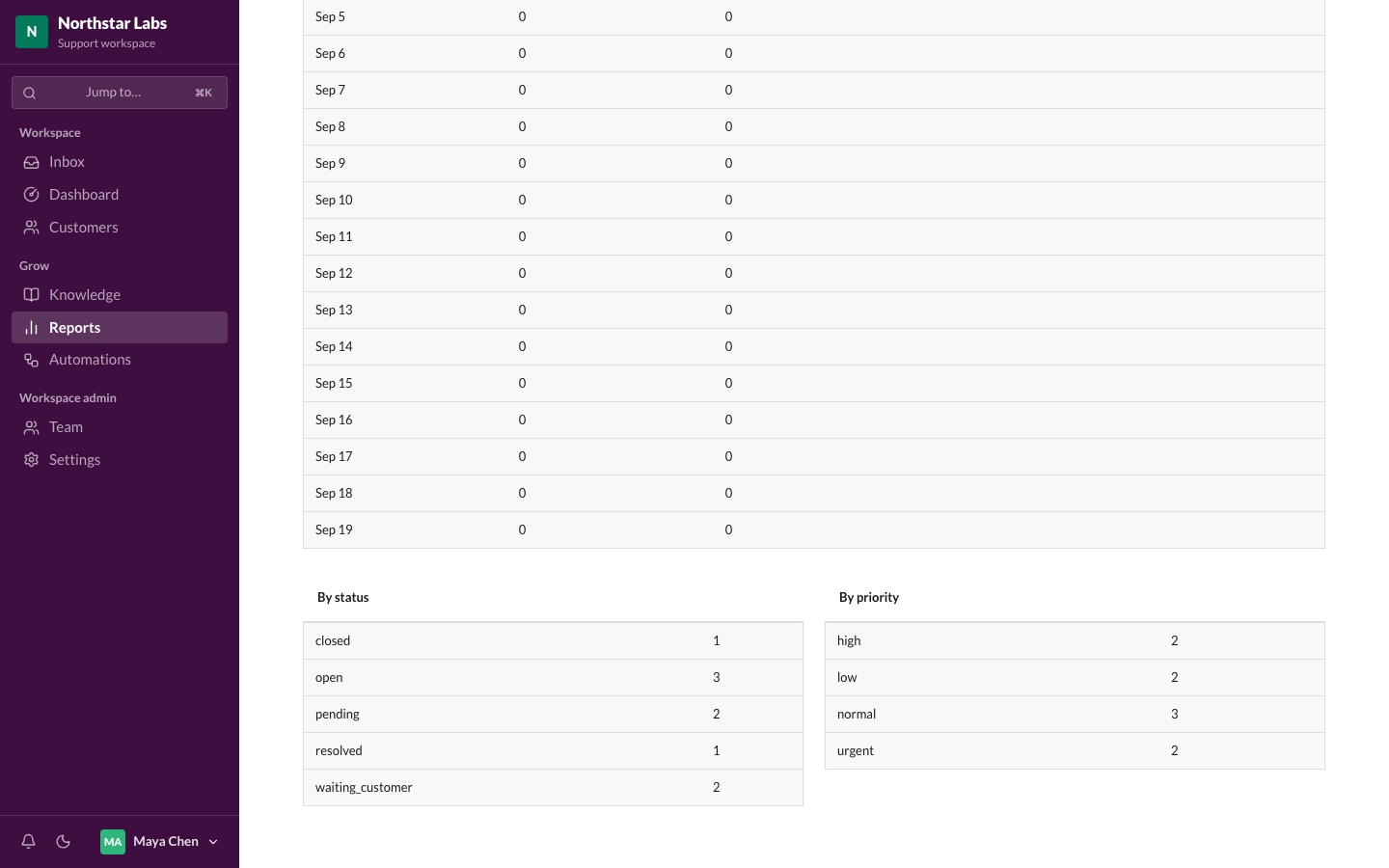 Reports
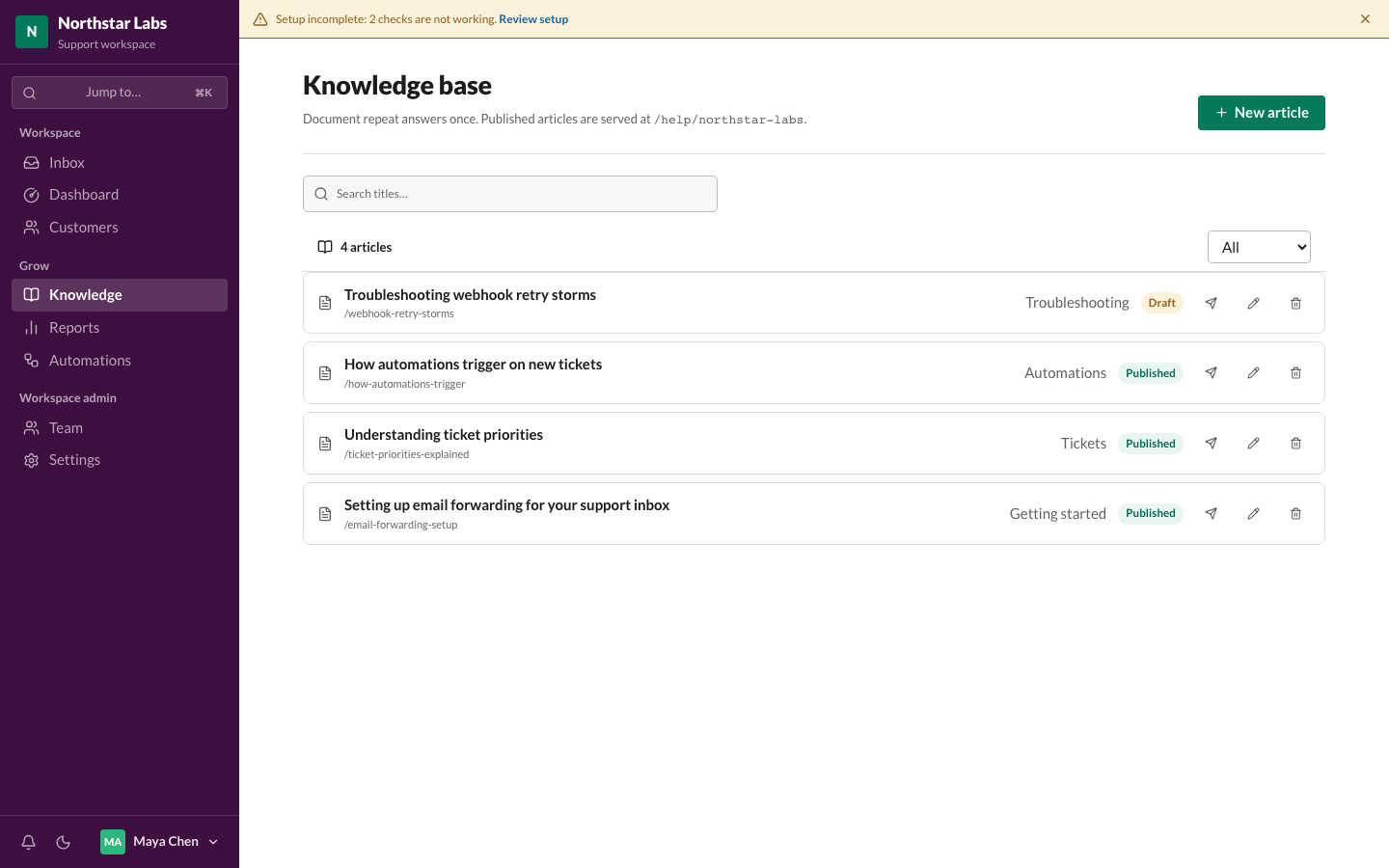 Knowledge base
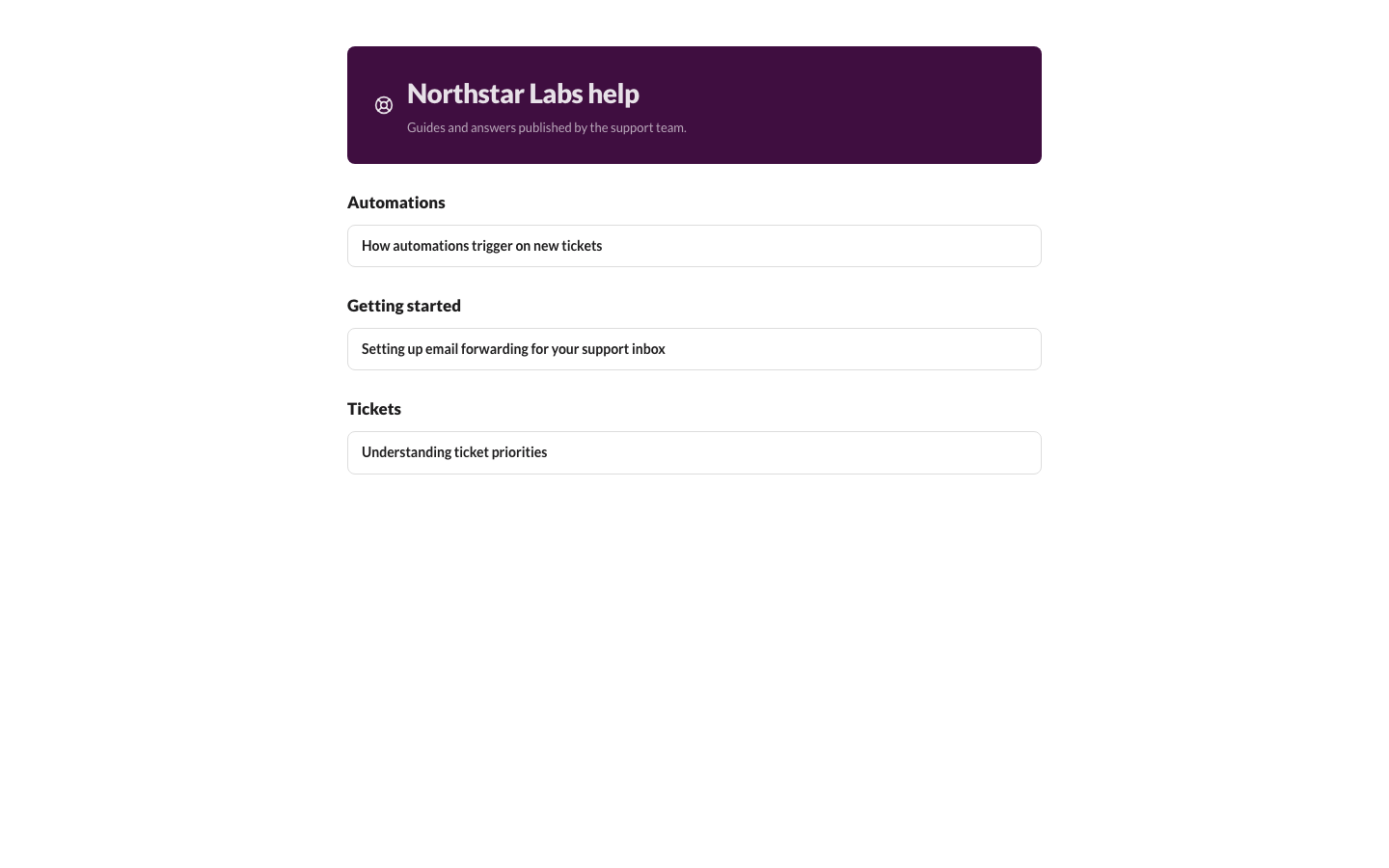 Public help center
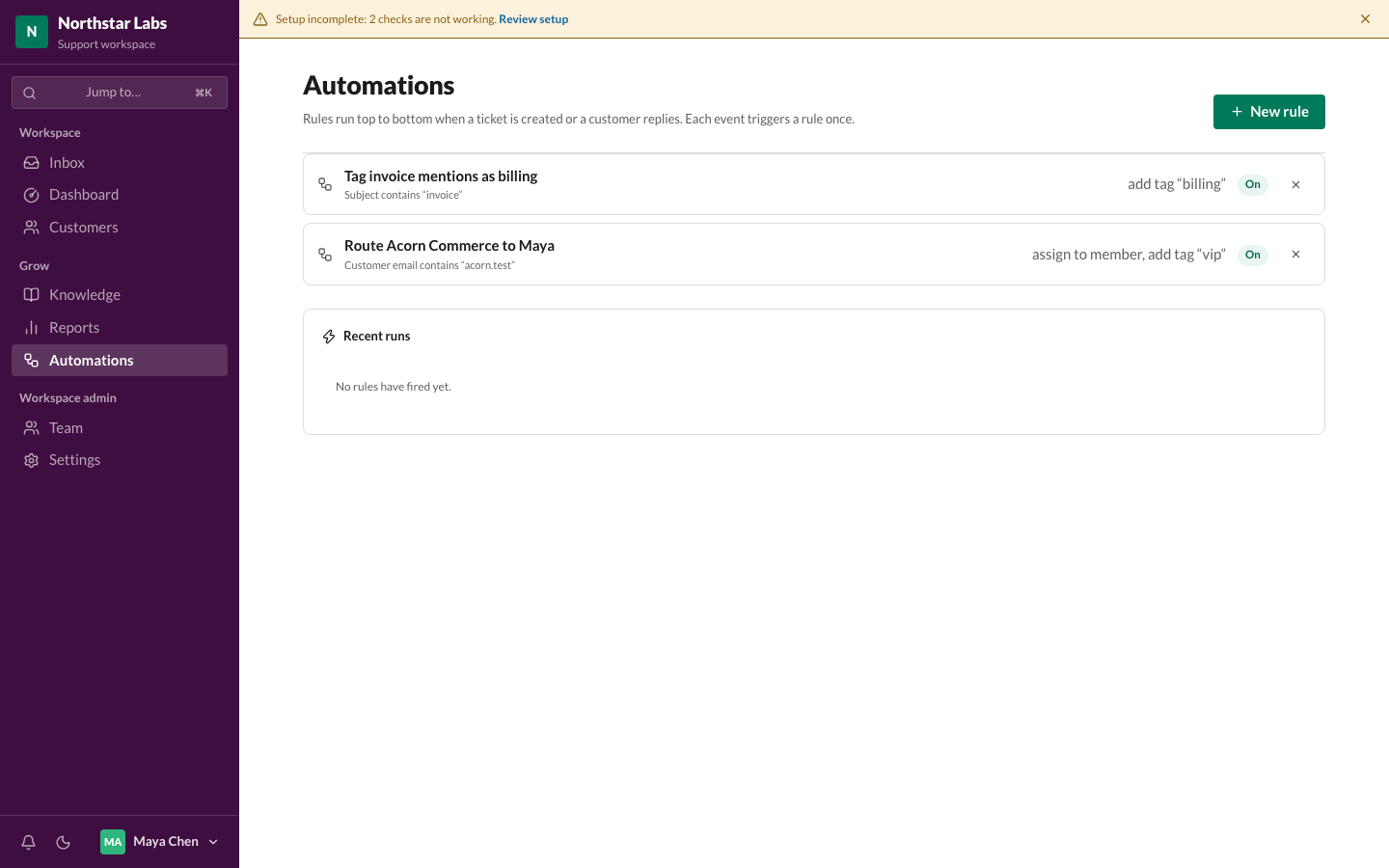 Automations
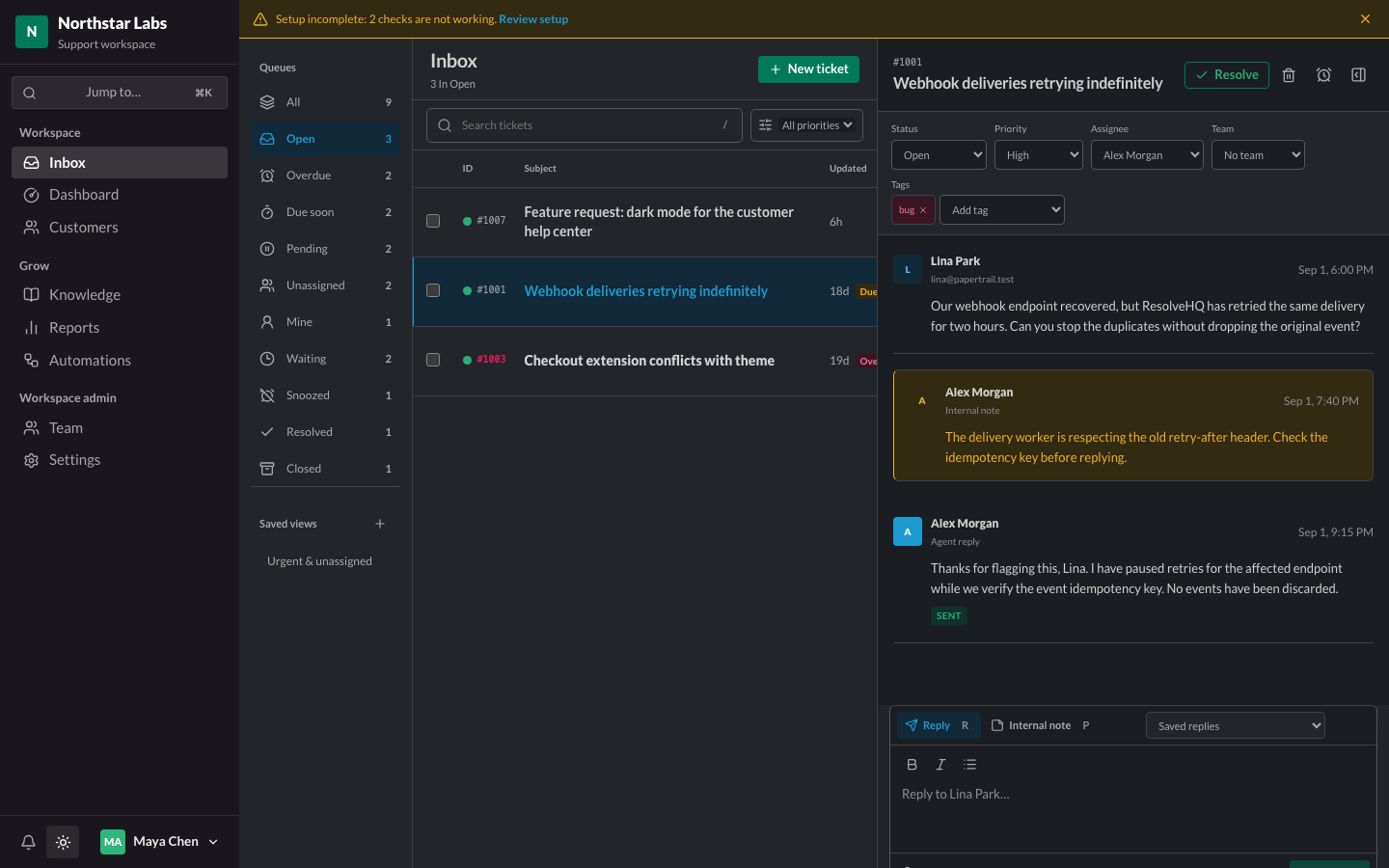 Dark mode
Что это такое?
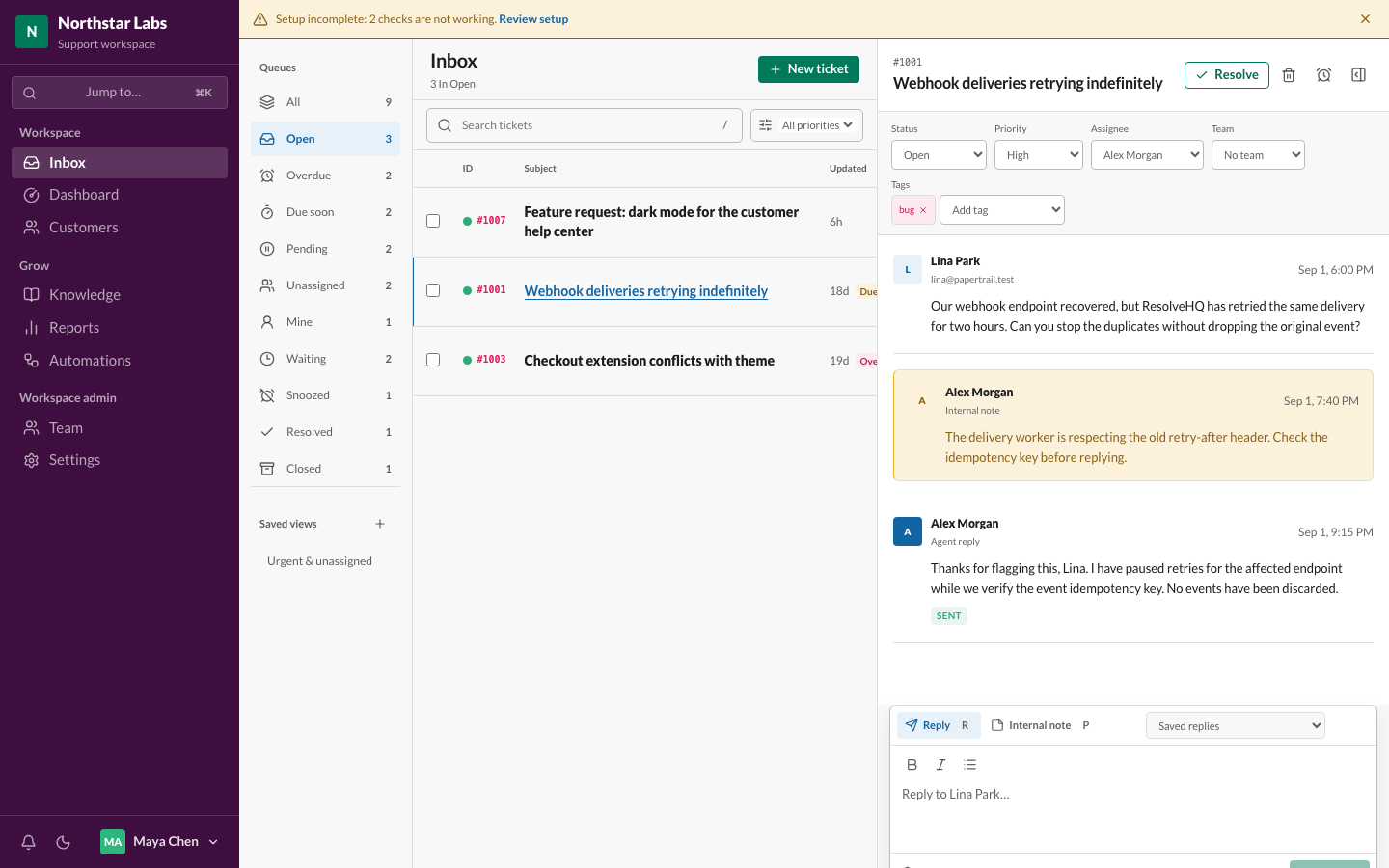
 ResolveHQ — это helpdesk, который можно развернуть у себя и который создан специально для Cloudflare; он рассчитан на небольшие команды поддержки: общий почтовый ящик с назначением заявок, статусами, приоритетами и тегами, корректное по стандартам RFC ветвление писем, базу знаний с публичным центром помощи, отчёты и AI-помощника по желанию.
ResolveHQ — это helpdesk, который можно развернуть у себя и который создан специально для Cloudflare; он рассчитан на небольшие команды поддержки: общий почтовый ящик с назначением заявок, статусами, приоритетами и тегами, корректное по стандартам RFC ветвление писем, базу знаний с публичным центром помощи, отчёты и AI-помощника по желанию.Это облачный сервис, в который я регистрируюсь, или программа, которую я запускаю сам?Софт для самостоятельного размещения, но только на Cloudflare: он работает как один Worker в вашем собственном аккаунте Cloudflare — Hono обслуживает и REST API, и встроенное React-приложение. Облачной версии, в которую можно зарегистрироваться, нет, и свои серверы администрировать не нужно.
Софт для самостоятельного размещения, но только на Cloudflare: он работает как один Worker в вашем собственном аккаунте Cloudflare — Hono обслуживает и REST API, и встроенное React-приложение. Облачной версии, в которую можно зарегистрироваться, нет, и свои серверы администрировать не нужно.Как мне развернуть его в своём аккаунте Cloudflare?Нажмите кнопку Deploy to Cloudflare, примените миграции (если указать команду деплоя npm run deploy, каждый следующий деплой сначала прогоняет миграции) и проверьте GET /api/ready. Затем зарегистрируйтесь как владелец и добавьте правило Email Routing, которое направляет письма с вашего адреса поддержки в Worker.
Нажмите кнопку Deploy to Cloudflare, примените миграции (если указать команду деплоя npm run deploy, каждый следующий деплой сначала прогоняет миграции) и проверьте GET /api/ready. Затем зарегистрируйтесь как владелец и добавьте правило Email Routing, которое направляет письма с вашего адреса поддержки в Worker.Что мне нужно перед деплоем?Аккаунт Cloudflare (Queues работают на тарифе Free, для R2 нужно отдельно включить и оплатить) и домен на Cloudflare, чтобы Email Routing мог принимать входящую почту. По желанию — аккаунт Resend с подтверждённым доменом для отправки писем.
Аккаунт Cloudflare (Queues работают на тарифе Free, для R2 нужно отдельно включить и оплатить) и домен на Cloudflare, чтобы Email Routing мог принимать входящую почту. По желанию — аккаунт Resend с подтверждённым доменом для отправки писем.Он правда может работать на бесплатном тарифе Cloudflare?Да, поначалу — но, скорее всего, вы его перерастёте. Workers Free даёт 10 мс процессорного времени на запрос, а тестовая регистрация заняла 29 мс; Cloudflare терпит лишь редкие превышения, поэтому следите за метриками Worker'а и переходите на Workers Paid, пока очередь не стала оживлённой.
Да, поначалу — но, скорее всего, вы его перерастёте. Workers Free даёт 10 мс процессорного времени на запрос, а тестовая регистрация заняла 29 мс; Cloudflare терпит лишь редкие превышения, поэтому следите за метриками Worker'а и переходите на Workers Paid, пока очередь не стала оживлённой.Где хранятся мои заявки и данные клиентов?Заявки и вложения остаются в вашем собственном аккаунте Cloudflare (D1 и R2). Единственный внешний шаг — исходящая почта, которая проходит через Resend; если же включить встроенную отправку Cloudflare Email Sending на Workers Paid, содержимое писем вообще не покидает ваш аккаунт.
Заявки и вложения остаются в вашем собственном аккаунте Cloudflare (D1 и R2). Единственный внешний шаг — исходящая почта, которая проходит через Resend; если же включить встроенную отправку Cloudflare Email Sending на Workers Paid, содержимое писем вообще не покидает ваш аккаунт.Отправляет ли AI-функция переписку с клиентами третьей стороне?Только если администратор сам это включит: AI-помощь по умолчанию выключена и активируется для каждого воркспейса в настройках. Она может работать на Cloudflare Workers AI внутри вашего аккаунта (ключ не нужен) или через OpenAI (по умолчанию gpt-4o-mini); если не настроено ни то ни другое, функция остаётся скрытой и никаких обращений к AI не происходит.
Только если администратор сам это включит: AI-помощь по умолчанию выключена и активируется для каждого воркспейса в настройках. Она может работать на Cloudflare Workers AI внутри вашего аккаунта (ключ не нужен) или через OpenAI (по умолчанию gpt-4o-mini); если не настроено ни то ни другое, функция остаётся скрытой и никаких обращений к AI не происходит.Могут ли Claude или Cursor подключиться к моему helpdesk?Да — Claude Code, Claude Desktop и Cursor подключаются через MCP и умеют искать заявки, читать переписку, смотреть количество заявок в очереди, находить клиентов и искать по базе знаний. Доступ сделан только для чтения специально: ни один инструмент не может ответить, назначить или что-то изменить.
Да — Claude Code, Claude Desktop и Cursor подключаются через MCP и умеют искать заявки, читать переписку, смотреть количество заявок в очереди, находить клиентов и искать по базе знаний. Доступ сделан только для чтения специально: ни один инструмент не может ответить, назначить или что-то изменить.Что произойдёт, если клиент ответит, пока его заявка отложена?Заявка сразу возвращается в работу. Отложенные заявки уходят из рабочих очередей и никогда не считаются просроченными, пока «спят», но ответ клиента возвращает их досрочно — так что отложить вопрос честнее, чем полагаться на свою память.
Заявка сразу возвращается в работу. Отложенные заявки уходят из рабочих очередей и никогда не считаются просроченными, пока «спят», но ответ клиента возвращает их досрочно — так что отложить вопрос честнее, чем полагаться на свою память.Чего пока не умеет эта программа?Многоязычного интерфейса и уведомлений за пределами приложения, восстановления экспорта воркспейса изнутри самого приложения (загрузка обратно описана как пошаговая инструкция для wrangler) и записи через MCP — AI-сервер остаётся только для чтения, пока действия ассистента нельзя будет подтверждать.
Многоязычного интерфейса и уведомлений за пределами приложения, восстановления экспорта воркспейса изнутри самого приложения (загрузка обратно описана как пошаговая инструкция для wrangler) и записи через MCP — AI-сервер остаётся только для чтения, пока действия ассистента нельзя будет подтверждать.What are similar projects?mailflare, cloud-mail, mail2telegram, edgeever, DoulorCloud, all-set-tw, rankme.fast, cloudflare_temp_email
mailflare, cloud-mail, mail2telegram, edgeever, DoulorCloud, all-set-tw, rankme.fast, cloudflare_temp_emailWhich topics is it in?customer-support, hono, cloudflare-r2, cloudflare-d1, drizzle-orm, webhooks, cloudflare-workers, email, cloudflare, knowledge-base, mcp-server, react
customer-support, hono, cloudflare-r2, cloudflare-d1, drizzle-orm, webhooks, cloudflare-workers, email, cloudflare, knowledge-base, mcp-server, react