27.9K ·GitHub
这是什么?
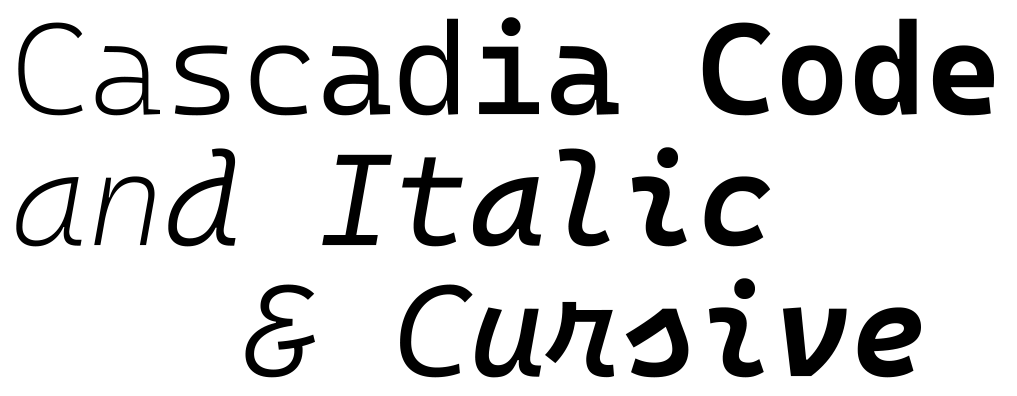
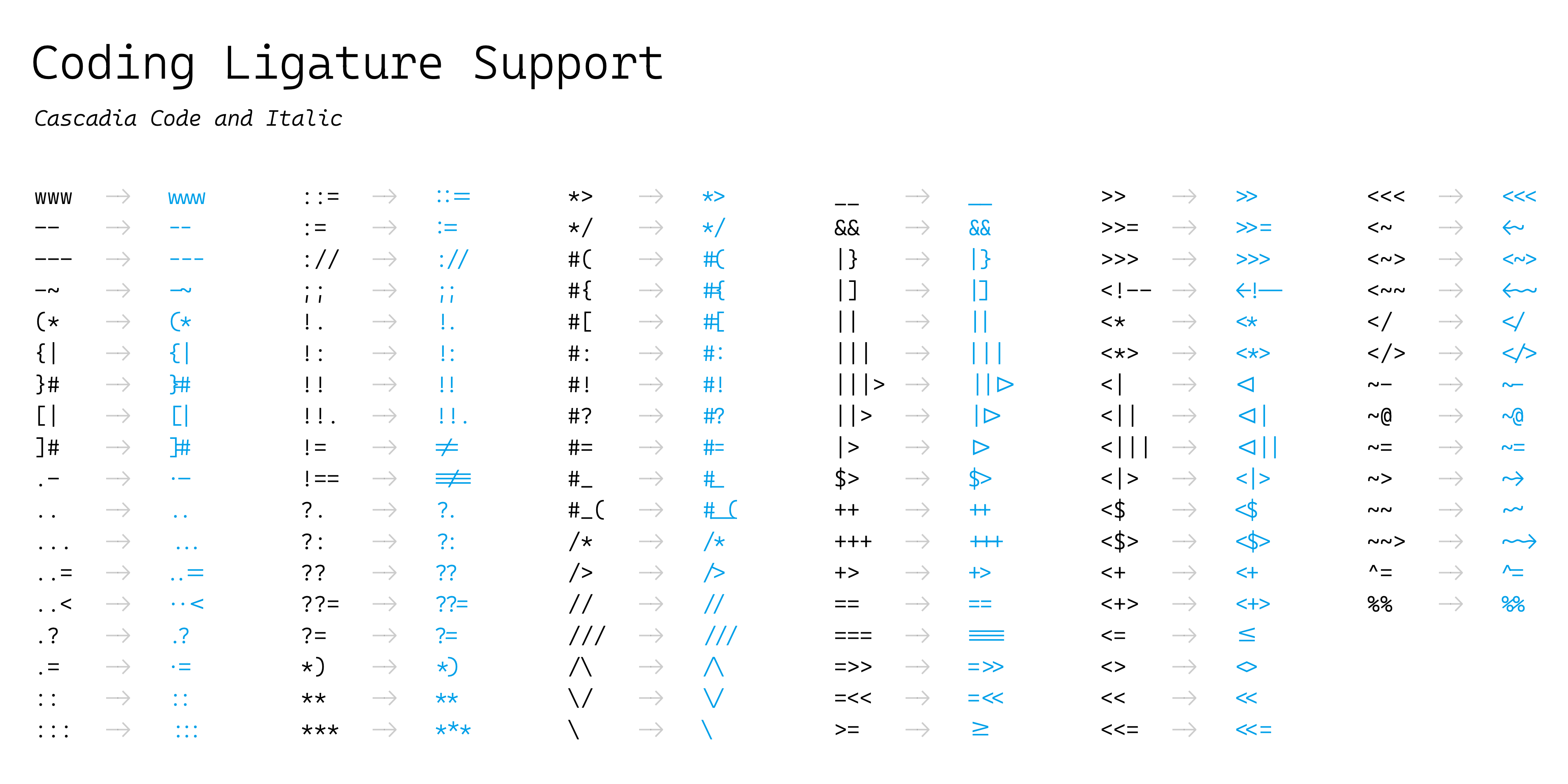
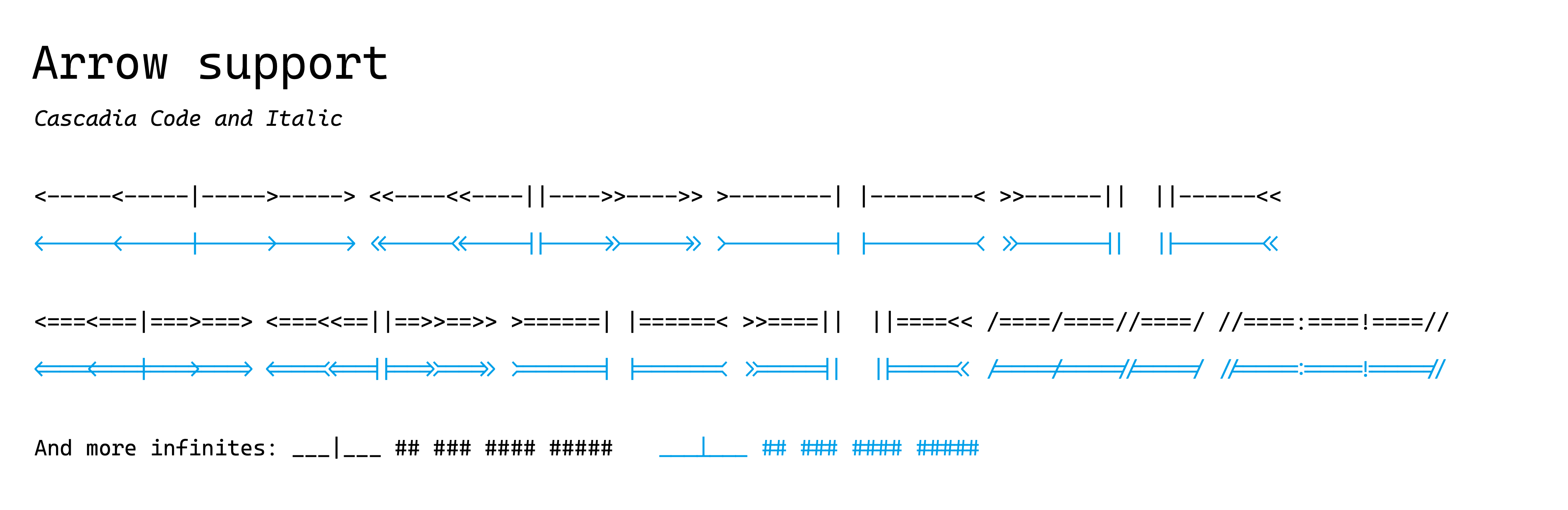
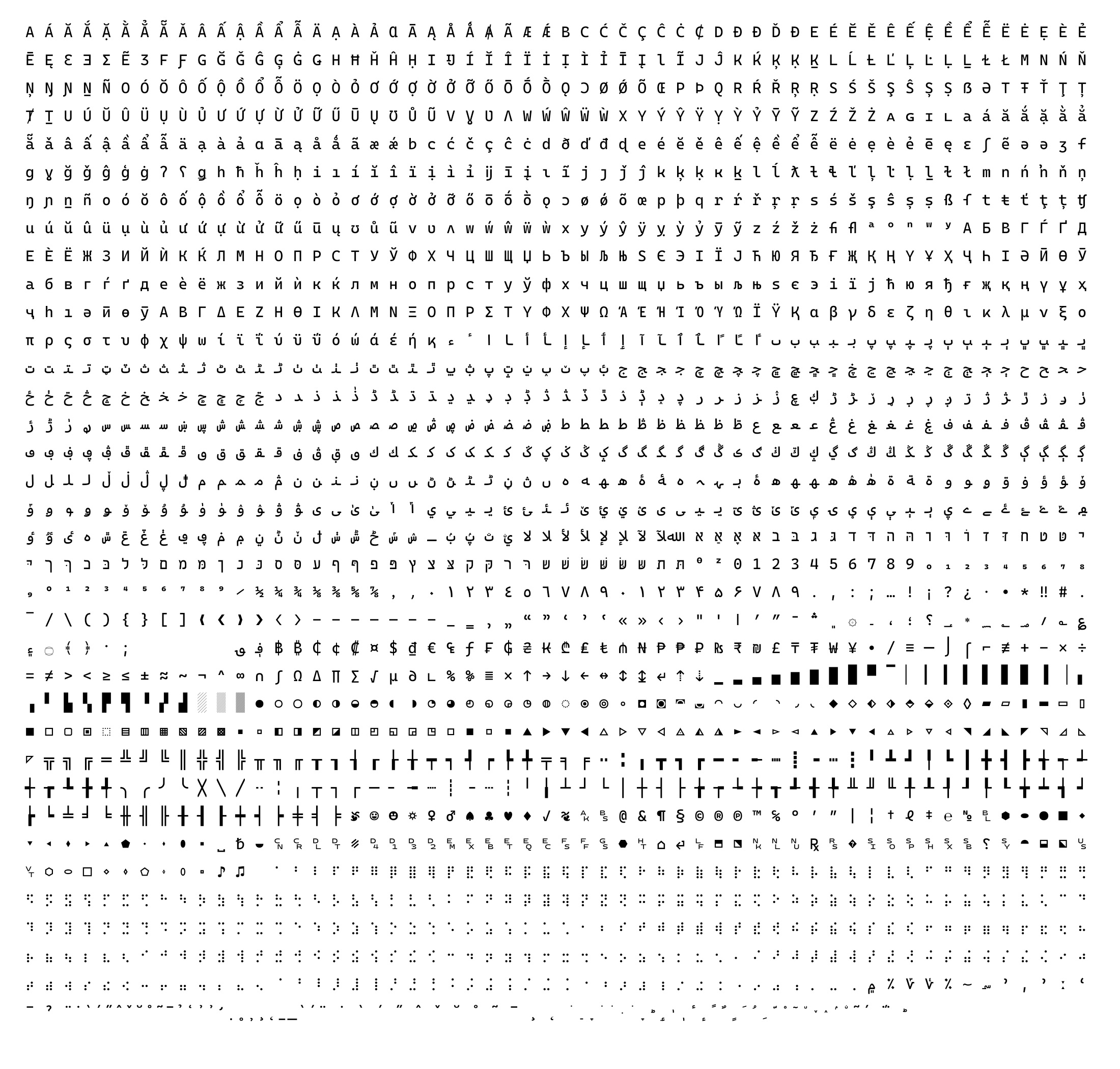
 Cascadia Code 是一款带编程连字的等宽编程字体,随 Windows Terminal 一起提供,现在也是 Visual Studio 的默认字体。
Cascadia Code 是一款带编程连字的等宽编程字体,随 Windows Terminal 一起提供,现在也是 Visual Studio 的默认字体。这是一款字体还是几个变体?它提供多个变体:Cascadia Code(带连字)、Cascadia Mono(不带连字),以及每种的 PL(Powerline 符号)和 NF(Nerd Font 符号)版本。
它提供多个变体:Cascadia Code(带连字)、Cascadia Mono(不带连字),以及每种的 PL(Powerline 符号)和 NF(Nerd Font 符号)版本。我该选哪种字体格式?大多数用户推荐使用可变 TTF(字重 200-700);静态 TTF/OTF 适用于不支持可变字体的情况,WOFF2 则供网页使用。
大多数用户推荐使用可变 TTF(字重 200-700);静态 TTF/OTF 适用于不支持可变字体的情况,WOFF2 则供网页使用。安装时有什么需要注意的坑吗?如果你之前安装过旧版 Cascadia Code,必须先卸载它再安装新版,否则可能会出现显示故障。
如果你之前安装过旧版 Cascadia Code,必须先卸载它再安装新版,否则可能会出现显示故障。这款字体主要适合谁?适合开发者,以及希望使用带编程连字的易读等宽字体的终端和编辑器用户;Windows Terminal 和 Visual Studio 默认使用它。
适合开发者,以及希望使用带编程连字的易读等宽字体的终端和编辑器用户;Windows Terminal 和 Visual Studio 默认使用它。它只能在 Windows 上用吗?不是,它可以跨平台使用,因为它以标准的 TTF/OTF/WOFF2 字体文件发布;不过由于 TrueType 字体提示(hinting)的原因,特别推荐在 Windows 上使用。
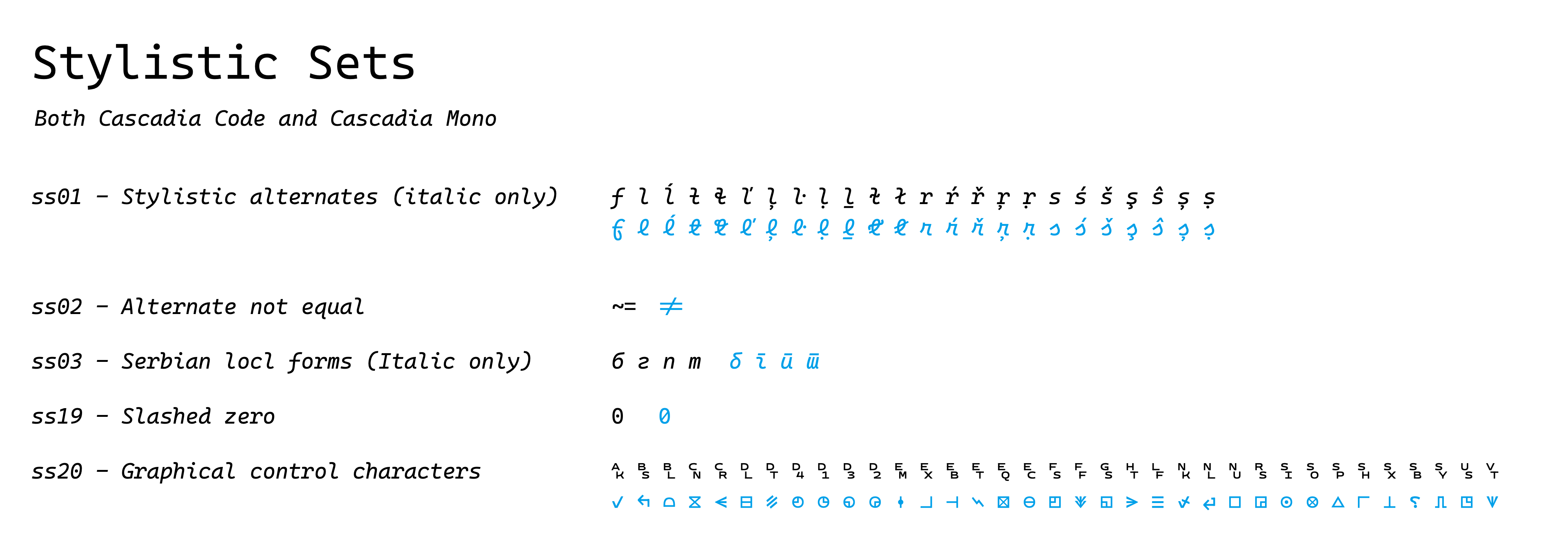
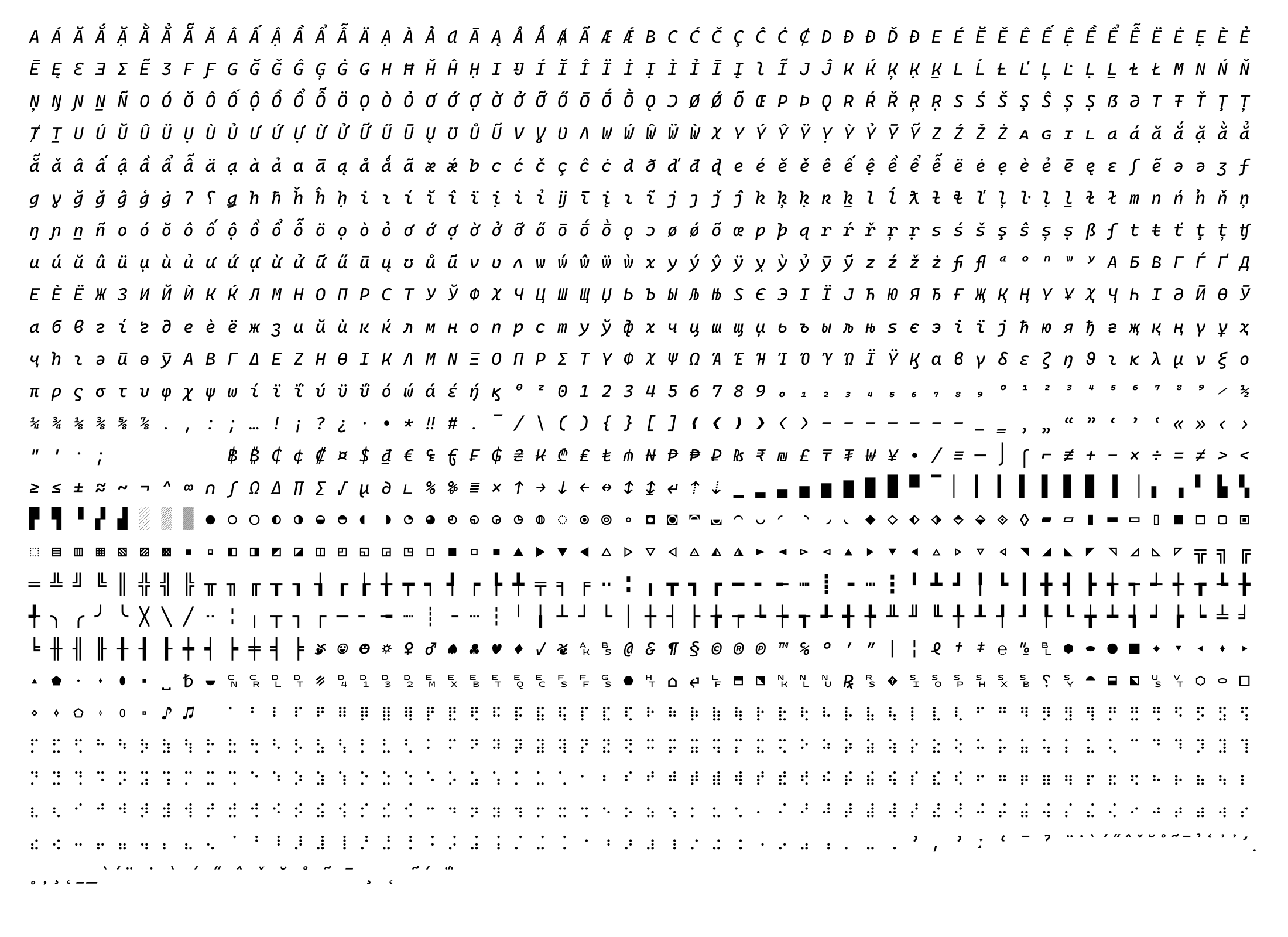
不是,它可以跨平台使用,因为它以标准的 TTF/OTF/WOFF2 字体文件发布;不过由于 TrueType 字体提示(hinting)的原因,特别推荐在 Windows 上使用。我怎么在编辑器里开启连字或手写风格斜体?在应用的设置中启用 OpenType 样式集;例如在 VS Code 中,通过 settings.json 进行配置,手写风格斜体可通过 ss01 功能访问。
在应用的设置中启用 OpenType 样式集;例如在 VS Code 中,通过 settings.json 进行配置,手写风格斜体可通过 ss01 功能访问。如果我的应用不支持 ss01 样式集怎么办?README 建议使用 opentype-feature-freezer 之类的工具,将 ss01 手写风格斜体功能直接嵌入字体文件。
README 建议使用 opentype-feature-freezer 之类的工具,将 ss01 手写风格斜体功能直接嵌入字体文件。哪里能找到针对具体应用的详细安装说明?项目的 wiki 提供了更多细节以及针对具体应用的说明,超出了基本的右键安装步骤。
项目的 wiki 提供了更多细节以及针对具体应用的说明,超出了基本的右键安装步骤。Cascadia Code 是谁设计的?它的连字参考了什么?它由 Microsoft 创建(设计师 Aaron Bell 及团队),基于 Fira Code 的 OpenType 连字代码和 Nerd Fonts 的图标,并聘请了顾问以支持西里尔文、阿拉伯文、希伯来文、希腊文和越南文字符。
它由 Microsoft 创建(设计师 Aaron Bell 及团队),基于 Fira Code 的 OpenType 连字代码和 Nerd Fonts 的图标,并聘请了顾问以支持西里尔文、阿拉伯文、希伯来文、希腊文和越南文字符。What are similar projects?Monocraft, JetBrainsMono, Iosevka, FiraCode, maple-font, Hack, source-code-pro, monaspace
Monocraft, JetBrainsMono, Iosevka, FiraCode, maple-font, Hack, source-code-pro, monaspace