27.9K ·GitHub
Что это?
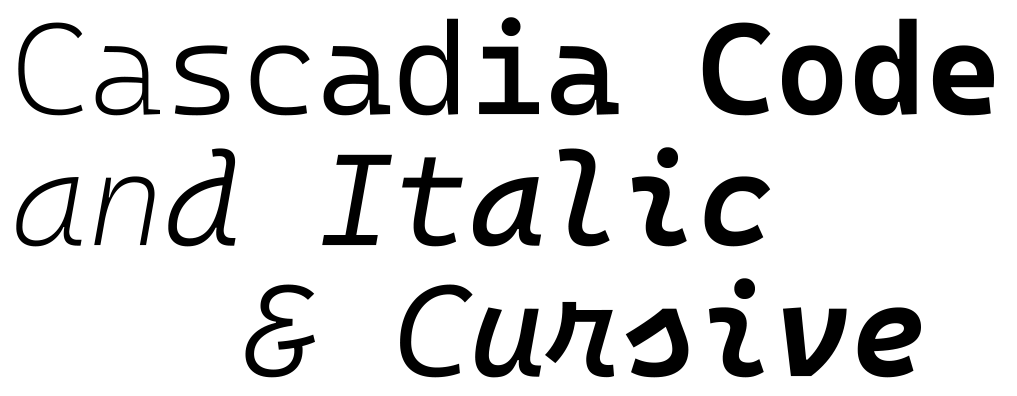
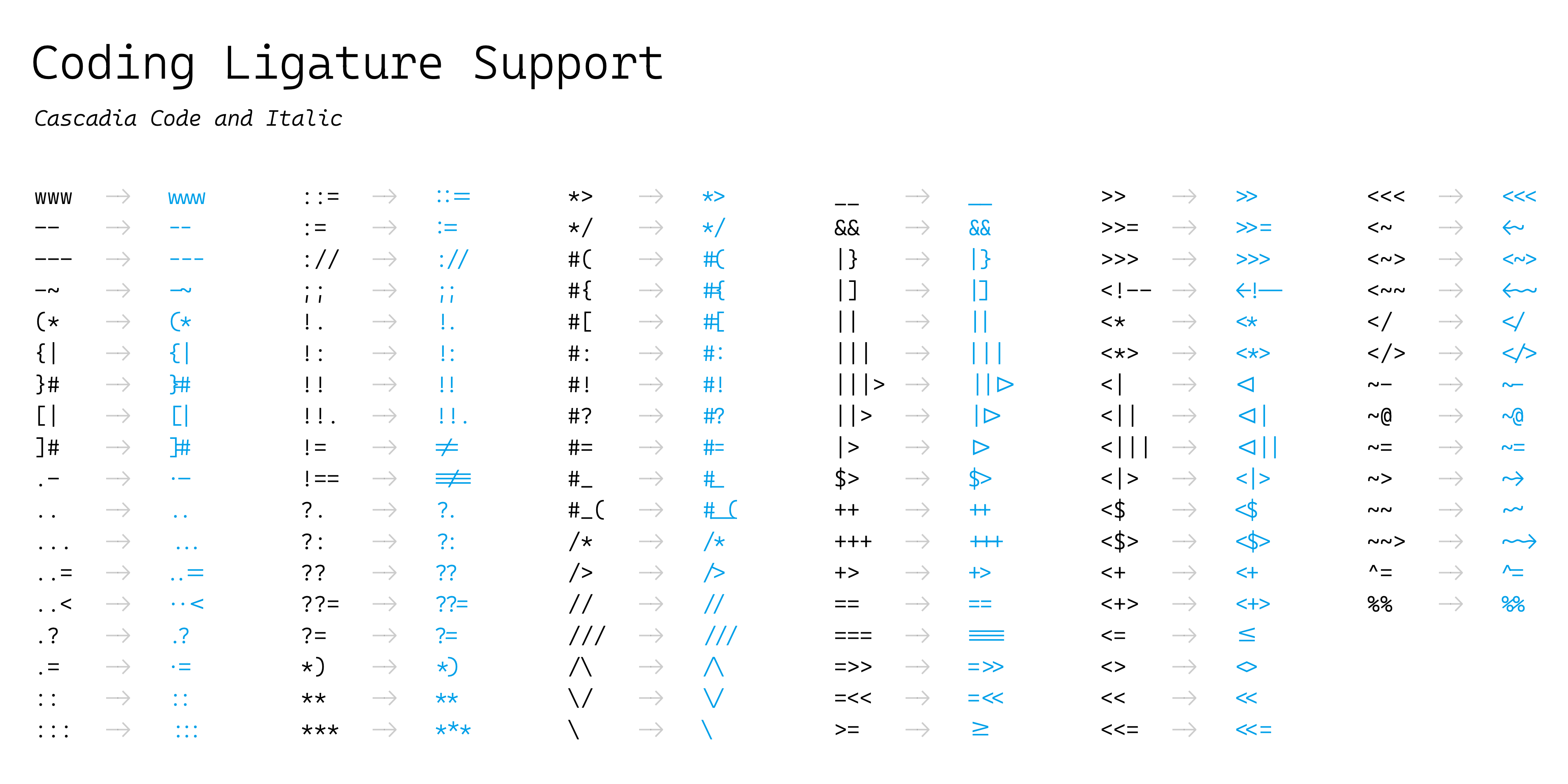
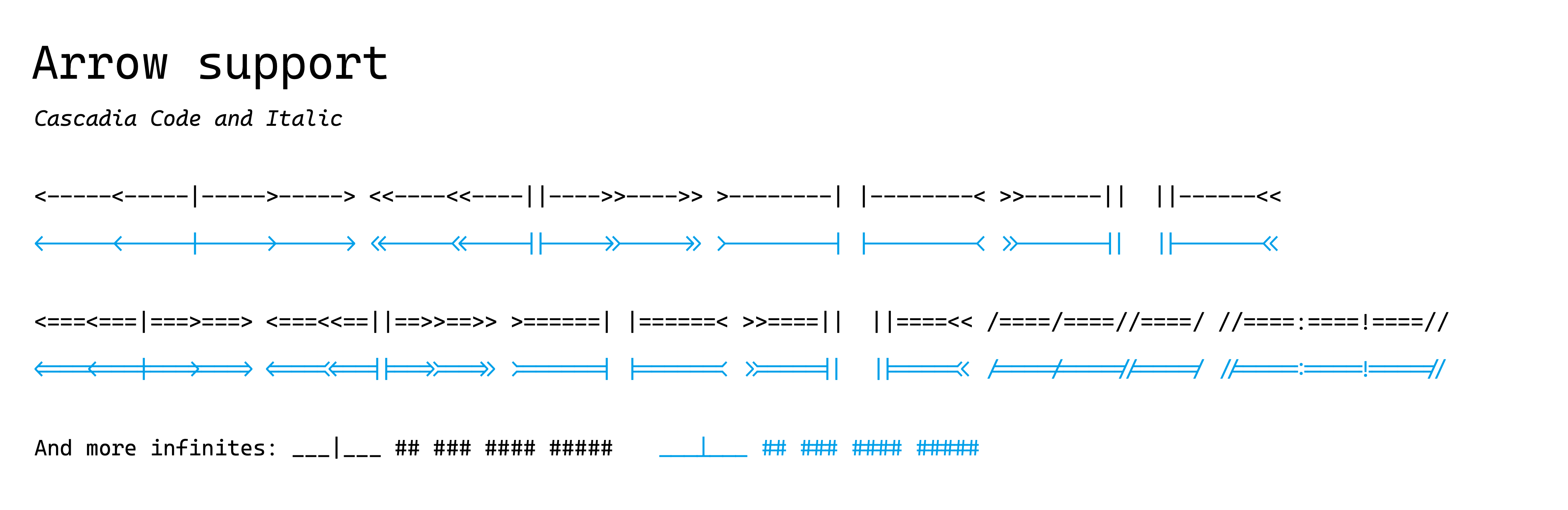
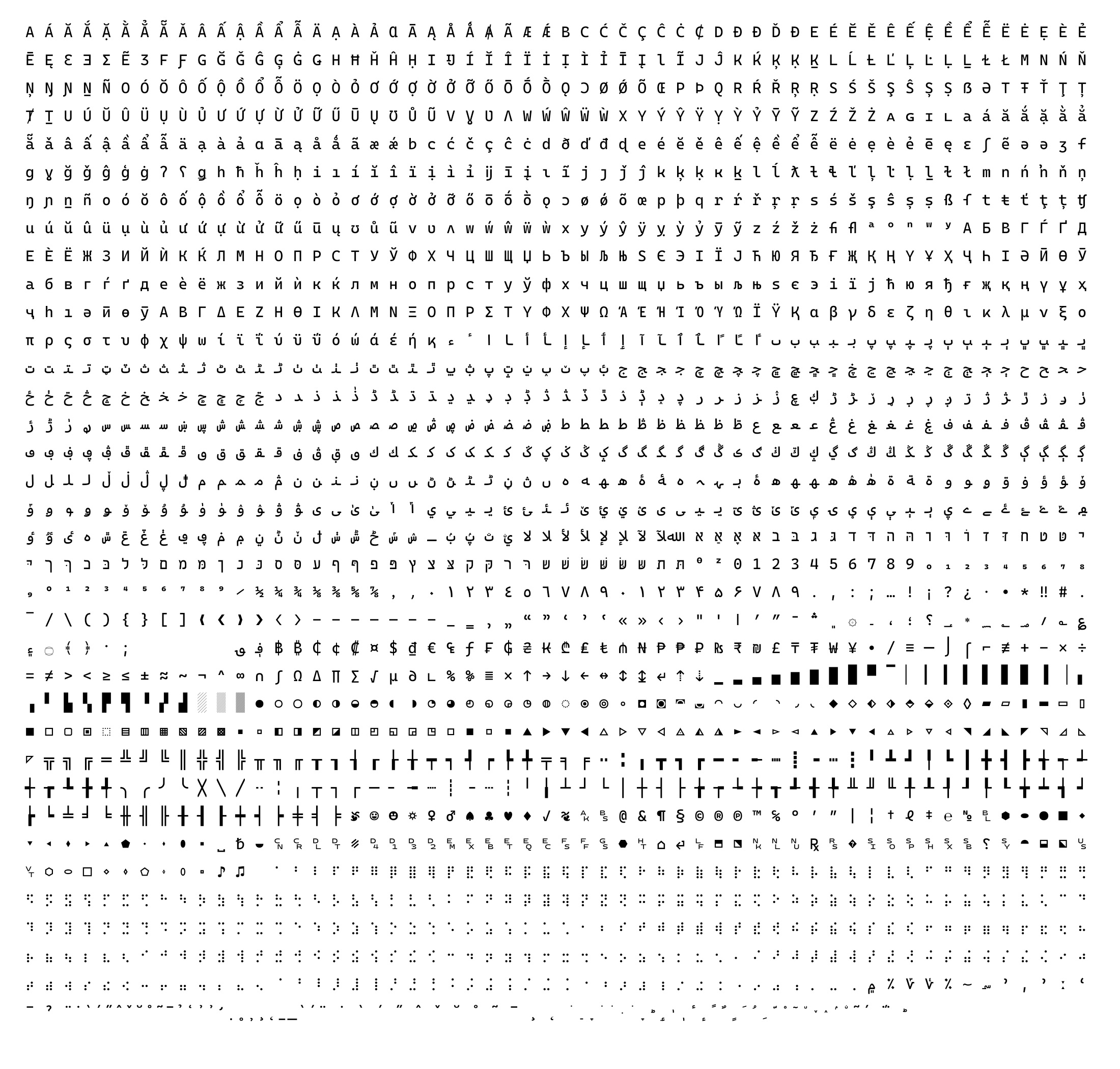
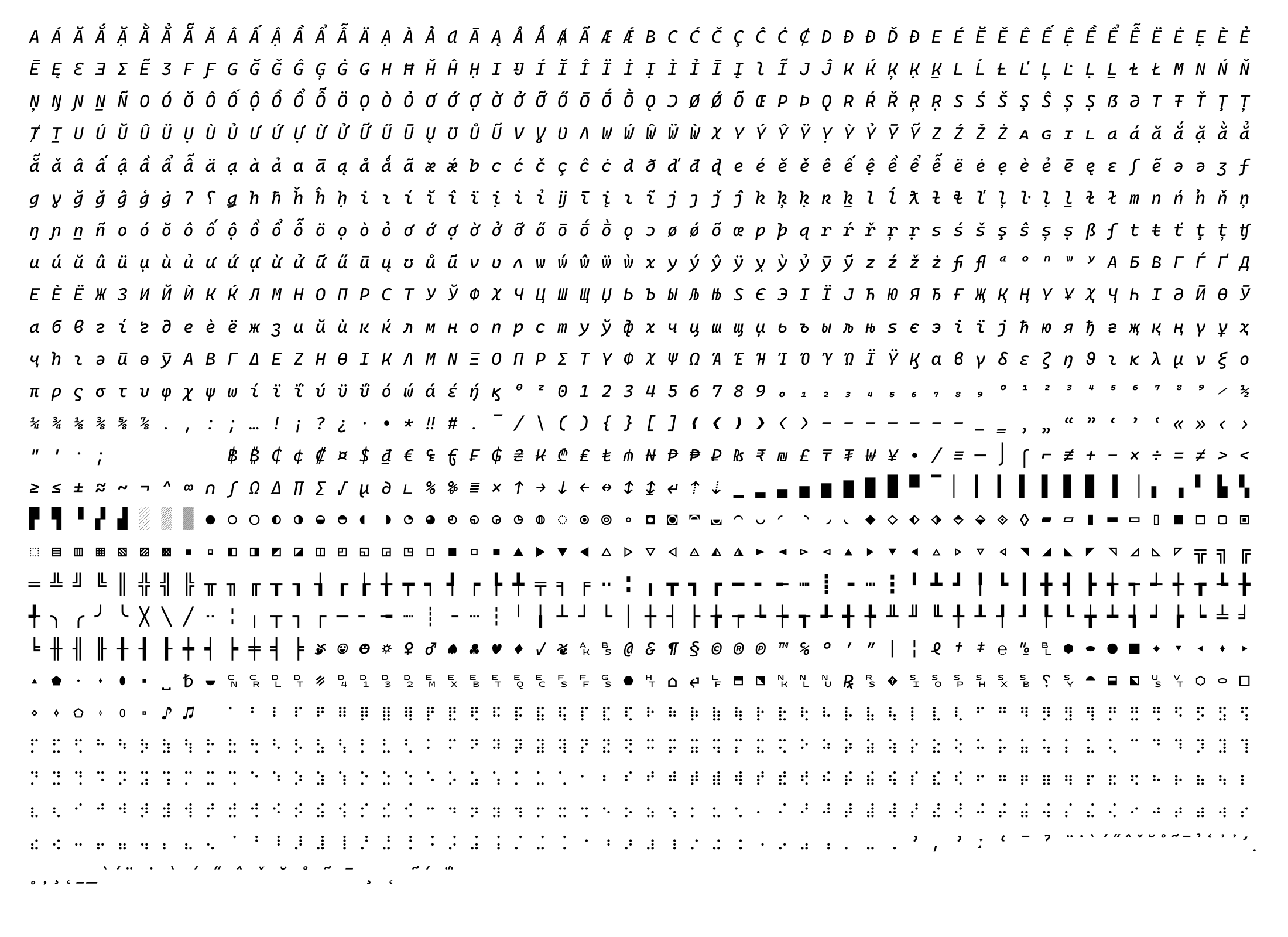
 Cascadia Code — моноширинный шрифт для программирования с лигатурами, который поставляется вместе с Windows Terminal и теперь используется по умолчанию в Visual Studio.
Cascadia Code — моноширинный шрифт для программирования с лигатурами, который поставляется вместе с Windows Terminal и теперь используется по умолчанию в Visual Studio.Это один шрифт или несколько вариантов?Шрифт выходит в нескольких вариантах: Cascadia Code (с лигатурами), Cascadia Mono (без лигатур), а также версии PL (символы Powerline) и NF (символы Nerd Font) для каждого из них.
Шрифт выходит в нескольких вариантах: Cascadia Code (с лигатурами), Cascadia Mono (без лигатур), а также версии PL (символы Powerline) и NF (символы Nerd Font) для каждого из них.Какой формат шрифта выбрать?Для большинства пользователей рекомендуется переменный TTF с весами 200–700; статичные TTF/OTF нужны там, где переменные шрифты не поддерживаются, а WOFF2 предназначен для использования в вебе.
Для большинства пользователей рекомендуется переменный TTF с весами 200–700; статичные TTF/OTF нужны там, где переменные шрифты не поддерживаются, а WOFF2 предназначен для использования в вебе.Есть ли подводные камни при установке?Если у вас уже установлена предыдущая версия Cascadia Code, её нужно удалить перед установкой новой, иначе отображение может сломаться.
Если у вас уже установлена предыдущая версия Cascadia Code, её нужно удалить перед установкой новой, иначе отображение может сломаться.Для кого предназначен этот шрифт?Для разработчиков и пользователей терминалов и редакторов, которым нужен читаемый моноширинный шрифт с лигатурами для программирования; по умолчанию он используется в Windows Terminal и Visual Studio.
Для разработчиков и пользователей терминалов и редакторов, которым нужен читаемый моноширинный шрифт с лигатурами для программирования; по умолчанию он используется в Windows Terminal и Visual Studio.Работает ли он только в Windows?Нет, он работает и на других платформах, так как распространяется как стандартные файлы шрифтов TTF/OTF/WOFF2, но для Windows он особенно рекомендуется из-за хинтинга TrueType.
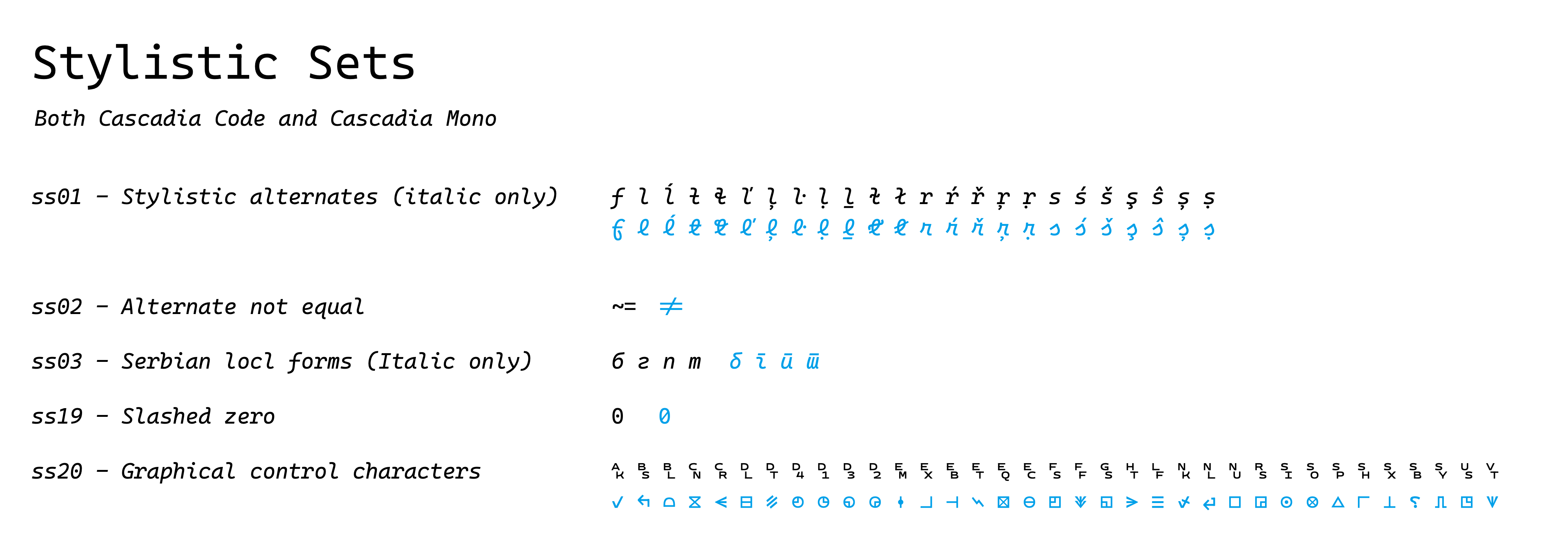
Нет, он работает и на других платформах, так как распространяется как стандартные файлы шрифтов TTF/OTF/WOFF2, но для Windows он особенно рекомендуется из-за хинтинга TrueType.Как включить лигатуры или курсивный италик в редакторе?Включите стилистические наборы OpenType в настройках своего приложения; например, в VS Code это настраивается через settings.json, а курсивный италик доступен через функцию ss01.
Включите стилистические наборы OpenType в настройках своего приложения; например, в VS Code это настраивается через settings.json, а курсивный италик доступен через функцию ss01.Что делать, если моё приложение не поддерживает стилистический набор ss01?В README предлагается использовать инструмент вроде opentype-feature-freezer, чтобы встроить курсивный италик ss01 непосредственно в файл шрифта.
В README предлагается использовать инструмент вроде opentype-feature-freezer, чтобы встроить курсивный италик ss01 непосредственно в файл шрифта.Где найти подробные инструкции по установке для конкретного приложения?В вики проекта есть более подробная информация и инструкции для отдельных приложений, помимо базовых шагов установки через щелчок правой кнопкой мыши.
В вики проекта есть более подробная информация и инструкции для отдельных приложений, помимо базовых шагов установки через щелчок правой кнопкой мыши.Кто разработал Cascadia Code и что вдохновило его лигатуры?Шрифт создала Microsoft (дизайнер Аарон Белл вместе с командой); в основе лежит код лигатур OpenType из Fira Code и иконографика Nerd Fonts, а консультанты помогали с поддержкой кириллицы, арабского, иврита, греческого и вьетнамского письма.
Шрифт создала Microsoft (дизайнер Аарон Белл вместе с командой); в основе лежит код лигатур OpenType из Fira Code и иконографика Nerd Fonts, а консультанты помогали с поддержкой кириллицы, арабского, иврита, греческого и вьетнамского письма.What are similar projects?Monocraft, JetBrainsMono, Iosevka, FiraCode, maple-font, Hack, source-code-pro, monaspace
Monocraft, JetBrainsMono, Iosevka, FiraCode, maple-font, Hack, source-code-pro, monaspace