























mdb-ui-kit README

The project's README from github.com/mdbootstrap/mdb-ui-kit. As one markdown file: README.md.

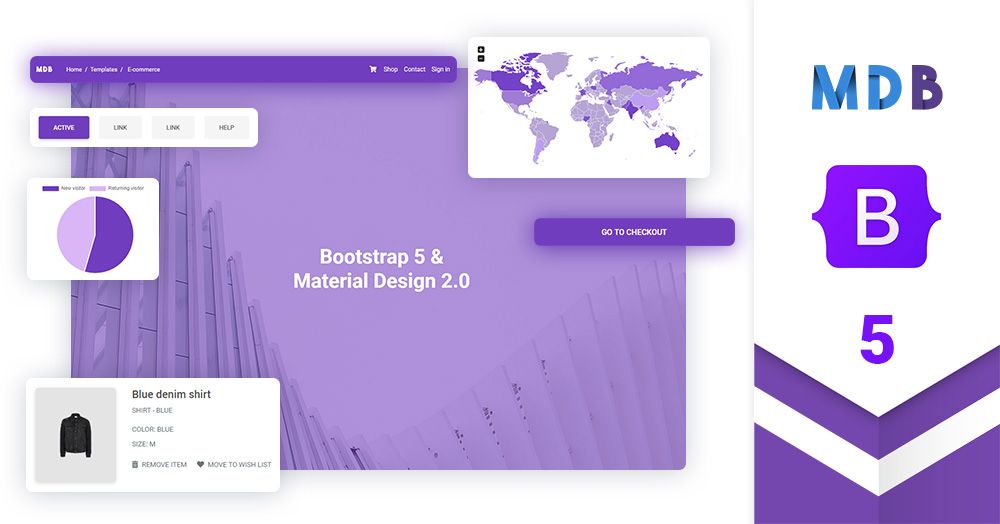
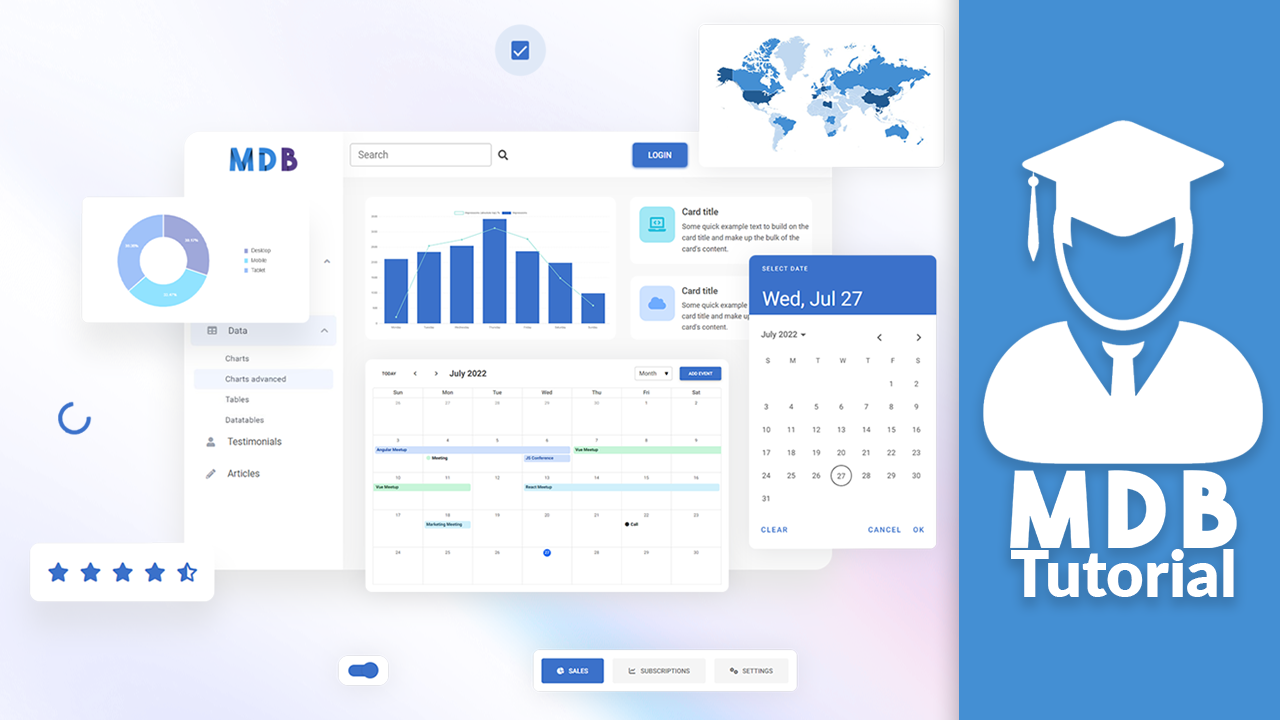
Bootstrap 5 UI KIT - 700+ components, plain JavaScript, MIT license, simple installation.

MDB is a collection of free for personal & commercial use Bootstrap templates, themes, design tools & resources.


Get started

>> Get Started in 1 minute

Simple installation via .zip, npm or cdnjs.

>> Install with Webpack

This option is useful for experienced developers it enables bundling, unit testing code formatting, linting, saas support & more.

>> Install with MDBGO

Free Hosting, WordPress support, custom domains, SSL support, free database, frontend & backend templates, webpack starter included, git repostiory, FTP & jenkins support.

>> Install with MDBGO + e-commerce shop integration

One click setup! MDB GO allows you to create a WordPress page with a single click. Regardless whether you want to create a Travel Blog or an e-commerce shop to sell your product you can easily do that. You can even combine both into single page.

About Material Design for Bootstrap 5 & Vanilla JavaScript

Created by Downloads License MDBootstrap tutorial

Trusted by 3 000 000+ developers & designers. Used by companies & institutions like

  • 700+ UI components
  • Free templates
  • Super simple, 1 minute installation
  • Detailed docs & practical examples
  • Lots of tutorials
  • Plain JavaScript (but works also with jQuery)
  • Huge and active community
  • MIT license - free for personal & commercial use

Bootstrap 5 tutorial

>> Learn more about Bootstrap 5

>> Bootstrap 5 Tutorial

>> Subscribe to our YouTube channel with dozens of Bootstrap tutorials

Start learning from Basics

Learn Bootstrap 5 | Crash Course for Beginners in 1.5H


Demo

Simplicity and ease of use are key features of MDB 5 UI Kit. You need only one minute to install and run it.

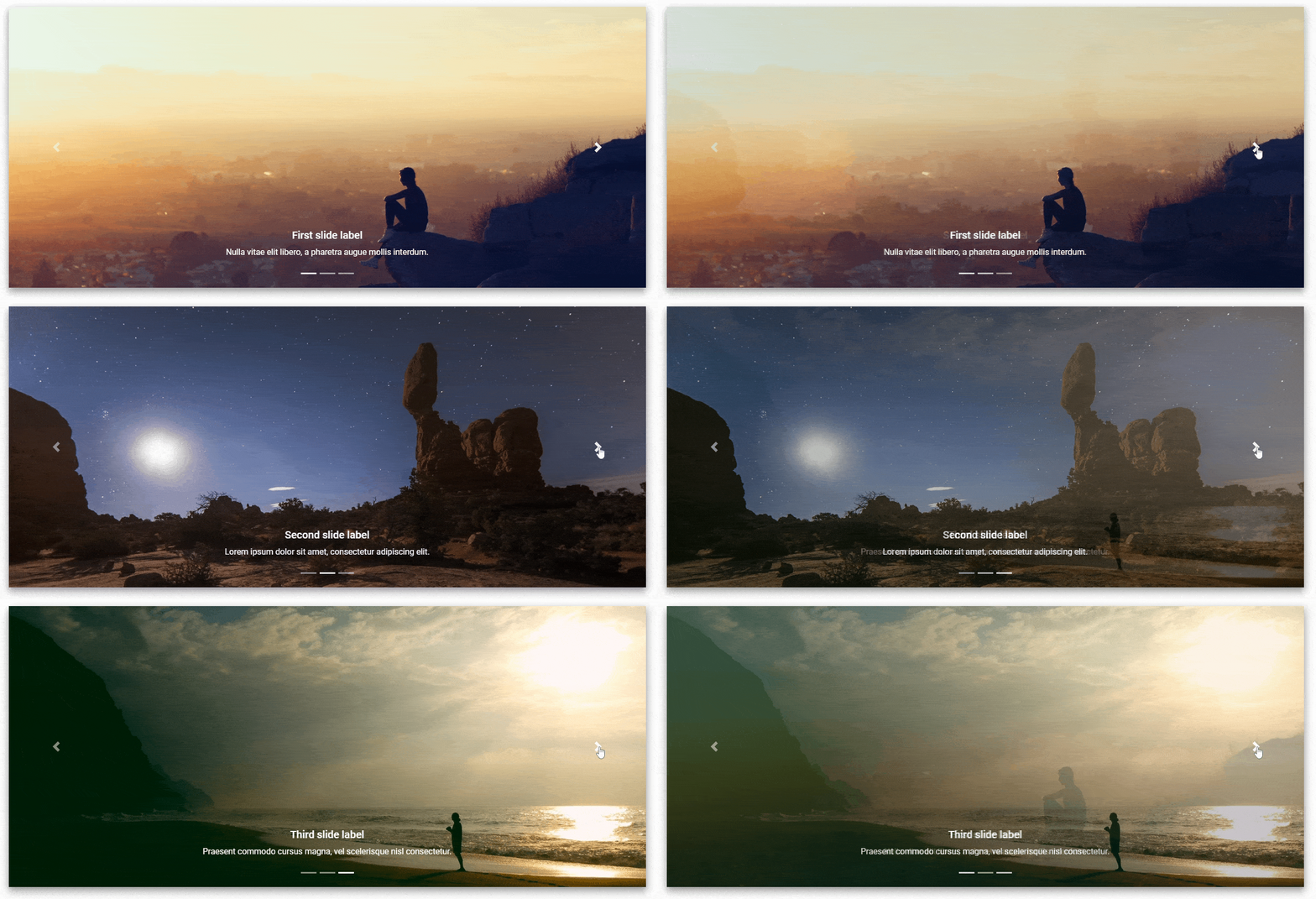
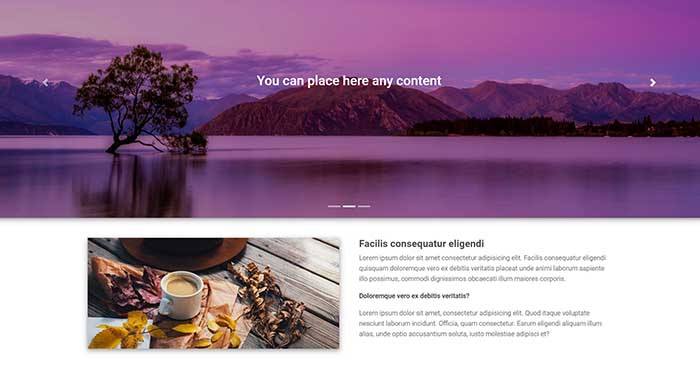
A slideshow component for cycling through elements—images or slides of text—like a carousel.

Buttons

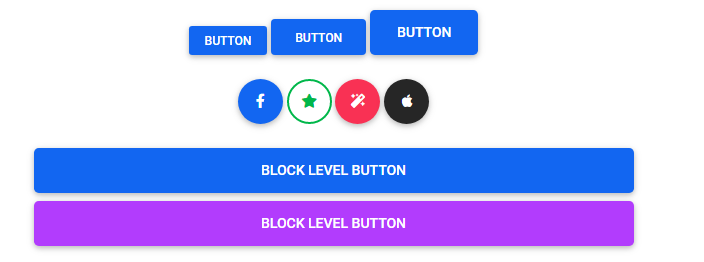
Use MDB custom button styles for actions in forms, dialogs, and more with support for multiple sizes, states, and more.

Spinners

Indicate the loading state of a component or page with MDB spinners, built entirely with HTML, CSS, and no JavaScript.

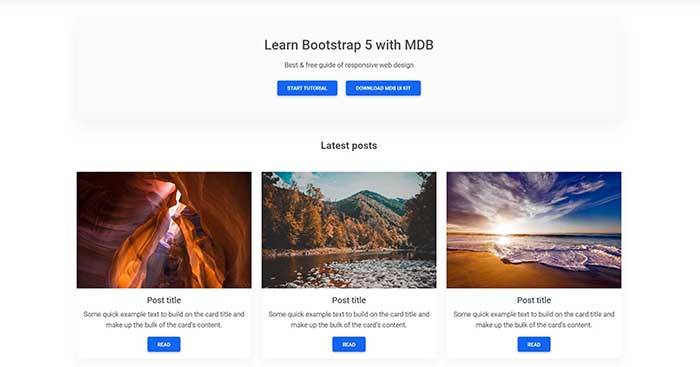
Cards

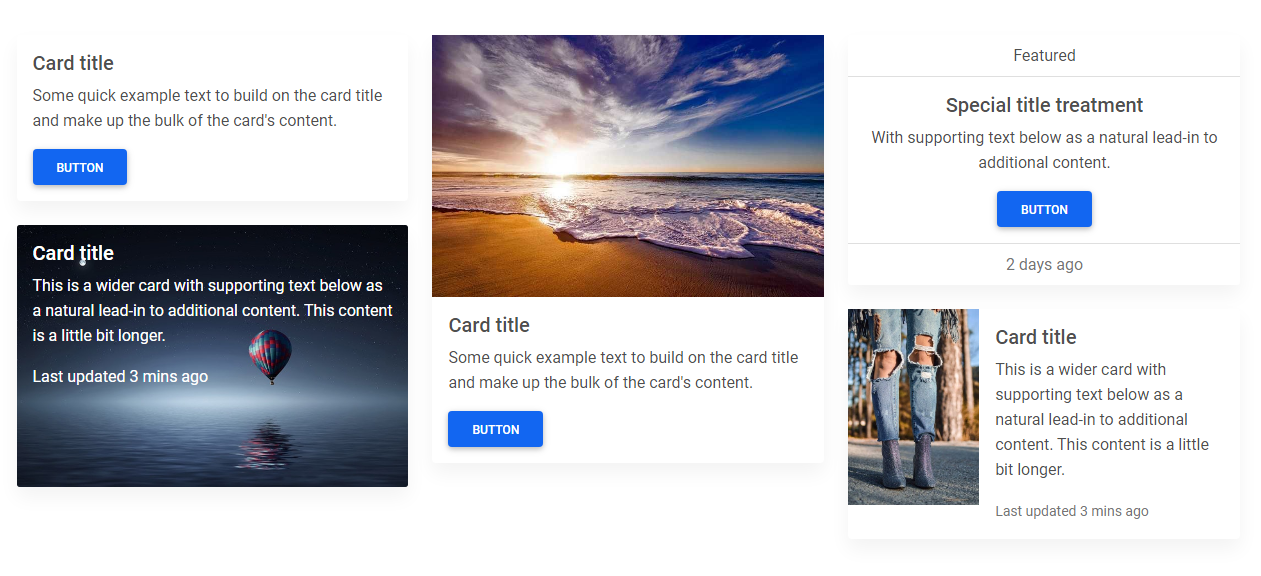
A card is a flexible and extensible content container. It includes options for headers and footers, a wide variety of content, contextual background colors, and powerful display options.

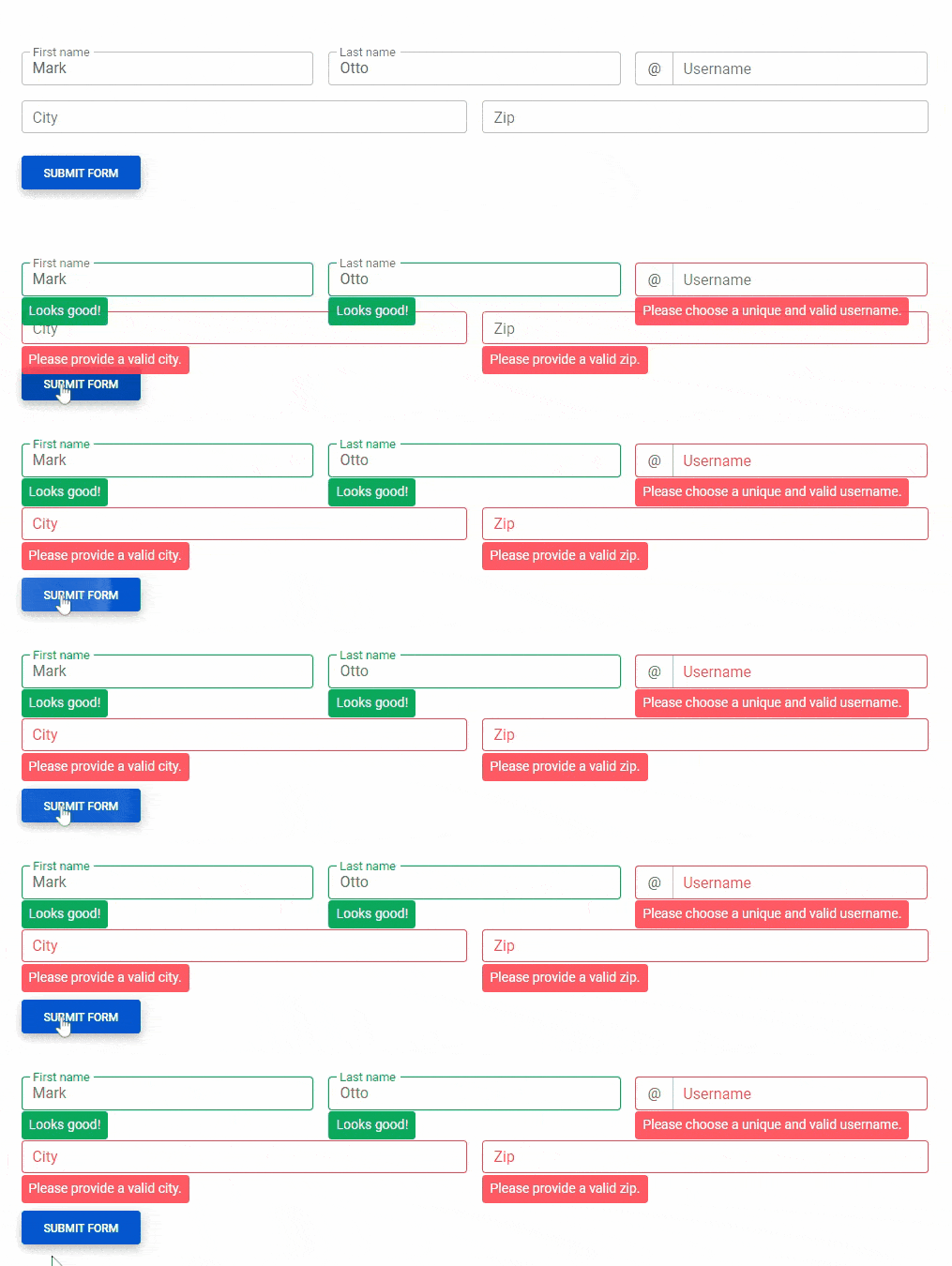
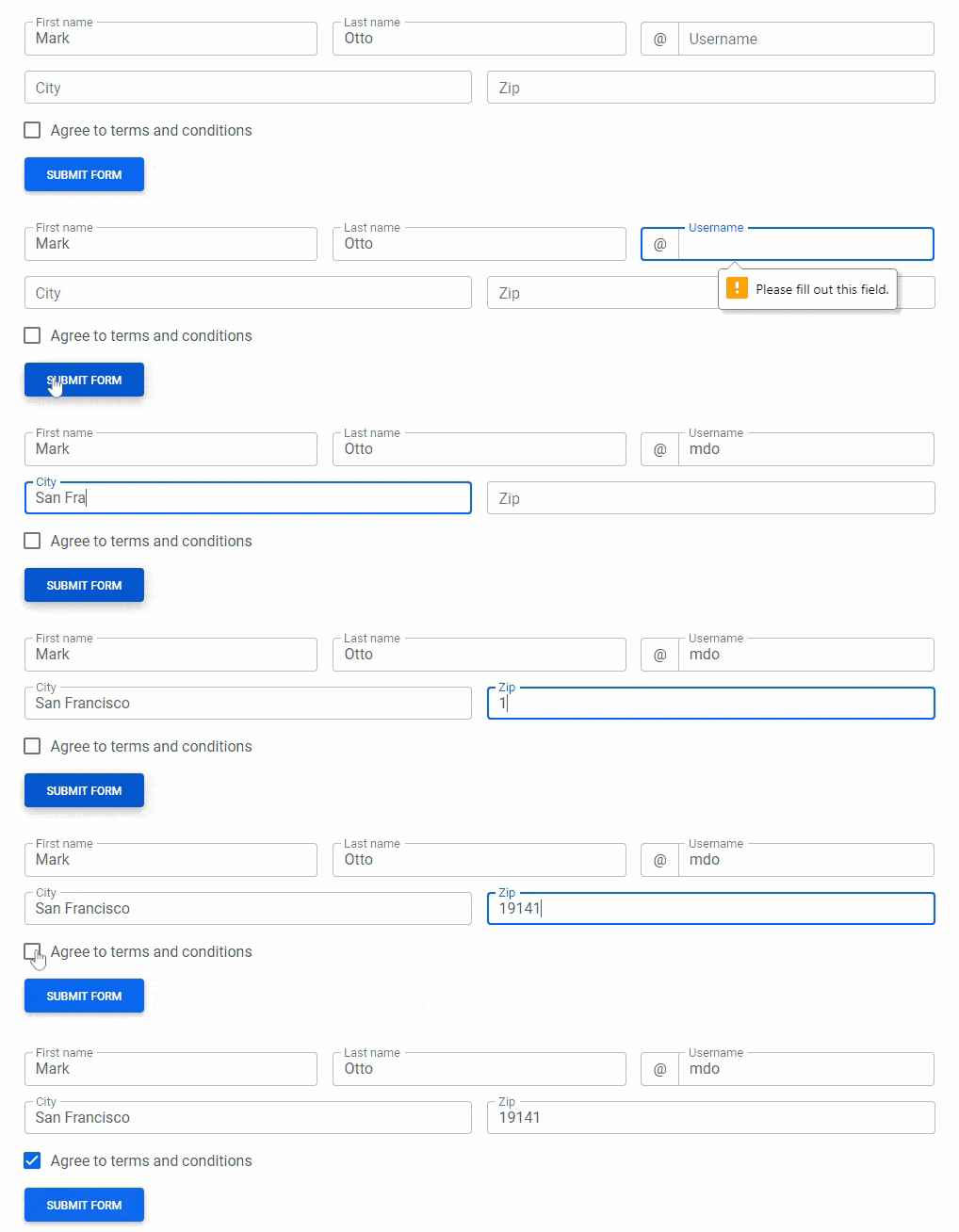
Validation

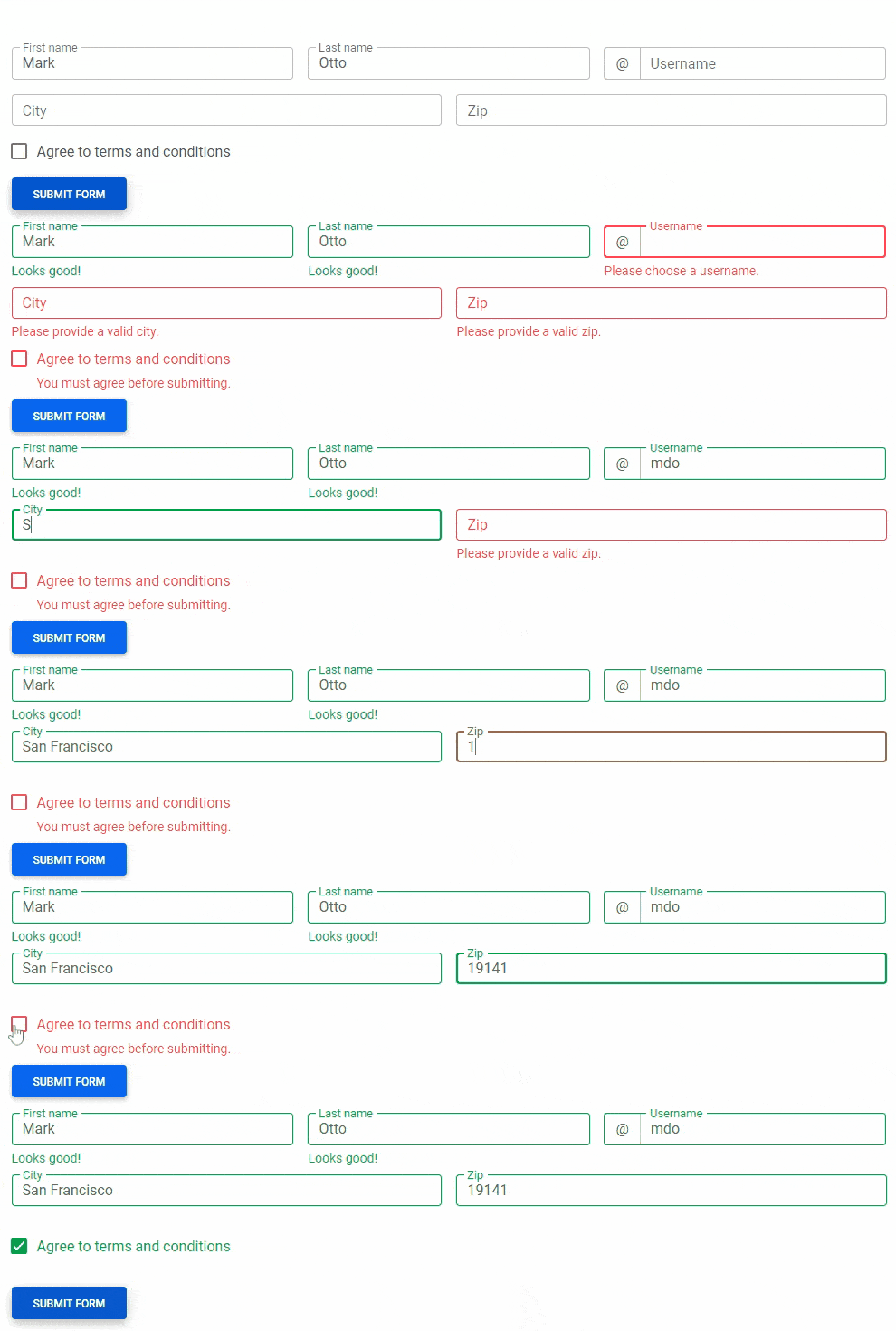
Provide valuable, actionable feedback to your users with HTML5 form validation, via browser default behaviors or custom styles and JavaScript.

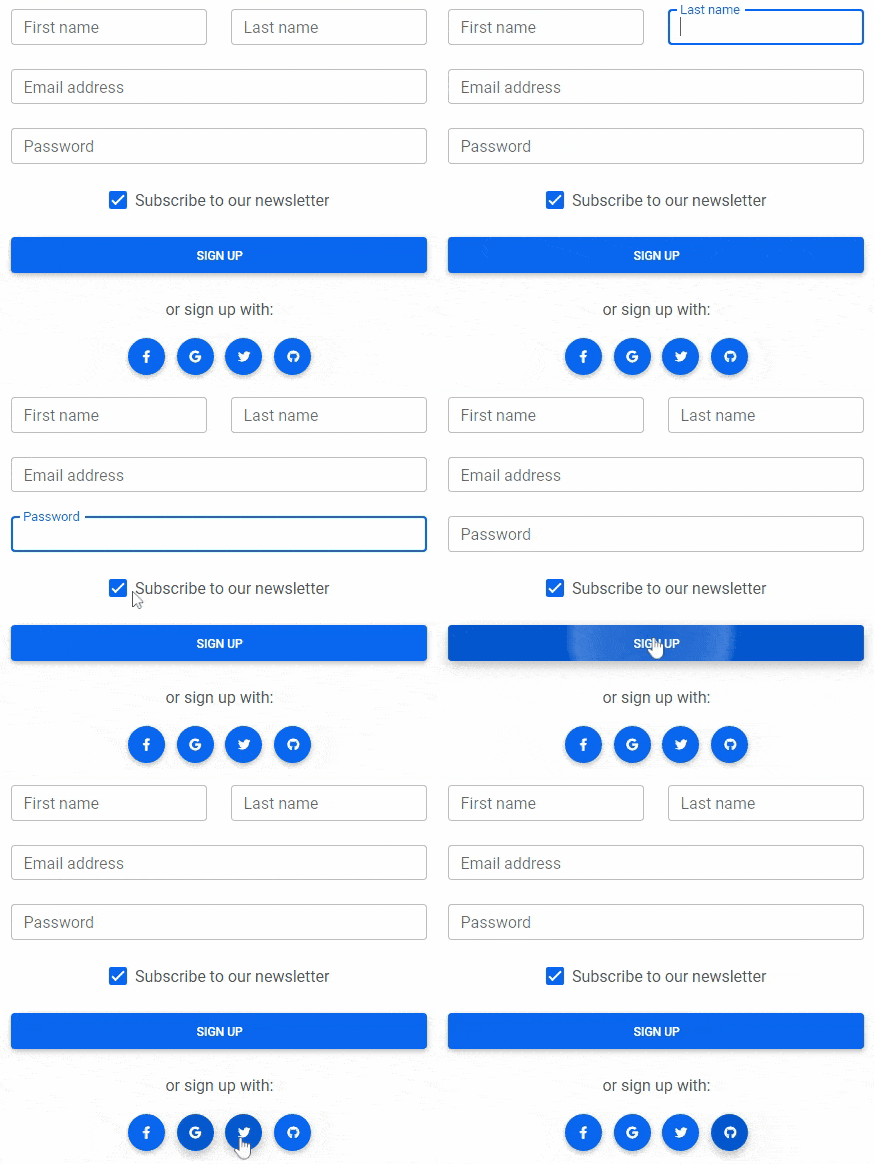
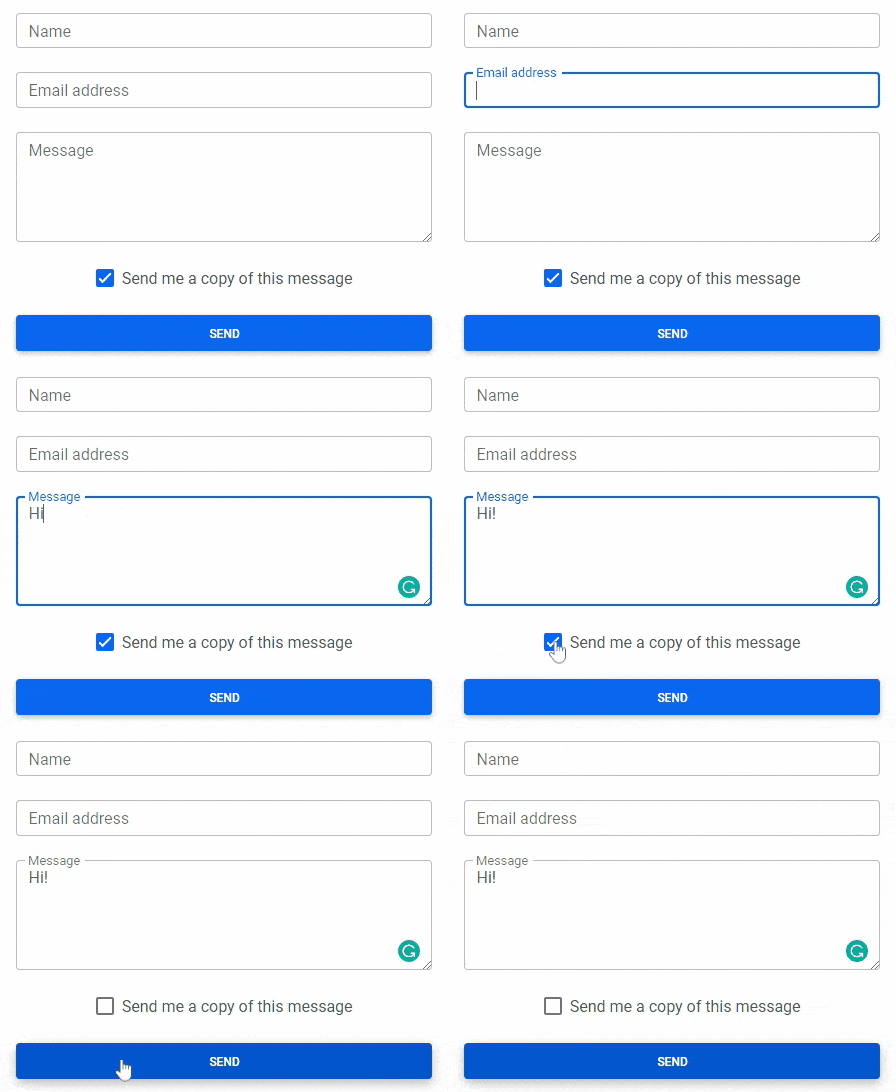
Forms

Examples and usage guidelines for form control styles, layout options, and custom components for creating a wide variety of forms.

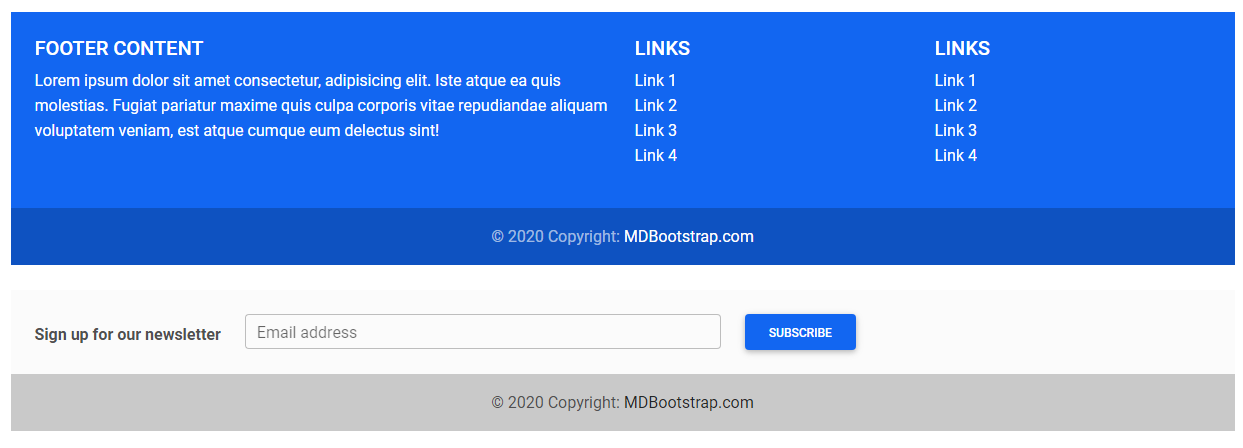
A footer is an additional navigation component. It can hold links, buttons, company info, copyrights, forms, and many other elements.

Modal

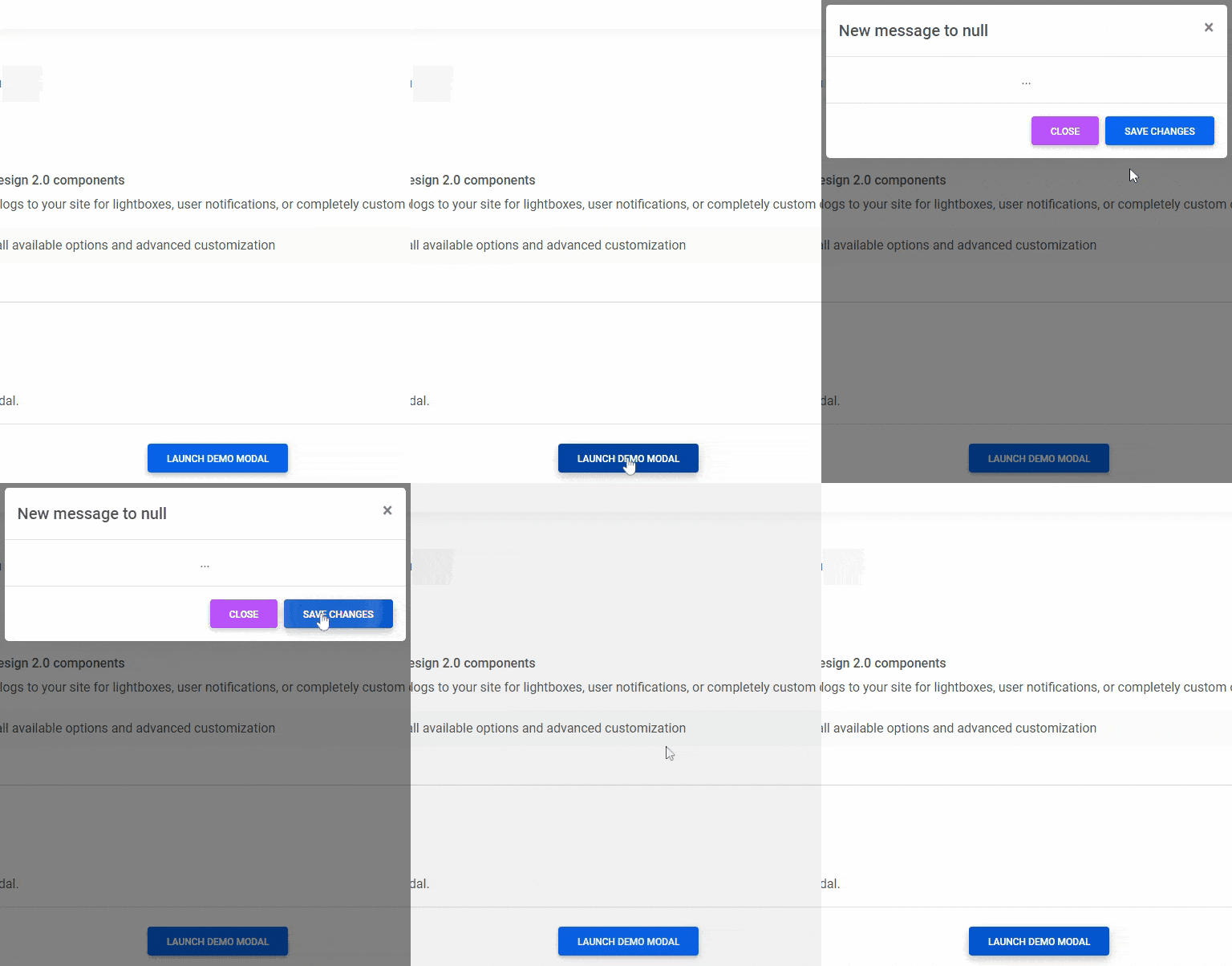
Use MDB modal plugin to add dialogs to your site for lightboxes, user notifications, or completely custom content.

Hover

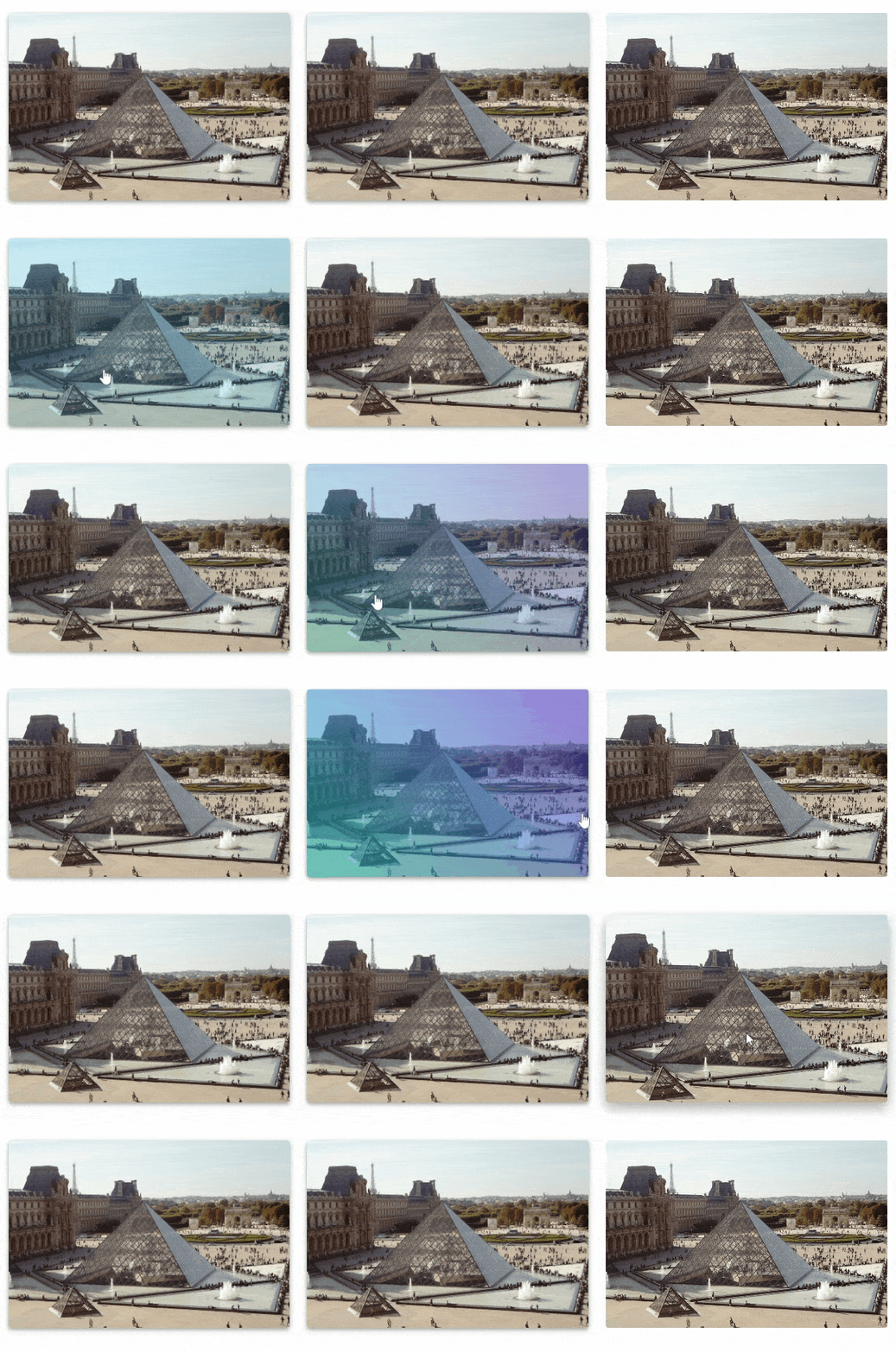
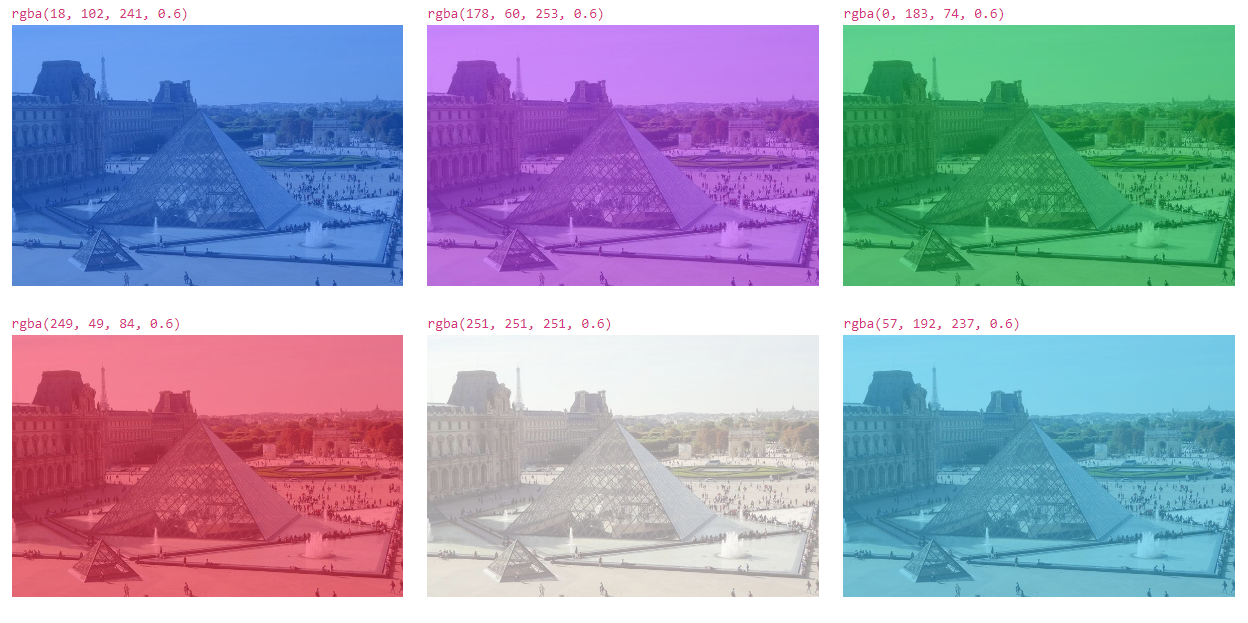
MDB hover effect appears when the user positions the computer cursor over an element without activating it. Hover effects make a website more interactive.

Tabs

Tabs are quasi-navigation components which can highly improve website clarity and increase user experience.

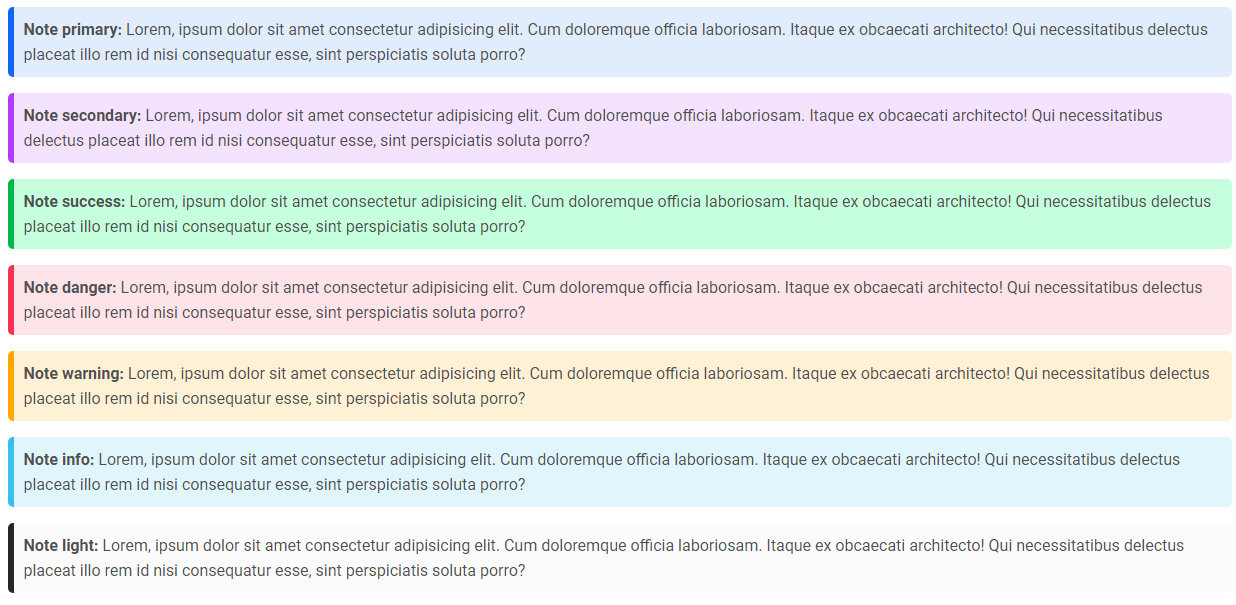
Notes

Notes are small components very helpful in inserting an additional piece of information.

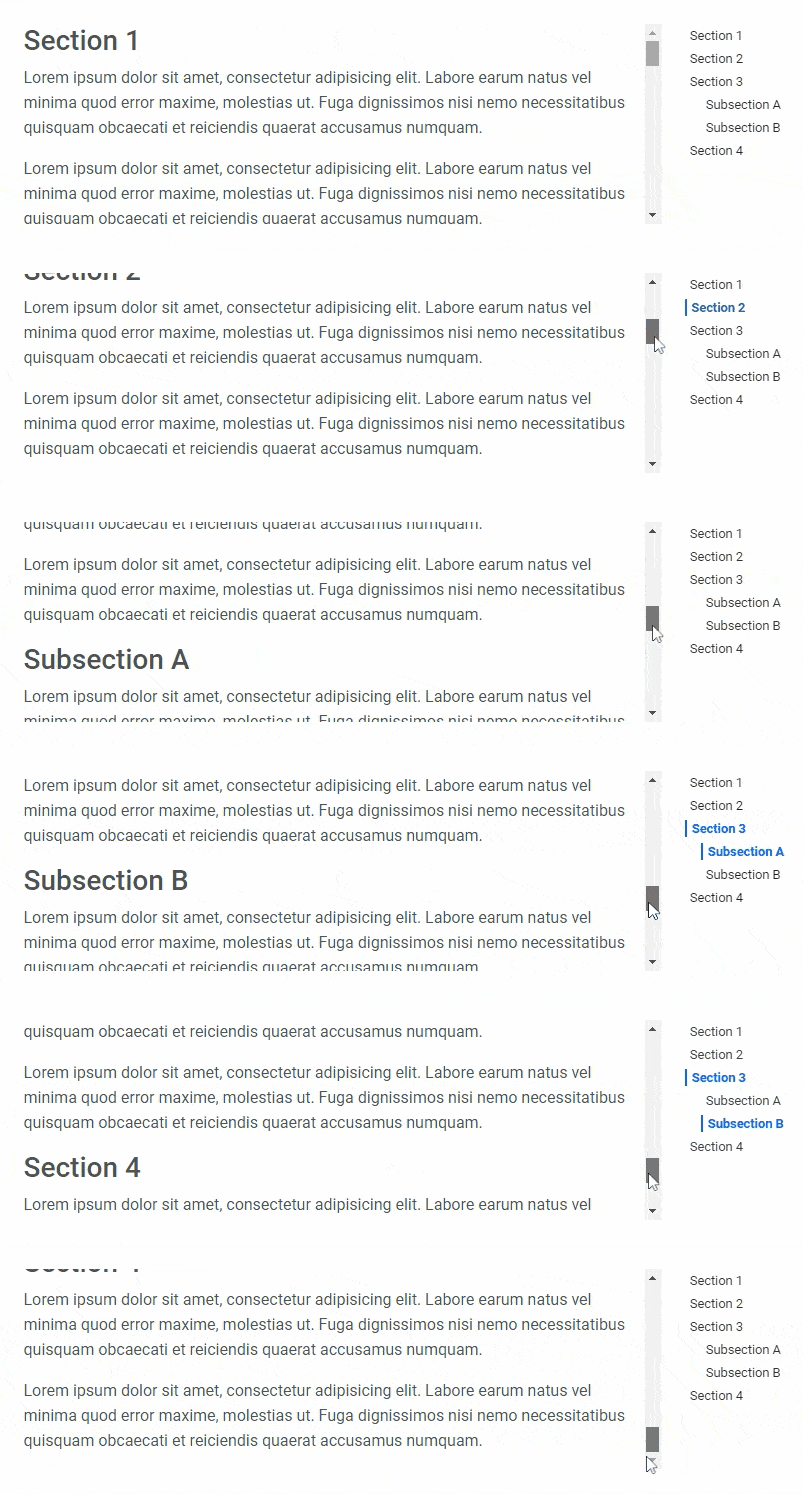
ScrollSpy

Automatically update Bootstrap navigation or list group components based on scroll position to indicate which link is currently active in the viewport.

Also check out our standalone project Perfect Scrollbar which is included in MDB.


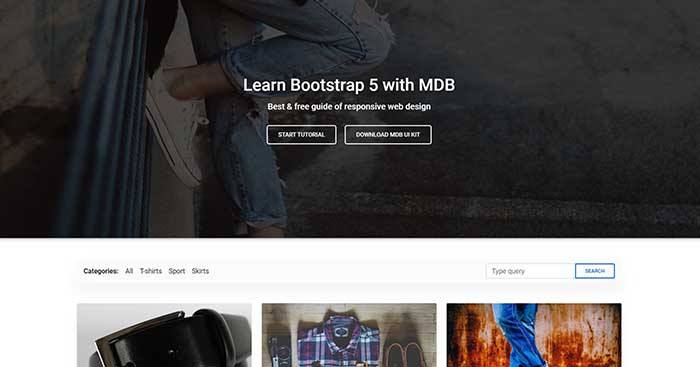
Free Bootstrap 5 templates

All of the templates were created with MDB 5 UI KIT (Material Design for Bootstrap 5).

MDB is a free (MIT license) library, that provides extra features and significantly extends Bootstrap's capabilities.

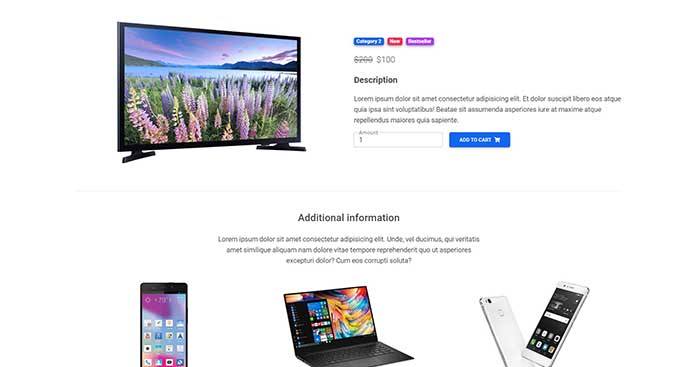
Ecommerce

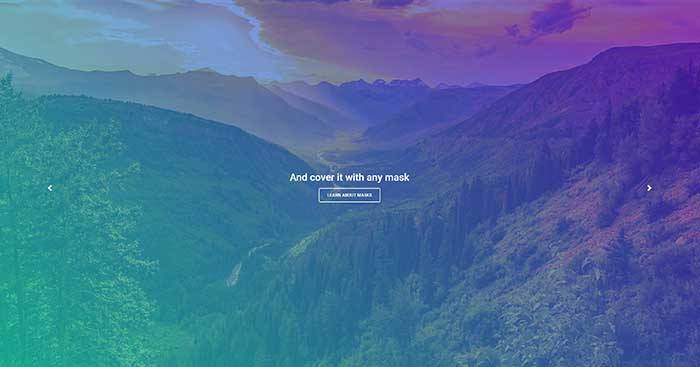
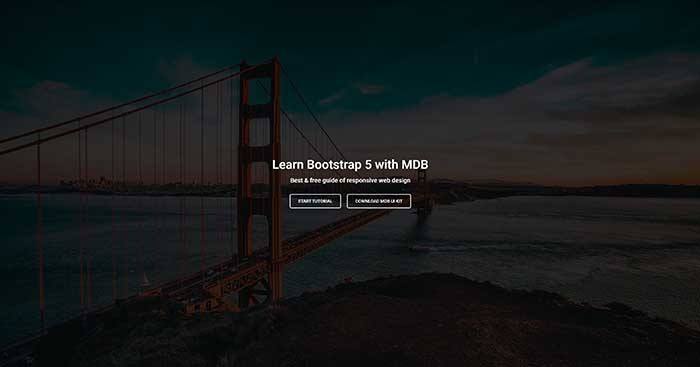
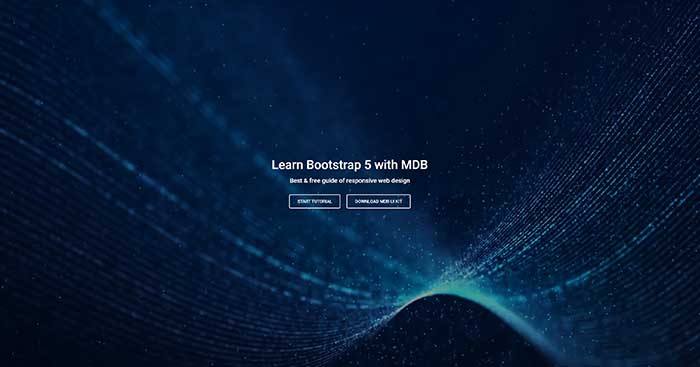
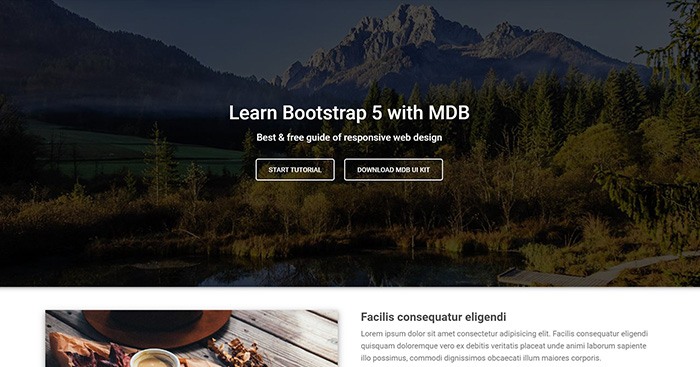
Carousel Full Cover

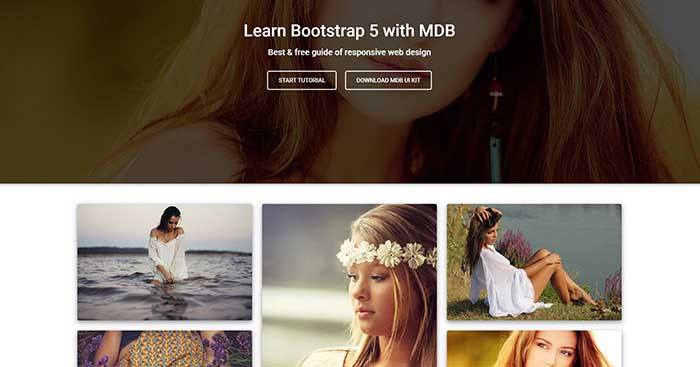
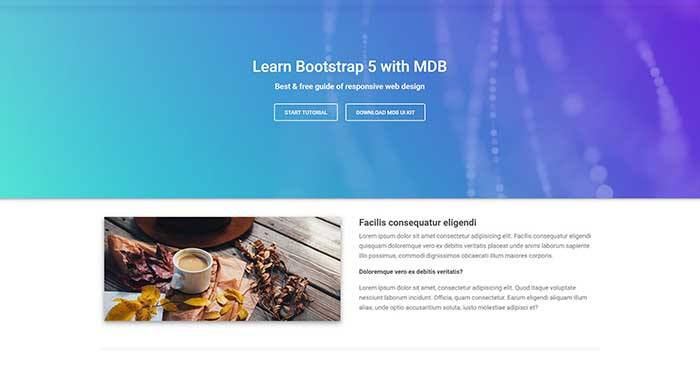
Image Full Cover

Portfolio

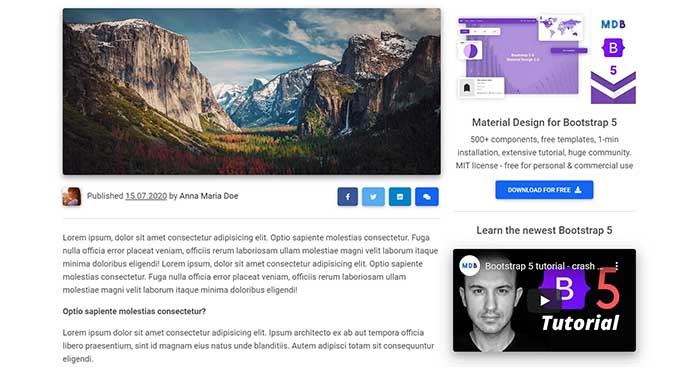
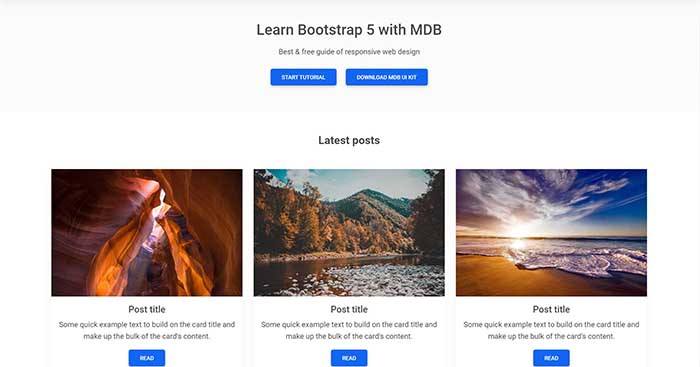
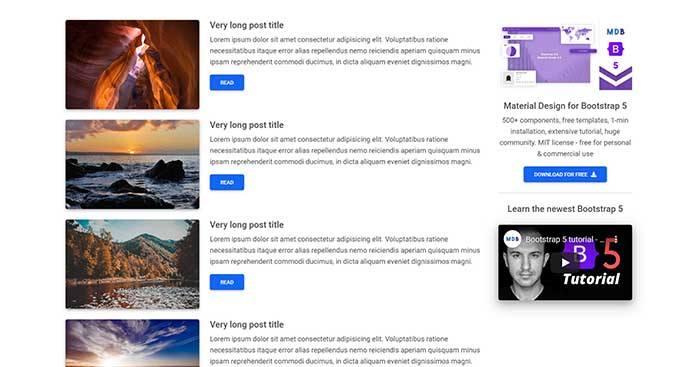
Post

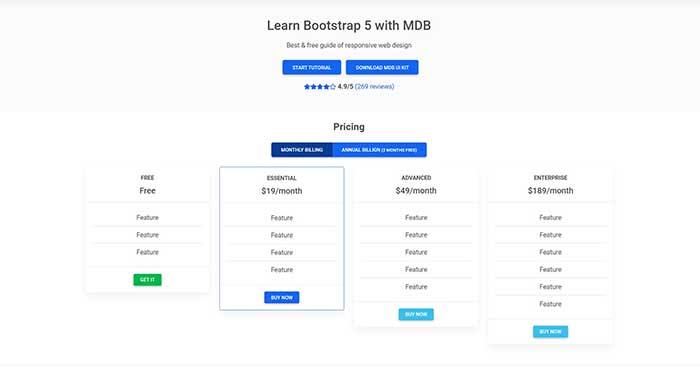
Pricing

Video Full Cover

Carousel Half Cover

Video Half Cover

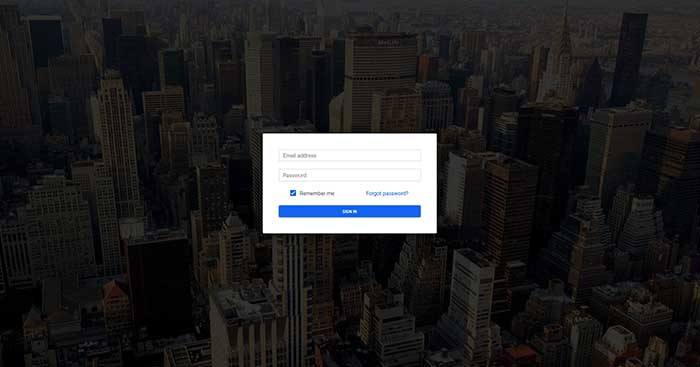
Login

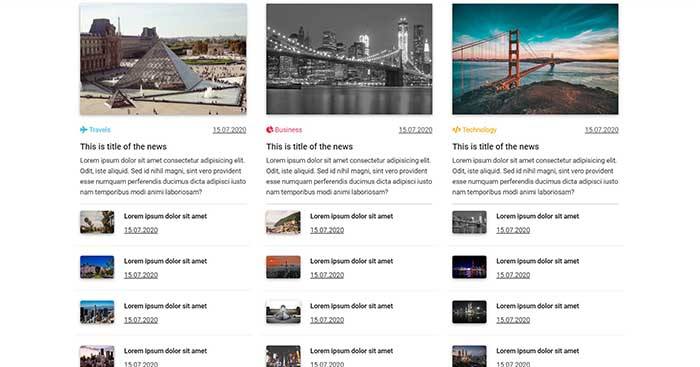
Magazine

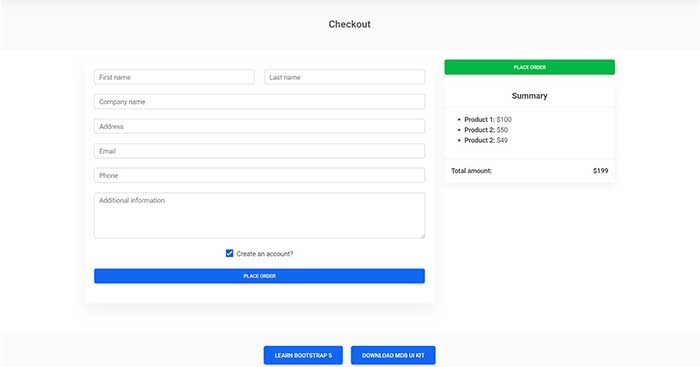
Checkout

Blog

Product

Category

Landing Page

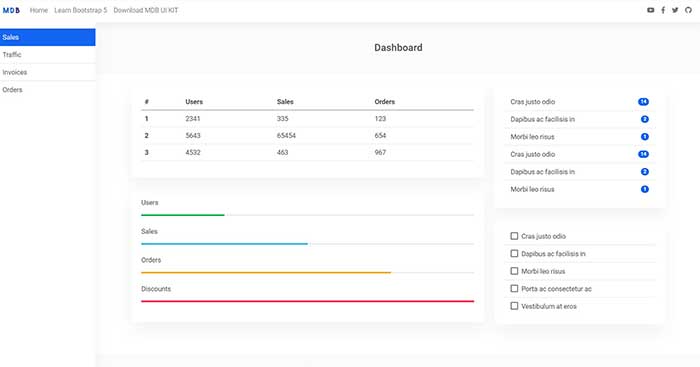
Admin

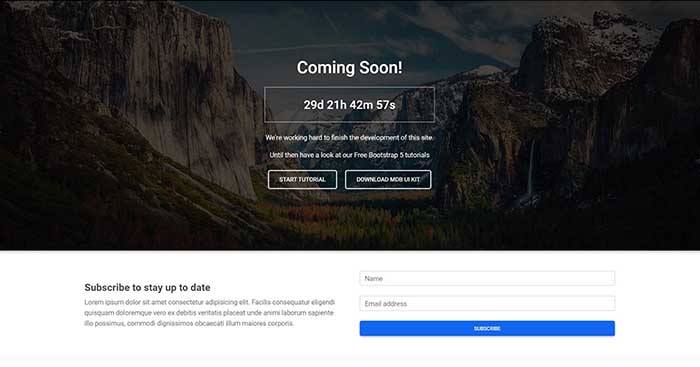
Coming Soon

Classic Jumbotron

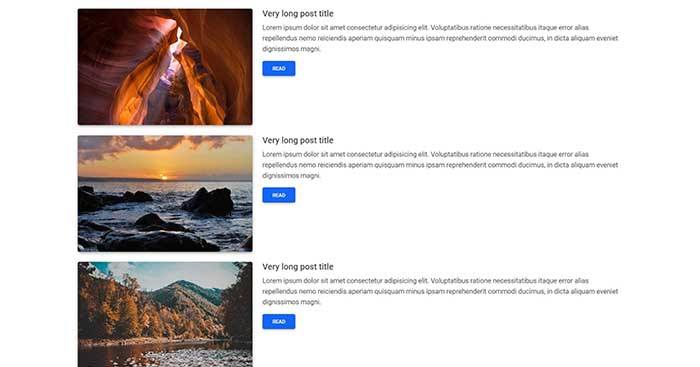
One Column

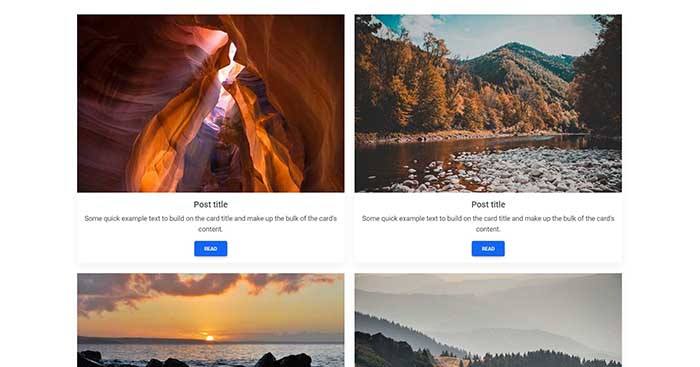
Two Columns

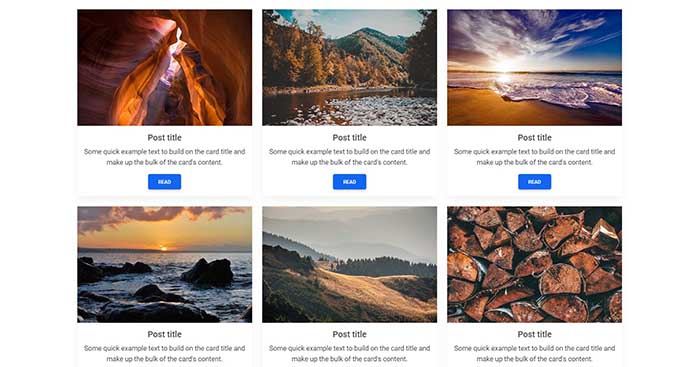
Three Columns


Extended documentation

mdb-ui-kit (mdbootstrap/mdb-ui-kit)

Searching Database…

这是什么?MDB UI Kit 是一个 Bootstrap 5 组件库,采用 Material Design 风格:包含 700 多个 UI 组件——按钮、卡片、模态框、表单、标签页、轮播图——全部用原生 JavaScript 编写,用于搭建网站前端。
它是我用来搭建网站的库,还是一套现成的模板?是搭建网站用的库:它在 Bootstrap 5 的基础上扩展了更多组件,并加上 Material Design 风格。现成的模板是另外免费提供的,用这个套件搭建。
我怎么把它加到项目里?可以通过 .zip、npm 或 cdnjs 安装——README 声称一分钟就能跑起来。有经验的开发者还可以走 Webpack 路线,获得打包、单元测试、代码检查和 Sass 支持。
组件要用 jQuery 才能跑起来吗?不需要——组件都是用原生 JavaScript 写的,不依赖 jQuery;只有当你的项目本身已经在用 jQuery 时才会涉及到它。
它需要在某处运行后端或 Node.js 吗?不需要——它是纯前端套件:HTML、CSS 和 JavaScript 都在访客的浏览器里运行,直接用 CDN 或 .zip 就能用,不需要构建步骤。
我可以在商业项目里用它吗?可以——它采用 MIT 许可证,个人和商业用途都免费。
里面都包含哪些组件?轮播图、按钮、加载动画、卡片、带 HTML5 验证的表单、模态框、悬停特效、标签页、提示框和滚动监听——这只是套件里 700 多个组件中的一部分。
有现成的页面设计可以直接上手吗?有——用这个套件搭建的免费 Bootstrap 5 模板:电商、博客、杂志、结账、登录、定价、作品集、落地页和后台管理面板。
安装文档里提到的 MDB GO 是什么?是团队推出的托管平台:提供带 SSL 和自定义域名的免费托管,支持 WordPress,附赠免费数据库,支持 git 和 FTP 部署,还能一键创建 WordPress 或电商网站。
既然它是 Bootstrap,为什么叫 Material Design?因为它把两者融合在一起:你保留 Bootstrap 5 的工作流程和组件结构,但所有外观都按照 Material Design 的审美风格重新设计了。
Size
49.6 MB
Stars
24.2K
Age
12y
Commits · 90 Days