
























24.2K ·GitHub
Что это?
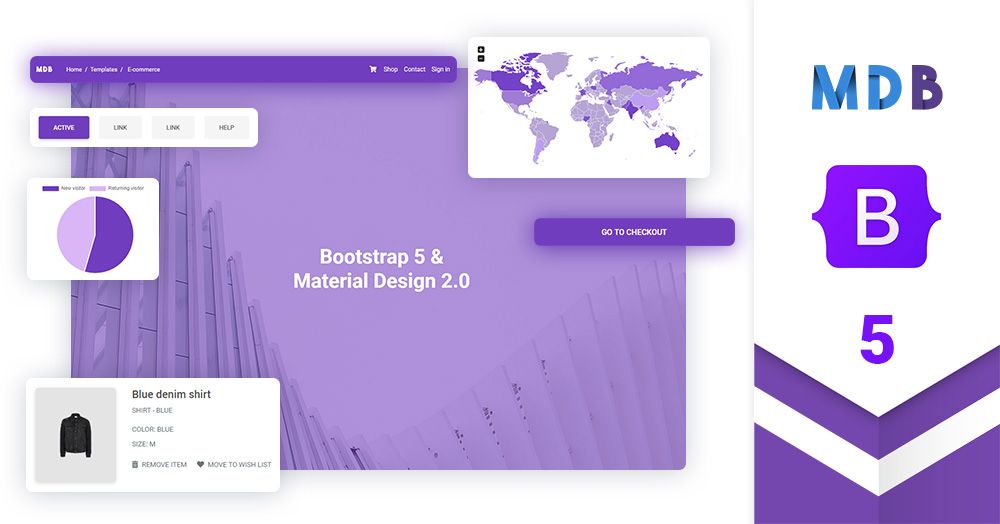
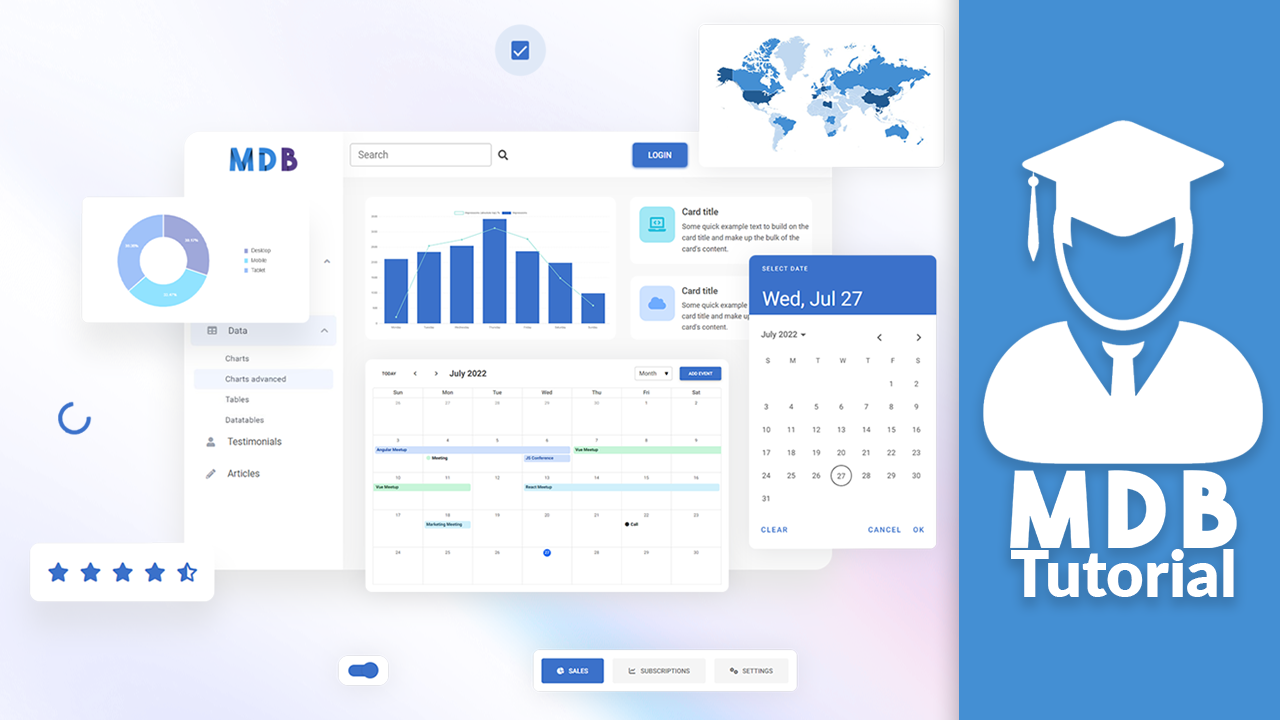
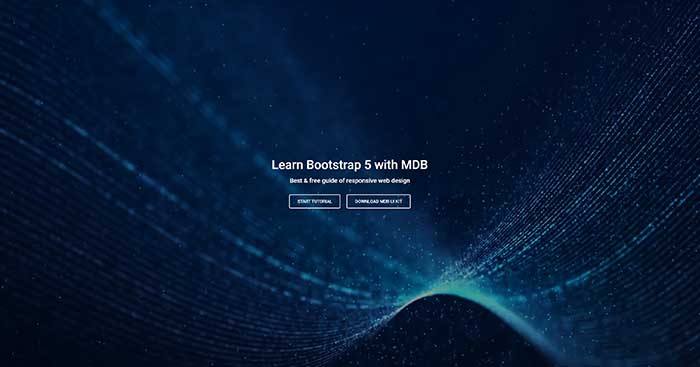
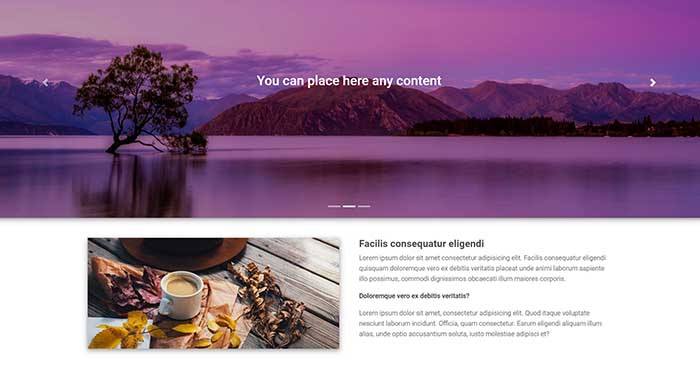
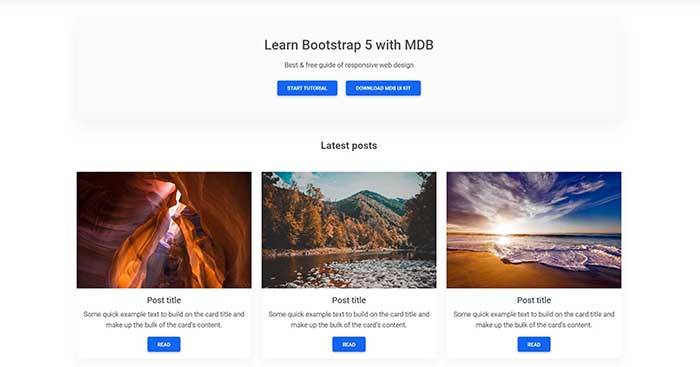
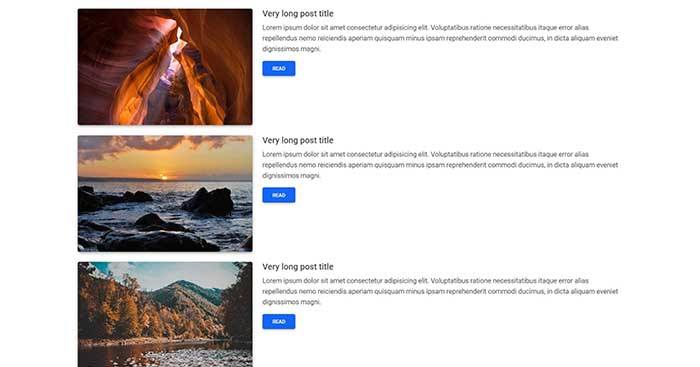
 MDB UI Kit — это библиотека компонентов для Bootstrap 5 в стиле Material Design: более 700 UI-компонентов — кнопки, карточки, модальные окна, формы, вкладки, карусели — написанных на чистом JavaScript для создания фронтендов сайтов.
MDB UI Kit — это библиотека компонентов для Bootstrap 5 в стиле Material Design: более 700 UI-компонентов — кнопки, карточки, модальные окна, формы, вкладки, карусели — написанных на чистом JavaScript для создания фронтендов сайтов.Это библиотека, с которой я буду делать сайты, или набор готовых шаблонов?Библиотека для создания сайтов: она расширяет возможности Bootstrap 5 дополнительными компонентами и оформлением в стиле Material Design. Готовые шаблоны — это отдельные бесплатные загрузки, сделанные с помощью этого кита.
Библиотека для создания сайтов: она расширяет возможности Bootstrap 5 дополнительными компонентами и оформлением в стиле Material Design. Готовые шаблоны — это отдельные бесплатные загрузки, сделанные с помощью этого кита.Как подключить его к проекту?Установите через .zip, npm или cdnjs — в README утверждается, что через минуту вы уже всё запустили. Опытные разработчики могут пойти путём Webpack — с бандлингом, юнит-тестами, линтингом и поддержкой Sass.
Установите через .zip, npm или cdnjs — в README утверждается, что через минуту вы уже всё запустили. Опытные разработчики могут пойти путём Webpack — с бандлингом, юнит-тестами, линтингом и поддержкой Sass.Нужен ли jQuery, чтобы компоненты работали?Нет — компоненты написаны на чистом JavaScript, и jQuery не требуется; он нужен только если ваш проект его уже использует.
Нет — компоненты написаны на чистом JavaScript, и jQuery не требуется; он нужен только если ваш проект его уже использует.Нужен ли бэкенд или запущенный где-то Node.js?Нет — это чисто фронтендовый кит: HTML, CSS и JavaScript, которые работают в браузере посетителя; можно подключать прямо с CDN или из .zip без этапа сборки.
Нет — это чисто фронтендовый кит: HTML, CSS и JavaScript, которые работают в браузере посетителя; можно подключать прямо с CDN или из .zip без этапа сборки.Могу ли я использовать его в коммерческих проектах?Да — лицензия MIT, бесплатен как для личного, так и для коммерческого использования.
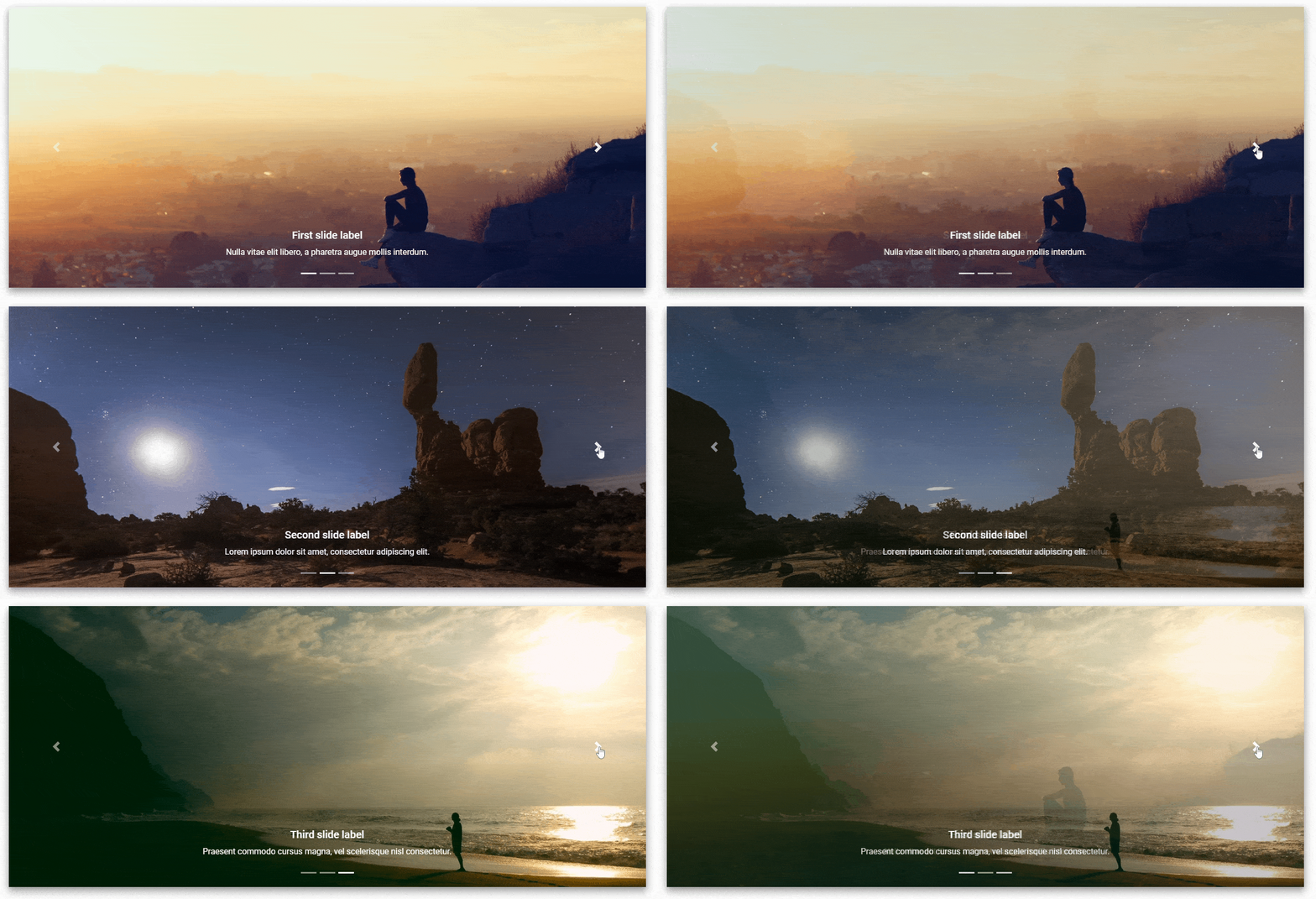
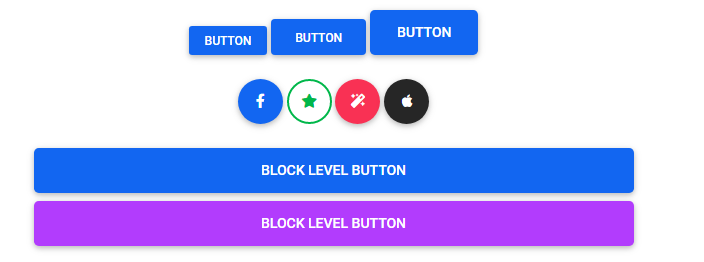
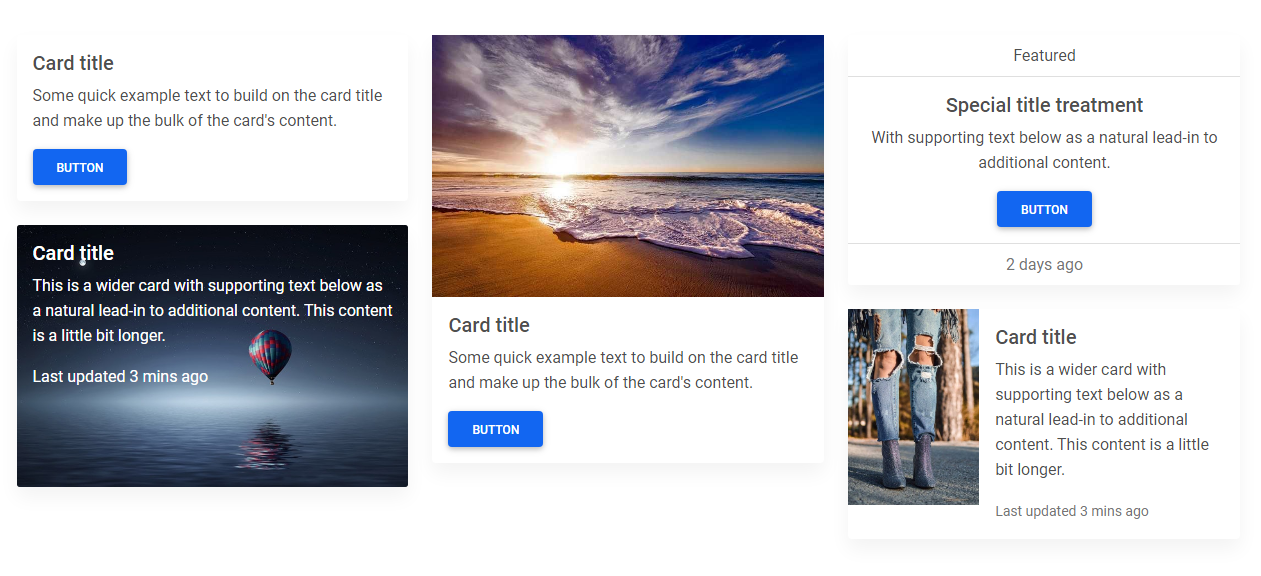
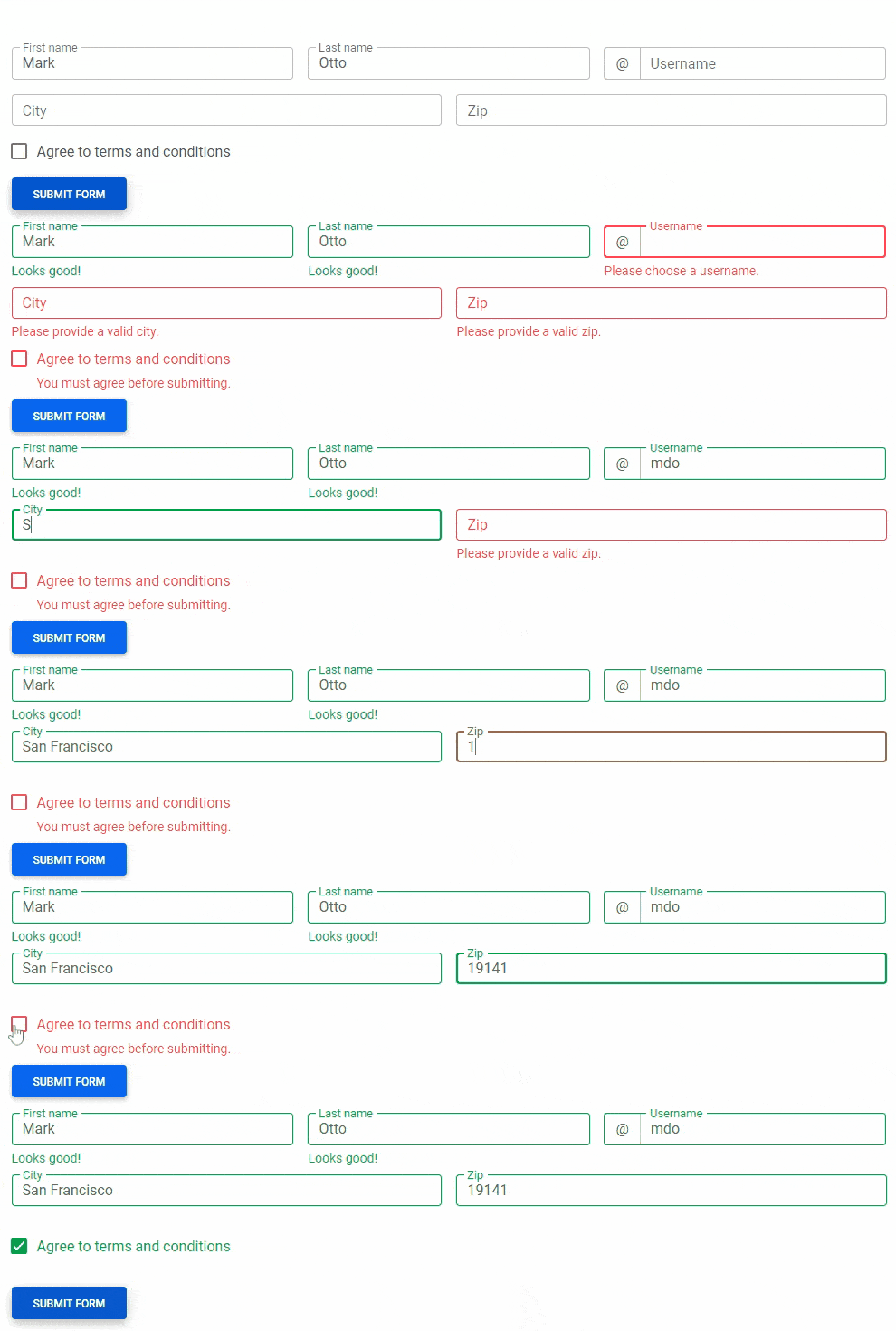
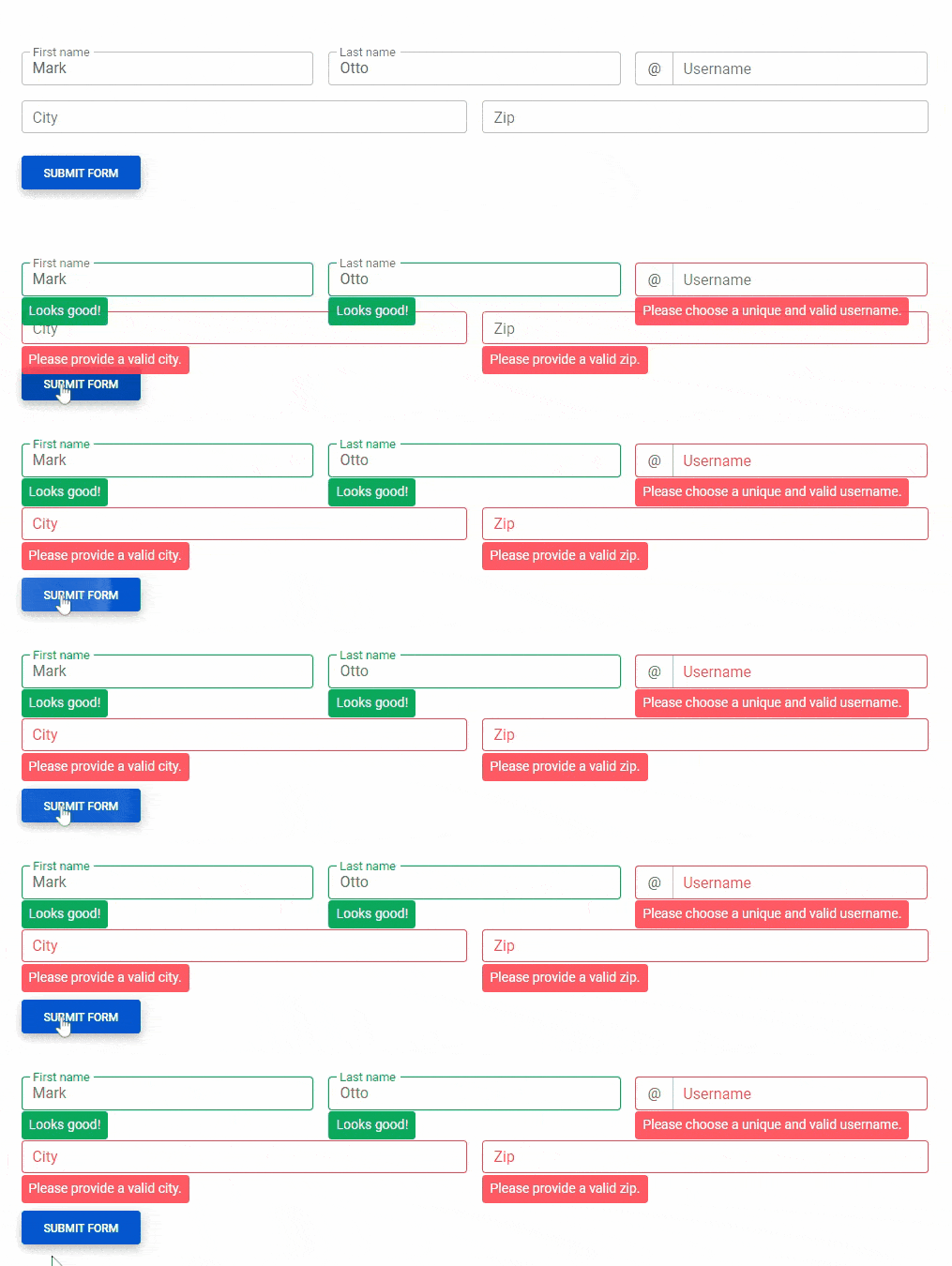
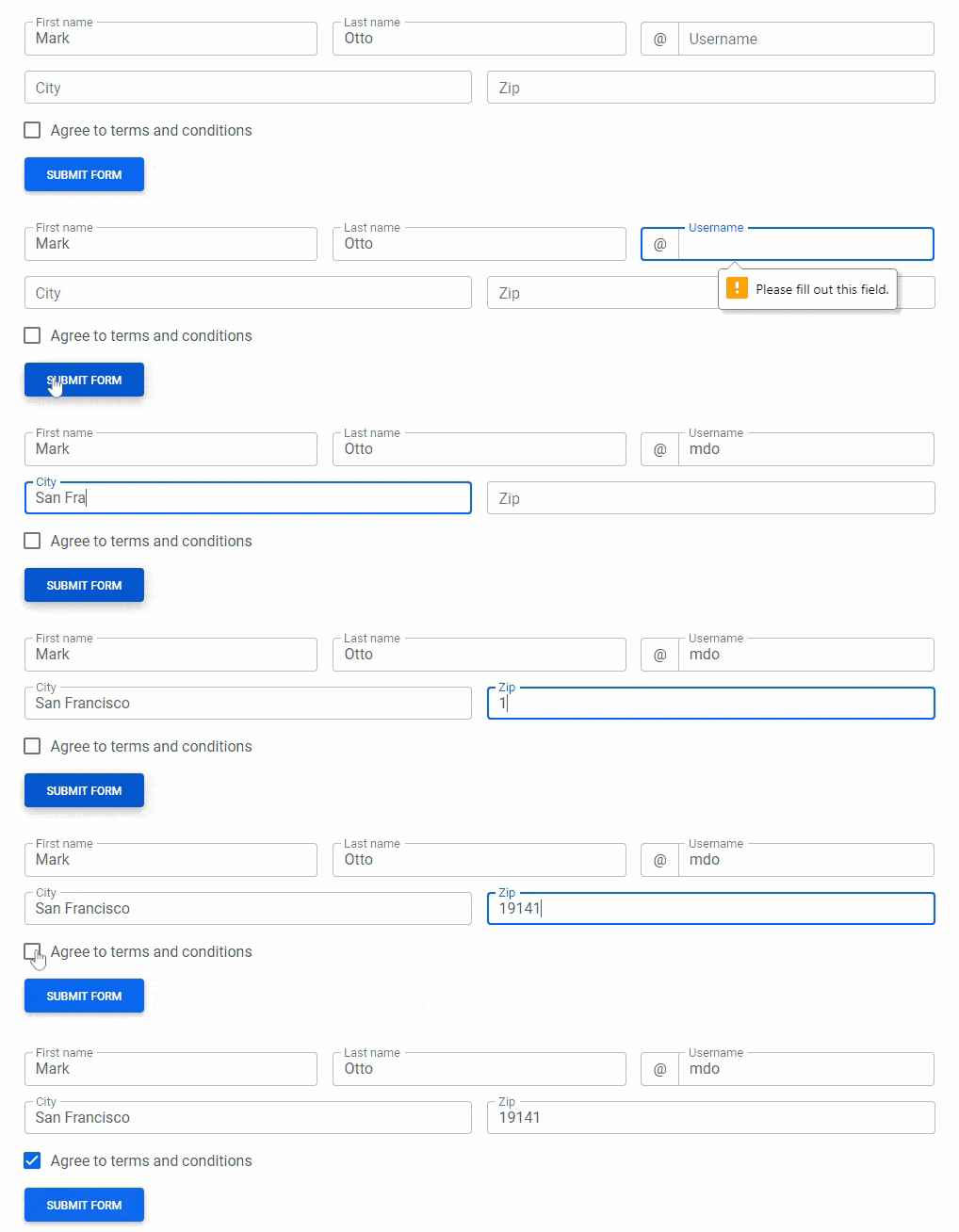
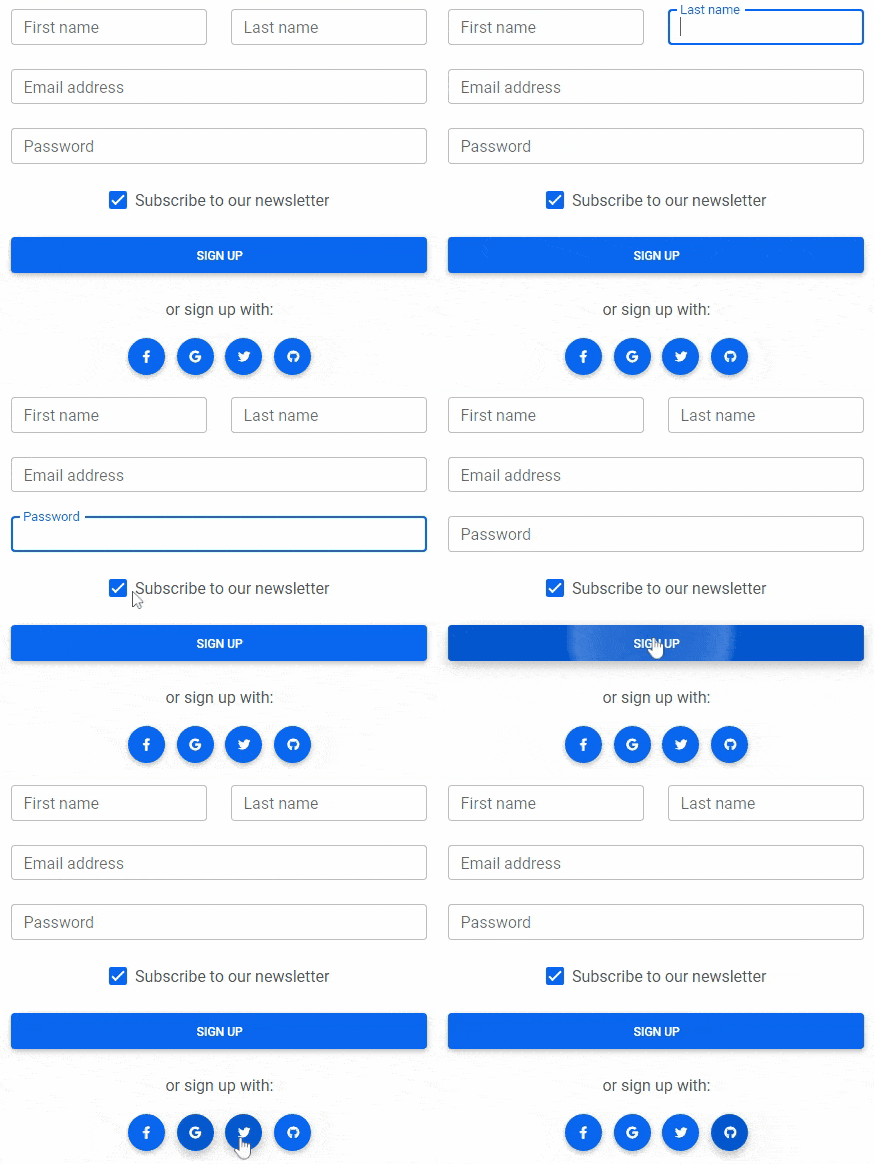
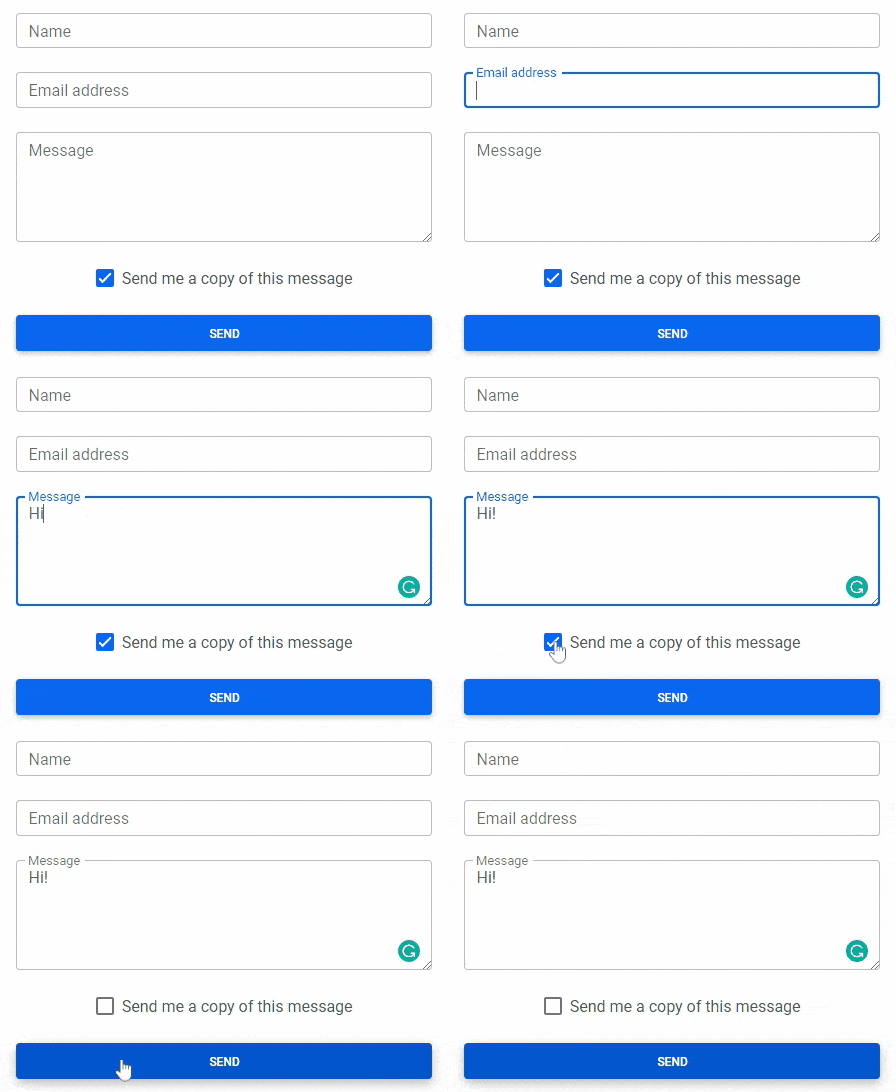
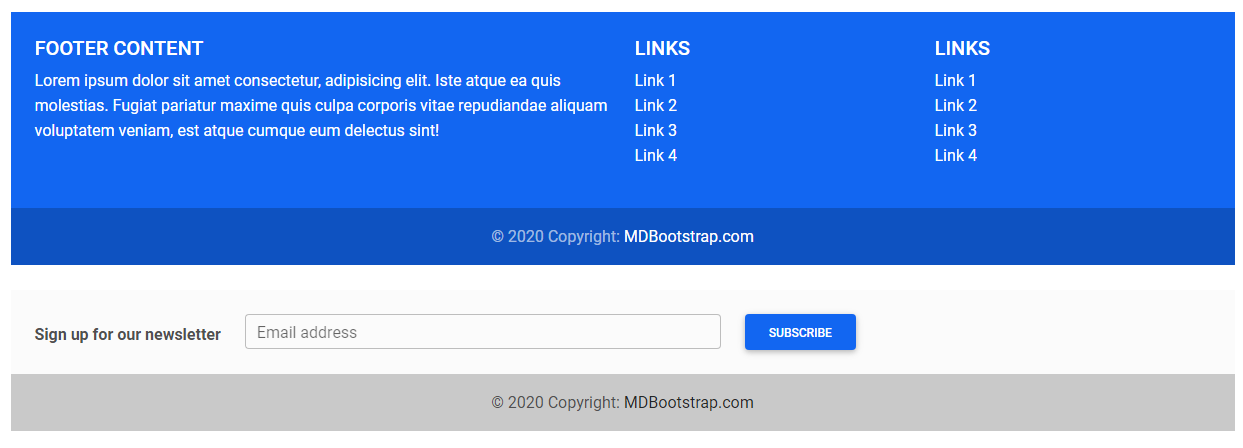
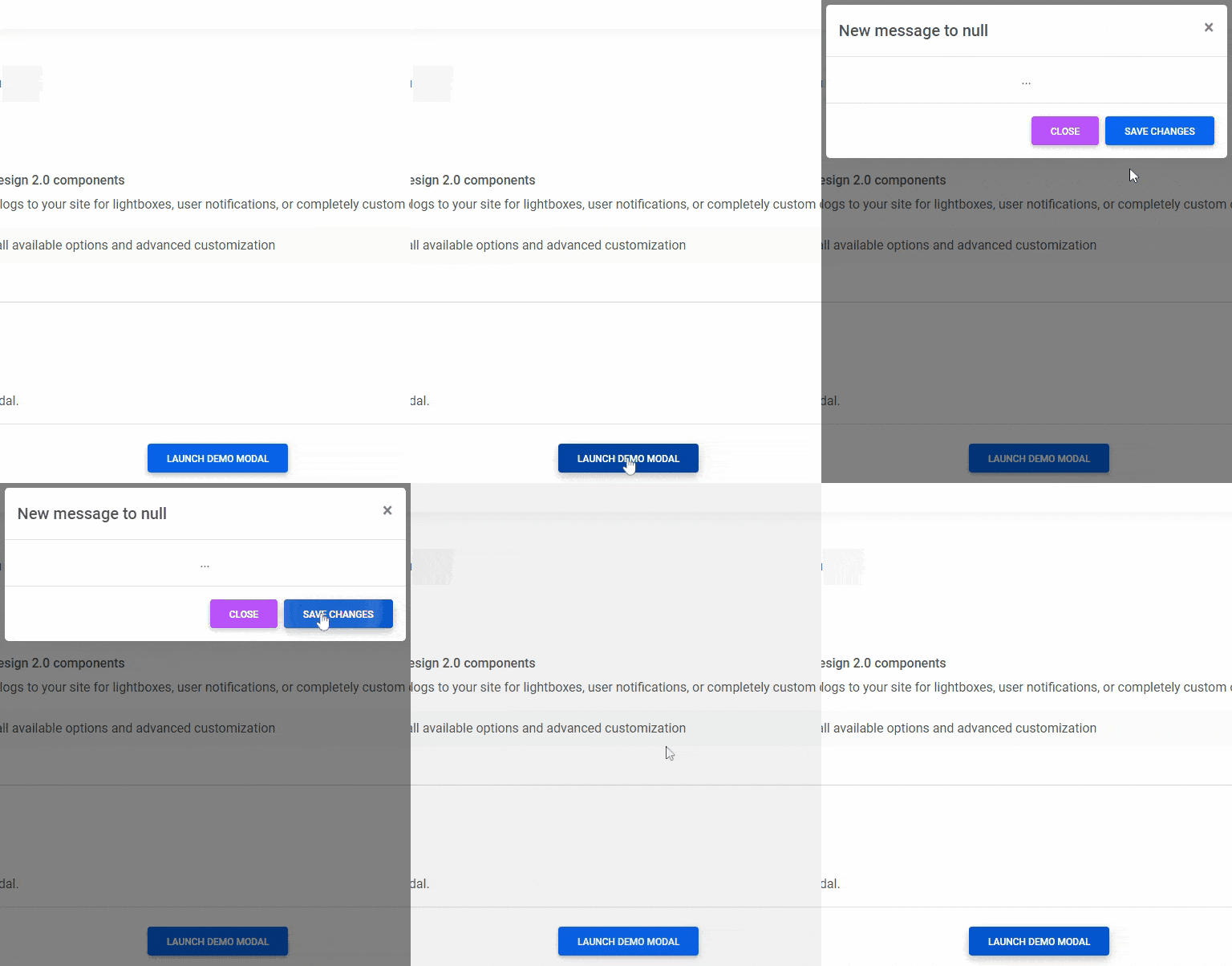
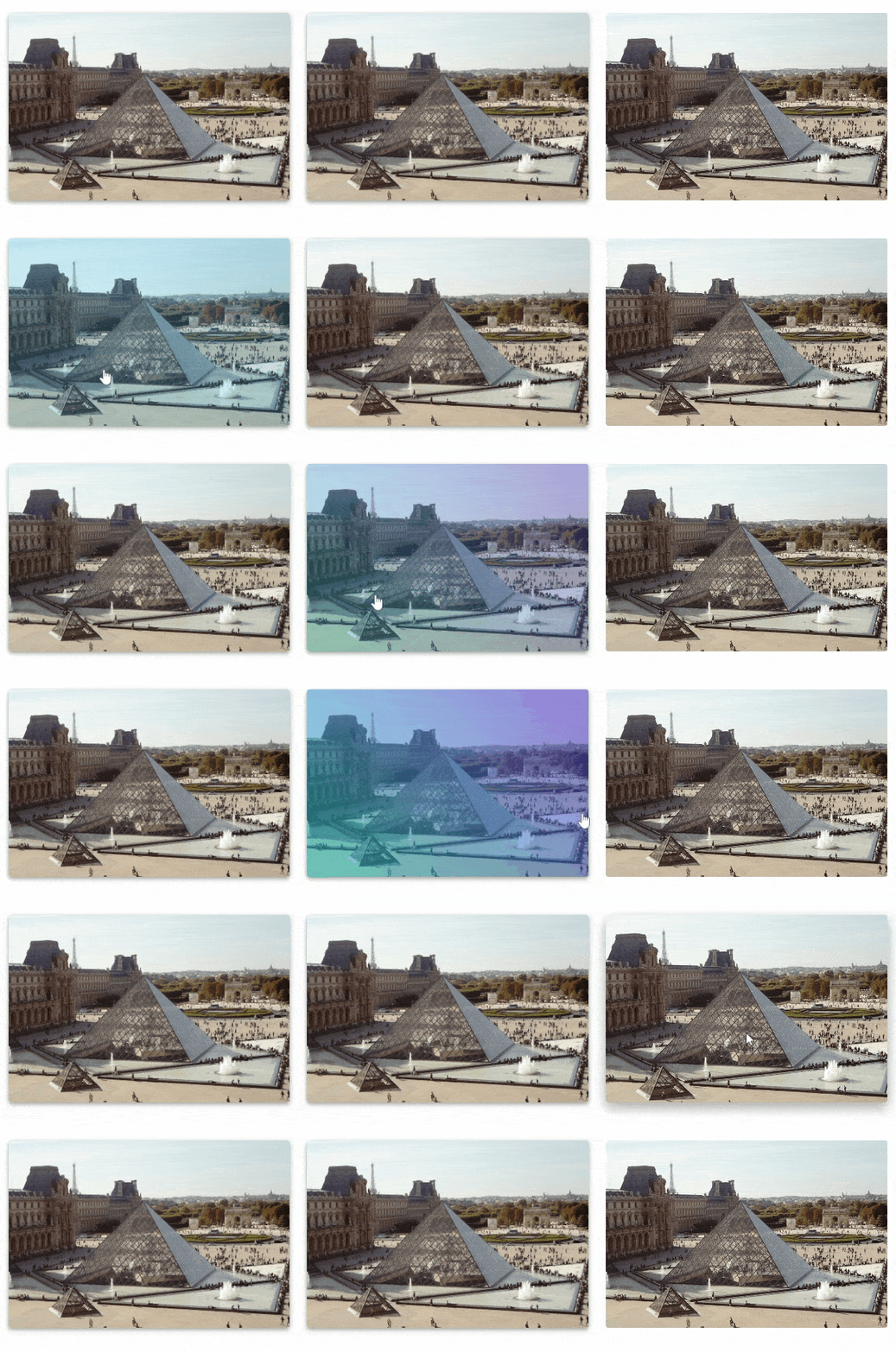
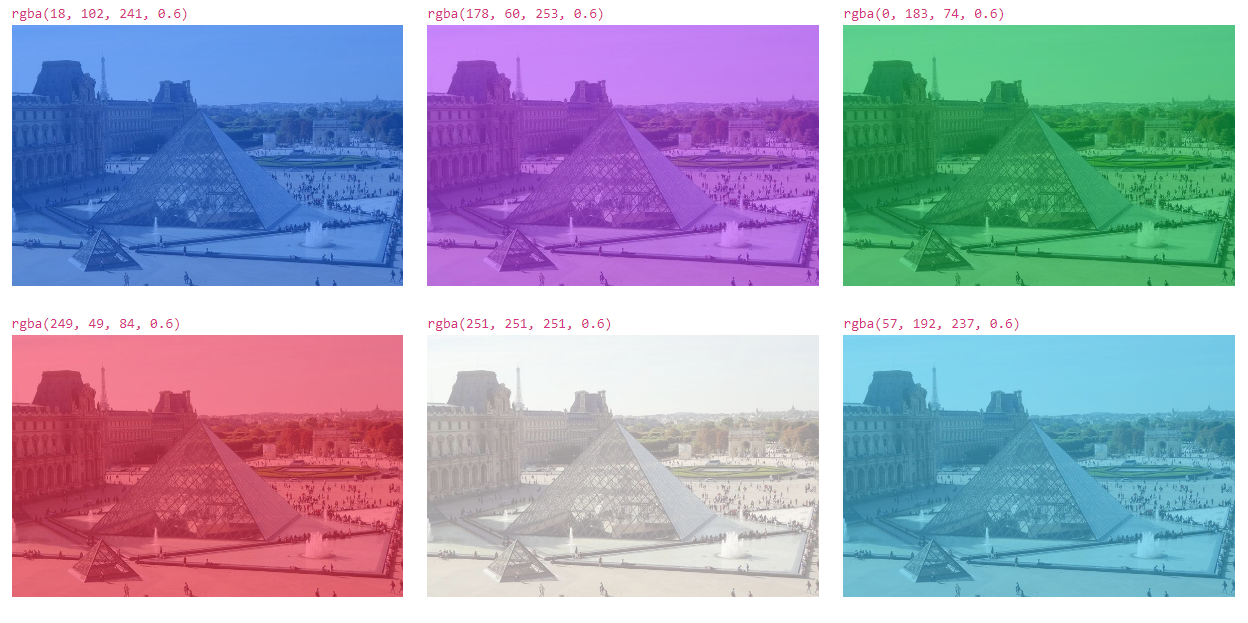
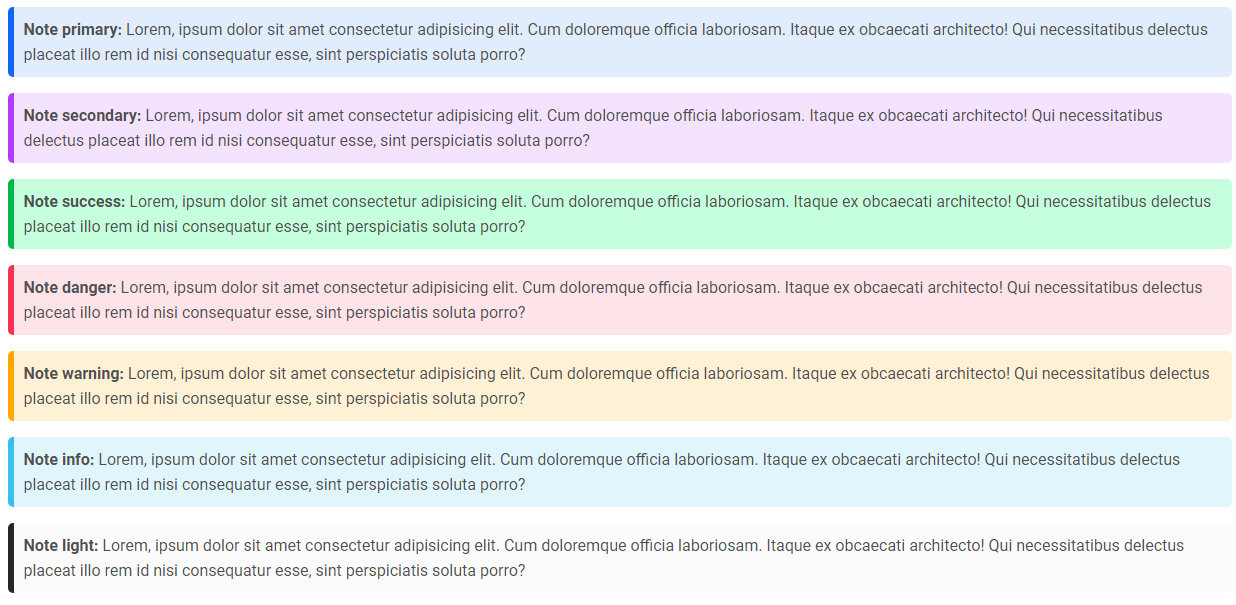
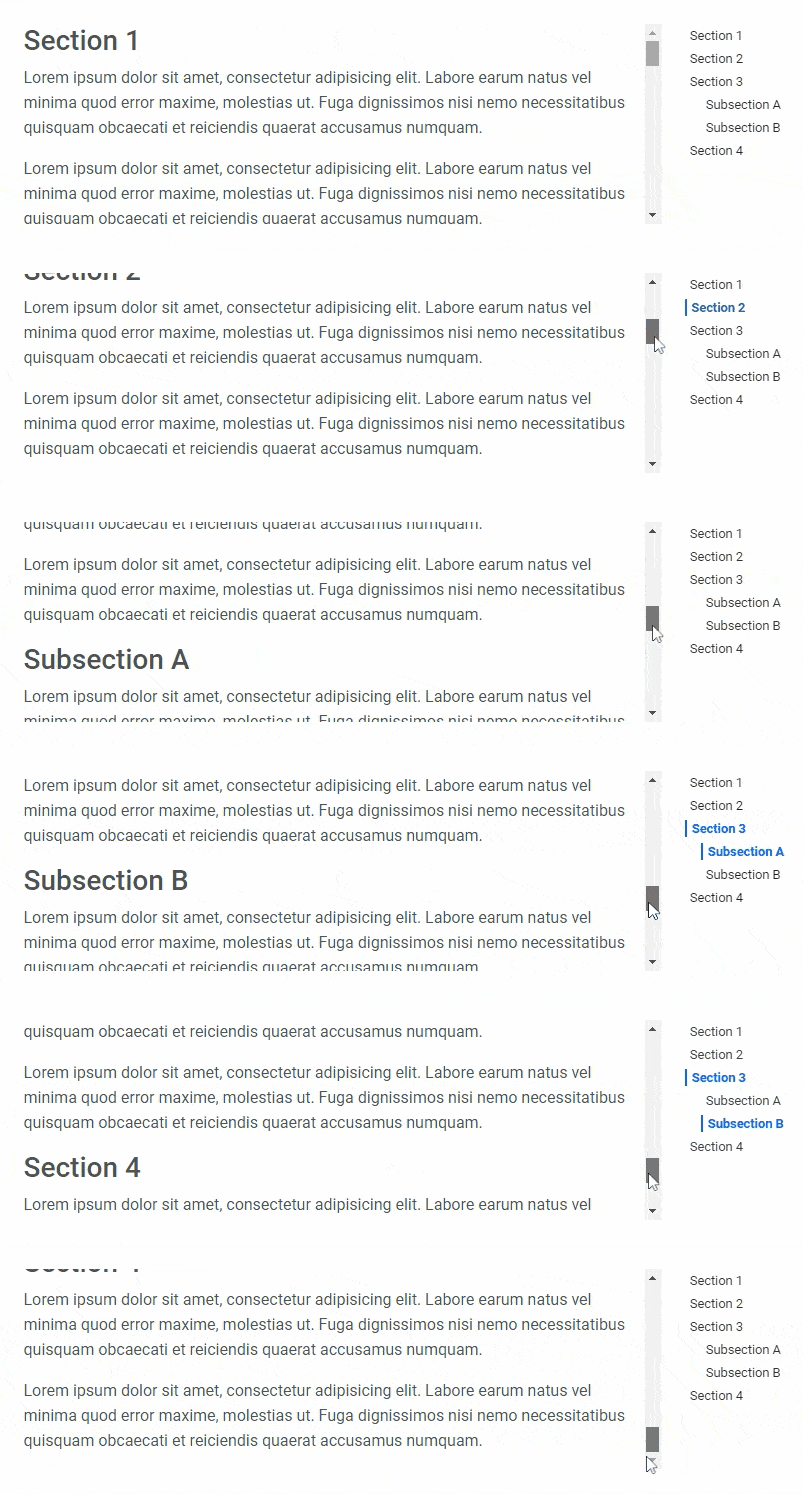
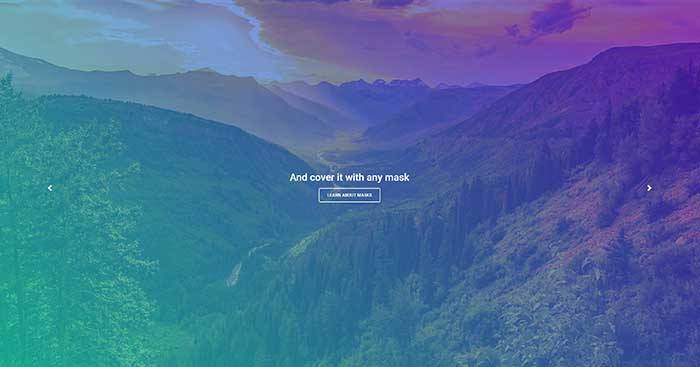
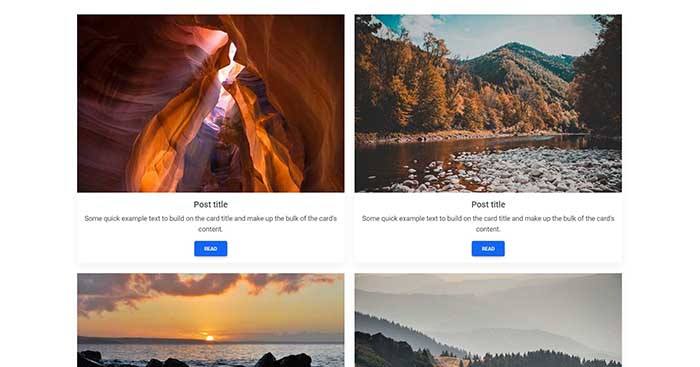
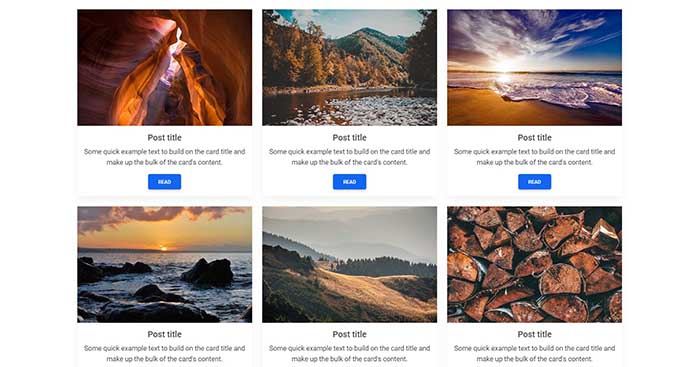
Да — лицензия MIT, бесплатен как для личного, так и для коммерческого использования.Какие компоненты входят в комплект?Карусели, кнопки, спиннеры, карточки, формы с HTML5-валидацией, модальные окна, эффекты при наведении, вкладки, заметки и scrollspy — среди более чем 700 элементов, которые идут в ките.
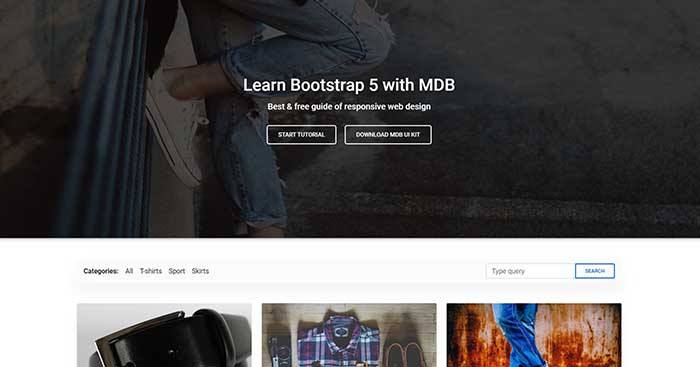
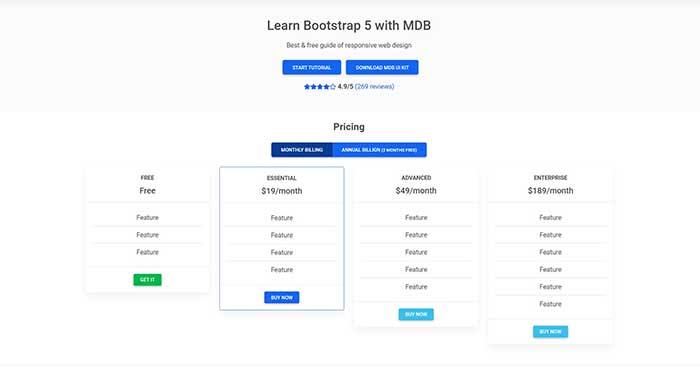
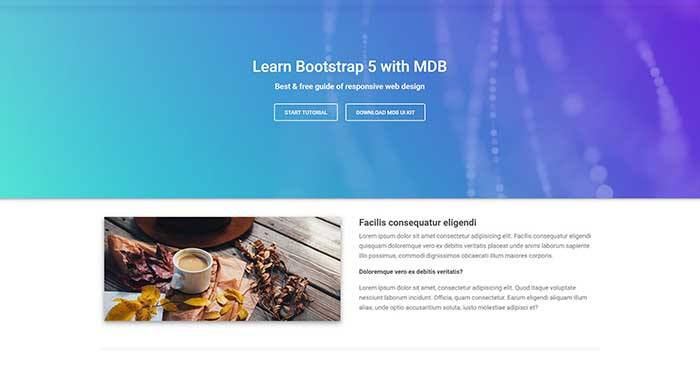
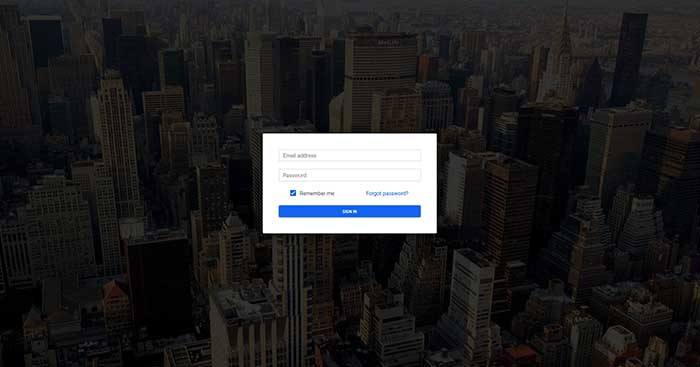
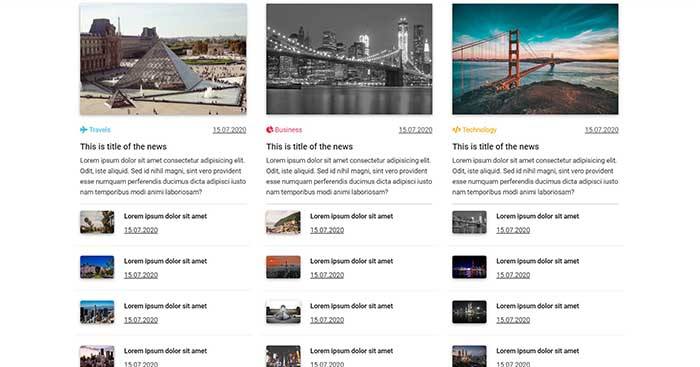
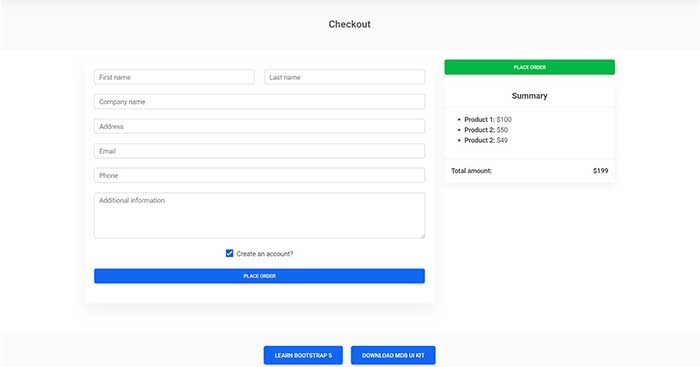
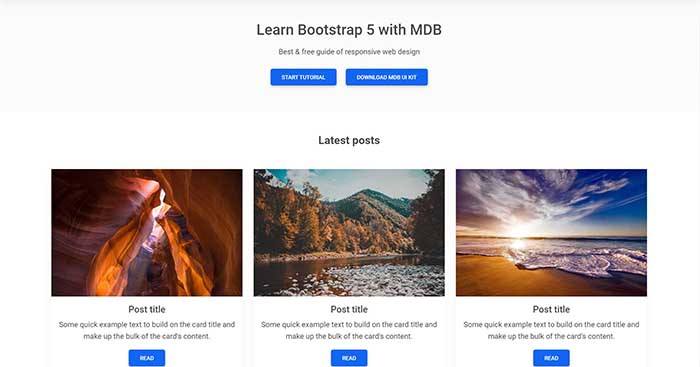
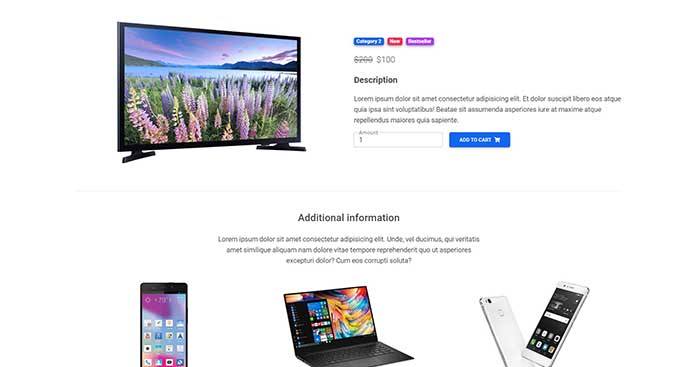
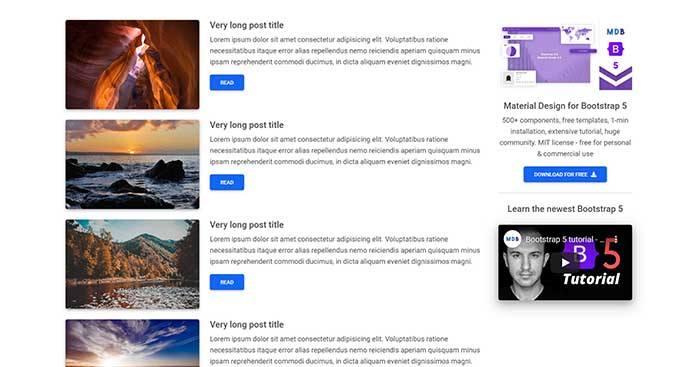
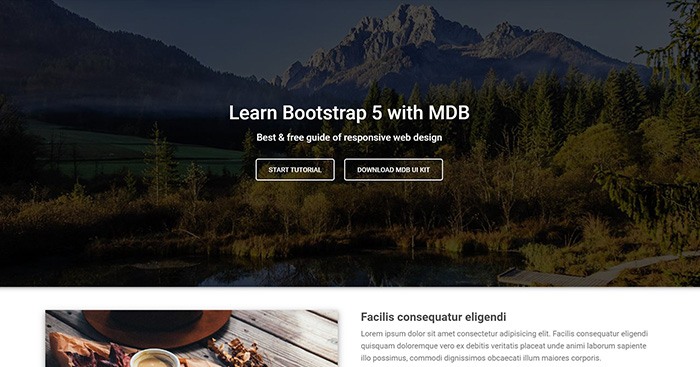
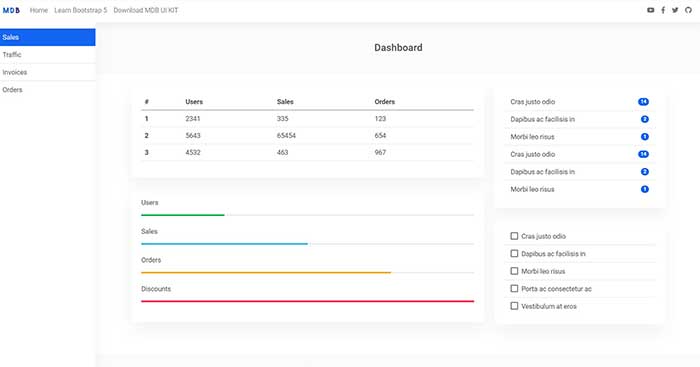
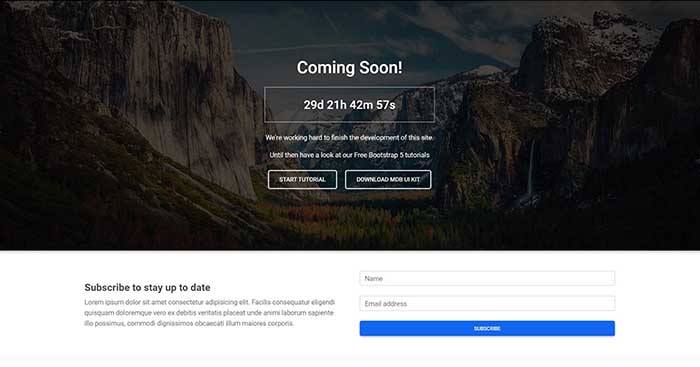
Карусели, кнопки, спиннеры, карточки, формы с HTML5-валидацией, модальные окна, эффекты при наведении, вкладки, заметки и scrollspy — среди более чем 700 элементов, которые идут в ките.Есть ли готовые дизайны страниц, с которых можно начать?Да — бесплатные шаблоны Bootstrap 5, собранные с этим китом: интернет-магазин, блог, журнал, оформление заказа, вход, цены, портфолио, лендинг и админ-панель.
Да — бесплатные шаблоны Bootstrap 5, собранные с этим китом: интернет-магазин, блог, журнал, оформление заказа, вход, цены, портфолио, лендинг и админ-панель.Что такое MDB GO, который упоминается в документации по установке?Хостинг-платформа команды: бесплатный хостинг с SSL и кастомными доменами, поддержка WordPress, бесплатная база данных, деплой через git и FTP, а также создание сайтов на WordPress или интернет-магазинов в один клик.
Хостинг-платформа команды: бесплатный хостинг с SSL и кастомными доменами, поддержка WordPress, бесплатная база данных, деплой через git и FTP, а также создание сайтов на WordPress или интернет-магазинов в один клик.Почему он называется Material Design, если это Bootstrap?Потому что он объединяет и то и другое: вы сохраняете рабочий процесс и структуру компонентов Bootstrap 5, но всё переоформлено в эстетике Material Design.
Потому что он объединяет и то и другое: вы сохраняете рабочий процесс и структуру компонентов Bootstrap 5, но всё переоформлено в эстетике Material Design.What are similar projects?tabler, coreui-free-bootstrap-admin-template, vuetify, materialize, daisyui, bootstrap-table, material-components-web, reactstrap
tabler, coreui-free-bootstrap-admin-template, vuetify, materialize, daisyui, bootstrap-table, material-components-web, reactstrapWhich topics is it in?bootstrap5, material, uikit, css-framework, bootstrap, scss, sass, vanilla-javascript, ui-kit, components, ui-library, webpack
bootstrap5, material, uikit, css-framework, bootstrap, scss, sass, vanilla-javascript, ui-kit, components, ui-library, webpack