

这是什么?
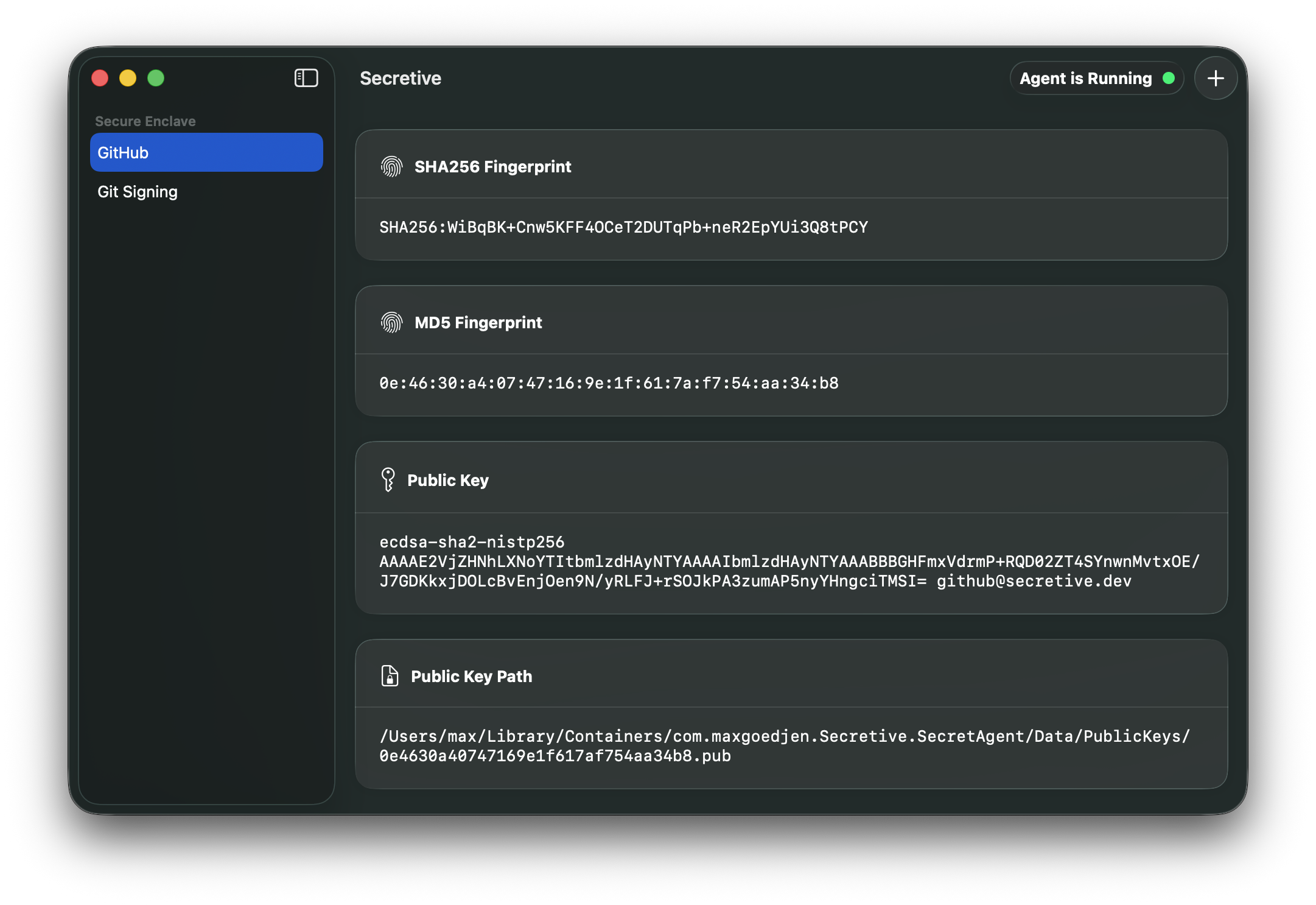
 Secretive 是一款 macOS 应用,它把 SSH 密钥存放并管理在 Mac 的安全隔区(Secure Enclave)里,而不是存在硬盘上,因此私钥内容永远无法被导出或复制。
它是后台服务,还是需要我打开的应用?它是一款原生 macOS 应用,带有管理密钥的图形界面,同时还会在后台运行一个 SSH 代理,用来处理签名请求。
它是一款原生 macOS 应用,带有管理密钥的图形界面,同时还会在后台运行一个 SSH 代理,用来处理签名请求。要让它正常工作,我必须用带安全隔区的 Mac 吗?需要用带安全隔区的 Mac,才能使用硬件保护的密钥存储;如果你的 Mac 没有这个功能,可以改用智能卡,例如 YubiKey。
需要用带安全隔区的 Mac,才能使用硬件保护的密钥存储;如果你的 Mac 没有这个功能,可以改用智能卡,例如 YubiKey。我能把密钥备份或迁移到新 Mac 上吗?不能。密钥存放在安全隔区里,无法导出,因此不能备份或转移;在新 Mac 上,你只能重新生成一套新密钥。
不能。密钥存放在安全隔区里,无法导出,因此不能备份或转移;在新 Mac 上,你只能重新生成一套新密钥。它只能在 macOS 上用吗?是的,它是一款只支持 macOS 的应用,使用 Swift 开发,依赖苹果的安全隔区和钥匙串(Keychain)接口。
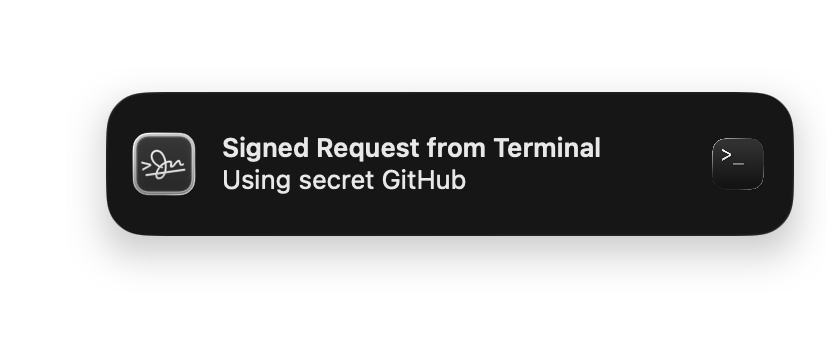
是的,它是一款只支持 macOS 的应用,使用 Swift 开发,依赖苹果的安全隔区和钥匙串(Keychain)接口。Secretive 会在我不知情的情况下追踪或访问我的密钥吗?不会,恰恰相反:每次访问密钥时它都会通知你,让你不会毫无察觉。
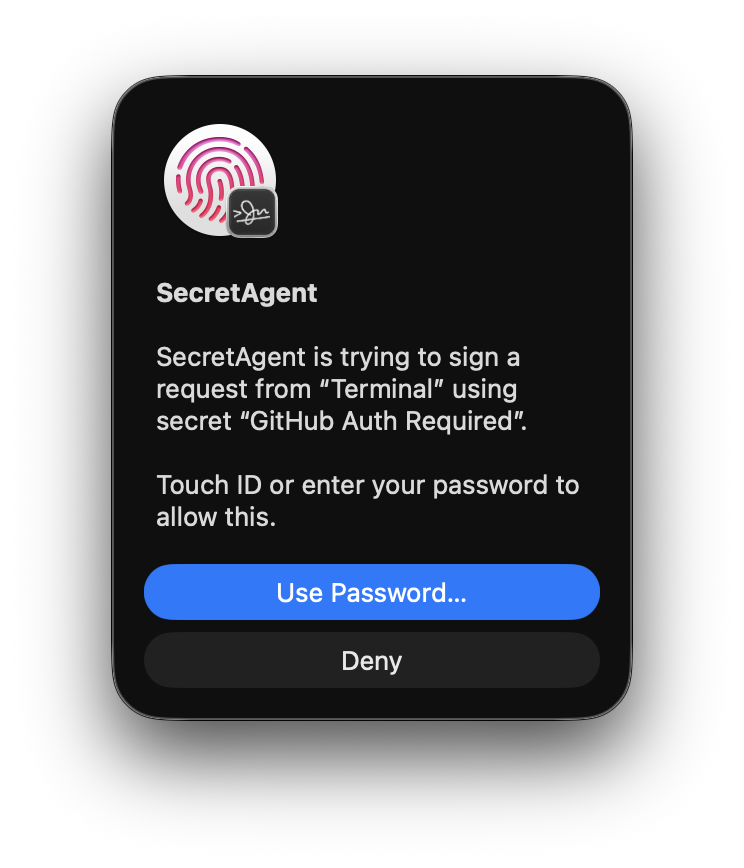
不会,恰恰相反:每次访问密钥时它都会通知你,让你不会毫无察觉。能否在使用密钥前强制要求触控 ID 验证?可以,密钥可以设置为在访问前需要触控 ID 或 Apple Watch 验证。
可以,密钥可以设置为在访问前需要触控 ID 或 Apple Watch 验证。为什么不直接使用存在硬盘上的密钥文件?存在硬盘上的密钥只靠文件权限来保护,因此相对容易被恶意软件或攻击者复制;而存放在安全隔区中的密钥则在物理上无法导出。
存在硬盘上的密钥只靠文件权限来保护,因此相对容易被恶意软件或攻击者复制;而存放在安全隔区中的密钥则在物理上无法导出。发布版本可以信任吗?发布版本通过 GitHub Actions 构建,流程可供审计;自 3.0 版本起,构建产物还通过 GitHub Artifact Attestation 进行了证明,你可以在证明页面上进行验证。
发布版本通过 GitHub Actions 构建,流程可供审计;自 3.0 版本起,构建产物还通过 GitHub Artifact Attestation 进行了证明,你可以在证明页面上进行验证。从源代码构建对钥匙串访问有什么影响?钥匙串会把密钥的访问权限限制在创建该密钥的应用 Bundle ID 上,因此如果你从源代码构建,必须始终保持相同的 Bundle ID,否则 Secretive 将无法找到你已有的密钥。
钥匙串会把密钥的访问权限限制在创建该密钥的应用 Bundle ID 上,因此如果你从源代码构建,必须始终保持相同的 Bundle ID,否则 Secretive 将无法找到你已有的密钥。有哪些类似的项目?PureMac, greenbubbles, OpenYoink, RemoveMacAI, leftopen, Insomnia, AirCard, vphone-cli
PureMac, greenbubbles, OpenYoink, RemoveMacAI, leftopen, Insomnia, AirCard, vphone-cli它属于哪些主题?mac, localization, notifications, ssh, homebrew, apple, sysadmin, macos-app, cli-tool, encryption, apple-silicon, swift
mac, localization, notifications, ssh, homebrew, apple, sysadmin, macos-app, cli-tool, encryption, apple-silicon, swift