 Tellyscope







2.1K ·GitHub
Что это такое?
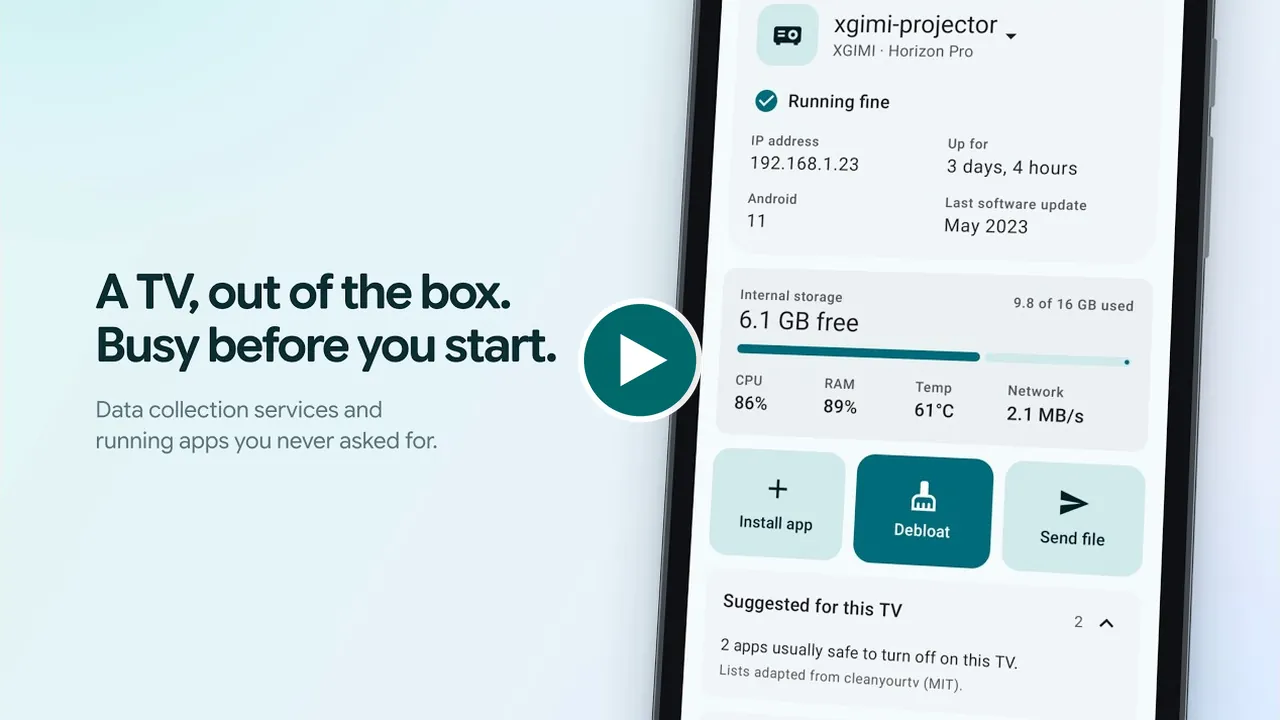
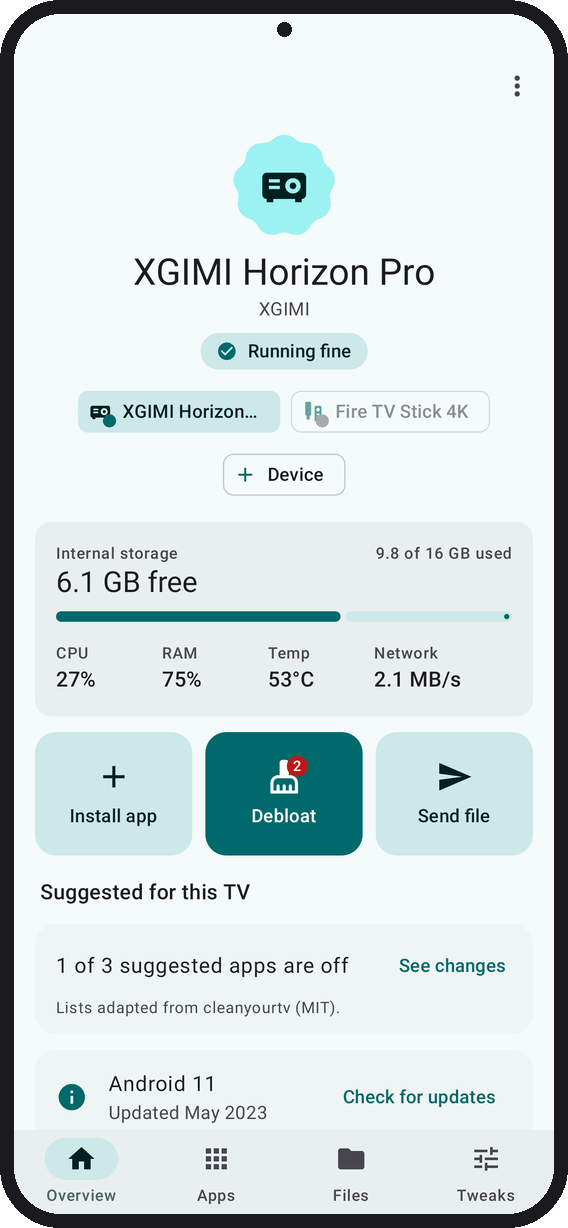
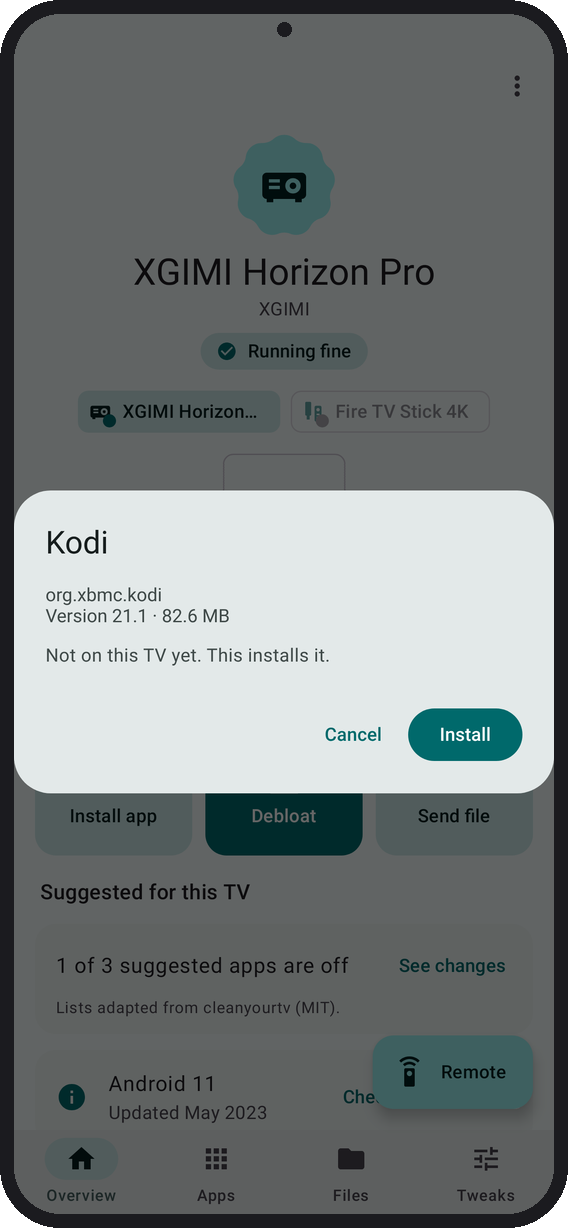
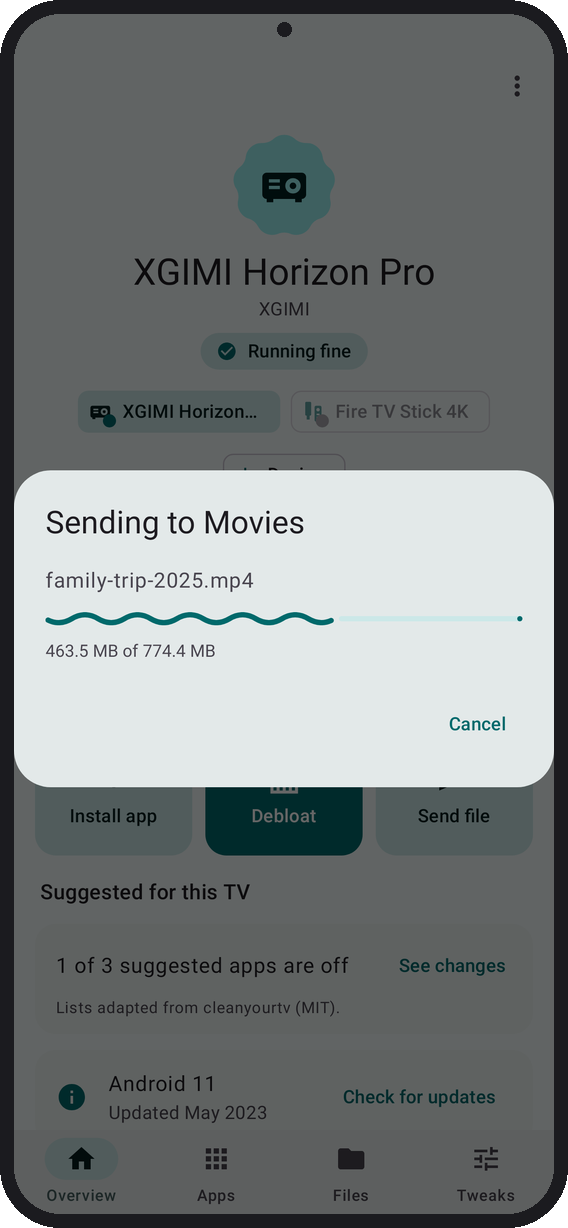
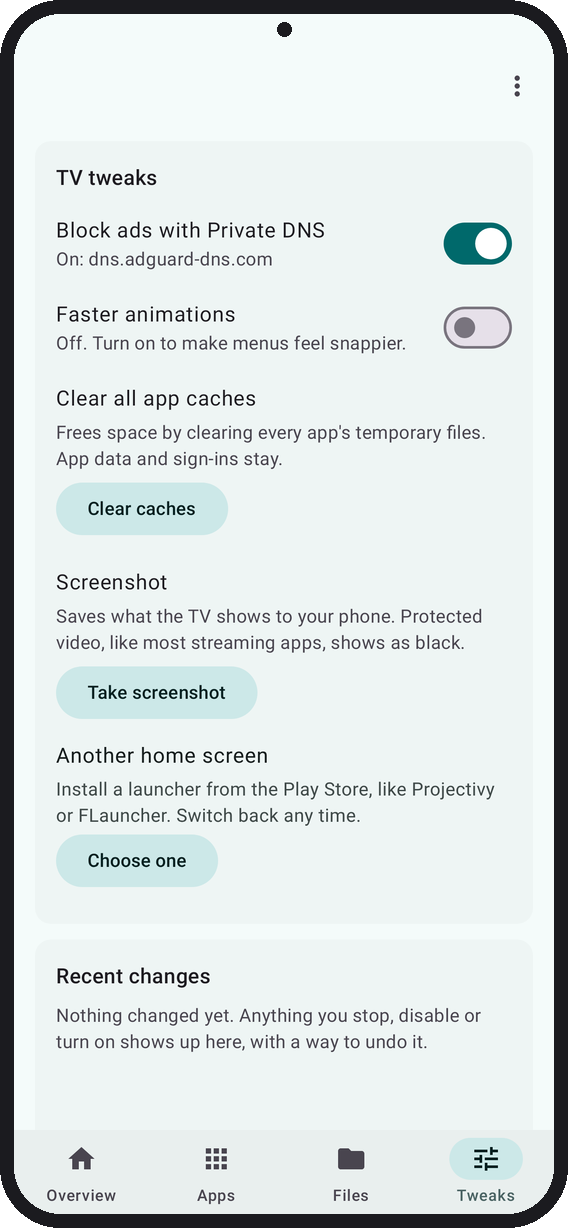
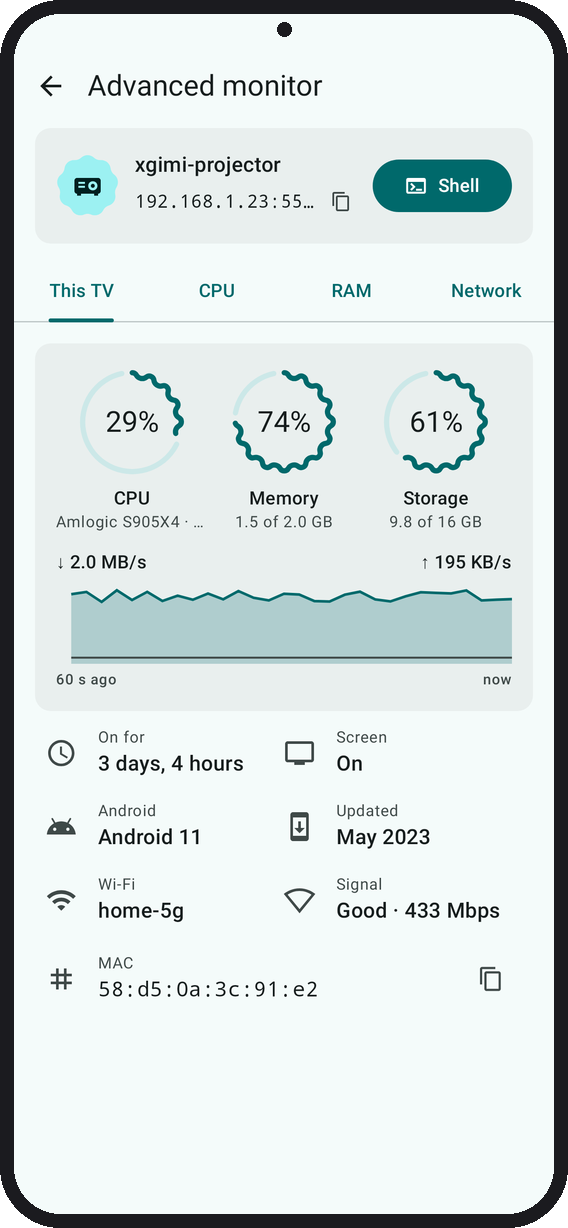
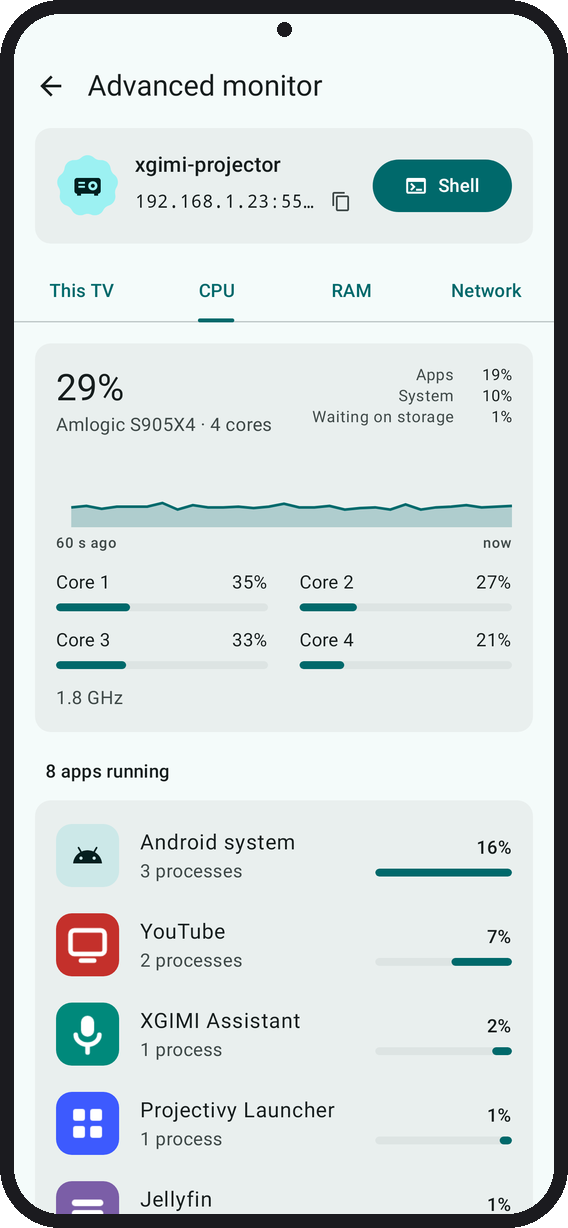
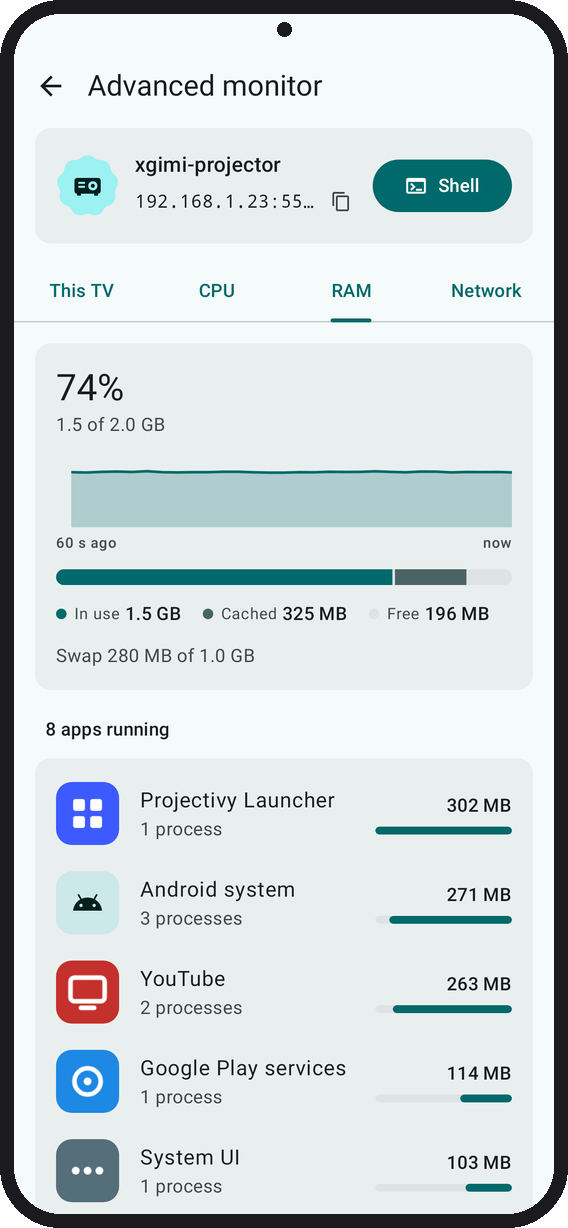
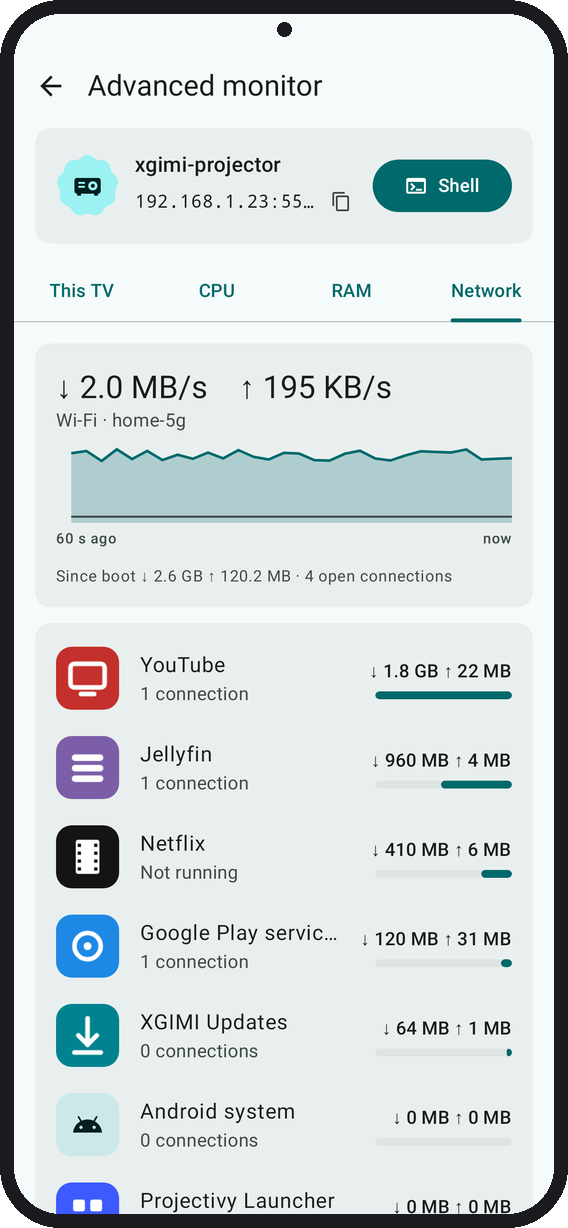
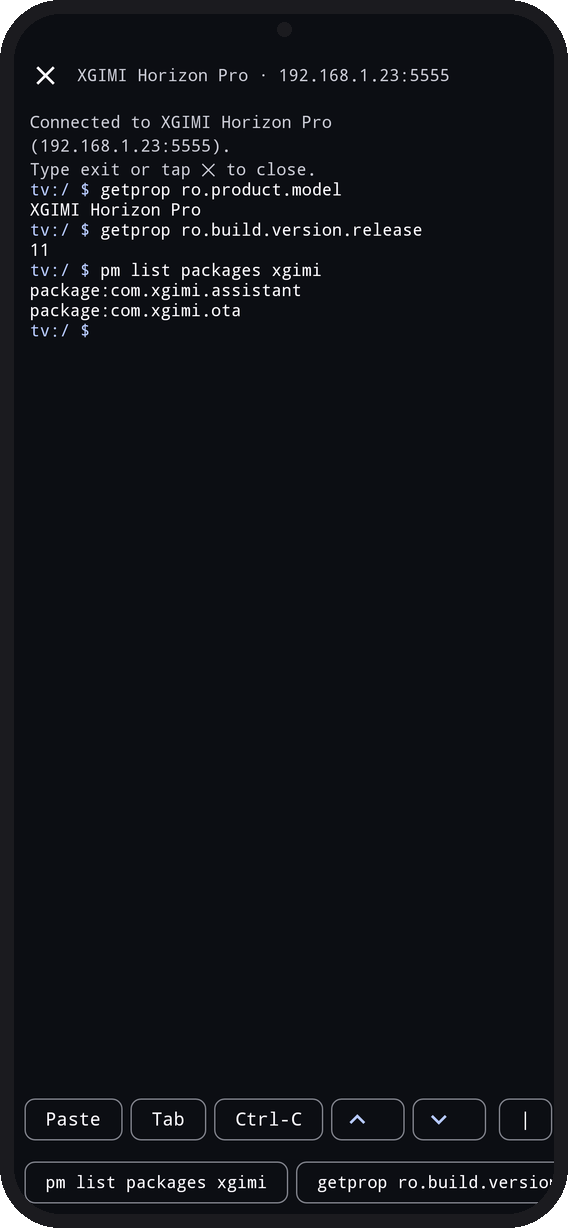
 Tellyscope — это приложение для телефона Android, которое через ADB по Wi-Fi подключается к вашему Android TV, Google TV, NVIDIA Shield или Fire TV. С его помощью можно отключать ненужные приложения, устанавливать программы, передавать файлы и управлять телевизором, и всё это без root и без компьютера.
Это что-то устанавливает на мой телевизор или работает только на телефоне?Это приложение весом 3 МБ, которое вы ставите на телефон. Оно управляет телевизором удалённо через ADB и ничего не оставляет на нём, кроме двух крошечных вспомогательных скриптов, которые удаляют себя сразу после использования.
Это приложение весом 3 МБ, которое вы ставите на телефон. Оно управляет телевизором удалённо через ADB и ничего не оставляет на нём, кроме двух крошечных вспомогательных скриптов, которые удаляют себя сразу после использования.Как подключить его к телевизору?Откройте «О телевизоре» в настройках ТВ и нажмите «Сборка» 7 раз, чтобы включить параметры разработчика. Затем включите там отладку по USB/сети или беспроводную отладку. После этого откройте Tellyscope, выберите марку телевизора и нажмите «Подключиться». Ключ отладки подтверждается на самом телевизоре.
Откройте «О телевизоре» в настройках ТВ и нажмите «Сборка» 7 раз, чтобы включить параметры разработчика. Затем включите там отладку по USB/сети или беспроводную отладку. После этого откройте Tellyscope, выберите марку телевизора и нажмите «Подключиться». Ключ отладки подтверждается на самом телевизоре.Что нужно, прежде чем попробовать?Достаточно телефона с Android 8.0 или новее в той же Wi-Fi сети, что и телевизор, а также включённых на телевизоре параметров разработчика с отладкой. Ни root, ни эксплойты, ни компьютер не нужны.
Достаточно телефона с Android 8.0 или новее в той же Wi-Fi сети, что и телевизор, а также включённых на телевизоре параметров разработчика с отладкой. Ни root, ни эксплойты, ни компьютер не нужны.Оно и правда удаляет ненужные приложения и работает на всех приставках?Оно только отключает приложения (pm disable-user) и никогда не удаляет то, что было установлено на телевизоре. Защищённый список базовых системных приложений нельзя затронуть ни при каких условиях. Поддержка Shield и Fire TV пока не проверялась на реальном оборудовании.
Оно только отключает приложения (pm disable-user) и никогда не удаляет то, что было установлено на телевизоре. Защищённый список базовых системных приложений нельзя затронуть ни при каких условиях. Поддержка Shield и Fire TV пока не проверялась на реальном оборудовании.Отслеживает ли приложение меня или отправляет ли куда-то мои данные?Нет ни рекламы, ни трекинга, ни аккаунтов. Единственные сетевые запросы — загрузка списков для очистки с GitHub и периодическая проверка обновлений (её можно отключить). Всё остальное остаётся в вашей локальной Wi-Fi сети.
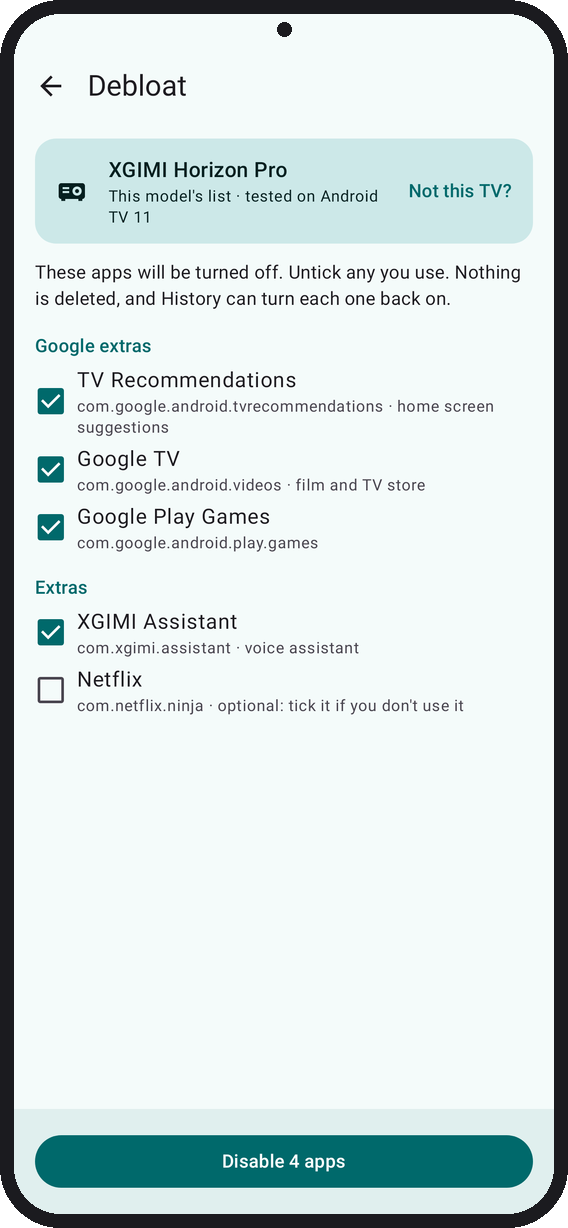
Нет ни рекламы, ни трекинга, ни аккаунтов. Единственные сетевые запросы — загрузка списков для очистки с GitHub и периодическая проверка обновлений (её можно отключить). Всё остальное остаётся в вашей локальной Wi-Fi сети.Как оно решает, какие приложения отключать?Оно сопоставляет модель вашего телевизора с более чем 330 проверенными сообществом списками для очистки, адаптированными из cleanyourtv. Перед тем как что-либо сделать, оно показывает все приложения, которые собирается отключить, и позволяет снять галочку с любого, которым вы всё ещё пользуетесь.
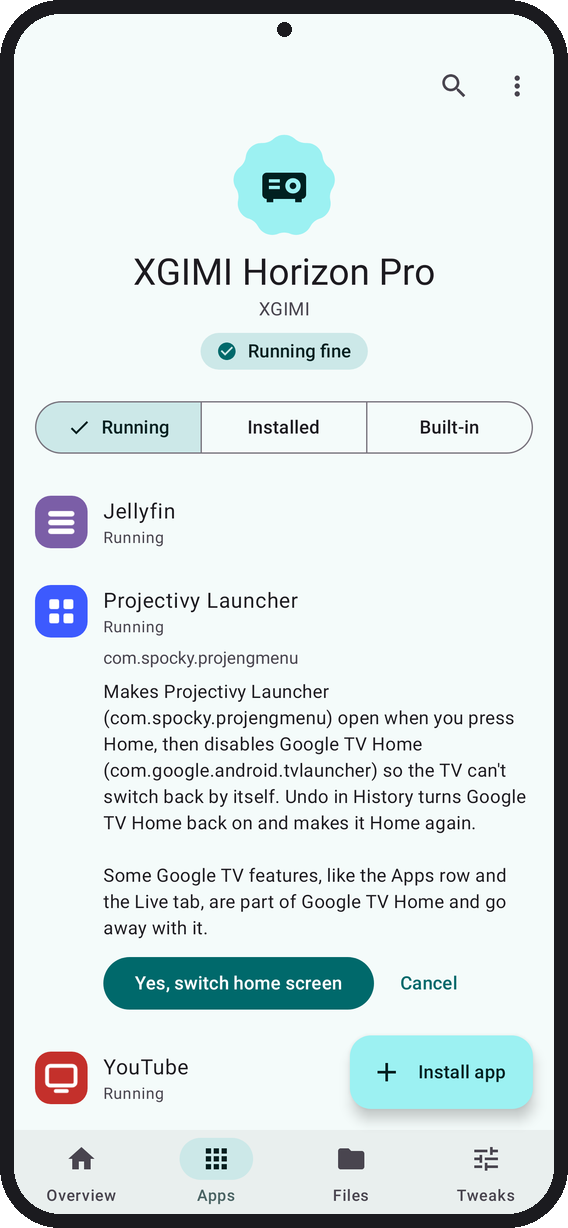
Оно сопоставляет модель вашего телевизора с более чем 330 проверенными сообществом списками для очистки, адаптированными из cleanyourtv. Перед тем как что-либо сделать, оно показывает все приложения, которые собирается отключить, и позволяет снять галочку с любого, которым вы всё ещё пользуетесь.Может ли Tellyscope сделать главный экран телевизора удобнее?На телевизорах с Play Store оно может установить и назначить главным такие лаунчеры, как Projectivy, AT4K, Dispatch или FLauncher. В любой момент можно вернуть стандартный лаунчер.
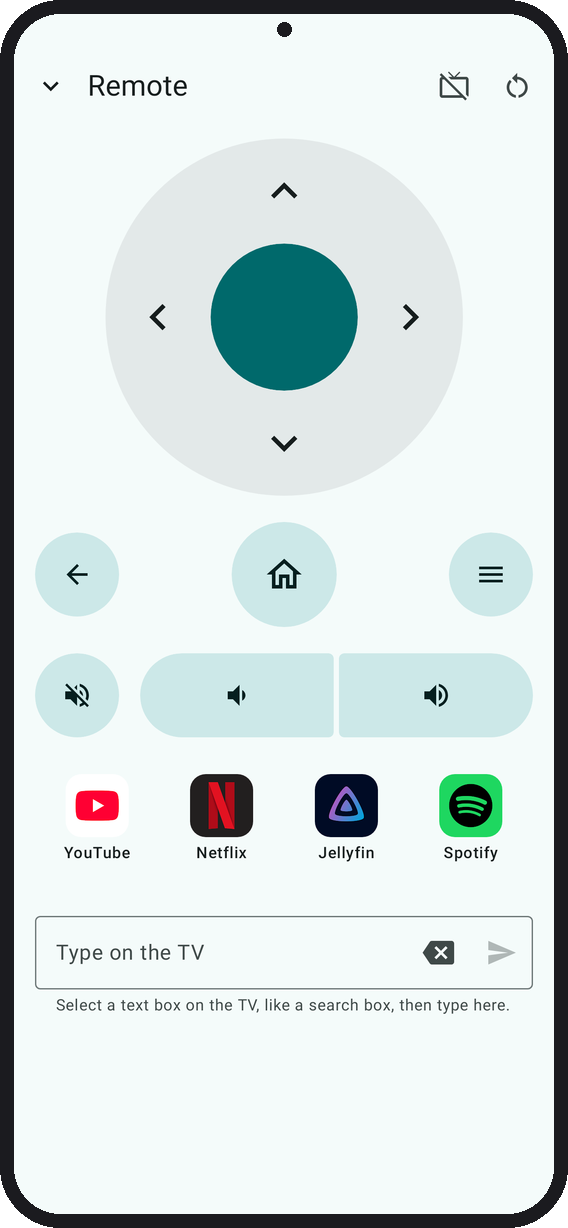
На телевизорах с Play Store оно может установить и назначить главным такие лаунчеры, как Projectivy, AT4K, Dispatch или FLauncher. В любой момент можно вернуть стандартный лаунчер.Работает ли оно и как пульт?Да. Есть крестовина навигации, кнопки Home/Back/Menu, регулировка громкости, ввод текста на телевизоре, панель для закрепления до четырёх приложений, перезапуск и режим музыки с выключенным экраном на Android 13 и старше.
Да. Есть крестовина навигации, кнопки Home/Back/Menu, регулировка громкости, ввод текста на телевизоре, панель для закрепления до четырёх приложений, перезапуск и режим музыки с выключенным экраном на Android 13 и старше.Откуда название Tellyscope?Название происходит от приспособления, которое Уоллес строит в короткометражке Wallace & Gromit 2002 года «The Tellyscope». С его помощью он переключает каналы телевизора, не вставая с кресла.
Название происходит от приспособления, которое Уоллес строит в короткометражке Wallace & Gromit 2002 года «The Tellyscope». С его помощью он переключает каналы телевизора, не вставая с кресла.Какие есть похожие проекты?TelemetryCleaner, cleanyourtv-app, cleanyourtv, Shizuku-Next, universal-android-debloater, gkd, cleanmytv, StreamVault-IPTV
TelemetryCleaner, cleanyourtv-app, cleanyourtv, Shizuku-Next, universal-android-debloater, gkd, cleanmytv, StreamVault-IPTVВ каких он темах?bloatware, app-launcher, bloatware-removal, adb, launcher, jetpack-compose, file-manager, remote-control, android-app, kotlin, mobile-app, mobile
bloatware, app-launcher, bloatware-removal, adb, launcher, jetpack-compose, file-manager, remote-control, android-app, kotlin, mobile-app, mobile- Автор
- man15h
- Размер
- 19.6 MB
- Звёзды
- 2.1K
- Обновлён
- КоммитNov 06Релизv0.16.0Nov 06
- Возраст
- 27 д
- Коммиты · 90 дней