
16.4K ·GitHub
What is this?
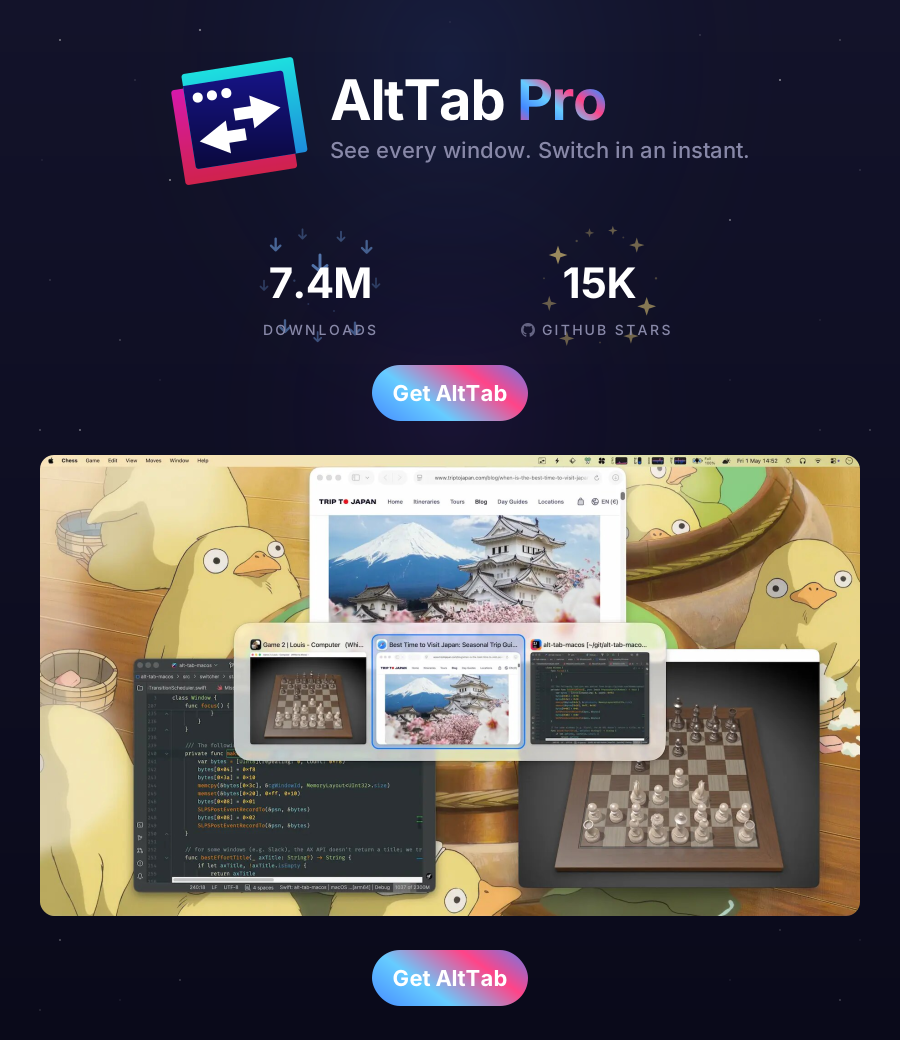
 It's a macOS app that recreates the Windows alt-tab experience on a Mac: an on-screen window switcher you drive with the alt-tab keys, from developer lwouis with 16k+ stars on GitHub.
It's a macOS app that recreates the Windows alt-tab experience on a Mac: an on-screen window switcher you drive with the alt-tab keys, from developer lwouis with 16k+ stars on GitHub.Is it an app I install on my Mac, or something like a script or a tweak?It's a native desktop app written in Swift — you install it like any other Mac program. It's not a CLI tool, script or browser extension.
It's a native desktop app written in Swift — you install it like any other Mac program. It's not a CLI tool, script or browser extension.How do I get it onto my Mac?Download the latest app bundle from the project's GitHub Releases page and drop it into your Applications folder like a regular macOS app.
Download the latest app bundle from the project's GitHub Releases page and drop it into your Applications folder like a regular macOS app.Do I need to install anything else alongside it?Nothing extra — it's a self-contained Swift application, so a Mac is all you need.
Nothing extra — it's a self-contained Swift application, so a Mac is all you need.It imitates Windows behavior — does it actually run on Windows too, or Mac only?Mac only. It's a native macOS app that brings the Windows switcher flow to macOS; it doesn't run on Windows, Linux or iOS.
Mac only. It's a native macOS app that brings the Windows switcher flow to macOS; it doesn't run on Windows, Linux or iOS.Why would I pick this over the built-in macOS app switcher?The project's whole premise is giving macOS the Windows alt-tab flow that the default switcher doesn't offer; 16k+ stars suggest it fills a real gap for people used to switching windows the Windows way.
The project's whole premise is giving macOS the Windows alt-tab flow that the default switcher doesn't offer; 16k+ stars suggest it fills a real gap for people used to switching windows the Windows way.Is the project still alive?Yes — the repository isn't archived, it has run a CI/CD workflow for its builds since it appeared on GitHub in 2019, and it's an established open-source project.
Yes — the repository isn't archived, it has run a CI/CD workflow for its builds since it appeared on GitHub in 2019, and it's an established open-source project.What are similar projects?DockDoor, spectacle, MacPacker, glazewm, Amethyst, rooms, Rectangle, forel
DockDoor, spectacle, MacPacker, glazewm, Amethyst, rooms, Rectangle, forelWhich topics is it in?window-manager, keyboard, macos-app, swift, utility, desktop, gplv3, productivity, gui, free, desktop-app, macos
window-manager, keyboard, macos-app, swift, utility, desktop, gplv3, productivity, gui, free, desktop-app, macos