



What is this?
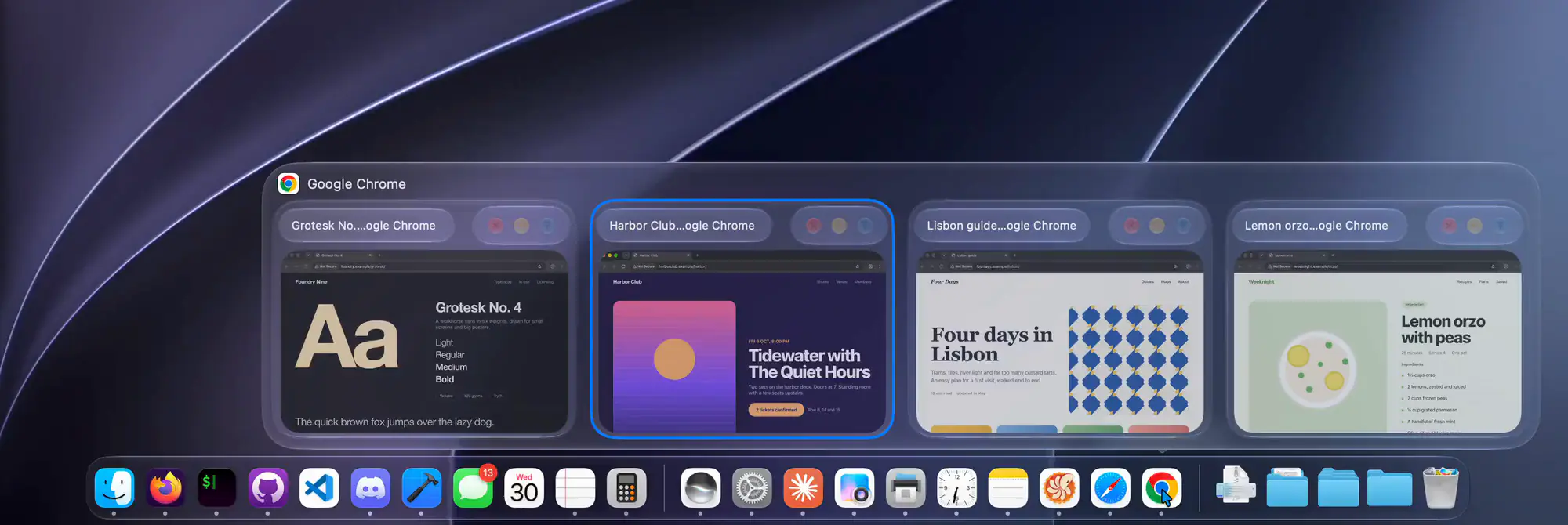
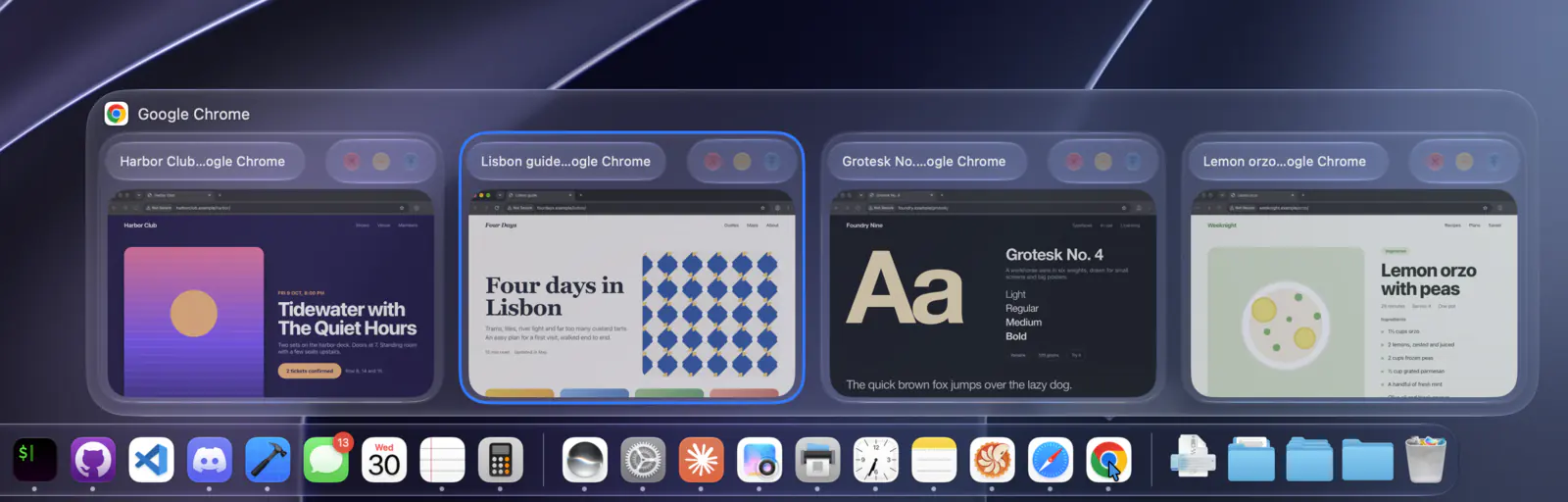
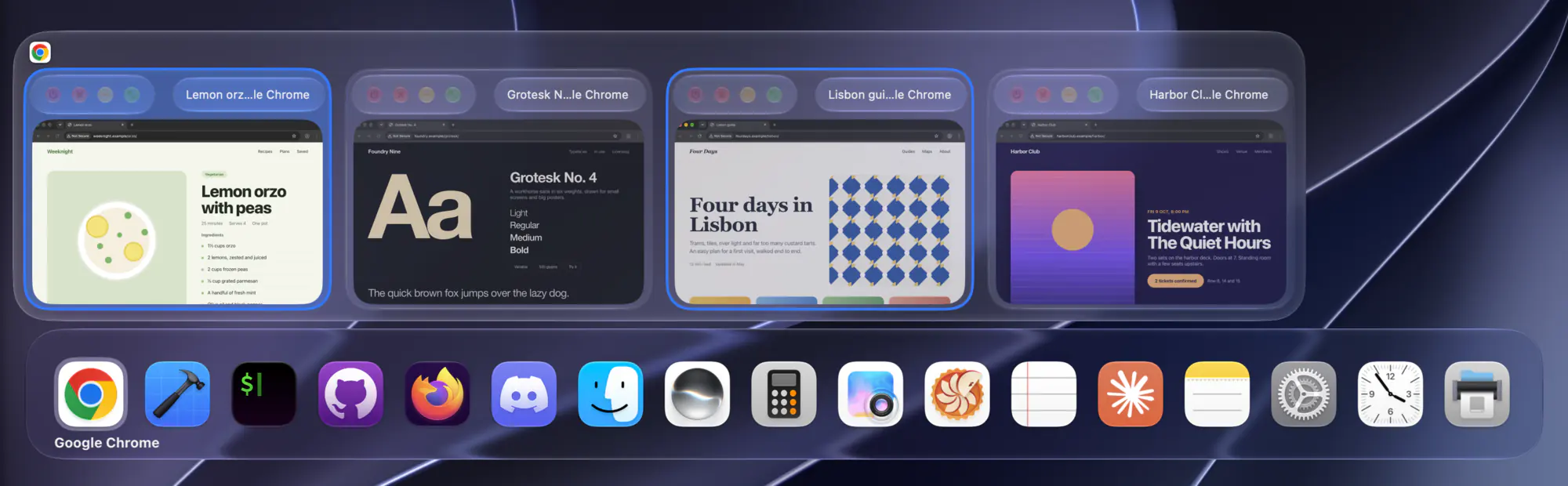
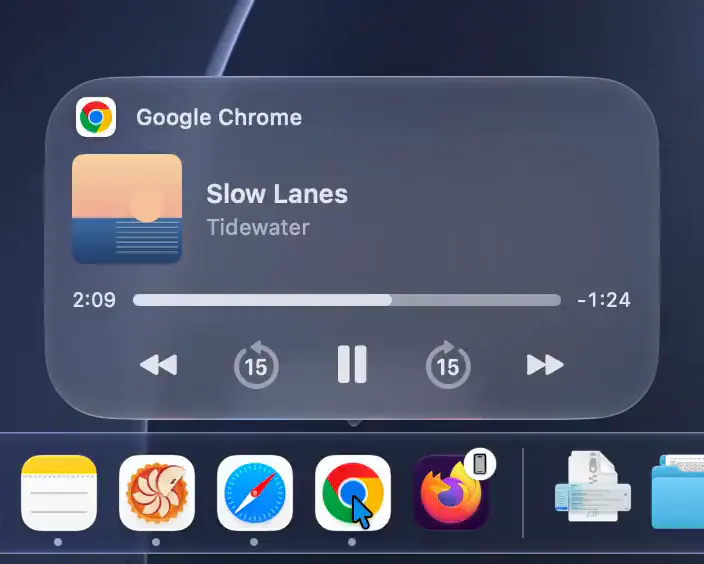
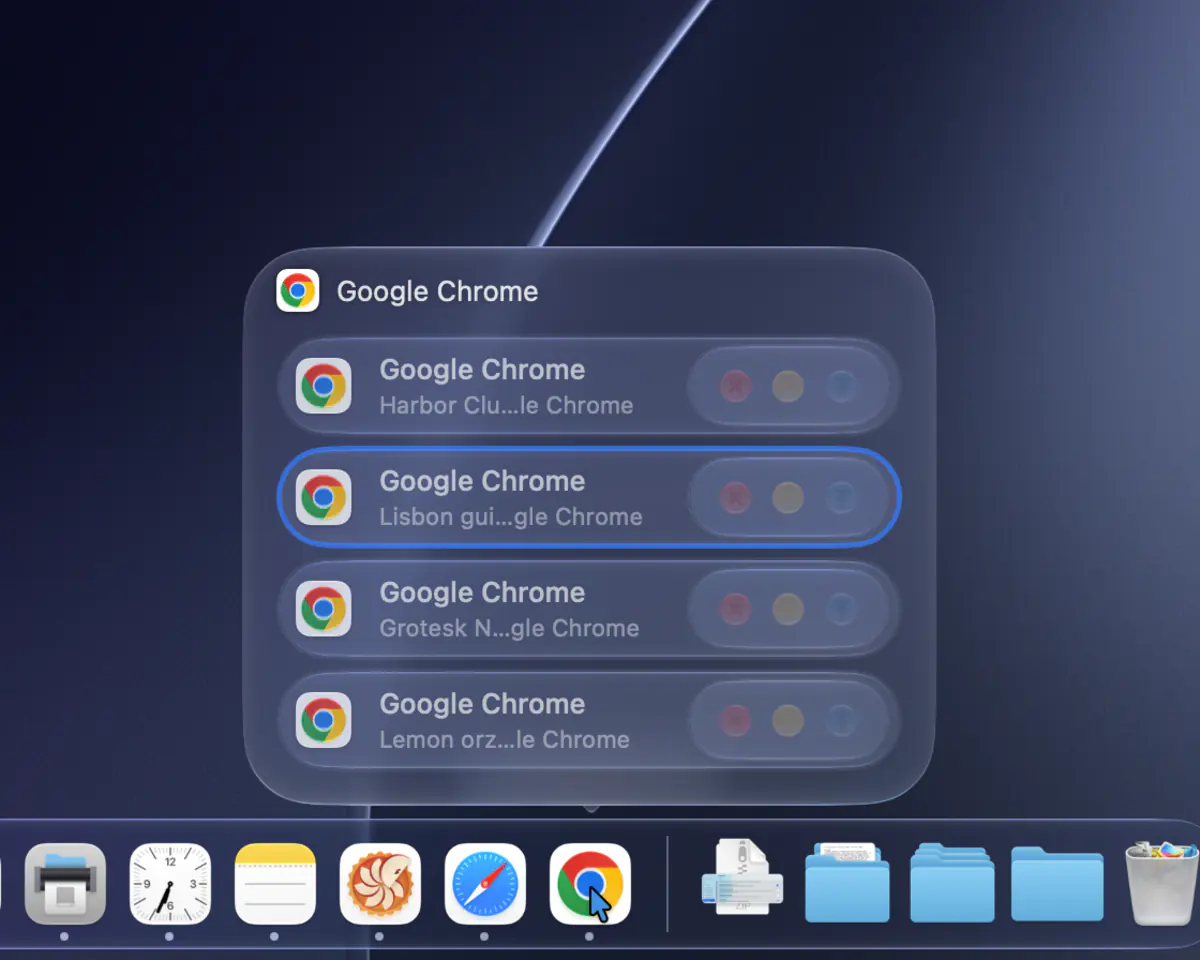
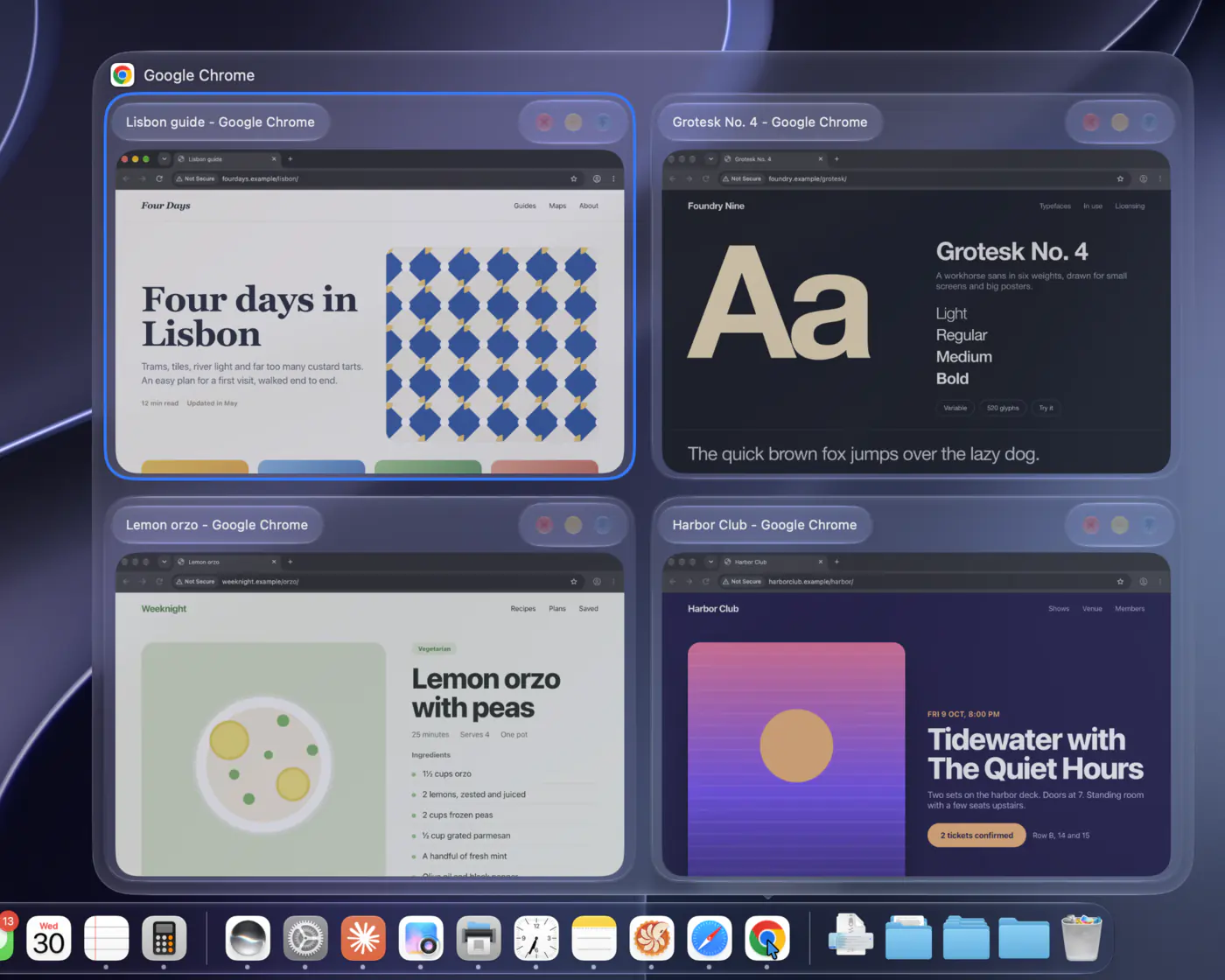
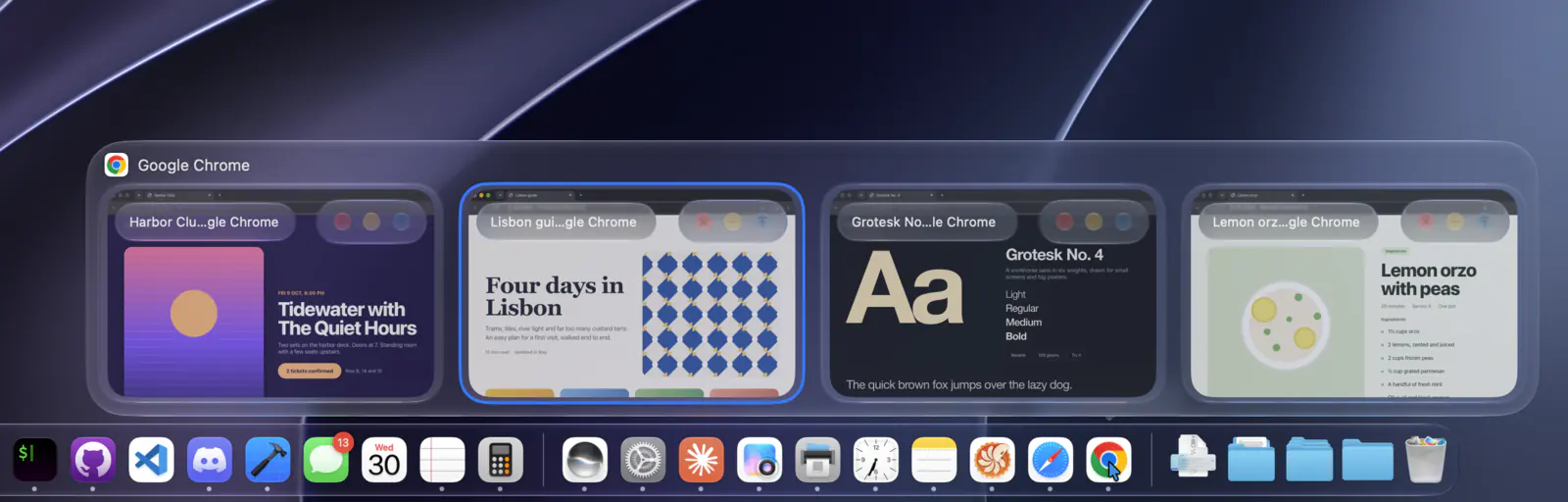
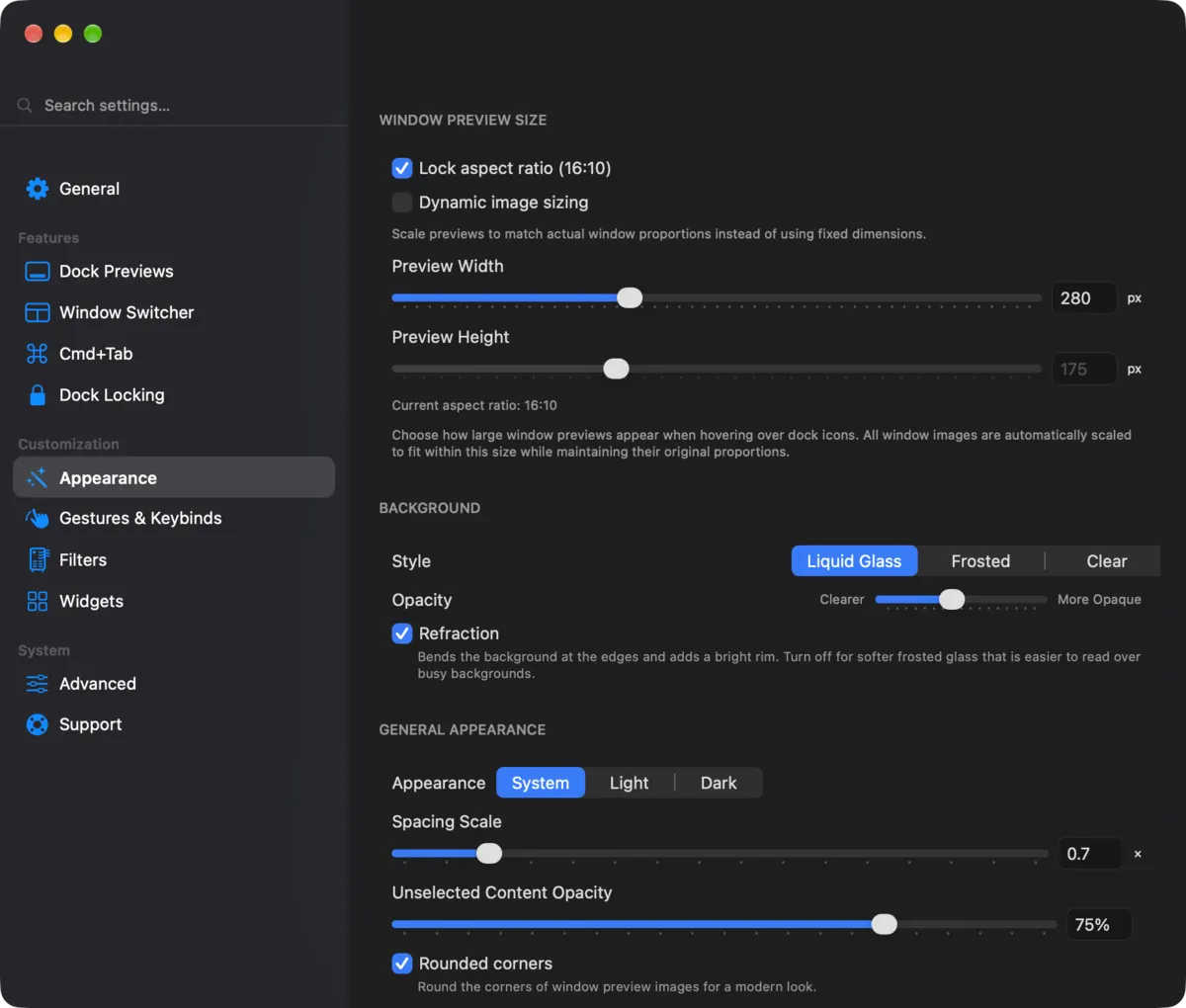
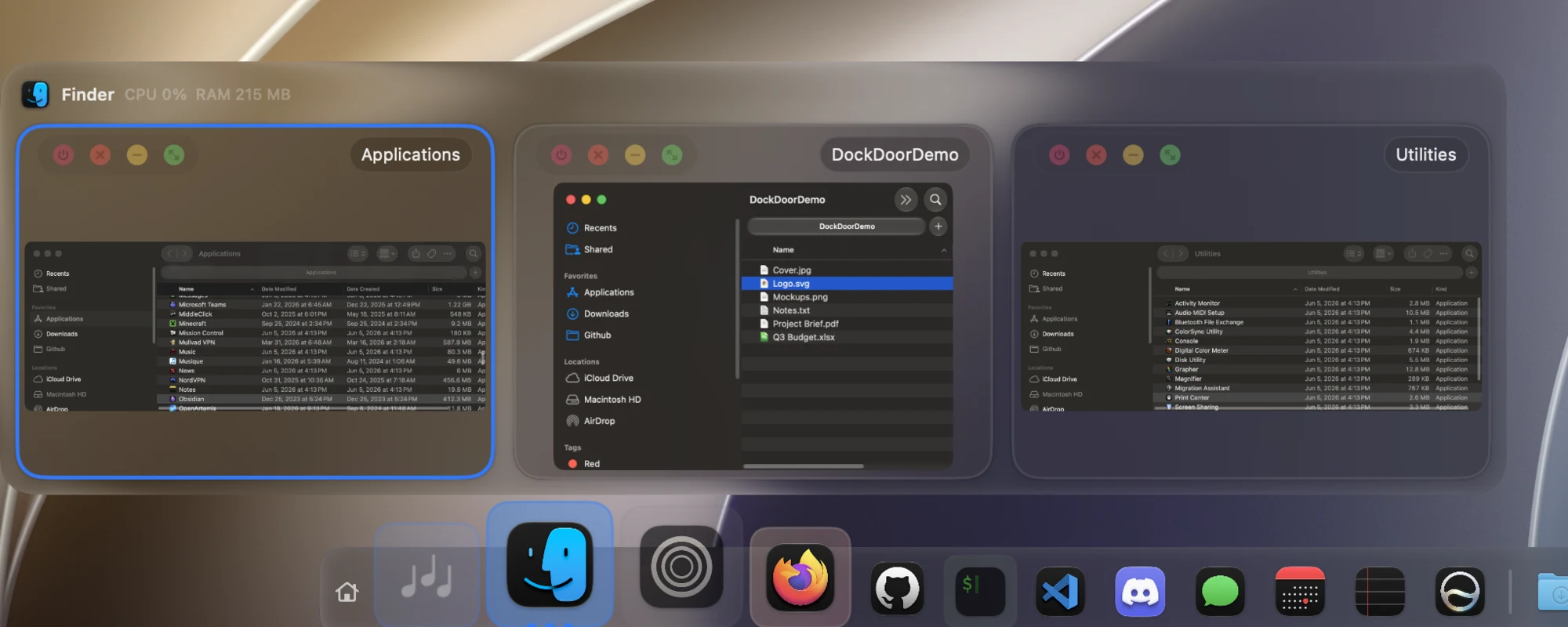
 DockDoor adds live window previews, Alt+Tab switching and keyboard controls to the macOS Dock you already have, so hovering an app shows all its open windows as thumbnails.
DockDoor adds live window previews, Alt+Tab switching and keyboard controls to the macOS Dock you already have, so hovering an app shows all its open windows as thumbnails.Does this replace the macOS Dock, or add to it?It does not replace the Dock; it's a small native app running from the menu bar that adds hover previews, Alt+Tab and other features on top of the built-in Dock.
It does not replace the Dock; it's a small native app running from the menu bar that adds hover previews, Alt+Tab and other features on top of the built-in Dock.Which Macs and macOS versions does it support?It works on macOS 13 Ventura and later, on both Apple Silicon and Intel Macs.
It works on macOS 13 Ventura and later, on both Apple Silicon and Intel Macs.Is the free version limited or crippled to push the paid app?No, DockDoor Free has every feature in the repo unlocked with no paywall; DockDoor Pro is a separate paid app that replaces the Dock entirely rather than a locked version of this one.
No, DockDoor Free has every feature in the repo unlocked with no paywall; DockDoor Pro is a separate paid app that replaces the Dock entirely rather than a locked version of this one.Does it work with other Dock replacement tools?It's designed to recognize apps opened through Parall, a tool that runs multiple independent instances of the same app, giving each instance its own previews.
It's designed to recognize apps opened through Parall, a tool that runs multiple independent instances of the same app, giving each instance its own previews.Does any data leave my Mac?No, nothing leaves the Mac: there are no servers, no analytics, no usage tracking and no crash reporters, and debug logs stay local unless you export them yourself.
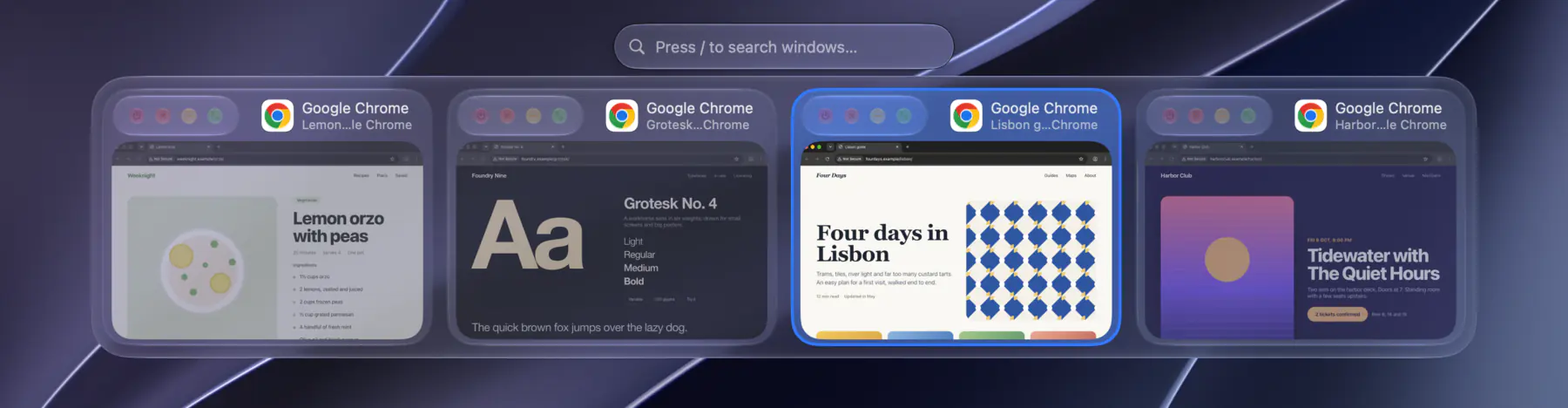
No, nothing leaves the Mac: there are no servers, no analytics, no usage tracking and no crash reporters, and debug logs stay local unless you export them yourself.What happens when I hold Alt+Tab or Cmd+Tab?Holding Alt+Tab shows every open window (not just every app) to switch between with search-as-you-type; holding Cmd+Tab shows the highlighted app's windows above the built-in switcher so you can pick a specific one.
Holding Alt+Tab shows every open window (not just every app) to switch between with search-as-you-type; holding Cmd+Tab shows the highlighted app's windows above the built-in switcher so you can pick a specific one.What else can I do from a hover preview besides switching windows?Each preview has close, minimize, full screen and quit buttons, plus gestures like two-finger swipe to minimize/maximize, scrolling a Dock icon to hide an app, and shaking a preview to minimize everything else.
Each preview has close, minimize, full screen and quit buttons, plus gestures like two-finger swipe to minimize/maximize, scrolling a Dock icon to hide an app, and shaking a preview to minimize everything else.What is DockDoor Pro and how does it differ from the free app?DockDoor Pro is a separate $20 one-time paid app from the same developer that fully replaces the Dock, adding spring magnification, fanning folders, a drag-and-drop file tray, multiple display profiles and a widget marketplace.
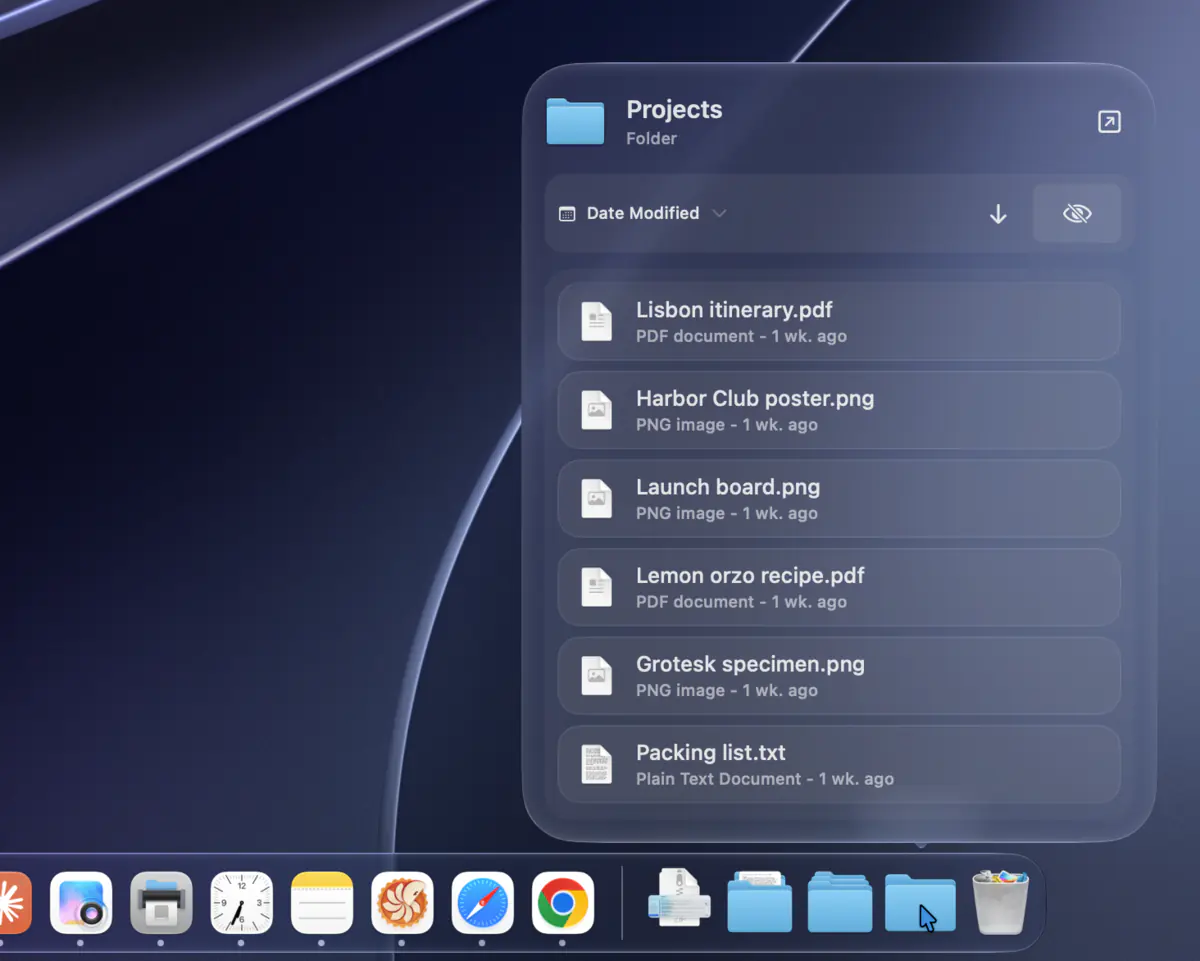
DockDoor Pro is a separate $20 one-time paid app from the same developer that fully replaces the Dock, adding spring magnification, fanning folders, a drag-and-drop file tray, multiple display profiles and a widget marketplace.Can I control DockDoor from scripts?Yes, it supports AppleScript and a CLI to control previews, the switcher and windows programmatically.
Yes, it supports AppleScript and a CLI to control previews, the switcher and windows programmatically.What are similar projects?rooms, vorssaint-utils, omacosy, KiwiDesk, macspace-releases, tendedero, dimble, boring.notch
rooms, vorssaint-utils, omacosy, KiwiDesk, macspace-releases, tendedero, dimble, boring.notchWhich topics is it in?liquid-glass, window-management, window-manager, keyboard, menu-bar, privacy-first, apple, macos-app, homebrew, apple-silicon, swift, customization
liquid-glass, window-management, window-manager, keyboard, menu-bar, privacy-first, apple, macos-app, homebrew, apple-silicon, swift, customization