


这是什么?
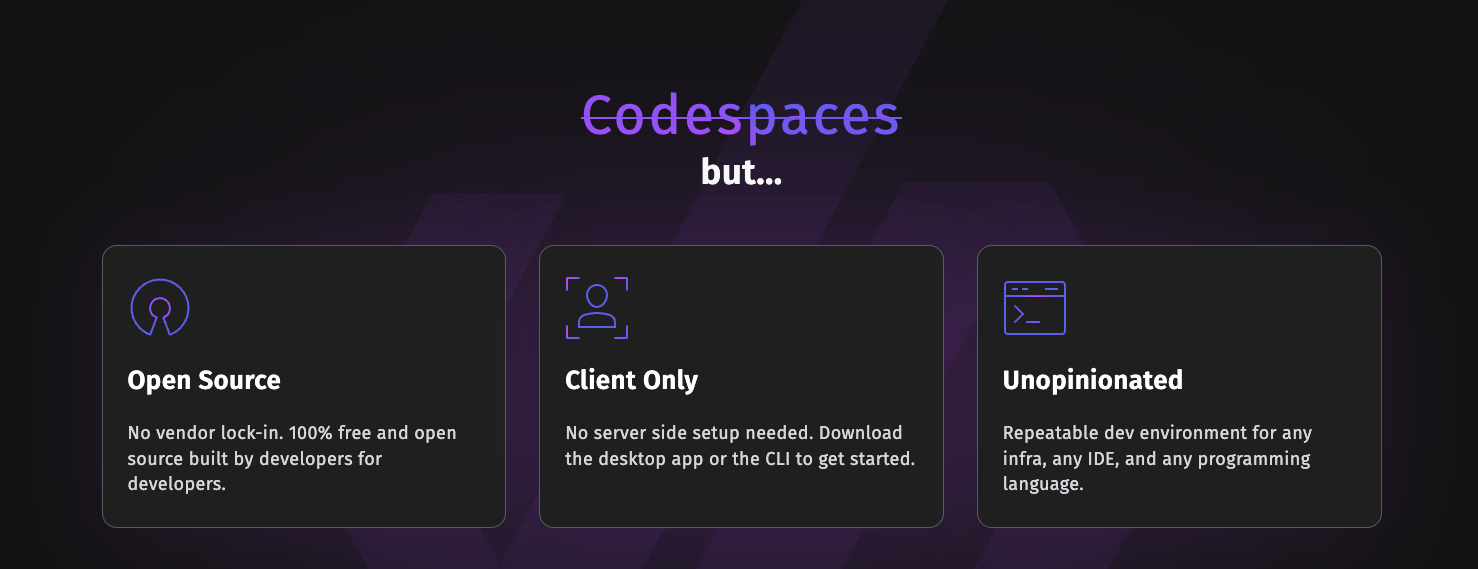
 DevPod 是一个开源的纯客户端工具,它根据 devcontainer.json 文件构建可复现的开发环境,并运行在你选择的任意后端上,后端可以是本地 Docker,也可以是 Kubernetes 或云虚拟机。
DevPod 是一个开源的纯客户端工具,它根据 devcontainer.json 文件构建可复现的开发环境,并运行在你选择的任意后端上,后端可以是本地 Docker,也可以是 Kubernetes 或云虚拟机。这是桌面应用还是命令行工具?两者都有:DevPod 为 macOS、Windows 和 Linux 提供桌面应用,同时还提供功能丰富的 CLI,适合偏好脚本或终端工作流的用户。
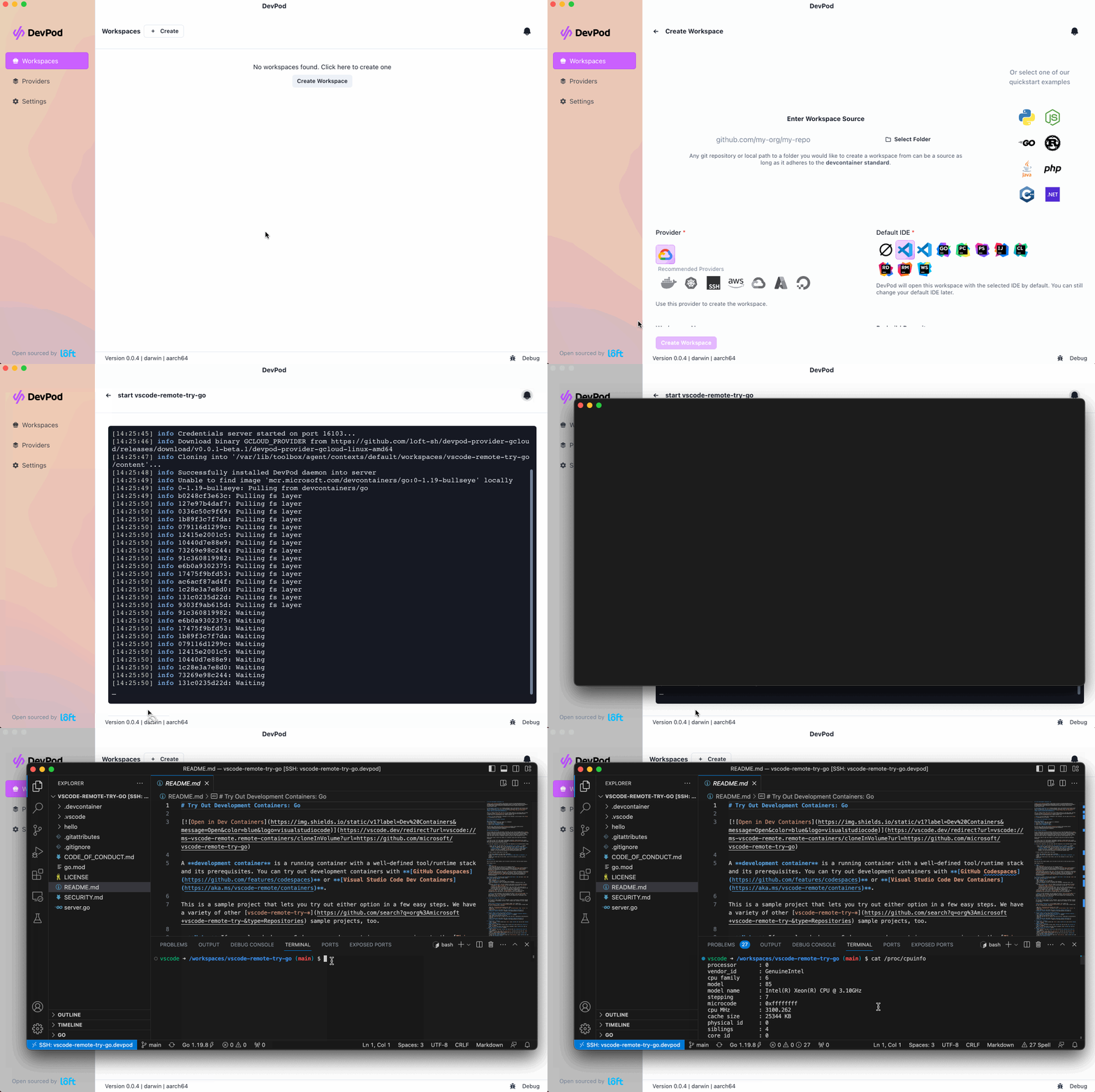
两者都有:DevPod 为 macOS、Windows 和 Linux 提供桌面应用,同时还提供功能丰富的 CLI,适合偏好脚本或终端工作流的用户。我该如何开始使用 DevPod?为你的平台下载 DevPod Desktop(macOS Silicon/Intel、Windows、Linux AppImage),或获取 CLI,然后打开一个包含 devcontainer.json 的项目,选择提供商(本地、Kubernetes、SSH 或云端)来启动工作区。
为你的平台下载 DevPod Desktop(macOS Silicon/Intel、Windows、Linux AppImage),或获取 CLI,然后打开一个包含 devcontainer.json 的项目,选择提供商(本地、Kubernetes、SSH 或云端)来启动工作区。要让 DevPod 正常工作,我需要运行服务端组件吗?不需要——DevPod 是纯客户端,因此无需安装任何后端服务;它直接与你选择的提供商通信,例如本地 Docker、Kubernetes 集群或 SSH 主机。
不需要——DevPod 是纯客户端,因此无需安装任何后端服务;它直接与你选择的提供商通信,例如本地 Docker、Kubernetes 集群或 SSH 主机。我实际上可以在 DevPod 中使用哪些 IDE?原生支持 VSCode 和完整的 JetBrains 系列;其他任何编辑器仍可通过普通 SSH 连接使用。
原生支持 VSCode 和完整的 JetBrains 系列;其他任何编辑器仍可通过普通 SSH 连接使用。工作区究竟可以运行在哪些后端上?任何可以访问到的地方:你的本地电脑、Kubernetes 集群、通过 SSH 连接的任意远程机器,或任何云服务商的虚拟机,全部通过 DevPod 的提供商系统接入。
任何可以访问到的地方:你的本地电脑、Kubernetes 集群、通过 SSH 连接的任意远程机器,或任何云服务商的虚拟机,全部通过 DevPod 的提供商系统接入。DevPod 怎么可能比 GitHub Codespaces 更便宜?它运行在按常规提供商费率计费的普通云虚拟机上,并会自动关闭空闲机器;README 称,这使其费用大约比同类托管服务便宜 5-10 倍。
它运行在按常规提供商费率计费的普通云虚拟机上,并会自动关闭空闲机器;README 称,这使其费用大约比同类托管服务便宜 5-10 倍。什么是 devcontainer.json,DevPod 为什么关心它?它是开放的 DevContainer 标准,GitHub Codespaces 和 VSCode 也在使用,因此你现有的任何 devcontainer.json 都可以直接用于 DevPod,无需学习新的配置格式。
它是开放的 DevContainer 标准,GitHub Codespaces 和 VSCode 也在使用,因此你现有的任何 devcontainer.json 都可以直接用于 DevPod,无需学习新的配置格式。除了创建工作区之外,还内置了哪些功能?README 列出的内置功能包括预构建、自动空闲关机,以及 git/docker 凭据同步,开箱即用。
README 列出的内置功能包括预构建、自动空闲关机,以及 git/docker 凭据同步,开箱即用。Which topics is it in?remote-development, development, ide, vscode, containers, kubernetes, cloud, devops, go, desktop-app, terminal, tool
remote-development, development, ide, vscode, containers, kubernetes, cloud, devops, go, desktop-app, terminal, tool