





79.6K ·GitHub
What is this?
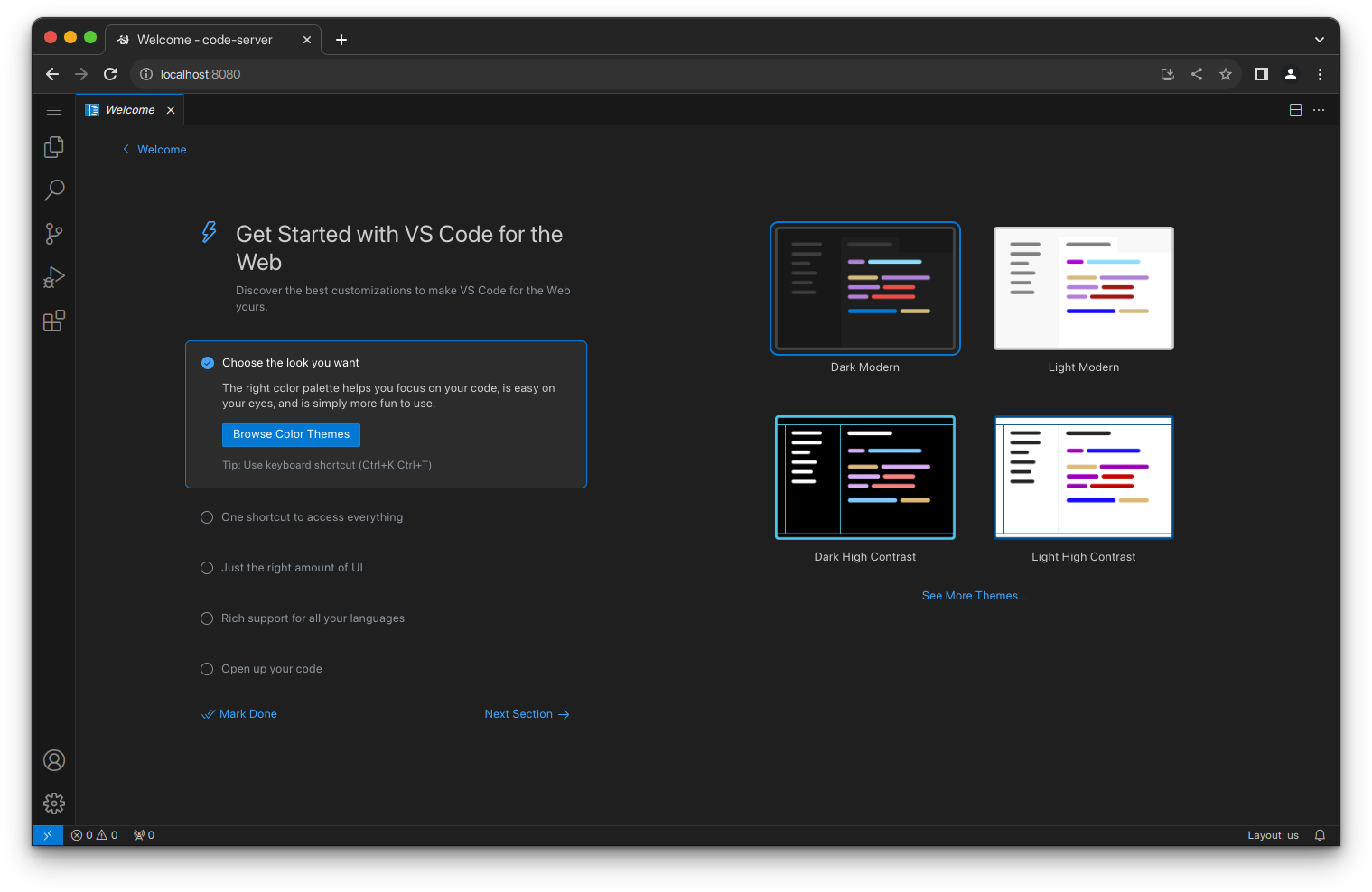
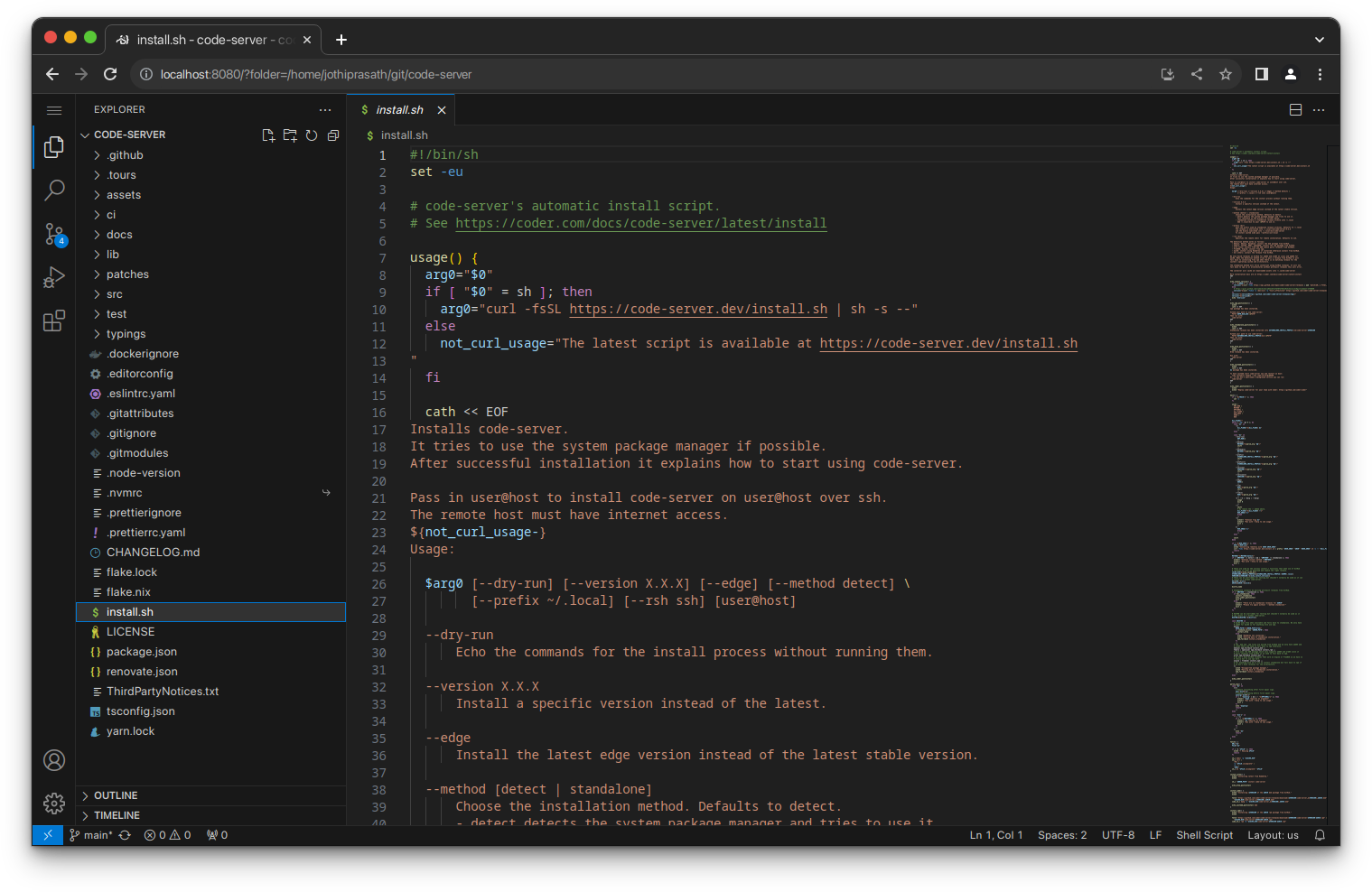
 code-server runs VS Code on a remote machine and lets you access the full editor through a web browser, so you can code from any device.
code-server runs VS Code on a remote machine and lets you access the full editor through a web browser, so you can code from any device.Is this an editor I install locally, or something I run on a server?It is a server application: you install and run it on a Linux machine (a cloud VM, your own server, or a devcontainer), then open the VS Code UI in your browser from any device.
It is a server application: you install and run it on a Linux machine (a cloud VM, your own server, or a devcontainer), then open the VS Code UI in your browser from any device.How do I get it running?The easiest way is the install script, which uses your system package manager; you can also install it manually, deploy it with coder/coder for teams, use one-click cloud deploy buttons, or add the devcontainers feature.
The easiest way is the install script, which uses your system package manager; you can also install it manually, deploy it with coder/coder for teams, use one-click cloud deploy buttons, or add the devcontainers feature.What kind of machine do I need to run it on?A Linux machine with WebSockets enabled, at least 1 GB RAM and 2 vCPUs.
A Linux machine with WebSockets enabled, at least 1 GB RAM and 2 vCPUs.Does it work on Windows or macOS servers?The stated requirement is a Linux machine, so it's built to be hosted on Linux rather than Windows or macOS servers.
The stated requirement is a Linux machine, so it's built to be hosted on Linux rather than Windows or macOS servers.Who is this for, solo devs or whole teams?It works for individuals who just want a consistent dev environment on the go, and for teams, who can deploy it centrally using the companion coder/coder project.
It works for individuals who just want a consistent dev environment on the go, and for teams, who can deploy it centrally using the companion coder/coder project.Why run VS Code remotely instead of locally?It lets heavy tasks like compiling, testing, and downloading run on a powerful cloud server instead of your laptop, saving battery and letting you work from any device with a browser.
It lets heavy tasks like compiling, testing, and downloading run on a powerful cloud server instead of your laptop, saving battery and letting you work from any device with a browser.Can I use it with my existing devcontainer setup?Yes, there is a dedicated code-server feature for devcontainers if your project already uses them.
Yes, there is a dedicated code-server feature for devcontainers if your project already uses them.Is there a managed or hosted way to run this for a company?Coder, the company behind code-server, offers coder/coder specifically to deploy and manage code-server across a team's infrastructure.
Coder, the company behind code-server, offers coder/coder specifically to deploy and manage code-server across a team's infrastructure.What are similar projects?coder, core, gitpod, devpod, agentbox, rocketride-server, claudecodeui, devbox
coder, core, gitpod, devpod, agentbox, rocketride-server, claudecodeui, devboxWhich topics is it in?development-environment, remote-development, ide, vscode, cloud, devops, productivity, server, docker, typescript, self-hosted, cli
development-environment, remote-development, ide, vscode, cloud, devops, productivity, server, docker, typescript, self-hosted, cli