


What is this?
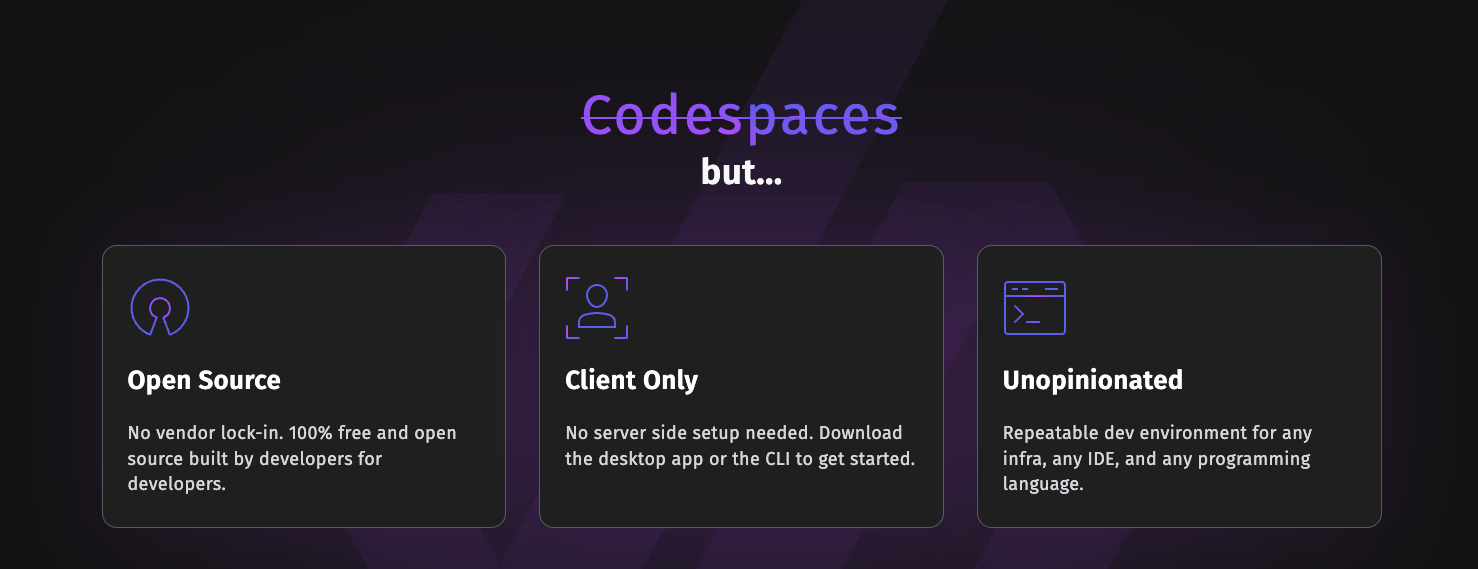
 DevPod is an open-source, client-only tool that builds reproducible developer environments from a devcontainer.json file and runs them on whatever backend you pick, from local Docker to Kubernetes or a cloud VM.
DevPod is an open-source, client-only tool that builds reproducible developer environments from a devcontainer.json file and runs them on whatever backend you pick, from local Docker to Kubernetes or a cloud VM.Is this a desktop app or a command-line tool?Both: DevPod ships a desktop app for macOS, Windows and Linux, plus a feature-rich CLI for anyone who prefers scripting or terminal workflows.
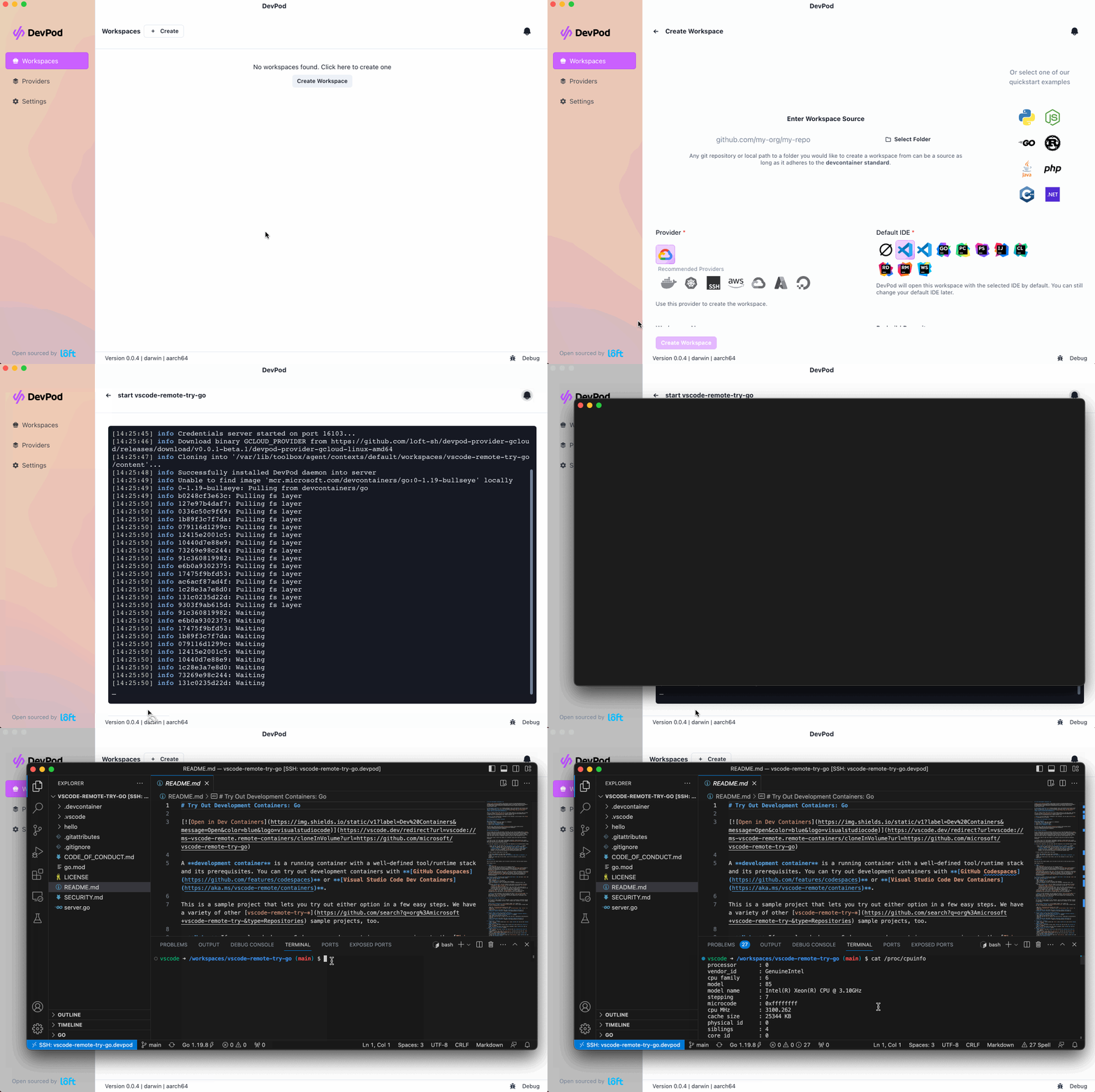
Both: DevPod ships a desktop app for macOS, Windows and Linux, plus a feature-rich CLI for anyone who prefers scripting or terminal workflows.How do I get started with DevPod?Download DevPod Desktop for your platform (macOS Silicon/Intel, Windows, Linux AppImage) or grab the CLI, then open a project that has a devcontainer.json and choose a provider (local, Kubernetes, SSH, or cloud) to spin up the workspace.
Download DevPod Desktop for your platform (macOS Silicon/Intel, Windows, Linux AppImage) or grab the CLI, then open a project that has a devcontainer.json and choose a provider (local, Kubernetes, SSH, or cloud) to spin up the workspace.Do I need to run a server component for DevPod to work?No - DevPod is client-only, so there's no backend service to install; it talks directly to whichever provider you choose, such as your local Docker, a Kubernetes cluster, or an SSH host.
No - DevPod is client-only, so there's no backend service to install; it talks directly to whichever provider you choose, such as your local Docker, a Kubernetes cluster, or an SSH host.Which IDEs can I actually use with DevPod?VSCode and the full JetBrains suite are supported natively; any other editor can still be connected over plain SSH.
VSCode and the full JetBrains suite are supported natively; any other editor can still be connected over plain SSH.What backends can a workspace actually run on?Anything reachable: your local computer, a Kubernetes cluster, any remote machine over SSH, or a VM in any cloud provider, all through DevPod's provider system.
Anything reachable: your local computer, a Kubernetes cluster, any remote machine over SSH, or a VM in any cloud provider, all through DevPod's provider system.How is DevPod supposed to be cheaper than GitHub Codespaces?It runs on plain cloud VMs billed at normal provider rates and automatically shuts down idle machines, which the README claims makes it roughly 5-10x cheaper than comparable hosted services.
It runs on plain cloud VMs billed at normal provider rates and automatically shuts down idle machines, which the README claims makes it roughly 5-10x cheaper than comparable hosted services.What is a devcontainer.json and why does DevPod care about it?It's the open DevContainer standard also used by GitHub Codespaces and VSCode, so any devcontainer.json you already have works unchanged with DevPod - no new config format to learn.
It's the open DevContainer standard also used by GitHub Codespaces and VSCode, so any devcontainer.json you already have works unchanged with DevPod - no new config format to learn.What features come built in beyond just creating a workspace?The README lists prebuilds, automatic inactivity shutdown, and git/docker credential syncing as already included out of the box.
The README lists prebuilds, automatic inactivity shutdown, and git/docker credential syncing as already included out of the box.Which topics is it in?remote-development, development, ide, vscode, containers, kubernetes, cloud, devops, go, desktop-app, terminal, tool
remote-development, development, ide, vscode, containers, kubernetes, cloud, devops, go, desktop-app, terminal, tool