








What is this?
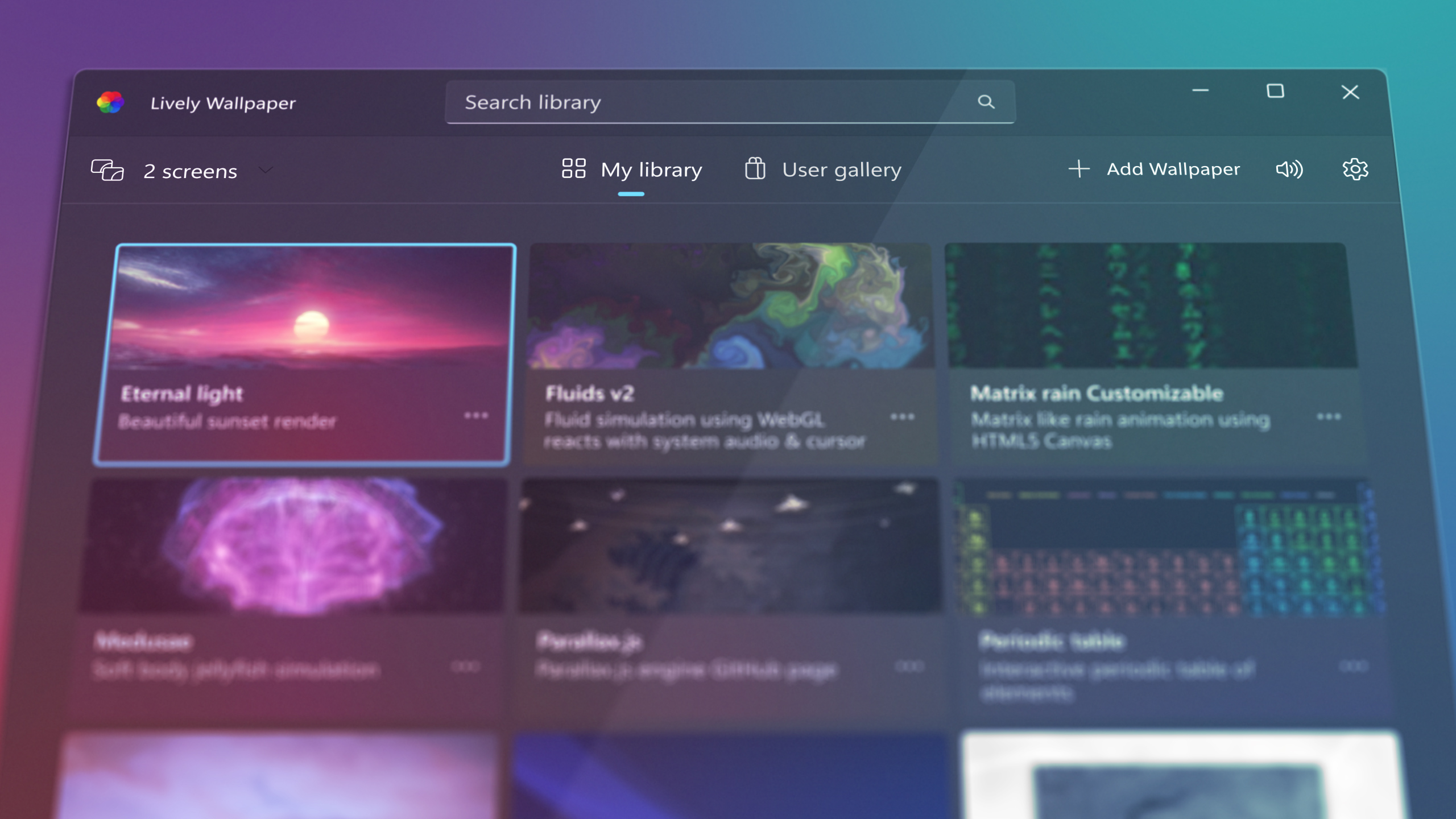
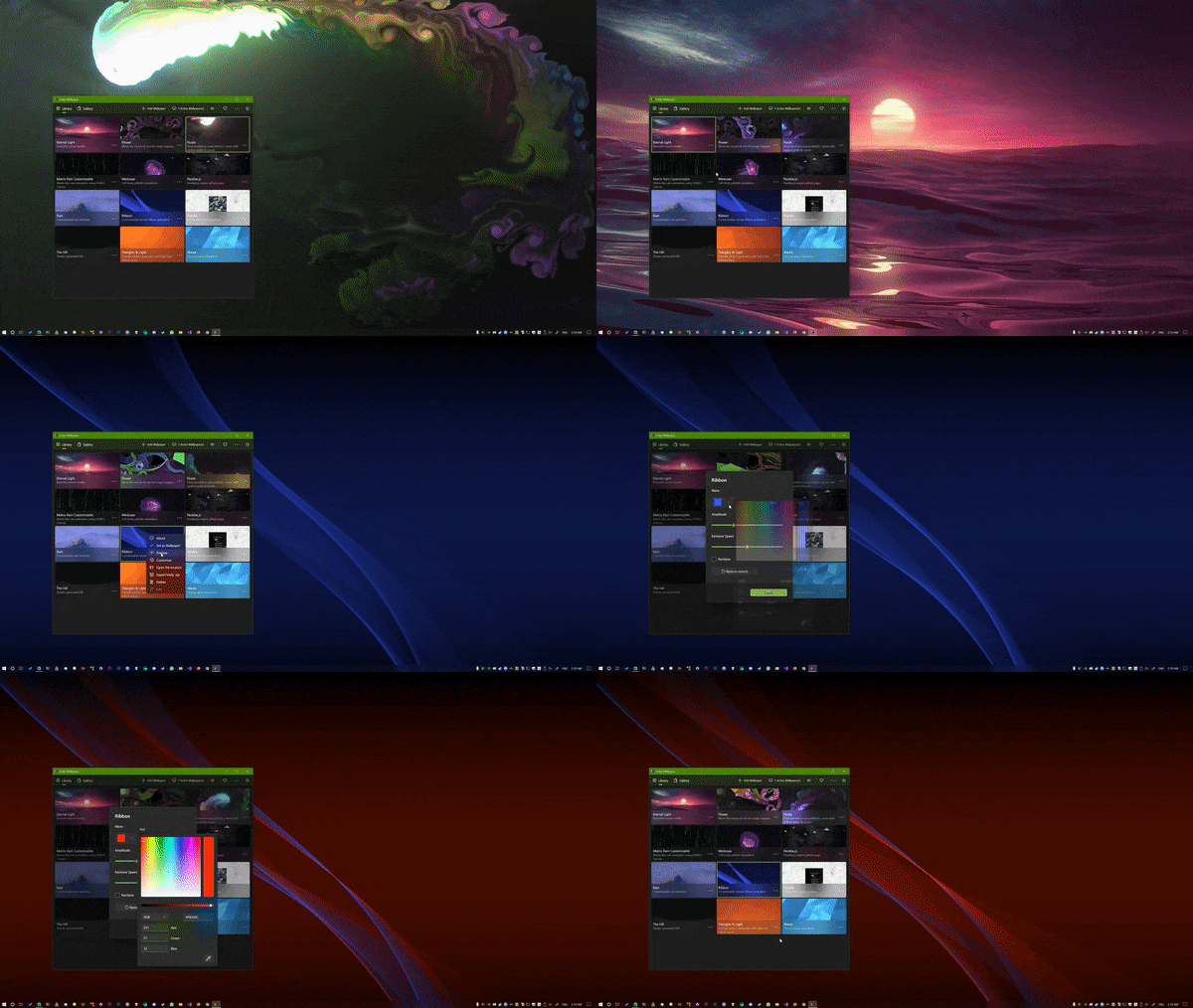
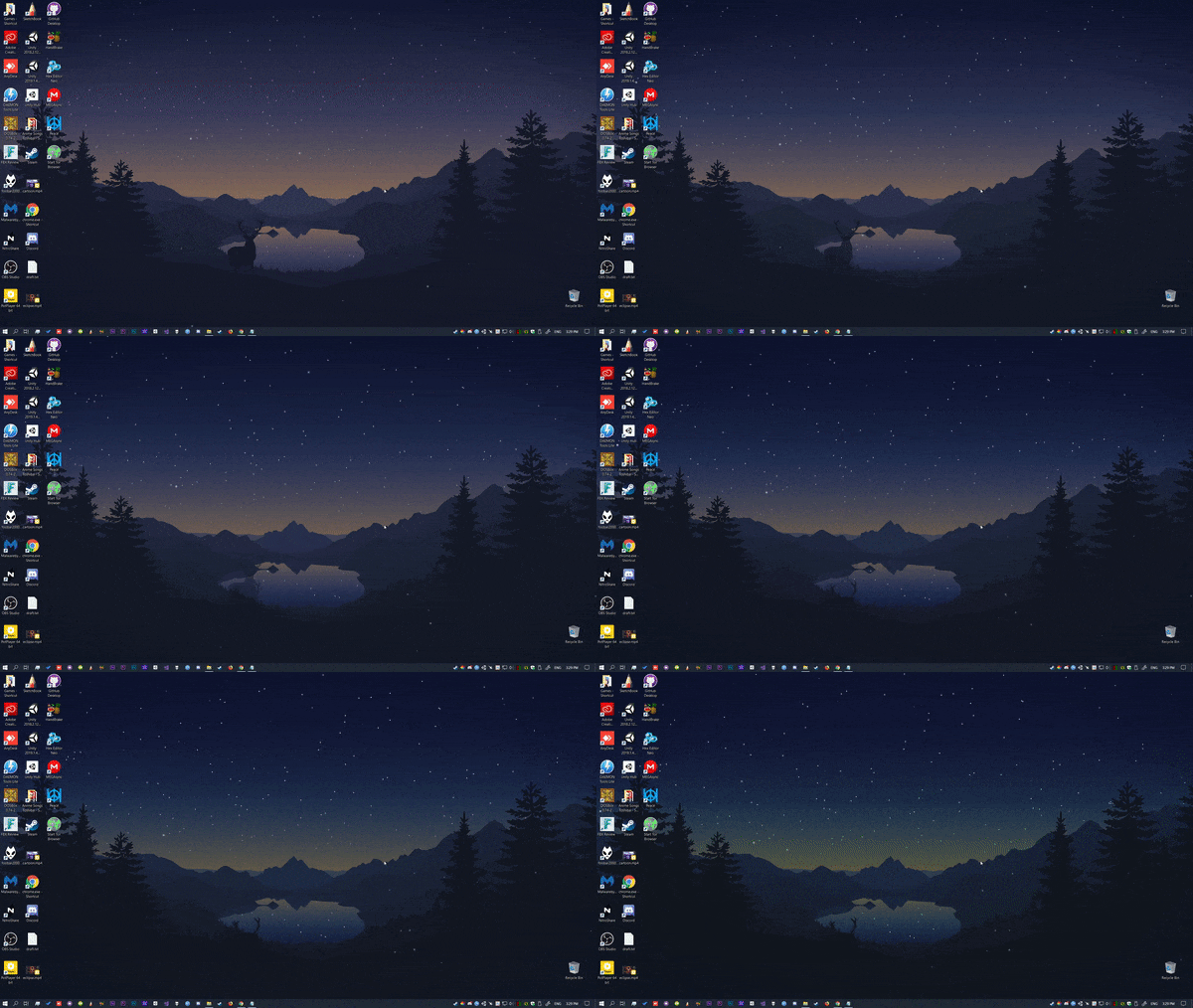
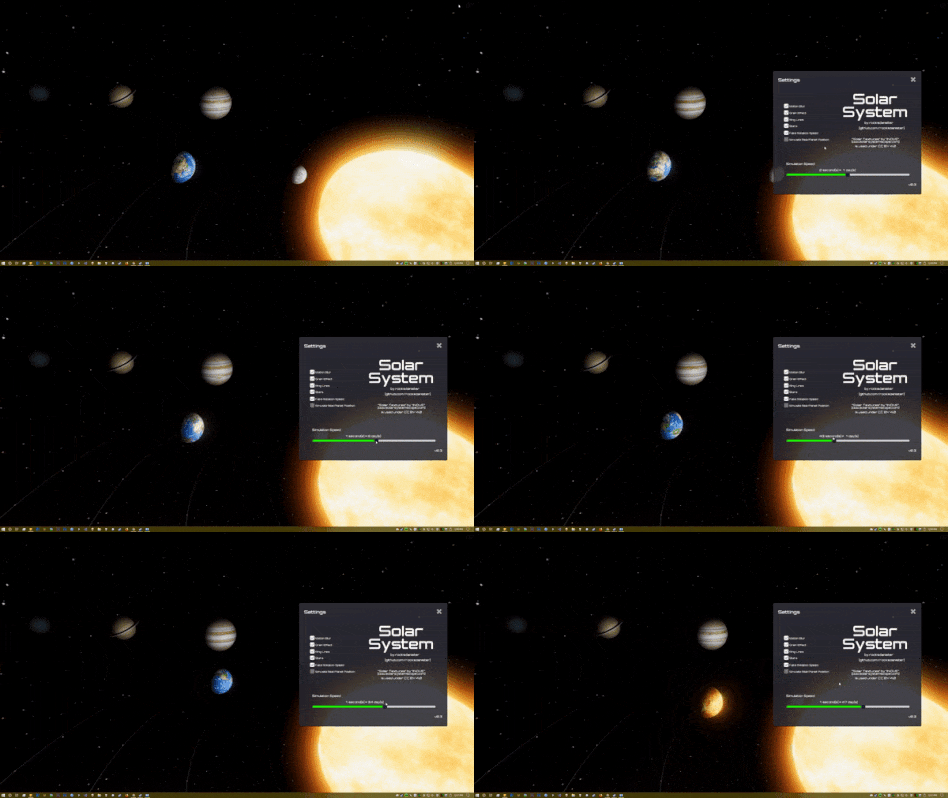
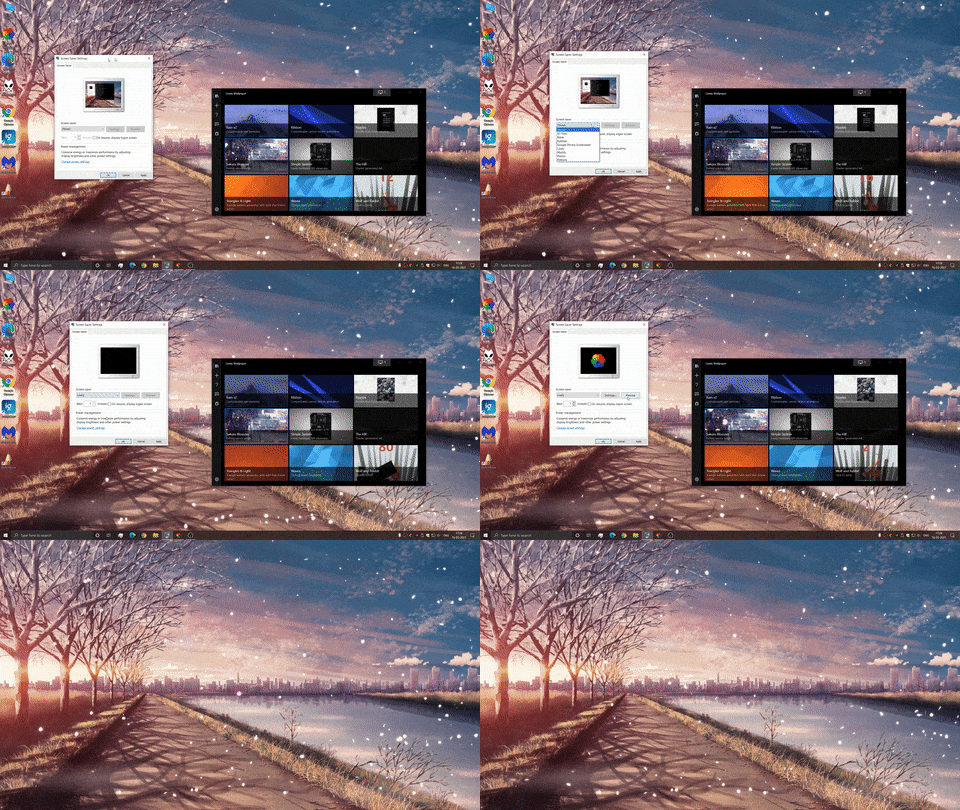
 Lively Wallpaper is a free, open-source Windows app that puts animated wallpapers and screensavers on your desktop — videos, webpages, shaders, even games — built on WinUI 3.
Lively Wallpaper is a free, open-source Windows app that puts animated wallpapers and screensavers on your desktop — videos, webpages, shaders, even games — built on WinUI 3.Is this a Windows app I install, or a library?It's a native desktop application for Windows, not a library — built on the WinUI 3 + WindowsAppSDK framework with hardware accelerated playback.
It's a native desktop application for Windows, not a library — built on the WinUI 3 + WindowsAppSDK framework with hardware accelerated playback.Where do I get it, and how do I set my first wallpaper?Install from the Microsoft Store or download the installer from the repo, then just drag and drop a video or webpage onto Lively to set it as your wallpaper.
Install from the Microsoft Store or download the installer from the repo, then just drag and drop a video or webpage onto Lively to set it as your wallpaper.Which Windows version do I need?Windows 10 or 11 — build 1809 or above for the Microsoft Store version, 1903 or above for the installer. There is no macOS or Linux build.
Windows 10 or 11 — build 1809 or above for the Microsoft Store version, 1903 or above for the installer. There is no macOS or Linux build.Does the installer trigger any security warnings?The standalone installer isn't Store-signed, so Windows SmartScreen may show a warning when you run it; the author addresses this in a repo discussion. The Store version avoids that.
The standalone installer isn't Store-signed, so Windows SmartScreen may show a warning when you run it; the author addresses this in a repo discussion. The Store version avoids that.Is it really free, or is anything locked behind a paywall?It's fully free and open source under GPL-v3 — the author explicitly states there are no features behind a paywall.
It's fully free and open source under GPL-v3 — the author explicitly states there are no features behind a paywall.Will it drain my CPU and GPU while I work or play games?No — playback pauses when a fullscreen app or game runs (~0% CPU and GPU), and you can set rules per foreground app, pause on battery power, or auto-pause during remote desktop sessions.
No — playback pauses when a fullscreen app or game runs (~0% CPU and GPU), and you can set rules per foreground app, pause on battery power, or auto-pause during remote desktop sessions.What kinds of content can I set as a wallpaper?Almost anything: your own videos and webpages via drag and drop, Shadertoy.com shader URLs, Unity or Godot games, and machine-learning-driven dynamic wallpapers. Video playback is hardware accelerated via mpv/vlc with customizable video filters.
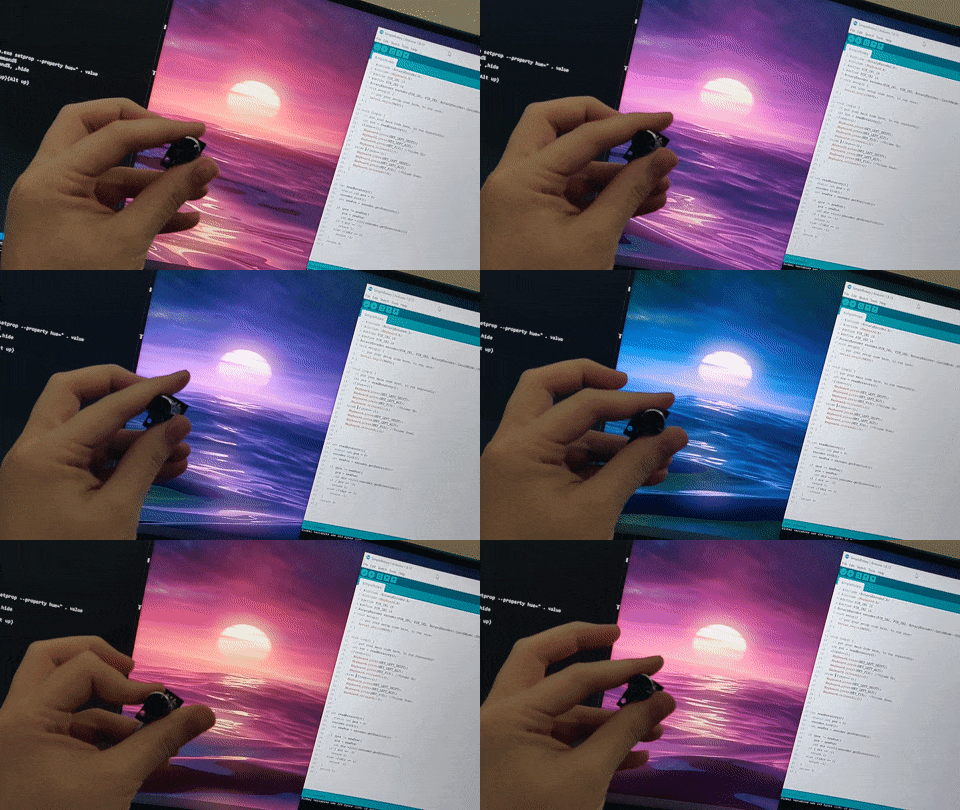
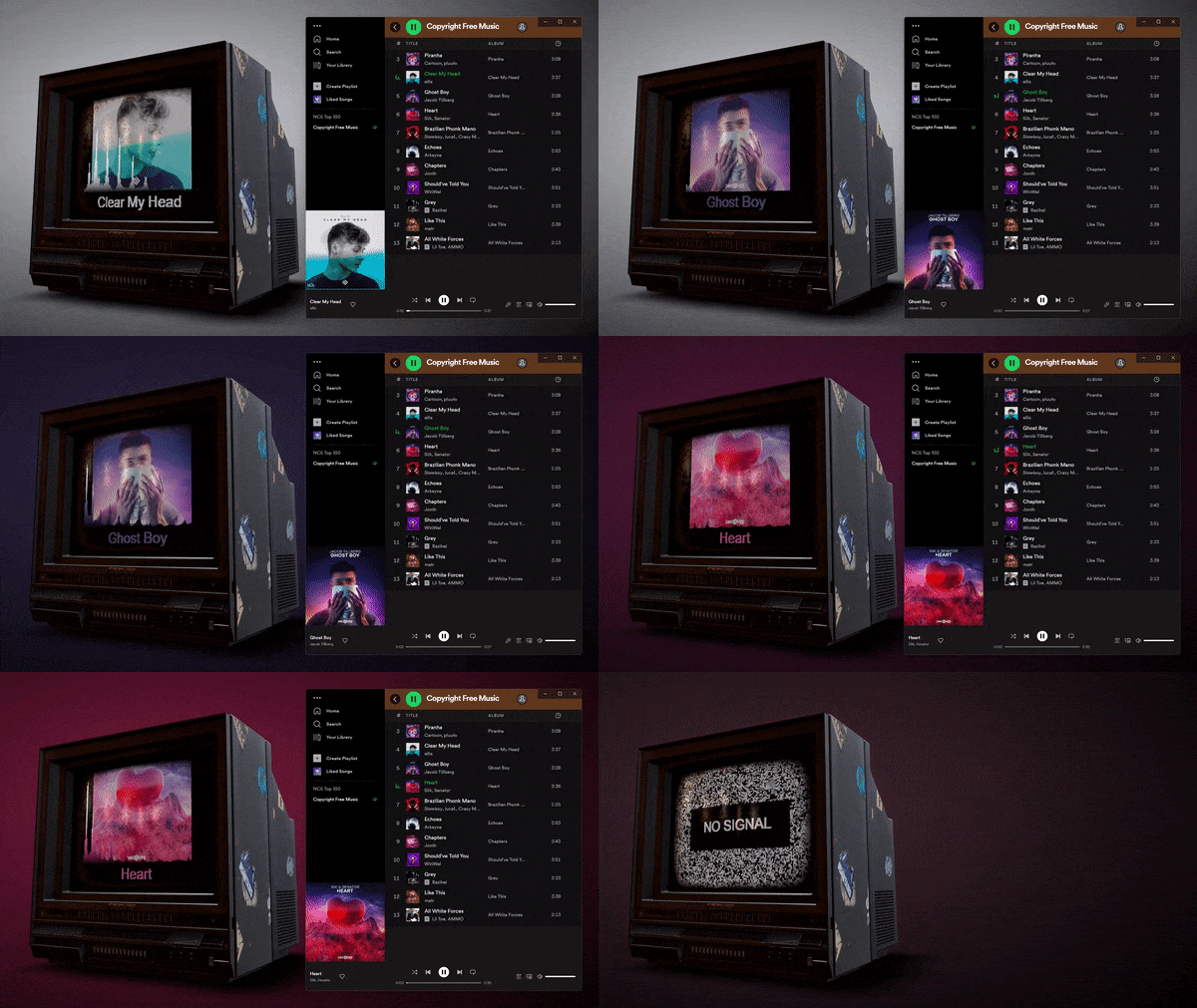
Almost anything: your own videos and webpages via drag and drop, Shadertoy.com shader URLs, Unity or Godot games, and machine-learning-driven dynamic wallpapers. Video playback is hardware accelerated via mpv/vlc with customizable video filters.Can developers build their own interactive wallpapers?Yes — the Lively API gives wallpapers access to hardware readings, an audio graph and music information. The whole app can also be driven from the command line, e.g. from Python or AutoHotKey scripts.
Yes — the Lively API gives wallpapers access to hardware readings, an audio graph and music information. The whole app can also be driven from the command line, e.g. from Python or AutoHotKey scripts.Does it double as a screensaver?Yes — Lively supports Windows screensavers, and any wallpaper can be used as one, with multiple monitors supported.
Yes — Lively supports Windows screensavers, and any wallpaper can be used as one, with multiple monitors supported.Do webpage wallpapers open in my browser?No — Lively includes its own minimal webpage renderer powered by Chromium, so web and Shadertoy wallpapers run without a browser window.
No — Lively includes its own minimal webpage renderer powered by Chromium, so web and Shadertoy wallpapers run without a browser window.What are similar projects?DeskBox, WallpaperMachine, tubatools, DevToys, Files, Winhance, TranslucentTB, FluentTweaker
DeskBox, WallpaperMachine, tubatools, DevToys, Files, Winhance, TranslucentTB, FluentTweakerWhich topics is it in?fluent-design, winui, winui3, wallpaper, widgets, windows-10, windows-11, c#, csharp, windows-app, animation, customization
fluent-design, winui, winui3, wallpaper, widgets, windows-10, windows-11, c#, csharp, windows-app, animation, customization