

What is this?
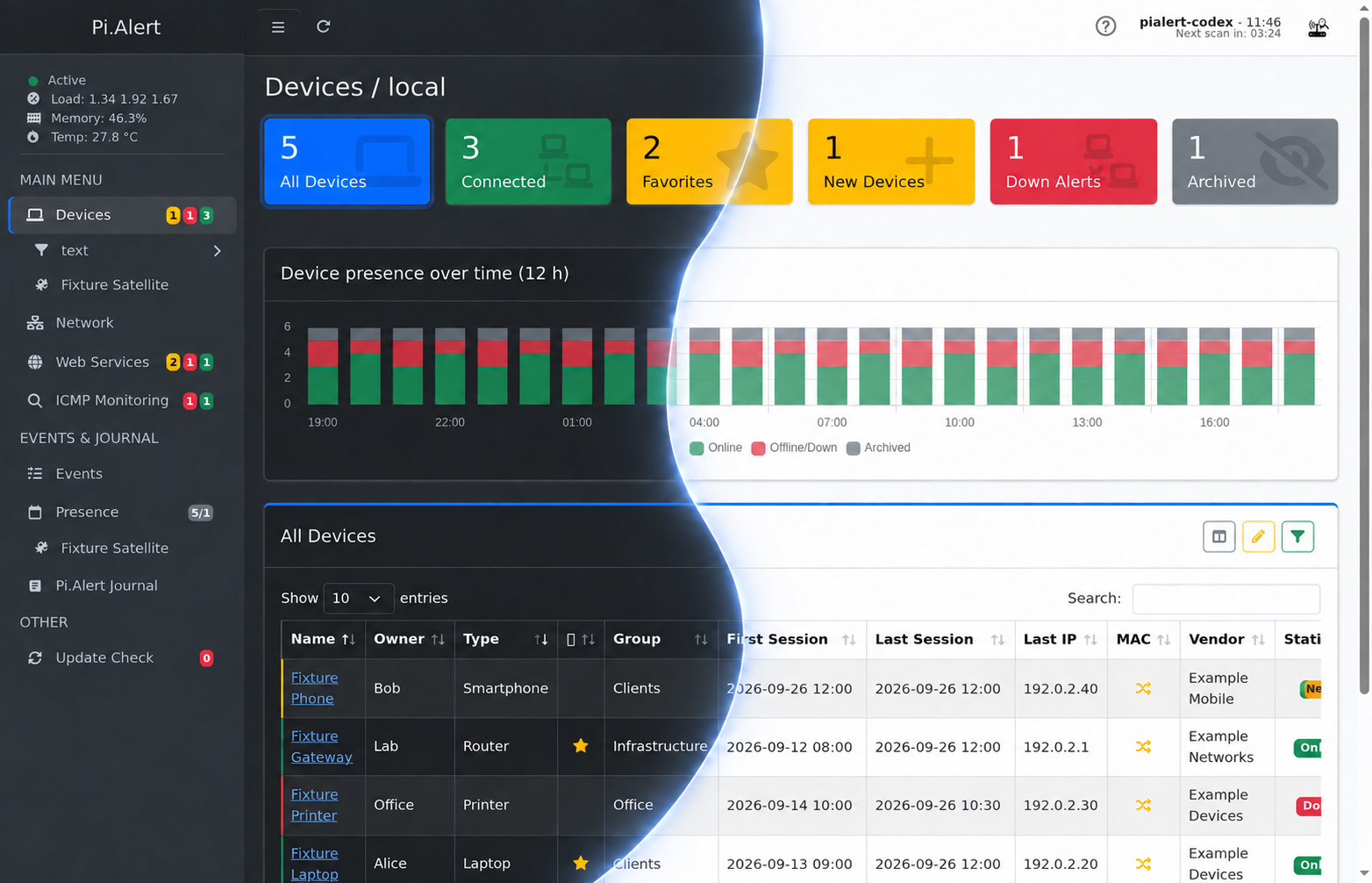
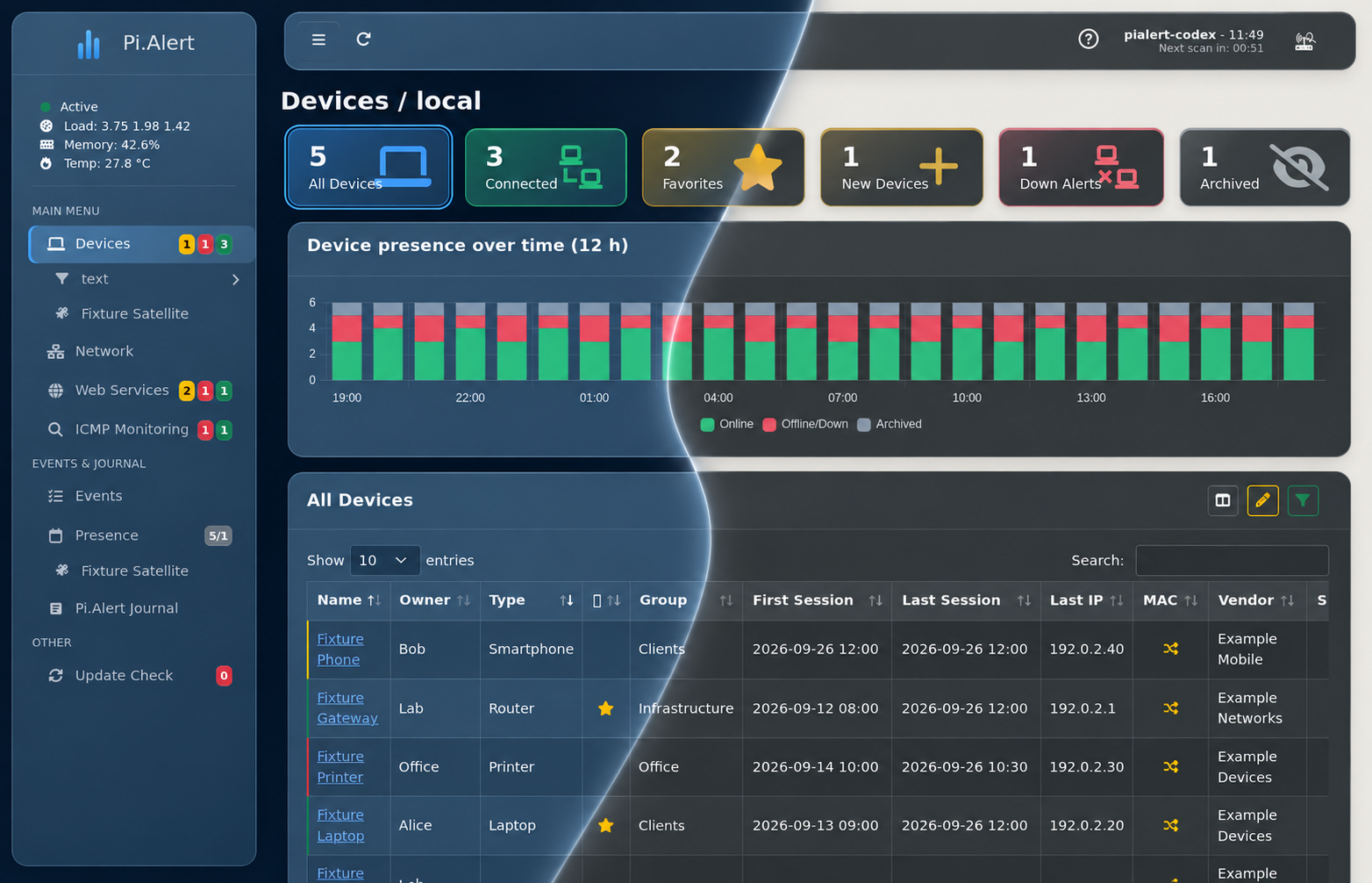
 Pi.Alert watches your Wi-Fi or LAN and alerts you when an unknown device connects, a known device disconnects, or a monitored web service goes down. It also checks HTTP status, response time, and SSL certificates for web services you configure.
Pi.Alert watches your Wi-Fi or LAN and alerts you when an unknown device connects, a known device disconnects, or a monitored web service goes down. It also checks HTTP status, response time, and SSL certificates for web services you configure.Is this a background service or something I interact with directly?It is a self-hosted app with two parts: a backend that runs via cron every five minutes to scan the network and send alerts, and a web interface for managing devices, services, and settings.
It is a self-hosted app with two parts: a backend that runs via cron every five minutes to scan the network and send alerts, and a web interface for managing devices, services, and settings.Does it need Pi-hole or special network hardware to work?No, the core method is arp-scan on the local network, but it can also pull data from Pi-hole, FRITZ!Box, MikroTik, UniFi, OpenWrt, AsusWRT, pfSense, OPNsense, or AdGuard Home if you already run those.
No, the core method is arp-scan on the local network, but it can also pull data from Pi-hole, FRITZ!Box, MikroTik, UniFi, OpenWrt, AsusWRT, pfSense, OPNsense, or AdGuard Home if you already run those.Is this the same as the original Pi.Alert project?No, this is a continuation maintained by a different author; the original pucherot/Pi.Alert is now unmaintained, and another fork called NetAlertX has become an independent Docker-based project.
No, this is a continuation maintained by a different author; the original pucherot/Pi.Alert is now unmaintained, and another fork called NetAlertX has become an independent Docker-based project.Who is this built for?Homelab and self-hosted-network users who want to know exactly what devices are on their network and get notified about intruders, outages, or expiring SSL certificates.
Homelab and self-hosted-network users who want to know exactly what devices are on their network and get notified about intruders, outages, or expiring SSL certificates.What notification channels does it support?Alerts can go through the web frontend, email, Pushsafer, Pushover, ntfy, or Telegram via the Telegram Bot API.
Alerts can go through the web frontend, email, Pushsafer, Pushover, ntfy, or Telegram via the Telegram Bot API.What is Pi.Alert-Satellite?It is a companion project that can scan an additional, separate network segment and send its results back to an existing Pi.Alert instance, useful when you have multiple subnets.
It is a companion project that can scan an additional, separate network segment and send its results back to an existing Pi.Alert instance, useful when you have multiple subnets.How is login security handled?Login protection with a randomly generated password is enabled automatically during installation and can later be changed with the pialert-cli tool.
Login protection with a randomly generated password is enabled automatically during installation and can later be changed with the pialert-cli tool.How many languages does the web interface support?The interface ships in 15 languages, including English, German, Spanish, French, Italian, Polish, Dutch, Czech, Swedish, Ukrainian, and Russian.
The interface ships in 15 languages, including English, German, Spanish, French, Italian, Polish, Dutch, Czech, Swedish, Ukrainian, and Russian.What are similar projects?ProxmoxVE, nyx, nginx-proxy-manager, DnsServer, pricebuddy, azerioid-stack-manager, changedetection.io, Self-Hosting-Guide
ProxmoxVE, nyx, nginx-proxy-manager, DnsServer, pricebuddy, azerioid-stack-manager, changedetection.io, Self-Hosting-GuideWhich topics is it in?pi-hole, network-monitoring, ssl, home-assistant, telegram-bot, homelab, network-security, self-hosting, notifications, raspberry-pi, telegram, php
pi-hole, network-monitoring, ssl, home-assistant, telegram-bot, homelab, network-security, self-hosting, notifications, raspberry-pi, telegram, php