
















13.6K ·GitHub
Что это такое?
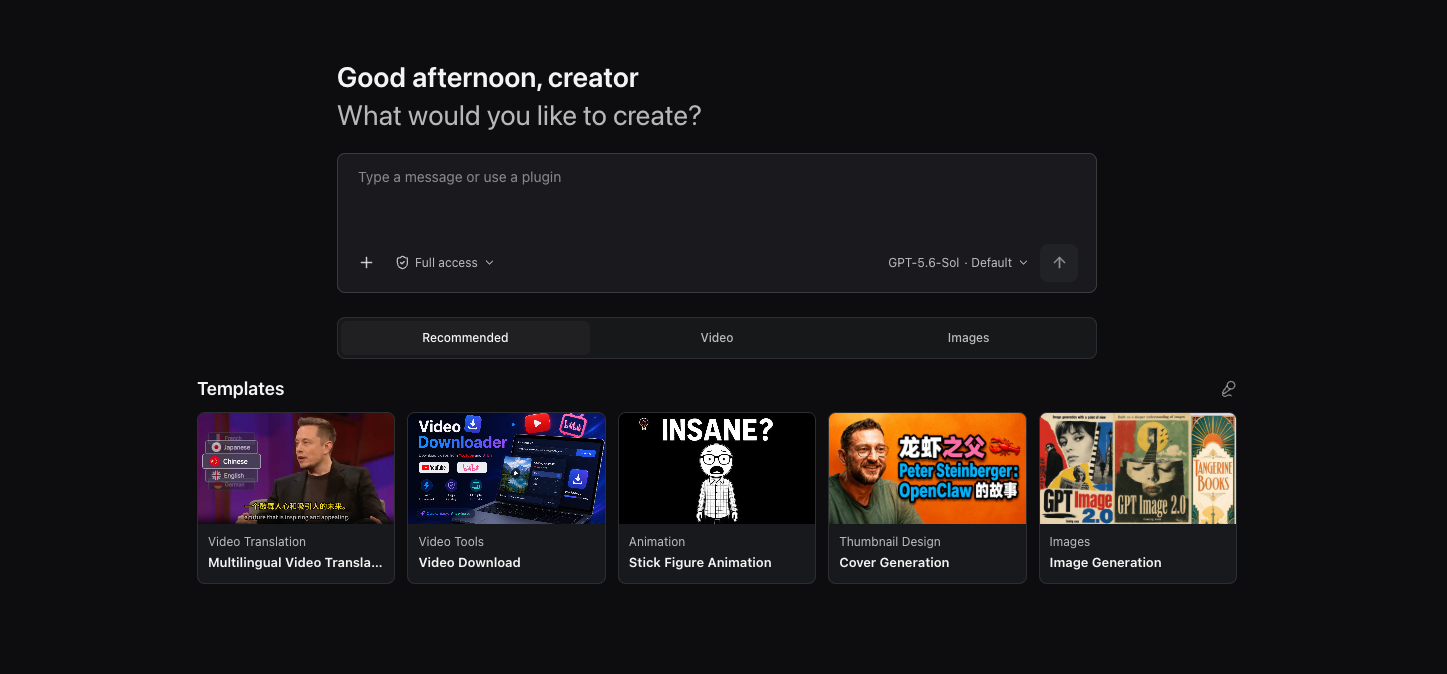
 OpenCreator (ранее KrillinAI) — это открытое рабочее пространство с ИИ для авторов, которое превращает сценарии в видео, изображения, озвучку, аватары, переводы и монтаж; агенты управляют всем творческим процессом из одного рабочего пространства.
OpenCreator (ранее KrillinAI) — это открытое рабочее пространство с ИИ для авторов, которое превращает сценарии в видео, изображения, озвучку, аватары, переводы и монтаж; агенты управляют всем творческим процессом из одного рабочего пространства.Это самостоятельный фреймворк для агентов или приложение, построенное на чём-то другом?Это десктопное и веб-приложение, а не новый движок для агентов: в основе лежит Codex CLI, а поверх него добавлены локальный Runtime, визуальное рабочее пространство и десктопная оболочка (Desktop).
Это десктопное и веб-приложение, а не новый движок для агентов: в основе лежит Codex CLI, а поверх него добавлены локальный Runtime, визуальное рабочее пространство и десктопная оболочка (Desktop).Как это запустить?Установите Node.js 22+ и закреплённый pnpm 9.15.0, убедитесь, что исполняемый файл Codex CLI доступен в PATH и вы в нём авторизованы, затем либо запустите веб-приложение из исходников, либо соберите или запустите десктопное приложение (pnpm desktop:package/desktop:dist).
Установите Node.js 22+ и закреплённый pnpm 9.15.0, убедитесь, что исполняемый файл Codex CLI доступен в PATH и вы в нём авторизованы, затем либо запустите веб-приложение из исходников, либо соберите или запустите десктопное приложение (pnpm desktop:package/desktop:dist).Нужен ли мне аккаунт Codex CLI, чтобы пользоваться этим?Да — для реальных задач с моделями нужны рабочий исполняемый файл Codex CLI в терминале и действующий вход в Codex CLI; доступность языковых моделей зависит от каталога моделей Codex или вашего провайдера, совместимого с OpenAI.
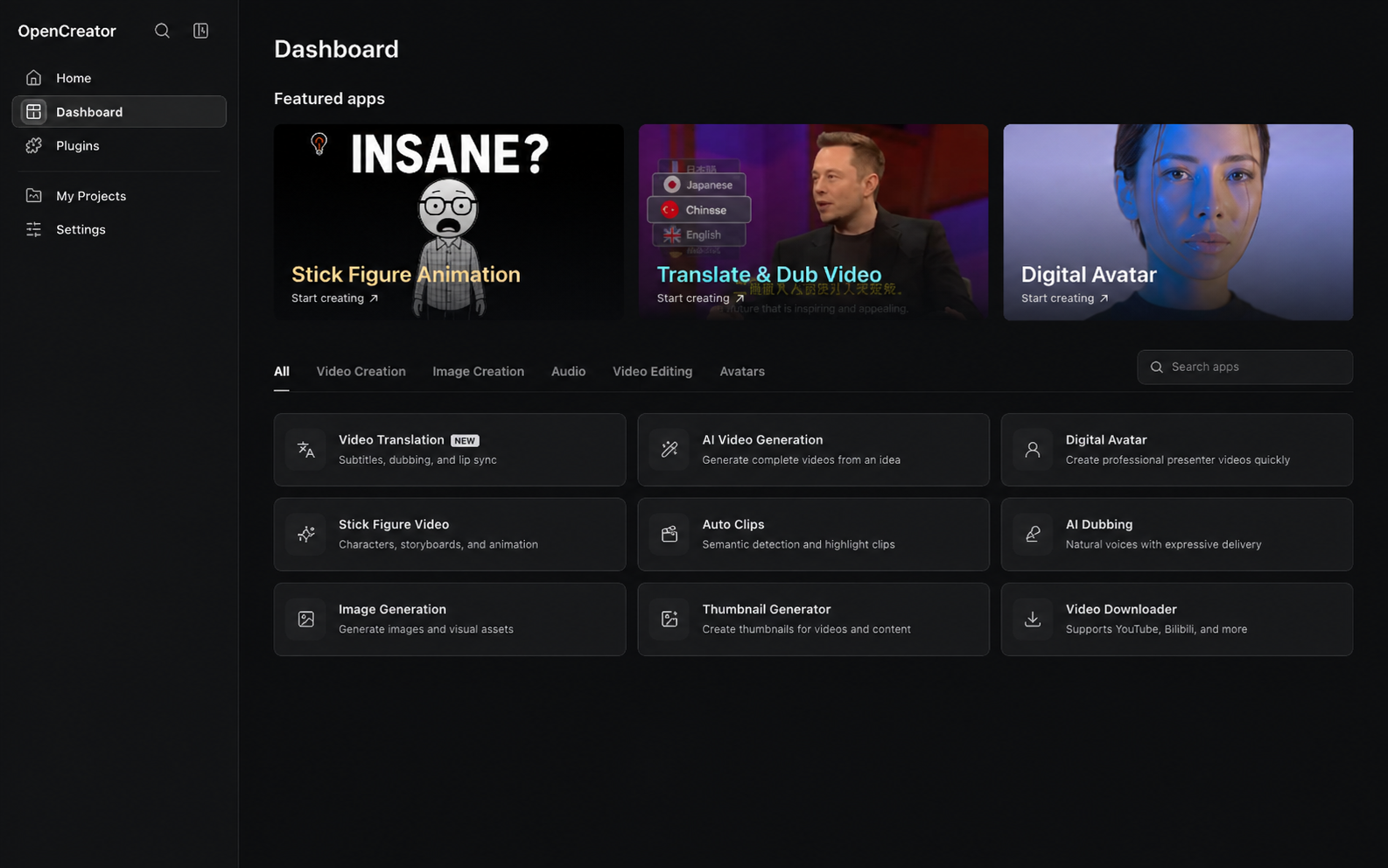
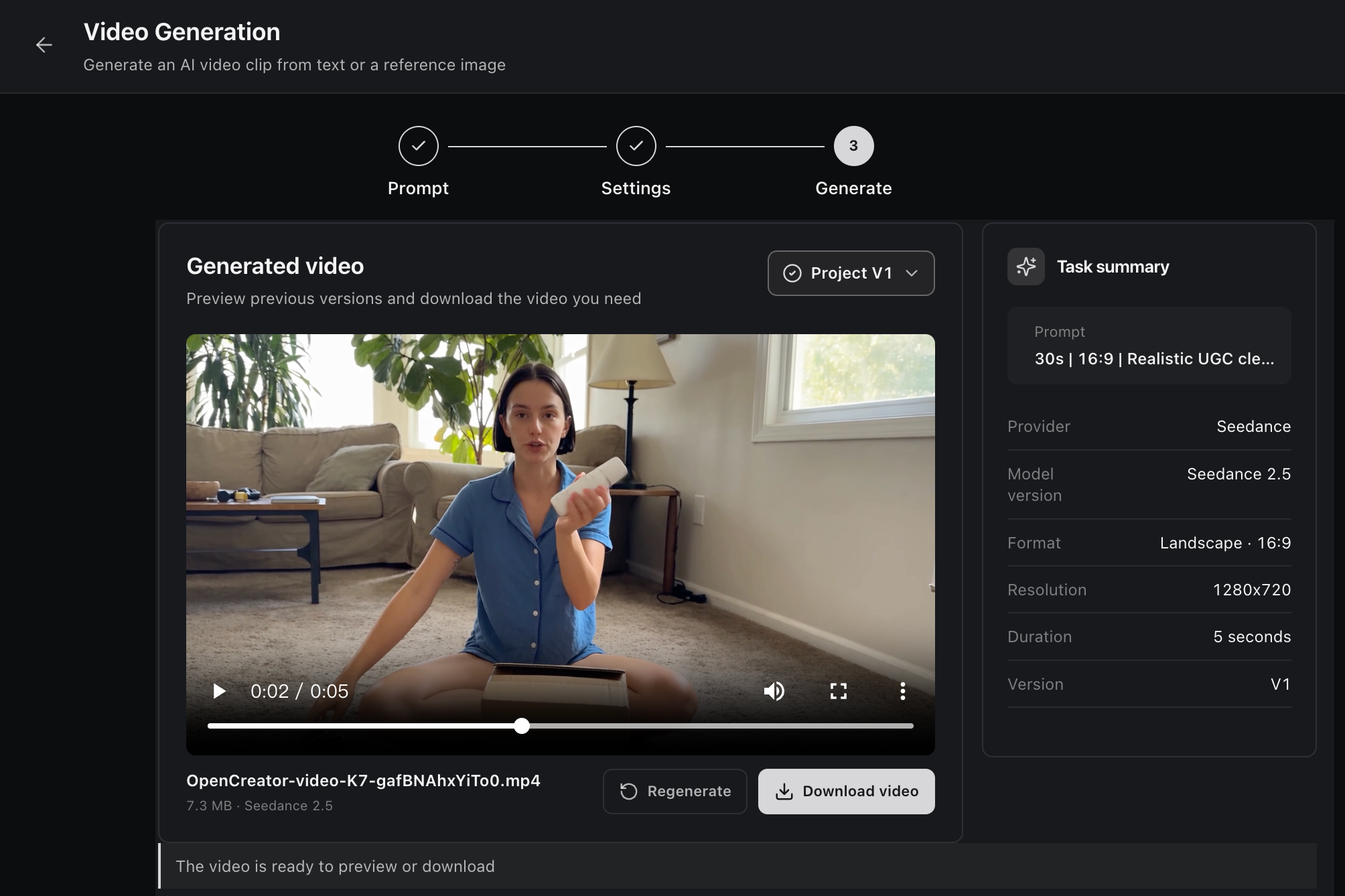
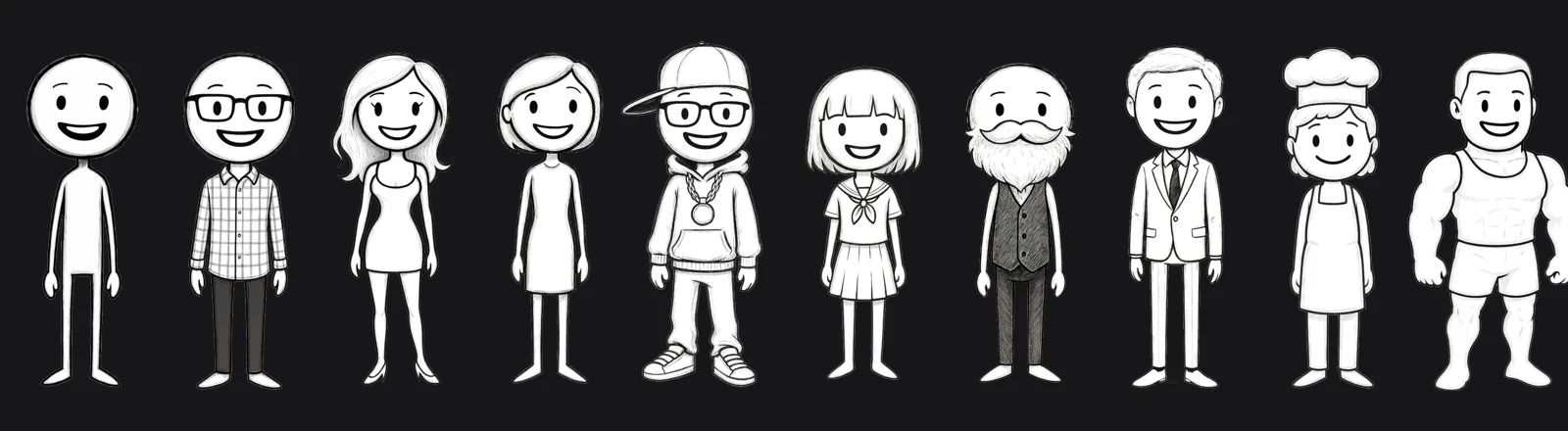
Да — для реальных задач с моделями нужны рабочий исполняемый файл Codex CLI в терминале и действующий вход в Codex CLI; доступность языковых моделей зависит от каталога моделей Codex или вашего провайдера, совместимого с OpenAI.Все ли десять инструментов для авторов готовы к работе?Восемь инструментов (перевод видео, загрузчик видео, генератор миниатюр, генерация изображений, написание статей, посты для Xiaohongshu, сценарии коротких видео, анимация фигурок из палочек, умный дубляж, генерация видео) доступны, а Автоклипы и Цифровой аватар пока в разработке.
Восемь инструментов (перевод видео, загрузчик видео, генератор миниатюр, генерация изображений, написание статей, посты для Xiaohongshu, сценарии коротких видео, анимация фигурок из палочек, умный дубляж, генерация видео) доступны, а Автоклипы и Цифровой аватар пока в разработке.Для кого это?Для частных лиц и команд, которые хотят вести творческое производство контента (видео, изображения, озвучка, статьи, посты в соцсетях) и агентные сценарии в стиле разработки локально, а не в облачном SaaS-сервисе.
Для частных лиц и команд, которые хотят вести творческое производство контента (видео, изображения, озвучка, статьи, посты в соцсетях) и агентные сценарии в стиле разработки локально, а не в облачном SaaS-сервисе.Можно ли пользоваться этим в браузере или только как десктопным приложением?Веб — единственная реализация интерфейса; десктопное приложение (Electron) загружает ту же веб-сборку и добавляет только функции уровня ОС: выбор каталогов, поведение окна и трея, нативные уведомления.
Веб — единственная реализация интерфейса; десктопное приложение (Electron) загружает ту же веб-сборку и добавляет только функции уровня ОС: выбор каталогов, поведение окна и трея, нативные уведомления.Мои видео и изображения остаются на моём компьютере?Да — данные, вложения и журналы по умолчанию хранятся локально, есть запросы на подтверждение действий, а диагностический вывод очищен от конфиденциальных данных.
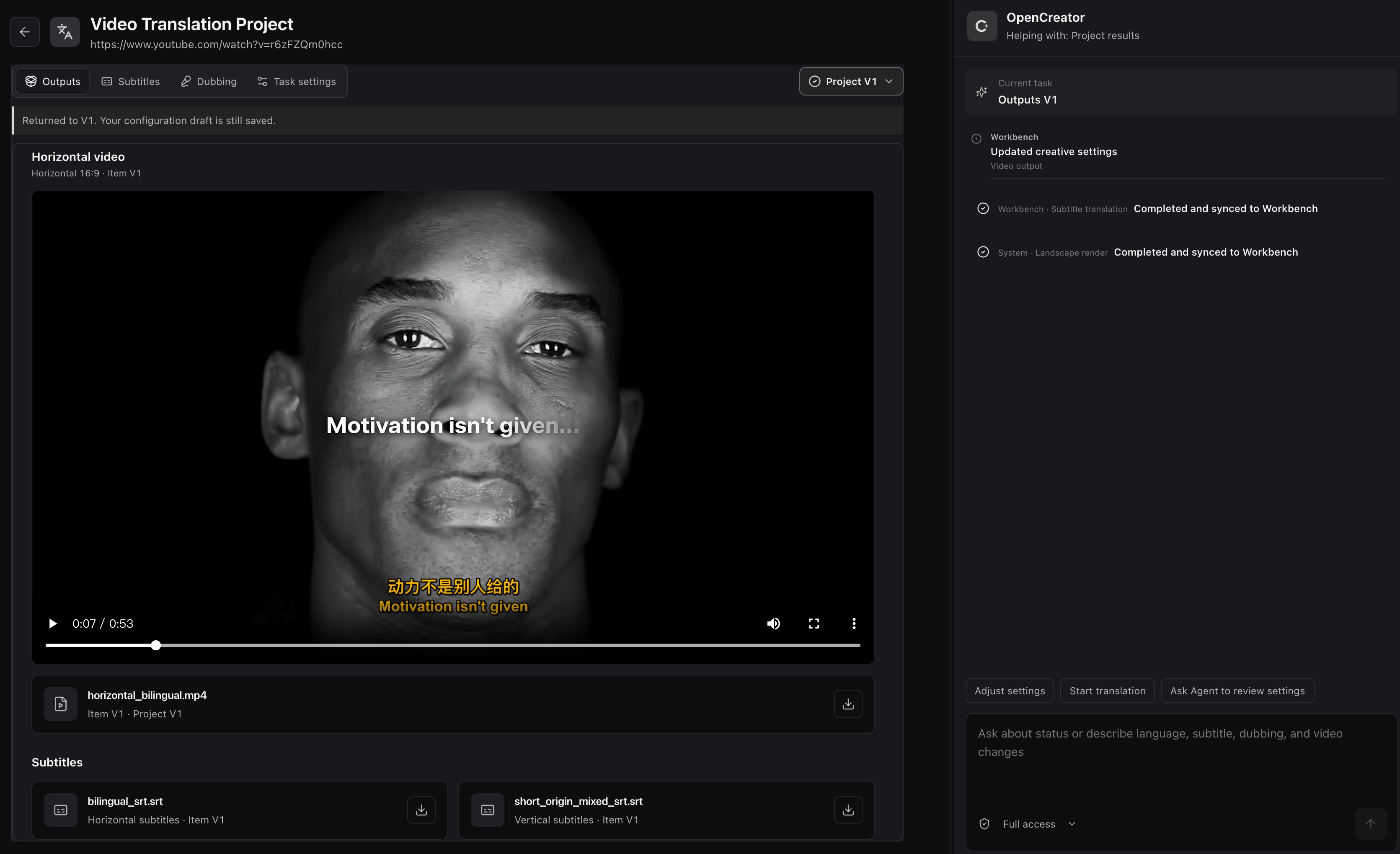
Да — данные, вложения и журналы по умолчанию хранятся локально, есть запросы на подтверждение действий, а диагностический вывод очищен от конфиденциальных данных.Какое отношение OpenCreator имеет к KrillinAI?OpenCreator — новое название проекта, который раньше назывался KrillinAI; публичные примеры перевода видео и некоторые команды упаковки (например, krillinai:package) по-прежнему используют старое название.
OpenCreator — новое название проекта, который раньше назывался KrillinAI; публичные примеры перевода видео и некоторые команды упаковки (например, krillinai:package) по-прежнему используют старое название.Какие модели ИИ и сервисы можно подключить?Языковые модели работают по каталогу моделей Codex или через любого провайдера, совместимого с OpenAI, включая GPT, DeepSeek, Qwen, Kimi, GLM, Grok, Doubao, ERNIE и Hunyuan; генерация изображений использует GPT Image, видео — Seedance, а озвучка и транскрибация — Whisper, OpenAI TTS, MiniMax, Edge TTS или Aliyun Speech.
Языковые модели работают по каталогу моделей Codex или через любого провайдера, совместимого с OpenAI, включая GPT, DeepSeek, Qwen, Kimi, GLM, Grok, Doubao, ERNIE и Hunyuan; генерация изображений использует GPT Image, видео — Seedance, а озвучка и транскрибация — Whisper, OpenAI TTS, MiniMax, Edge TTS или Aliyun Speech.Что делает умный дубляж?Превращает сценарий в готовую озвучку: можно выбрать голос, настроить темп и подобрать эмоции перед экспортом.
Превращает сценарий в готовую озвучку: можно выбрать голос, настроить темп и подобрать эмоции перед экспортом.Какие языки интерфейса поддерживаются?Веб- и десктопные клиенты доступны на упрощённом китайском, английском или шведском языках; язык определяется автоматически по системе или выбирается вручную.
Веб- и десктопные клиенты доступны на упрощённом китайском, английском или шведском языках; язык определяется автоматически по системе или выбирается вручную.What are similar projects?VideoLingo, herk-edit-kit, Easel, dramaclaw, casbin-gateway, unsloth, pyvideotrans, Minke
VideoLingo, herk-edit-kit, Easel, dramaclaw, casbin-gateway, unsloth, pyvideotrans, MinkeWhich topics is it in?dubbing, codex-cli, video-editing, whisper, localization, tts, content-creation, translation, gpt, qwen, video-generation, openai-compatible
dubbing, codex-cli, video-editing, whisper, localization, tts, content-creation, translation, gpt, qwen, video-generation, openai-compatible