



What is this?
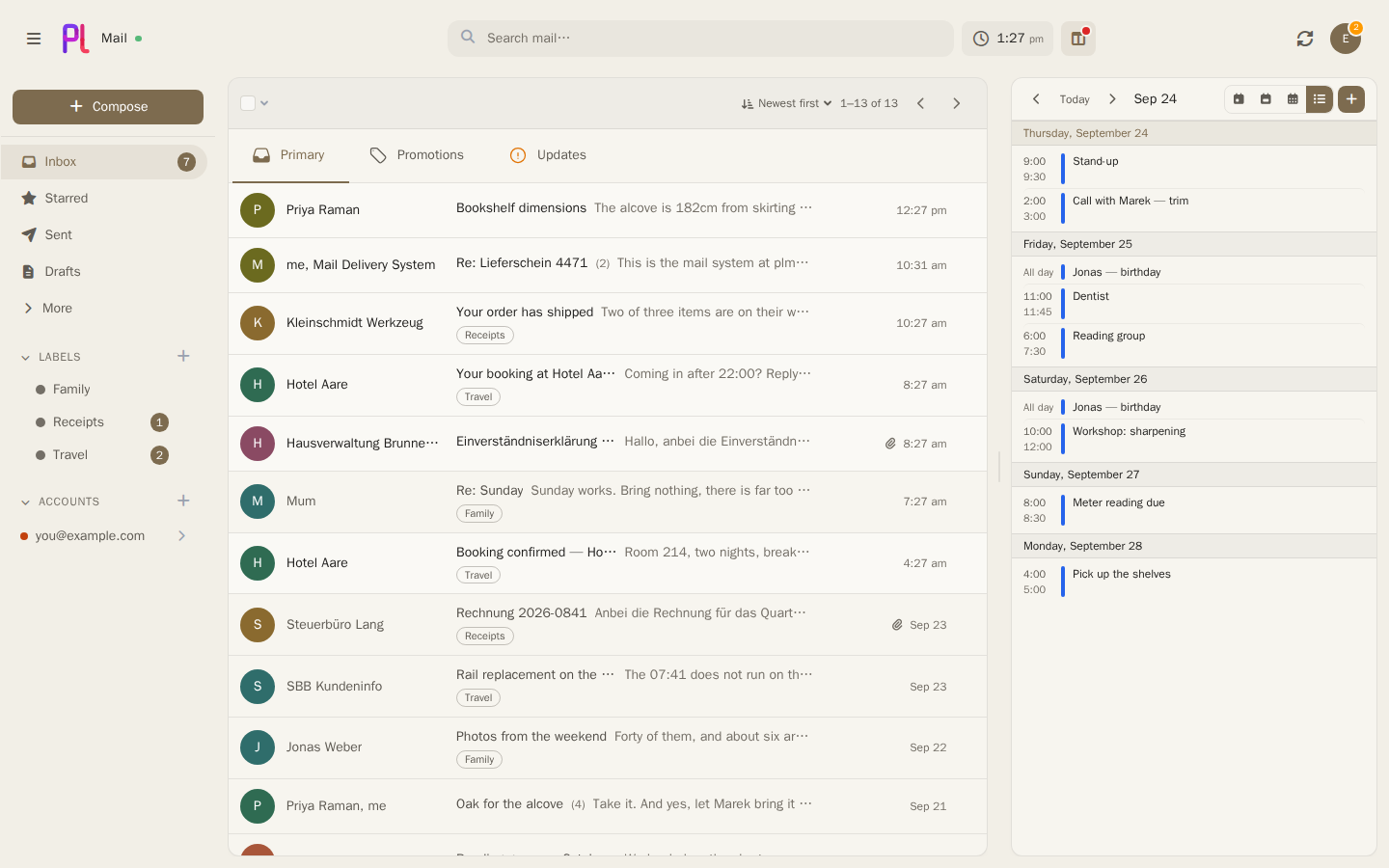
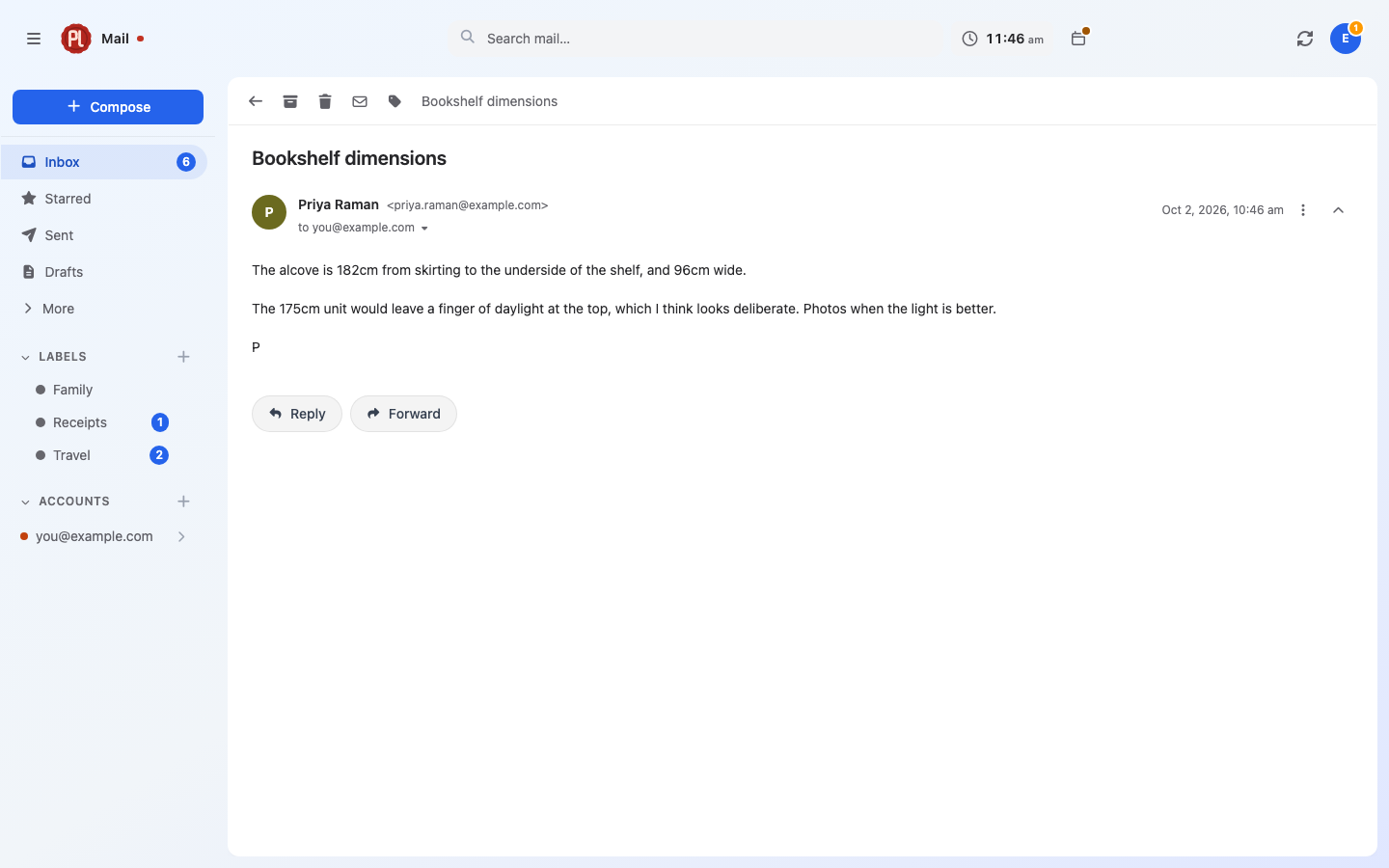
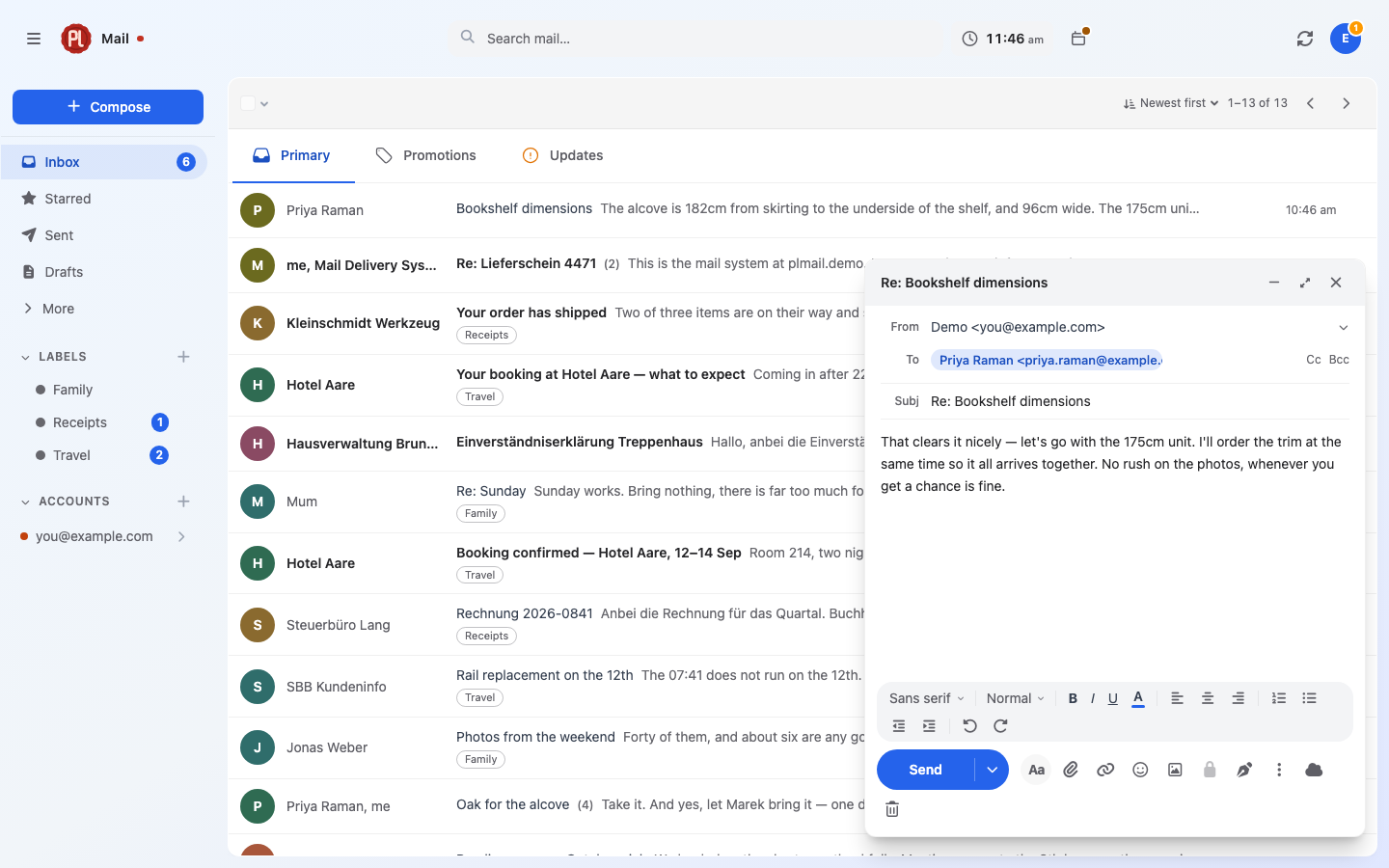
 plMail is a self-hosted, Gmail-style mail client that connects to IMAP, Gmail, and Outlook mailboxes you already have, syncs them into your own PostgreSQL database, and gives you one inbox, search box, and set of labels in the browser.
plMail is a self-hosted, Gmail-style mail client that connects to IMAP, Gmail, and Outlook mailboxes you already have, syncs them into your own PostgreSQL database, and gives you one inbox, search box, and set of labels in the browser.Is this a mail server, or just a client for the mail I already have?Just a client. It does not receive mail from the internet or host your domain — it syncs existing IMAP, Gmail, and Outlook accounts into its own database so you get one unified inbox locally.
Just a client. It does not receive mail from the internet or host your domain — it syncs existing IMAP, Gmail, and Outlook accounts into its own database so you get one unified inbox locally.How do I get it running?Clone the repo and run 'docker compose up', then open the server address and create your account. There is nothing to configure beforehand — secrets are generated on first start and the public address is set from the setup screen.
Clone the repo and run 'docker compose up', then open the server address and create your account. There is nothing to configure beforehand — secrets are generated on first start and the public address is set from the setup screen.Do I need OAuth credentials to connect Gmail or Outlook?For Gmail and Outlook accounts, yes — you need OAuth credentials from Google or Microsoft, which the handbook walks through, including an optional Pub/Sub topic for instant Gmail push. Plain IMAP mailboxes just need to be added in Settings with no extra setup.
For Gmail and Outlook accounts, yes — you need OAuth credentials from Google or Microsoft, which the handbook walks through, including an optional Pub/Sub topic for instant Gmail push. Plain IMAP mailboxes just need to be added in Settings with no extra setup.What happens if I lose the generated secrets file?The encryption key in var/secrets/generated.env unlocks the mailbox credentials stored in PostgreSQL; if you lose that file without a separate backup, your stored mailbox passwords are gone for good.
The encryption key in var/secrets/generated.env unlocks the mailbox credentials stored in PostgreSQL; if you lose that file without a separate backup, your stored mailbox passwords are gone for good.Can I run plMail on a NAS instead of a regular server?Yes — plMail is listed in the TrueNAS app catalogue and installs with just a database password, plus prebuilt Docker images are published for linux/amd64 and linux/arm64 for any other Docker host.
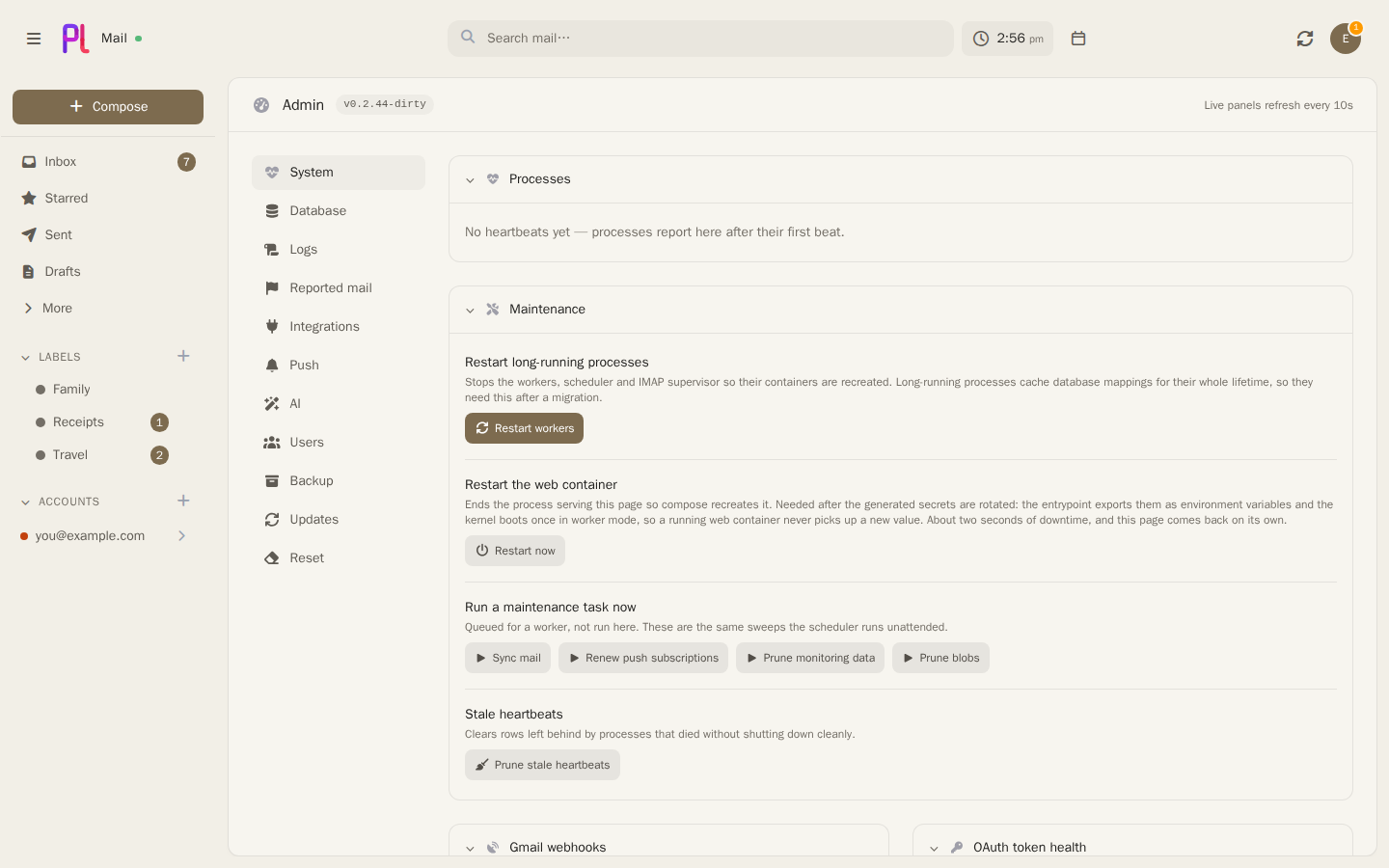
Yes — plMail is listed in the TrueNAS app catalogue and installs with just a database password, plus prebuilt Docker images are published for linux/amd64 and linux/arm64 for any other Docker host.Does any mail or AI data ever leave my network?No. Credentials are encrypted before they touch the database, and the optional AI features run against an Ollama instance on your own network, off by default, with nothing from them ever leaving your network.
No. Credentials are encrypted before they touch the database, and the optional AI features run against an Ollama instance on your own network, off by default, with nothing from them ever leaving your network.Are there mobile apps?Yes — companion Android (karatektus/plmailandroid) and iOS (karatektus/plmailios) apps both connect to your own self-hosted plMail server.
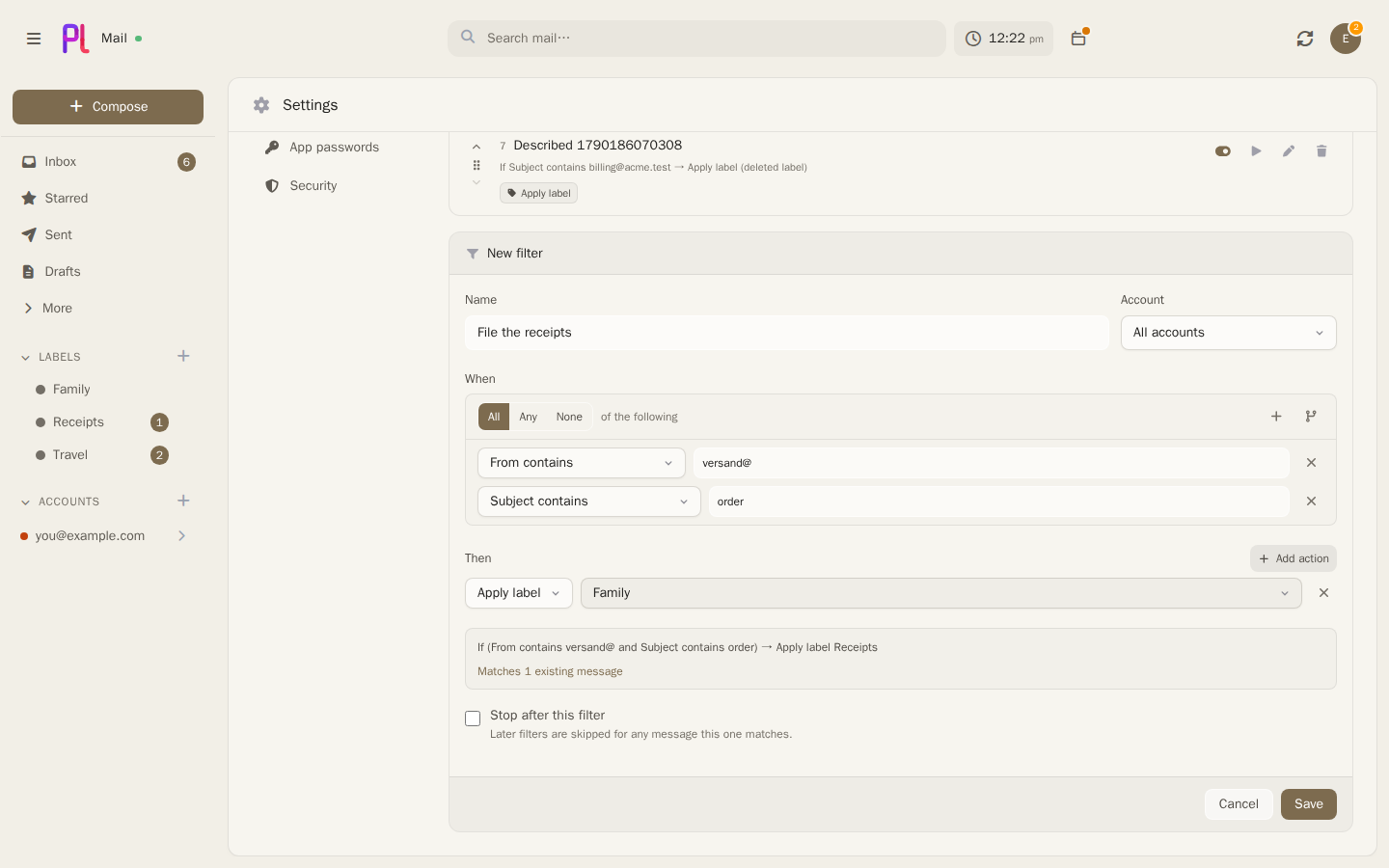
Yes — companion Android (karatektus/plmailandroid) and iOS (karatektus/plmailios) apps both connect to your own self-hosted plMail server.Can plMail sort my mail into tabs automatically?Yes, either with header rules that always answer the same way or by having the local AI model read each message, with an option on Gmail to let either override Google's own classification; a Report button flags mistakes to the admin.
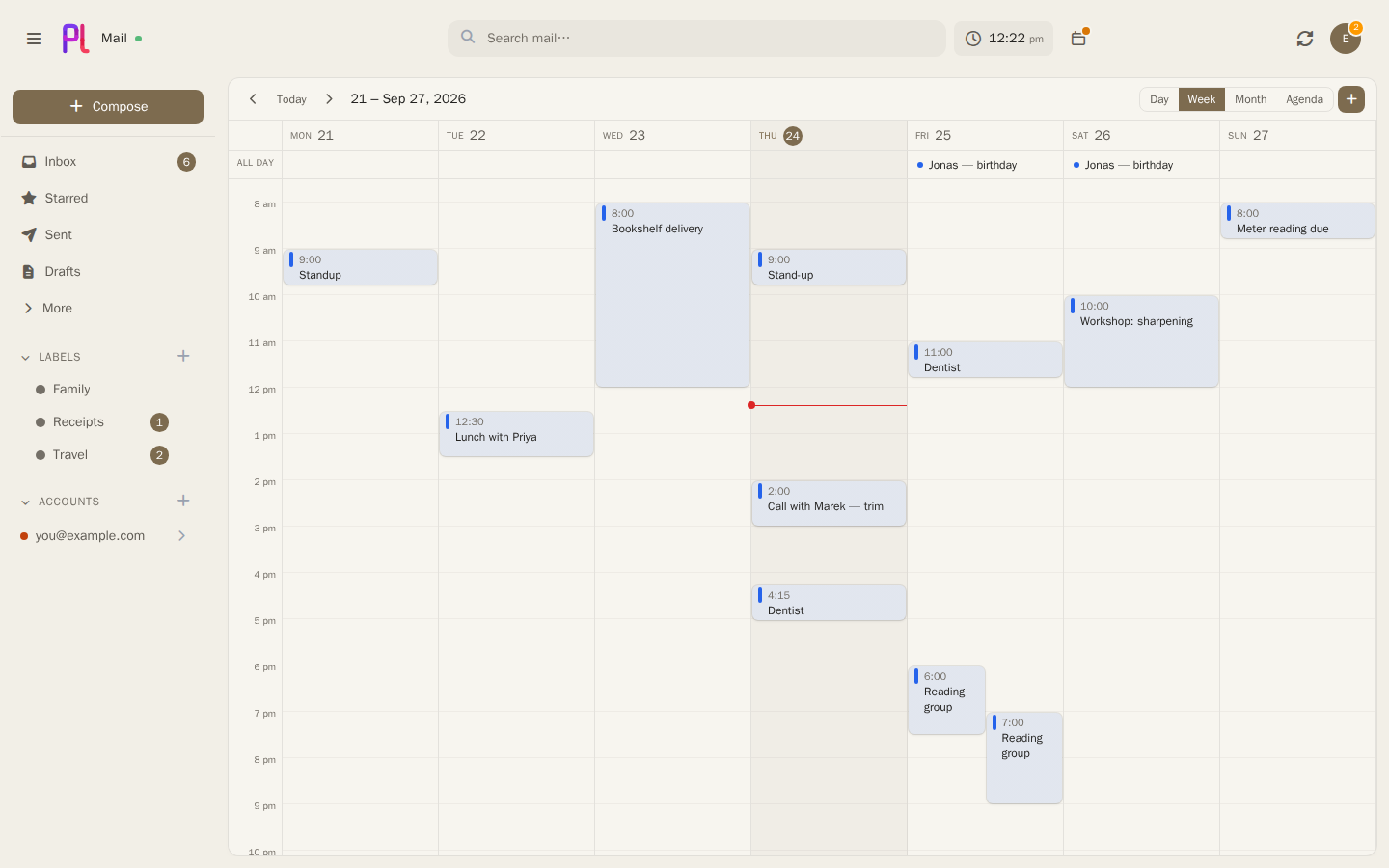
Yes, either with header rules that always answer the same way or by having the local AI model read each message, with an option on Gmail to let either override Google's own classification; a Report button flags mistakes to the admin.Does it include a calendar?Yes — a calendar sits beside the mail with two-way sync to Google, Microsoft, and CalDAV, a drag-to-move week grid, in-place invitation replies, and sharing and booking links.
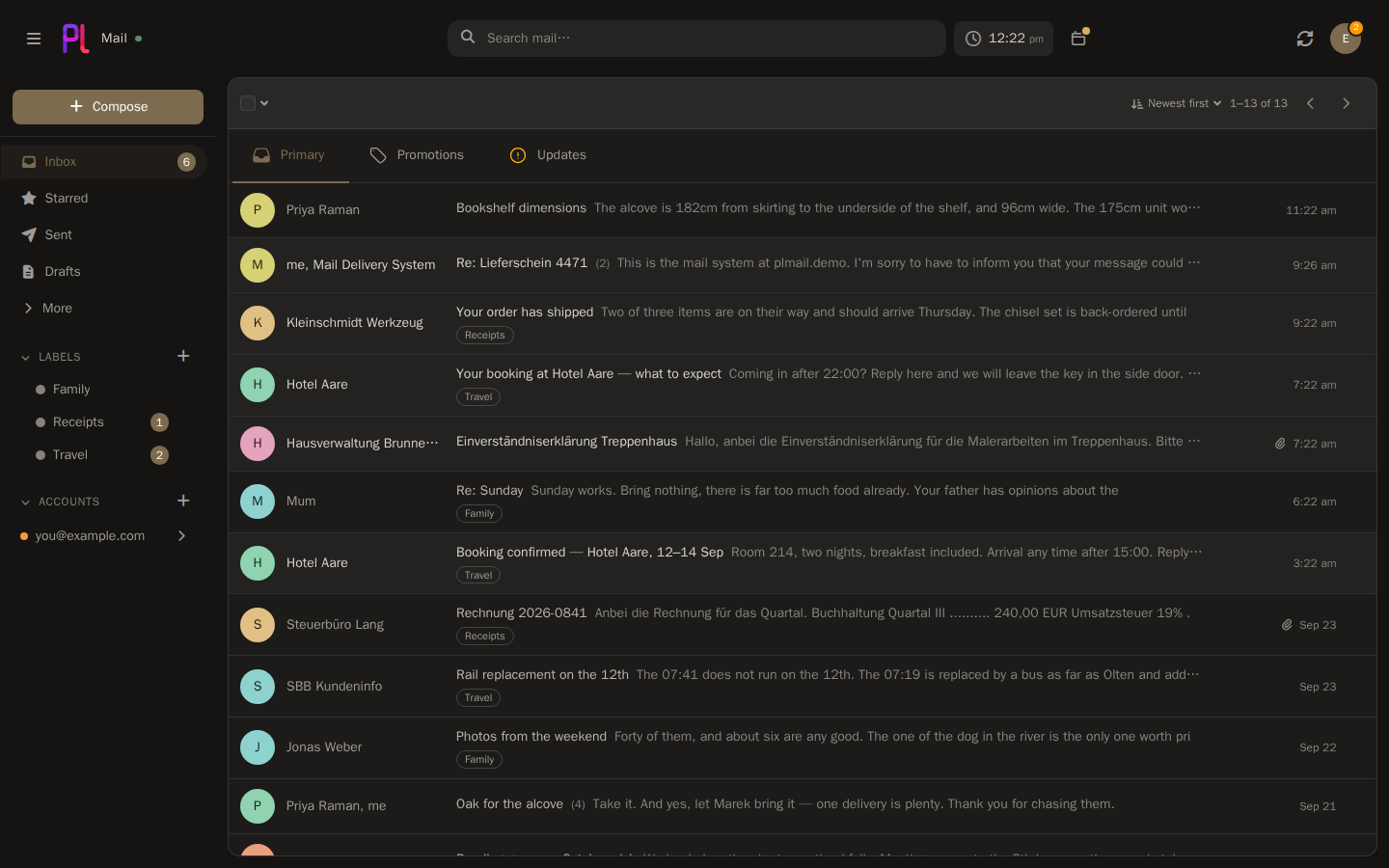
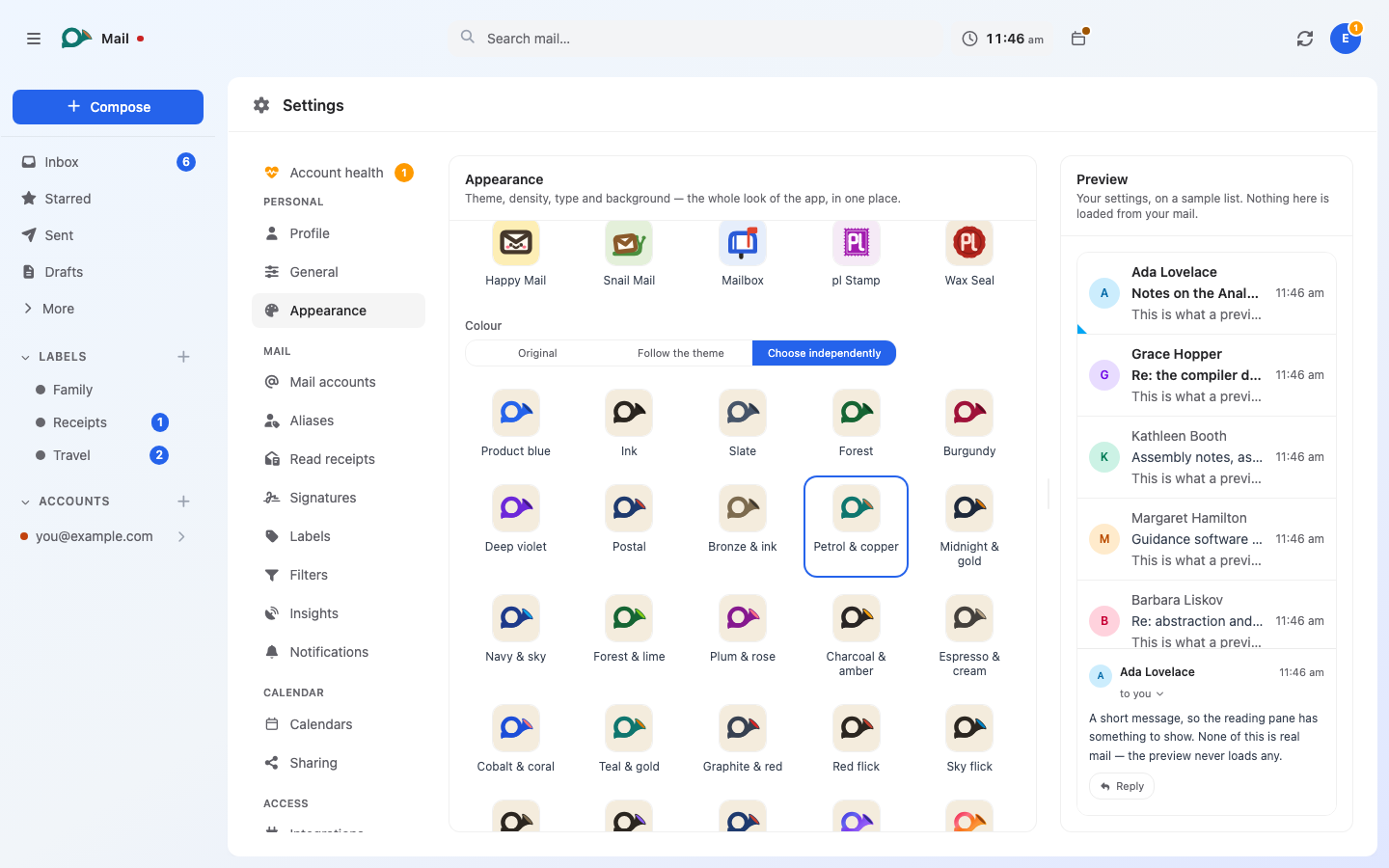
Yes — a calendar sits beside the mail with two-way sync to Google, Microsoft, and CalDAV, a drag-to-move week grid, in-place invitation replies, and sharing and booking links.How customizable is the interface?plMail ships with 41 light and dark themes, ten app/home-screen icons each available in 32 colourways, and interface language options including English, German, and a Pirate mode.
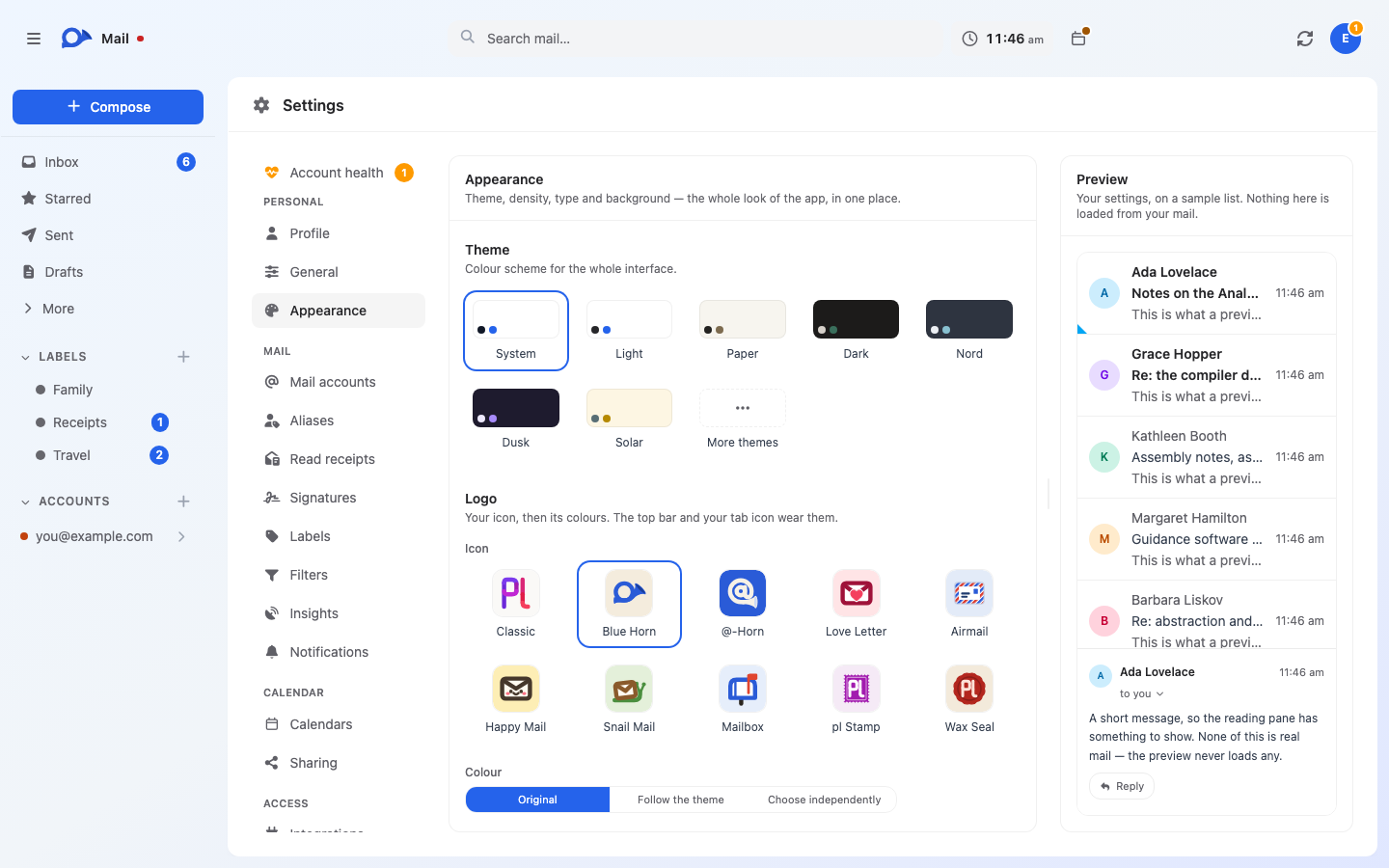
plMail ships with 41 light and dark themes, ten app/home-screen icons each available in 32 colourways, and interface language options including English, German, and a Pirate mode.What are similar projects?karakeep, openGym, penguin-mail, laya, hivepaas, agentsview, utopia, dawarich
karakeep, openGym, penguin-mail, laya, hivepaas, agentsview, utopia, dawarichWhich topics is it in?turbo, two-factor-authentication, calendar, full-text-search, self-hosting, oauth2, notifications, agplv3, semantic-search, theme, php, ollama
turbo, two-factor-authentication, calendar, full-text-search, self-hosting, oauth2, notifications, agplv3, semantic-search, theme, php, ollama