
1.1K ·GitHub
Что это такое?
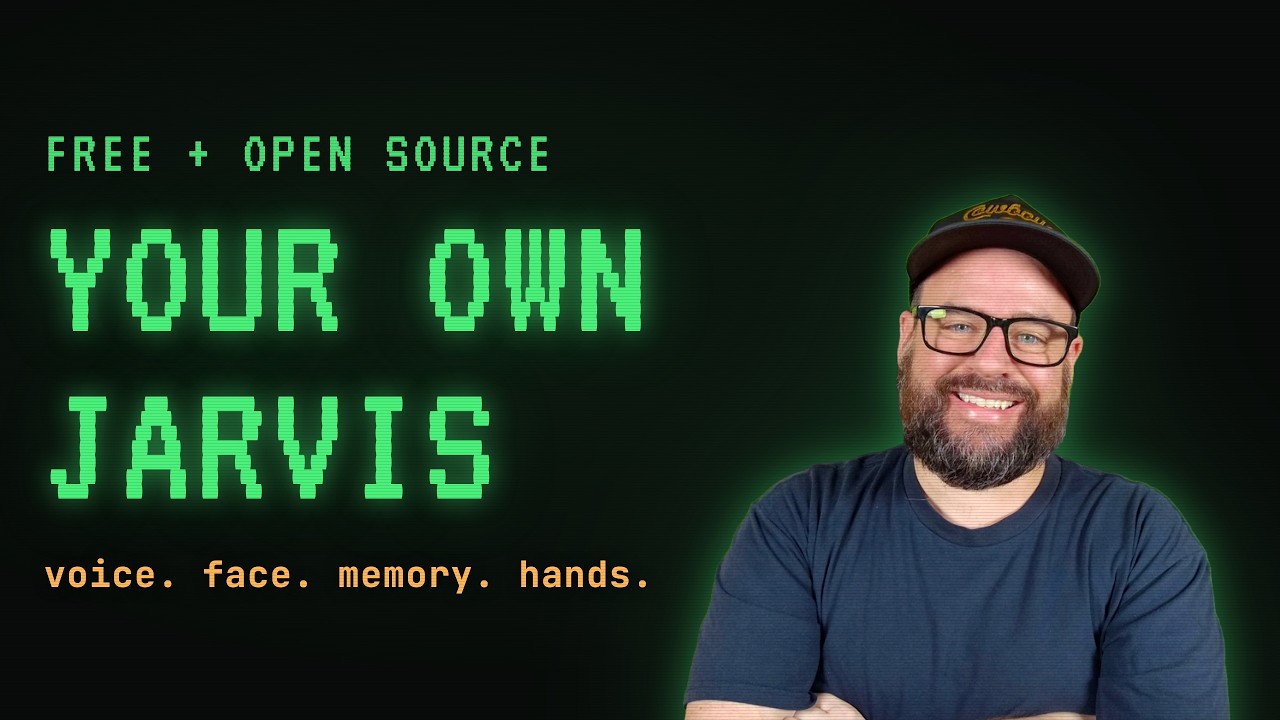
 Это установщик, который собирает на вашей машине полный сетап ИИ-агента, упаковывая память, голос, визуальное лицо и опциональное управление жестами рук в одну ведёмую беседу с Claude Code.
Это установщик, который собирает на вашей машине полный сетап ИИ-агента, упаковывая память, голос, визуальное лицо и опциональное управление жестами рук в одну ведёмую беседу с Claude Code.Это фреймворк для агентов или просто мастер-установщик?Это не код, под который вы пишете; это мастер настройки, который работает внутри Claude Code и соединяет четыре отдельных open-source репозитория (память, голос, лицо, руки) в работающего агента.
Это не код, под который вы пишете; это мастер настройки, который работает внутри Claude Code и соединяет четыре отдельных open-source репозитория (память, голос, лицо, руки) в работающего агента.Нужна ли подписка Claude и что-то ещё?Да, нужен Claude Code с подпиской Claude (плана Pro за $20 достаточно); на Mac/Linux также нужен git (устанавливается автоматически при первом использовании), а на Windows ничего дополнительно не нужно, поскольку установщик сам ставит git.
Да, нужен Claude Code с подпиской Claude (плана Pro за $20 достаточно); на Mac/Linux также нужен git (устанавливается автоматически при первом использовании), а на Windows ничего дополнительно не нужно, поскольку установщик сам ставит git.Есть ли нюансы у функций голоса или рук?Голосовой части нужны микрофон и около 1 ГБ локальных моделей при первом запуске, рукам — веб-камера и Chrome, а в Windows системный python — это заглушка Microsoft Store, которая молча не срабатывает, так что эти части полагаются на run.bat, чтобы найти настоящий интерпретатор.
Голосовой части нужны микрофон и около 1 ГБ локальных моделей при первом запуске, рукам — веб-камера и Chrome, а в Windows системный python — это заглушка Microsoft Store, которая молча не срабатывает, так что эти части полагаются на run.bat, чтобы найти настоящий интерпретатор.Какие платформы он реально поддерживает?Он работает на macOS, Linux и Windows, причём Windows требует дополнительной возни, поскольку там нет встроенных git и Python.
Он работает на macOS, Linux и Windows, причём Windows требует дополнительной возни, поскольку там нет встроенных git и Python.Память и данные моего агента остаются локальными?Да, система памяти — это простые текстовые файлы на вашей машине, которые ваш ИИ читает и пишет, а расположение ваших заметок/хранилища остаётся там, где оно уже есть, а не переносится в репозитории.
Да, система памяти — это простые текстовые файлы на вашей машине, которые ваш ИИ читает и пишет, а расположение ваших заметок/хранилища остаётся там, где оно уже есть, а не переносится в репозитории.Что происходит после завершения установки?Установщик оставляет три ярлыка на рабочем столе, названные в честь вашего агента: Chat для текстовой терминальной сессии, Talk для голоса плюс визуального лица и Barehands для голоса плюс управления жестами рук.
Установщик оставляет три ярлыка на рабочем столе, названные в честь вашего агента: Chat для текстовой терминальной сессии, Talk для голоса плюс визуального лица и Barehands для голоса плюс управления жестами рук.А если я уже собрал своё хранилище памяти или голосовую настройку?Мастер обнаруживает и подхватывает вашу существующую личность и хранилище нетронутыми, тогда как самодельный код голоса или визуализатора заменяется поддерживаемой версией из репозитория (старые файлы остаются на диске, а не удаляются), а любая кастомная сцена визуализатора попадает в галерею.
Мастер обнаруживает и подхватывает вашу существующую личность и хранилище нетронутыми, тогда как самодельный код голоса или визуализатора заменяется поддерживаемой версией из репозитория (старые файлы остаются на диске, а не удаляются), а любая кастомная сцена визуализатора попадает в галерею.Как обновить всё позже?Запустите ./fullstack-agent/update.sh на macOS/Linux, а на Windows просто попросите агента 'update everything and tell me what changed'; ваши личные файлы живут вне репозиториев, поэтому обновления никогда не трогают, кто ваш агент и что он помнит.
Запустите ./fullstack-agent/update.sh на macOS/Linux, а на Windows просто попросите агента 'update everything and tell me what changed'; ваши личные файлы живут вне репозиториев, поэтому обновления никогда не трогают, кто ваш агент и что он помнит.Что за четыре части, из которых состоит стек?ai-memory-vault для постоянной текстовой памяти, backtalk для голосового общения в режиме push-to-talk, ai-visualizer для анимированного лица, реагирующего синхронно с речью, и опциональный barehands для управления жестами рук через веб-камеру.
ai-memory-vault для постоянной текстовой памяти, backtalk для голосового общения в режиме push-to-talk, ai-visualizer для анимированного лица, реагирующего синхронно с речью, и опциональный barehands для управления жестами рук через веб-камеру.Which topics is it in?batchfile, personal-assistant, personal-ai, assistant, voice-assistant, ai-assistant, knowledge-management, speech-recognition, agplv3, agentic-ai, computer-vision, desktop
batchfile, personal-assistant, personal-ai, assistant, voice-assistant, ai-assistant, knowledge-management, speech-recognition, agplv3, agentic-ai, computer-vision, desktop