












What is this?
 Invidious is an open source alternative front-end to YouTube: you browse and watch YouTube videos through its web interface instead of youtube.com.
Invidious is an open source alternative front-end to YouTube: you browse and watch YouTube videos through its web interface instead of youtube.com.Is this a website I just visit, or software I have to install?It is a web application, not a plugin: the same codebase runs as public instances anyone can visit, or as your own self-hosted copy on a server.
It is a web application, not a plugin: the same codebase runs as public instances anyone can visit, or as your own self-hosted copy on a server.How do I get it running?For watching, just pick a public instance from the list and start watching right away. To self-host, follow the installation instructions in the documentation - the repository ships a docker-compose setup.
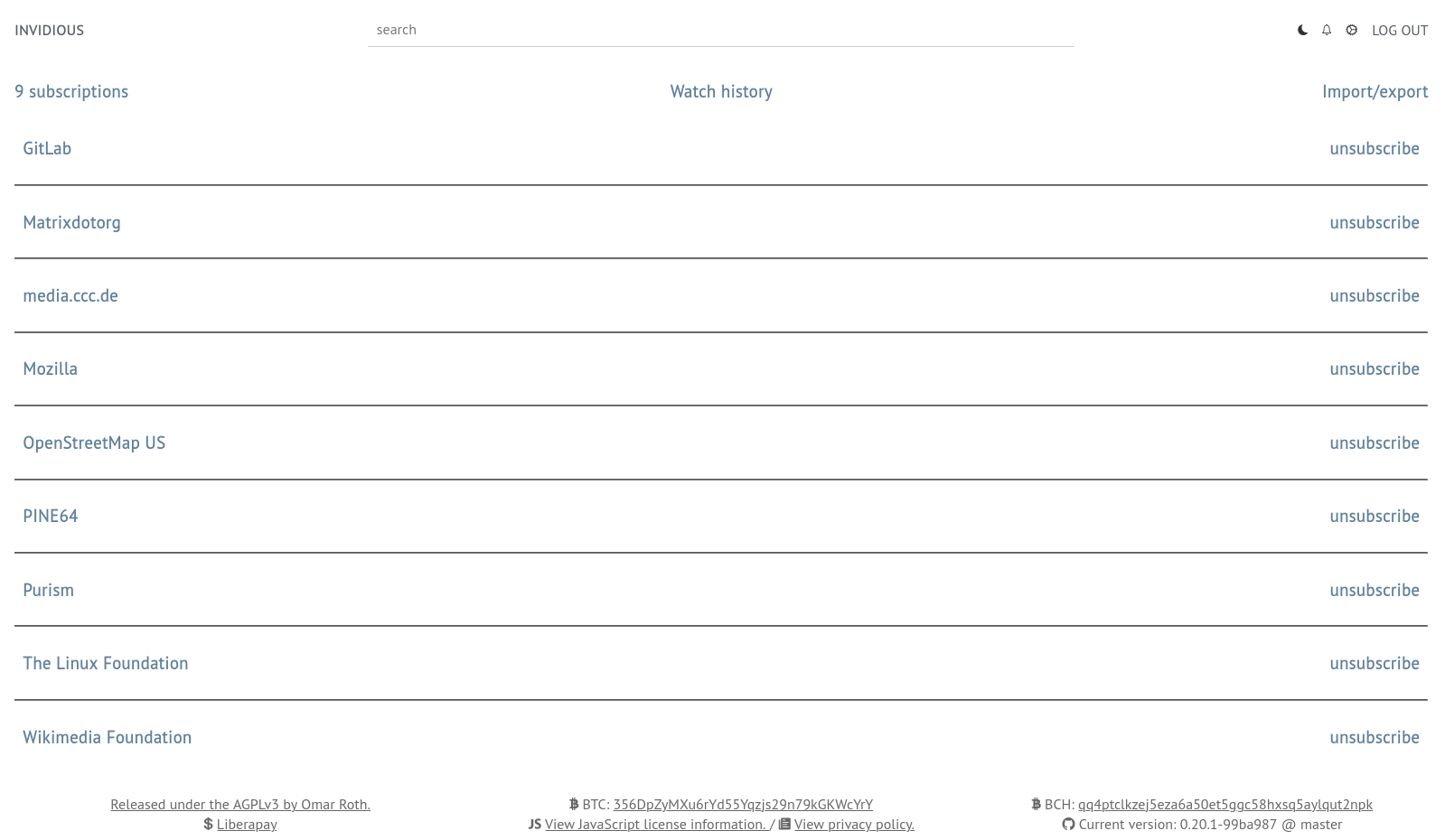
For watching, just pick a public instance from the list and start watching right away. To self-host, follow the installation instructions in the documentation - the repository ships a docker-compose setup.Do I need a Google account or any kind of sign-up?No - subscriptions work independently from Google, and you get notifications for every subscribed channel without an account.
No - subscriptions work independently from Google, and you get notifications for every subscribed channel without an account.Are there any catches I should know about?It does not use official YouTube APIs, and the team takes no responsibility for how you use it or for third-party instances - they warn users to follow local regulations and avoid illegal downloading.
It does not use official YouTube APIs, and the team takes no responsibility for how you use it or for third-party instances - they warn users to follow local regulations and avoid illegal downloading.Does it work on my phone, or only on a desktop?It is a website, so any browser works; on mobile you also get an audio-only mode with background play.
It is a website, so any browser works; on mobile you also get an audio-only mode with background play.Will it track me the way YouTube does?Avoiding that is the core idea: the player is lightweight with no ads and no tracking, and Invidious does not require JavaScript.
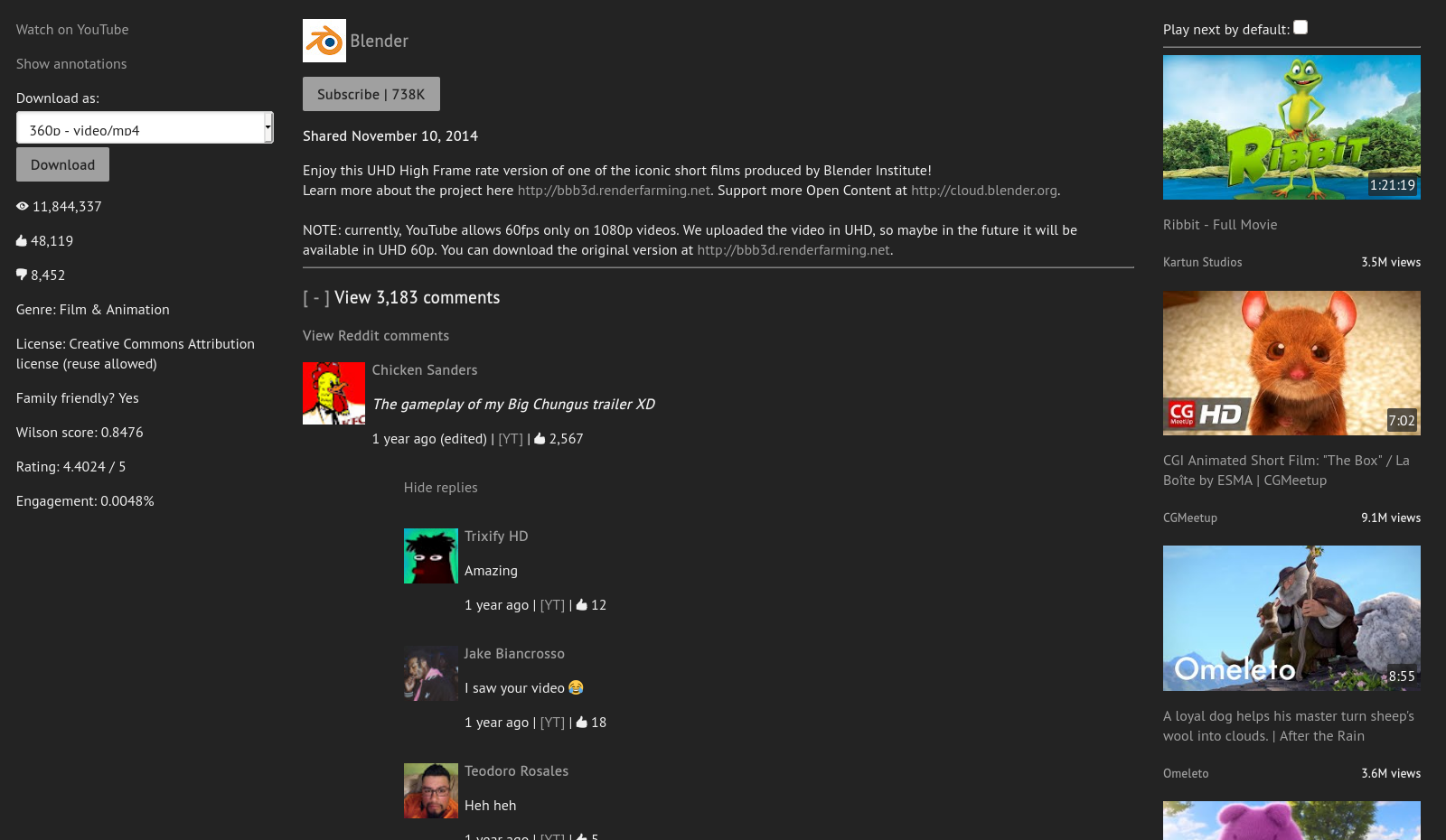
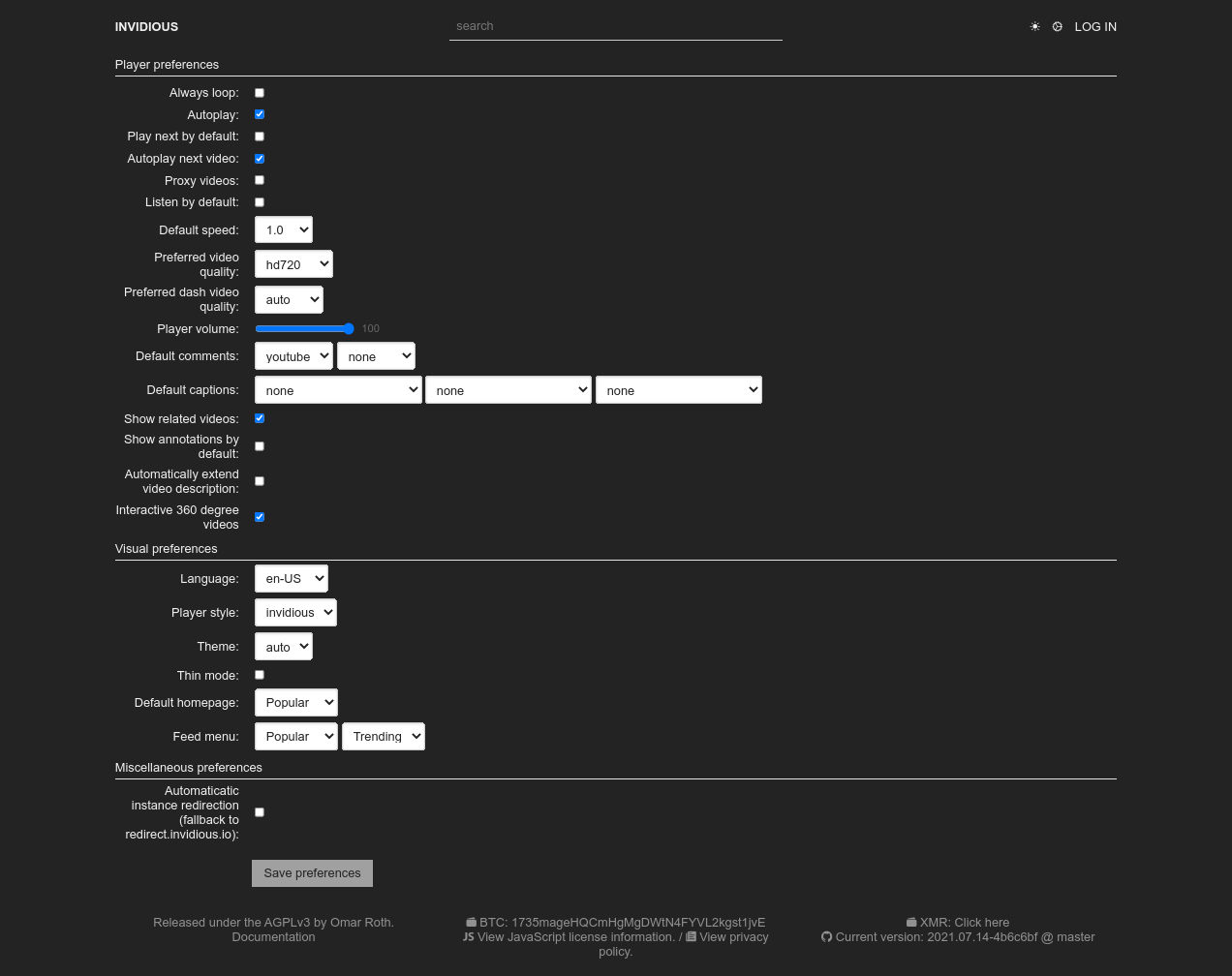
Avoiding that is the core idea: the player is lightweight with no ads and no tracking, and Invidious does not require JavaScript.What do I get in the player besides just videos?Light and dark themes, a customizable homepage, Reddit comments under videos, and an interface translated into many languages by volunteers.
Light and dark themes, a customizable homepage, Reddit comments under videos, and an interface translated into many languages by volunteers.Can I bring my data over from YouTube or other clients?Yes - import subscriptions from YouTube, NewPipe and FreeTube, import watch history from YouTube and NewPipe, and export subscriptions back out to NewPipe and FreeTube; Invidious user data can be exported and reimported too.
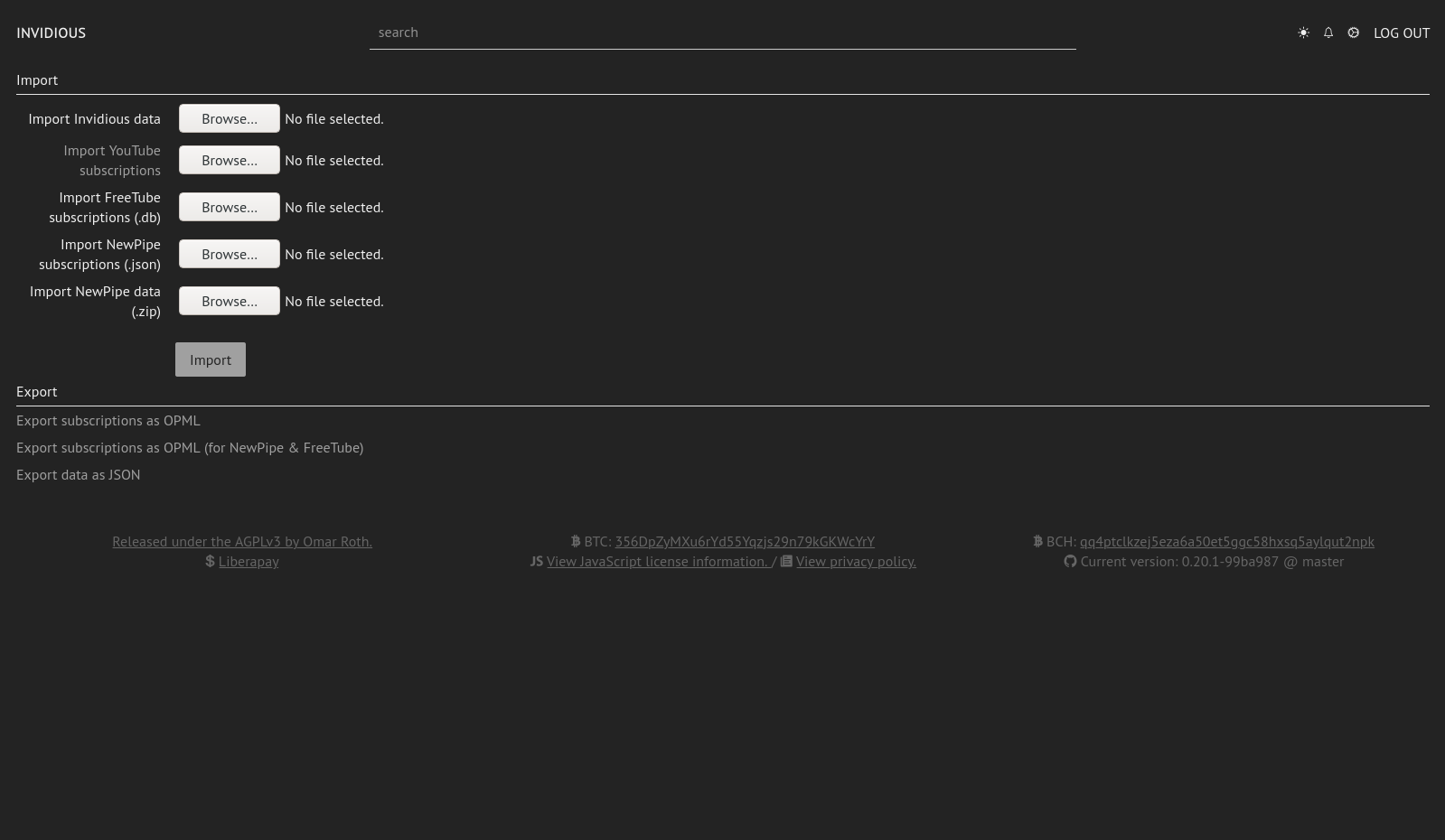
Yes - import subscriptions from YouTube, NewPipe and FreeTube, import watch history from YouTube and NewPipe, and export subscriptions back out to NewPipe and FreeTube; Invidious user data can be exported and reimported too.Is there a way to make YouTube links open in Invidious automatically?Yes - the team recommends the Privacy Redirect browser extension, which redirects YouTube URLs to any Invidious instance and replaces embedded YouTube videos on other sites with Invidious.
Yes - the team recommends the Privacy Redirect browser extension, which redirects YouTube URLs to any Invidious instance and replaces embedded YouTube videos on other sites with Invidious.Can other projects build on top of it?Yes - Invidious offers a Developer API and embedded video support, and the documentation keeps a list of projects and extensions built around it.
Yes - Invidious offers a Developer API and embedded video support, and the documentation keeps a list of projects and extensions built around it.Which topics is it in?newpipe, watch, no-ads, alternative, self-hosting, privacy-tools, youtube, agplv3, agpl, streaming, video, docker-compose
newpipe, watch, no-ads, alternative, self-hosting, privacy-tools, youtube, agplv3, agpl, streaming, video, docker-compose