



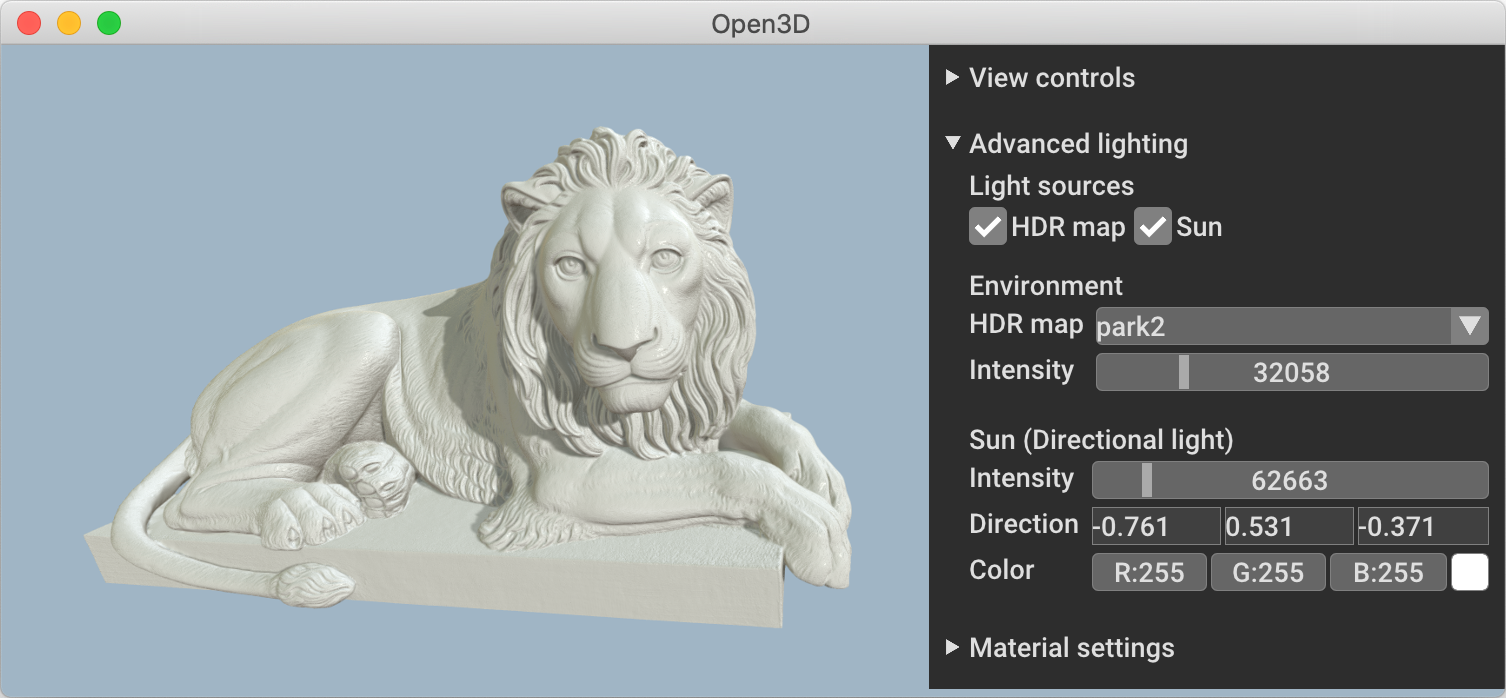
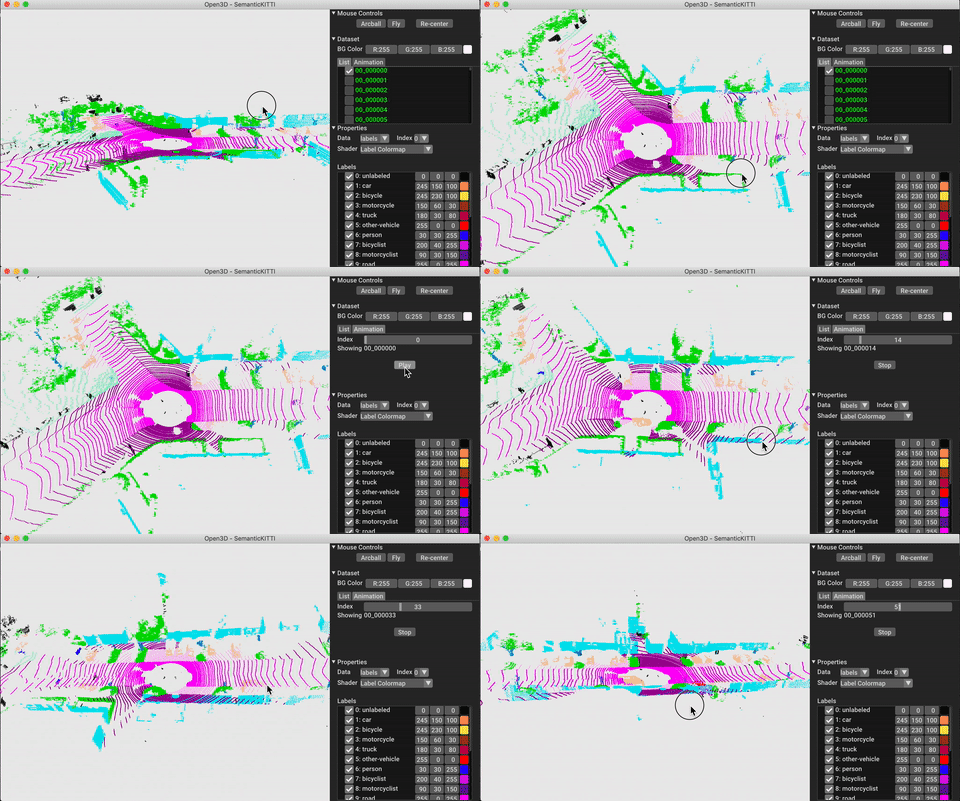
What is this?
 Open3D is an open-source library for rapid development of software that works with 3D data, offering data structures, processing algorithms, scene reconstruction, surface alignment, visualization and PBR rendering, with 3D machine learning support via PyTorch and TensorFlow.
Open3D is an open-source library for rapid development of software that works with 3D data, offering data structures, processing algorithms, scene reconstruction, surface alignment, visualization and PBR rendering, with 3D machine learning support via PyTorch and TensorFlow.Is Open3D just a library, or does it include apps too?It is mainly a C++/Python library, but the project also ships a standalone Open3D-Viewer app for browsing 3D data and an Open3D-ML extension that adds 3D machine-learning tools on top of the core library.
It is mainly a C++/Python library, but the project also ships a standalone Open3D-Viewer app for browsing 3D data and an Open3D-ML extension that adds 3D machine-learning tools on top of the core library.How do I get started with Open3D?For Python, install the pre-built pip package; for C++, download the pre-built binary package or compile Open3D from source and link it via CMake in your project.
For Python, install the pre-built pip package; for C++, download the pre-built binary package or compile Open3D from source and link it via CMake in your project.Do I need both C++ and Python, or just one?Just one: the same Open3D data structures and algorithms are exposed through both a C++ API and a Python API, so you can use whichever fits your project without needing the other.
Just one: the same Open3D data structures and algorithms are exposed through both a C++ API and a Python API, so you can use whichever fits your project without needing the other.Are there any catches with the pre-built pip packages?The pip wheels only cover Ubuntu 20.04+, macOS 10.15+ and Windows 10+ with Python 3.10-3.14; anything outside that matrix (or the bleeding-edge dev features) requires compiling Open3D from source.
The pip wheels only cover Ubuntu 20.04+, macOS 10.15+ and Windows 10+ with Python 3.10-3.14; anything outside that matrix (or the bleeding-edge dev features) requires compiling Open3D from source.Which operating systems does Open3D support?Ubuntu 20.04+, macOS 10.15+ and Windows 10+ (64-bit) are supported directly via pip, and the standalone viewer app is also distributed for Debian/Ubuntu, macOS and Windows.
Ubuntu 20.04+, macOS 10.15+ and Windows 10+ (64-bit) are supported directly via pip, and the standalone viewer app is also distributed for Debian/Ubuntu, macOS and Windows.What exactly is Open3D-ML for?Open3D-ML is an extension built on top of the Open3D core library that adds tools specifically for 3D machine learning tasks, and it works alongside PyTorch or TensorFlow.
Open3D-ML is an extension built on top of the Open3D core library that adds tools specifically for 3D machine learning tasks, and it works alongside PyTorch or TensorFlow.What is the Open3D-Viewer app, separate from the library?It is a standalone desktop app for browsing and inspecting 3D data, distributed for Debian (Ubuntu), macOS and Windows and downloadable from the GitHub release page.
It is a standalone desktop app for browsing and inspecting 3D data, distributed for Debian (Ubuntu), macOS and Windows and downloadable from the GitHub release page.Can I trust that the downloaded binaries weren't tampered with?Yes, release artifacts (Python wheels and C++ binaries) ship with signed SLSA build-provenance attestations, following OpenSSF supply-chain guidance, which you can verify with the GitHub CLI.
Yes, release artifacts (Python wheels and C++ binaries) ship with signed SLSA build-provenance attestations, following OpenSSF supply-chain guidance, which you can verify with the GitHub CLI.What kinds of 3D tasks does the core library actually cover?Scene reconstruction, surface alignment/registration, mesh and point-cloud processing, and physically based rendering for visualization are all built into the core feature set.
Scene reconstruction, surface alignment/registration, mesh and point-cloud processing, and physically based rendering for visualization are all built into the core feature set.What are similar projects?instant-ngp, taichi, spirula-studio, colmap, Gource, pcl, bgfx, openpose
instant-ngp, taichi, spirula-studio, colmap, Gource, pcl, bgfx, openposeWhich topics is it in?registration, 3d-reconstruction, arm, opengl, computer-graphics, tensorflow, rendering, gpu-acceleration, visualization, 3d, cpp, cuda
registration, 3d-reconstruction, arm, opengl, computer-graphics, tensorflow, rendering, gpu-acceleration, visualization, 3d, cpp, cuda