


serpantinum README

The project's README from github.com/ilyamiro/serpantinum. As one markdown file: README.md.

ko-fi
Serpantinum

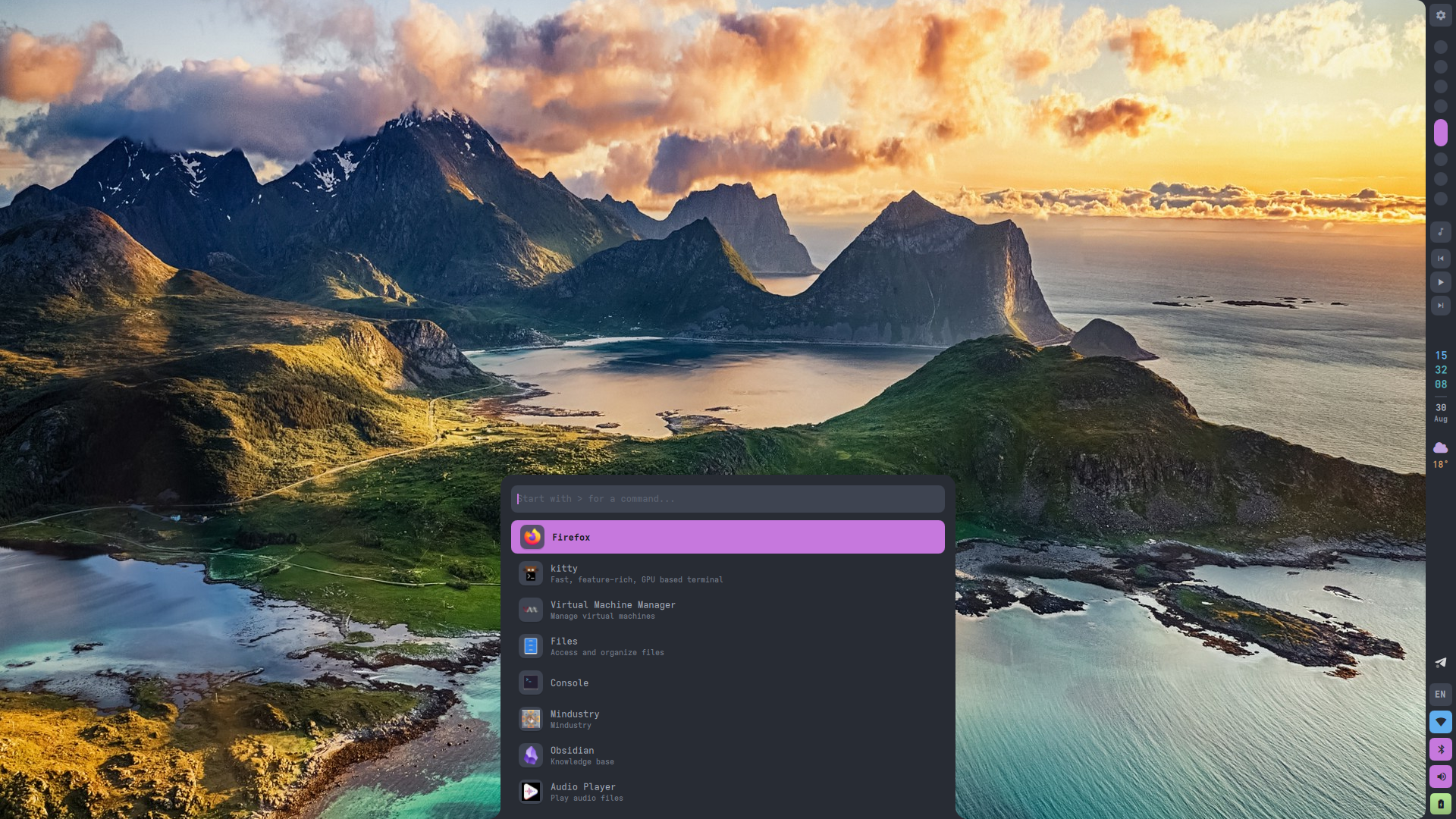
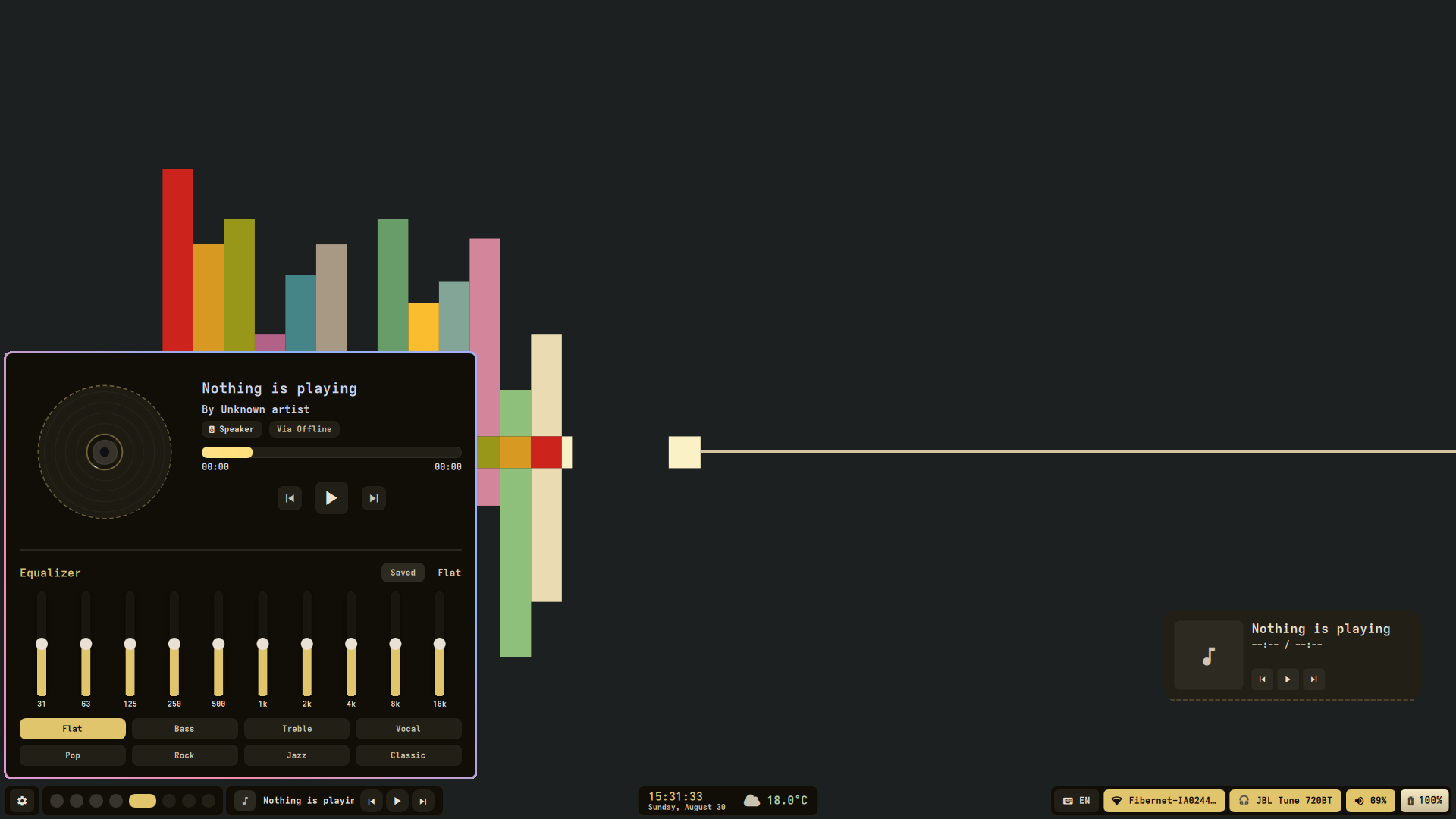
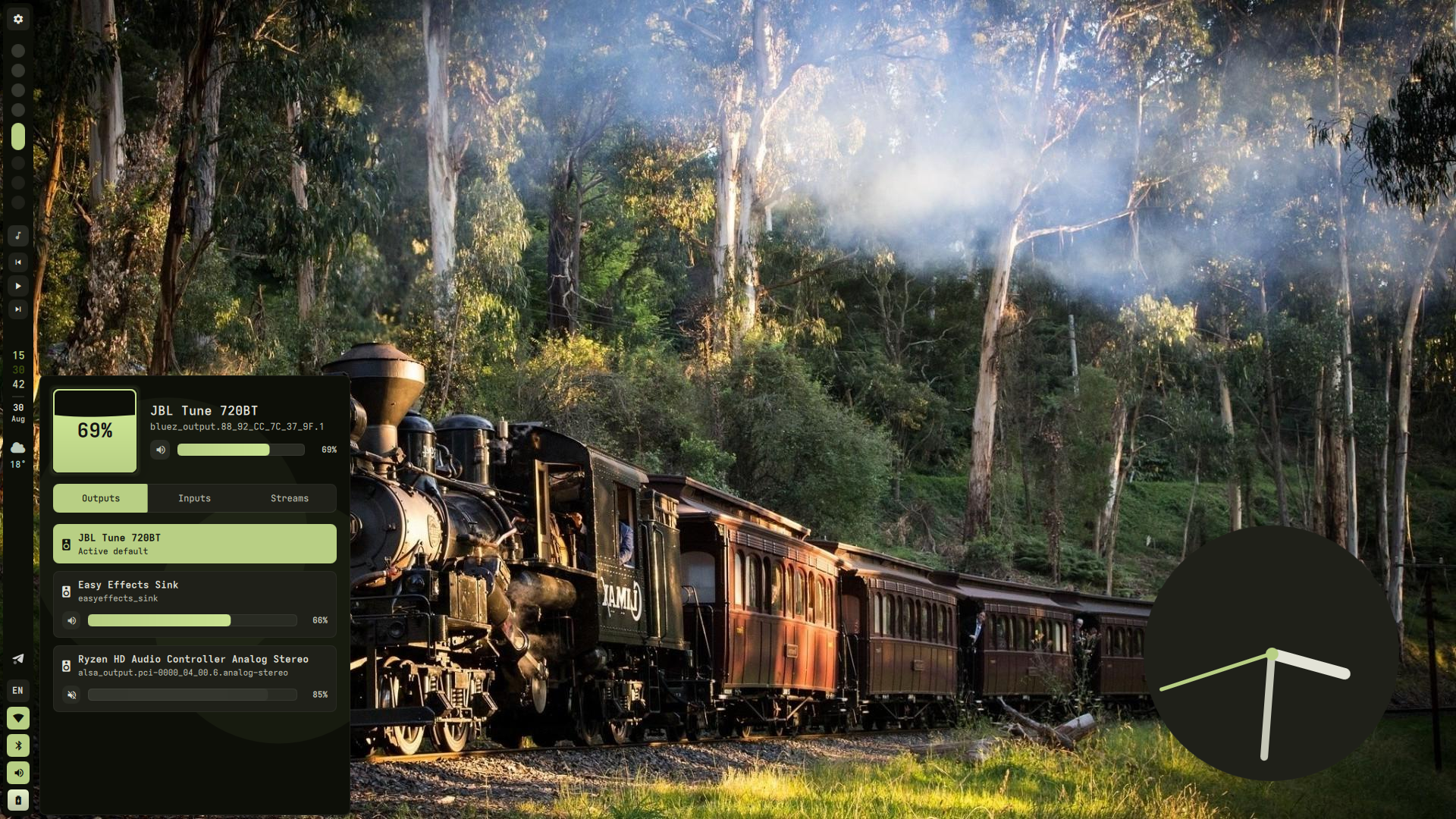
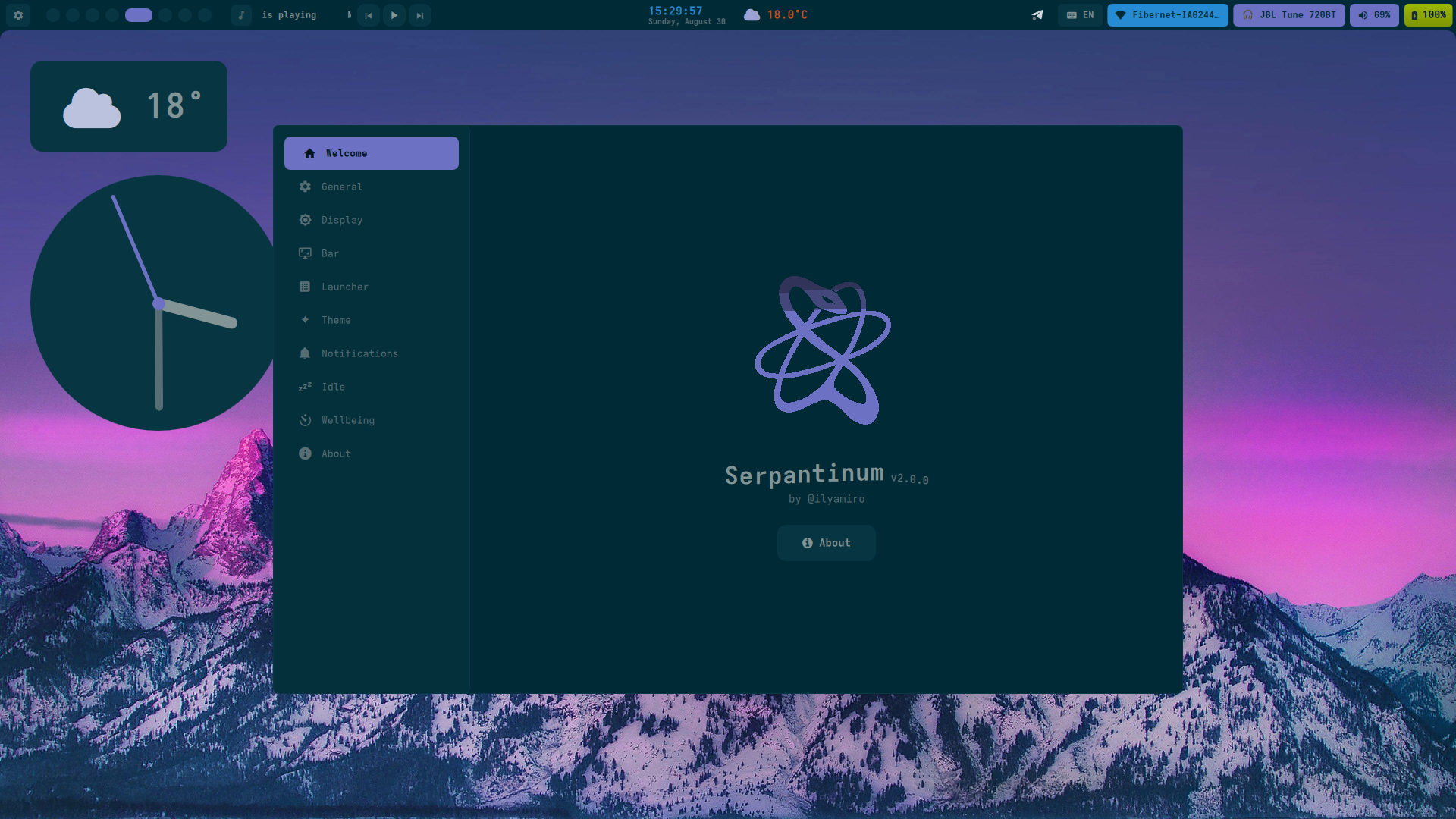
Previews

Preview 1 Preview 2
Preview 3 Preview 4

Installation

[!IMPORTANT] Migrating from v1: All previous configuration will be backed up and unused. Configuration of compositor settings such as monitors, keybinds, and autostart is now up to you, as the project migrated from being dotfiles to being a shell.

Arch Linux and its derivatives

For Arch-based distributions (including systemd, OpenRC, and other init systems), run the automated installation script.:

bash -c "$(curl -fsSL https://raw.githubusercontent.com/ilyamiro/serpantinum/master/install/install.sh)"

[!NOTE] To update, when or if you recieve a notification about the new version being available, just run the script again and choose "update"


NixOS

Serpantinum provides flake outputs, a NixOS module for system dependencies, and a Home Manager module for user configuration and service management.

1. Add Flake Input

Add Serpantinum to your flake.nix:

{
  inputs = {
    nixpkgs.url = "github:nixos/nixpkgs/nixos-unstable";
    serpantinum.url = "github:ilyamiro/serpantinum";
  };

  outputs = { self, nixpkgs, serpantinum, ... }: {
    nixosConfigurations.nixos = nixpkgs.lib.nixosSystem {
      system = "x86_64-linux";
      specialArgs = { inherit serpantinum; };
      modules = [
        ./configuration.nix
        serpantinum.nixosModules.default
      ];
    };
  };
}

2. configuration.nix

Enable the NixOS module to configure system prerequisites:

{
  programs.serpantinum.enable = true;
}

If you prefer installing the package directly without the system module:

{ pkgs, serpantinum, ... }:

{
  environment.systemPackages = [
    serpantinum.packages.${pkgs.stdenv.hostPlatform.system}.default
  ];
}

3. Home Manager Configuration

{ serpantinum, ... }:

{
  imports = [
    serpantinum.homeManagerModules.default
  ];

  programs.serpantinum = {
    enable = true;
    systemd.enable = true;

    settings = {
      wallpaperDir = "/home/username/Pictures/Wallpapers";

      general = {
        language = "en";
        weatherUnit = "metric";
        weatherInterval = 30;
      };

      bar = {
        position = "top";
        style = "solid";
        width = 40;
        workspaceCount = 10;
        modules = {
          left = [ "workspaces" ];
          center = [ "time" ];
          right = [ "tray" [ "kb" "wifi" "bt" "vol" "bat" ] ];
        };
      };

      theme = {
        fontFamily = "Adwaita Mono";
        borderRadius = 12;
        matugen = true;
      };

      notifications = {
        dnd = false;
        position = "top right";
        sound = true;
      };
    };
  };
}

4. Updating

Update the flake lockfile and rebuild your system:

nix flake update serpantinum
sudo nixos-rebuild switch --flake .

Note: The automatic installer handles compositor integration on standard distributions. On NixOS / Home Manager, you must manually integrate compositor configs. Sample configs, autostart entries, and keybindings for supported window managers and compositors are available in the compositors directory.

Required autostart

Remember to add clipboard listeners and required services to your compositor's autostart configuration for the clipboard and the equalizer to work properly.

Example on Hyprland:

hl.on("hyprland.start", function()
  hl.exec_cmd("wl-paste --type text --watch cliphist store")
  hl.exec_cmd("wl-paste --type image --watch cliphist store")
  hl.exec_cmd("systemctl --user enable --now easyeffects")
end)

Running

To run the shell, launch serpantinumd start


Credits


License

Copyright (C) 2026 Illia Miroshnichenko

This project is licensed under the GNU Affero General Public License version 3, or (at your option) any later version. See the LICENSE.md file for the full license text.

serpantinum (ilyamiro/serpantinum)

Searching Database…

这是什么?Serpantinum 是用 Quickshell 和 QML 构建的 Wayland 合成器 shell。它曾是一套 dotfiles 集合,如今已成为一个独立的 shell 软件包,可以独立于你的合成器配置单独安装和更新。
这是一个完整的桌面环境,还是叠在我现有窗口管理器上面的一层?它不是完整的桌面环境——而是运行在现有 Wayland 合成器(Hyprland、Niri 或 Sway)之上的一层 shell,显示器、快捷键、自启动这类合成器层面的配置仍然归你自己管。
怎么安装和运行它?在基于 Arch 的发行版上,运行项目的自动化安装脚本(以后想更新就再跑一次)。在 NixOS 上,把 Serpantinum 添加为 flake input,启用 NixOS 模块来处理系统前置依赖,并用 Home Manager 模块做配置;然后用 'serpantinumd start' 启动 shell。
装完之后,我还需要自己在合成器里配置什么吗?需要——除了安装脚本之外,你还必须手动把剪贴板监听器和其他必需服务加进合成器的自启动,否则剪贴板和均衡器小部件没法工作。
每个发行版上的安装都那么自动化吗?只有基于 Arch 的发行版才有全自动安装器;在 NixOS/Home Manager 上你得自己手动整合合成器配置,而且从旧版 v1 dotfiles 迁移时会备份(并丢弃)你之前的设置,因为合成器层面的配置现在完全由你自己负责。
它实际能配合哪些合成器?它面向 Hyprland、Niri 和 Sway,并在 compositors 目录里为每个合成器附带示例配置、自启动条目和快捷键绑定。
装好之后,到底怎么启动这个 shell?在终端里运行 'serpantinumd start',或者把它加进合成器的自启动,即可启动 shell 守护进程。
这个项目为什么不再做纯粹的 dotfiles 了?把它打包成 shell,用户就能像普通软件一样通过安装器和 NixOS 模块安装、更新 Serpantinum,而显示器、快捷键这类合成器相关的设置则留在用户自己的配置里,不再是捆绑的 dotfiles。
Creator
ilyamiro
Size
117.7 MB
Stars
7.4K
Age
10mo
Commits · 90 Days