
storycast README

The project's README from github.com/ilkerzg/storycast. As one markdown file: README.md.

Storycast

Storycast

Type a topic. Get a story.
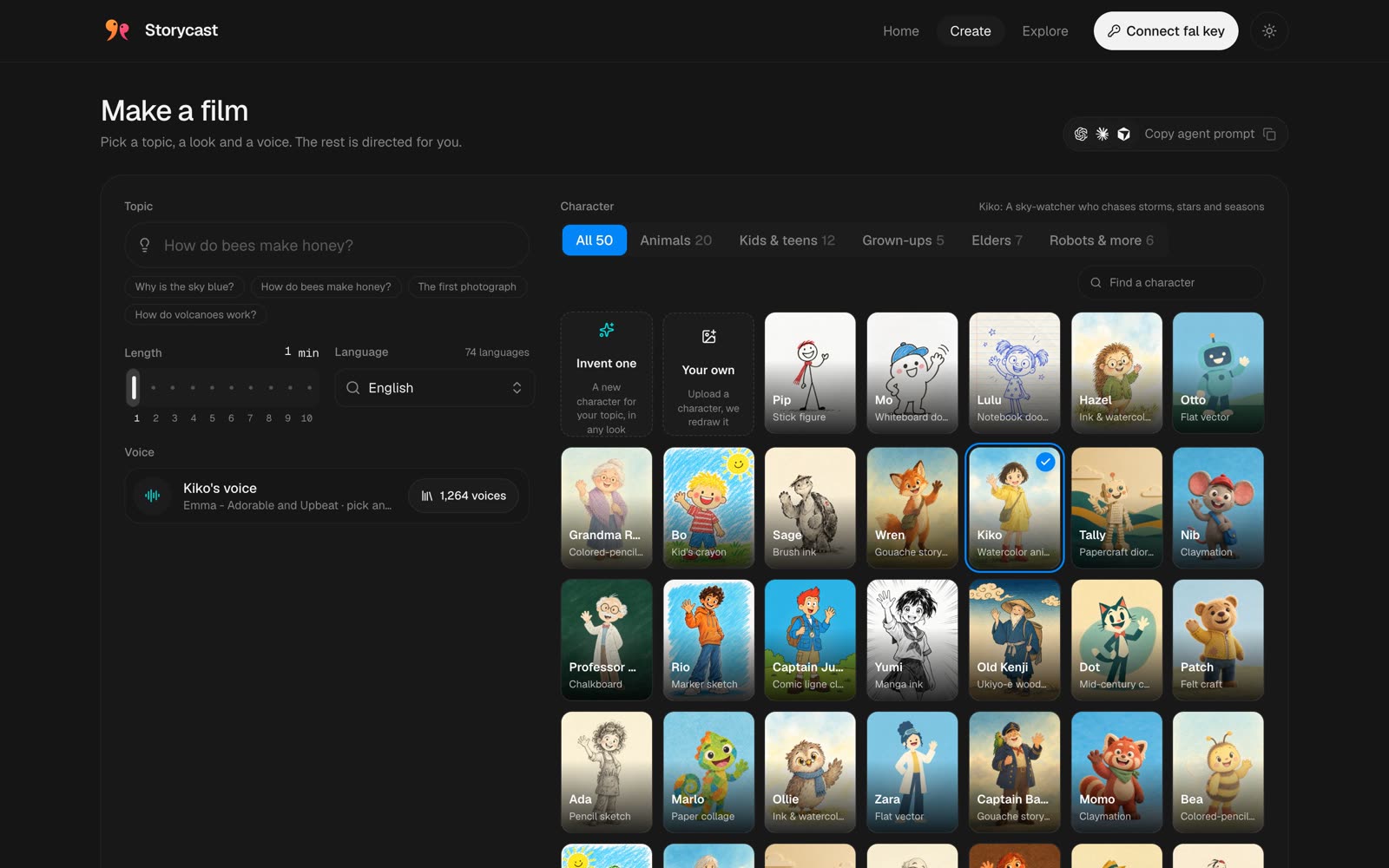
Pick a character, give it a topic, and get back a narrated animated film, made end to end on fal.

Open Storycast · Watch the launch video

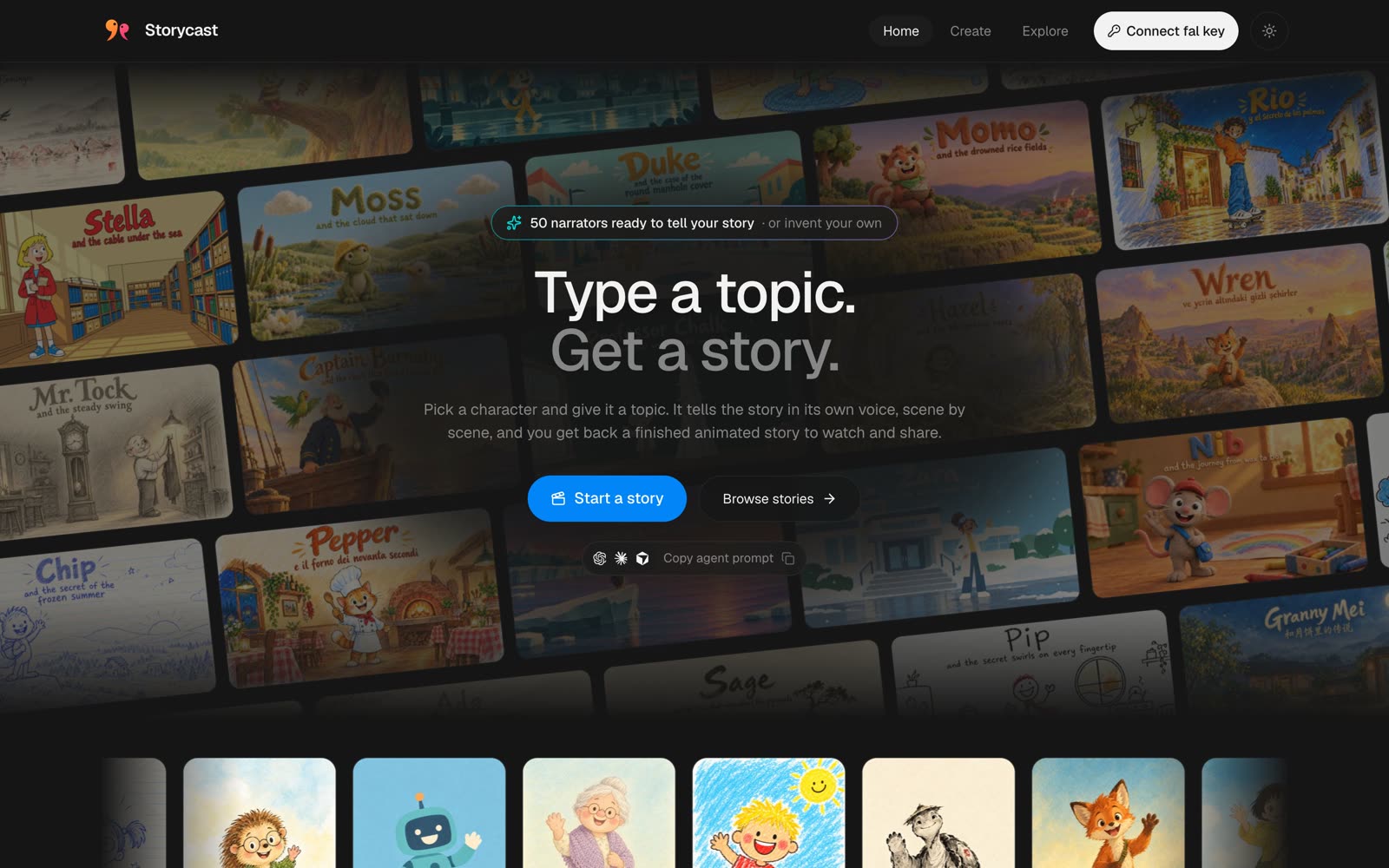
Storycast home

What it makes

A character narrates a short film that explains a topic: a script, keyframes, animated shots, on-camera lines, narration, a score, a hand-lettered end card and word-by-word subtitles. 50 ready narrators, 26 illustrated looks, 74 languages, 1 to 10 minutes long. You can also invent a character, upload your own, or bring your own illustration style.

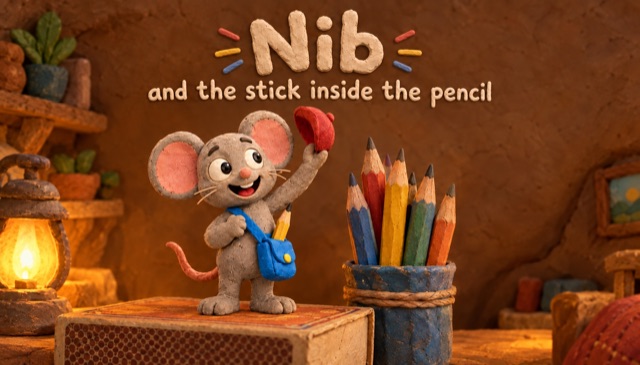
Nib and the stick inside the pencil
Nib and the stick inside the pencil · Claymation
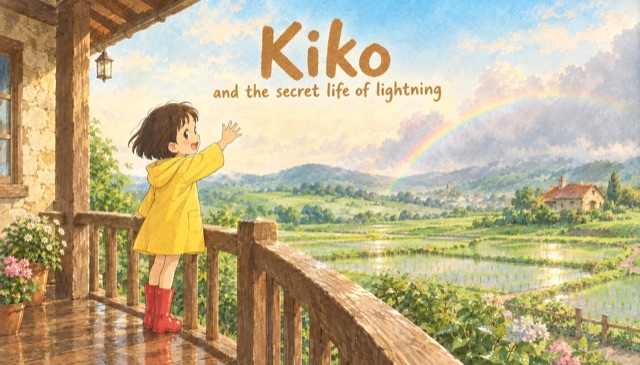
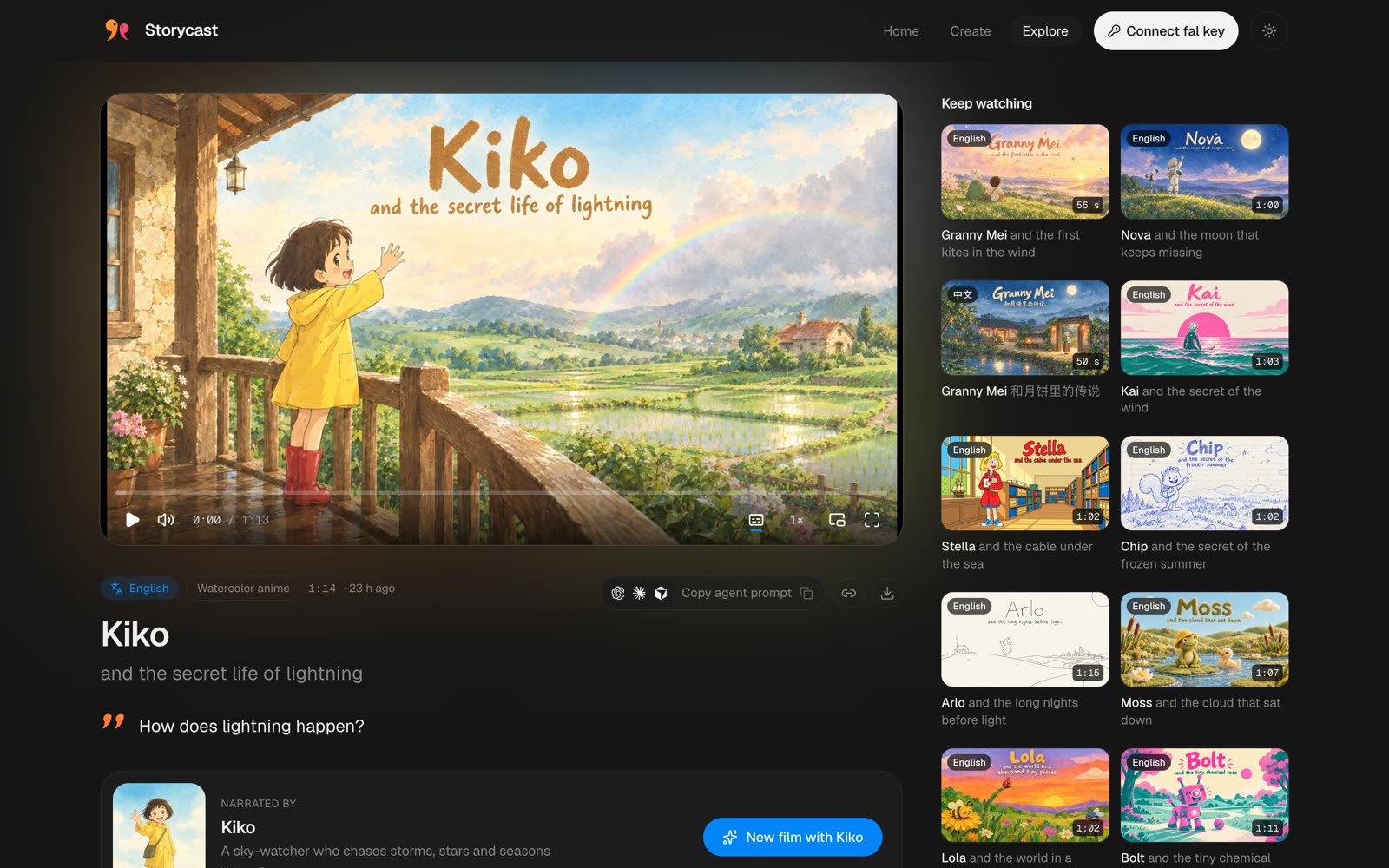
Kiko and the secret life of lightning
Kiko and the secret life of lightning · Watercolor anime
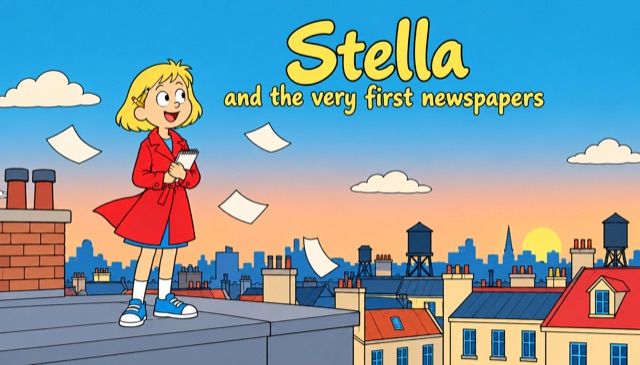
Stella and the very first newspapers
Stella and the very first newspapers · Comic ligne claire
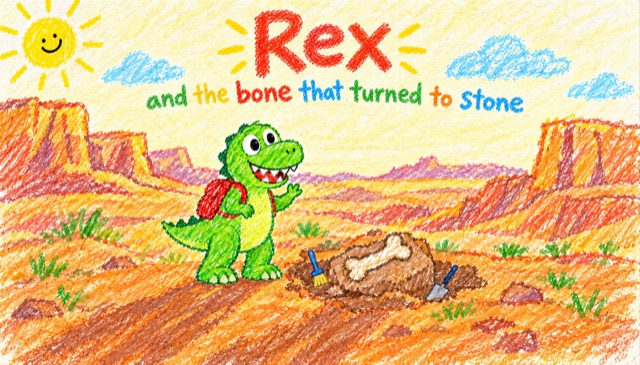
Rex and the bone that turned to stone
Rex and the bone that turned to stone · Kid's crayon
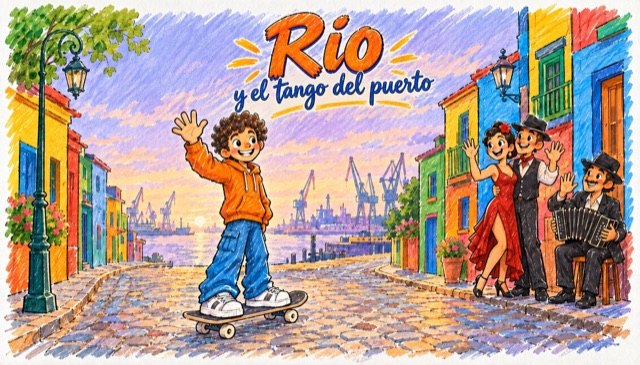
Rio y el tango del puerto
Rio y el tango del puerto · Marker sketch · Español
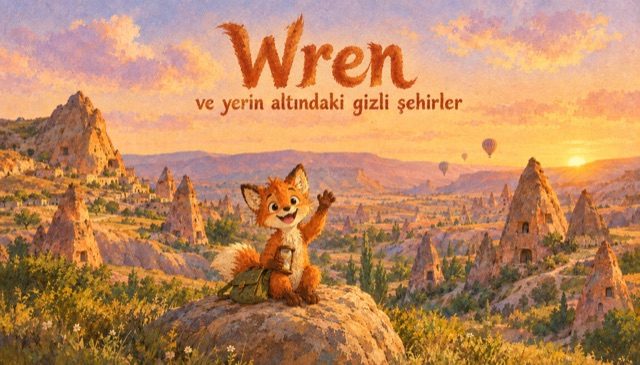
Wren ve yerin altındaki gizli şehirler
Wren ve yerin altındaki gizli şehirler · Gouache storybook · Türkçe

Watch the launch video
▶ Launch video

How it works

Everything runs in your browser with your own fal key.

Make a film Watch a film
Pick a topic, a narrator, a look, a voice and a length Watch, share or download the finished film
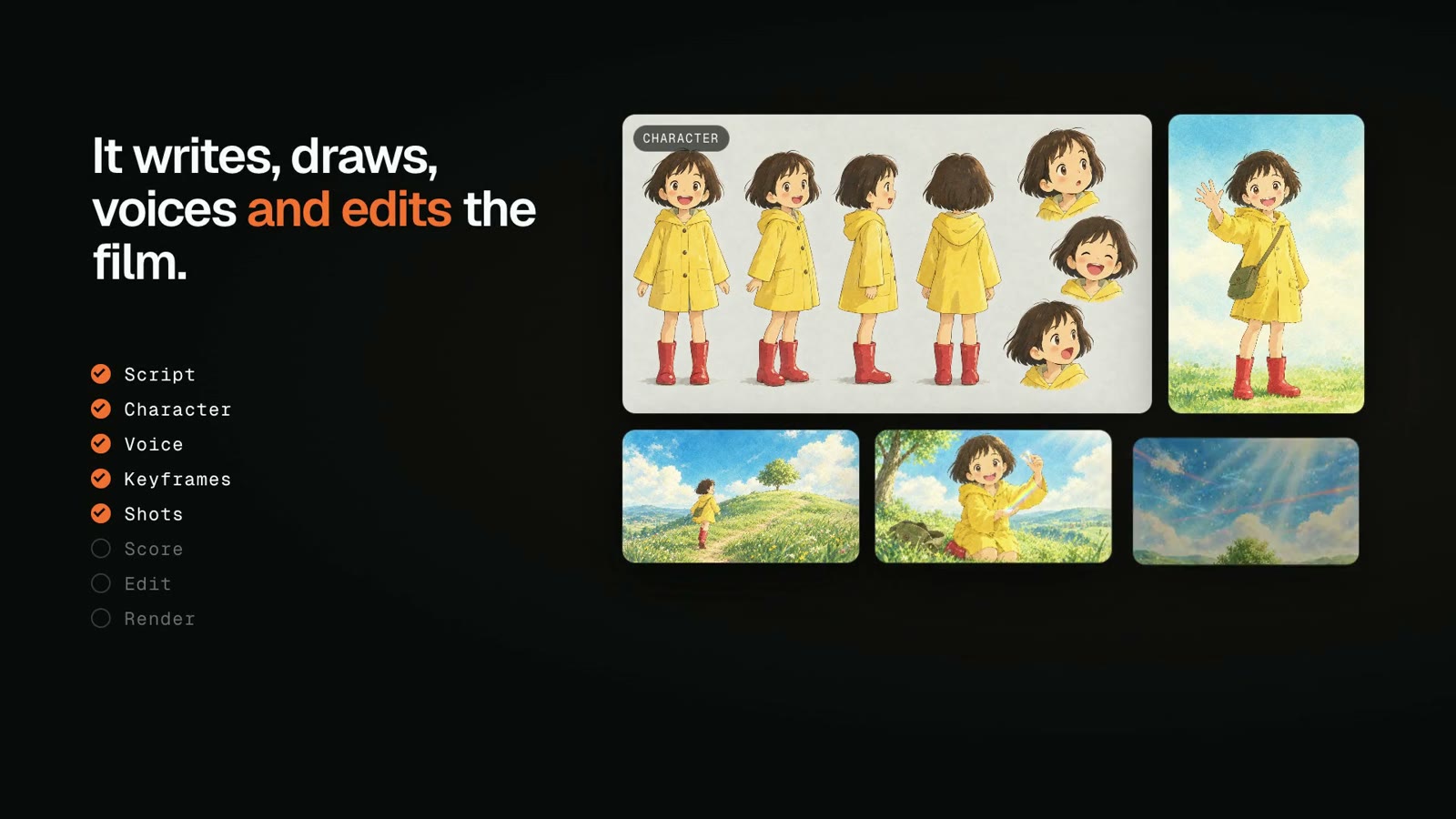
  1. Script. A director writes the story in blocks, each either voice-over or the narrator talking on camera, and a script editor smooths every jump between scenes.
  2. Narrator and keyframes. The narrator gets a model sheet and a hero portrait, and every block gets a keyframe in the chosen look.
  3. Voice. Each block is narrated, and on-camera lines are fitted to the right length.
  4. Shots. Voice-over blocks become animated shots and on-camera blocks become lip-synced shots.
  5. Score and edit. A score is composed, the shots are cut to the narration, the sound is mixed, an end card is lettered and subtitles are added.

Models

Step fal endpoint
Director, script editor openrouter/router with Claude Opus 5.5
Reading images, shot checks openrouter/router/vision with Claude Opus 5.5 and Gemini 3.8 Flash
Model sheets, keyframes, end cards openai/gpt-image-2.5/flare/text-to-image, openai/gpt-image-2.5/flare/edit
Shots minimax/h3-max/reference-to-video
On-camera lines minimax/h3-max/lip-sync/image-to-video
Narration fal-ai/elevenlabs/tts/eleven-v3
Score elevenlabs/music/v2.5
Edit fal-ai/workflow-utilities/trim-video and fal-ai/ffmpeg-api (extract-frame, merge-videos, images-to-video, compose, loudnorm, merge-audio-video)
Subtitles fal-ai/workflow-utilities/auto-subtitle

Make one with your agent

Every page has a Copy agent prompt button. It copies a step-by-step brief of this pipeline, filled in with the page's topic, look, narrator and voice, so a coding agent with a fal key can make the film from your terminal.

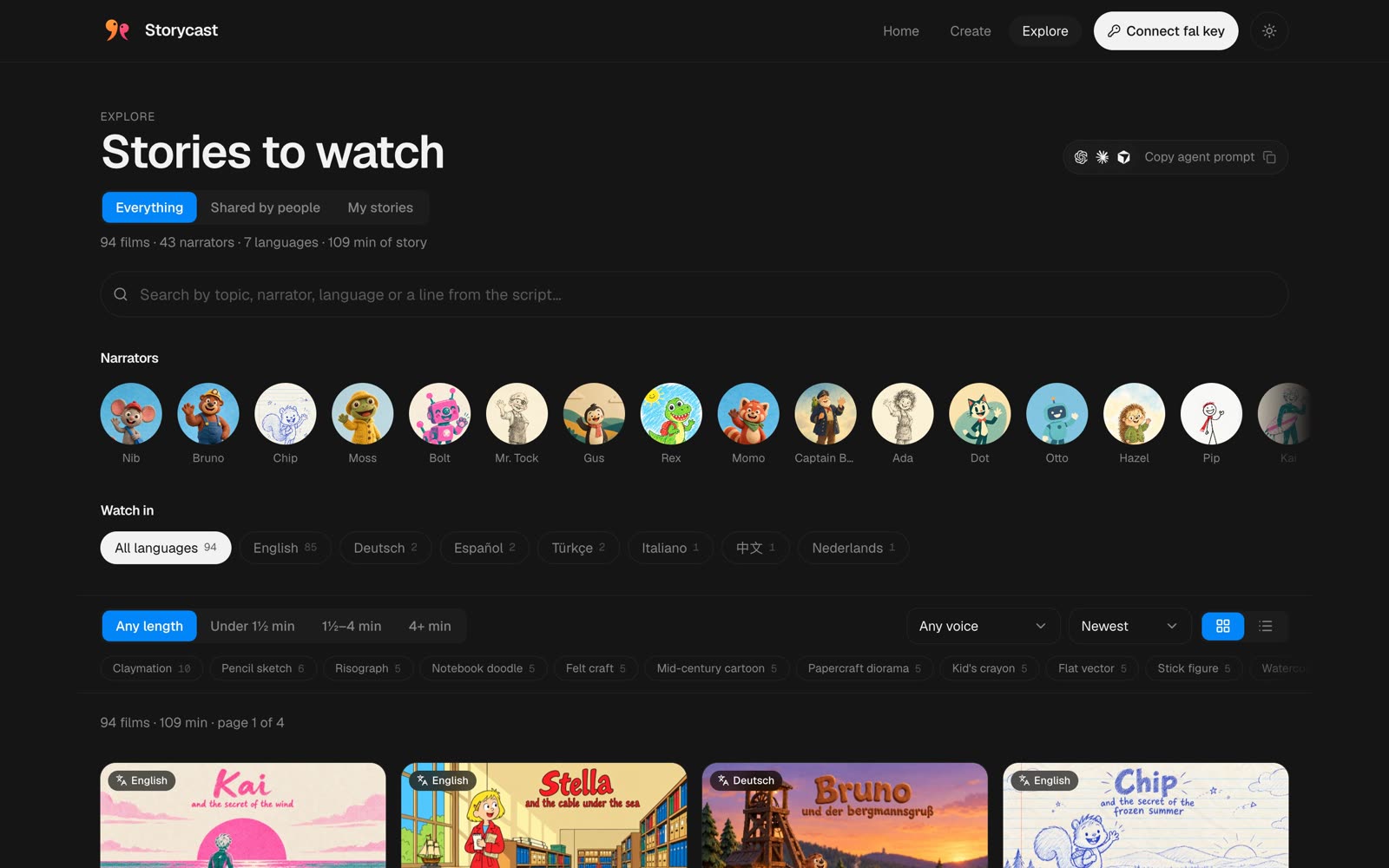
Explore

Run locally

cd web && npm install && npm run dev

Connect your fal key in the app to make stories.

Deploy

web/ is a static Vite site. Deploy it to any static host (on Vercel: root web/).

Sharing (optional)

share/ is a Cloudflare Worker with D1 and R2. Without it, sharing is hidden.

cd share && npm install && npx wrangler login
npx wrangler d1 create storycast
npx wrangler r2 bucket create storycast-media
npx wrangler d1 execute storycast --remote --file schema.sql
npx wrangler turnstile widget create storycast-share --domain <your site host> --mode managed

Put the database id and your site's address (ALLOWED_ORIGINS) into share/wrangler.jsonc, then:

npx wrangler secret put IP_SALT
npx wrangler secret put TURNSTILE_SECRET
npx wrangler secret put FAL_KEY
npx wrangler deploy

Set VITE_SHARE_API and VITE_TURNSTILE_SITE_KEY for the site build (see web/.env.example) and redeploy.

To publish a story sent to Explore:

npx wrangler d1 execute storycast --remote --command "UPDATE films SET status = 'public' WHERE id = '<story id>'"

storycast (ilkerzg/storycast)

Searching Database…

这是什么?Storycast 把你输入的主题变成一部带旁白的动画短片:选一个角色、给它一个主题,它就会端到端地生成剧本、关键帧、动画镜头、旁白、配乐、片尾卡和字幕。
这是托管服务,还是要我自己运行的东西?它是一个由你自己部署的静态 Vite Web 应用;一切都使用你自己的 fal API 密钥在浏览器中客户端运行,分享功能则需要一个可选的 Cloudflare Worker。
怎么让它跑起来?在应用内连接你的 fal 密钥即可开始制作故事,然后把 web/ 文件夹(一个静态 Vite 站点)部署到任意静态托管平台,例如 Vercel(根目录设为 web/)。
制作故事需要什么 API 密钥?你需要自己的 fal 密钥,因为整条流水线都由 fal 路由到 Claude Opus、Gemini、GPT-image、Minimax 和 ElevenLabs 端点。
分享功能开箱即用吗?不能,分享默认是隐藏的;只有在你部署了单独的 Cloudflare Worker(带 D1 和 R2)并配置好它的数据库 id 和站点来源之后才能使用。
一部成片实际包含什么?每部影片都包含剧本、所选美术风格的角色设定表关键帧、带口型同步的动画出镜镜头、完整旁白、谱写的配乐、手写风格的片尾卡,以及逐词字幕。
旁白和风格上我有多大的选择空间?有 50 位现成的旁白、26 种插画风格,支持 74 种语言,影片时长 1 到 10 分钟;你还可以自创、上传或自带角色和美术风格。
流水线由哪些 AI 模型驱动?Claude Opus 5.5 和 Gemini 负责导演和剧本/视觉检查,GPT-image 生成关键帧和片尾卡,Minimax h3-max 生成镜头和口型同步,ElevenLabs 负责旁白和配乐。
编程智能体能替我生成视频,而不用我去操作界面吗?可以,每个页面都有一个“复制智能体提示词”(Copy agent prompt)按钮,会复制一份逐步的流水线简报,其中填好了该页面的主题、风格、旁白和声音,持有 fal 密钥的智能体就能在你的终端里生成影片。
Creator
ilkerzg
Size
25.2 MB
Stars
236
Updated
CommitSep 25
Age
26d
Commits · 90 Days