







10.1K ·GitHub
What is this?
 react-i18next is a library that adds internationalization to React apps: you translate your UI through the i18next ecosystem instead of hardcoding strings.
react-i18next is a library that adds internationalization to React apps: you translate your UI through the i18next ecosystem instead of hardcoding strings.Is it a library I add to my project, or a hosted service?It's an npm library you install into your React project. The optional Locize translation service is separate — the library works on its own.
It's an npm library you install into your React project. The optional Locize translation service is separate — the library works on its own.How do I add it to my React app?Install it from npm alongside the i18next core and initialize it in your app. If you don't use a module loader, it attaches to window.reactI18next instead.
Install it from npm alongside the i18next core and initialize it in your app. If you don't use a module loader, it attaches to window.reactI18next instead.Do I need anything else installed alongside it?Yes — it wraps the i18next core, which must be in your project: i18next >= 10.0.0, and TypeScript users need i18next >= 17.0.9 typings.
Yes — it wraps the i18next core, which must be in your project: i18next >= 10.0.0, and TypeScript users need i18next >= 17.0.9 typings.My project is stuck on an older React without hooks — can I still use it?The current release is hooks-based, so it needs React 16.8+ and react-dom 16.8+ (react-native 0.59.0+ on native). For pre-hooks codebases there is the legacy v9.x.x branch.
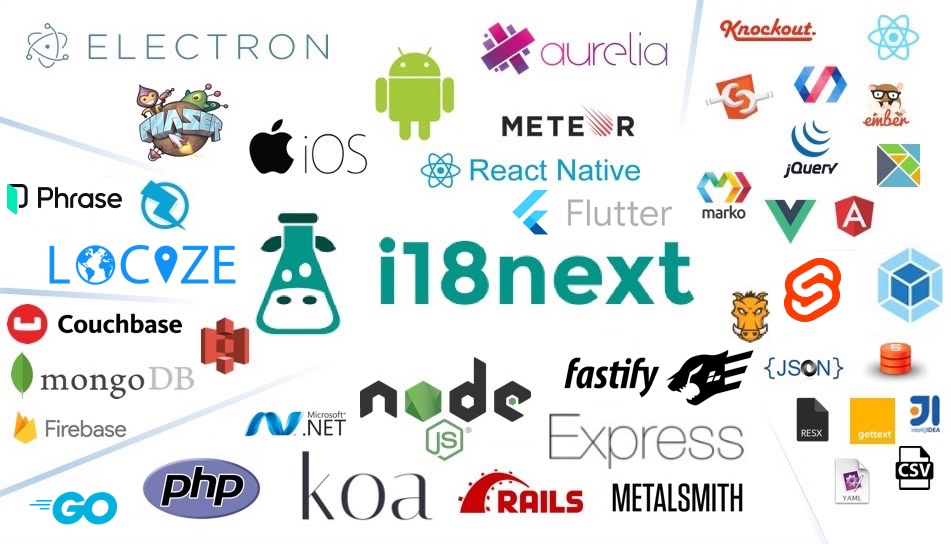
The current release is hooks-based, so it needs React 16.8+ and react-dom 16.8+ (react-native 0.59.0+ on native). For pre-hooks codebases there is the legacy v9.x.x branch.Where does it run — only in the browser?Wherever React runs: web apps via react-dom, React Native mobile apps, and the server — the i18next ecosystem offers wider serverside support (nodejs, php, ruby, .net), with examples for next.js, razzle and expo.
Wherever React runs: web apps via react-dom, React Native mobile apps, and the server — the i18next ecosystem offers wider serverside support (nodejs, php, ruby, .net), with examples for next.js, razzle and expo.What does my component code look like once it's wired in?Your hardcoded strings get replaced: text renders through the Trans component and hook-based helpers, so wording comes from your translation files instead of JSX literals.
Your hardcoded strings get replaced: text renders through the Trans component and hook-based helpers, so wording comes from your translation files instead of JSX literals.Do I need to change my webpack or Babel config?No. There is no webpack configuration to change and no additional Babel transpilers to add — a plain create-react-app project works as is.
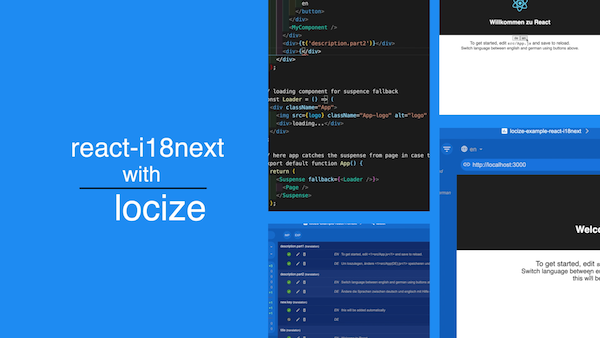
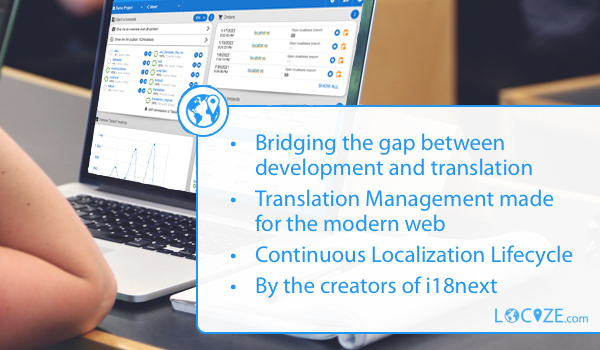
No. There is no webpack configuration to change and no additional Babel transpilers to add — a plain create-react-app project works as is.What is Locize, and do I have to sign up for it?It's an optional translation-management service built by the same team, with a free plan for side projects. react-i18next and i18next work fully without it.
It's an optional translation-management service built by the same team, with a free plan for side projects. react-i18next and i18next work fully without it.Which topics is it in?internationalization, hooks, ssr, localization, react-native, translation, i18n, multilingual, javascript-library, mobile, ios, web-development
internationalization, hooks, ssr, localization, react-native, translation, i18n, multilingual, javascript-library, mobile, ios, web-development