Thanks to Kimi for sponsoring this project! Kimi K3 is the world's first open 3T-class model, featuring native vision and a 1-million-token context window. With PPT Master, K3 can understand source materials such as PDFs, DOCX files, and web pages, identify key points, structure the narrative, and generate a natively editable PPTX that you can continue refining in PowerPoint.
Try Kimi Code, or access the API through the Kimi Open Platform (中文站 | Global).
Thanks to PackyCode for sponsoring this project! PackyCode is a reliable and efficient API relay service provider, offering relay services for Claude Code, Codex, Gemini, and more. PackyCode provides special discounts for our project users: register using this link and enter the promo code ppt-master during recharge to get 10% off.
Thanks to APIKEY.FUN for sponsoring this project! APIKEY.FUN is a professional enterprise-grade AI relay service committed to stable, efficient, and low-cost AI access for businesses and developers. The platform supports mainstream models including Claude, OpenAI, and Gemini, with prices as low as 7% of official rates. Register through our dedicated link for an exclusive perk: up to 5% off on top-ups, permanently.
Thanks to RunAPI for sponsoring this project! RunAPI is an efficient and stable API platform — a single API Key gives you access to 150+ leading models, including OpenAI, Claude, Gemini, DeepSeek, and Grok, at prices as low as 10% of official rates, with exceptional stability and seamless compatibility with tools like Claude Code. RunAPI offers an exclusive perk for PPT Master users: register and contact an administrator via our dedicated link to claim ¥7 in free credit.
Thanks to YouYun ZhiSuan for sponsoring this project! YouYun ZhiSuan is UCloud's AI cloud platform, providing one-stop API services for mainstream domestic and international models, all accessible with a single key. The platform features cost-effective CodingPlan packages for domestic models (including GLM5.2, Deepseek-v4, and more), along with official channels for stable access to overseas models, meeting diverse development needs. It's compatible with mainstream AI coding tools like Claude Code and Codex, as well as general API calls. The platform supports enterprise-level high concurrency, 24/7 technical support, and self-service invoicing. Register through this link to receive up to ¥10 in free credits. This project has been built into an Agent — PPT Master — ready to use without local deployment.
Editable is already table stakes — what sets PPT Master apart is native depth. It hands you a real PowerPoint: slide masters, native shapes, data-backed charts and tables — not flat text boxes, and not a filled-in template. It also does more than lay slides out nicely — it reasons the argument into shape first, then designs; and that native depth keeps converging with PowerPoint itself, adding more of its native capabilities release after release. In form, it's a workflow that runs inside any agent-capable AI tool: hand the AI your topic or material, and it generates on your machine — your data stays local, no platform or model lock-in. How it works and where the limits are → Product Positioning.
Editable is now table stakes — the real question is how much of PowerPoint you actually get. PPT Master delivers PowerPoint's native object model itself, and in depth: native shapes and connectors with working adjustment handles, data-backed charts and tables on demand, and the full text / picture / fill / effect model — click any element and keep editing it as a native PowerPoint object; and through the template / structured route, it can hand you a deck with real slide masters and layouts (p:sldMaster / p:sldLayout inheritance).
And that depth is a direction of travel, not a fixed checklist. PPT Master's north star is to keep converging with PowerPoint itself: an ongoing effort to build and integrate more of PowerPoint's native capabilities, release after release, closing the gap between what an AI can generate for you and what you could build by hand in PowerPoint. The PowerPoint ↔ SVG Mapping Guide is the honest, feature-by-feature record of how far that reaches today — and SmartArt is a deliberate omission, not a gap.
In form, it's a workflow (a "skill") that runs inside any agent-capable AI tool: tell it in chat — "make a deck from this PDF" — and it runs the workflow on your machine and exports a natively editable .pptx. No coding on your side; you do exactly three things — install Python, install an AI tool, drop in your material.
Generating a new deck from source documents is the main pipeline, but not the only route. PPT Master can also distill reusable brand / style / layout / deck templates from your references, fill an existing .pptx with new content while preserving its design, and add native transitions, animations, and narration to a finished deck — each route with an explicit contract for what gets preserved. How to use each capability → Getting Started.
On top of that native depth, this form comes with three promises:
Transparent, predictable cost — free and open source; the only cost is your AI model usage, with no PPT subscription on top
Data stays local — apart from AI model communication, the entire pipeline runs on your machine
No platform lock-in — any agent-capable AI IDE can drive it; Claude, GPT, Gemini, Kimi, and other models all work
Why you'd choose it, and where it isn't the right fit → Why PPT Master; the long-term capability boundaries behind these promises → Project Positioning.
[!IMPORTANT]
This is a tool, not a wishing well
harness + model = agent — PPT Master only owns the workflow; the model sets the ceiling. Recommended: Kimi K3 (or Claude) with a large context window (~1M tokens) + AI image generation (gpt-image-2 or Google gemini-3.1-flash-image); other models can run the pipeline, with a quality gap.
And don't expect a finished, perfect deck in one shot. The tool's value is taking most of the tedious work off your plate; the polishing that's left is yours — a natively editable deck exists precisely so you can keep working on it, not a flat image you can't touch. The cheaper the model, the more there is to do; if results disappoint, upgrade the model first, then check your usage against Getting Started and the example projects.
Built by Hugo He
I'm a finance professional (CPA · CPV · Consulting Engineer (Investment)) who regularly reviews and edits presentation decks. I wanted AI-generated slides to remain editable in PowerPoint, not flattened into images — so I built this.
Knowing how to use Python and AI agents will matter more and more, and this project is also meant to show how far you can go with just those two things. There's a learning curve if you're starting cold, but it's the curve worth climbing — making a deck is just the excuse; what I'm really pushing is Python and agents.
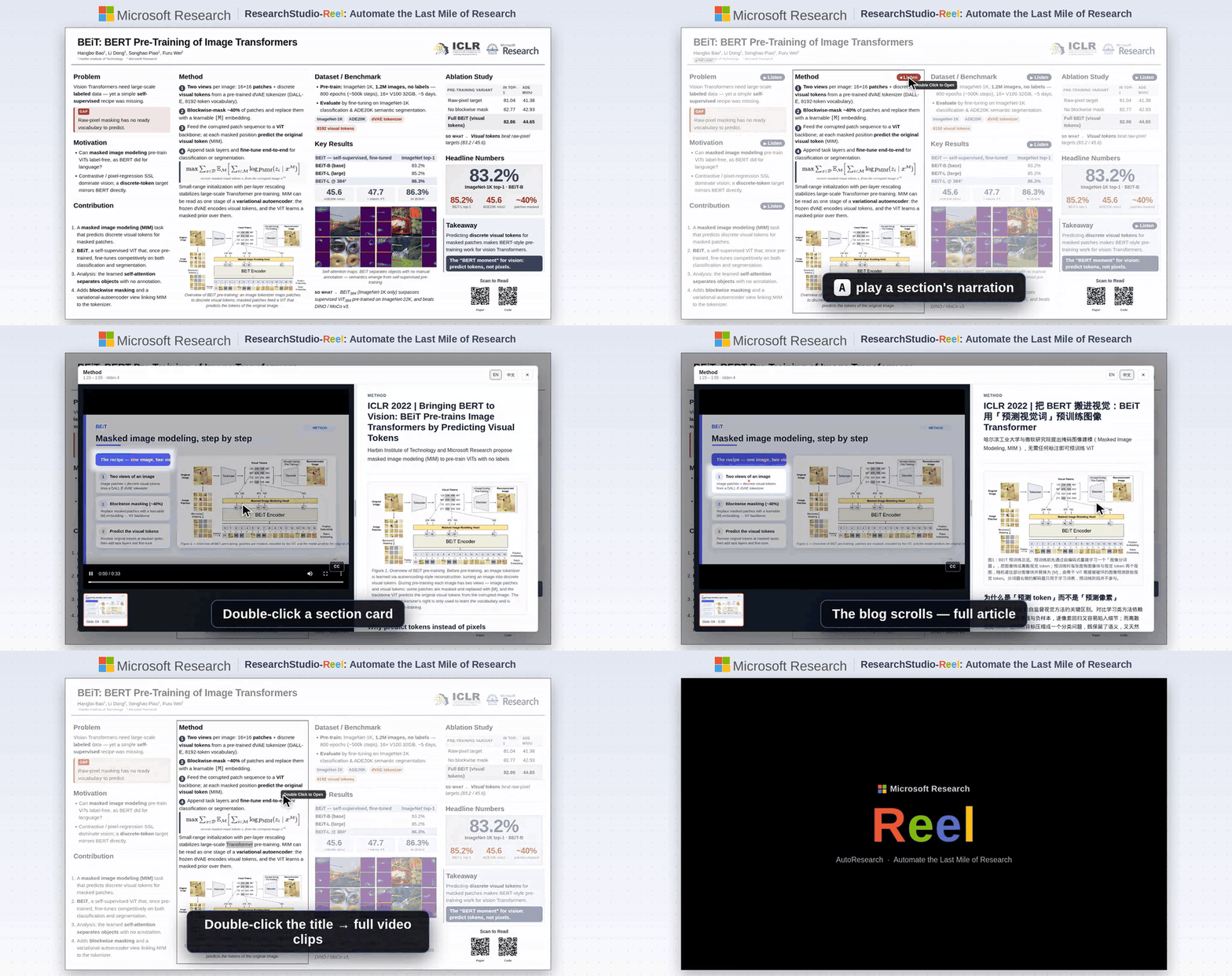
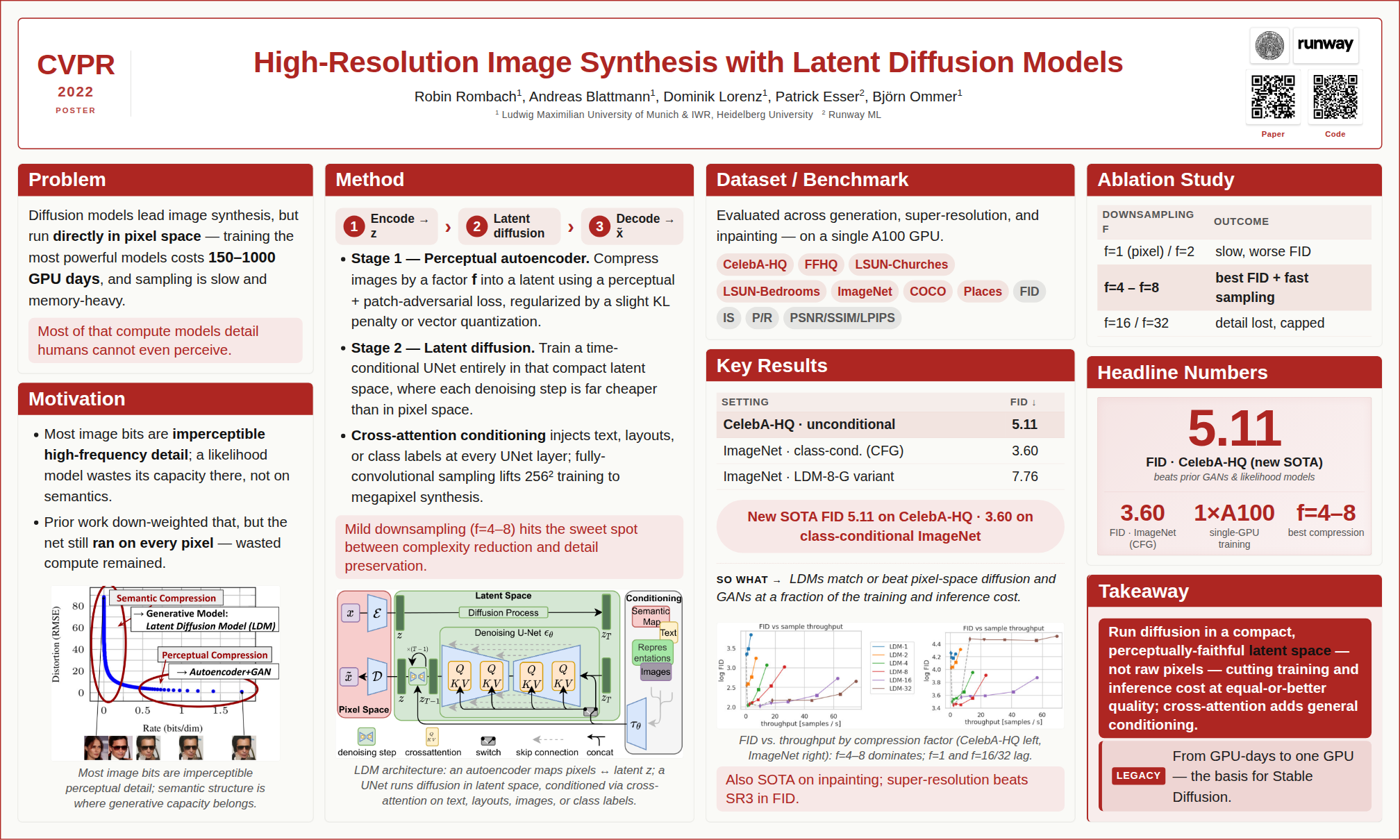
BibTeX — if you use ResearchStudio-Reel in your research
@article{xiao2026researchstudioreel,
  title   = {ResearchStudio-Reel: Automate the Last Mile of Research from Paper to Poster, Video, and Blog},
  author  = {Lingao Xiao and Yalun Dai and Yangyu Huang and Qihao Zhao and Wenshan Wu and Hugo He and Ruishuo Chen and Jin Jiang and Qianli Ma and Jiahuan Zhang and Xin Zhang and Ying Xin and Yang Ou and Yan Xia and Scarlett Li and Longbo Huang and Zhipeng Zhang and Yang He and Yap Kim Hui and Yan Lu},
  journal = {arXiv preprint arXiv:2607.04438},
  year    = {2026},
  url     = {https://arxiv.org/abs/2607.04438}
}
Quick Start
1. Prerequisites
All you need to install is Python 3.10+. Everything else comes with one line — pip install -r requirements.txt — after you download the project in Step 3.
Pandoc — only needed for legacy document formats: .doc, .odt, .rtf, .tex, .rst, .org, or .typ. .docx, .html, .epub, .ipynb are handled natively by Python — no pandoc required.
PPT Master runs in any tool with agent capability — read/write files, execute commands, and sustain multi-turn conversation.
Never used one of these? Don't worry — in this project they play exactly one role: an AI chat window that can read and write files. Pick any tool from the table, install it, and you'll only ever use its chat panel. No coding involved.
Author's pick: Claude Code — the environment this project is developed and tested on most thoroughly, as the CLI or the VS Code / JetBrains extension.
Type
Examples
Notes
IDE-native agent
• VS Code architecture (VS Code itself, plus forks & derivatives): Cursor, Trae, Codebuddy IDE, Windsurf, etc. • Other architectures: Zed, etc.
Runs in the terminal; suits scripting, remote, or server use
Model recommendation: for the best results, use Kimi K3 (or Claude) to drive the pipeline, paired with AI image generation — gpt-image-2 (OpenAI) or gemini-3.1-flash-image (Google). Kimi Code, the project sponsor, is a great pick for pay-as-you-go access.
🔑 Want to use Claude / GPT / Gemini but don't have access yet? Project sponsors PackyCode, APIKEY.FUN and RunAPI offer pay-as-you-go access to Claude, GPT, Gemini and more — no subscription required, with exclusive discounts for our users (details at the top of this page).
🔀 Juggling several providers? Once you hold keys from more than one of them, cc-switch — a cross-platform desktop app — lets you one-click switch API providers for Claude Code, Codex, Gemini CLI and more, no manual config editing.
3. Set Up
Option A — Git clone (recommended; requires Git installed): the preferred path, since a clone can pull the latest version at any time.
git clone https://github.com/hugohe3/ppt-master.git
cd ppt-master
Then install dependencies:
pip install -r requirements.txt
Option B — Download ZIP (no Git required; best for a quick trial): click Code → Download ZIP on the GitHub page, then unzip, and install dependencies with pip install -r requirements.txt. A ZIP has no Git history, so it can't git pull — see Updating Later. If that download is too large or fails, grab the skill-only package ppt-master-skill-*.zip (~56 MB, fully functional but without the bundled example decks) from the Releases page instead.
Updating Later
Git clone installs:
python3 skills/ppt-master/scripts/update_repo.py
The script pulls the latest version and syncs Python dependencies when requirements.txt changes.
Download ZIP installs:
ZIP folders do not include Git history,
ppt-master (hugohe3/ppt-master)
Choose a tag and it will appear here. With no tags selected, all catalog projects are shown.
Searching Database…
Choose a tag and it will appear here. With no tags selected, all catalog projects are shown.









 PPT Master 是一种 AI 工作流,可以把文档或一个主题变成真正可原生编辑的 PowerPoint 演示文稿,包括原生形状、切换效果、动画、基于数据的图表和表格、根据演讲者备注生成的语音解说,并支持你自己的 .pptx 模板。