





30.9K ·GitHub
What is this?
 Frontend Slides is a coding-agent skill that creates beautiful HTML presentations — from scratch or by converting existing PowerPoint files. It ships as a Claude Code plugin, and its core SKILL.md works with other coding agents too.
Frontend Slides is a coding-agent skill that creates beautiful HTML presentations — from scratch or by converting existing PowerPoint files. It ships as a Claude Code plugin, and its core SKILL.md works with other coding agents too.Is this an app I install, or something my coding agent uses?Neither app nor library: it is a set of instruction and style files (SKILL.md plus CSS and template references) that your coding agent reads and follows to generate the slides for you. The Claude Code packaging is a plugin; other agents just read SKILL.md directly.
Neither app nor library: it is a set of instruction and style files (SKILL.md plus CSS and template references) that your coding agent reads and follows to generate the slides for you. The Claude Code packaging is a plugin; other agents just read SKILL.md directly.How do I install it in Claude Code?Either install it from this GitHub repo as a marketplace source (paste the two commands as separate Claude Code messages) and then invoke /frontend-slides:frontend-slides, or copy or clone the skill files into your Claude Code skills directory for a standalone /frontend-slides command.
Either install it from this GitHub repo as a marketplace source (paste the two commands as separate Claude Code messages) and then invoke /frontend-slides:frontend-slides, or copy or clone the skill files into your Claude Code skills directory for a standalone /frontend-slides command.Do I need npm, Node, or any build tools for the slides?No — decks come out as single HTML files with inline CSS/JS: no npm, no build tools, no frameworks. For non-Claude agents the only real requirement is an agent with filesystem and shell access.
No — decks come out as single HTML files with inline CSS/JS: no npm, no build tools, no frameworks. For non-Claude agents the only real requirement is an agent with filesystem and shell access.Are there any install gotchas?Yes: use the full HTTPS URL of the repo, because the short zarazhangrui/frontend-slides form can make Claude Code try SSH, which fails when GitHub is not yet in your known_hosts. Also send the two install commands as separate messages instead of pasting them together.
Yes: use the full HTTPS URL of the repo, because the short zarazhangrui/frontend-slides form can make Claude Code try SSH, which fails when GitHub is not yet in your known_hosts. Also send the two install commands as separate messages instead of pasting them together.I am not a designer — how do I choose what the deck looks like?You never have to describe your taste in words: the skill generates 3 visual style previews to compare, inferring the vibe from your brief, then builds the full deck in whichever direction you pick and opens it in your browser.
You never have to describe your taste in words: the skill generates 3 visual style previews to compare, inferring the vibe from your brief, then builds the full deck in whichever direction you pick and opens it in your browser.Does it work with coding agents other than Claude Code?Yes — Codex, Kimi Code, OpenCode, Gemini CLI and other local coding assistants can use the same core skill. The simplest path is sending the agent this repo link and asking it to start from SKILL.md; those agents just do not get the /frontend-slides command surface.
Yes — Codex, Kimi Code, OpenCode, Gemini CLI and other local coding assistants can use the same core skill. The simplest path is sending the agent this repo link and asking it to start from SKILL.md; those agents just do not get the /frontend-slides command surface.Will it convert my existing PowerPoint files?Yes. It extracts all text, images, and notes from your PPT, shows you the extracted content for confirmation, lets you pick a visual style, and generates an HTML presentation that keeps all your original assets.
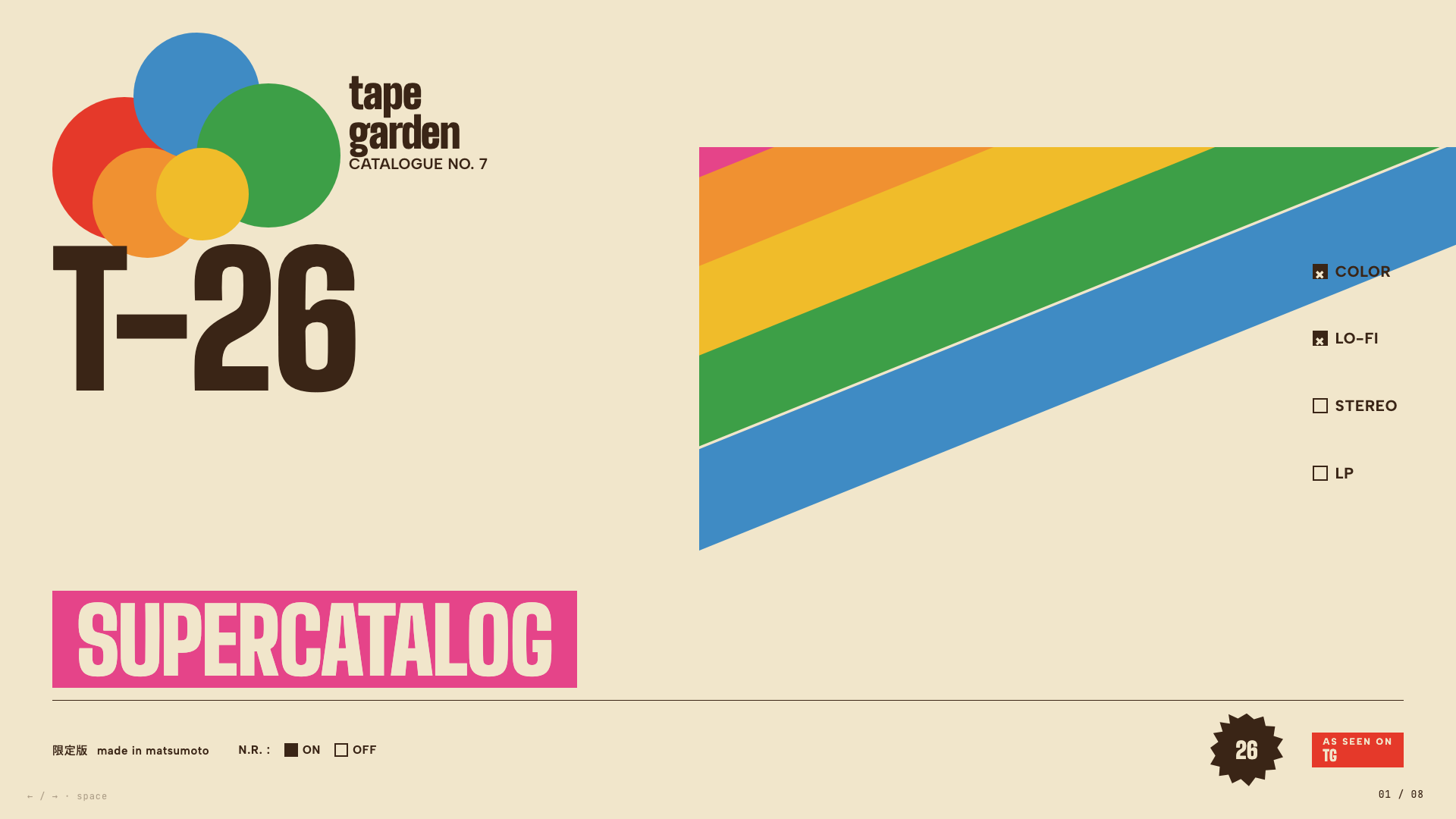
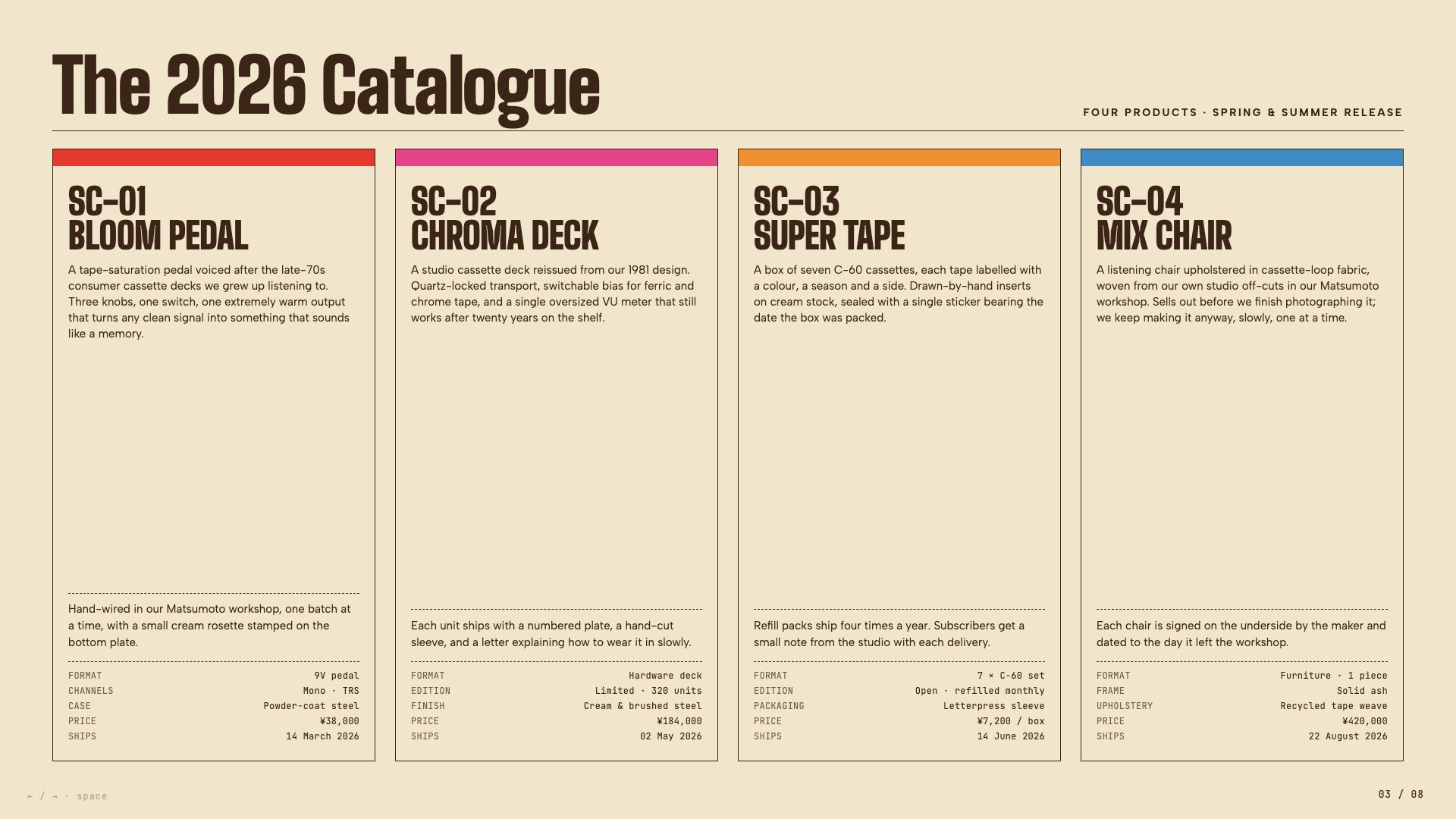
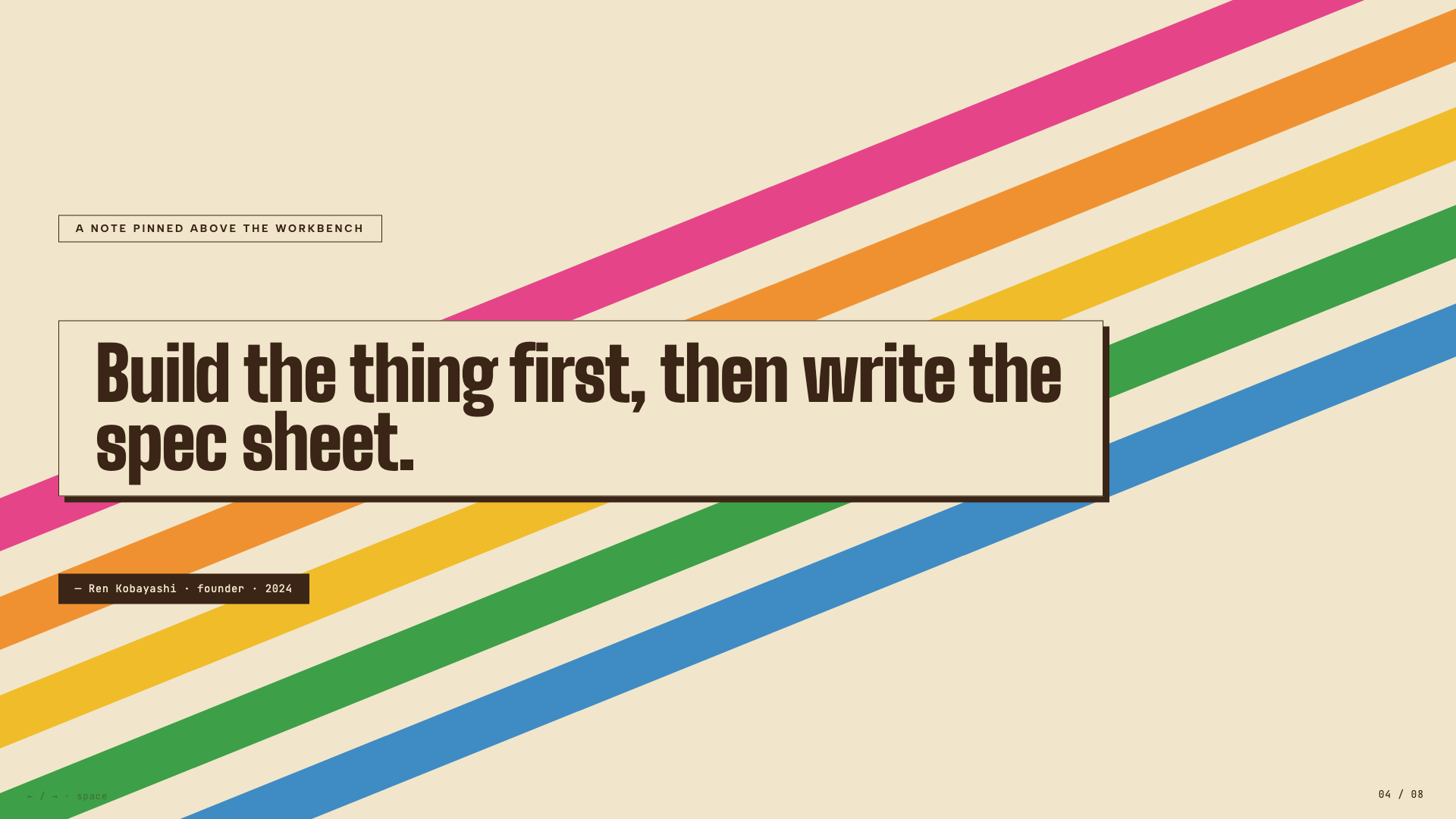
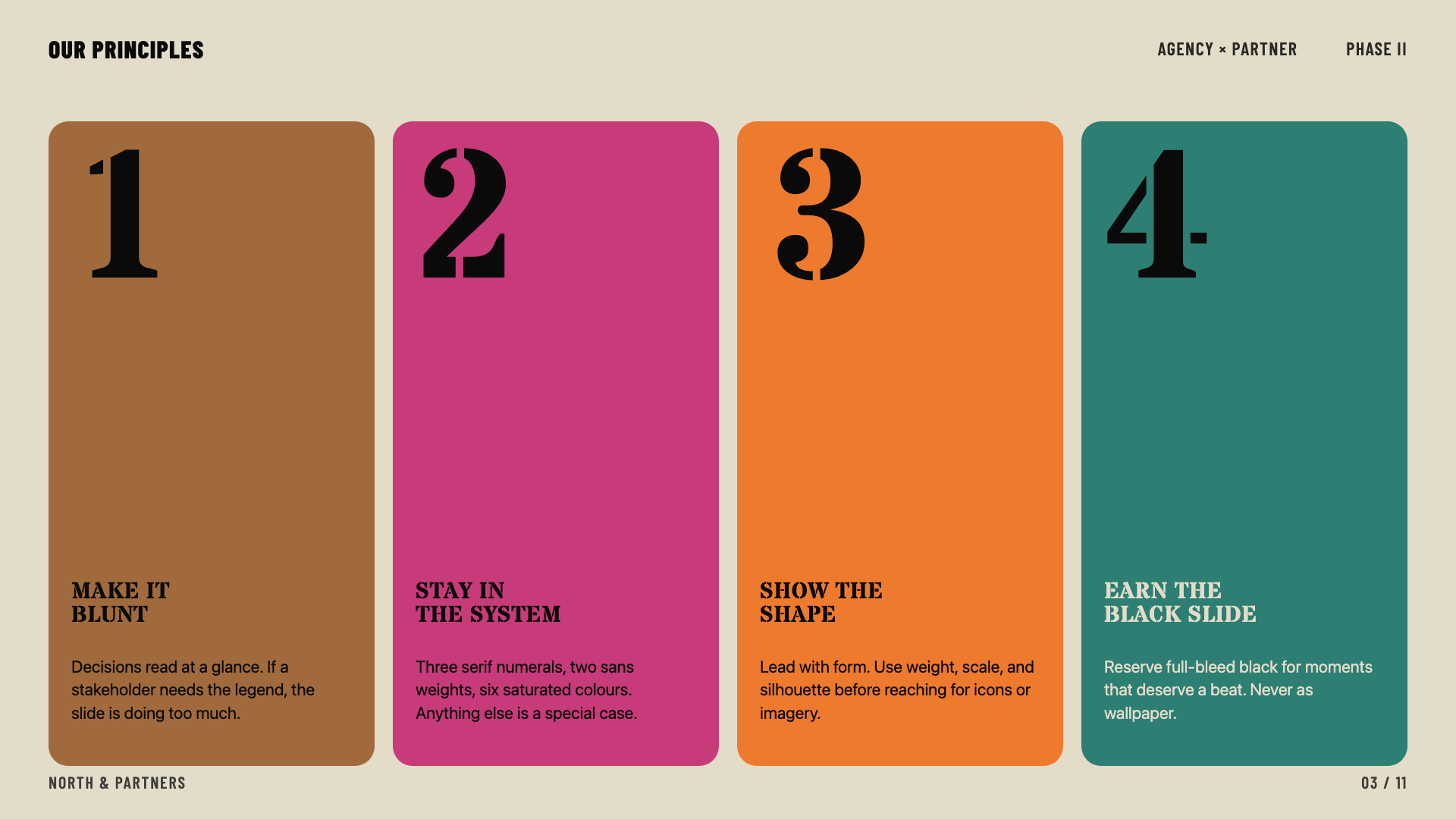
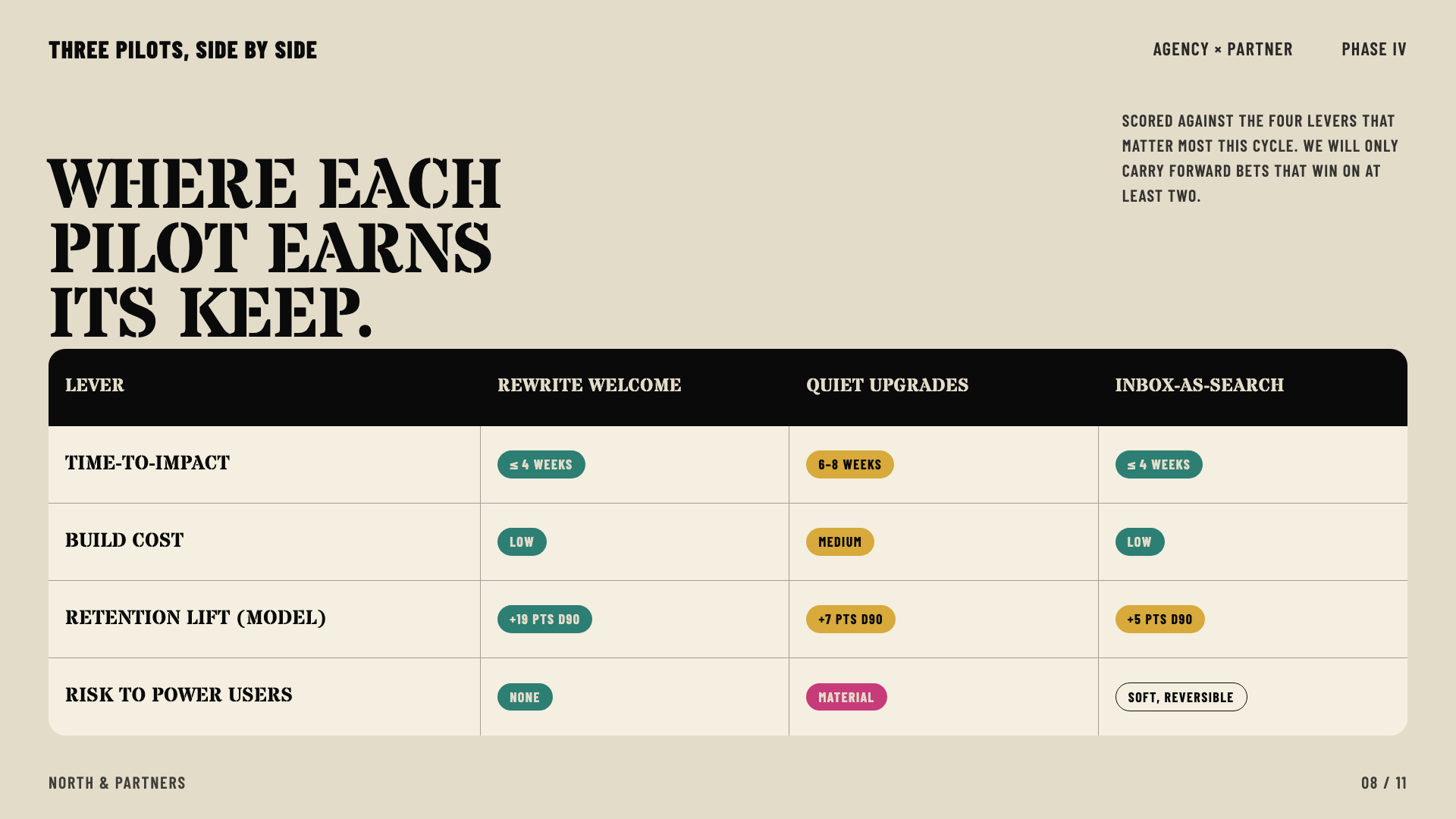
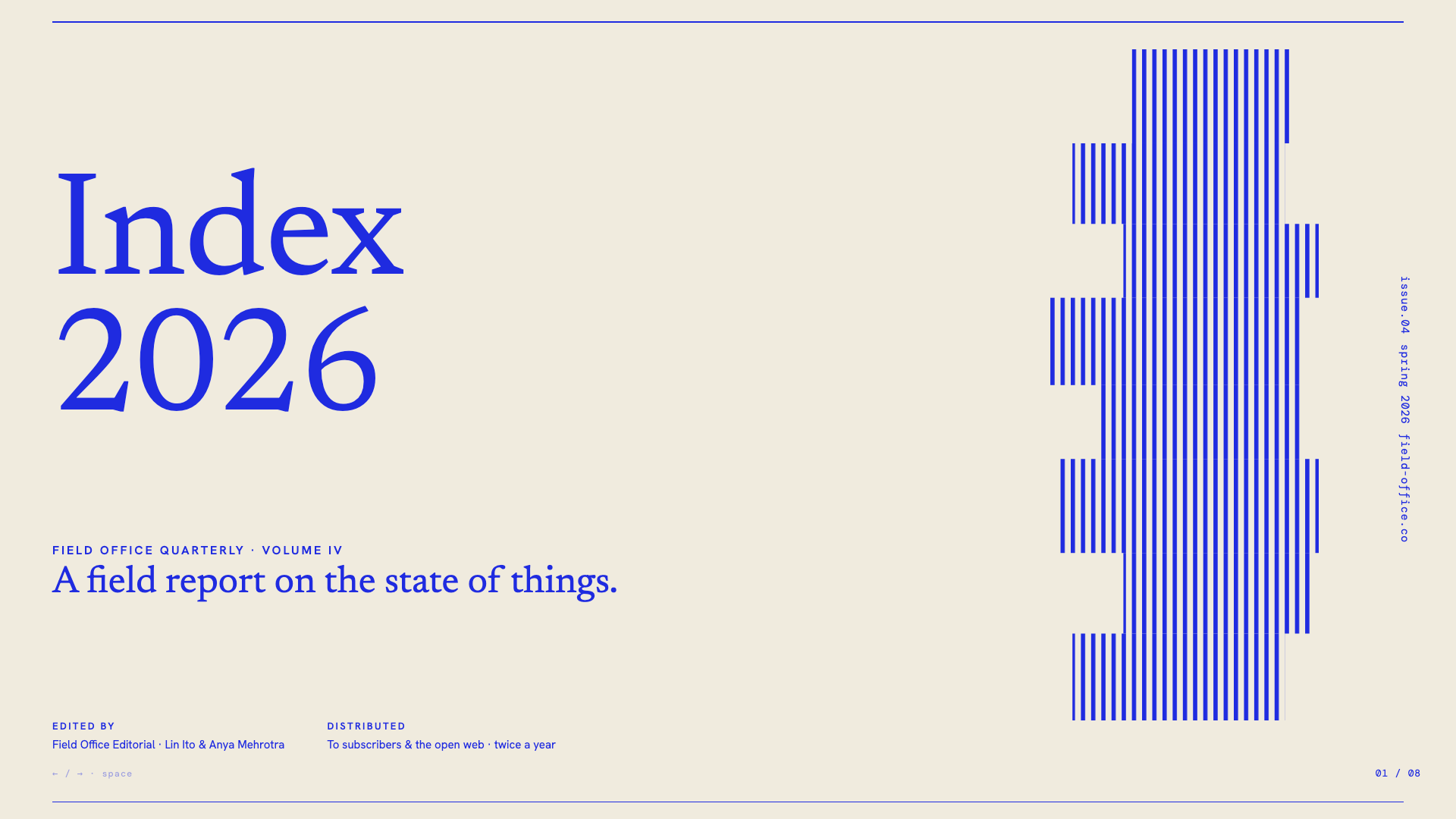
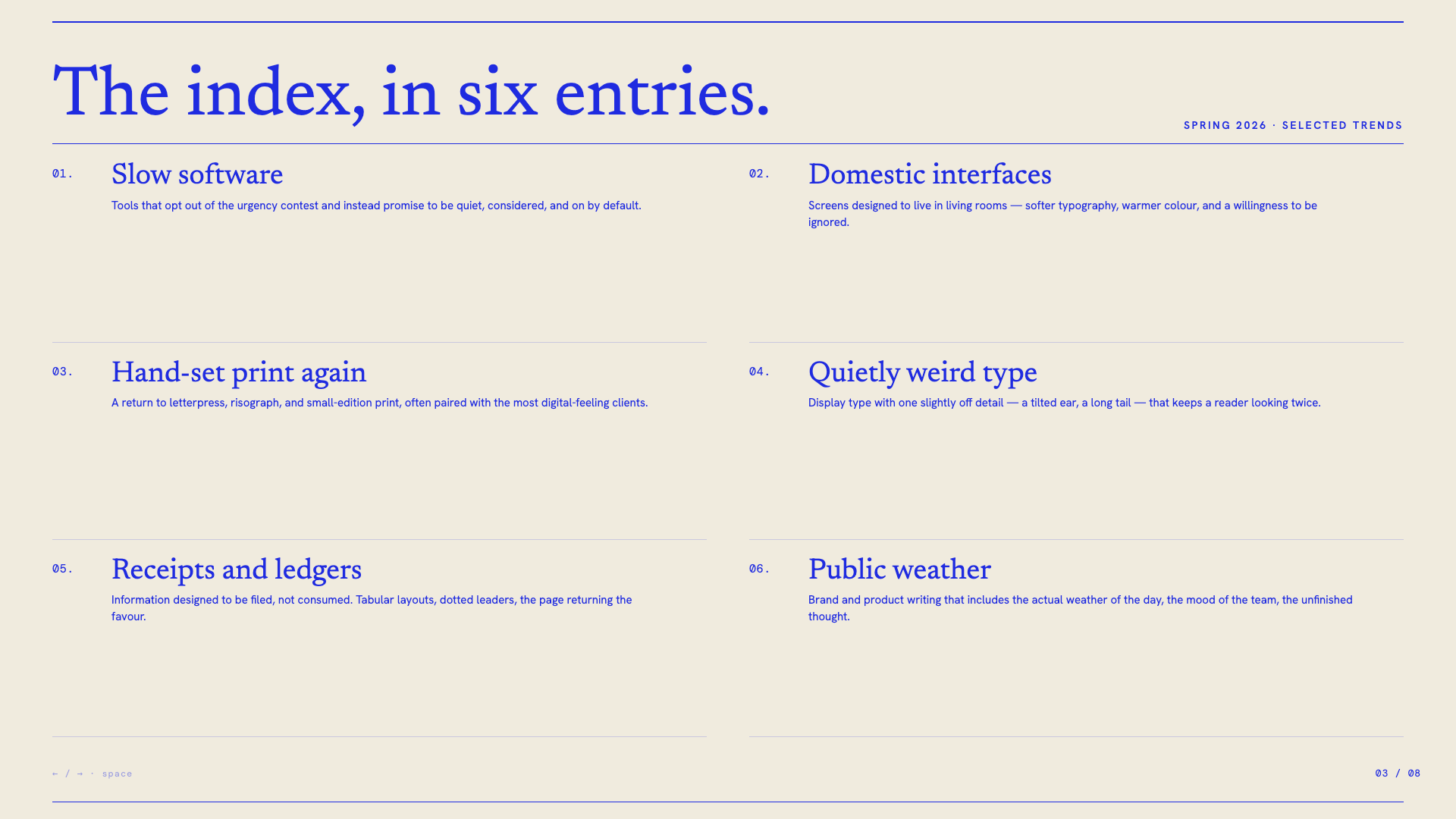
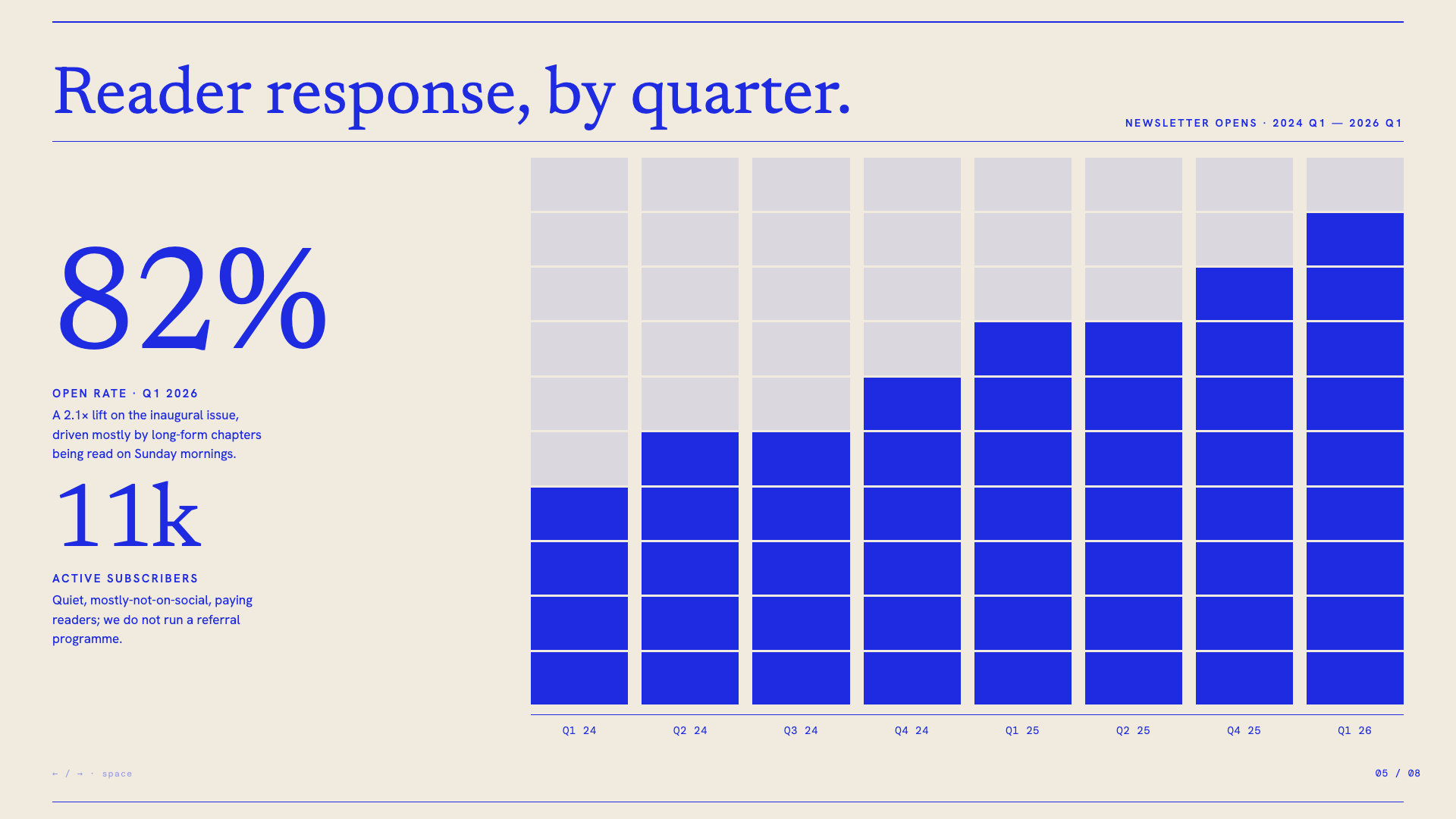
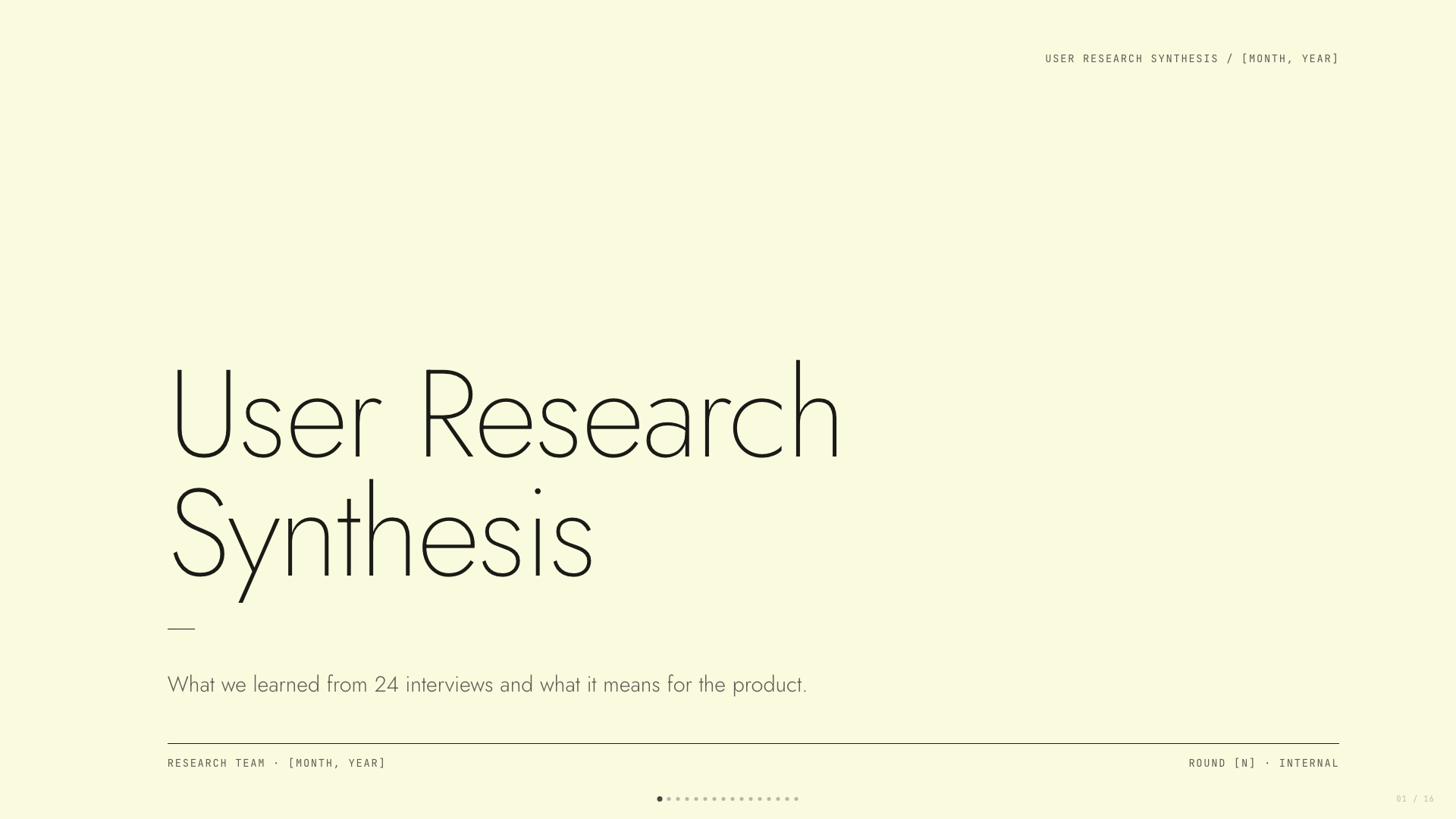
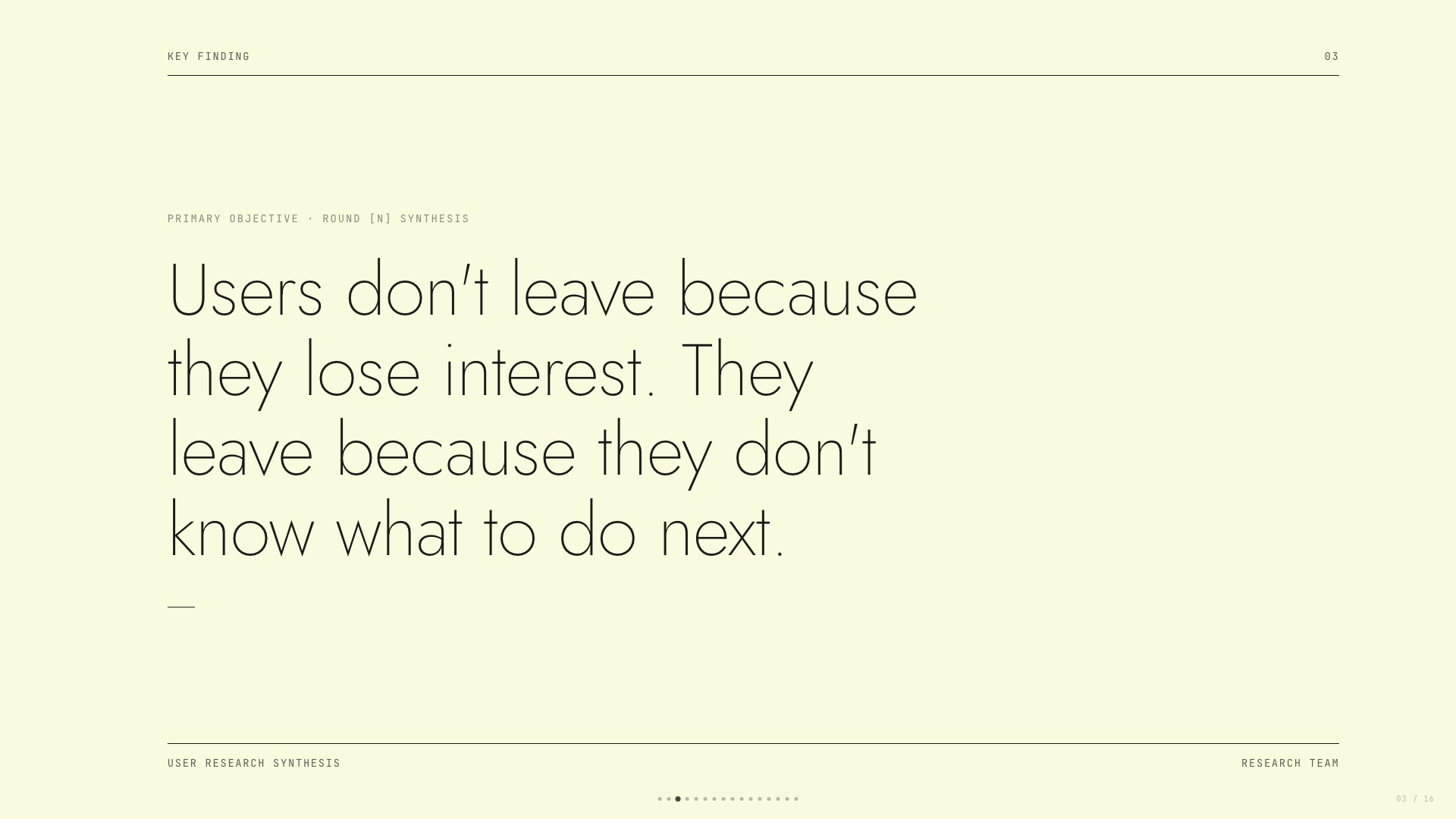
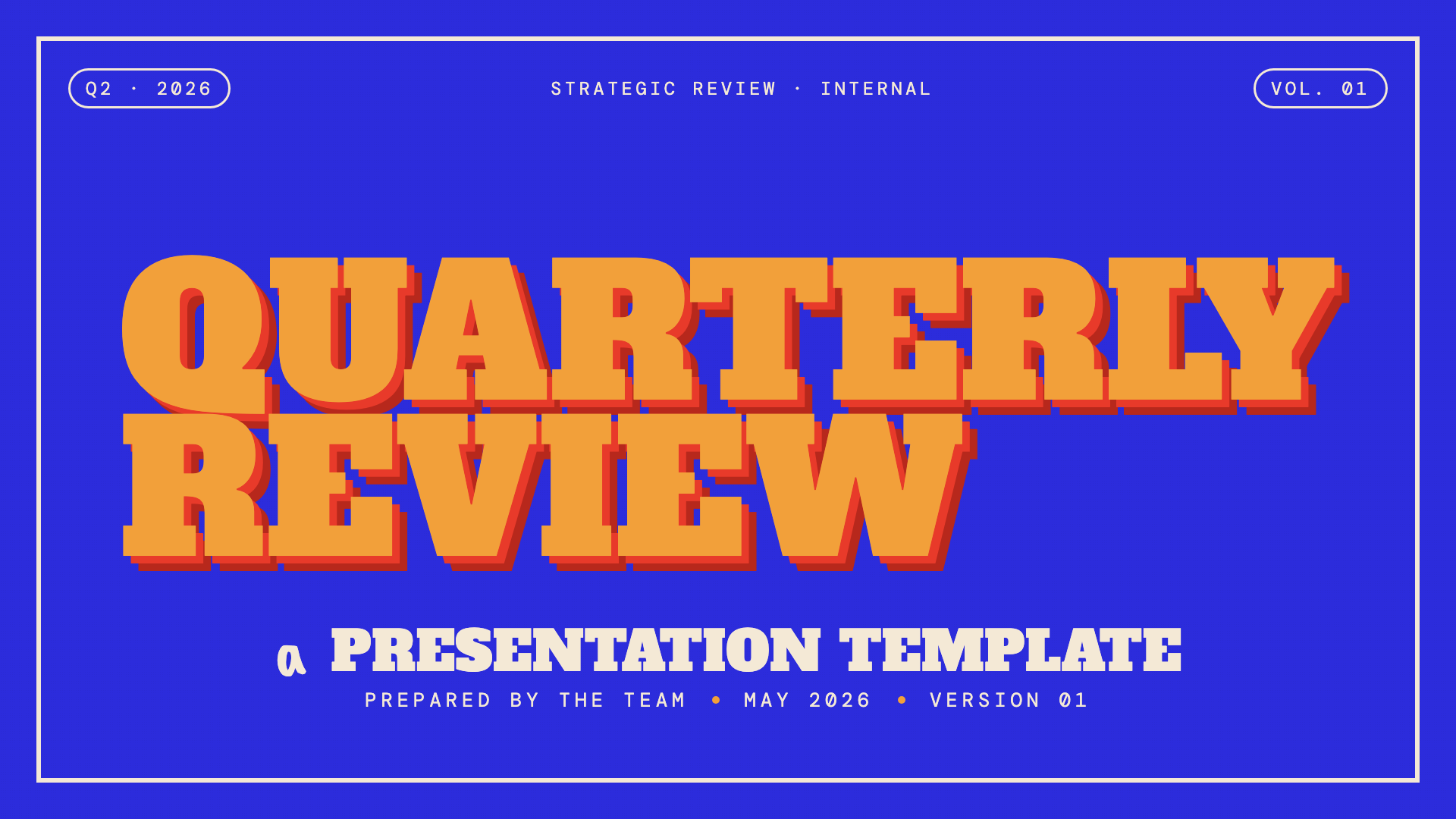
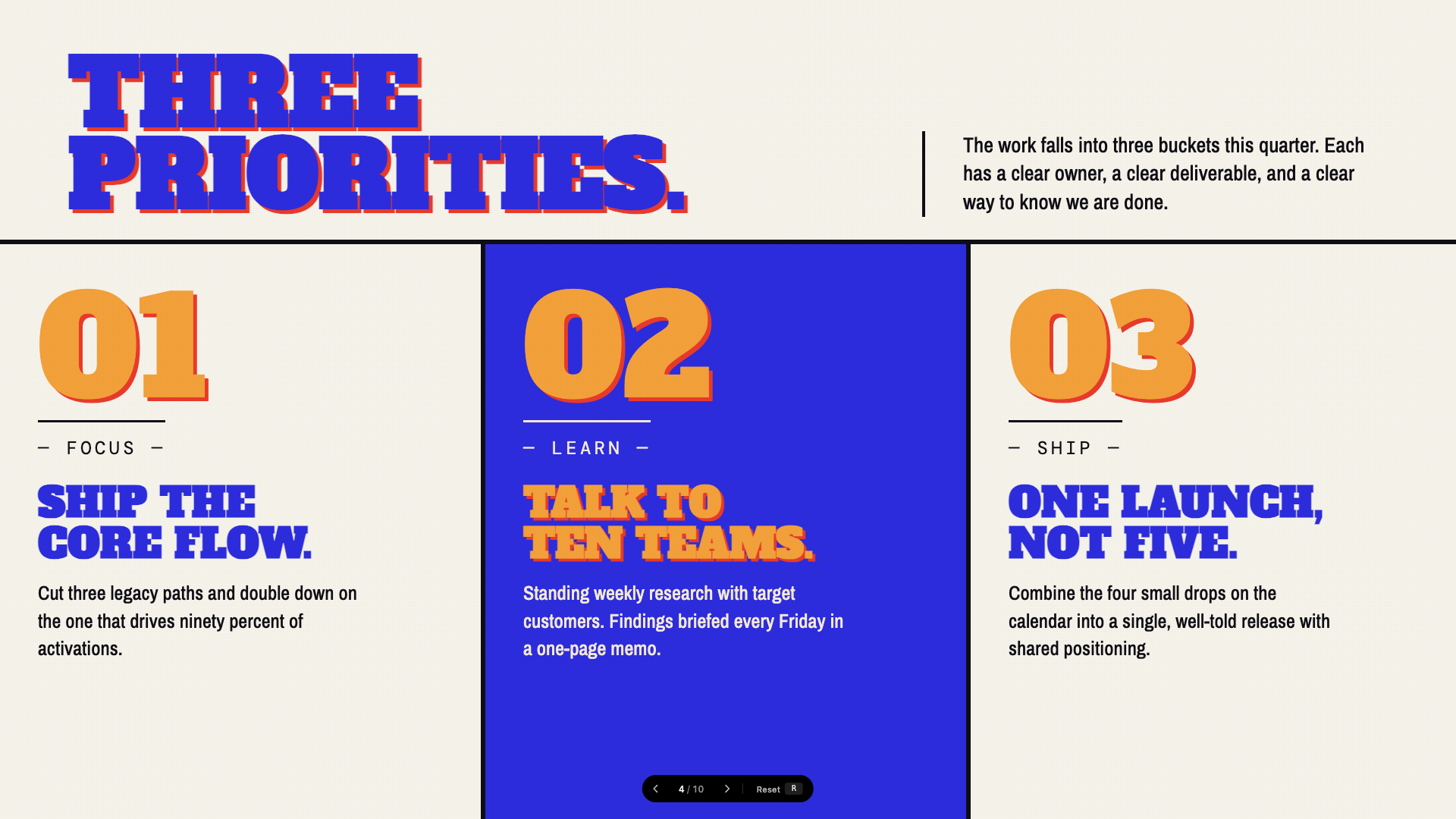
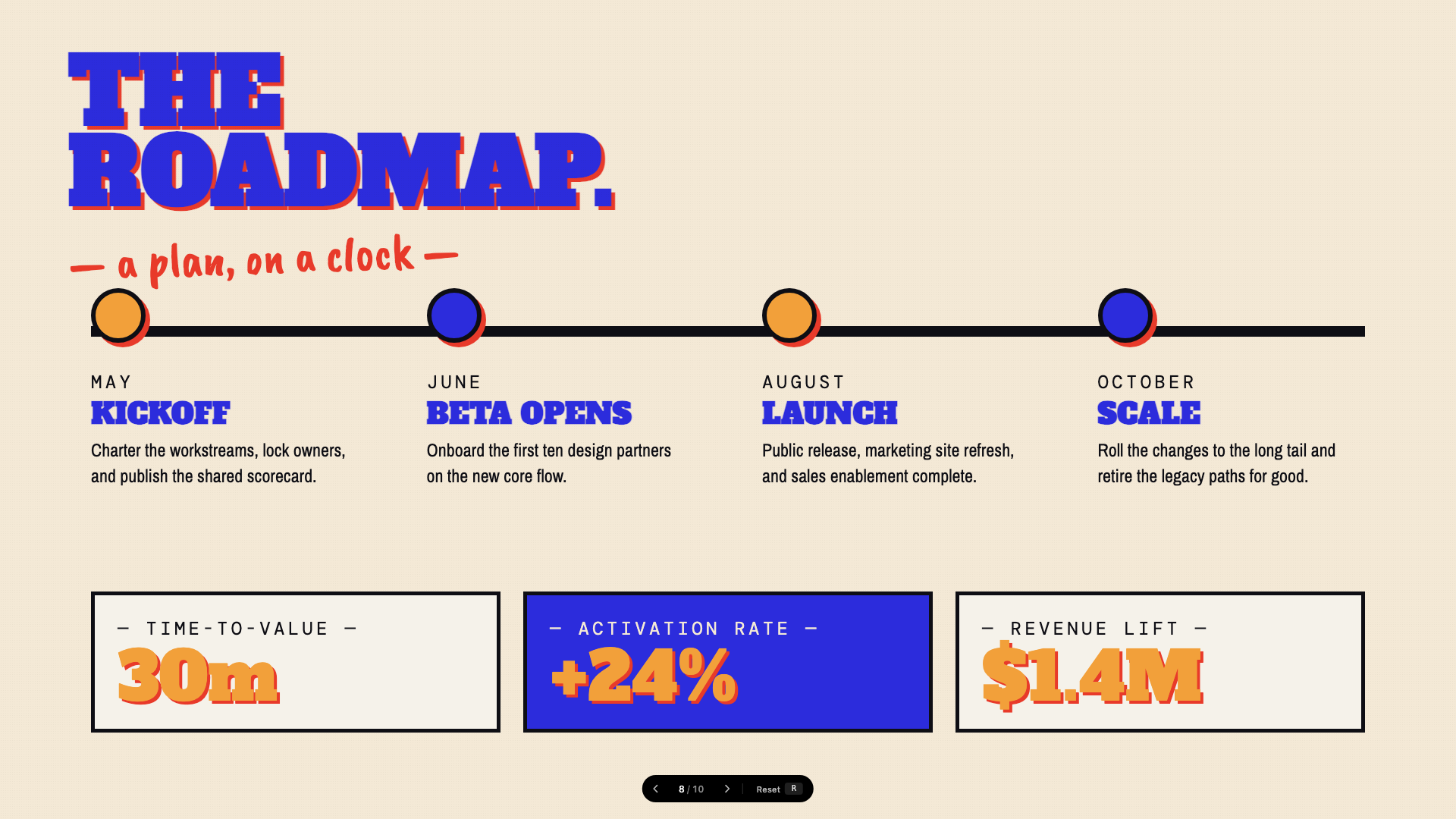
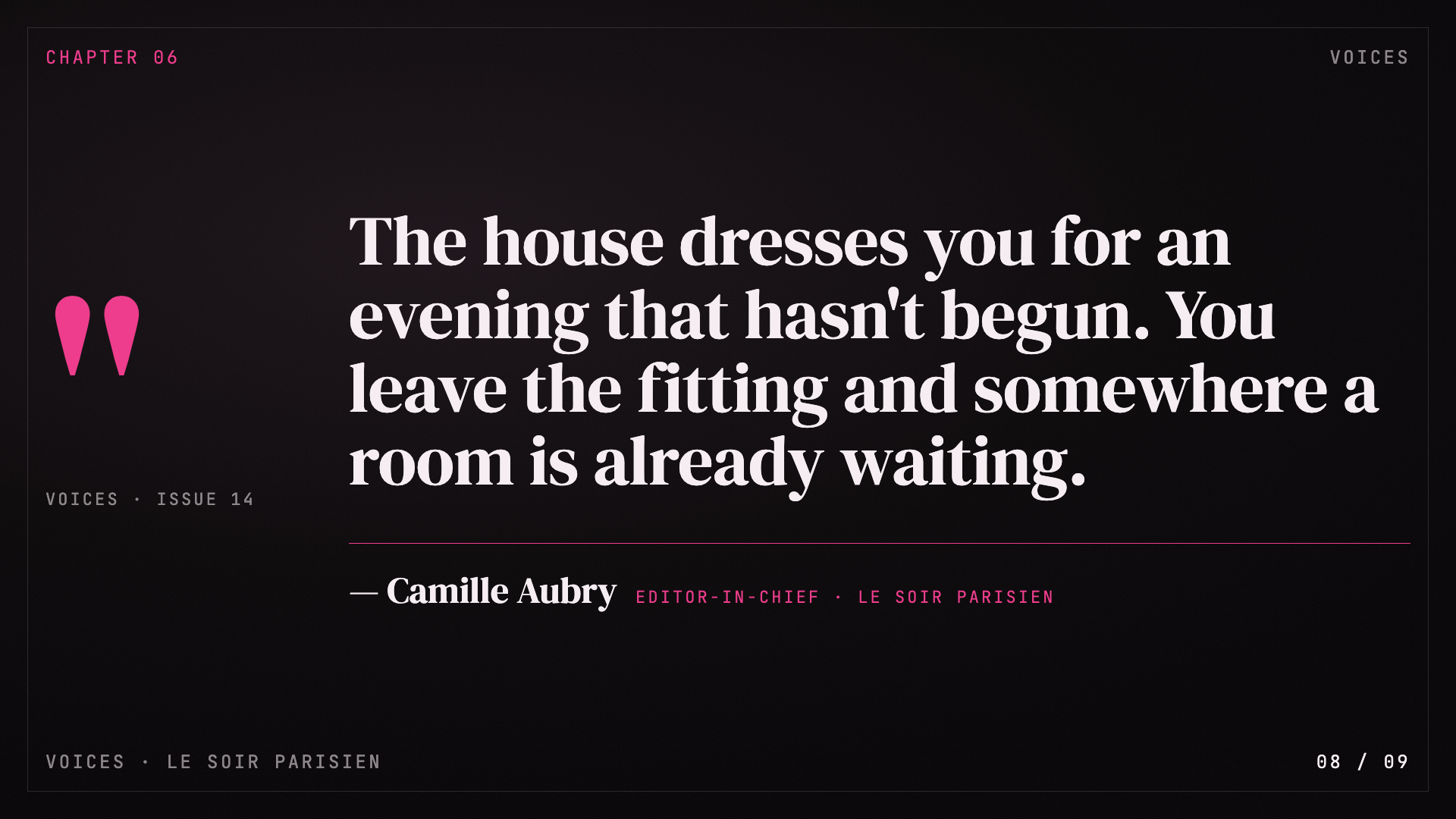
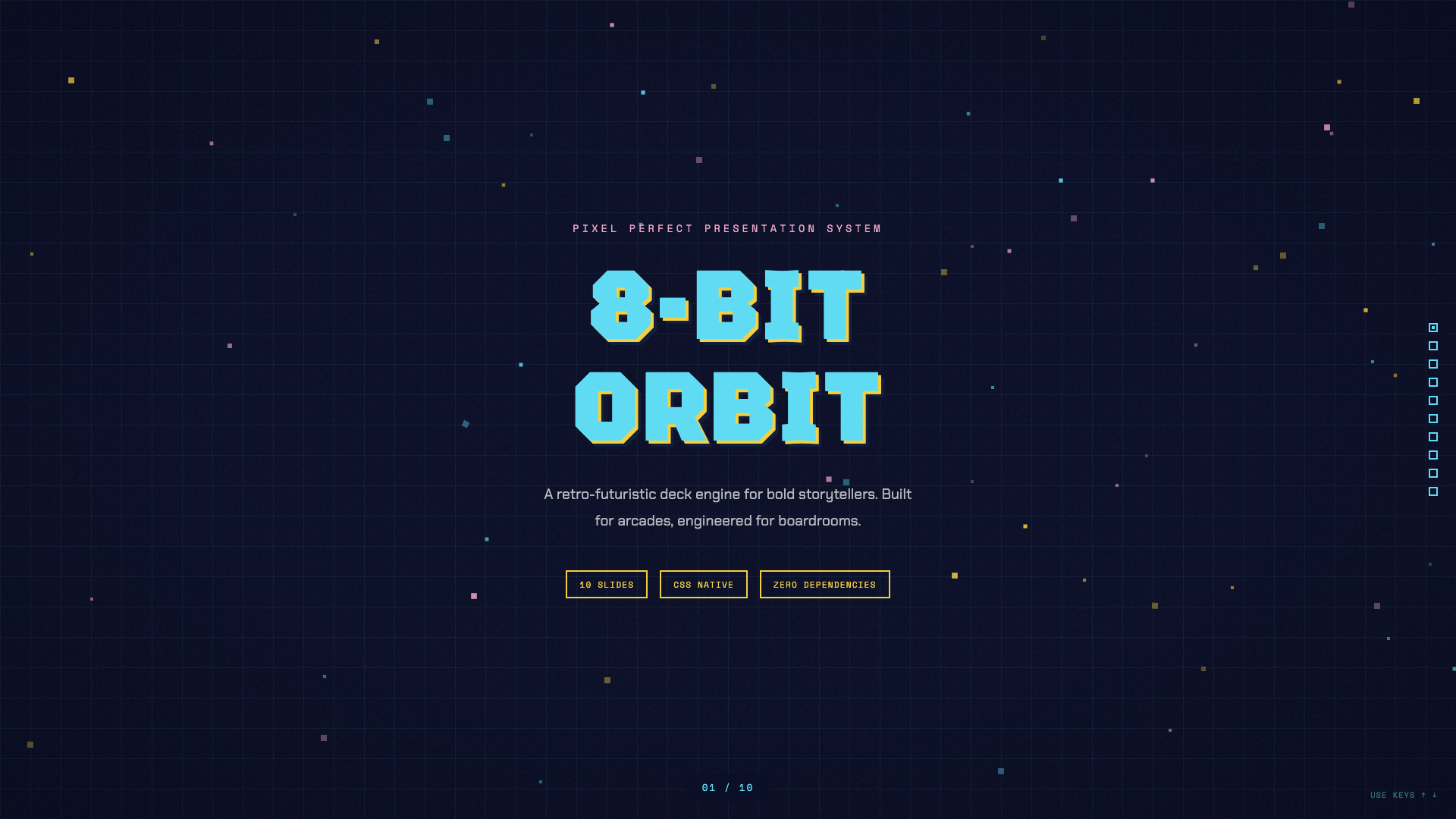
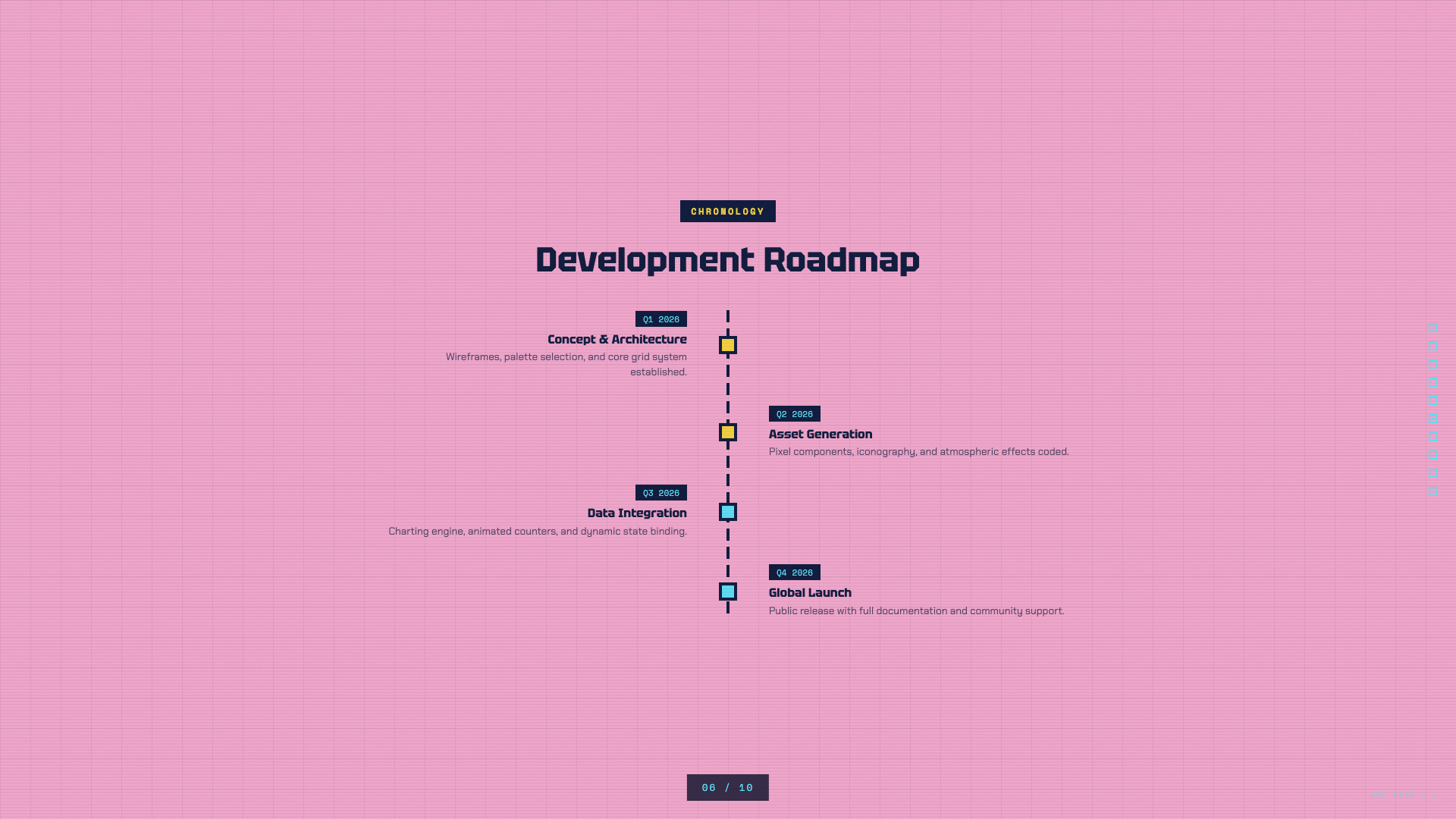
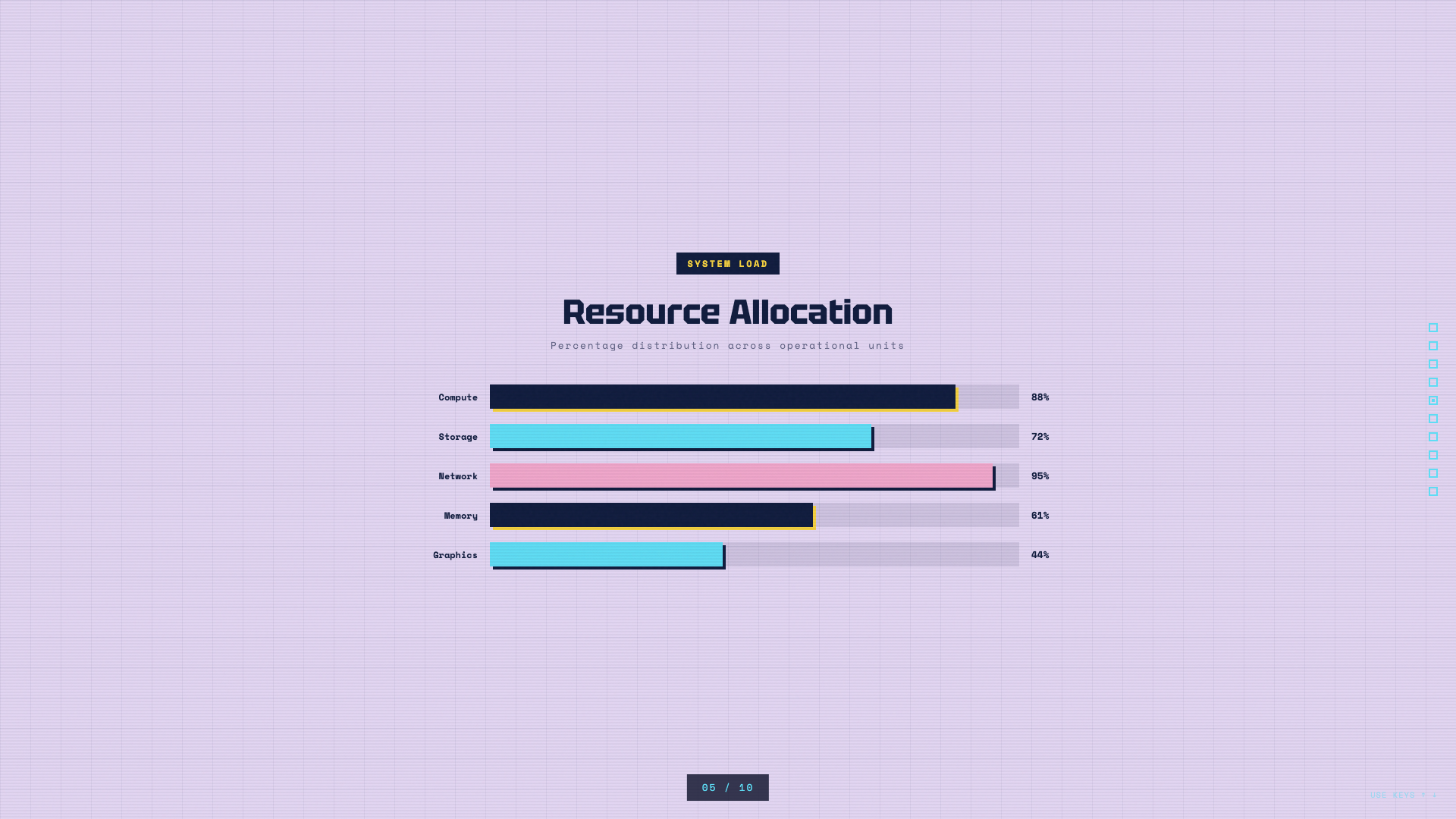
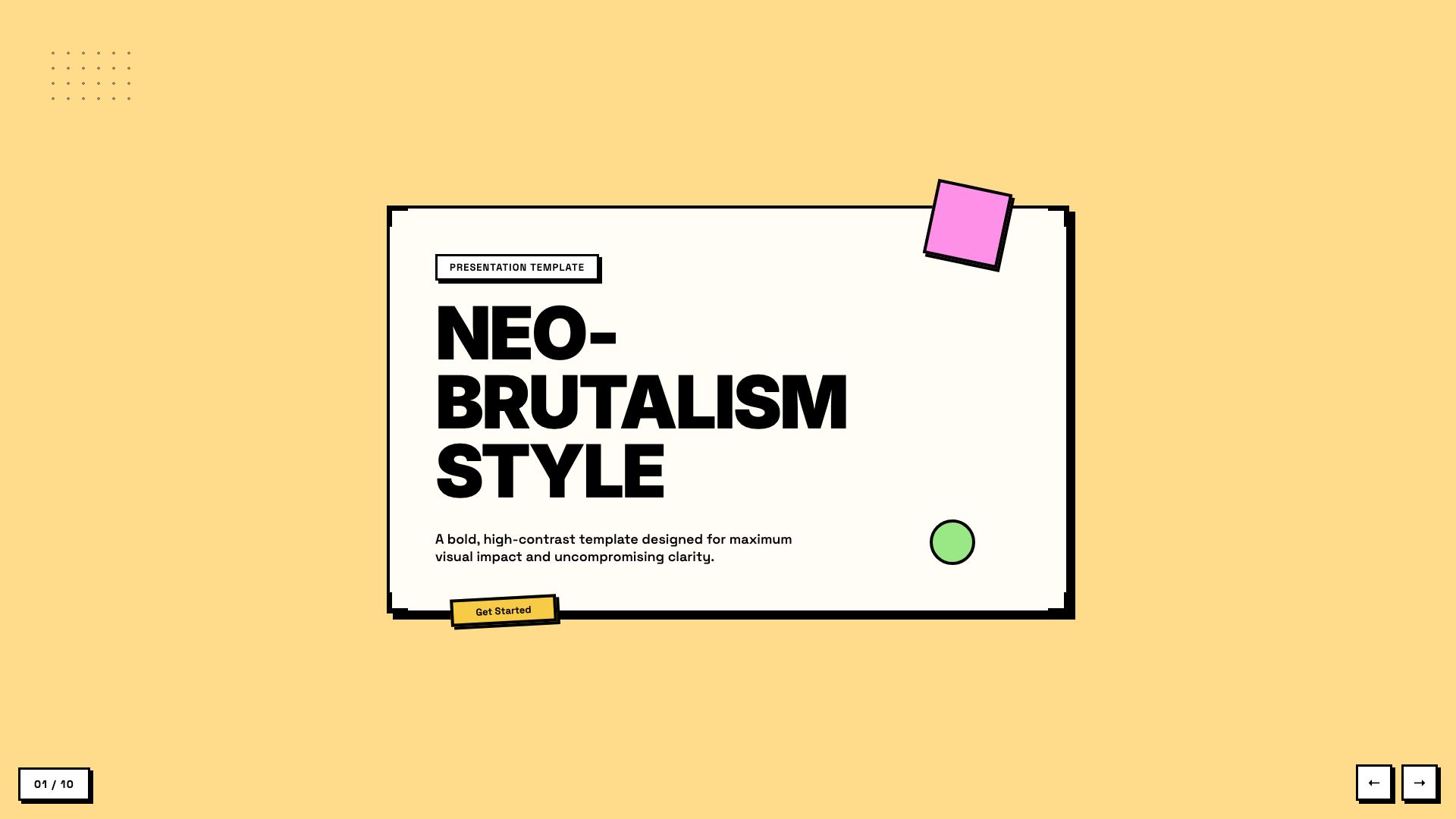
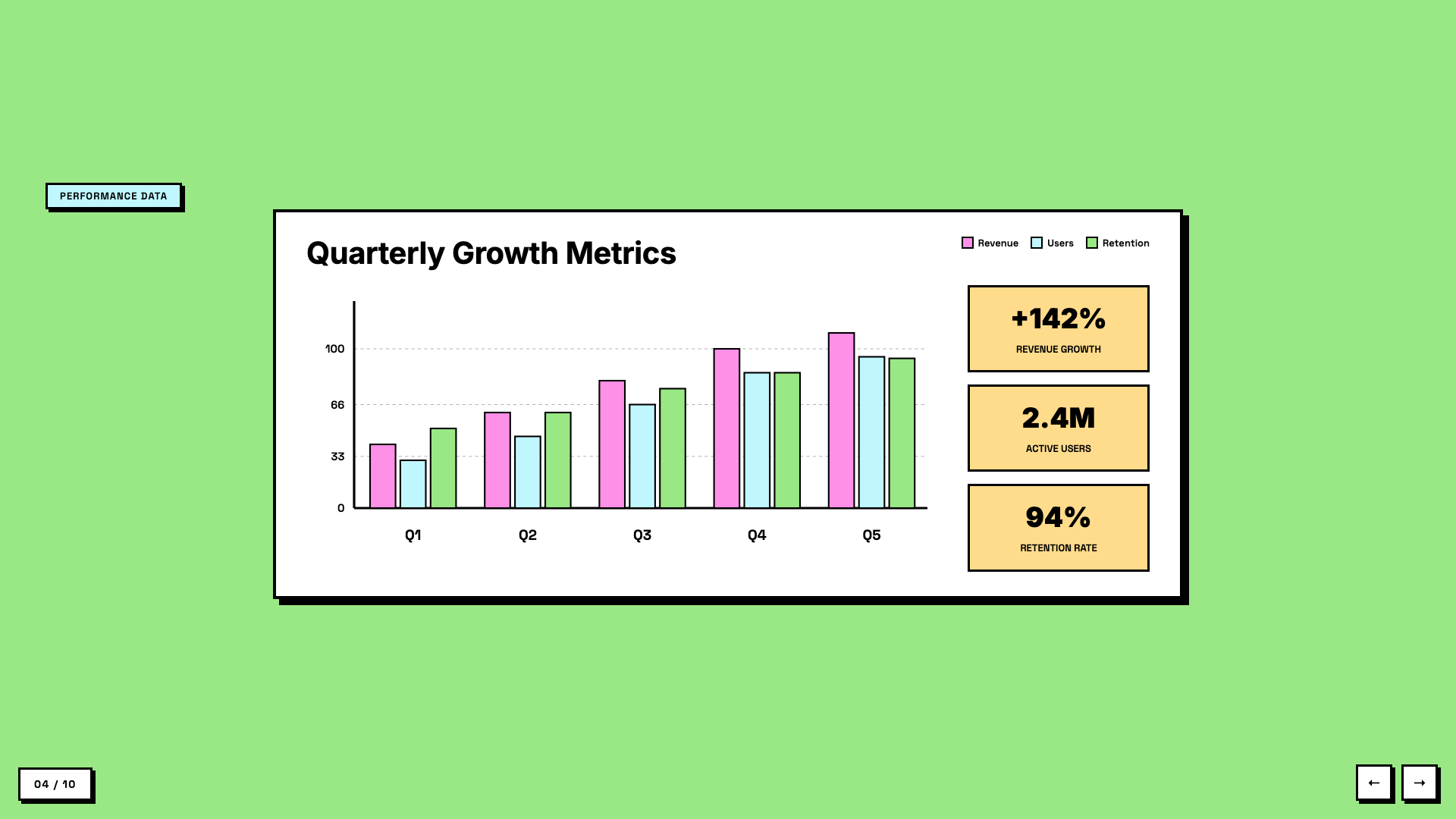
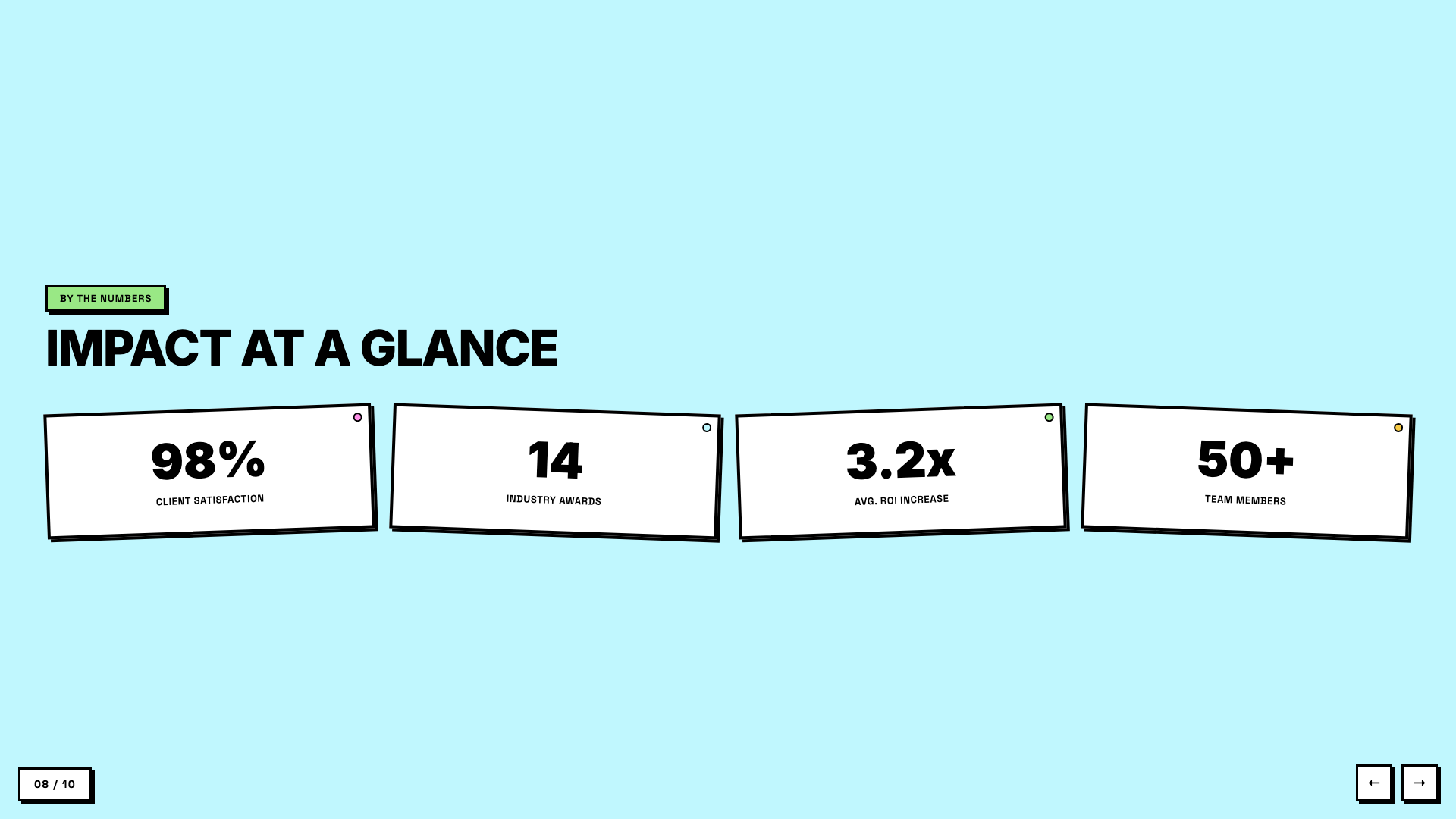
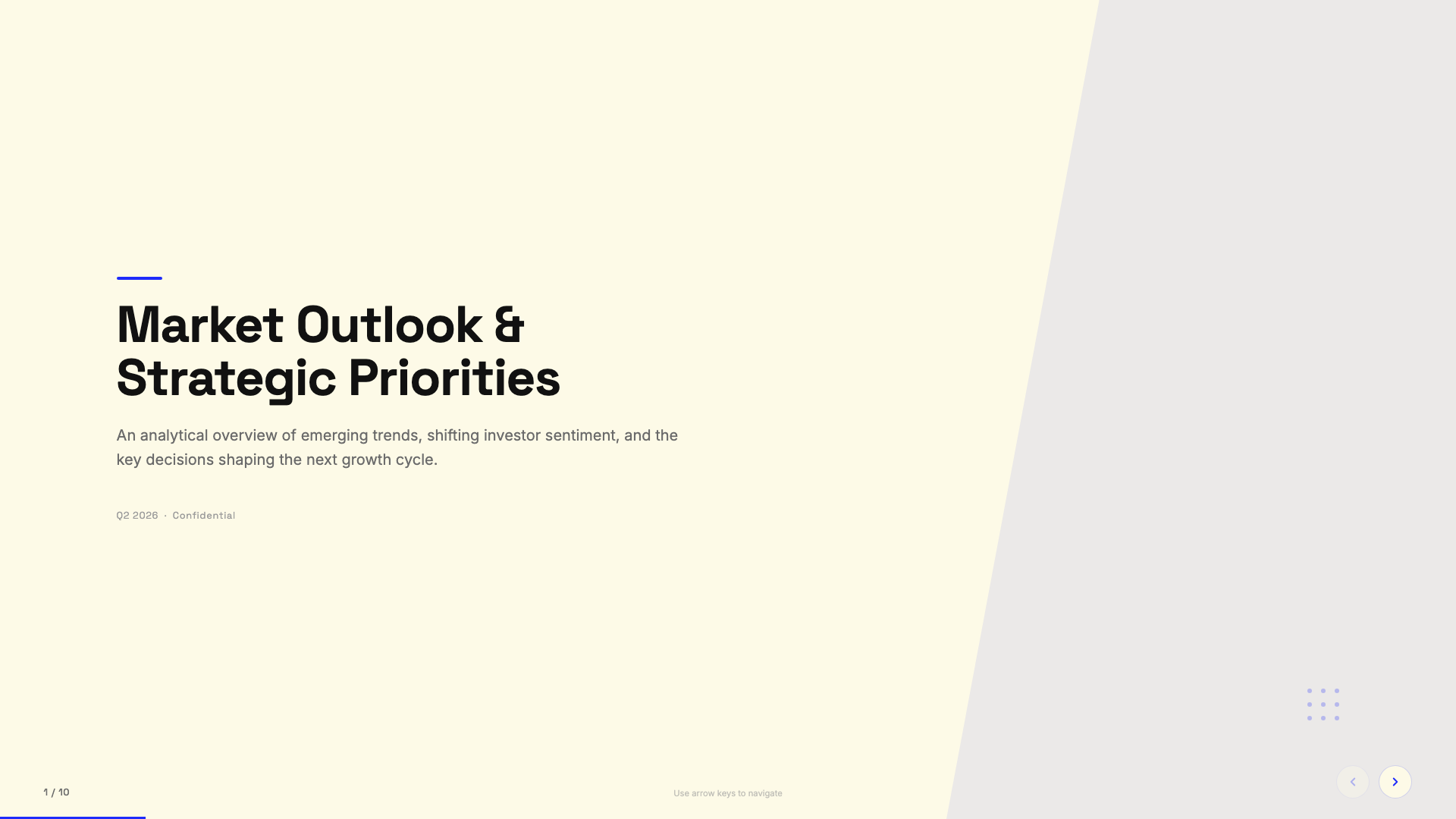
Yes. It extracts all text, images, and notes from your PPT, shows you the extracted content for confirmation, lets you pick a visual style, and generates an HTML presentation that keeps all your original assets.How many ready-made styles does it include?Twelve curated presets across dark, light, and specialty themes (like Terminal Green and Swiss Modern), plus an optional Bold Template Pack with 34 design systems such as Neo-Grid Bold, Editorial Tri-Tone, and Vellum.
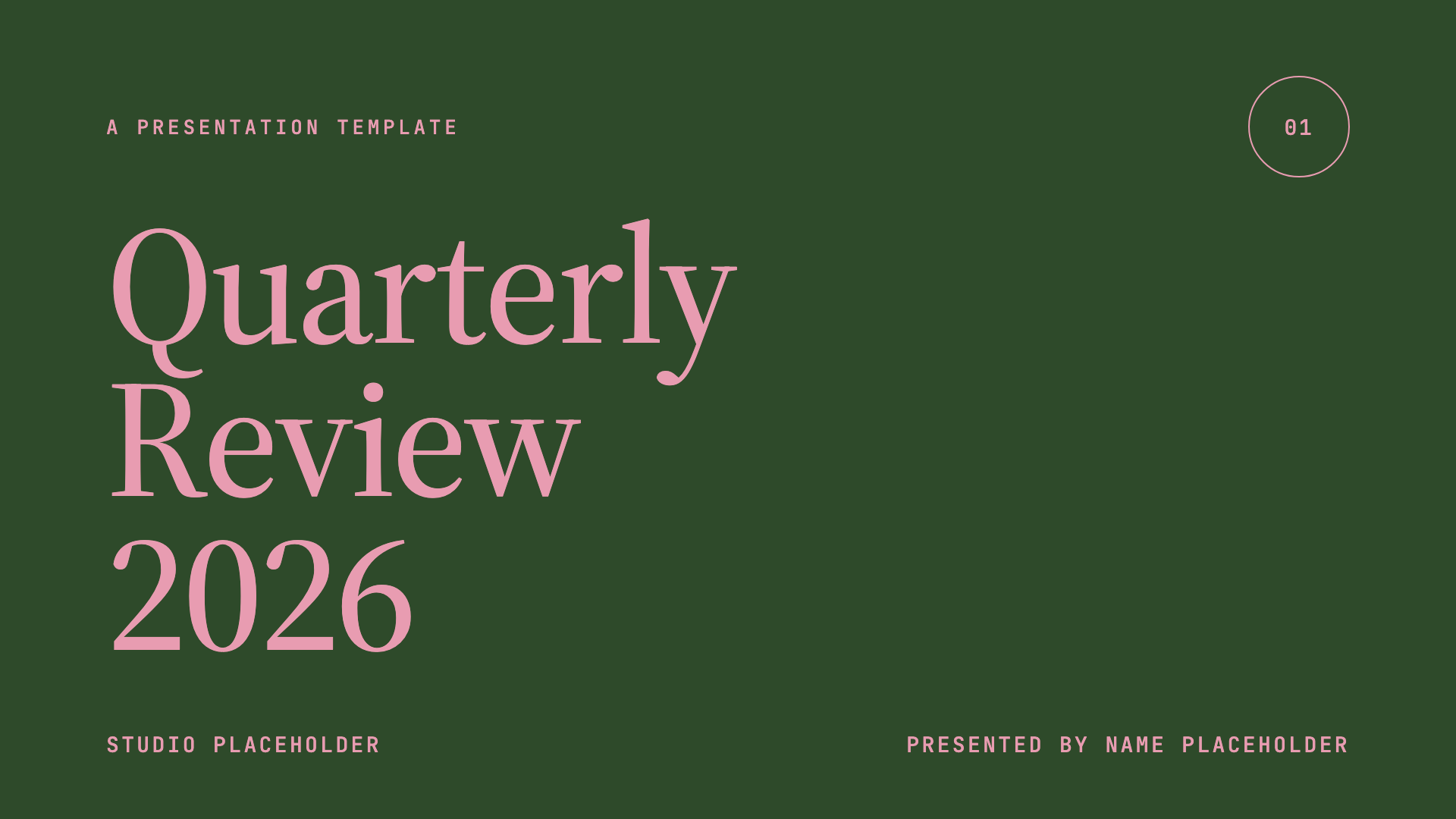
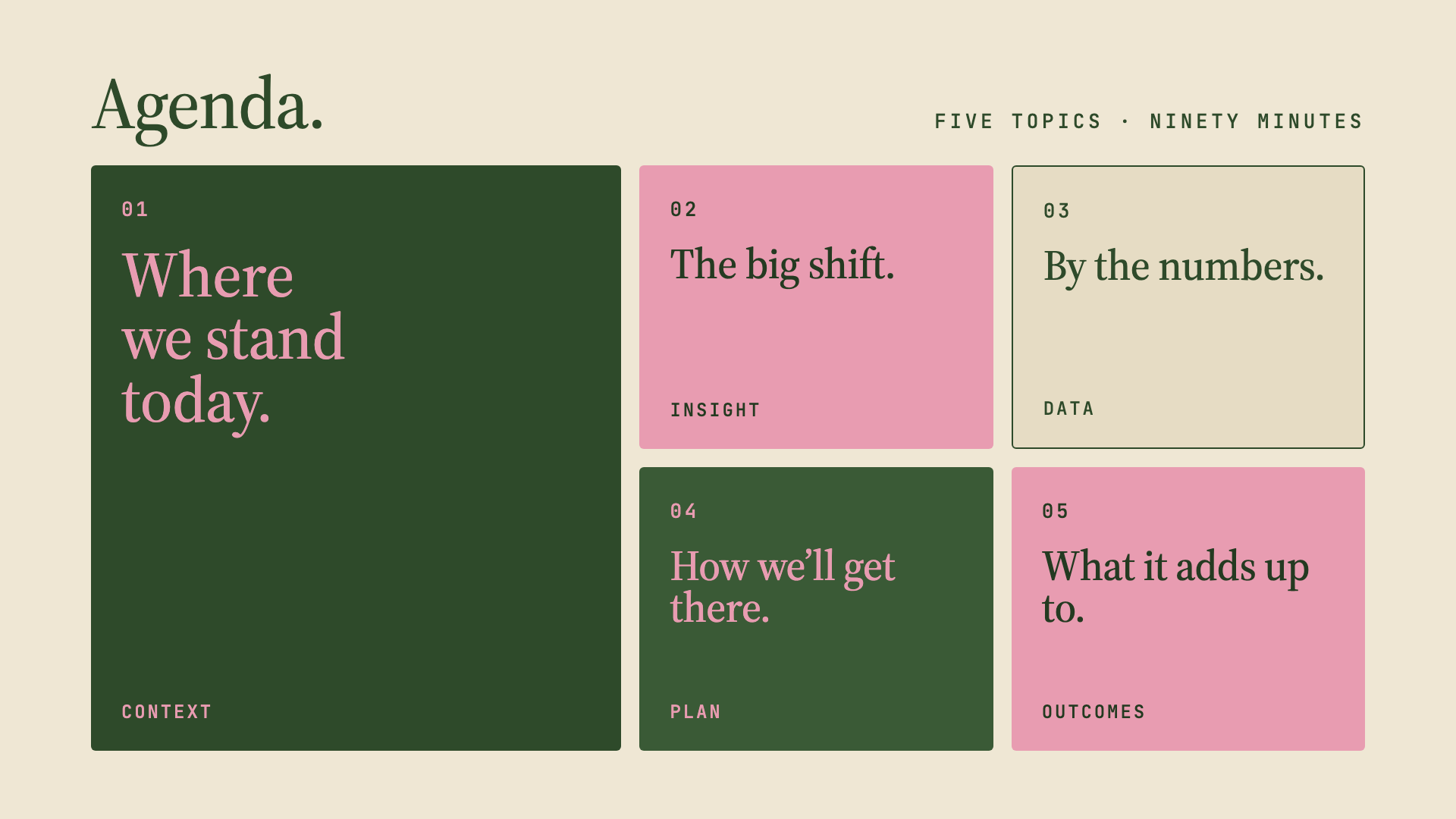
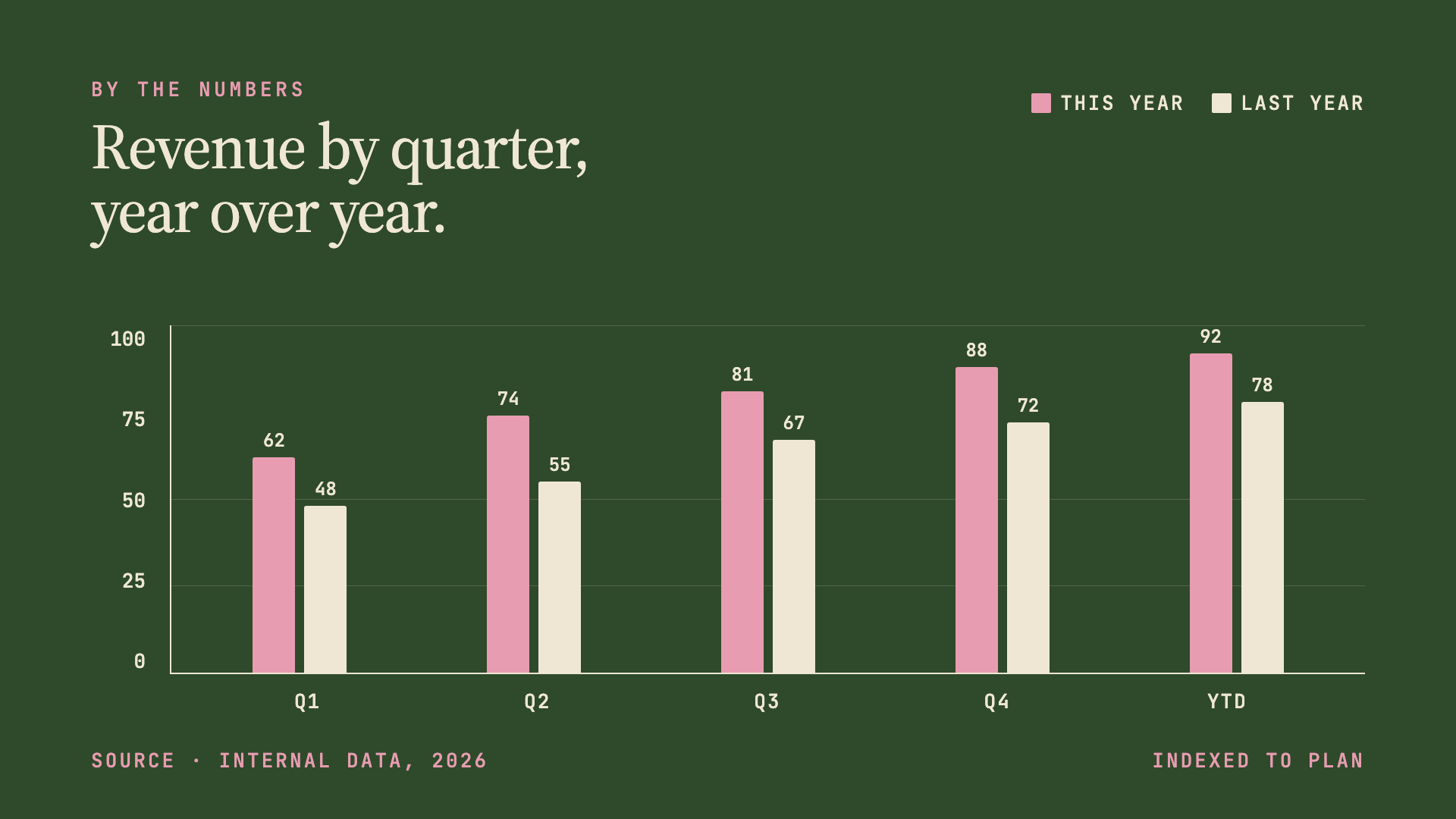
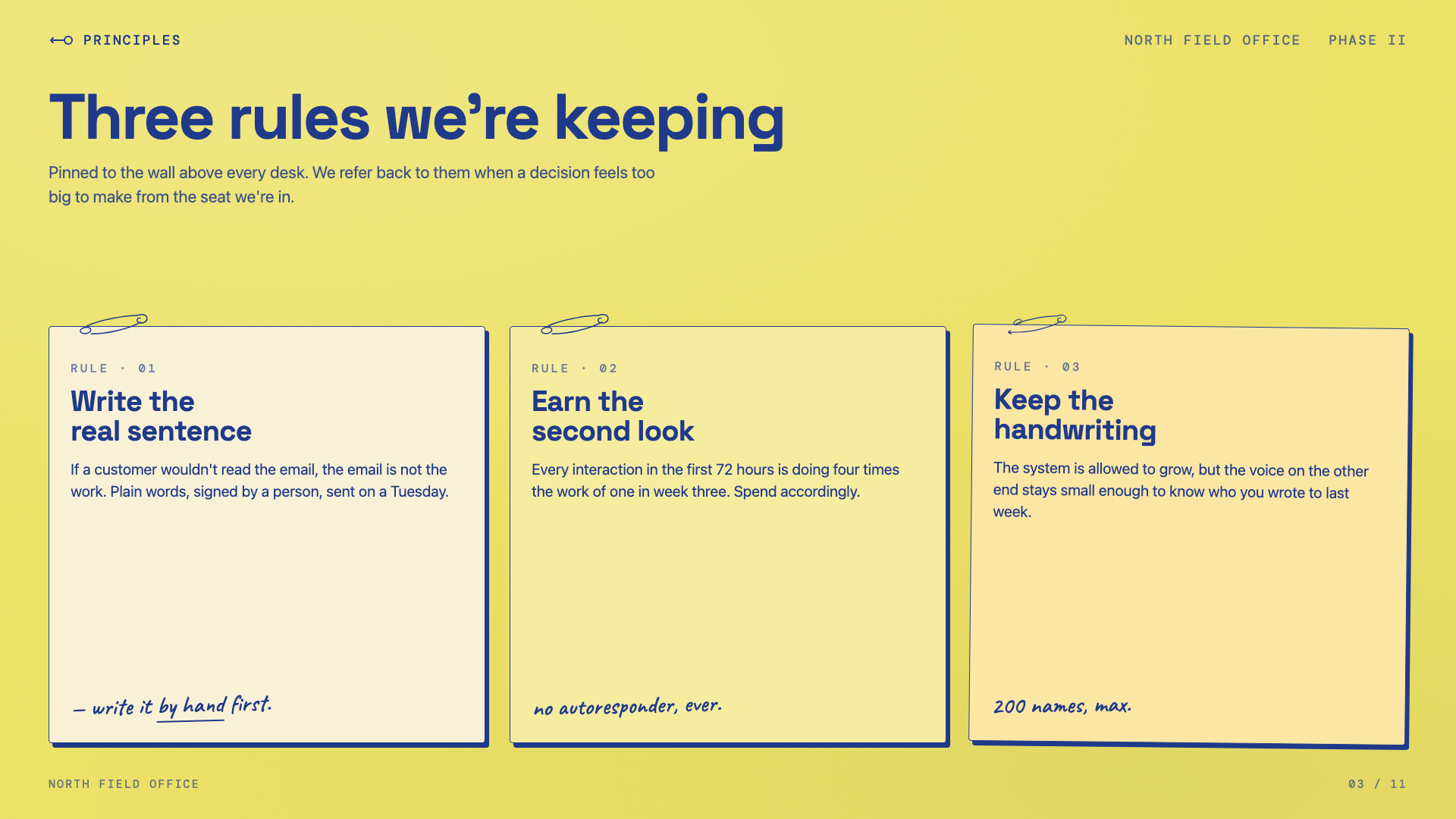
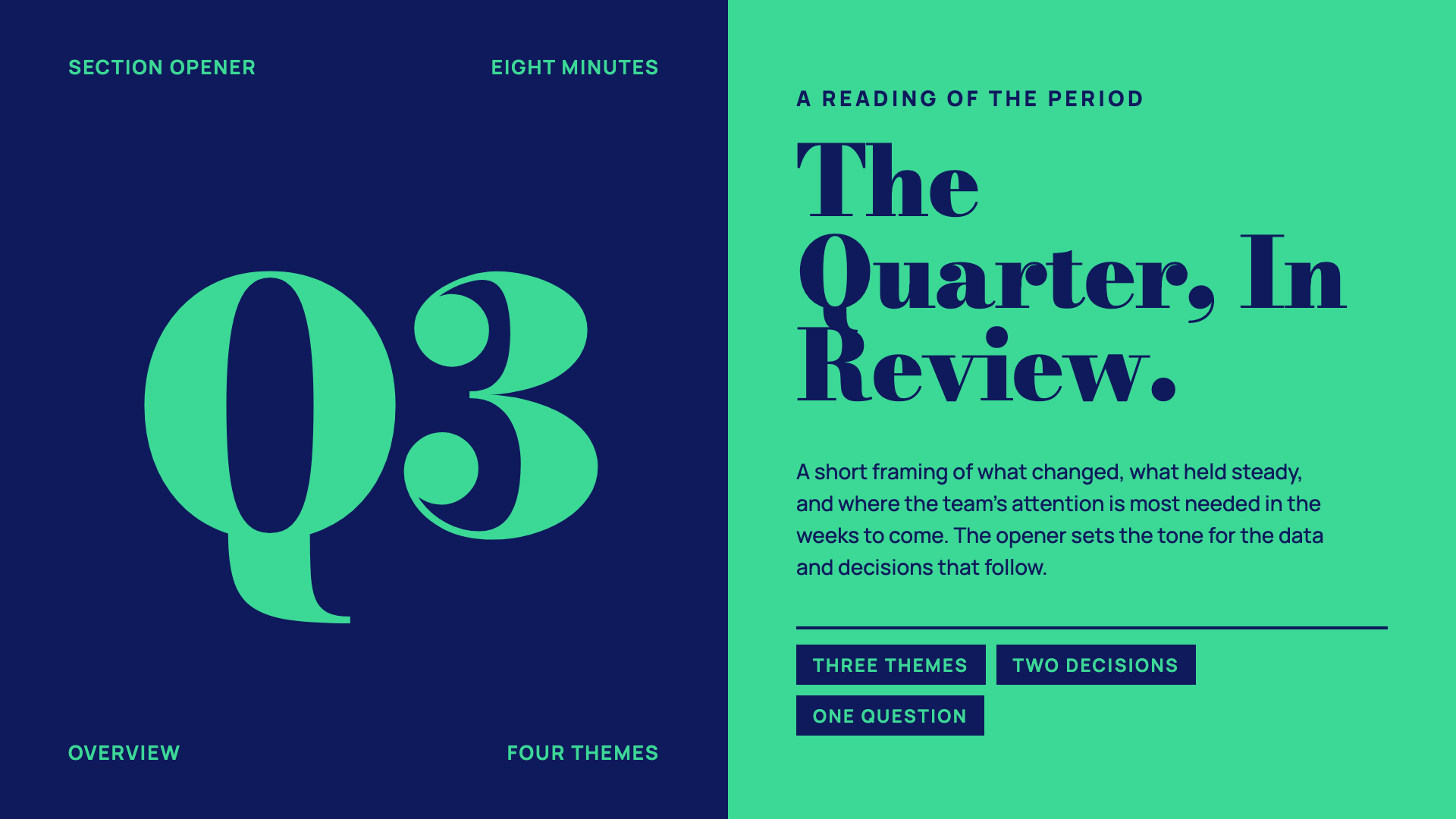
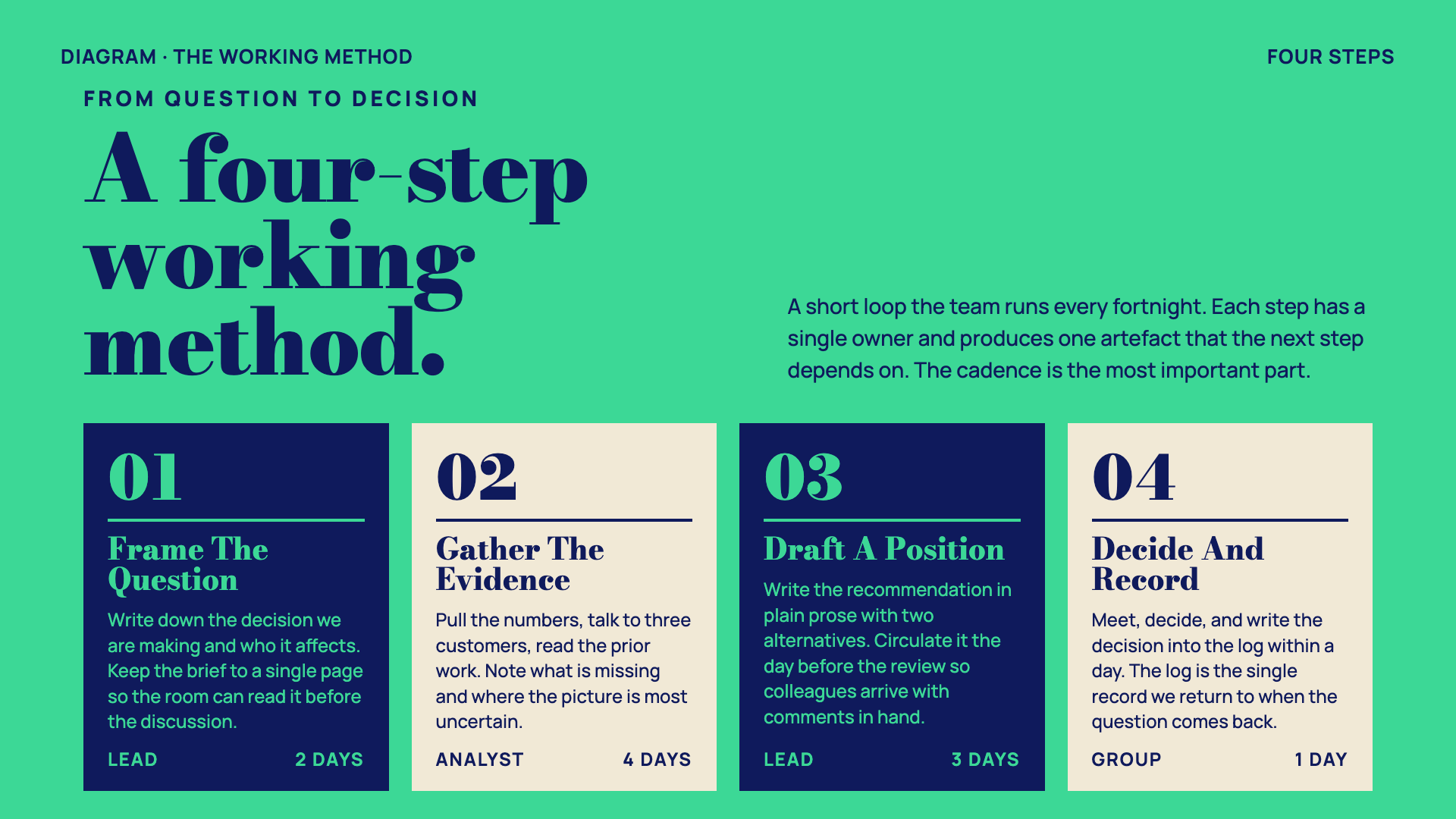
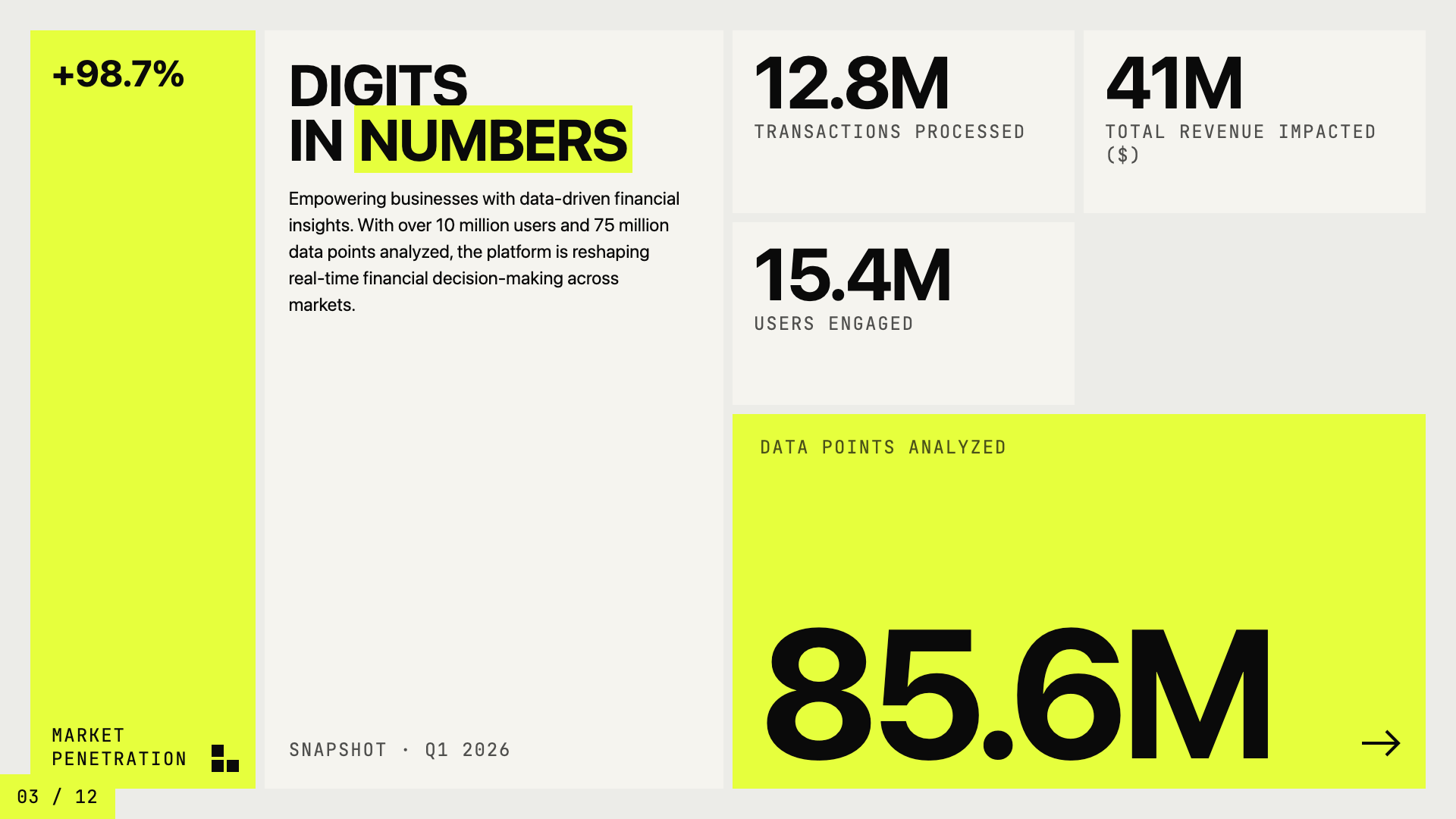
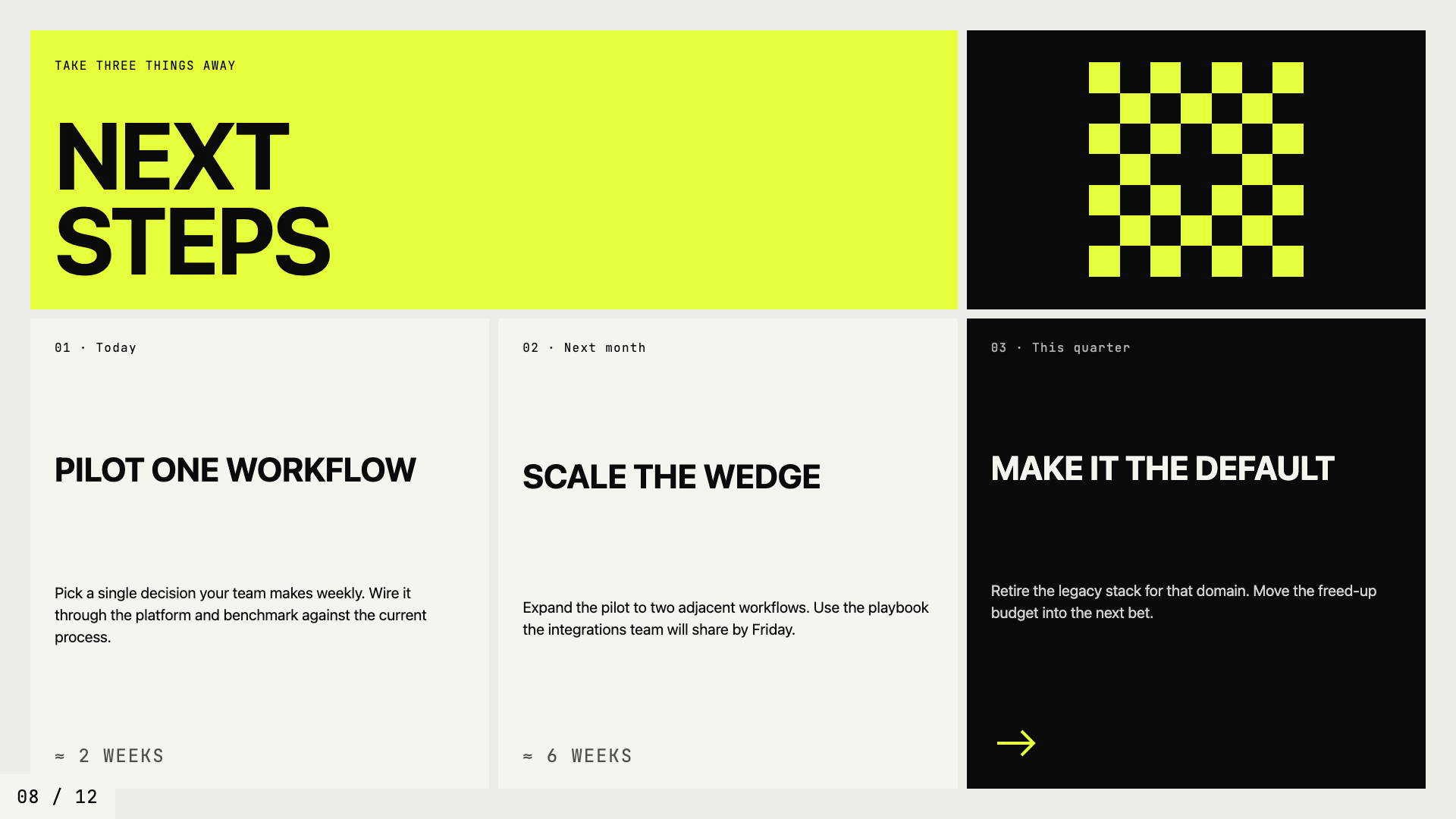
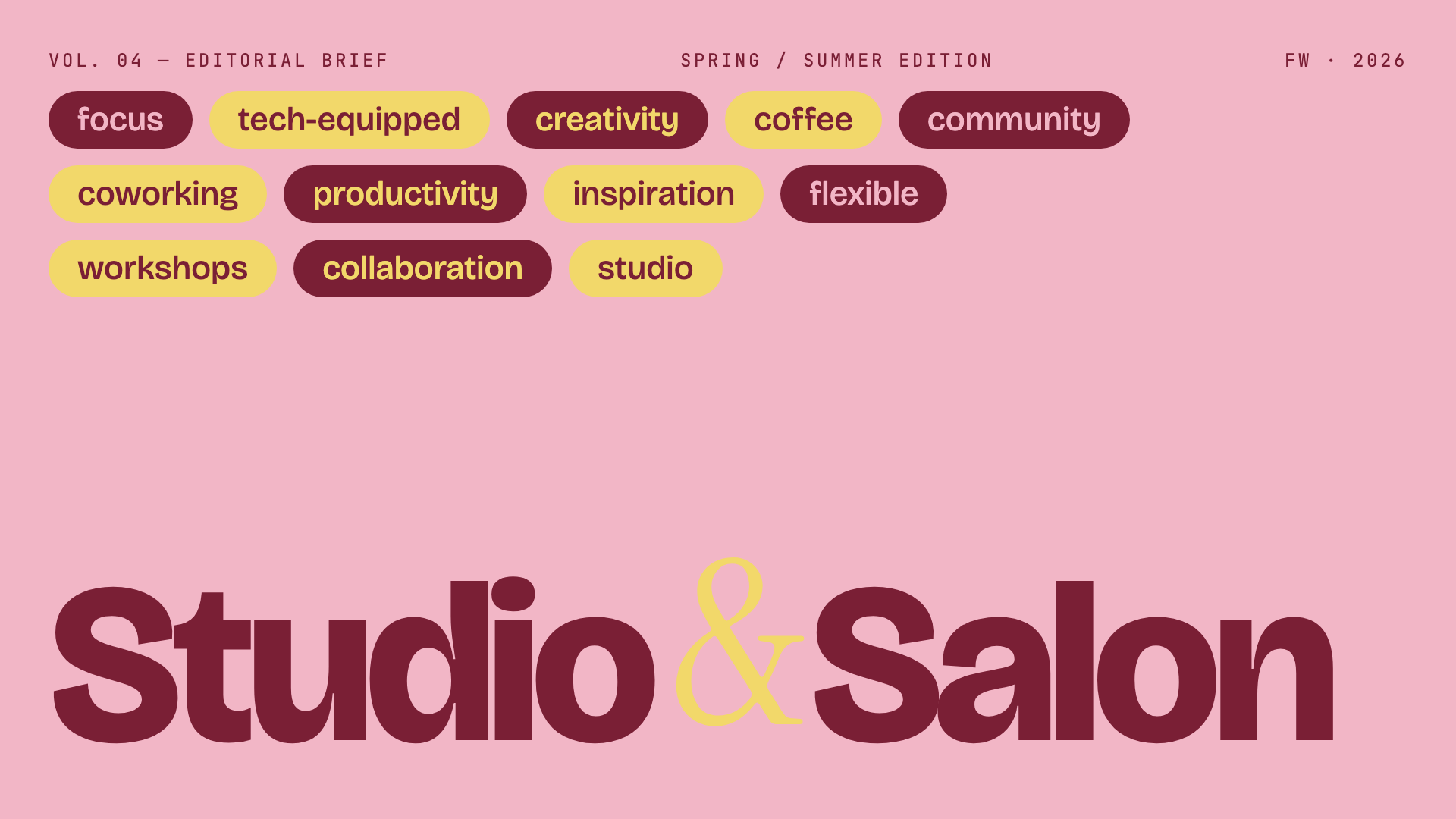
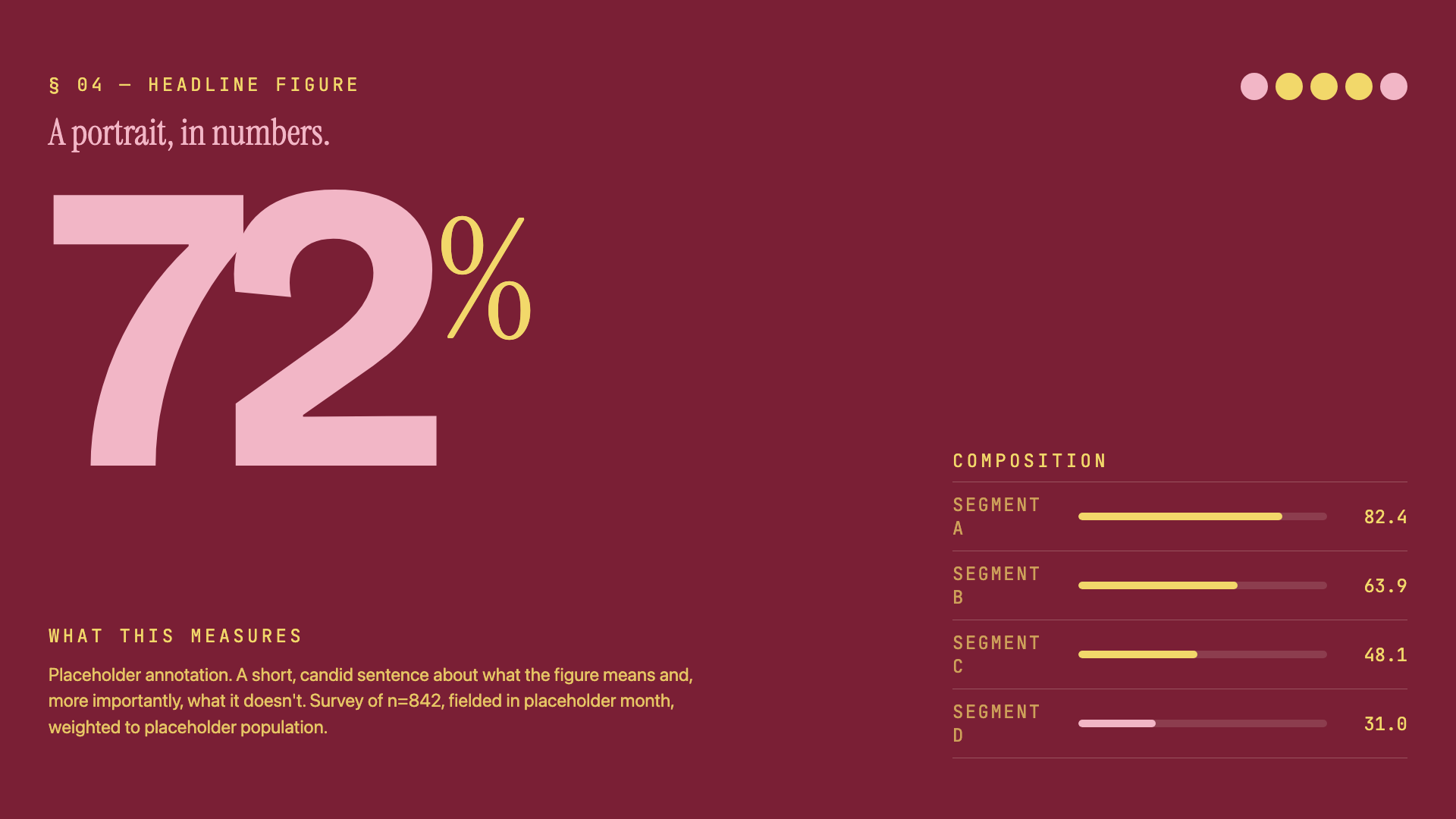
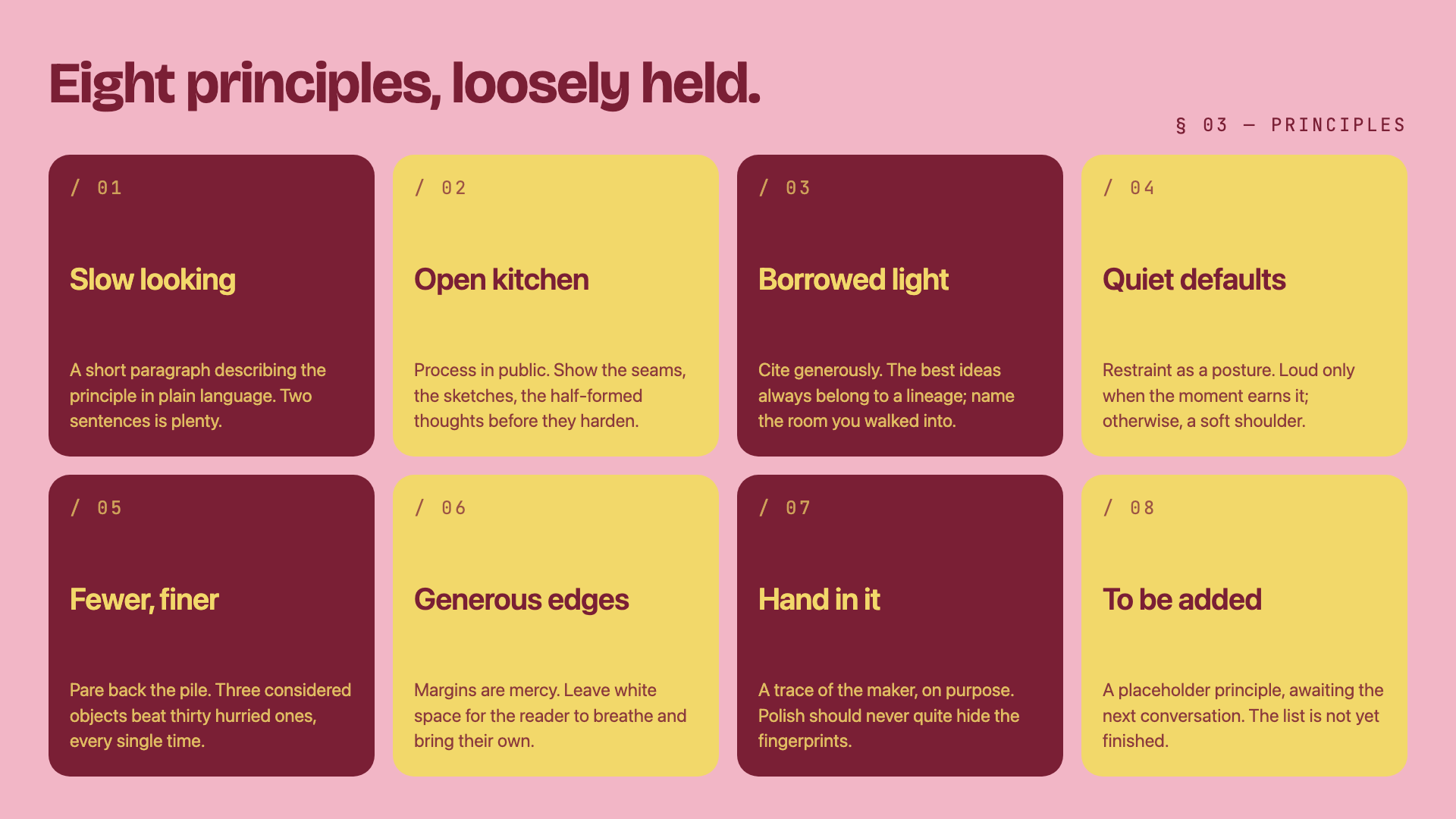
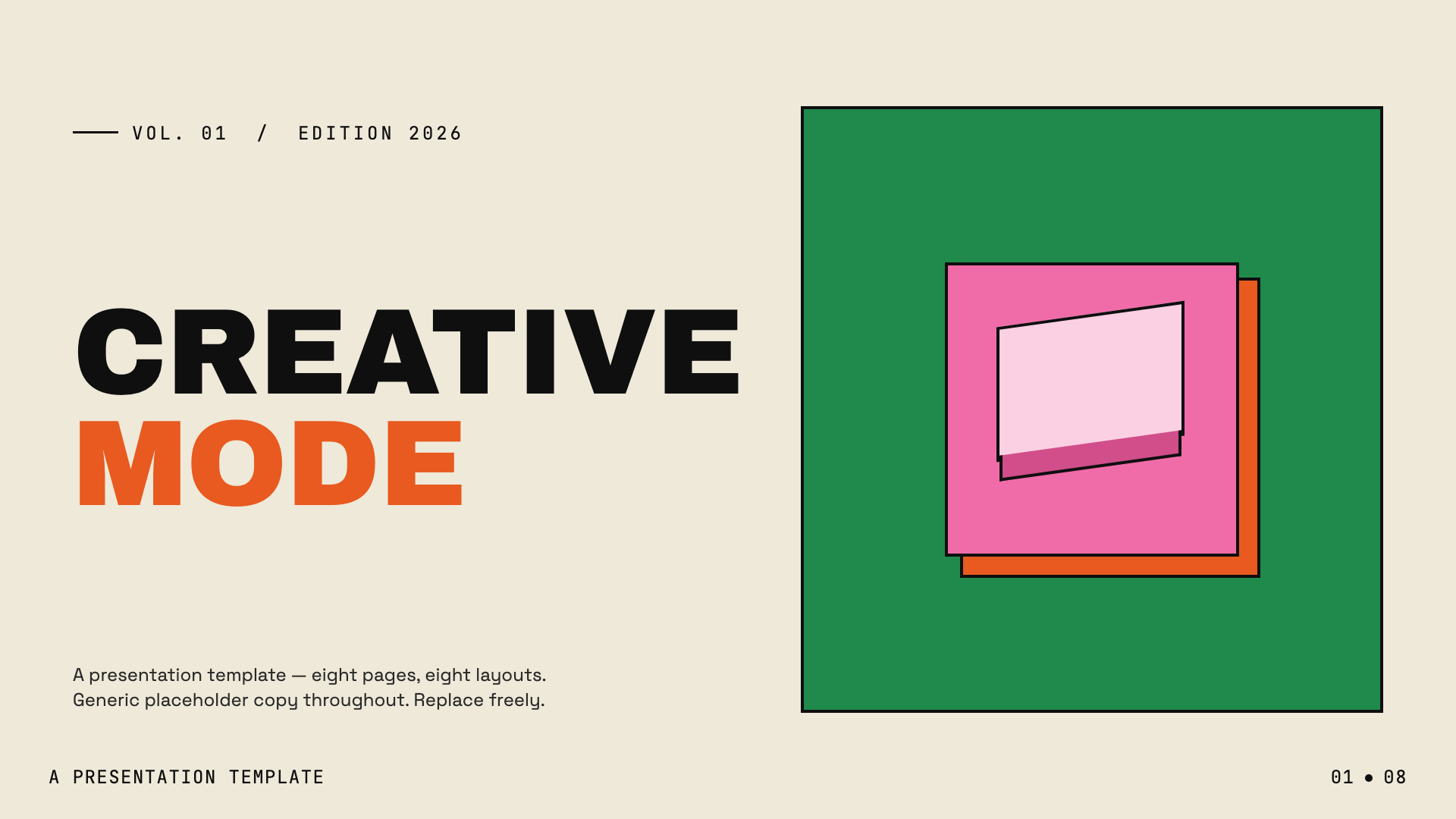
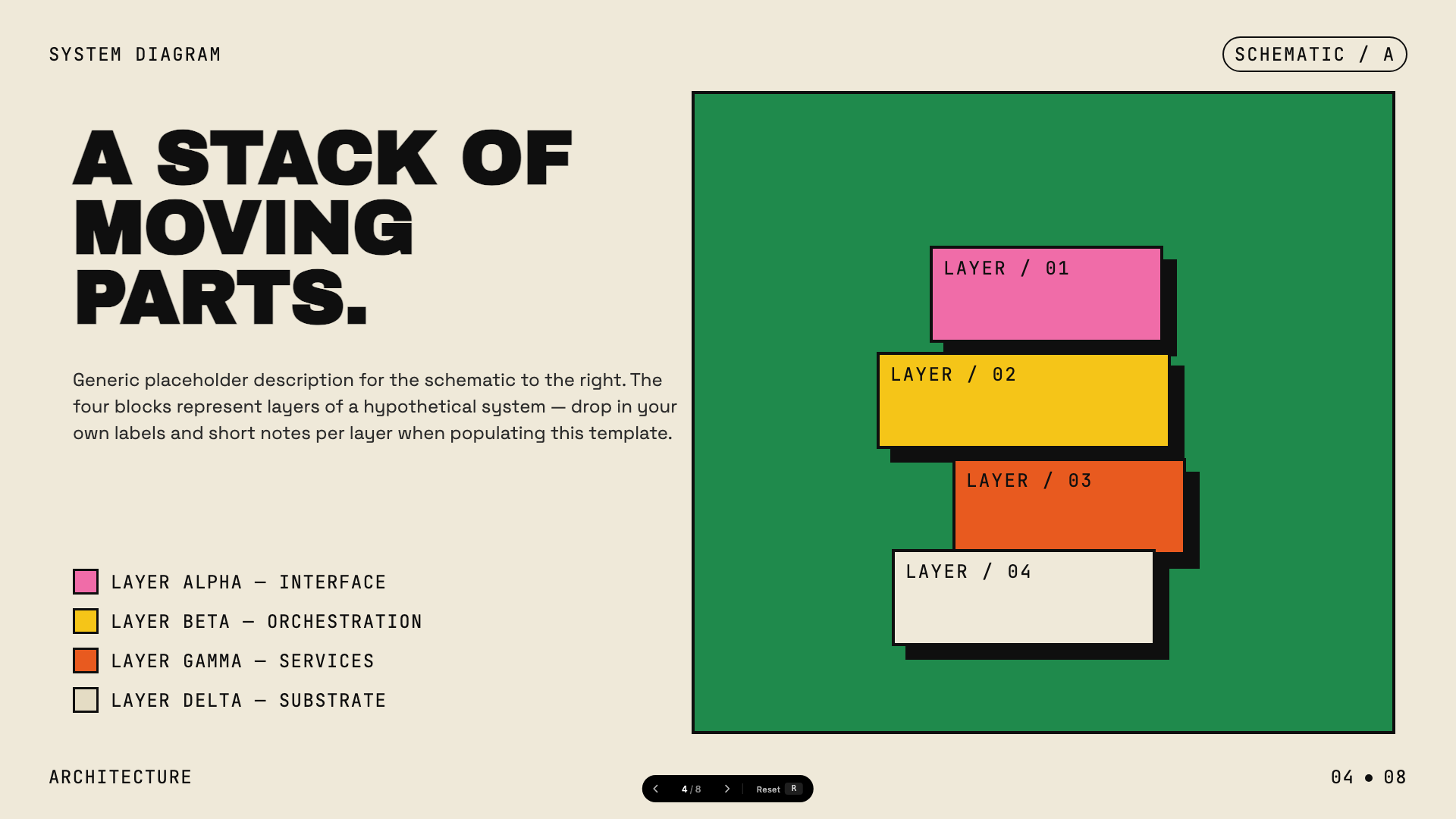
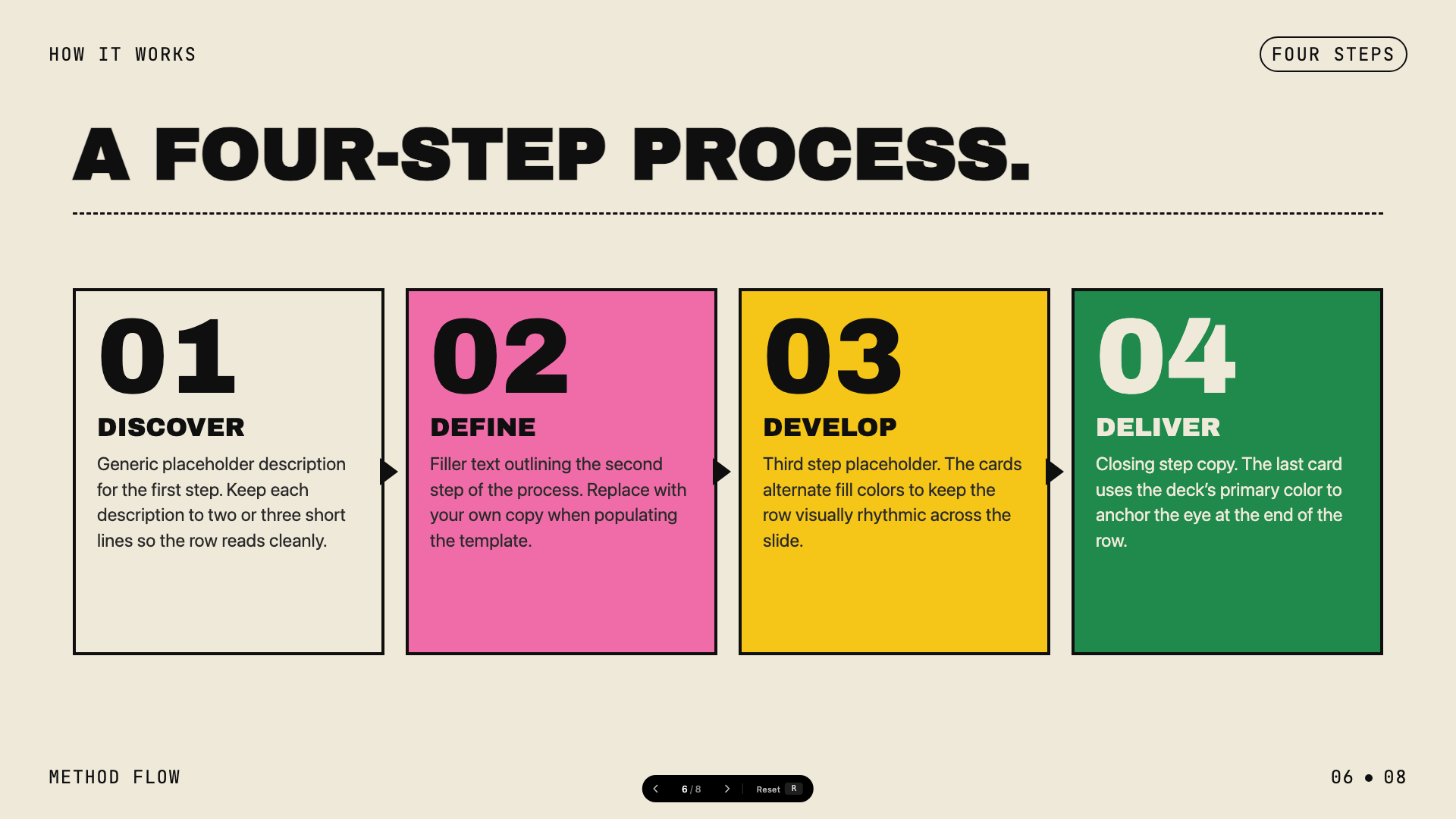
Twelve curated presets across dark, light, and specialty themes (like Terminal Green and Swiss Modern), plus an optional Bold Template Pack with 34 design systems such as Neo-Grid Bold, Editorial Tri-Tone, and Vellum.What is the Anti-AI-Slop feature about?The built-in styles are curated to avoid generic AI aesthetics — in the author's words, bye-bye purple gradients on white. Style discovery always mixes one safe preset, at least one bold template, and a wildcard option.
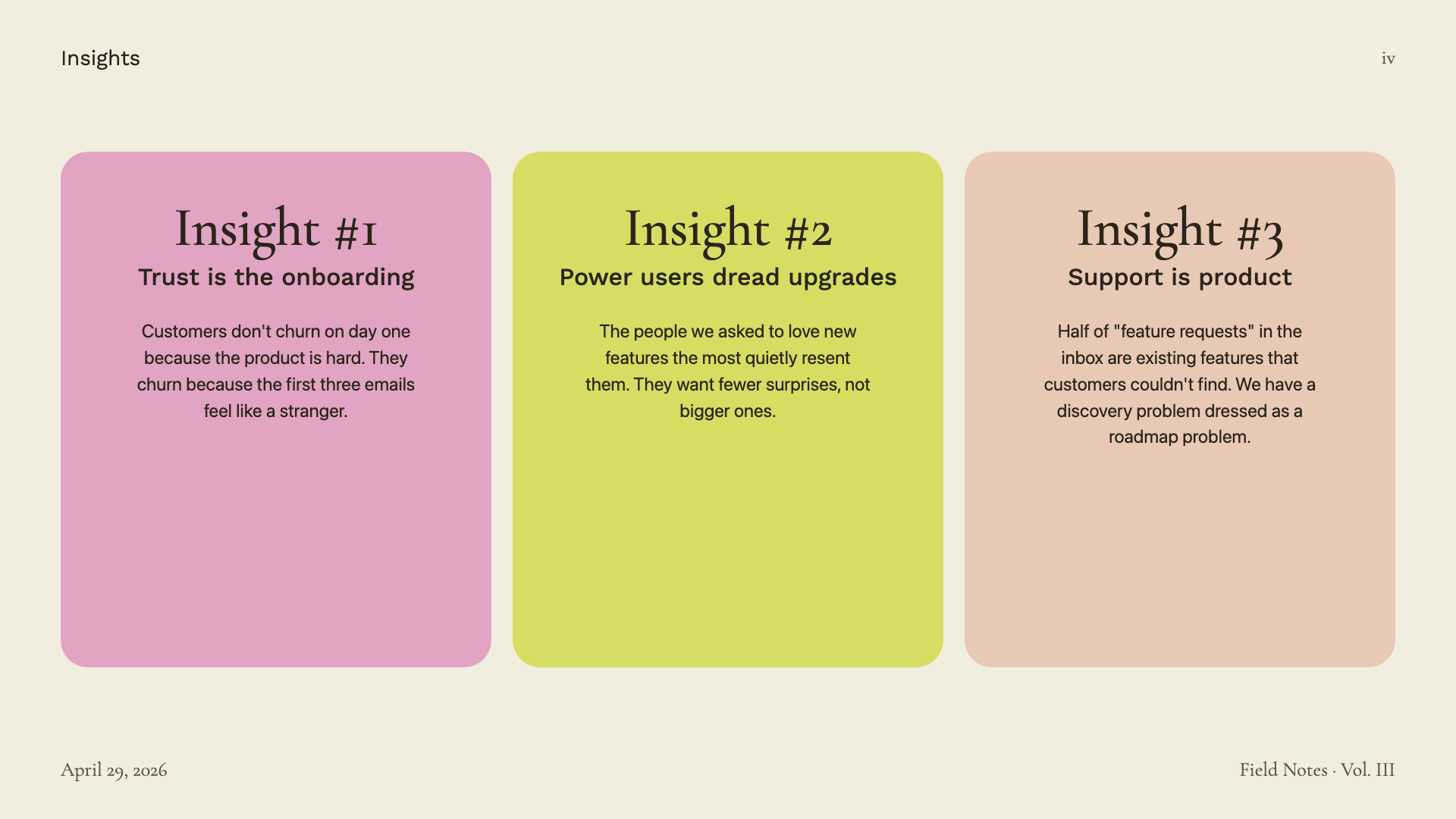
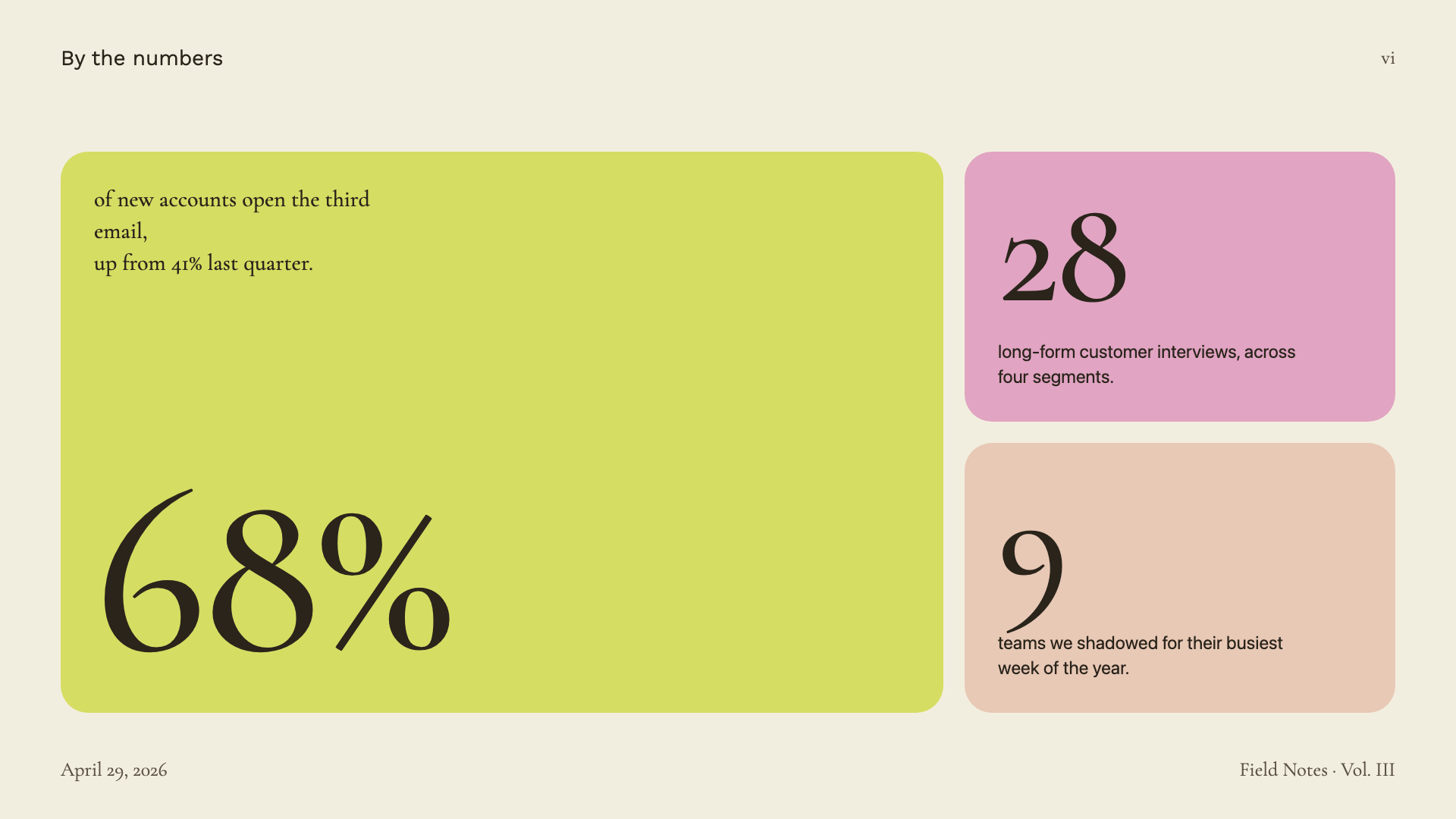
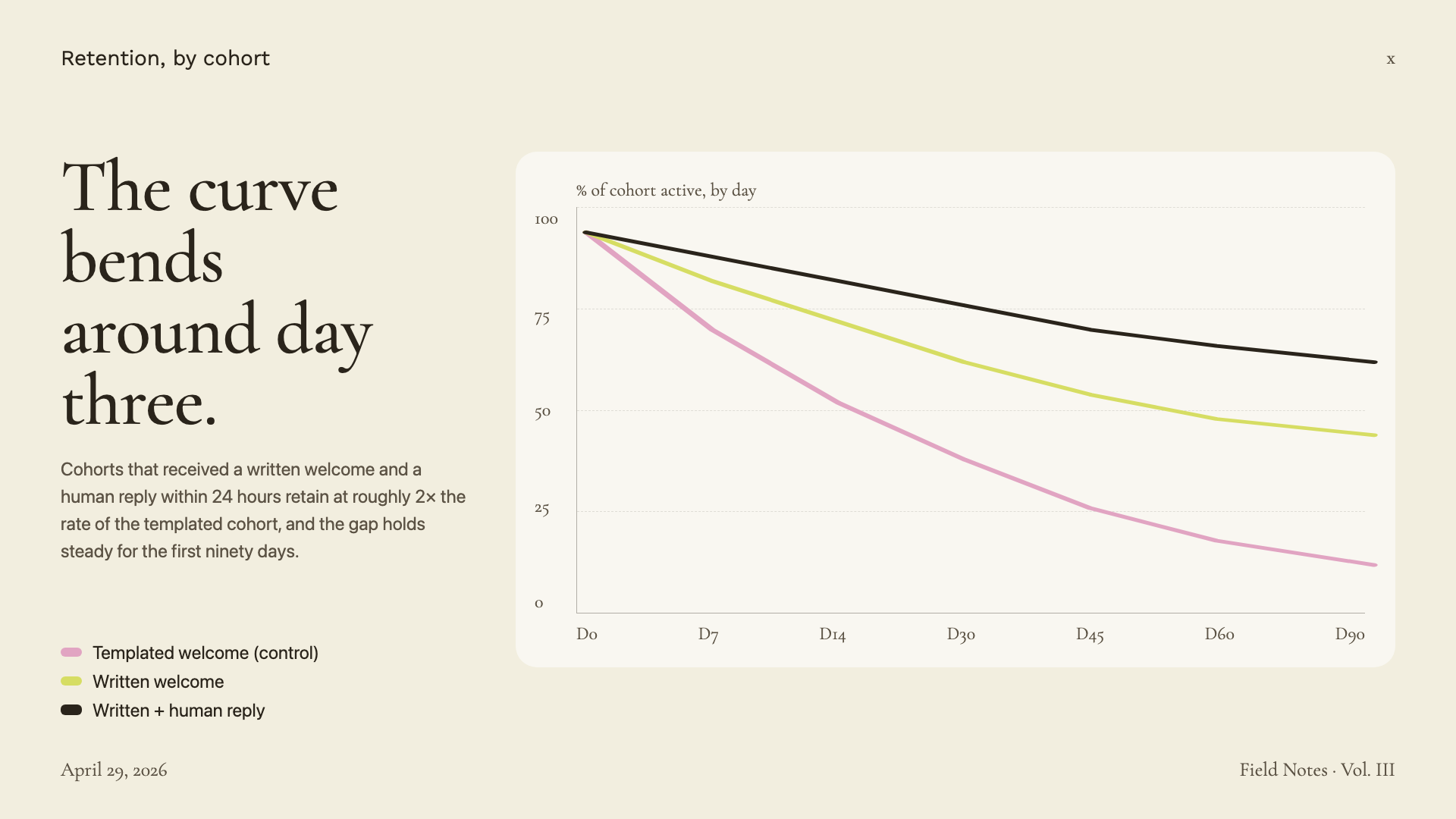
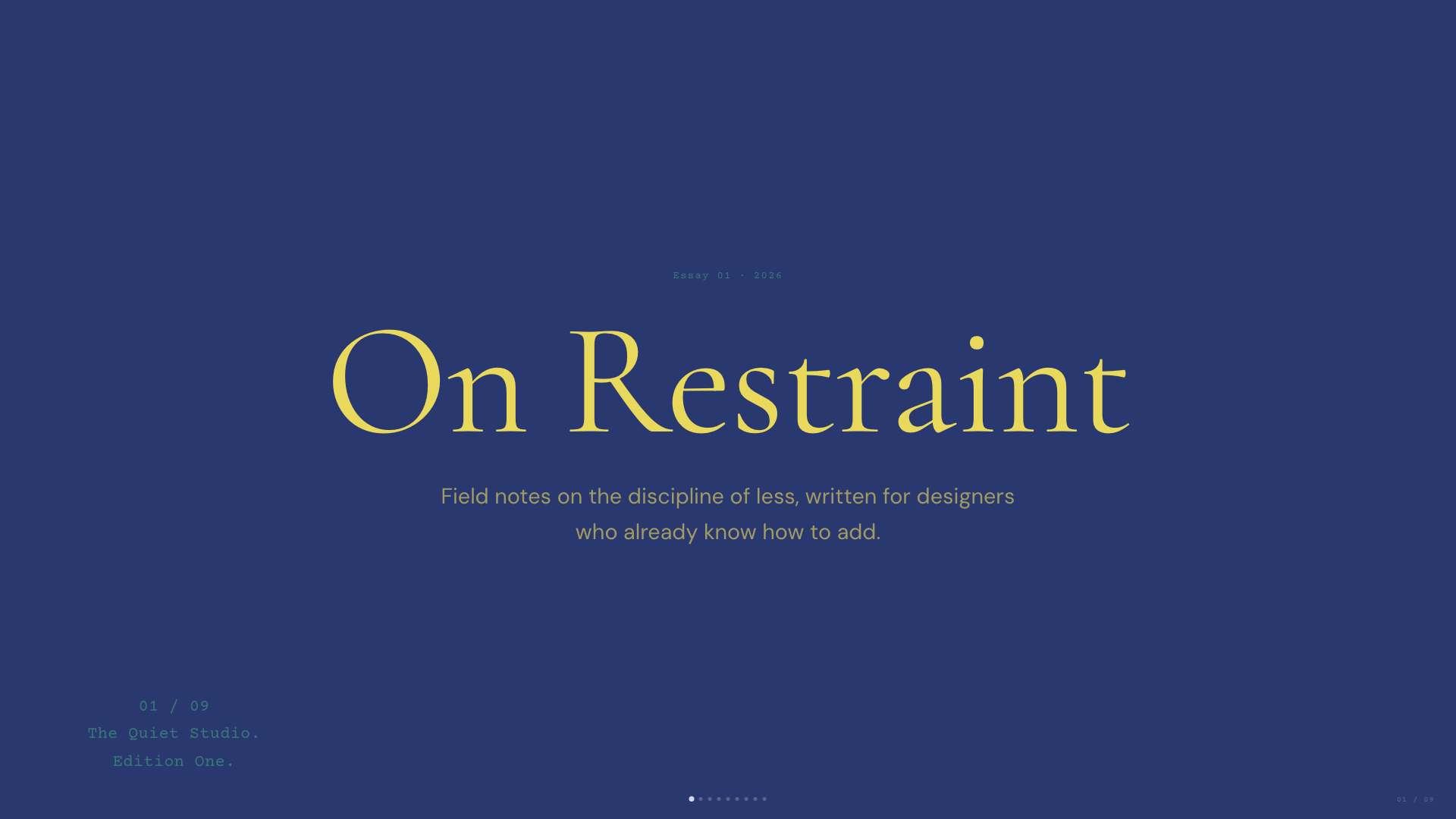
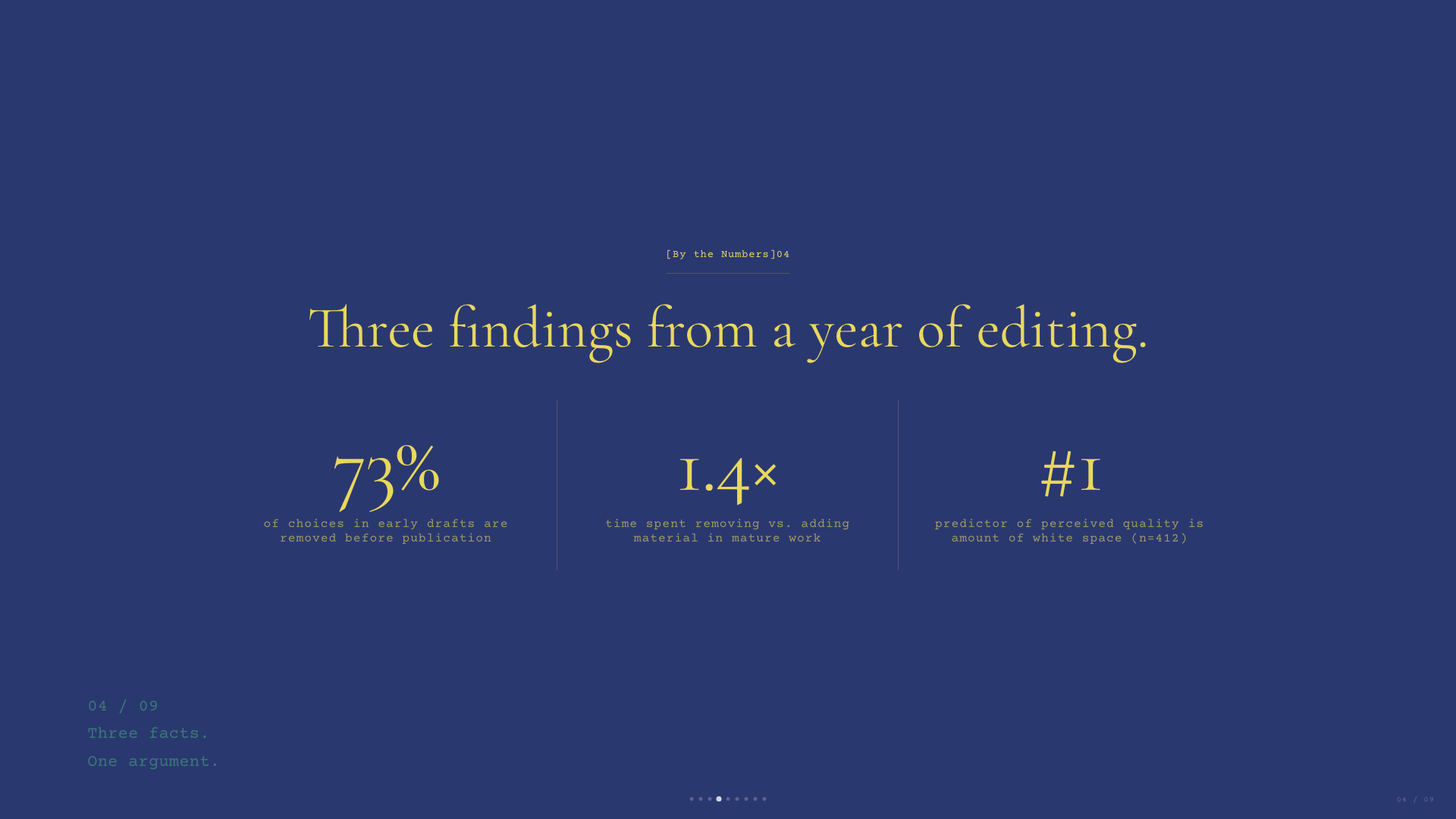
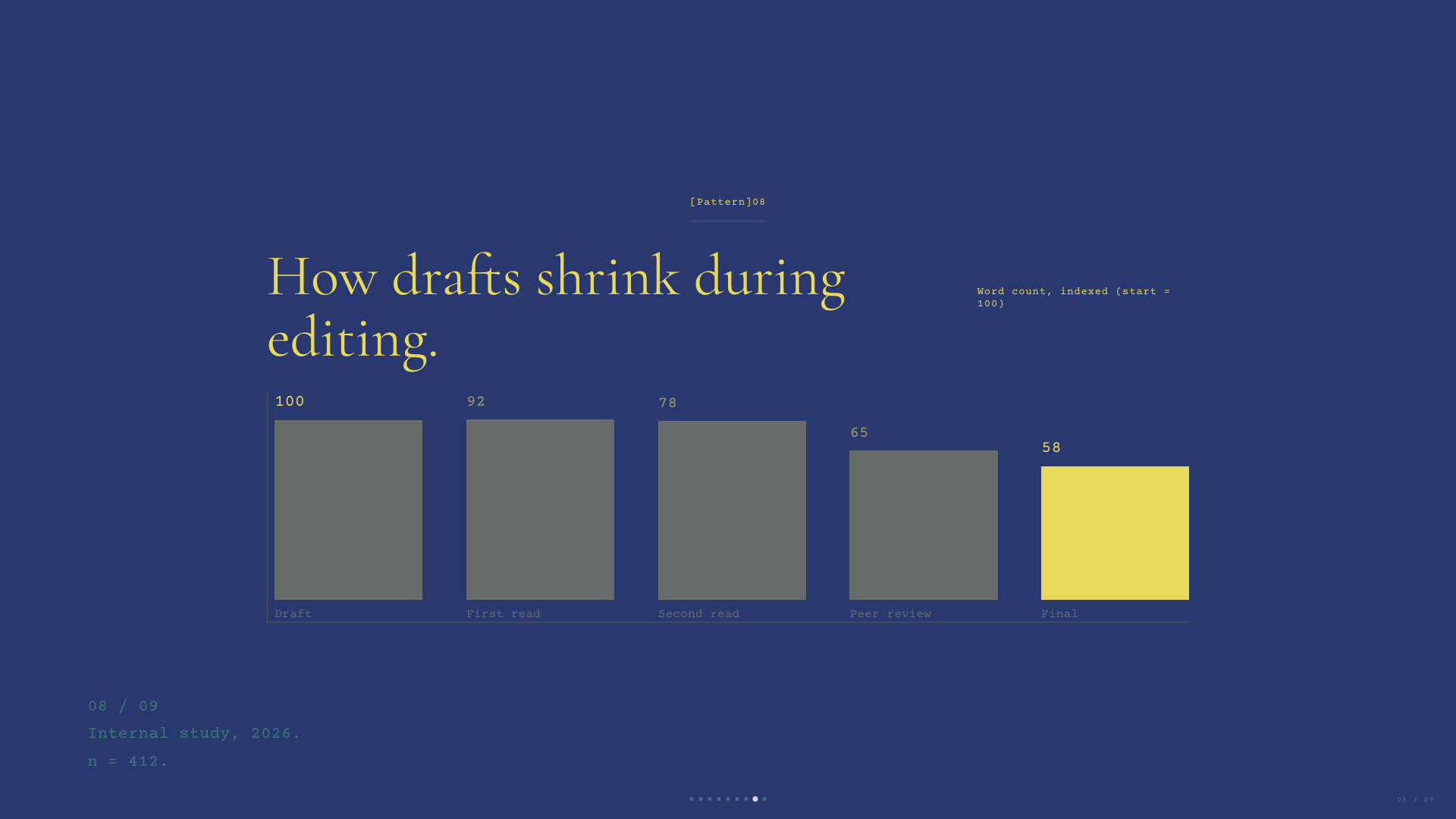
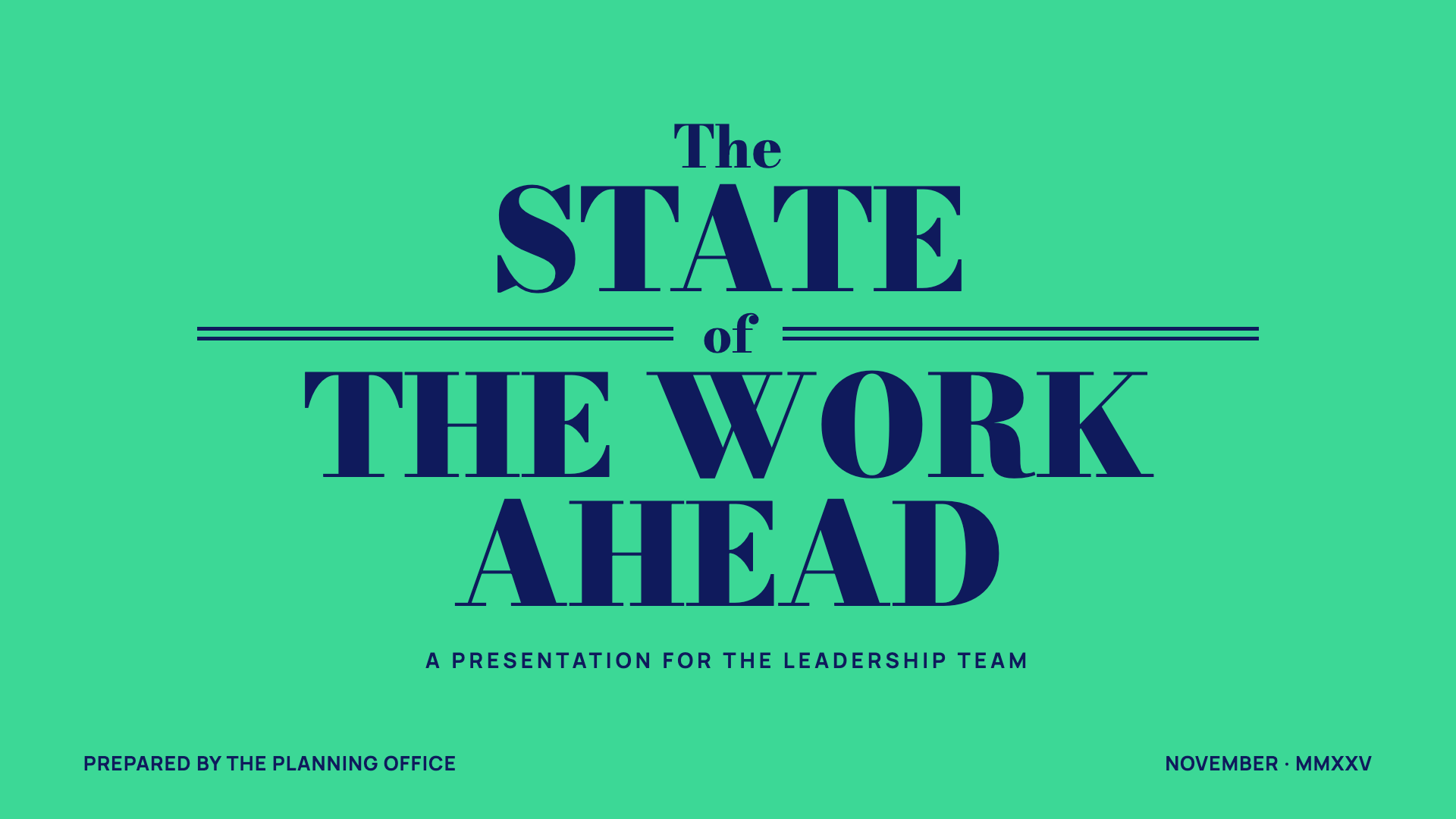
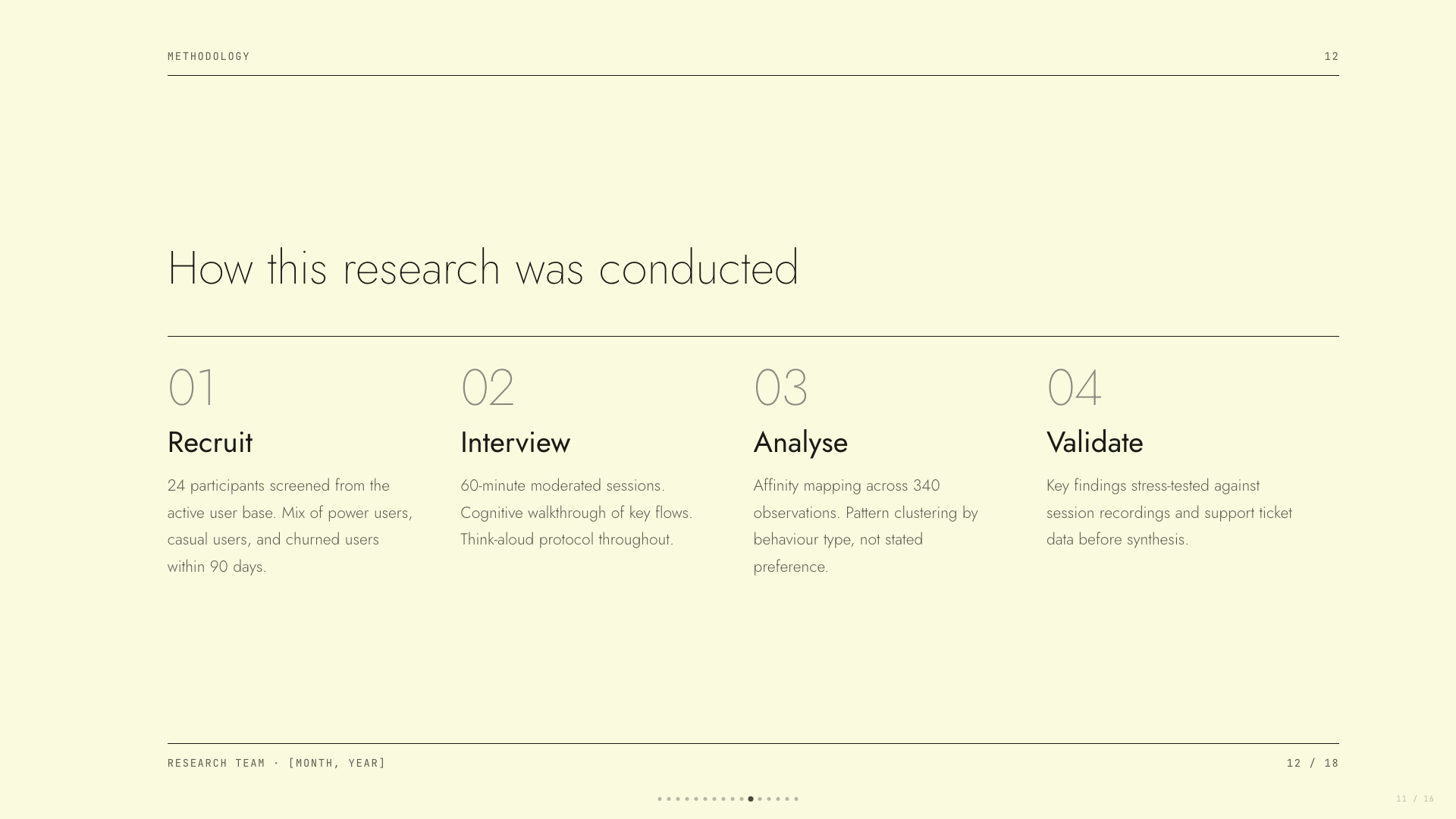
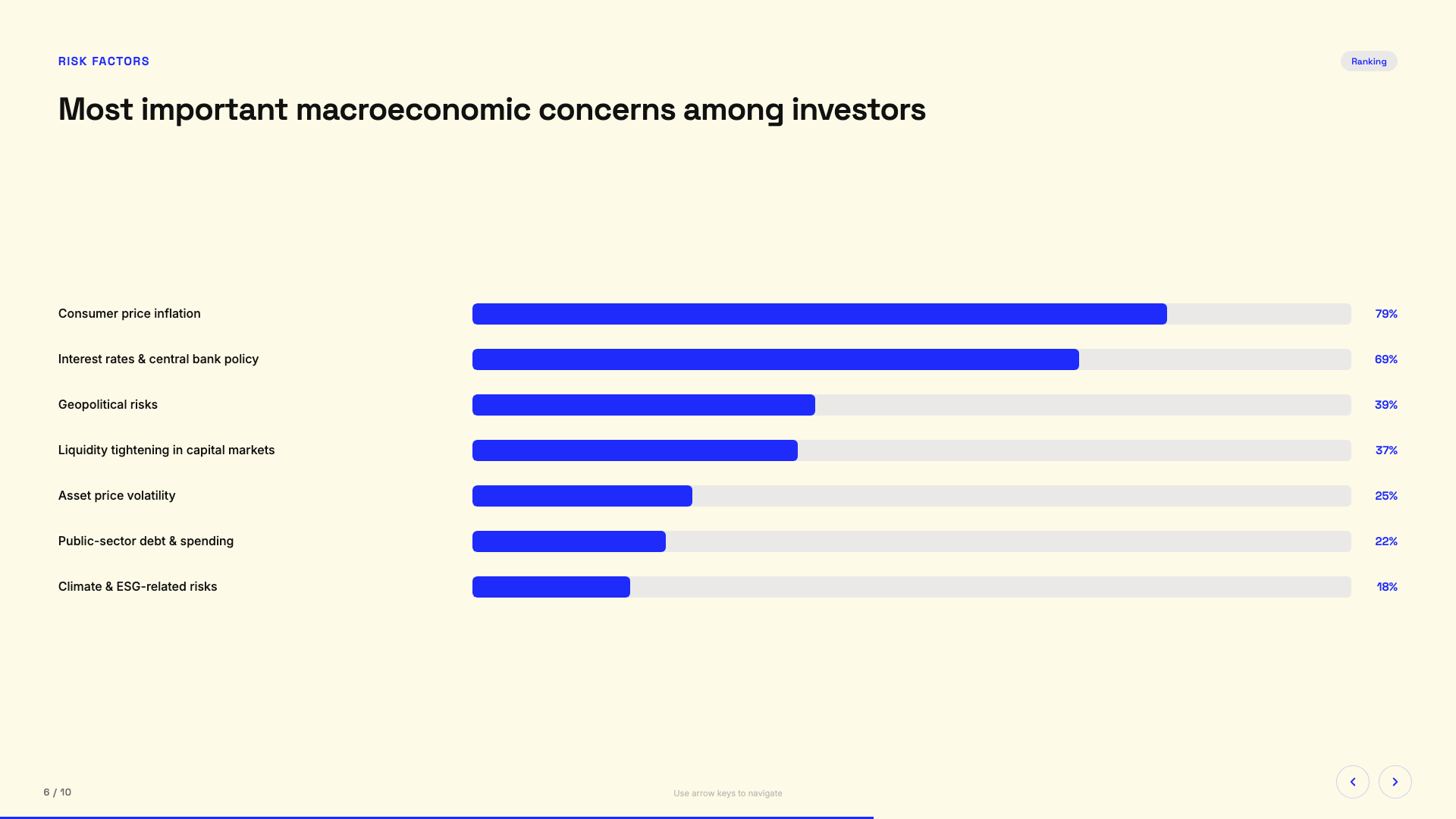
The built-in styles are curated to avoid generic AI aesthetics — in the author's words, bye-bye purple gradients on white. Style discovery always mixes one safe preset, at least one bold template, and a wildcard option.What do the generated slides look like under the hood?One accessible, fixed 16:9 HTML file with well-commented code you can customize yourself.
One accessible, fixed 16:9 HTML file with well-commented code you can customize yourself.What are similar projects?ppt-master, dashi-ppt-skill, visual-explainer, codex-ppt-skill, baoyu-design, html-anything, Kami, remark
ppt-master, dashi-ppt-skill, visual-explainer, codex-ppt-skill, baoyu-design, html-anything, Kami, remarkWhich topics is it in?powerpoint, generative-ui, pptx, slides, skill-md, templates, presentation, vibe-coding, claude-skill, no-dependencies, accessibility, css
powerpoint, generative-ui, pptx, slides, skill-md, templates, presentation, vibe-coding, claude-skill, no-dependencies, accessibility, css