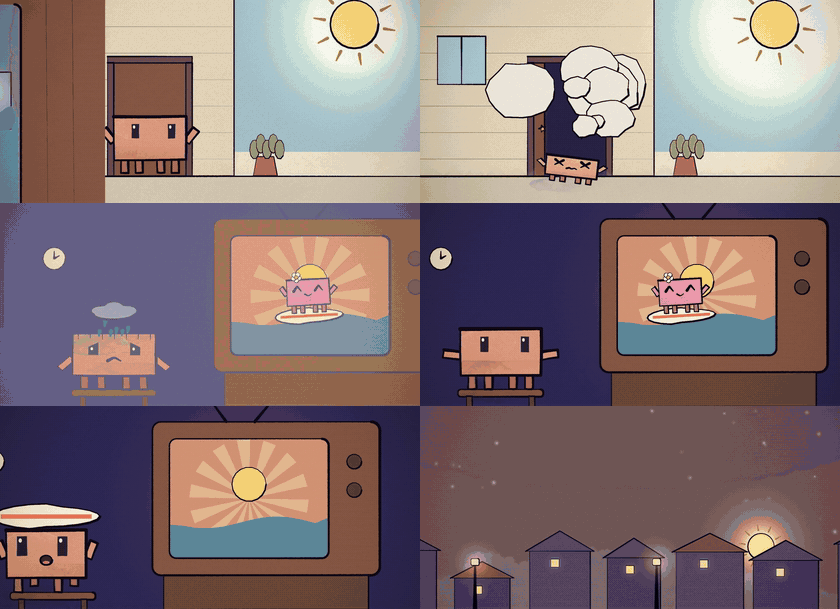
Each one made with ReelMimic from a reference video and a one-line brief. Previews are silent, with the lyrics cropped out.
What is this?
Ever watched a video and thought "I want one in that style, but completely my own"?
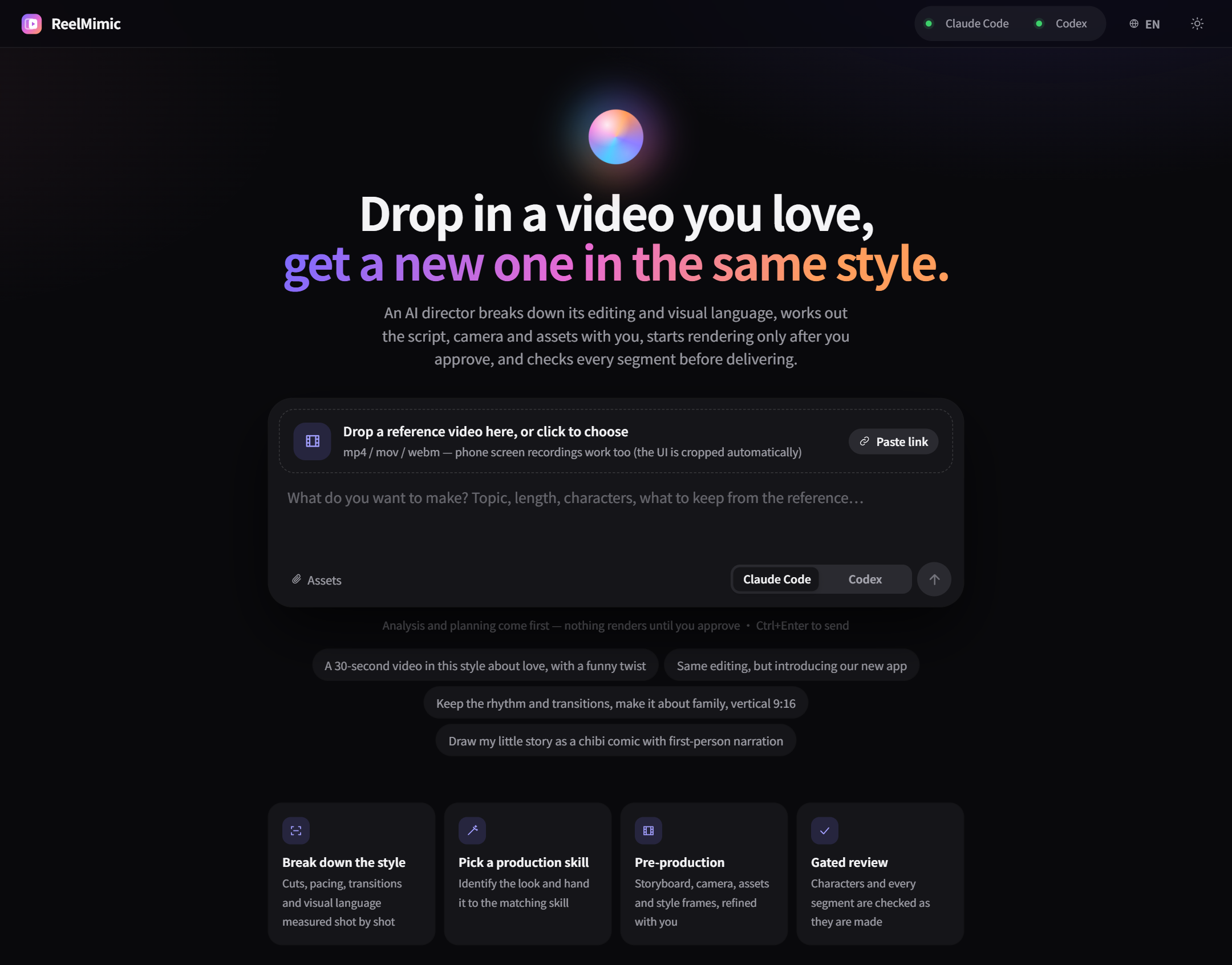
Just drop it into ReelMimic. A file, a phone recording or a YouTube link all work. Then tell it what you want to make.
First it takes the reference apart: editing rhythm, shot lengths, transitions, framing, colors and camera moves. Then
it puts together a plan for you to check. You can chat right next to it, change settings or add assets, and start
when you're happy.
Once production starts, the work is split across several AI agents. Different parts of the video are made at the same
time, and every shot is handed to a different agent to check. If something's wrong it goes back to be fixed, so it's
not a one-shot generate-and-done.
ReelMimic learns how the reference was made. It doesn't carry over the original footage, characters or assets.
The whole thing runs on your own computer, with your own Claude Code or Codex.
What it does
Breaks down the reference. Shot count, shot lengths, BPM, transitions, colors, framing and camera moves.
Shows you the plan first. Storyboard, characters, assets and a few style frames. Chat about it until you like it, then approve.
Several AI agents share the work. Up to 6 work on different parts of the video. Each finished shot goes to a new agent for review, so nobody grades their own work.
Fixes need proof. Every fix comes with before and after screenshots, and the reviewer checks them.
You can see what it's doing. What each agent is thinking, what it ran, which frames it looked at. The full log is there too.
Comment right on the video. When it's done, scrub to any second and type a note. Send them all at once.
New styles are just Markdown. One file per style, no code.
Three languages. 繁體中文, English and 简体中文, switch in the top right.
Good to know
2D only, seven drawing engines: vector / motion graphics (built on
HyperFrames), hand-painted watercolor (built on
painted-animation), crayon picture book, pixel art, paper
cut-out stop-motion, whiteboard doodle, and anime cel. The newer five are young and have had less real-world use than
the first two. When a reference doesn't match a known style, it uses the closest engine and writes up a proposal
for a new style.
It takes a while. A 30–60 second video usually takes 1–3.5 hours after you approve the plan, depending on the
length and the look. Watercolor and crayon are the slowest, because every frame is painted with brushes.
It uses your AI plan. All the work runs through your Claude Code or Codex account, so it counts toward that
account's usage. If you hit a limit, the job pauses and can pick up where it stopped.
Tested mostly on Windows. macOS and Linux should work, but they've had less testing. Issues are welcome.
No real people. It makes animation, not live-action footage of real people.
Roadmap
More built-in characters and styles for each engine
Save a newly discovered style from the web app, so the next similar reference matches it directly
Faster watercolor rendering
Getting started
You'll need Node.js 22.18+, Python 3.10+, FFmpeg, Chrome, and either
Claude Code or Codex CLI (logged in).
git clone https://github.com/edenfunf/reelmimic.git && cd reelmimic
./install.sh      # on Windows, double-click install.bat
./start.sh        # on Windows, double-click start.bat
Then open http://localhost:4318. The install script checks your setup and tells you if anything's missing. You can run
the check again any time with cd app && npm run doctor. Claude Code picks up the skills in this repo on its own, and
Codex reads AGENTS.md, so there's nothing else to set up.
Your first video
On the home page, drop in a reference video or paste a link, say what you want, and pick Claude Code or Codex.
Wait for the breakdown and the plan. If you want changes, say so in the chat on the right. Screenshots work too.
If the plan asks you for something (lyrics, say), add it or skip it, then hit Approve and start.
The Production line tab shows where each character and each part of the video is, with the review screenshots.
When it's done, leave a note at whatever second looks off.
Settings
API keys and a few paths go in ~/.reelmimic/secrets.json. That file lives outside the repo, so it never gets
committed. See secrets.example.json for the format.
Key
What it's for
YATING_KEY
Yating's Taiwanese Mandarin voices, for narration
PIXABAY_KEY, FREESOUND_KEY
More images, music and sound effects you're allowed to use (optional, Openverse works without a key)
FFMPEG_DIR, CHROME_PATH, CODEX_BIN, PYTHON
Where to find these tools if they're not on your PATH
CODEX_SANDBOX
Codex sandbox mode (default danger-full-access, like Claude Code with Bash allowed; workspace-write blocks the Chrome renderer)
BUILDERS, MAX_AGENTS
How many agents work on one video at once (default 6), and the limit across all projects (default 12)
PORT
Web port (default 4318)
Docs
Architecture: how the whole thing runs, where files go, how the AI plugs in
Extending: adding styles, rendering engines, or another AI










 ReelMimic 会分析你喜欢的参考视频——文件、手机录屏或 YouTube 链接——然后用 Claude Code 或 Codex 智能体组成的 AI 团队,规划、制作并审校一部同风格的全新 2D 动画视频。