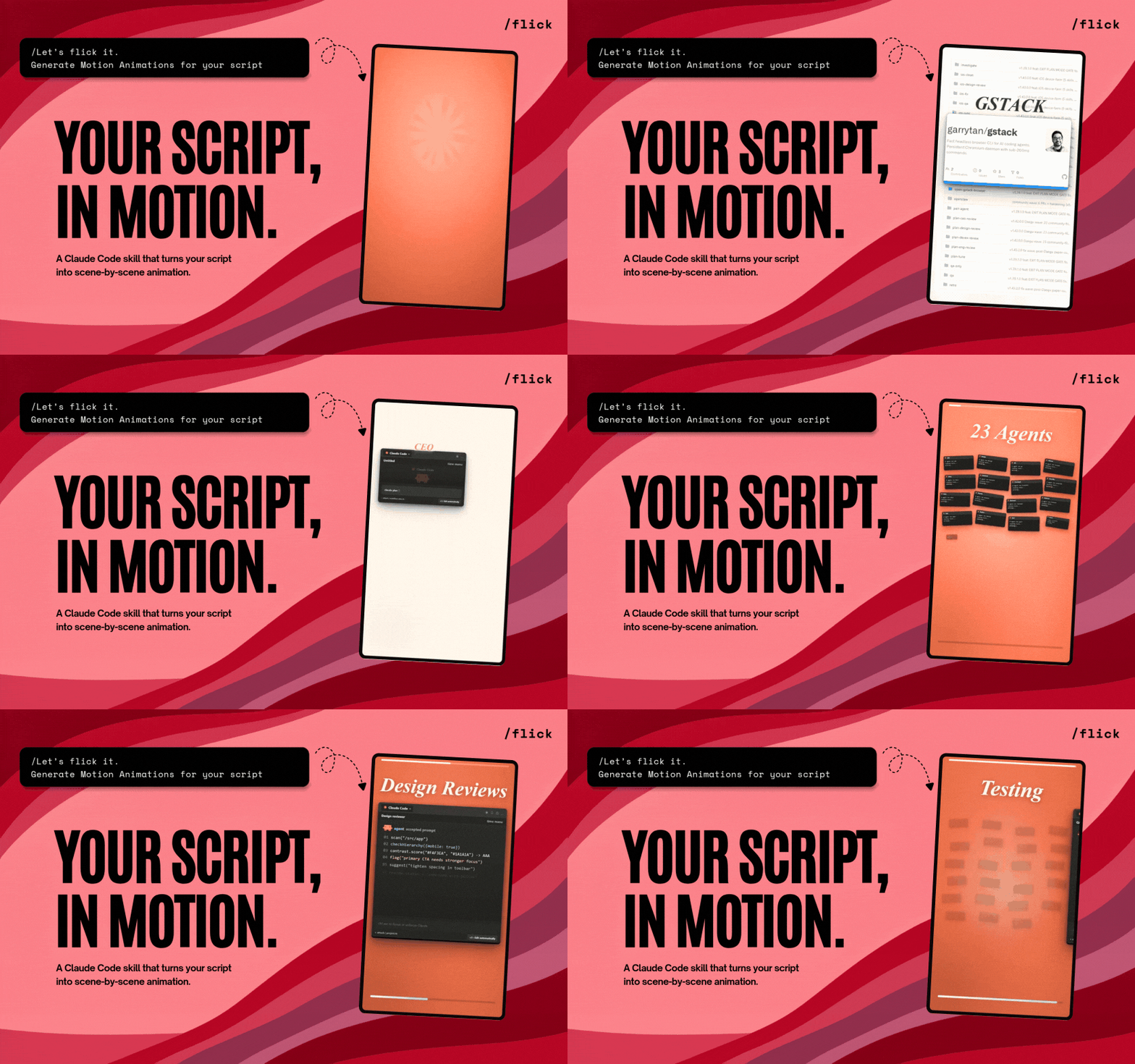
What is this?
 Flick is an open-source AI motion director: give it a video, a public link, or a pasted transcript, and it turns it into original short-form animations, scene by scene.
Flick is an open-source AI motion director: give it a video, a public link, or a pasted transcript, and it turns it into original short-form animations, scene by scene.Is this a standalone app, or does it live inside another tool?Neither app nor library — it is a skill for coding-agent CLIs. It runs inside Claude Code and Codex, plus Grok Build, Gemini CLI, OpenCode, Cursor, and Cline.
Neither app nor library — it is a skill for coding-agent CLIs. It runs inside Claude Code and Codex, plus Grok Build, Gemini CLI, OpenCode, Cursor, and Cline.How do I install it and start my first animation?Install the skill in your agent, then in Claude Code just run /flick; in Codex say: Use $flick to animate this. Other compatible agents offer Flick through their own install prompts.
Install the skill in your agent, then in Claude Code just run /flick; in Codex say: Use $flick to animate this. Other compatible agents offer Flick through their own install prompts.What do I need on my machine before it will run?Node.js 20+, Python 3, and network access. The first run also fills a local workspace with Remotion, a bundled FFmpeg, Whisper, and yt-dlp — and asks before running any system installer.
Node.js 20+, Python 3, and network access. The first run also fills a local workspace with Remotion, a bundled FFmpeg, Whisper, and yt-dlp — and asks before running any system installer.Will it add background music for me?No. There is no background music — Flick adds its bundled sound effects only when they match an on-screen action.
No. There is no background music — Flick adds its bundled sound effects only when they match an on-screen action.Does my video and script leave my machine?No — Flick workspaces remain local and are ignored by default. The only reminder is to use video, fonts, and audio you actually have the rights to.
No — Flick workspaces remain local and are ignored by default. The only reminder is to use video, fonts, and audio you actually have the rights to.What is Remotion and why does Flick use it?Remotion is the code-driven video framework Flick installs on first run. Every approved scene becomes a separately named Remotion animation, so you can review and tweak each one in Remotion Studio before final approval.
Remotion is the code-driven video framework Flick installs on first run. Every approved scene becomes a separately named Remotion animation, so you can review and tweak each one in Remotion Studio before final approval.What has already been made with Flick?The README links an examples gallery with six animations, including a China OCR hook, Claude token waste, and a Gstack workflow.
The README links an examples gallery with six animations, including a China OCR hook, Claude token waste, and a Gstack workflow.I have no video or script yet — can Flick still help?Not directly. Creatorberry, the team behind Flick, has a separate offering to find viral content, script it, and post it — Flick handles the animation step once you have source material.
Not directly. Creatorberry, the team behind Flick, has a separate offering to find viral content, script it, and post it — Flick handles the animation step once you have source material.What are similar projects?reelmimic, herk-edit-kit, explainroo, eian-riso-broll, onetake, ai-promo-video-maker, brag, guizang-product-video-skill
reelmimic, herk-edit-kit, explainroo, eian-riso-broll, onetake, ai-promo-video-maker, brag, guizang-product-video-skillWhich topics is it in?motion-graphics, yt-dlp, whisper, content-creation, ffmpeg, video-generation, animation, generative-ai, local-first, agent-skills, codex, claude-code
motion-graphics, yt-dlp, whisper, content-creation, ffmpeg, video-generation, animation, generative-ai, local-first, agent-skills, codex, claude-code