






What is this?
 Hidden Bar (Hidden) is an ultra-light macOS utility that lets you hide menu bar icons to give your Mac's menu bar a cleaner look.
Hidden Bar (Hidden) is an ultra-light macOS utility that lets you hide menu bar icons to give your Mac's menu bar a cleaner look.Is this a standalone app or a system tweak?It's a standalone macOS app that runs from the menu bar; no system modification is needed.
It's a standalone macOS app that runs from the menu bar; no system modification is needed.How do I install and set it up?Install from the App Store, via Homebrew, or by downloading the latest release and dragging it into Applications; then launch it and CMD+drag its icon in the menu bar to position it among other icons.
Install from the App Store, via Homebrew, or by downloading the latest release and dragging it into Applications; then launch it and CMD+drag its icon in the menu bar to position it among other icons.Do I need anything extra to run it?Just macOS; no external dependencies, API keys, or additional software are required.
Just macOS; no external dependencies, API keys, or additional software are required.Is there a catch with older macOS versions?Recent versions require macOS 13 (Ventura) or later because autostart moved to the SMAppService API; the last release supporting macOS 10.13-12 is v1.10.
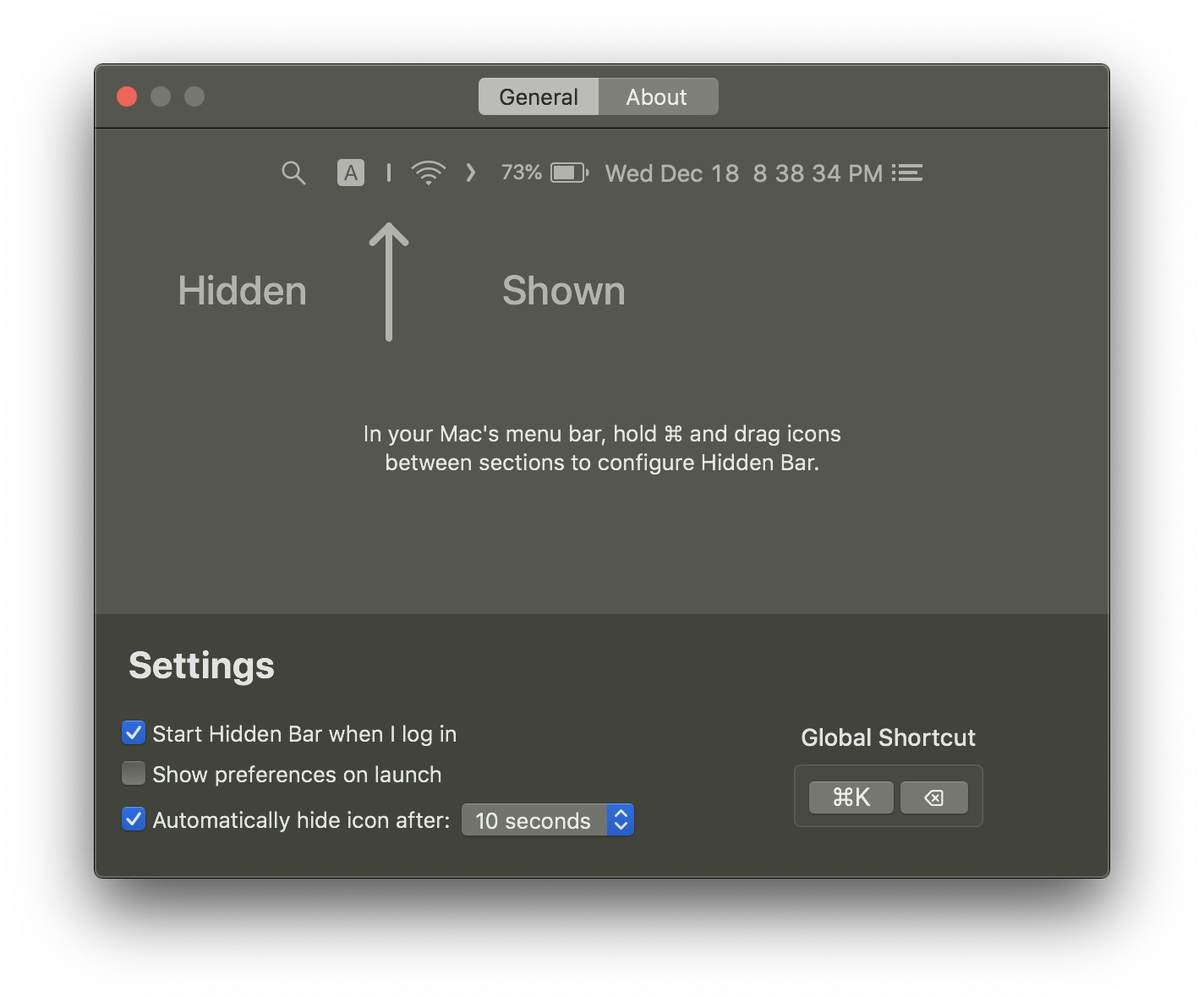
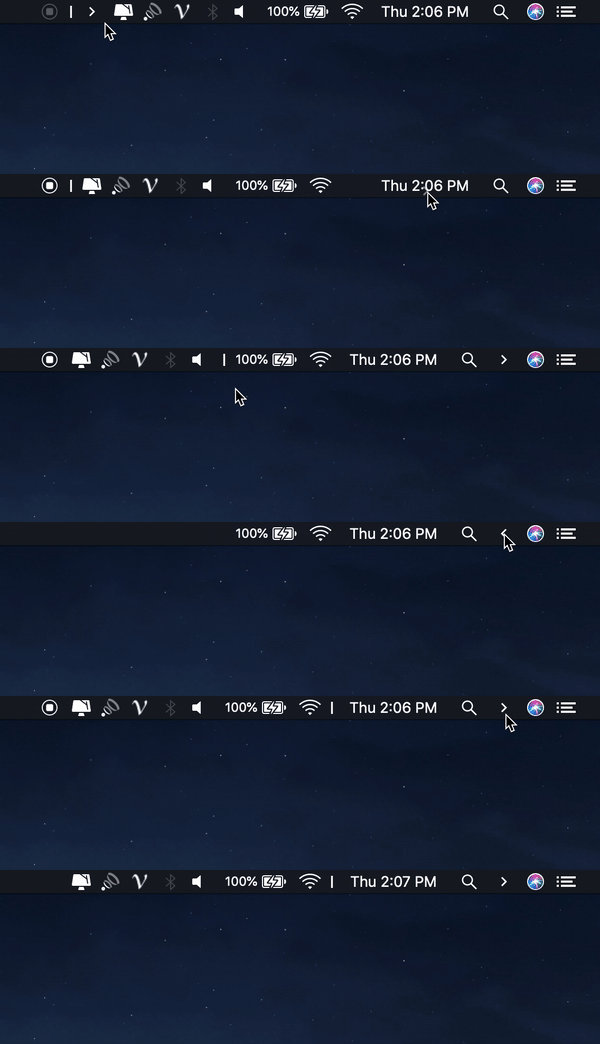
Recent versions require macOS 13 (Ventura) or later because autostart moved to the SMAppService API; the last release supporting macOS 10.13-12 is v1.10.How do I actually hide icons once it's installed?CMD+drag the Hidden icons to arrange them, then click the Arrow icon in the menu bar to hide the icons to its left.
CMD+drag the Hidden icons to arrange them, then click the Arrow icon in the menu bar to hide the icons to its left.Is it safe to use outside the App Store?Yes, the non-App Store build is notarized by Apple before distribution, so it's safe to run.
Yes, the non-App Store build is notarized by Apple before distribution, so it's safe to run.Are there other utilities from the same maker?The author also makes Blurred (dims inactive windows to reduce distraction), Micro Sniff (notifies when your mic is in use), and VimMotion (Vim-style shortcuts for macOS).
The author also makes Blurred (dims inactive windows to reduce distraction), Micro Sniff (notifies when your mic is in use), and VimMotion (Vim-style shortcuts for macOS).What are similar projects?tendedero, mactap-app, rooms, OpenYoink, kinesis, boring.notch, DockDoor, BetterDisplay
tendedero, mactap-app, rooms, OpenYoink, kinesis, boring.notch, DockDoor, BetterDisplayWhich topics is it in?utilities, menu-bar, macos-app, apple-silicon, swift, utility, productivity, desktop-app, mit, macos, open-source
utilities, menu-bar, macos-app, apple-silicon, swift, utility, productivity, desktop-app, mit, macos, open-source