



What is this?
 Diffusion Bee is a macOS GUI app that lets you run Stable Diffusion locally on your Mac to generate images from text prompts, with a one-click installer and no technical setup.
Diffusion Bee is a macOS GUI app that lets you run Stable Diffusion locally on your Mac to generate images from text prompts, with a one-click installer and no technical setup.Is this a command-line tool or a graphical app?It's a full desktop GUI application built with Electron, with a clean point-and-click interface for generating, editing, and upscaling images.
It's a full desktop GUI application built with Electron, with a clean point-and-click interface for generating, editing, and upscaling images.How do I get it running?Download the app from the official download page and start it, then type a prompt and click generate — the installer handles everything else.
Download the app from the official download page and start it, then type a prompt and click generate — the installer handles everything else.Do I need Python or any ML libraries installed first?No, the app comes with a one-click installer and requires no dependencies or technical knowledge to set up.
No, the app comes with a one-click installer and requires no dependencies or technical knowledge to set up.Does this run on Windows or Linux too?No, it's a macOS-only app; there's no mention of Windows or Linux support anywhere in the project.
No, it's a macOS-only app; there's no mention of Windows or Linux support anywhere in the project.Does it need Apple Silicon, or does it work on Intel Macs too?It works on both: Intel Macs need macOS 12.3.1 or later, while M1/M2 Macs need macOS 11.0.0 or later, and performance is optimized for M1/M2 chips.
It works on both: Intel Macs need macOS 12.3.1 or later, while M1/M2 Macs need macOS 11.0.0 or later, and performance is optimized for M1/M2 chips.Does my data get sent anywhere?No, everything runs locally on your computer, with the only exceptions being downloading model weights or if you voluntarily upload an image.
No, everything runs locally on your computer, with the only exceptions being downloading model weights or if you voluntarily upload an image.Which Stable Diffusion models can I use?SD 1.x, SD 2.x, SD XL, inpainting models, ControlNet, and LoRA are all supported, and you can download additional models directly from inside the app.
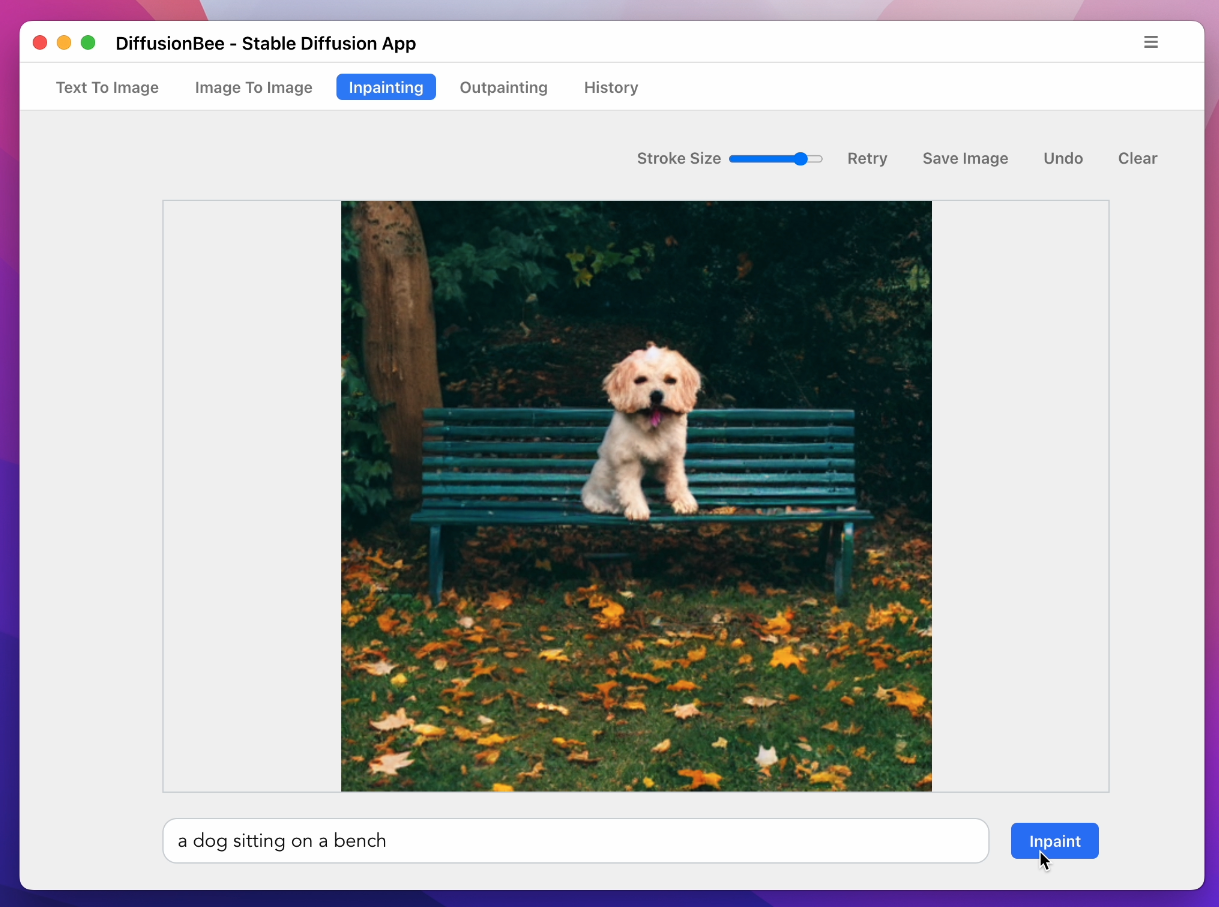
SD 1.x, SD 2.x, SD XL, inpainting models, ControlNet, and LoRA are all supported, and you can download additional models directly from inside the app.What image editing features does it support besides text-to-image?It supports image-to-image, in-painting, out-painting, inpainting with masks, an advanced AI canvas, ControlNet-guided generation, and image upscaling, plus it keeps a generation history.
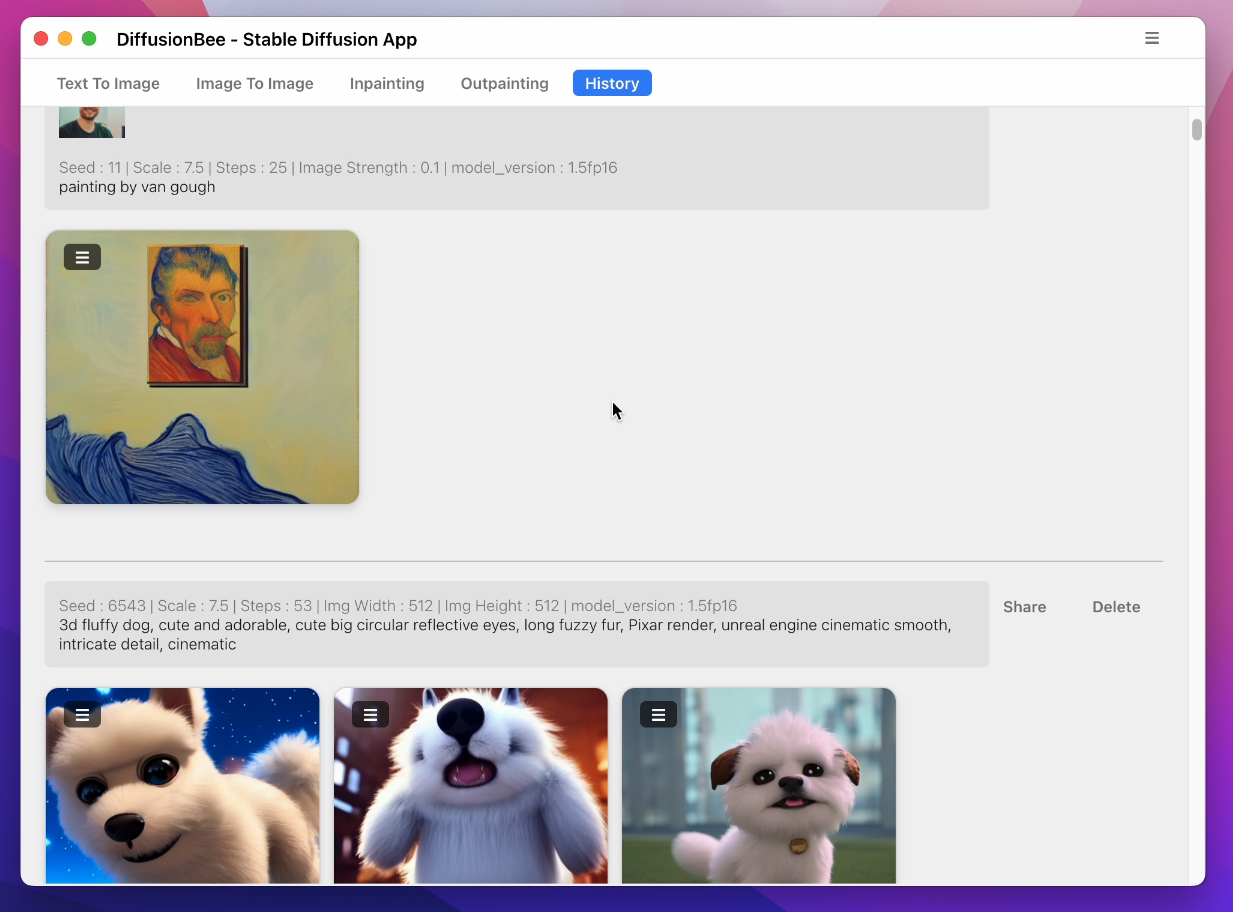
It supports image-to-image, in-painting, out-painting, inpainting with masks, an advanced AI canvas, ControlNet-guided generation, and image upscaling, plus it keeps a generation history.Can I use negative prompts or other advanced settings?Yes, the app includes negative prompts and advanced prompt options alongside the standard generation controls.
Yes, the app includes negative prompts and advanced prompt options alongside the standard generation controls.What are similar projects?stable-diffusion-webui, krita-ai-diffusion, stable-diffusion-webui-colab, stable-diffusion-webui-forge, InvokeAI, stemkit, sd-webui-controlnet, stable-diffusion.cpp
stable-diffusion-webui, krita-ai-diffusion, stable-diffusion-webui-colab, stable-diffusion-webui-forge, InvokeAI, stemkit, sd-webui-controlnet, stable-diffusion.cppWhich topics is it in?img2img, controlnet, ai-art, inpainting, stable-diffusion, electron-app, lora, privacy-first, image-generation, apple-silicon, agpl, electron
img2img, controlnet, ai-art, inpainting, stable-diffusion, electron-app, lora, privacy-first, image-generation, apple-silicon, agpl, electron