What is this?
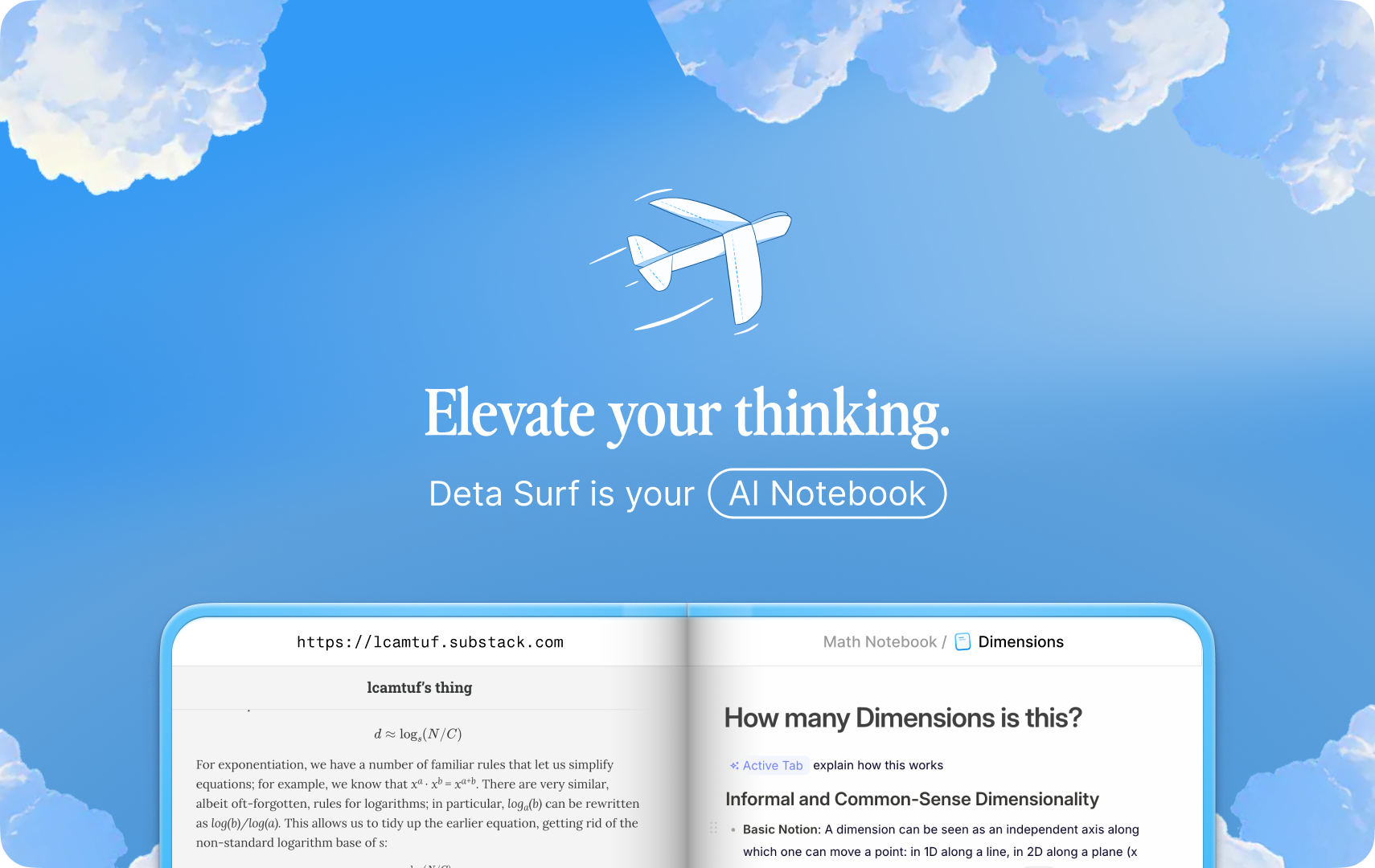
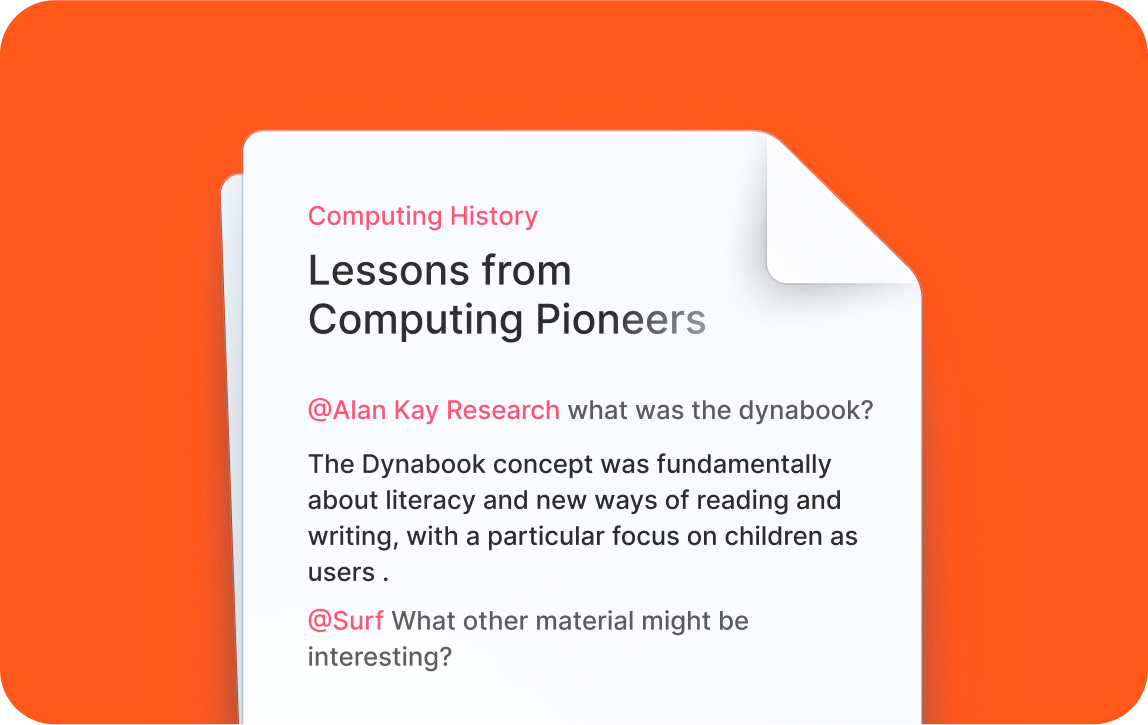
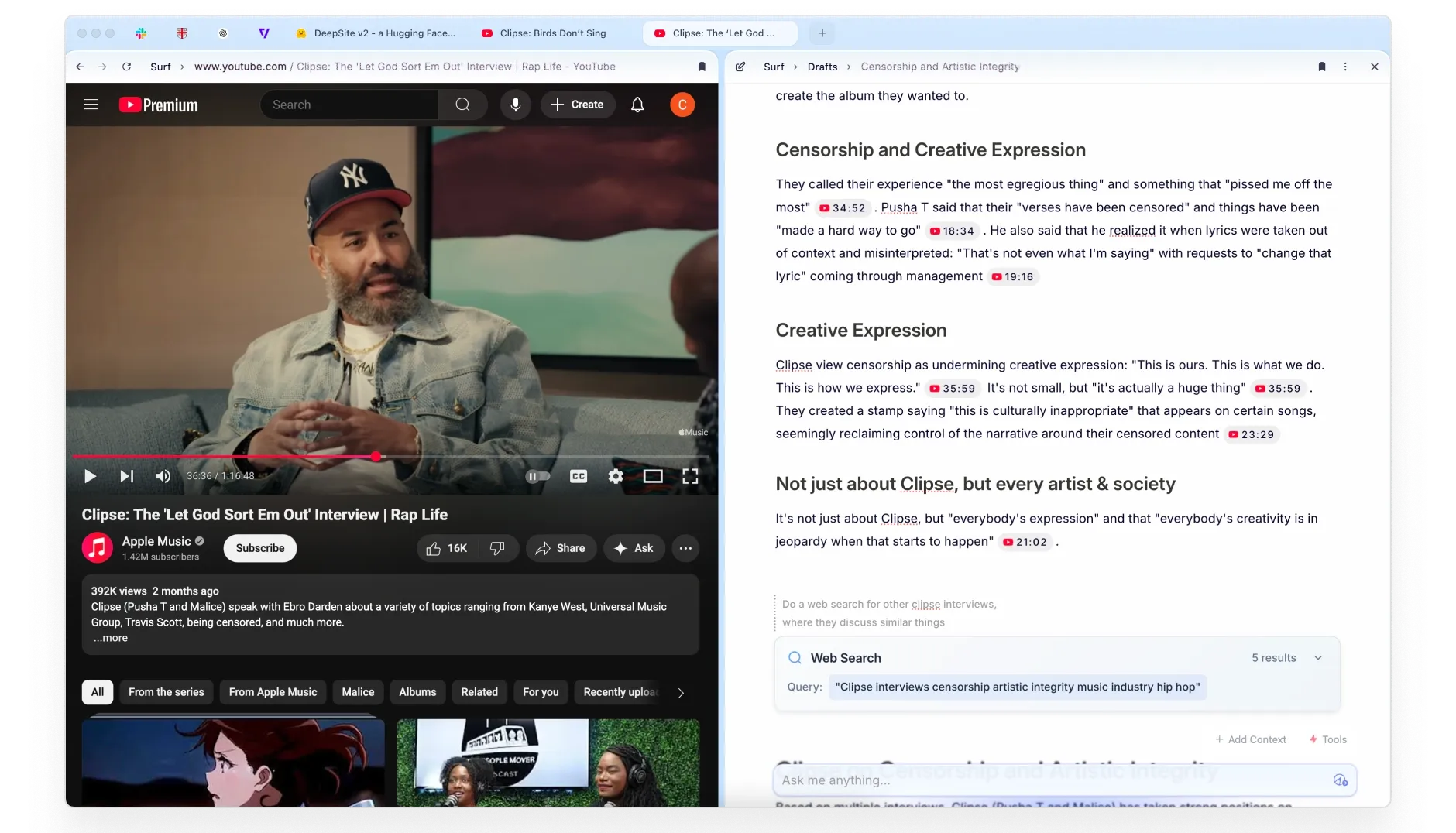
 Deta Surf is a personal AI notebook that brings your files and webpages into one place and lets you generate AI-written notes from them, so research and writing happen in the same stream instead of jumping between apps.
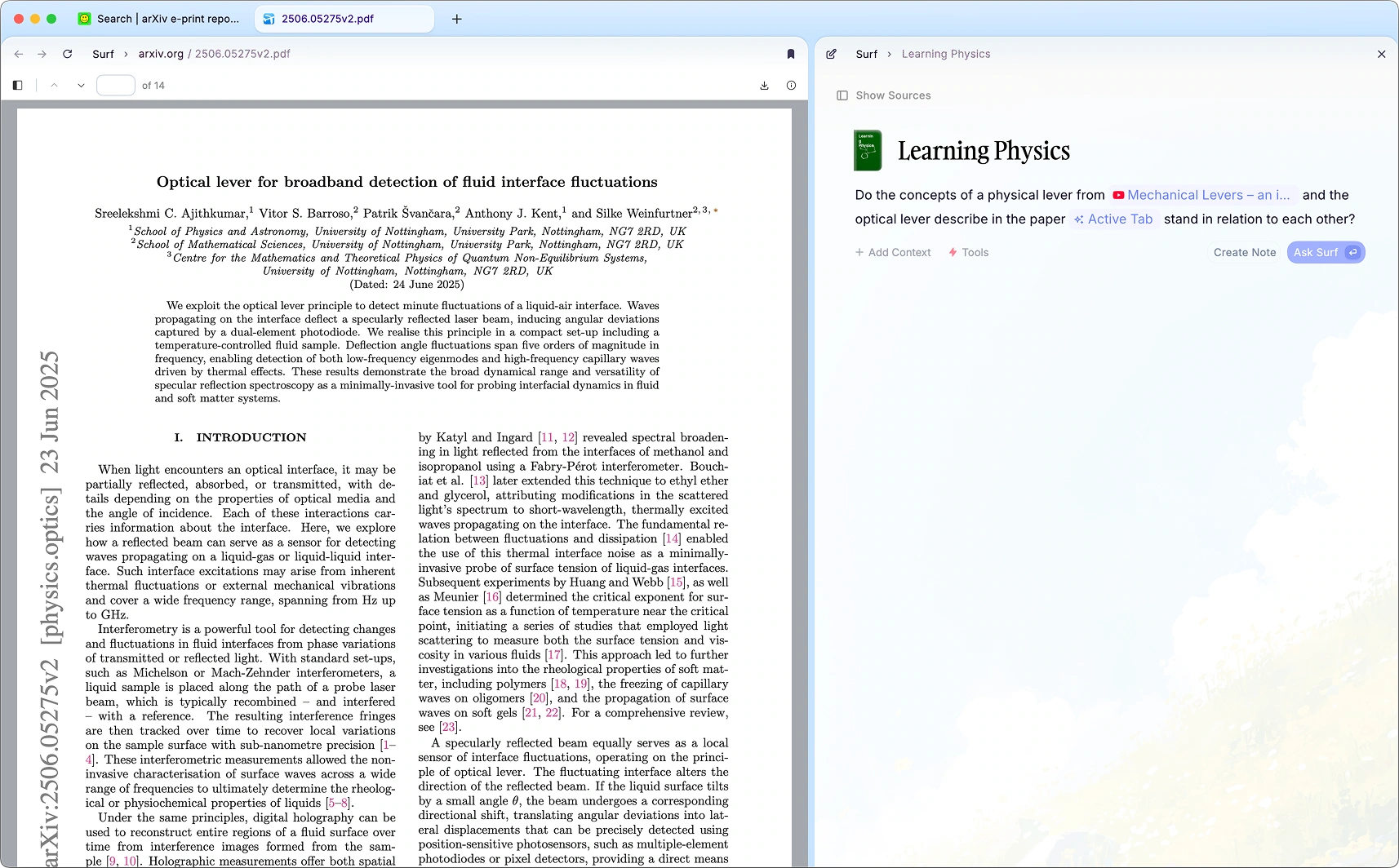
Deta Surf is a personal AI notebook that brings your files and webpages into one place and lets you generate AI-written notes from them, so research and writing happen in the same stream instead of jumping between apps.Is this a note app or a web browser?It is both at once: Surf is organized around tabs, split view and a sidebar like a browser, but every tab can be a note, PDF, website or file that you can ask AI questions about and pull into a document.
It is both at once: Surf is organized around tabs, split view and a sidebar like a browser, but every tab can be a note, PDF, website or file that you can ask AI questions about and pull into a document.How do I install Surf?You download the desktop build for macOS, Windows or Linux using the installation guide linked from the README; building it yourself from source is documented separately in CONTRIBUTING.md.
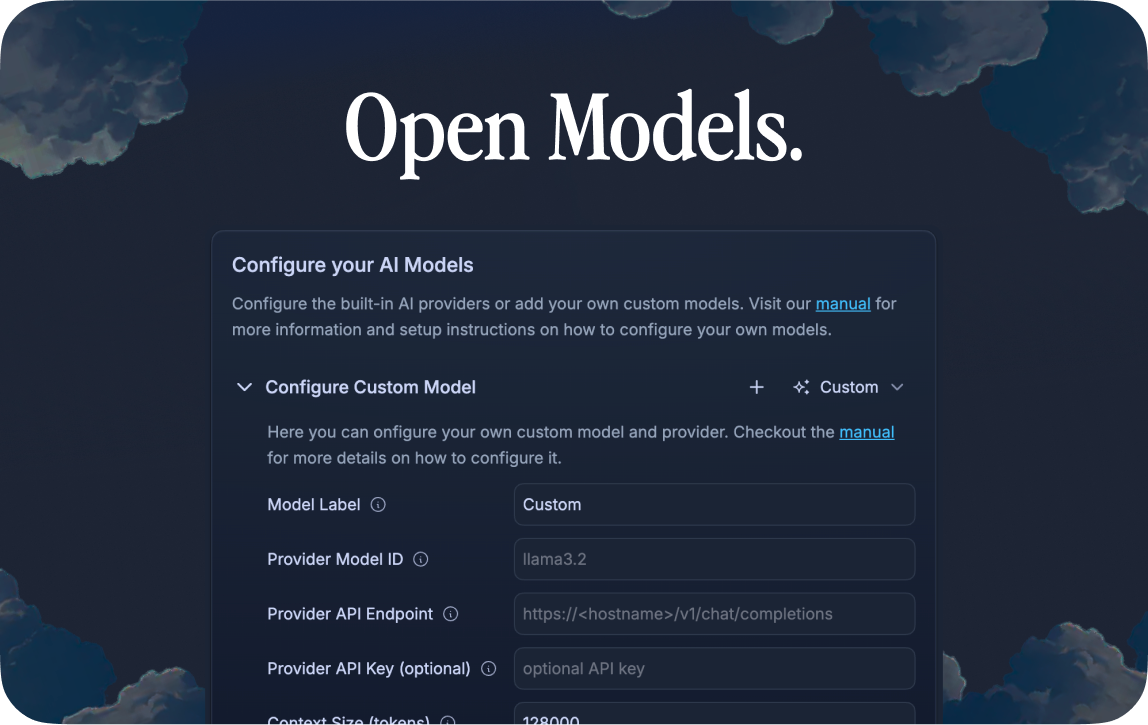
You download the desktop build for macOS, Windows or Linux using the installation guide linked from the README; building it yourself from source is documented separately in CONTRIBUTING.md.Do I need my own API key to use the AI features?Yes, Surf is bring-your-own-key: you plug in a key for a cloud model like OpenAI, Claude, DeepSeek or Gemma, or you can add a local model through Ollama instead and skip API keys entirely.
Yes, Surf is bring-your-own-key: you plug in a key for a cloud model like OpenAI, Claude, DeepSeek or Gemma, or you can add a local model through Ollama instead and skip API keys entirely.Can I use Surf fully offline?Much of your library of saved files and pages can be opened and used offline, but generating notes and using cloud AI models needs internet access and an API key; only the local-model option avoids that.
Much of your library of saved files and pages can be opened and used offline, but generating notes and using cloud AI models needs internet access and an API key; only the local-model option avoids that.Where does my data actually live?Everything you save goes into a local storage engine on your own machine called SFFS, stored in open, transparent file formats rather than on a vendor's cloud.
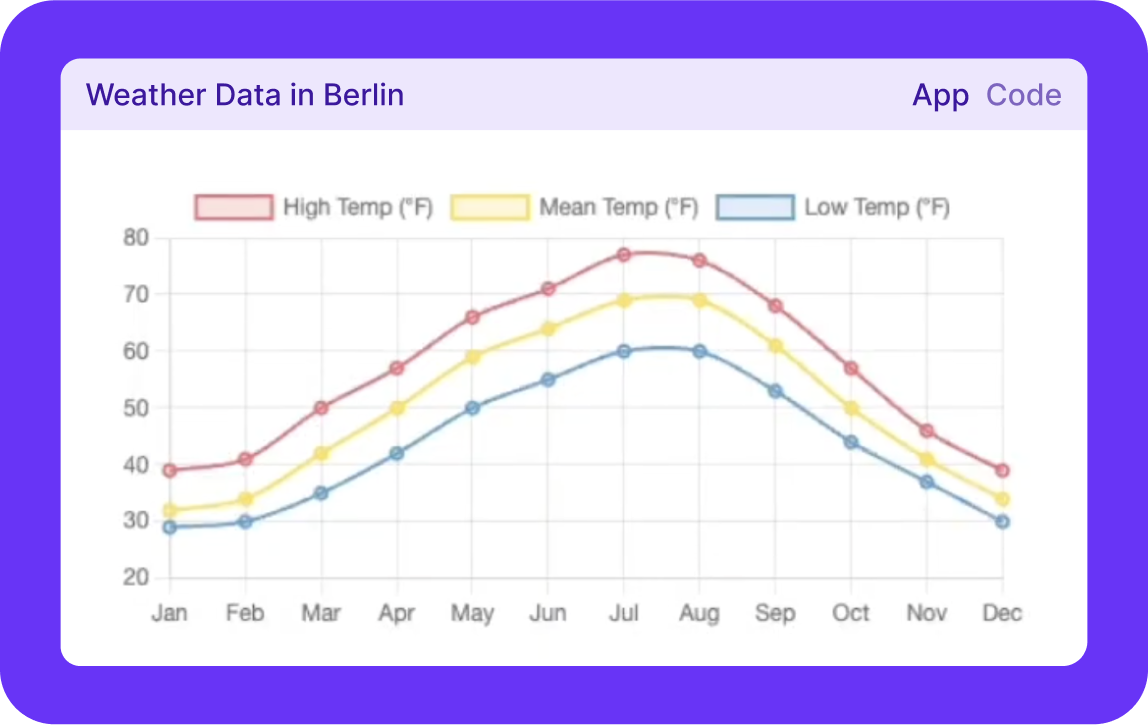
Everything you save goes into a local storage engine on your own machine called SFFS, stored in open, transparent file formats rather than on a vendor's cloud.What are Surflets?Surflets are interactive mini-apps that Surf can generate on the fly from a prompt, so you can visualize or explore data and concepts without writing any code yourself.
Surflets are interactive mini-apps that Surf can generate on the fly from a prompt, so you can visualize or explore data and concepts without writing any code yourself.Can Surf's notes pull in live web search results?Yes, you can trigger a web search tool while writing a note and ask a question with search in it to bring results and deep-linked citations straight into your note.
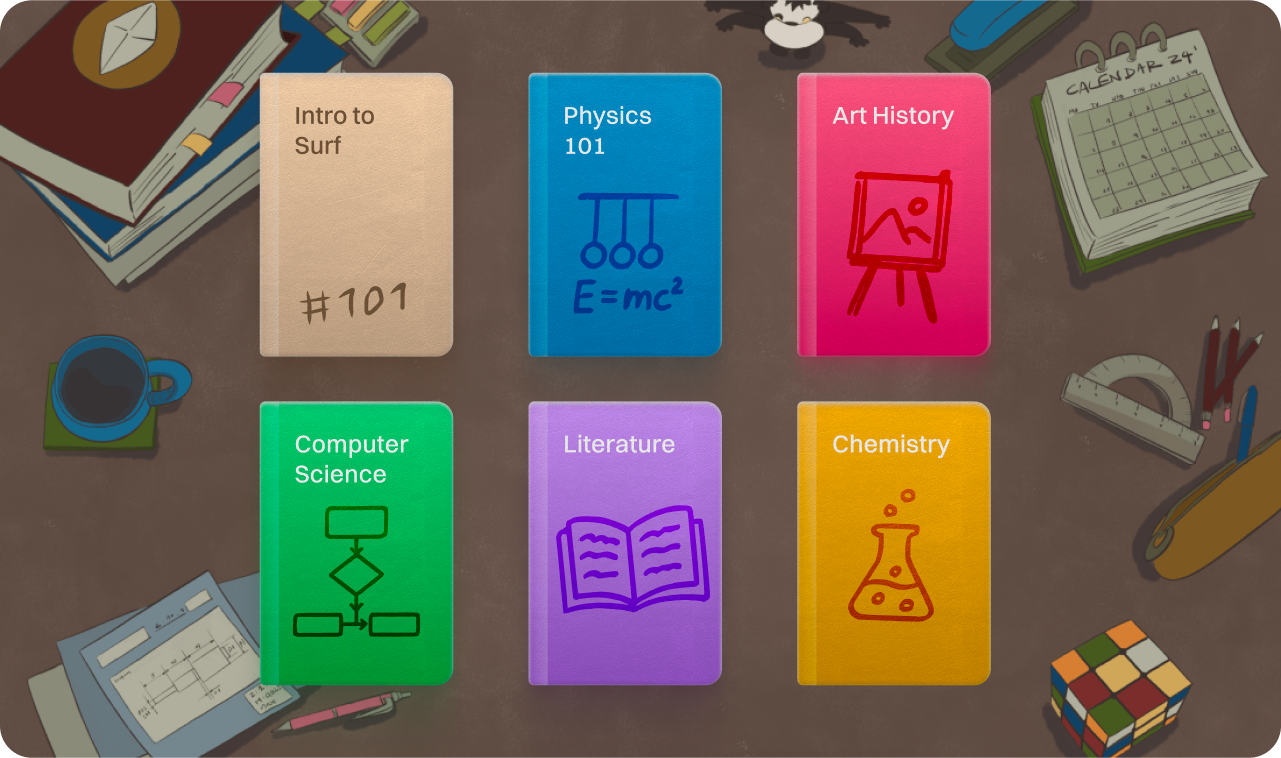
Yes, you can trigger a web search tool while writing a note and ask a question with search in it to bring results and deep-linked citations straight into your note.What kinds of content can go into a Notebook?You can add local files, websites, YouTube videos, tweets and other web links, or notes created directly in Surf, and organize all of it into Notebooks.
You can add local files, websites, YouTube videos, tweets and other web links, or notes created directly in Surf, and organize all of it into Notebooks.Why build Surf instead of using separate note, browser and PDF apps?Most tools only handle one media type at a time; Surf was built so research and thinking can happen across files, web pages and notes in one stream instead of juggling many windows and tabs.
Most tools only handle one media type at a time; Surf was built so research and thinking can happen across files, web pages and notes in one stream instead of juggling many windows and tabs.What are similar projects?open-codesign, laya, easyread, mixdog, open-glean, rowboat, waveterm, presenton
open-codesign, laya, easyread, mixdog, open-glean, rowboat, waveterm, presentonWhich topics is it in?local, gemma, personal-ai, web-search, byok, svelte, knowledge-management, youtube, note-taking, local-llm, knowledge-base, ollama
local, gemma, personal-ai, web-search, byok, svelte, knowledge-management, youtube, note-taking, local-llm, knowledge-base, ollama