




Что это такое?
 Rofi — это переключатель окон, лаунчер приложений и замена dmenu для Linux и BSD. Он показывает выпадающий список с поиском, где можно перескакивать между открытыми окнами, запускать приложения, подключаться по SSH или просматривать файлы.
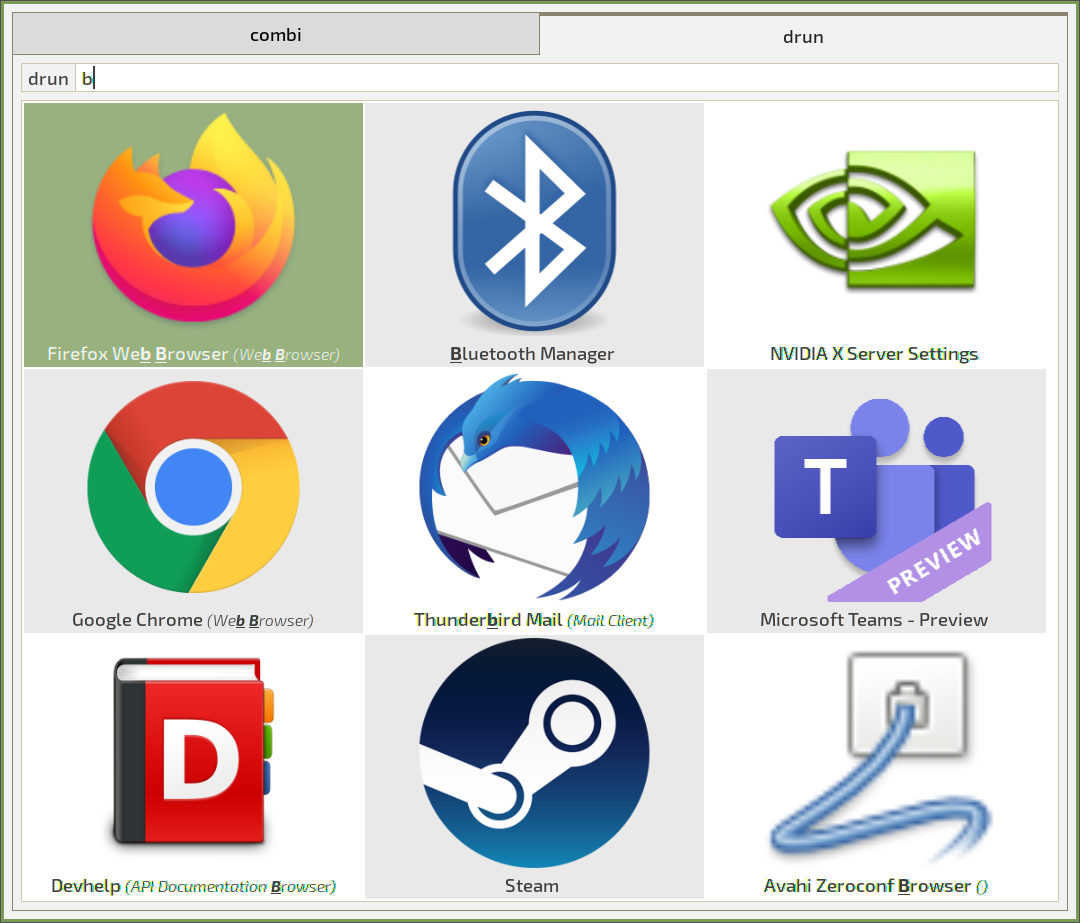
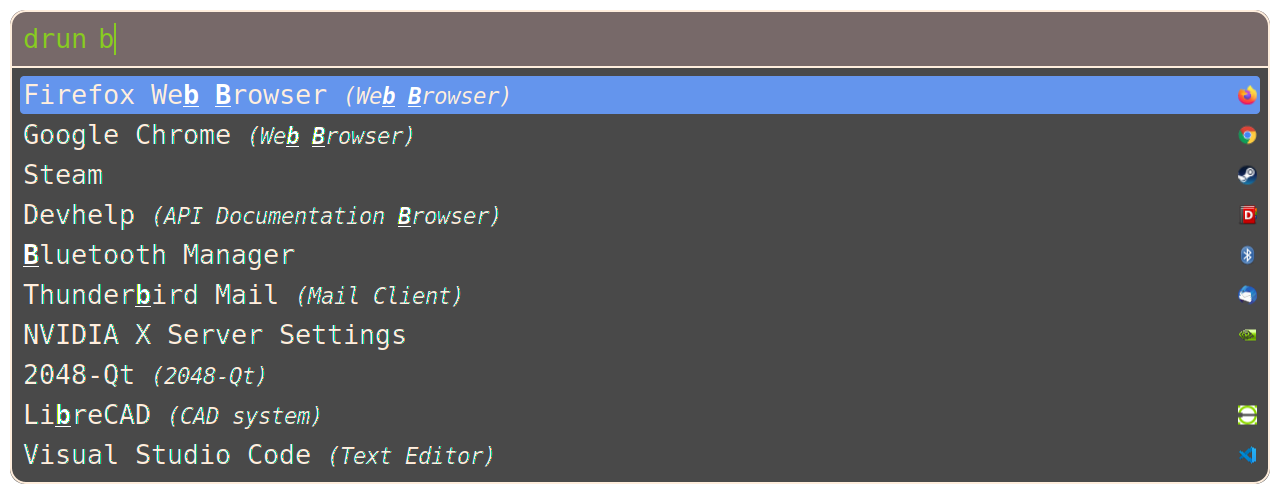
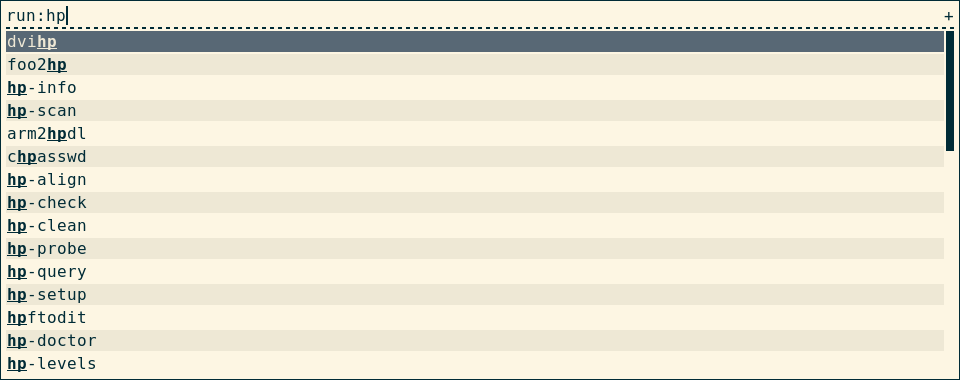
Rofi — это переключатель окон, лаунчер приложений и замена dmenu для Linux и BSD. Он показывает выпадающий список с поиском, где можно перескакивать между открытыми окнами, запускать приложения, подключаться по SSH или просматривать файлы.А что он умеет на самом деле — это только для переключения окон?В нём есть несколько встроенных режимов: run запускает приложения из $PATH, drun запускает приложения из их XDG desktop-файлов, window переключает между открытыми окнами, ssh подключается к удалённым хостам, filebrowser открывает файлы, keys показывает список горячих клавиш, а combi объединяет несколько режимов в один список.
В нём есть несколько встроенных режимов: run запускает приложения из $PATH, drun запускает приложения из их XDG desktop-файлов, window переключает между открытыми окнами, ssh подключается к удалённым хостам, filebrowser открывает файлы, keys показывает список горячих клавиш, а combi объединяет несколько режимов в один список.Как его вызвать, когда он нужен?Установите его, затем запускайте нужный режим командой rofi -show — например, rofi -show run для запуска приложений. Чаще всего эту команду вешают на горячую клавишу в оконном менеджере.
Установите его, затем запускайте нужный режим командой rofi -show — например, rofi -show run для запуска приложений. Чаще всего эту команду вешают на горячую клавишу в оконном менеджере.Он работает на Wayland или только под X11?И там, и там. Он собирается с бэкендами Wayland и X11/xcb, включёнными по умолчанию — нужен хотя бы один бэкенд — и сам выбирает подходящий в зависимости от окружения. X11 можно принудительно включить опцией -x11.
И там, и там. Он собирается с бэкендами Wayland и X11/xcb, включёнными по умолчанию — нужен хотя бы один бэкенд — и сам выбирает подходящий в зависимости от окружения. X11 можно принудительно включить опцией -x11.На Wayland всё работает так же?Не совсем. В режиме Wayland не хватает нескольких возможностей X11: флага -normal-window, точного выбора монитора через -monitor -n, некоторых смещений положения окна, фейковой прозрачности и режима window на KWin.
Не совсем. В режиме Wayland не хватает нескольких возможностей X11: флага -normal-window, точного выбора монитора через -monitor -n, некоторых смещений положения окна, фейковой прозрачности и режима window на KWin.Переключатель окон заработает с моим оконным менеджером, например с i3?Для переключения окон нужен оконный менеджер с поддержкой EWMH, причём для i3 и bspwm есть отдельные обходные решения; на Wayland поддерживаются оконные менеджеры семейства wlr. Сам rofi точно работает на Linux и BSD.
Для переключения окон нужен оконный менеджер с поддержкой EWMH, причём для i3 и bspwm есть отдельные обходные решения; на Wayland поддерживаются оконные менеджеры семейства wlr. Сам rofi точно работает на Linux и BSD.Почему мне использовать его вместо обычного dmenu?Это готовая замена dmenu, так что существующие скрипты dmenu продолжат работать, а вдобавок вы получаете поддержку языков с письмом справа налево и рисование через Cairo со шрифтами Pango, плюс расширяемость через скрипты и плагины.
Это готовая замена dmenu, так что существующие скрипты dmenu продолжат работать, а вдобавок вы получаете поддержку языков с письмом справа налево и рисование через Cairo со шрифтами Pango, плюс расширяемость через скрипты и плагины.Как его настроить и поменять внешний вид?Запустите rofi -dump-config — он создаст файл config.rasi по умолчанию в ~/.config/rofi/. Именно этот файл rofi загружает по умолчанию, и в нём хранятся и настройки, и темы. Вместе с rofi поставляются готовые темы, а man-страница rofi-theme подробно описывает работу с ними.
Запустите rofi -dump-config — он создаст файл config.rasi по умолчанию в ~/.config/rofi/. Именно этот файл rofi загружает по умолчанию, и в нём хранятся и настройки, и темы. Вместе с rofi поставляются готовые темы, а man-страница rofi-theme подробно описывает работу с ними.Можно ли добавить свои пункты или режимы?Да. Режим script поддерживает (с ограничениями) собственные режимы на основе простых скриптов, а rofi можно расширять плагинами — скрипты могут либо вызываться rofi, либо сами вызывать rofi.
Да. Режим script поддерживает (с ограничениями) собственные режимы на основе простых скриптов, а rofi можно расширять плагинами — скрипты могут либо вызываться rofi, либо сами вызывать rofi.Он запоминает, какими приложениями я пользуюсь чаще всего?Да, при желании: упорядочивание по истории поднимает наверх ваши последние 25 выборов в зависимости от частоты использования. Сортировку совпадений также можно переключить на расстояние Левенштейна или нечёткий поиск в духе fzf.
Да, при желании: упорядочивание по истории поднимает наверх ваши последние 25 выборов в зависимости от частоты использования. Сортировку совпадений также можно переключить на расстояние Левенштейна или нечёткий поиск в духе fzf.Which topics is it in?i3, i3wm, linux-desktop, launcher, x11, theme, c, customization, utility, plugin, desktop, productivity
i3, i3wm, linux-desktop, launcher, x11, theme, c, customization, utility, plugin, desktop, productivity