🌌 astroterm




astroterm is a terminal-based star map written in C. It displays the real-time positions of stars, planets, constellations, and more, all within your terminal—no telescope required! Configure sky views by date, time, and location with precise ASCII-rendered visuals. See usage for all supported options!
astroterm is constantly improving, and we'd love to hear your ideas! If you have a suggestion or find a bug, please open an issue and share your feedback. See CONTRIBUTING.md for guidelines on building, testing, and contributing to astroterm.
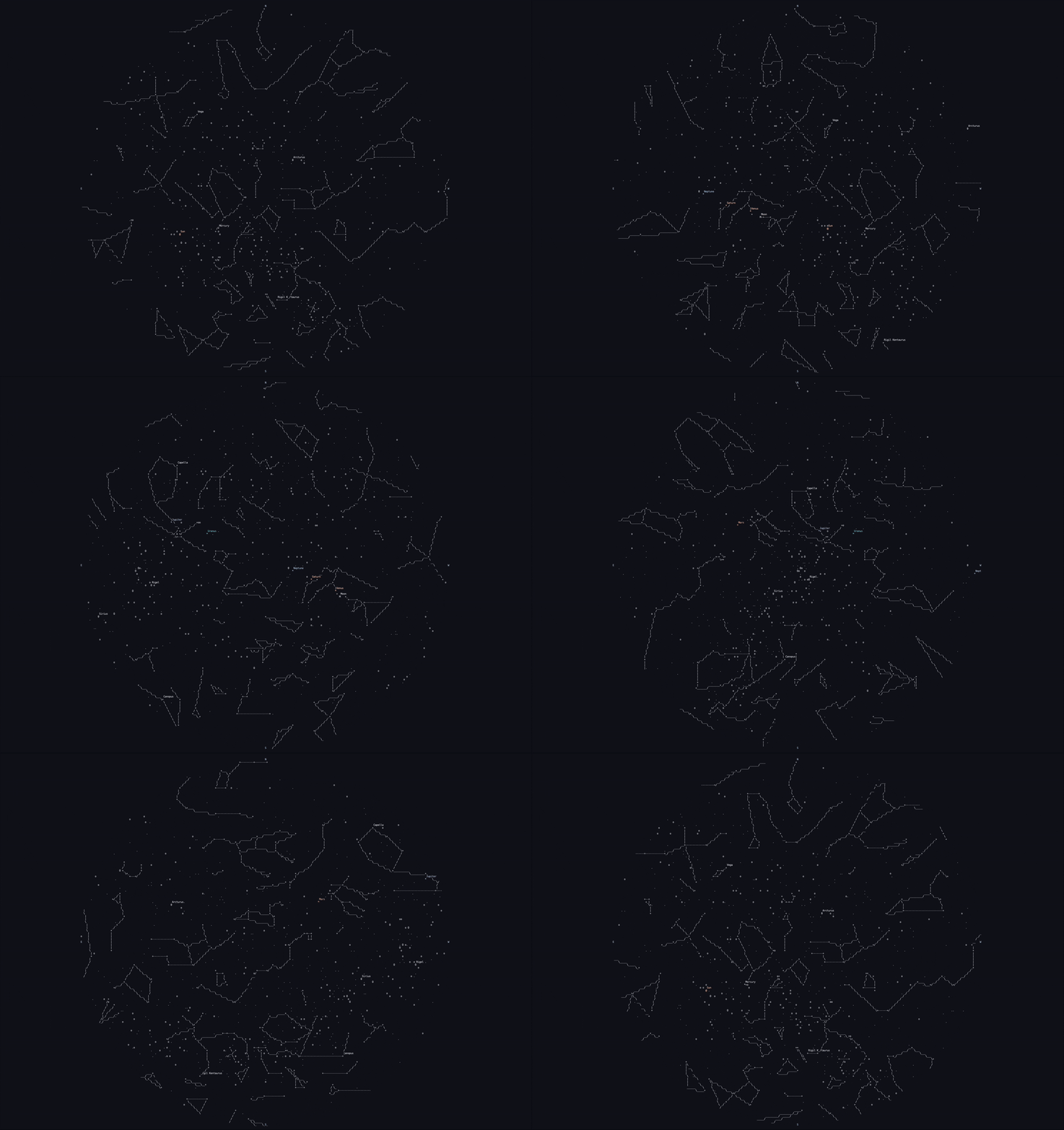
The night sky above Singapore on January 2, 2025
See usage on how to obtain this view
Table of Contents
Features
- 🔭 Highly Customizable: Choose any date, time, and location to explore past, present, or future celestial events
- 📐 Accurate Rendering: View the moon, stars, and planets with as much precision as terminal graphics allow
- 🌘 Moon Phases: Precise lunar phases in real-time
- 🌌 Constellation Figures: Detailed constellation shapes
- ⚡ Performance Optimized: Lightweight and fast ASCII rendering
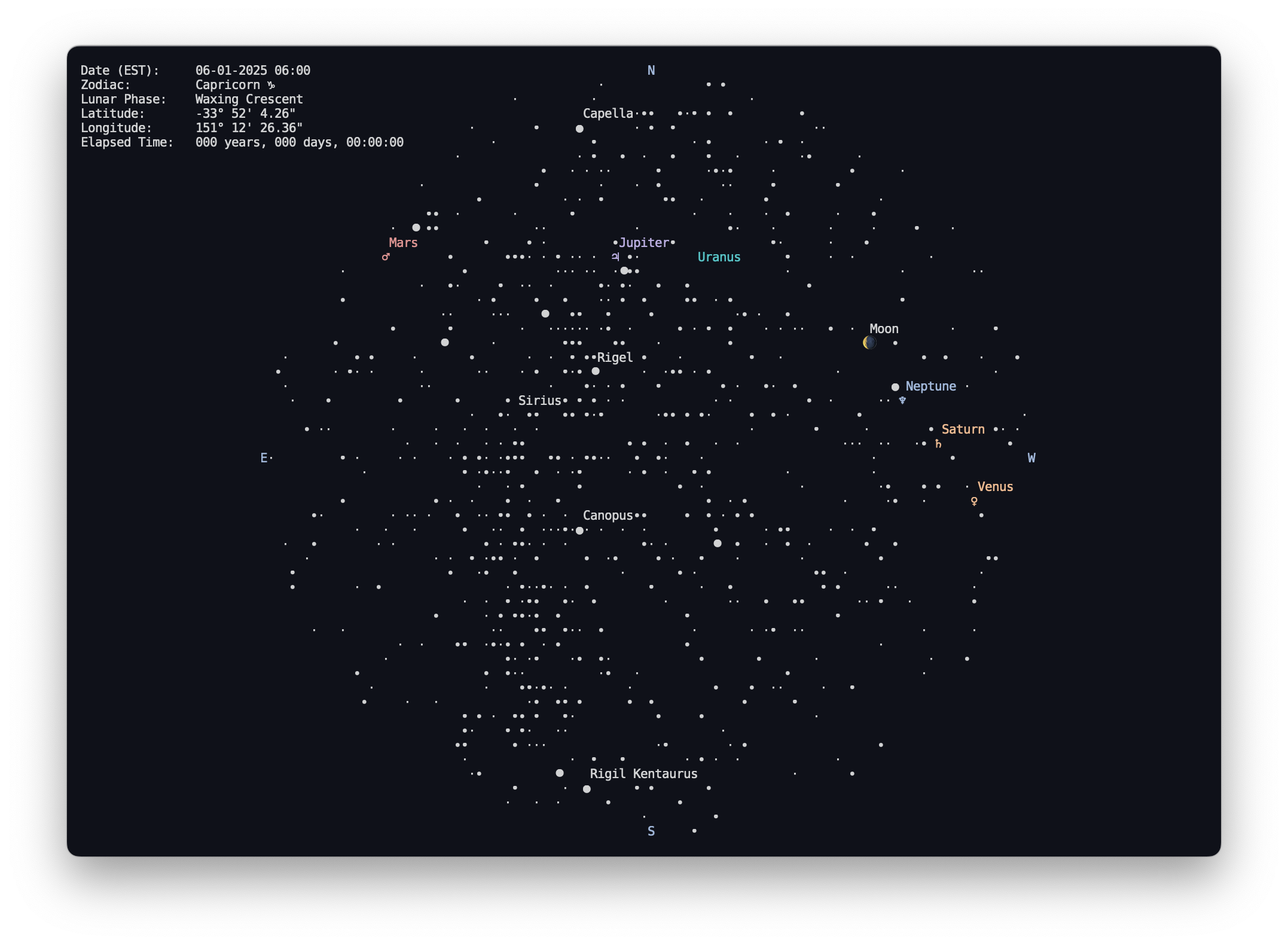
Stars over Sydney, Australia on January 6, 2025
Installation
Several installation methods are provided based on your platform. If none of these fit your needs, you can always build from source. Refer to troubleshooting for help resolving any issues.

Arch Linux
You can install astroterm from the extra repository using pacman:
pacman -S astroterm
Fedora
You can install astroterm directly from the Fedora package repository on Fedora 40+.
sudo dnf install astroterm
Homebrew
You can install astroterm from Homebrew via:
brew install astroterm
Nix
You can try the package in a temporary environment with the following command:
nix-shell -I nixpkgs=channel:nixpkgs-unstable -p astroterm --command astroterm
Argument flags are added by wrapping the command in quotes. For example:
nix-shell -I nixpkgs=channel:nixpkgs-unstable -p astroterm --command "astroterm -u -c"
To make astroterm available from your $PATH, add it to your configuration.nix:
environment.systemPackages = with pkgs; [
  ...
  astroterm
]
Guix
You can install astroterm directly from the Guix main
channel starting from
this commit.
guix time-machine --commit=4b5f0408e66392ab745dc0f7830732217d88f17d -- shell astroterm
Or after guix pull:
guix shell astroterm -- astroterm --help  # to try
guix package --install astroterm          # add to current profile
Prebuilt Executable
Unix
Download the latest executable using wget
wget -O astroterm "https://github.com/da-luce/astroterm/releases/latest/download/astroterm-<os>-<arch>"
- Replace
<os> with the appropriate platform:
- Linux:
linux
- macOS:
darwin
- Replace
<arch> with the appropriate architecture:
- Linux:
x86_64 (arm64 support to come after Ubuntu arm64 runners are available)
- Apple Silicon (M-series):
aarch64
- Intel-based Macs:
x86_64
- To view all supported combinations, see the Releases page.
Run the executable
chmod +x ./astroterm
./astroterm
Windows
Download the latest .exe file using PowerShell's Invoke-WebRequest:
Invoke-WebRequest -Uri "https://github.com/da-luce/astroterm/releases/latest/download/astroterm-win-x86_64.exe" -OutFile "astroterm.exe"
Run the .exe
.\astroterm.exe
Usage
Options
The --help flag displays all supported options:
Usage: astroterm [OPTION]...

  -a, --latitude=<degrees>  Observer latitude [-90°, 90°] (default: 0.0)
  -o, --longitude=<degrees> Observer longitude [-180°, 180°] (default: 0.0)
  -d, --datetime=<yyyy-mm-ddThh:mm:ss>
                            Observation datetime in UTC
  -t, --threshold=<float>   Only render stars brighter than this magnitude
                            (default: 5.0)
  -l, --label-thresh=<float>
                            Label stars brighter than this magnitude (default:
                            0.25)
  -f, --fps=<int>           Frames per second (default: 24)
  -s, --speed=<float>       Animation speed multiplier (default: 1.0)
  -c, --color               Enable terminal colors
  -C, --constellations      Draw constellation stick figures. Note: a
                            constellation is only drawn if all stars in the
                            figure are over the threshold
  -g, --grid                Draw an azimuthal grid
  -u, --unicode             Use unicode characters
  -b, --braille             Use braille characters for constellation lines
                            (requires Unicode)
  -q, --quit-on-any         Quit on any keypress (default is to quit on 'q' or
                            'ESC' only)
  -m, --metadata            Display metadata
  -r, --aspect-ratio=<float>
                            Override the calculated terminal cell aspect ratio.
                            Use this if your projection is not 'square.' A value
                            around 2.0 works well for most cases
  -h, --help                Print this help message
  -B, --bash-completions    Print bash completions
  -i, --city=<city_name>    Use the latitude and longitude of the provided city.
                            If the name contains multiple words, enclose the
                            name in single or double quotes. For a list of
                            available cities, see:
                            https://github.com/da-luce/astroterm/blob/main/data/
                            cities.csv
  -v, --version             Display version info and exit
Shell Completions
To enable Tab completions in Bash, add the following line to your ~/.bashrc:
source <(astroterm --bash-completions)
Example 1
To achieve the "spinning globe" effect as shown in the README GIF, use the following flags:
astroterm --color --constellations --speed 10000 --fps 64 --city Singapore
or
astroterm -cC -s 10000 -f 64 -i Singapore
for short. In fact, any city around the equator will work. Locations closer to the poles will look different because the apparent motion of the stars is more circular around the celestial pole rather than sweeping across the sky.
Example 2
Say we wanted to view the sky at 5:00 AM (Eastern) on July 16, 1969—the morning
of the Apollo 11 launch at the Kennedy Space Center in Florida. We would run:
astroterm --latitude 28.573469 --longitude -80.651070 --datetime 1969-7-16T8:00:00
Finding the precise coordinates can be cumbersome, so we could also use the nearest major city to achieve a similar result:
astroterm --city Orlando --datetime 1969-7-16T8:00:00 -m
While we're still waiting for someone to invent time travel, we can cheat a little by using Stellarium to confirm that this aligns with reality.
If we then wanted to display constellations and add color, we would add --constellations --color as options.
If you simply want the current time, don't specify the --datetime option and
astroterm will use the system time. For your current location, you will still
have to specify the --lat and --long options, or provide the nearest city with the --city option.
For more options and help, run astroterm -h or astroterm --help.
[!TIP]
Use a tool like LatLong to get your latitude and longitude.
[!TIP]
Star magnitudes decrease as apparent brightness increases, i.e., to show more stars, increase the threshold.
Troubleshooting
Release Won't Download via Curl
For some reason, curl does not follow the latest release redirect. Use wget
to download the latest release or hardcode the tag in the link using curl. Or,
just download via the releases page.
Broken Unicode on Linux
If Unicode characters do not display correctly in the terminal, you may need to configure your system's locale to support Unicode.
- Temporarily set the locale (add this to
~/.bashrc or equivalent to permanently enforce)
export LC_ALL="en_US.UTF-8"
export LC_CTYPE="en_US.UTF-8"
- Install and configure locales (example for Ubuntu/Debian)
sudo apt update
sudo apt install -y locales
sudo dpkg-reconfigure locales
During configuration, select en_US.UTF-8 as the default locale.
Citations
Many thanks to the following resources, which were invaluable to the development of this project.
Data Sources

 astroterm 是一个用 C 语言编写的终端天象仪,无需望远镜,就能在终端里以 ASCII 字符画的形式实时显示恒星、行星、星座和月相的位置。