What is this?
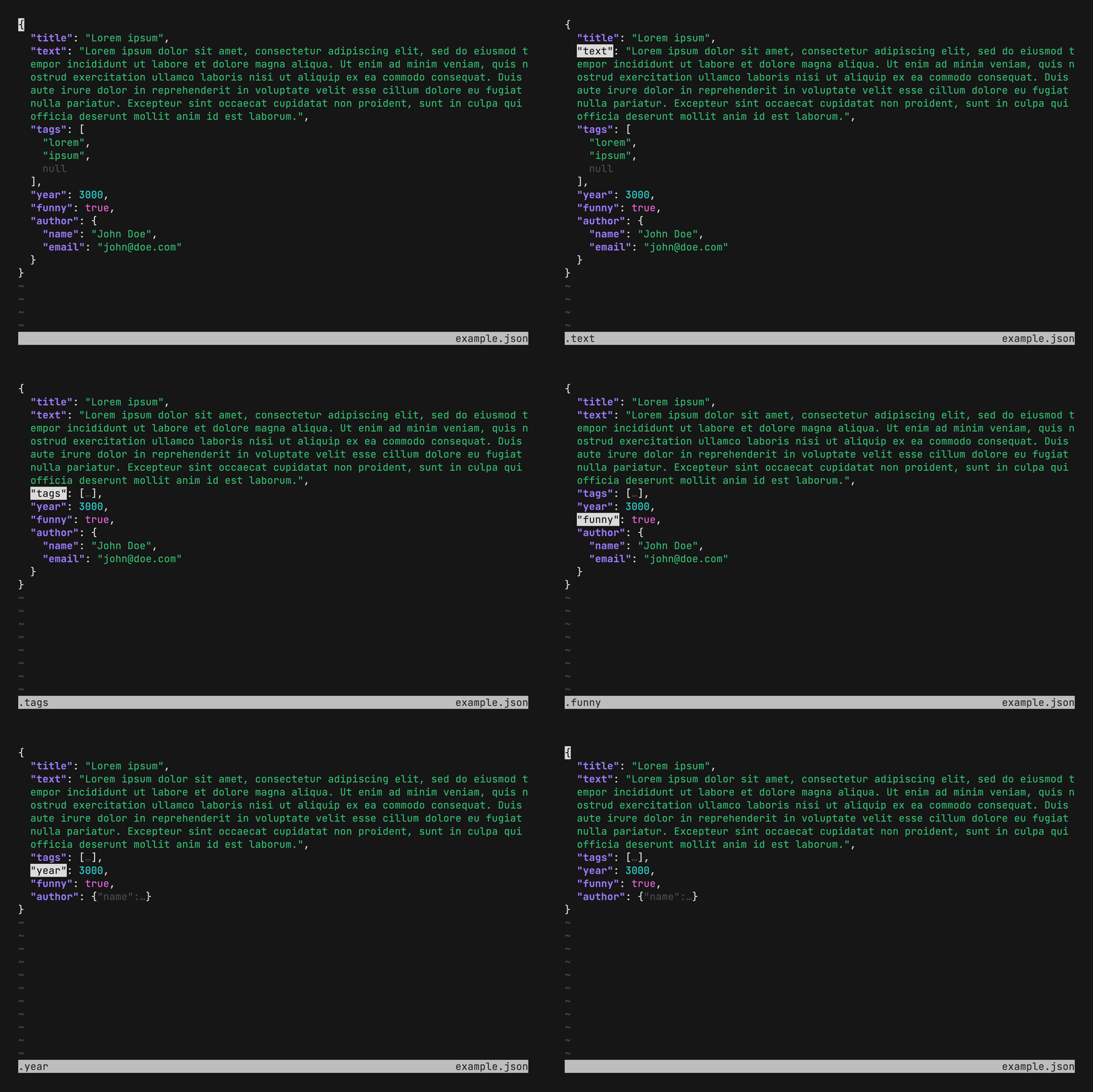
 fx is a terminal JSON viewer and processor — a command-line tool for exploring and transforming JSON data right in your terminal.
fx is a terminal JSON viewer and processor — a command-line tool for exploring and transforming JSON data right in your terminal.Is it a library I import into my code, or a standalone tool?It's a standalone command-line tool, not a library: a single Go binary you point at JSON files or pipe data into.
It's a standalone command-line tool, not a library: a single Go binary you point at JSON files or pipe data into.Do I need anything else installed for fx to work?No — fx is a self-contained Go binary with no external dependencies, so it runs without extra runtimes or services.
No — fx is a self-contained Go binary with no external dependencies, so it runs without extra runtimes or services.Is there anything to watch out for before trying it?There's no graphical interface: fx is a terminal application, so exploring and processing JSON is a keyboard-driven workflow.
There's no graphical interface: fx is a terminal application, so exploring and processing JSON is a keyboard-driven workflow.Will it run on my machine?It's built in Go and distributed for Linux, macOS and Windows, with release pipelines for Homebrew, Snap and Docker.
It's built in Go and distributed for Linux, macOS and Windows, with release pipelines for Homebrew, Snap and Docker.Does the author of fx make other terminal tools?Yes — the README lists walk (a terminal file manager), howto (a terminal command LLM helper) and countdown (a terminal countdown timer) as related projects.
Yes — the README lists walk (a terminal file manager), howto (a terminal command LLM helper) and countdown (a terminal countdown timer) as related projects.Is fx still actively maintained?The repository isn't archived and has CI workflows for tests plus Homebrew, Snap and Docker releases; it has been around since 2018 and has gathered over 20,000 GitHub stars.
The repository isn't archived and has CI workflows for tests plus Homebrew, Snap and Docker releases; it has been around since 2018 and has gathered over 20,000 GitHub stars.Which topics is it in?viewer, terminal-app, parser, homebrew, tui, cli-tool, json, utility, command-line, go, command-line-tool, terminal
viewer, terminal-app, parser, homebrew, tui, cli-tool, json, utility, command-line, go, command-line-tool, terminal