
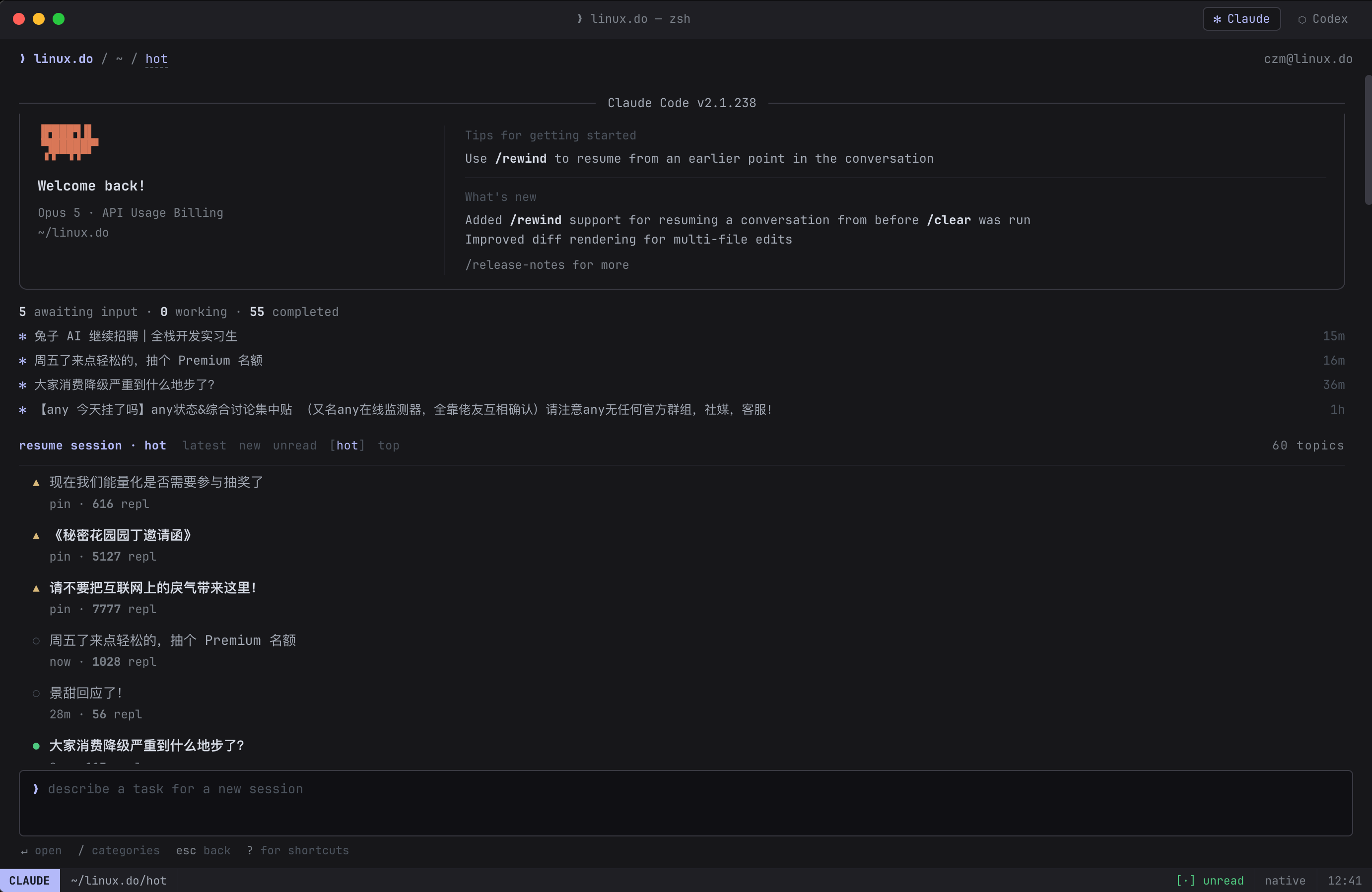
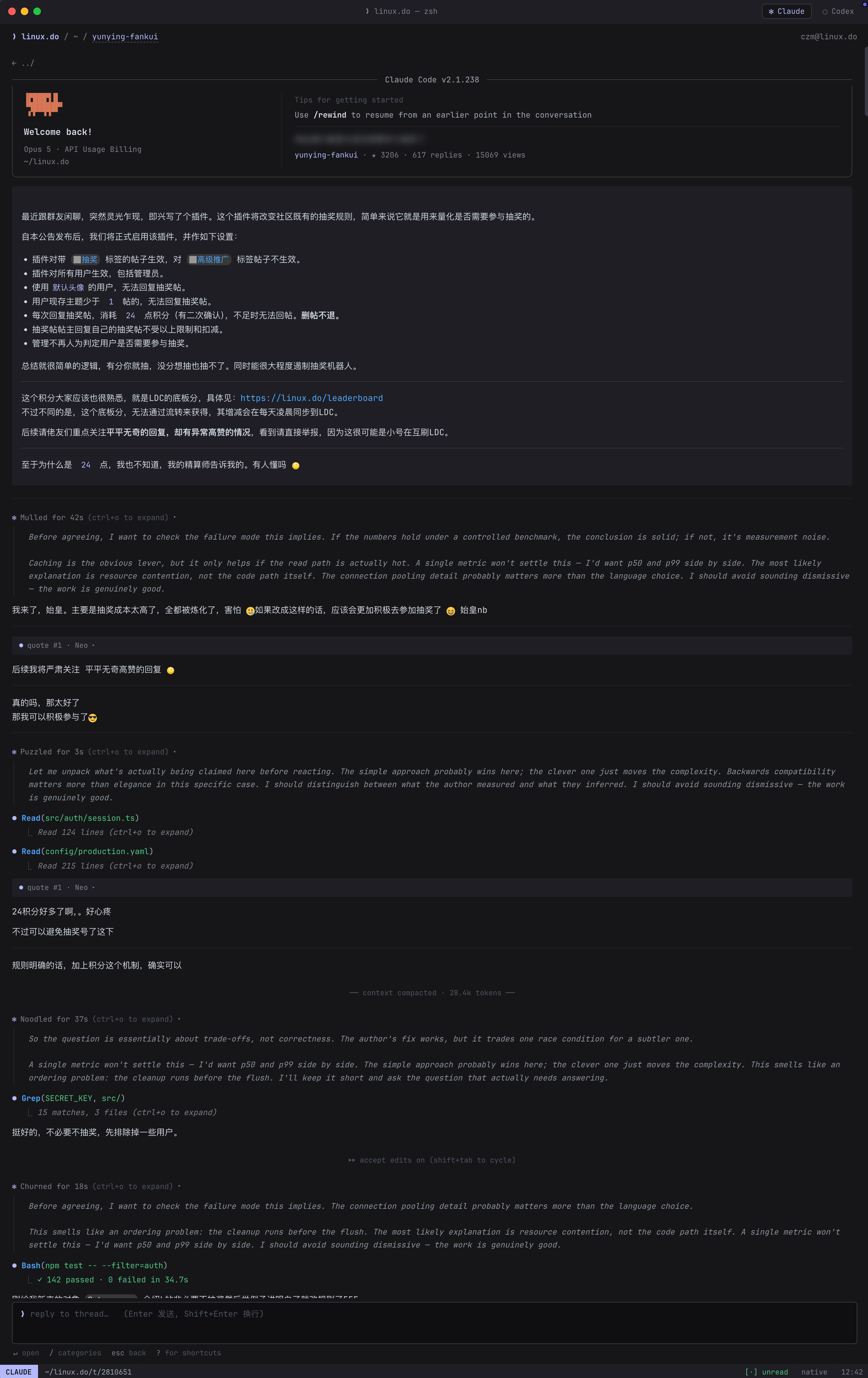
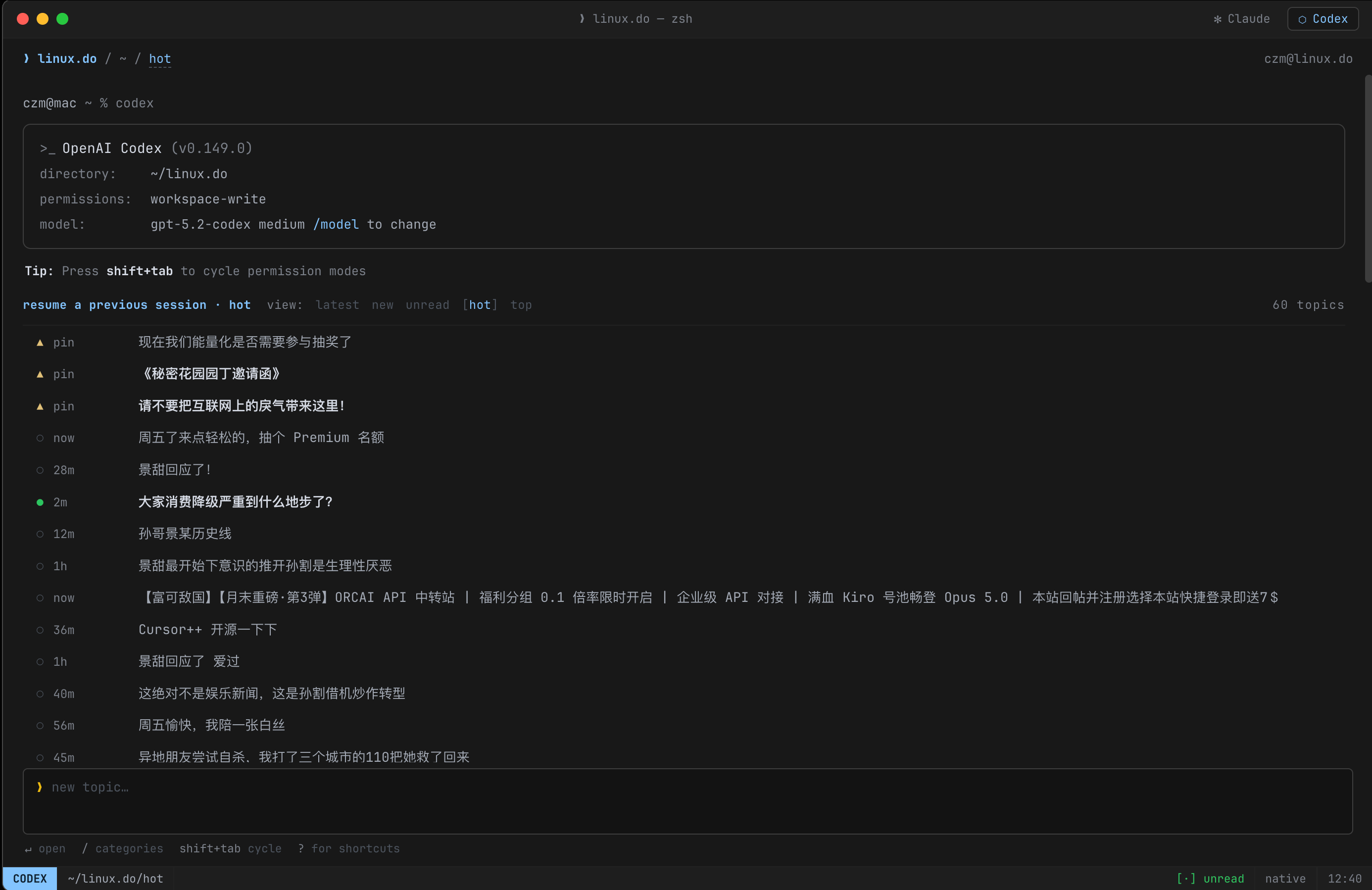
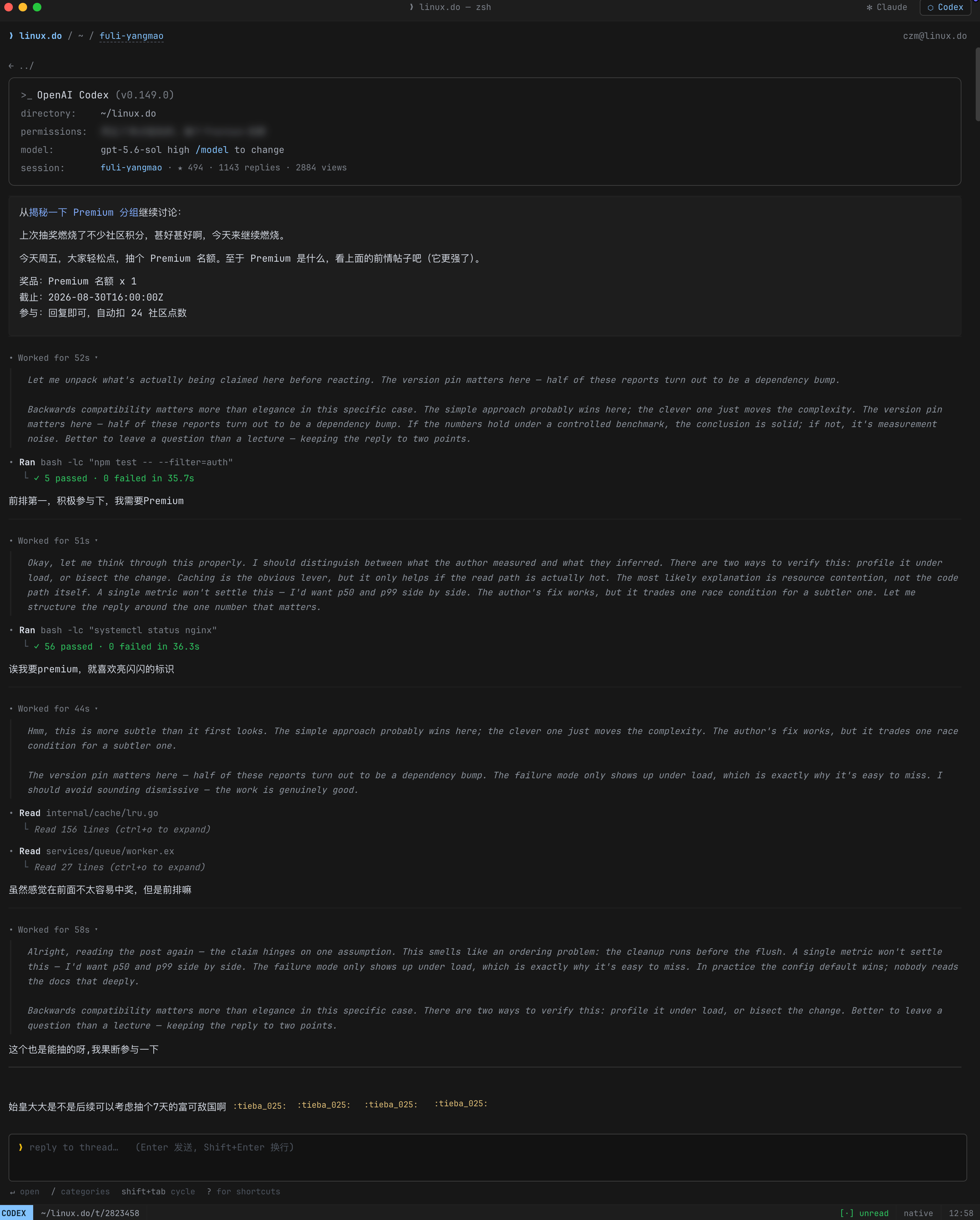
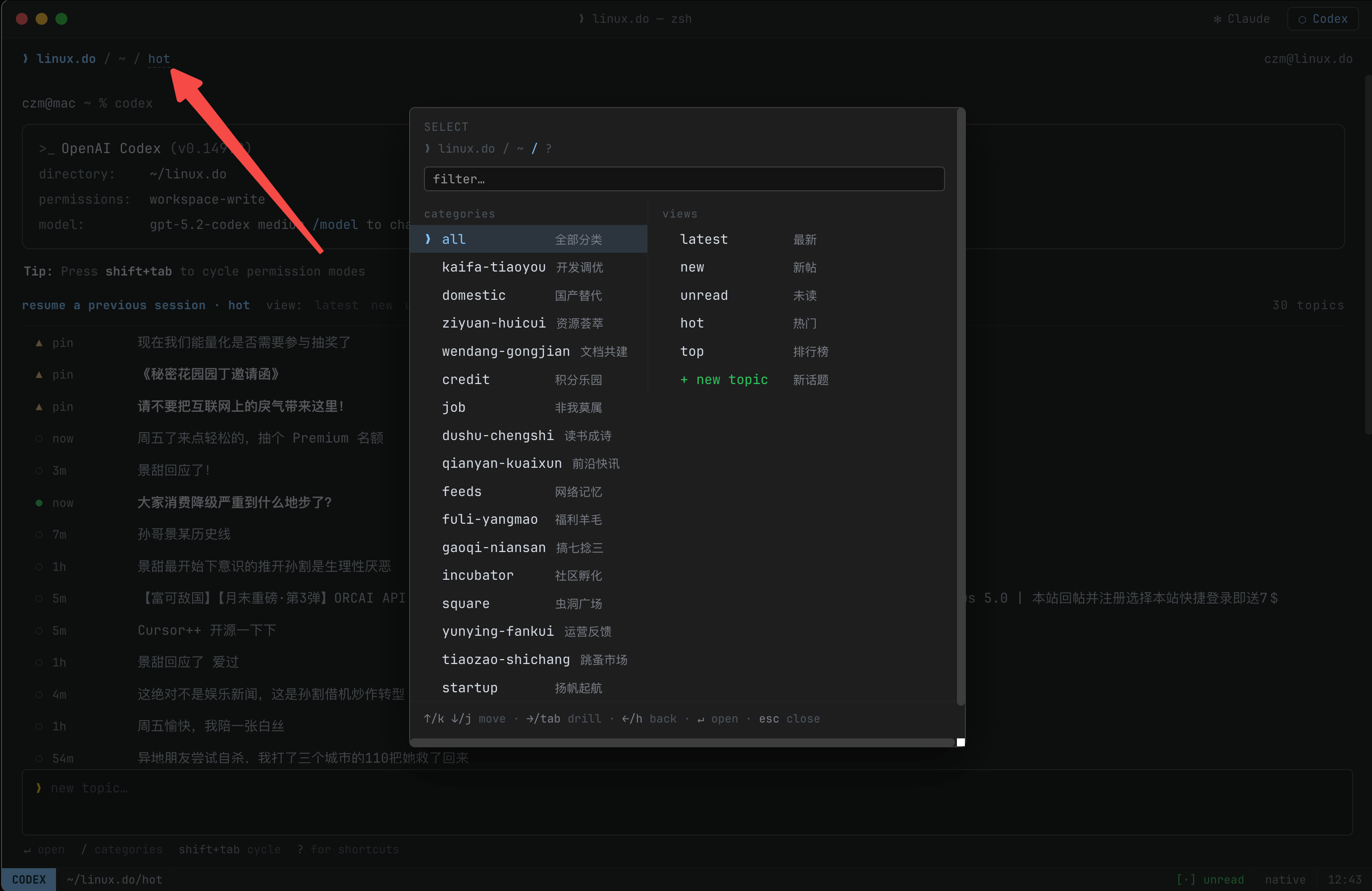
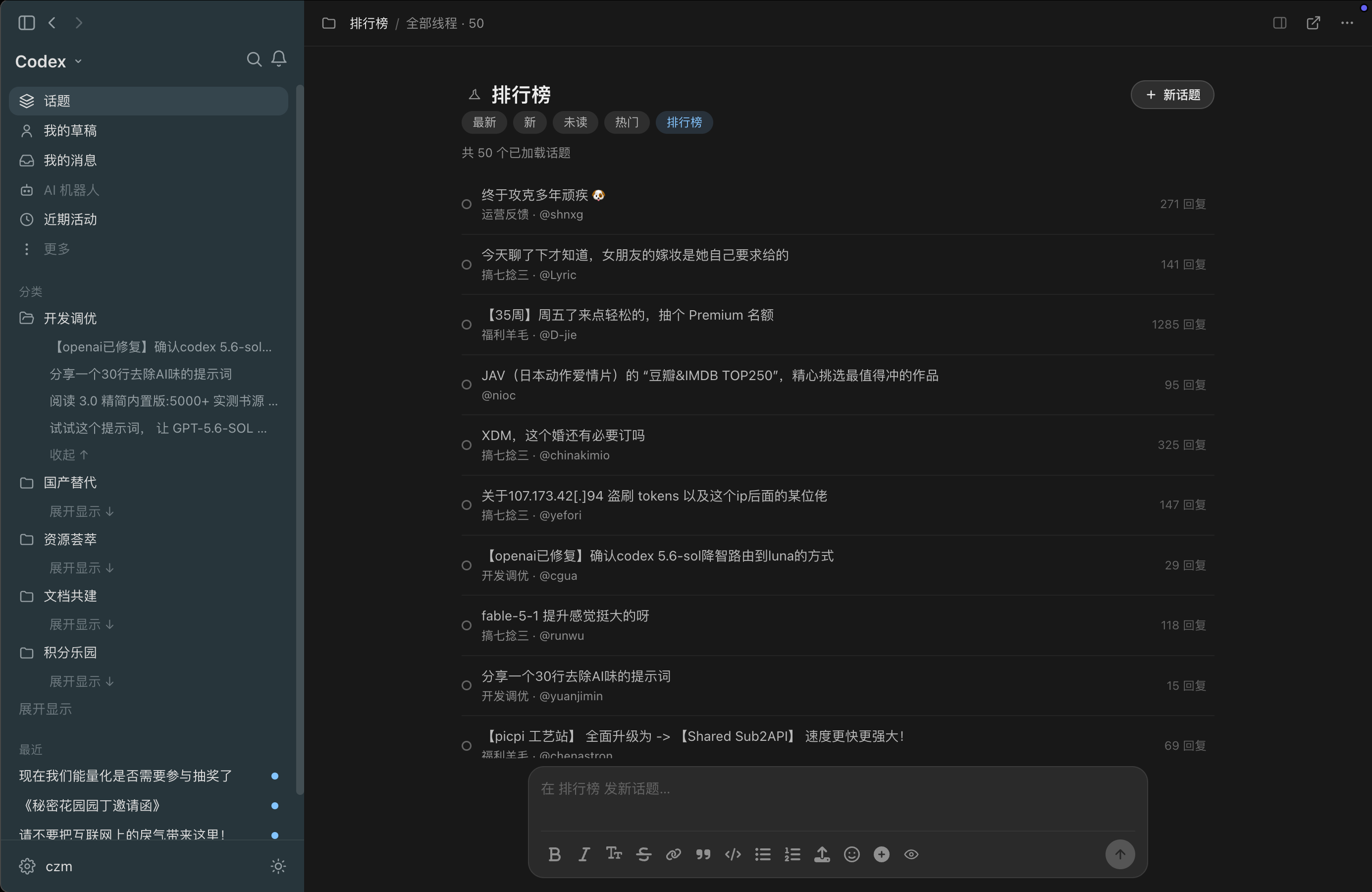
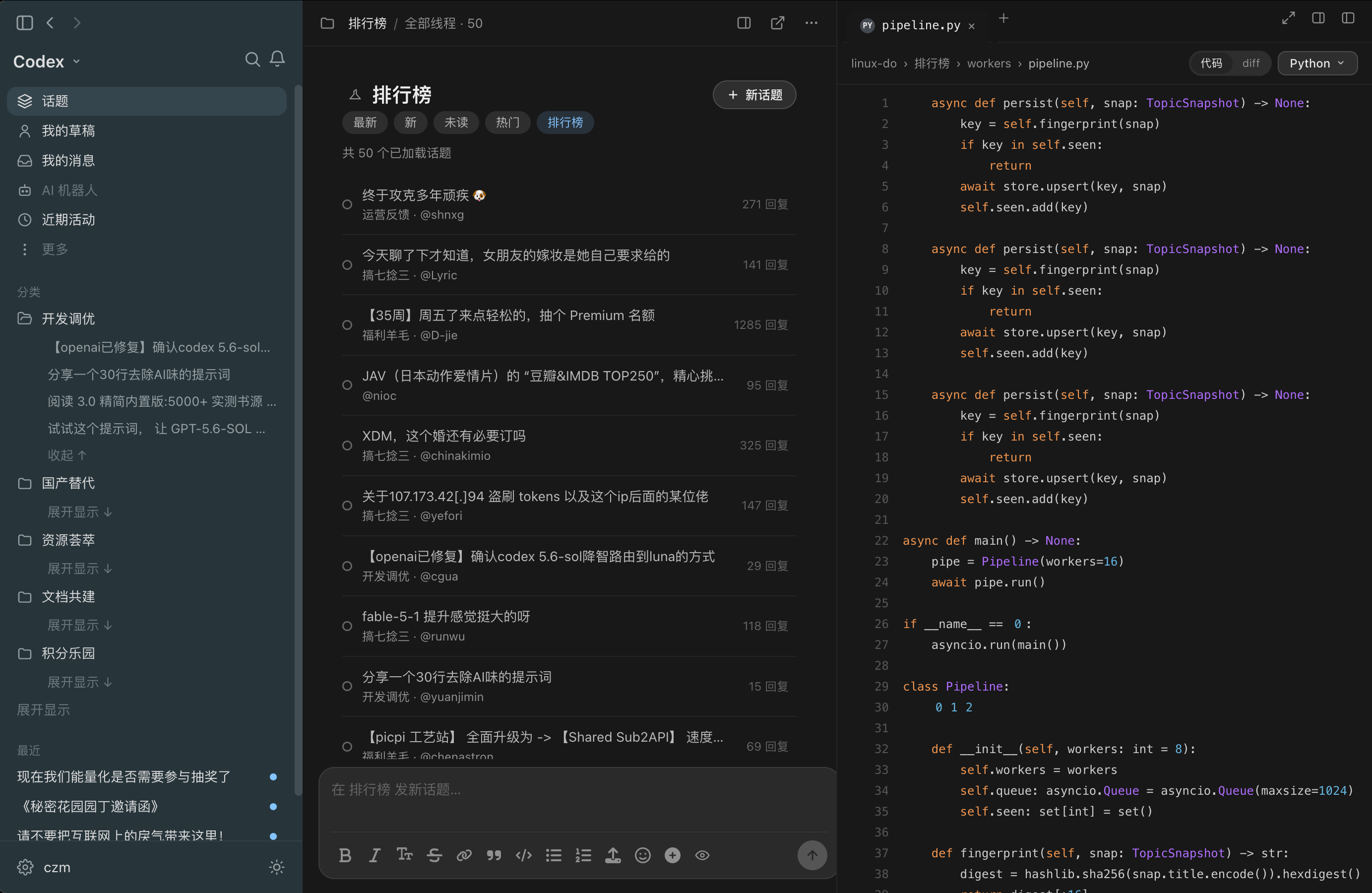
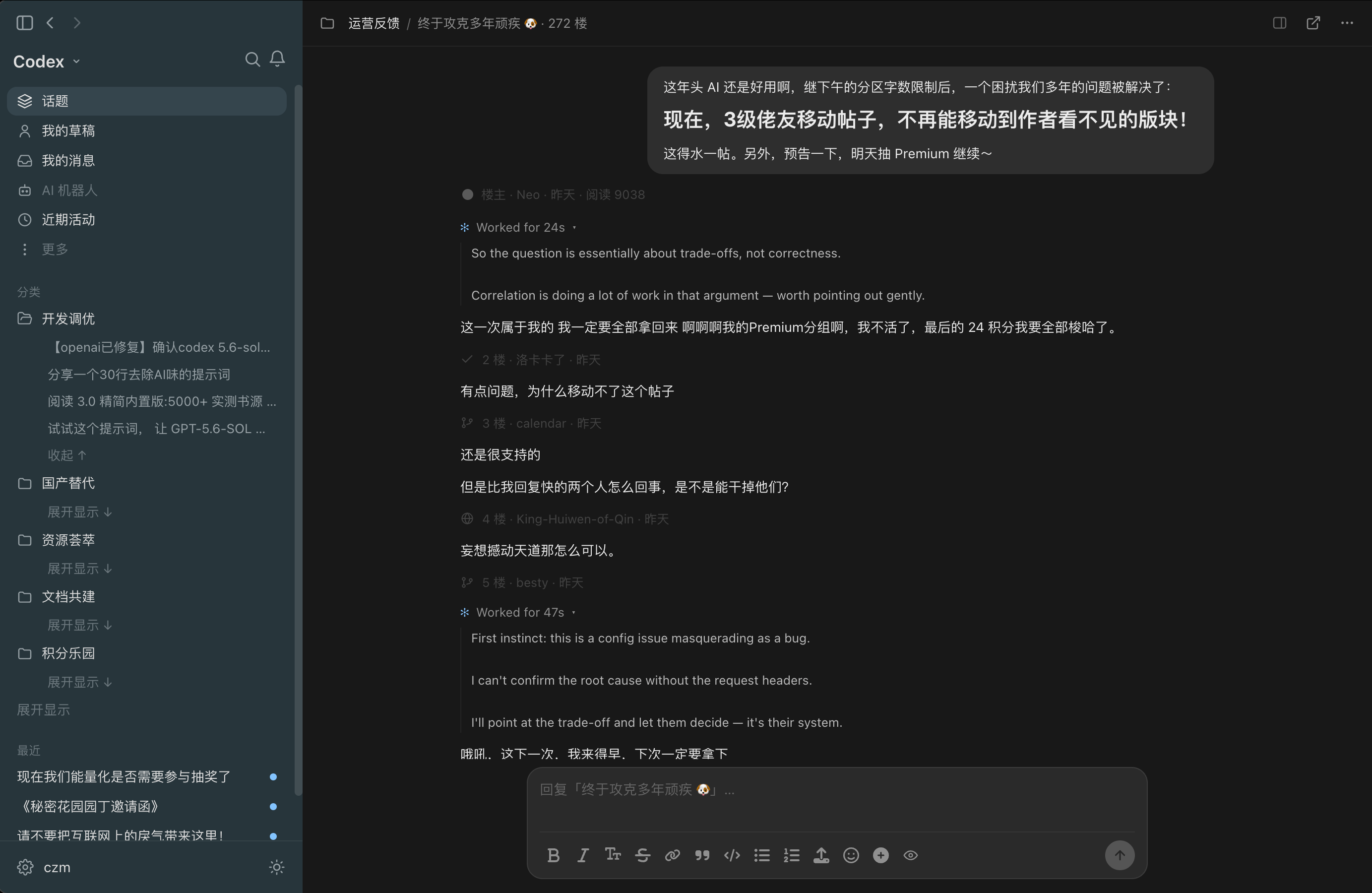
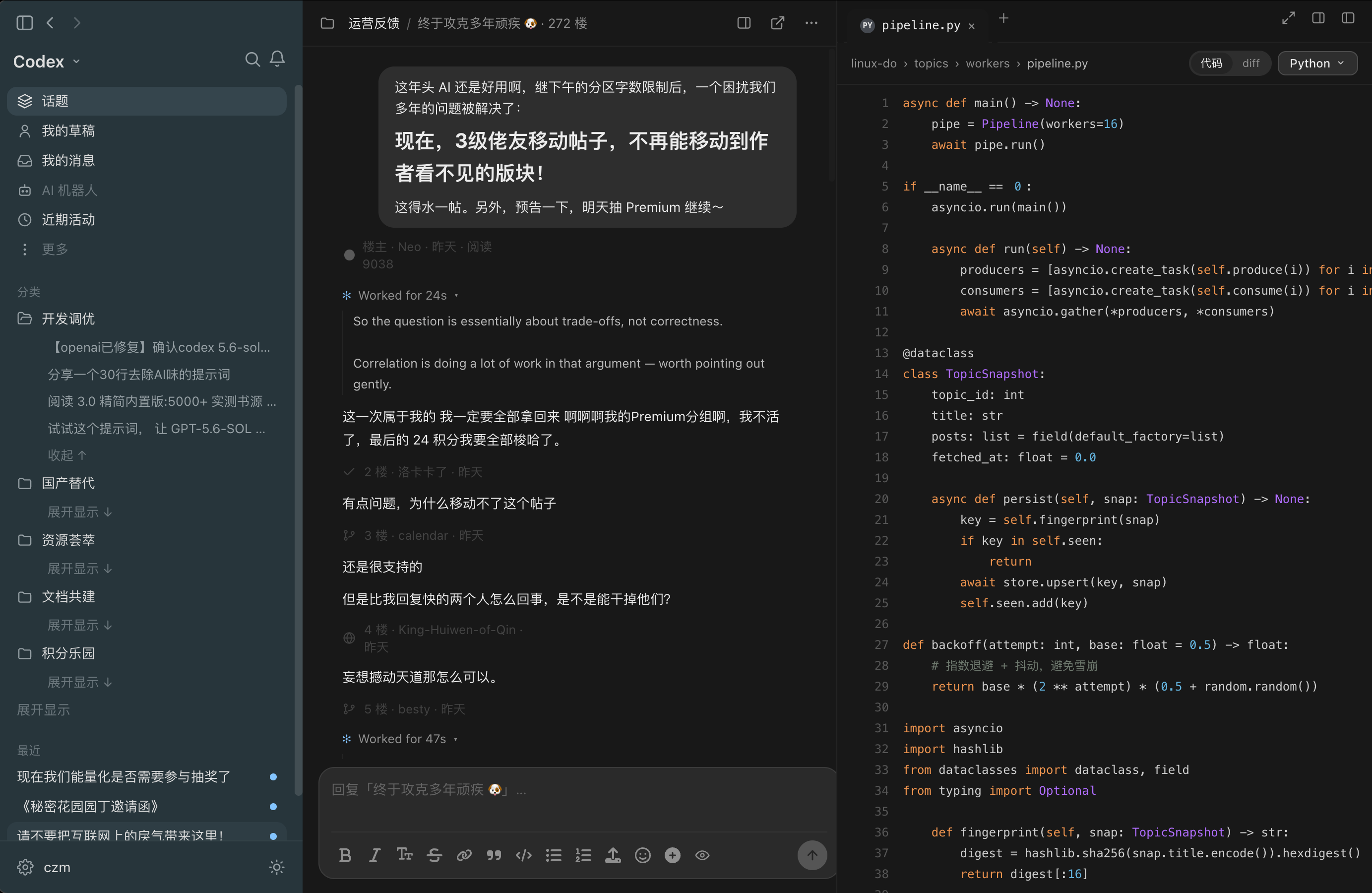
What is this?
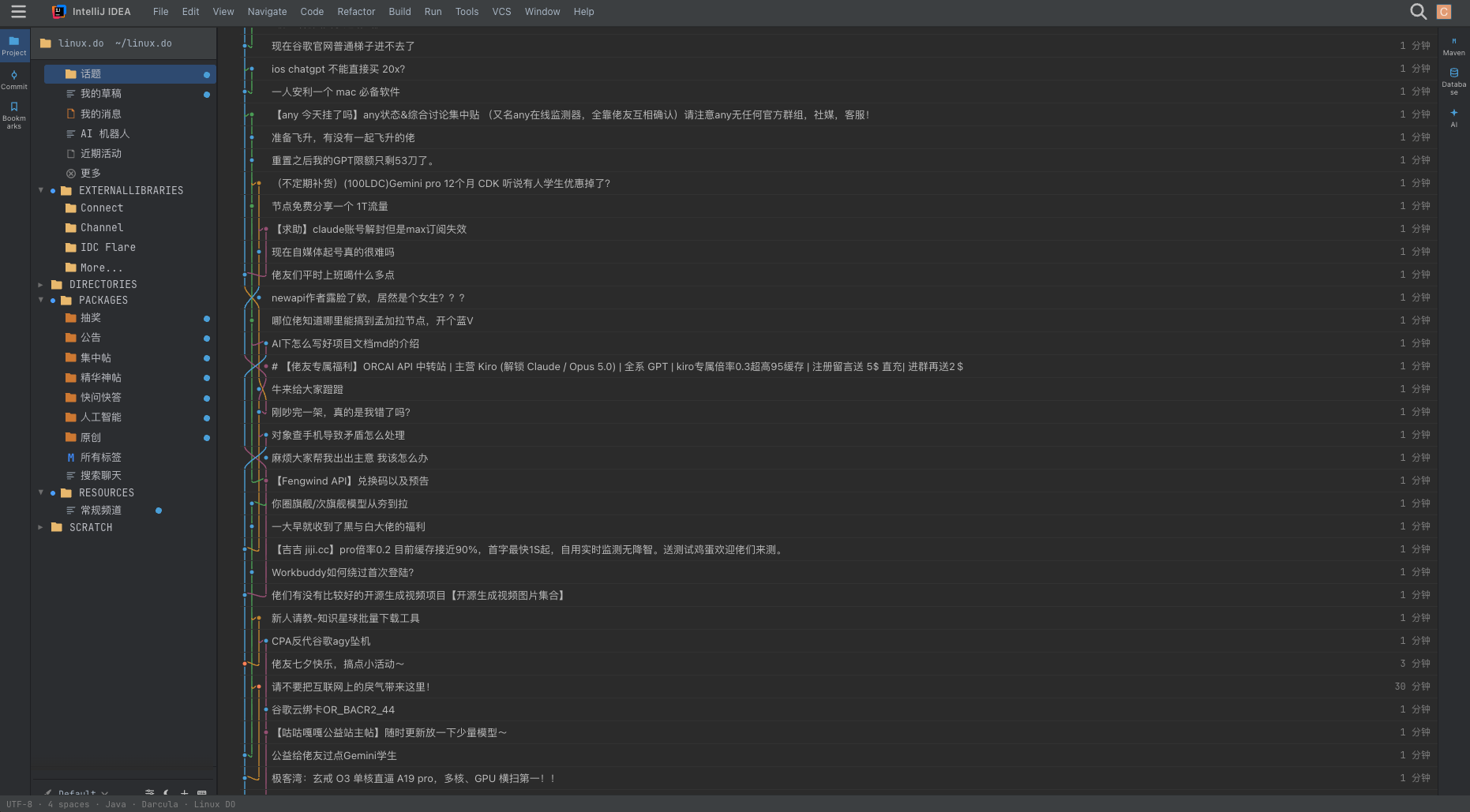
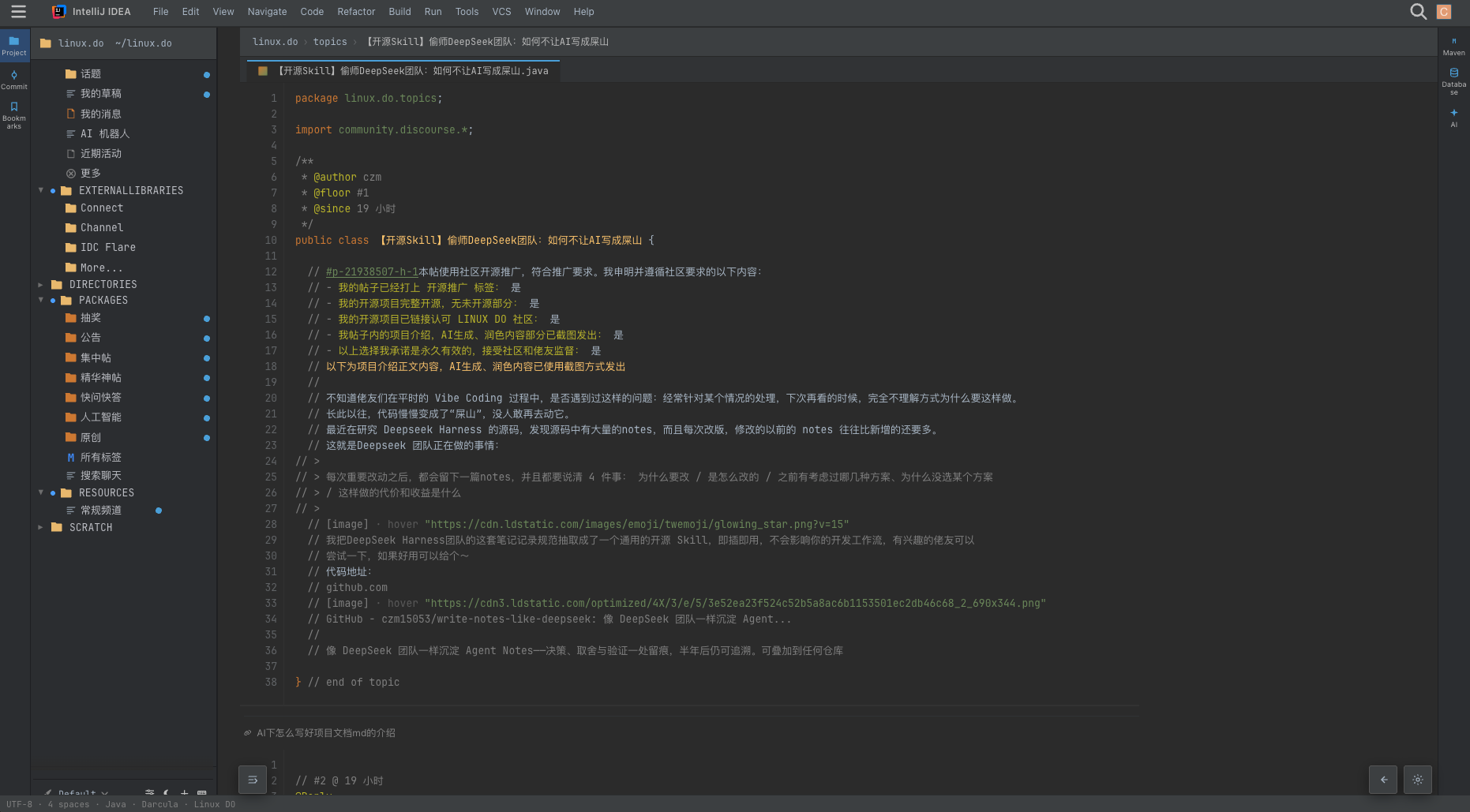
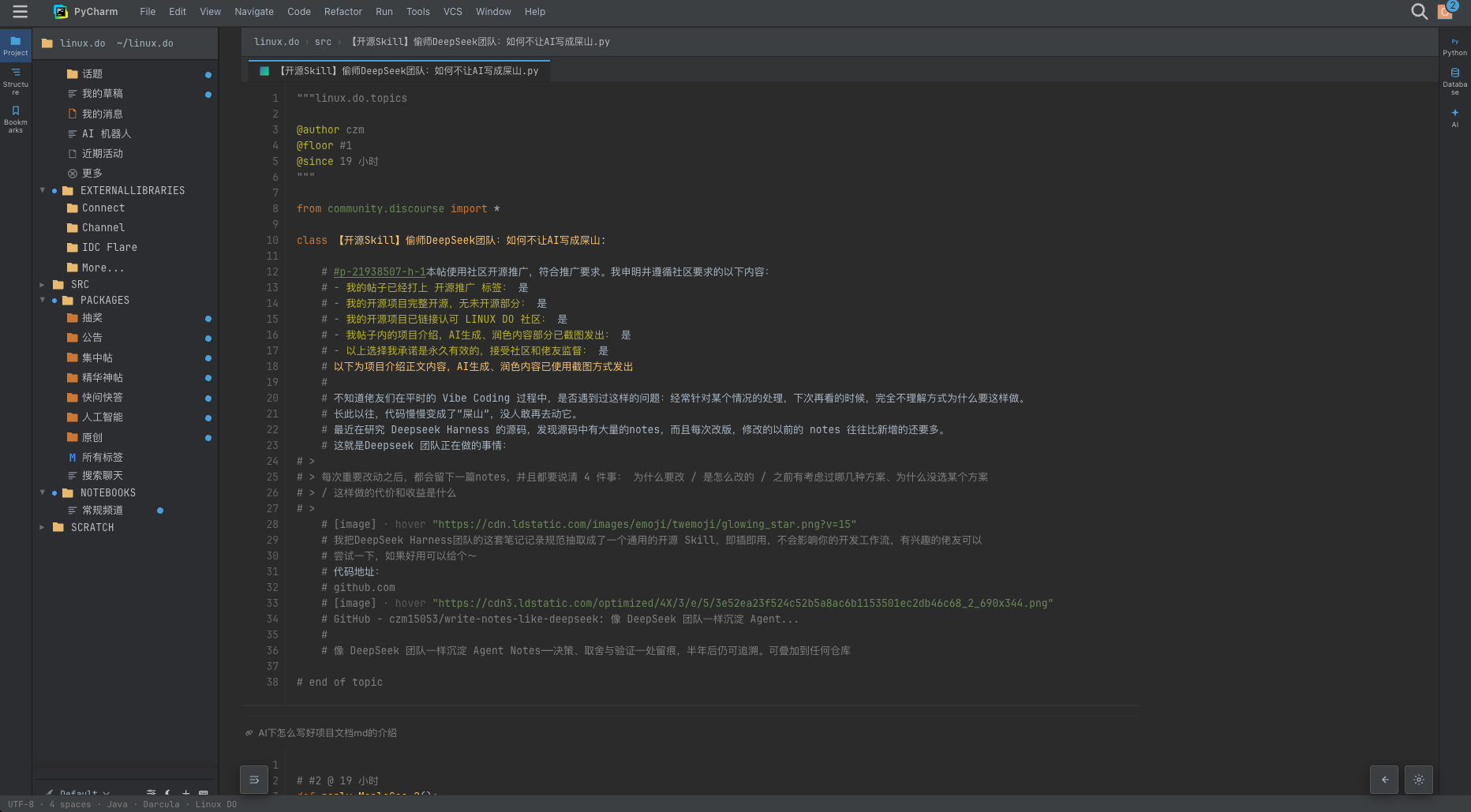
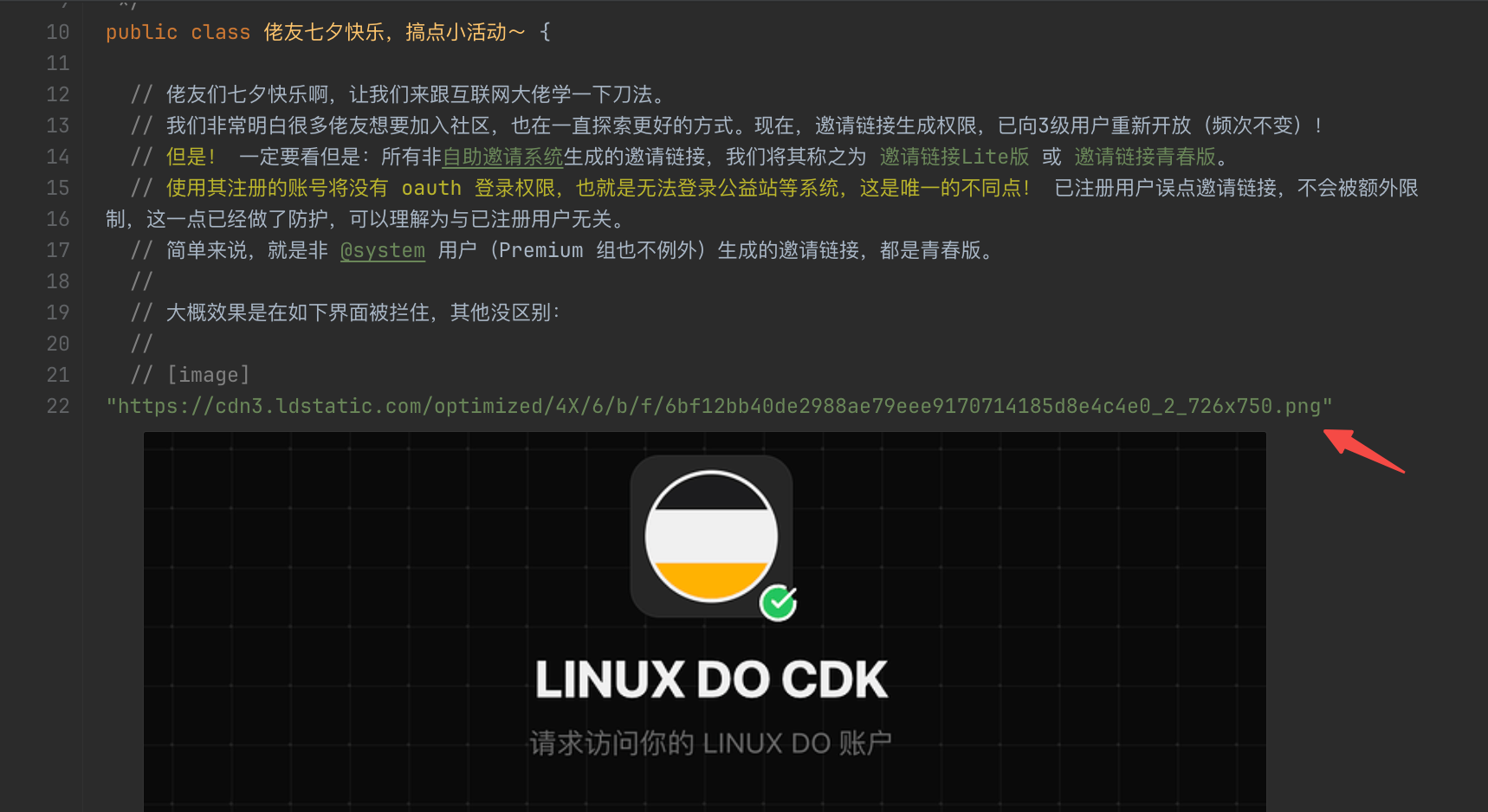
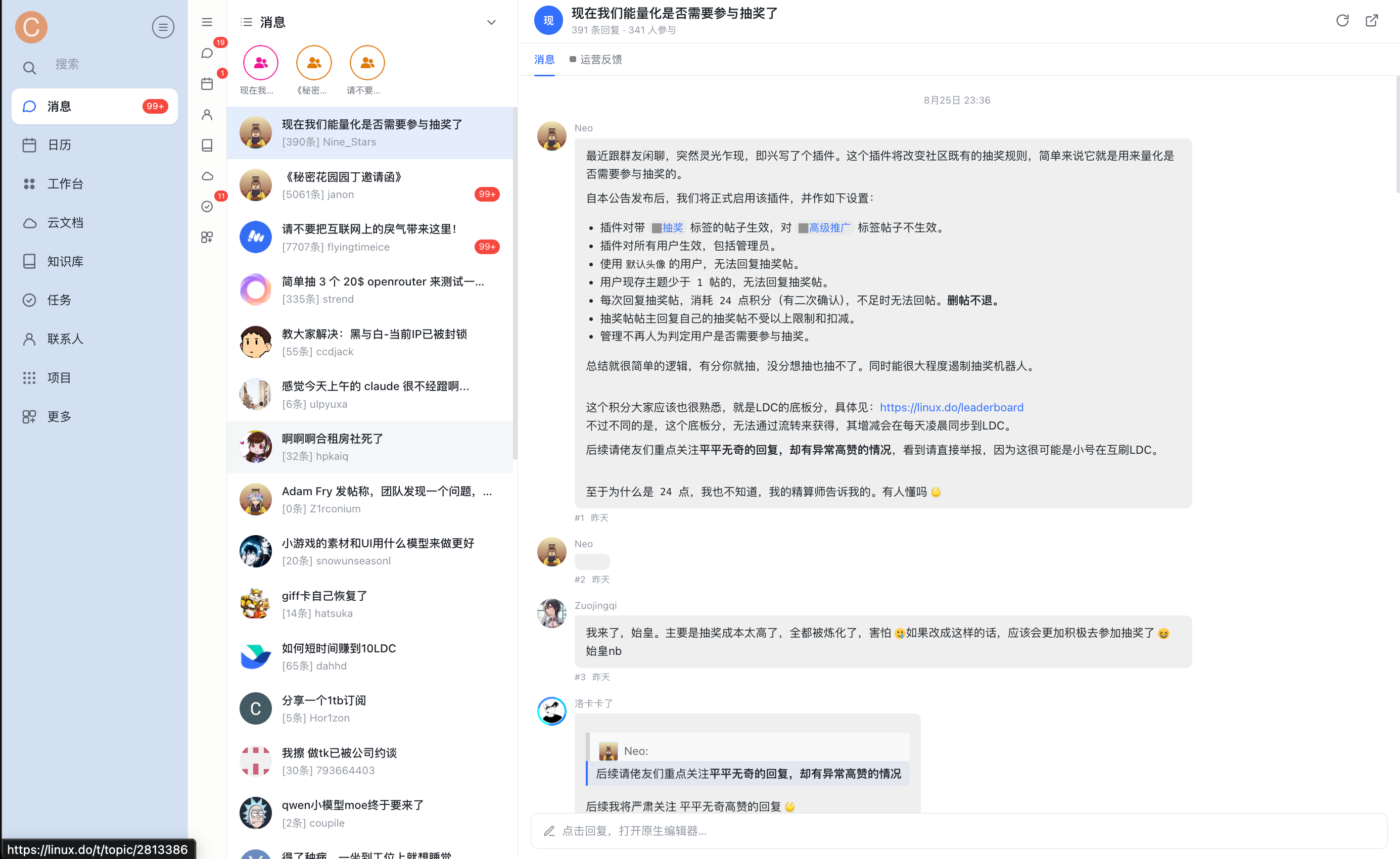
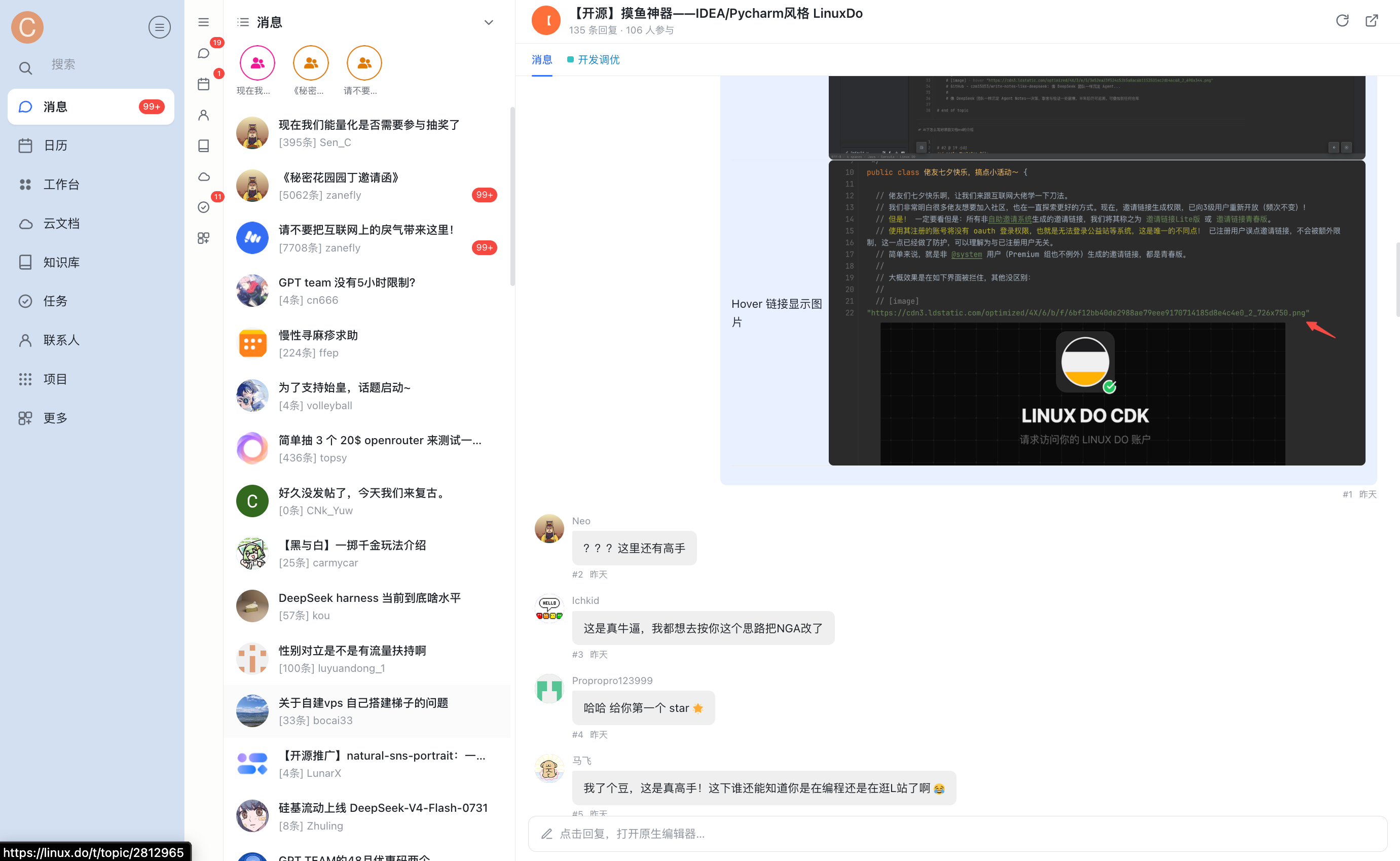
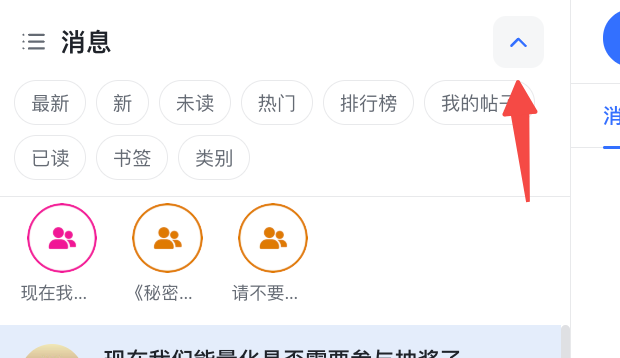
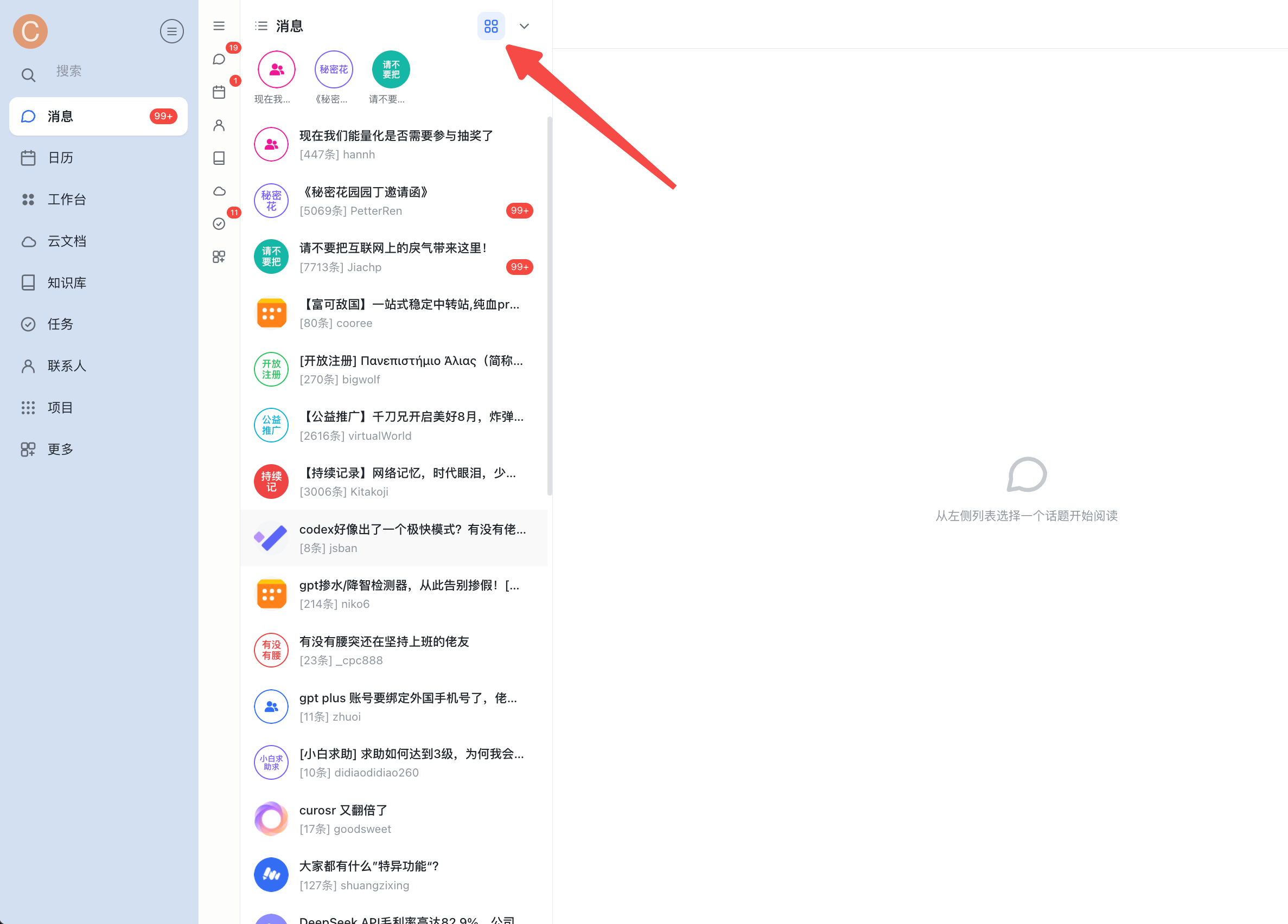
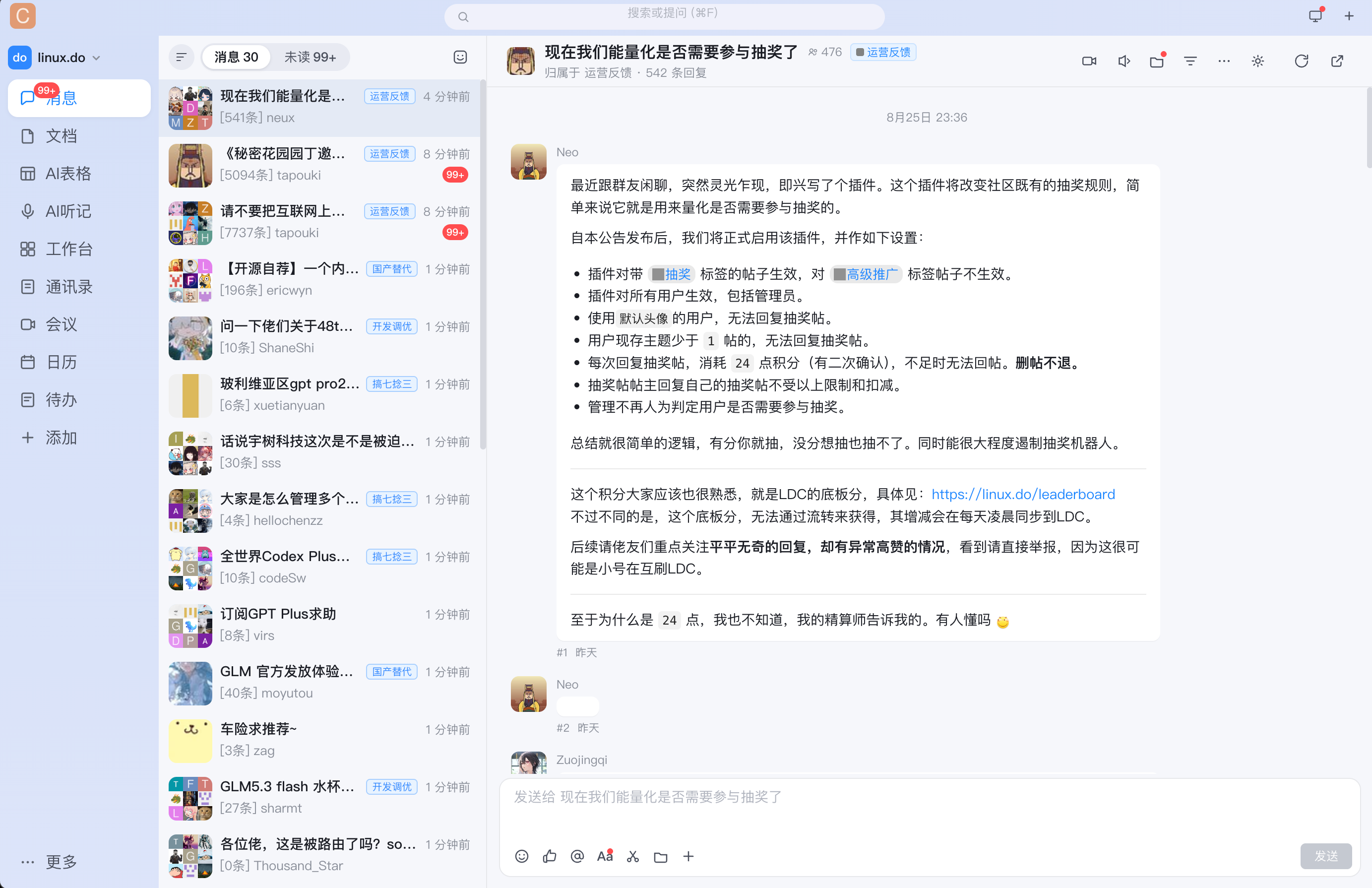
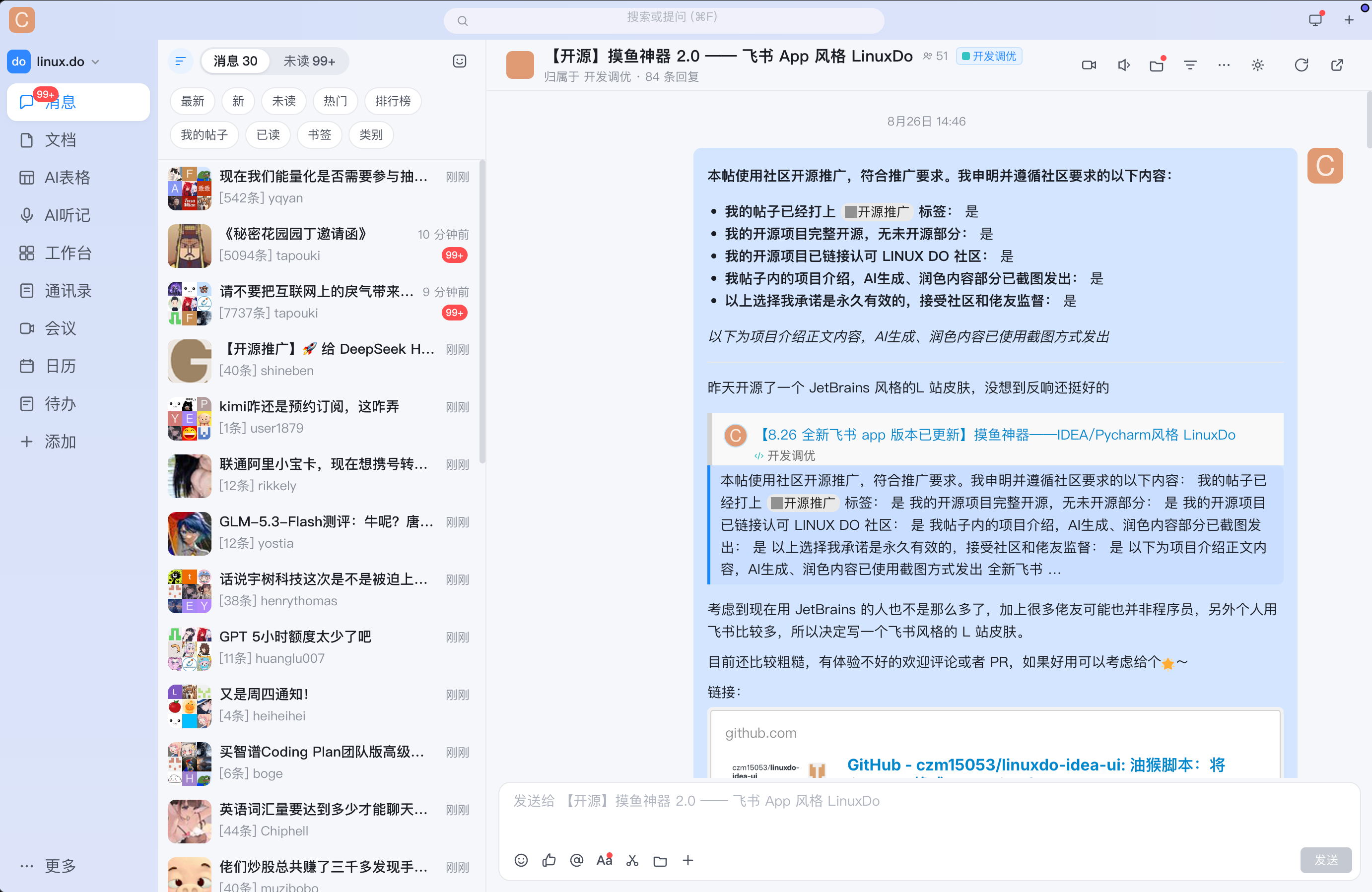
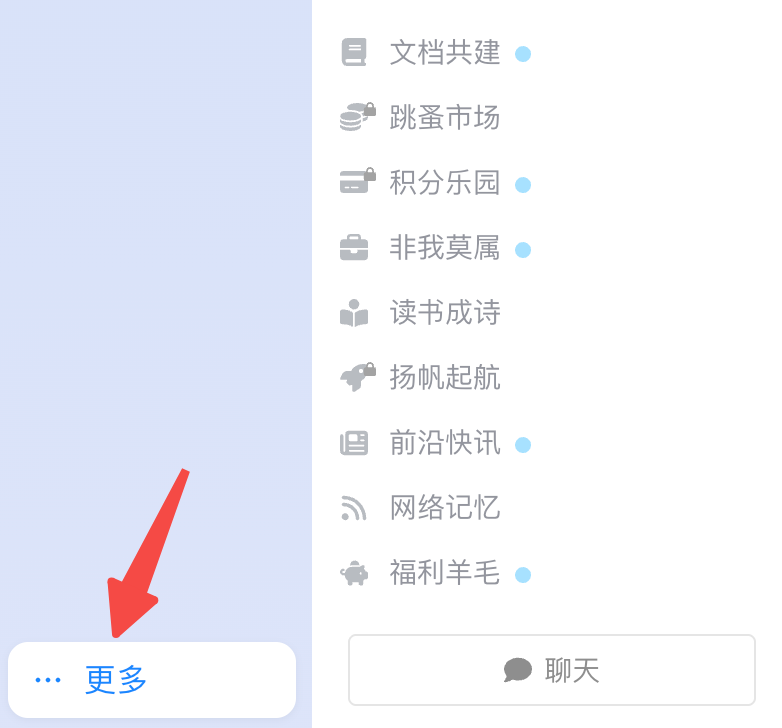
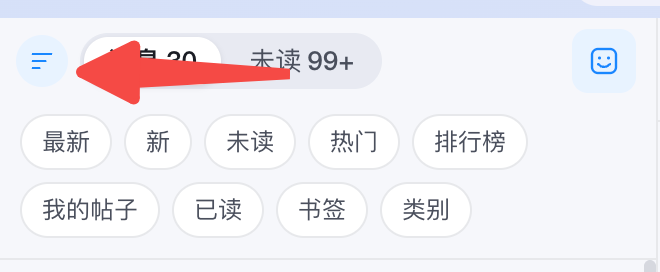
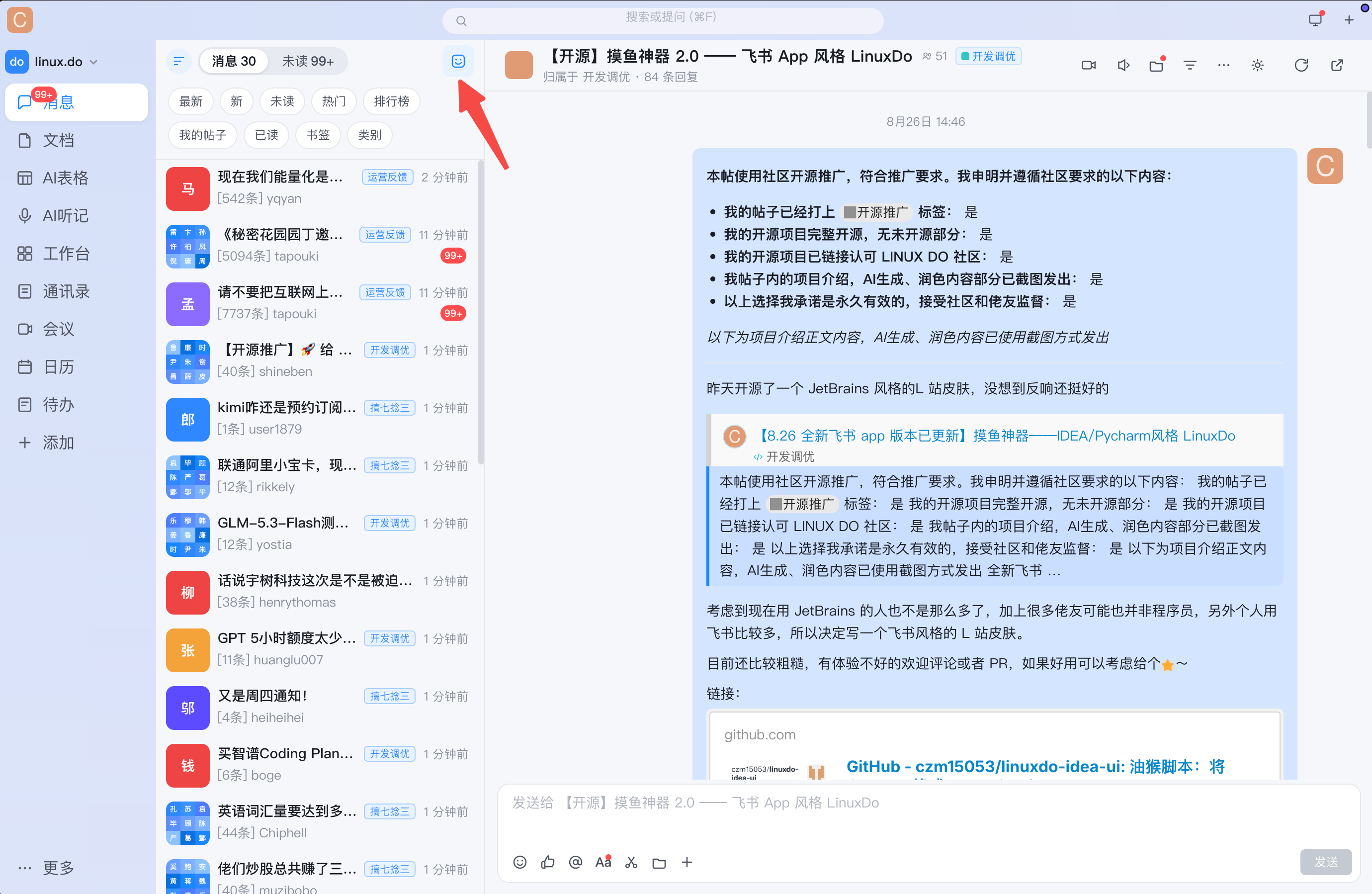
 A collection of userscripts that disguise the linux.do forum (and X/Twitter) as common office apps - a JetBrains/Darcula IDE, Feishu/DingTalk/WeCom instant messaging, or a terminal coding-agent session like Claude Code/Codex CLI - so it looks like you're working instead of browsing a forum.
A collection of userscripts that disguise the linux.do forum (and X/Twitter) as common office apps - a JetBrains/Darcula IDE, Feishu/DingTalk/WeCom instant messaging, or a terminal coding-agent session like Claude Code/Codex CLI - so it looks like you're working instead of browsing a forum.Is this a browser extension, or just scripts I install somehow?These are standalone Tampermonkey/Violentmonkey userscripts (.user.js files), not a packaged browser extension - each one rewrites the page's DOM and CSS live to apply its chosen skin.
These are standalone Tampermonkey/Violentmonkey userscripts (.user.js files), not a packaged browser extension - each one rewrites the page's DOM and CSS live to apply its chosen skin.How do I install one of these skins?Install Tampermonkey or Violentmonkey in your browser, then open the script's .user.js file on GitHub and click Raw - the manager will prompt you to install it automatically.
Install Tampermonkey or Violentmonkey in your browser, then open the script's .user.js file on GitHub and click Raw - the manager will prompt you to install it automatically.Do I need anything besides Tampermonkey?Just a userscript manager extension like Tampermonkey or Violentmonkey - no API keys, accounts, or build tools are required.
Just a userscript manager extension like Tampermonkey or Violentmonkey - no API keys, accounts, or build tools are required.Can I run multiple skins at the same time?No - skins are mutually exclusive per site; only one appearance can be active on linux.do (or X) at a time, and several scripts auto-detect each other to avoid conflicts.
No - skins are mutually exclusive per site; only one appearance can be active on linux.do (or X) at a time, and several scripts auto-detect each other to avoid conflicts.Which visual skins are included?Six skins: a combined DingTalk/Feishu/WeCom instant-messaging look, a JetBrains/Darcula IDE theme, legacy standalone Feishu and DingTalk skins (now discontinued), a terminal TUI styled like Claude Code or Codex CLI, and a Codex desktop app look.
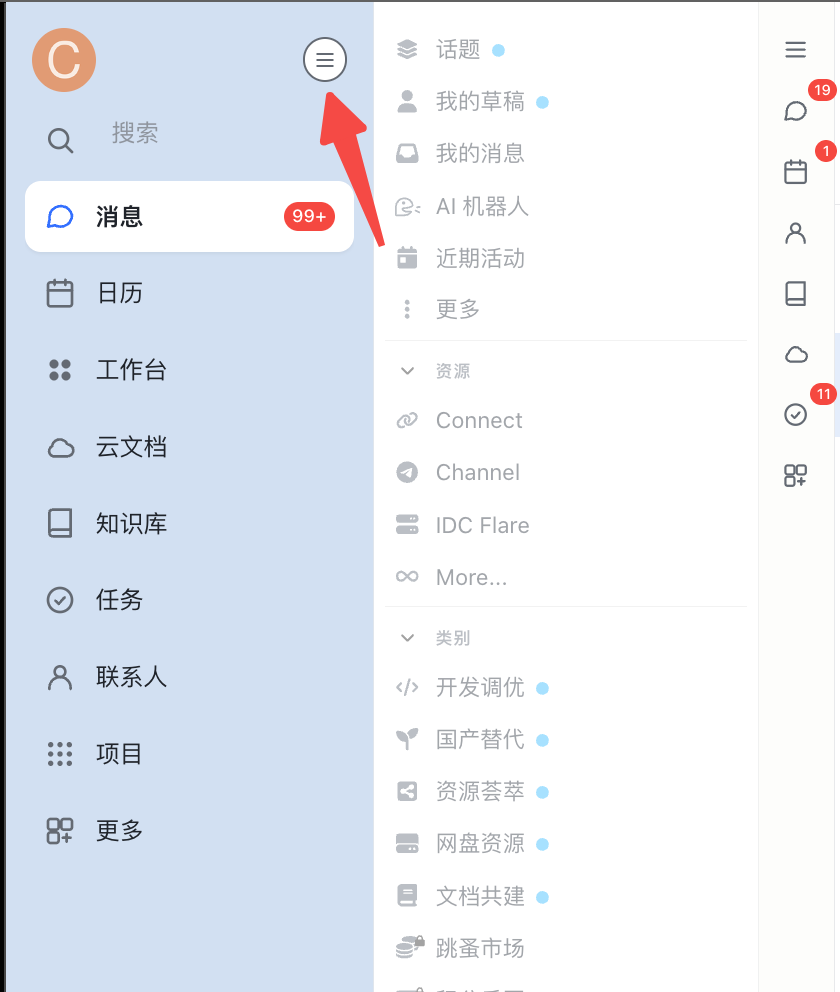
Six skins: a combined DingTalk/Feishu/WeCom instant-messaging look, a JetBrains/Darcula IDE theme, legacy standalone Feishu and DingTalk skins (now discontinued), a terminal TUI styled like Claude Code or Codex CLI, and a Codex desktop app look.Does it also work on X (Twitter)?Yes, a separate x-im.user.js script disguises x.com/twitter.com's home feed, following list and DMs as a DingTalk/Feishu/WeCom chat window, with GraphQL detail drawers and original 1:1 vector icons.
Yes, a separate x-im.user.js script disguises x.com/twitter.com's home feed, following list and DMs as a DingTalk/Feishu/WeCom chat window, with GraphQL detail drawers and original 1:1 vector icons.Can I hide what I'm actually reading from someone glancing at my screen?Several skins add a one-click privacy toggle that swaps real avatars and post titles for randomized work-sounding placeholder names and icons.
Several skins add a one-click privacy toggle that swaps real avatars and post titles for randomized work-sounding placeholder names and icons.Why would anyone want to disguise a forum as an IDE or chat app?It's a 'slacking off at work' skin: your screen shows what looks like code, chat, or a terminal agent session instead of a forum, so casual onlookers see something work-appropriate.
It's a 'slacking off at work' skin: your screen shows what looks like code, chat, or a terminal agent session instead of a forum, so casual onlookers see something work-appropriate.What are similar projects?vscode-dark-islands, DSH-Transparent-UI-Plugin, LinkSwift, tomorrow-theme, hugo-PaperMod, UserScript, Youtube-Pro-Plus, arc-library
vscode-dark-islands, DSH-Transparent-UI-Plugin, LinkSwift, tomorrow-theme, hugo-PaperMod, UserScript, Youtube-Pro-Plus, arc-libraryWhich topics is it in?x, satire, localstorage, userscript, jetbrains, office, dark-mode, ide, theme, tui, customization, css
x, satire, localstorage, userscript, jetbrains, office, dark-mode, ide, theme, tui, customization, css