




246 ·GitHub
What is this?
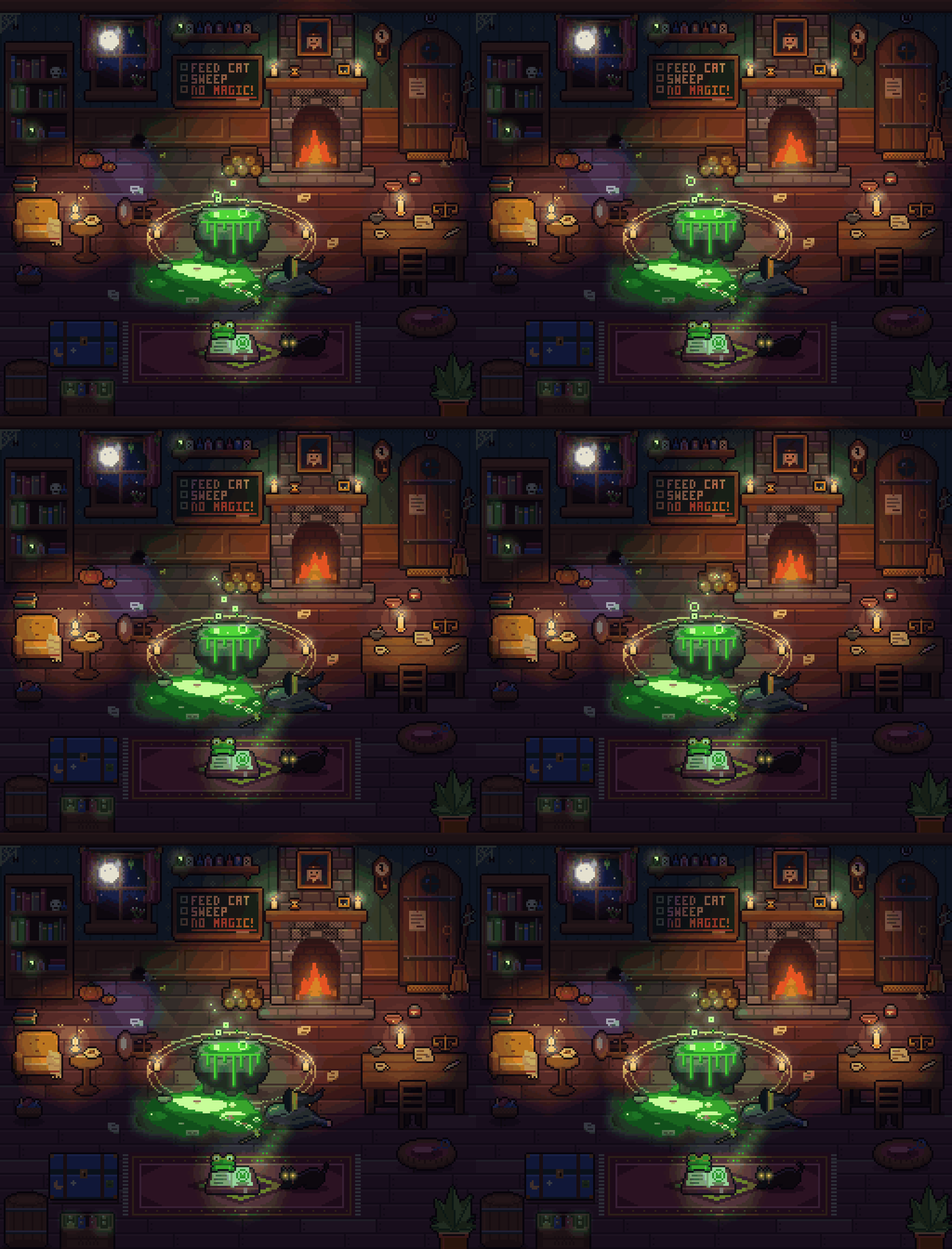
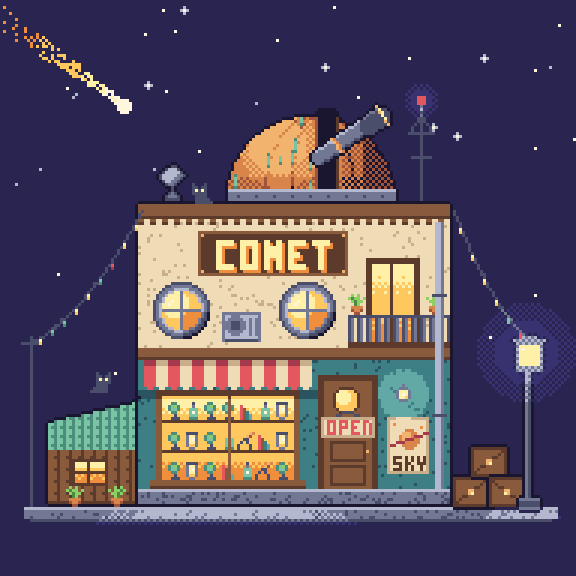
 pxl lets you write pixel art as code: a compact .px.js file compiles to PNGs, sprite sheets with JSON, animated GIFs, and a live browser viewer that replays the painting step by step.
pxl lets you write pixel art as code: a compact .px.js file compiles to PNGs, sprite sheets with JSON, animated GIFs, and a live browser viewer that replays the painting step by step.Is this a library or a CLI tool?It is a command-line tool built around a JS/TS DSL for describing pixel art, and the same repo doubles as a ready-made agent skill (SKILL.md) for AI coding agents.
It is a command-line tool built around a JS/TS DSL for describing pixel art, and the same repo doubles as a ready-made agent skill (SKILL.md) for AI coding agents.How do I get it running?Run it without cloning via `npx github:crsolver/claude-pxl`, or clone the repo and run `node bin/pxl.js`; write an art.px.js file and use `pxl serve art.px.js` to see the live viewer.
Run it without cloning via `npx github:crsolver/claude-pxl`, or clone the repo and run `node bin/pxl.js`; write an art.px.js file and use `pxl serve art.px.js` to see the live viewer.Do I need anything besides Node installed?No, pxl has no runtime dependencies and no build step - just Node 22.18 or later.
No, pxl has no runtime dependencies and no build step - just Node 22.18 or later.Any gotchas when installing it as a package versus cloning?In a clone, the CLI runs the TypeScript sources directly; once installed as a package it runs the compiled dist/ folder, which npm install or npm pack generate via scripts/build.js, since Node cannot strip types inside node_modules.
In a clone, the CLI runs the TypeScript sources directly; once installed as a package it runs the compiled dist/ folder, which npm install or npm pack generate via scripts/build.js, since Node cannot strip types inside node_modules.Which coding agents can use it as a skill?Claude Code can load it by cloning it into the skills folder; other agents like Codex or Cursor can be pointed at SKILL.md and told the CLI is `node bin/pxl.js`.
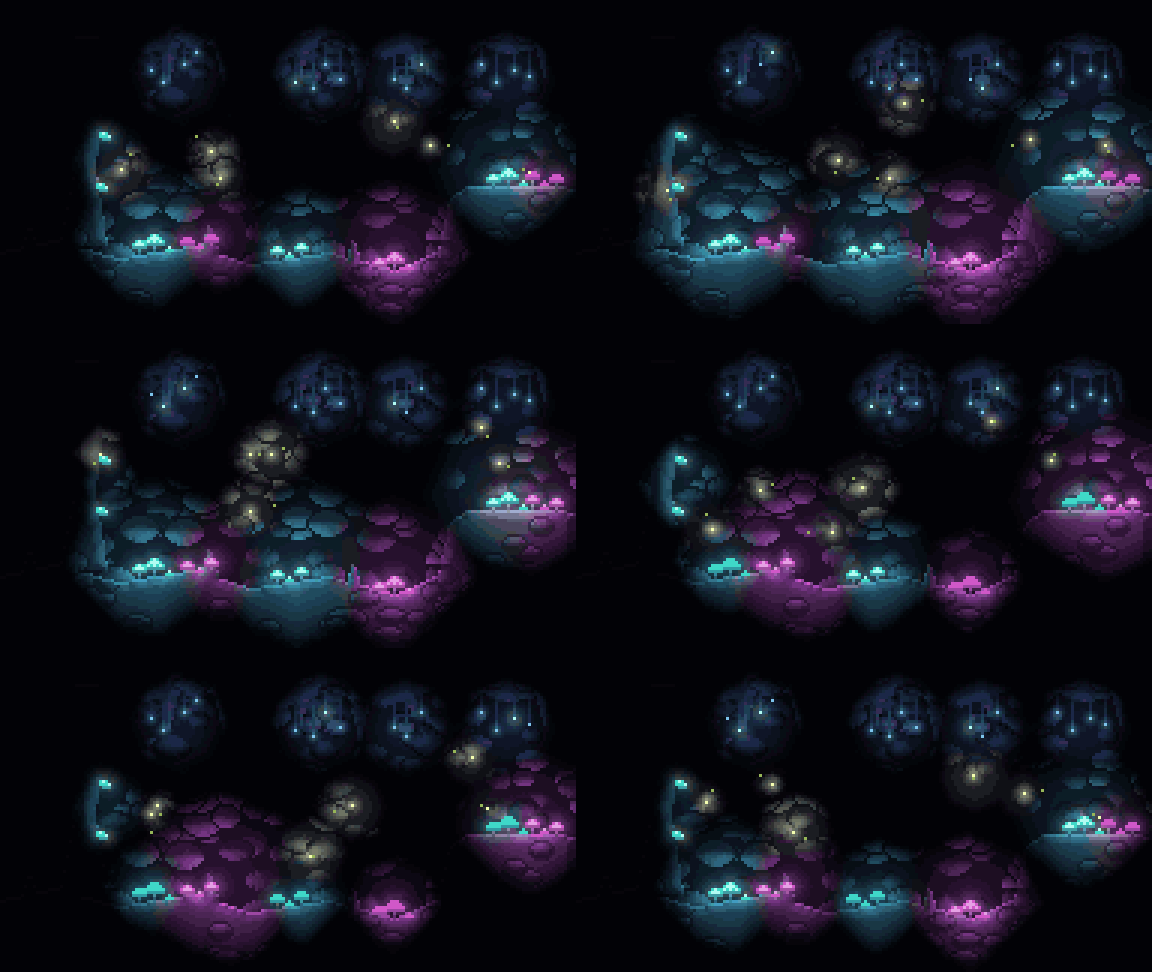
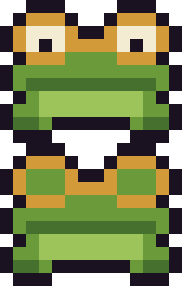
Claude Code can load it by cloning it into the skills folder; other agents like Codex or Cursor can be pointed at SKILL.md and told the CLI is `node bin/pxl.js`.What can the .px.js DSL actually draw?It supports palettes and color ramps, sprites with mirroring/auto-outline/palette-swap and flips/rotations, primitives like rects, lines, circles, polygons, gradients, dithering, noise, a built-in pixel font, scatter brushes and tilemaps, layered scenes with shadows and lights, and frame-based animation exported as strips, JSON tags, and GIFs.
It supports palettes and color ramps, sprites with mirroring/auto-outline/palette-swap and flips/rotations, primitives like rects, lines, circles, polygons, gradients, dithering, noise, a built-in pixel font, scatter brushes and tilemaps, layered scenes with shadows and lights, and frame-based animation exported as strips, JSON tags, and GIFs.What does the live viewer actually show?Running `pxl serve art.px.js` opens a browser viewer that rebuilds on every save and replays the edited asset operation by operation, so you can watch the art (or an AI agent) being painted step by step.
Running `pxl serve art.px.js` opens a browser viewer that rebuilds on every save and replays the edited asset operation by operation, so you can watch the art (or an AI agent) being painted step by step.What is SKILL.md for?SKILL.md teaches an AI agent the write-build-preview-patch workflow for pxl, while reference.md documents the full API and lighting.md covers optional lighting features, loaded only when needed.
SKILL.md teaches an AI agent the write-build-preview-patch workflow for pxl, while reference.md documents the full API and lighting.md covers optional lighting features, loaded only when needed.Can I write art files in TypeScript?Yes, art files can be .js or .ts, and types/pxl.d.ts provides editor autocompletion for the DSL.
Yes, art files can be .js or .ts, and types/pxl.d.ts provides editor autocompletion for the DSL.What are similar projects?agent-sprite-forge, threejs-architecture-effects, procedural-film, Alvarmethod, nuwa-skill, brag, Waza, godogen
agent-sprite-forge, threejs-architecture-effects, procedural-film, Alvarmethod, nuwa-skill, brag, Waza, godogenWhich topics is it in?npx, pixel-art, gif, generative-art, zero-dependency, creative-coding, game-development, image-generation, skill, cursor, animation, agents
npx, pixel-art, gif, generative-art, zero-dependency, creative-coding, game-development, image-generation, skill, cursor, animation, agents