What is this?
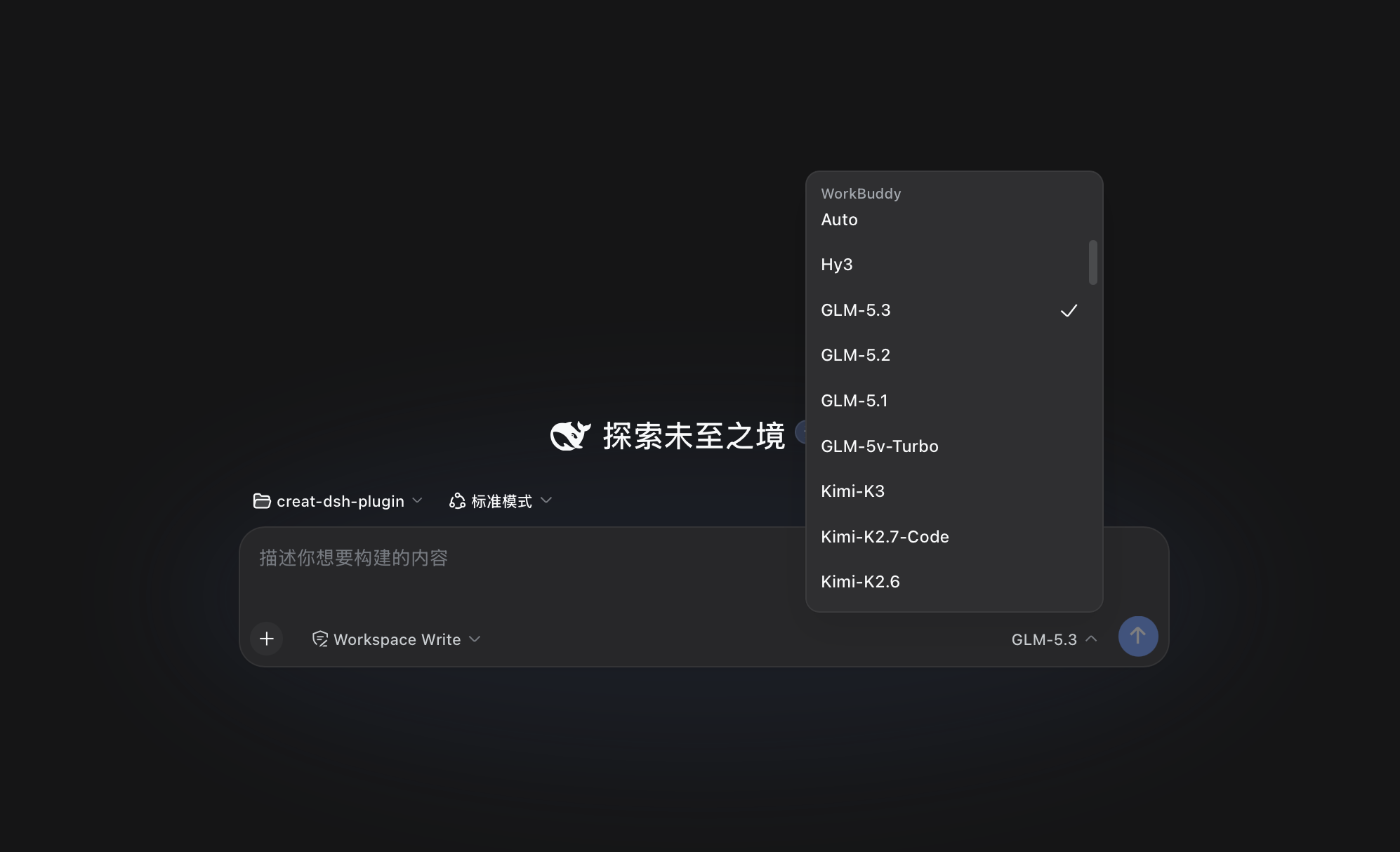
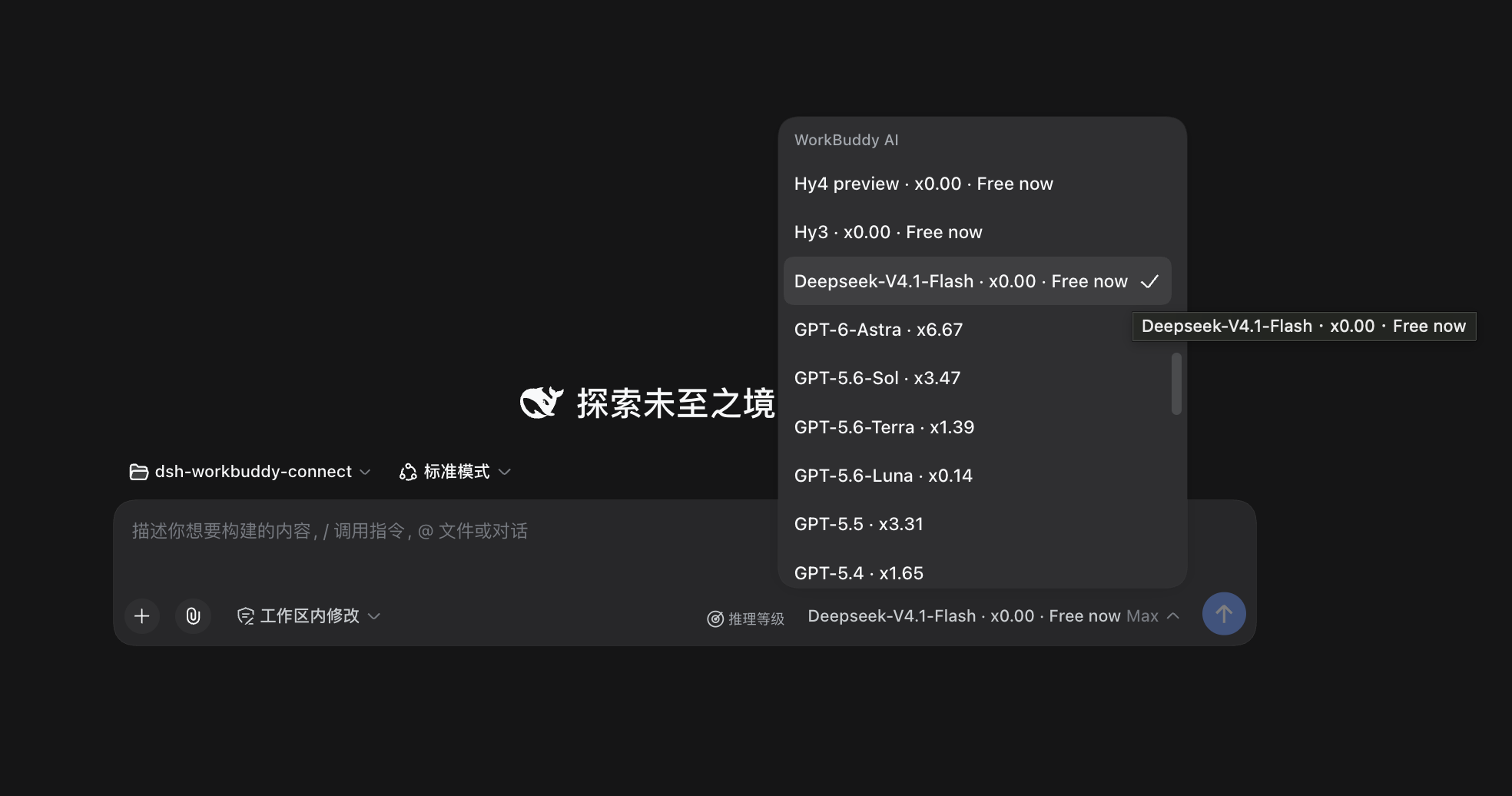
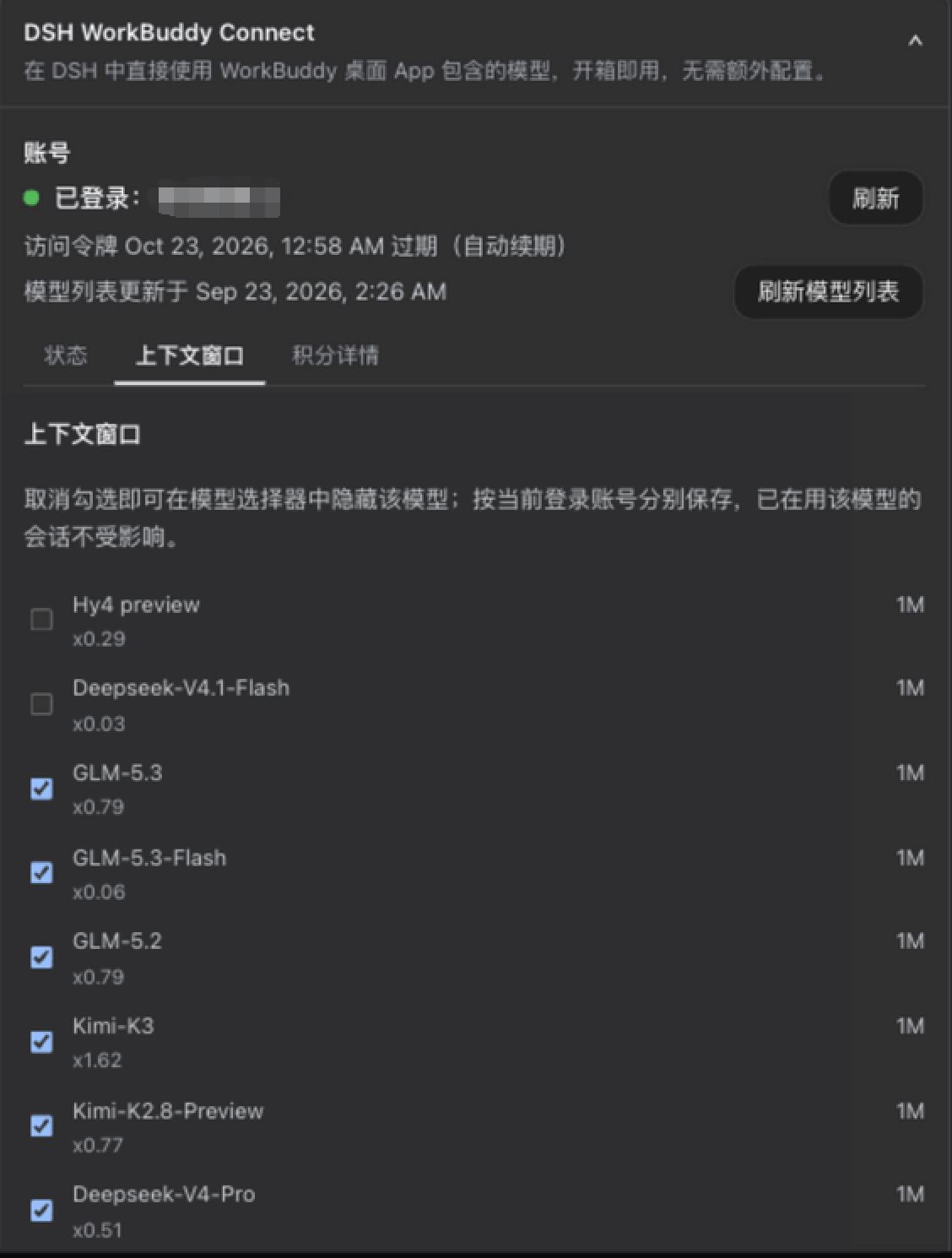
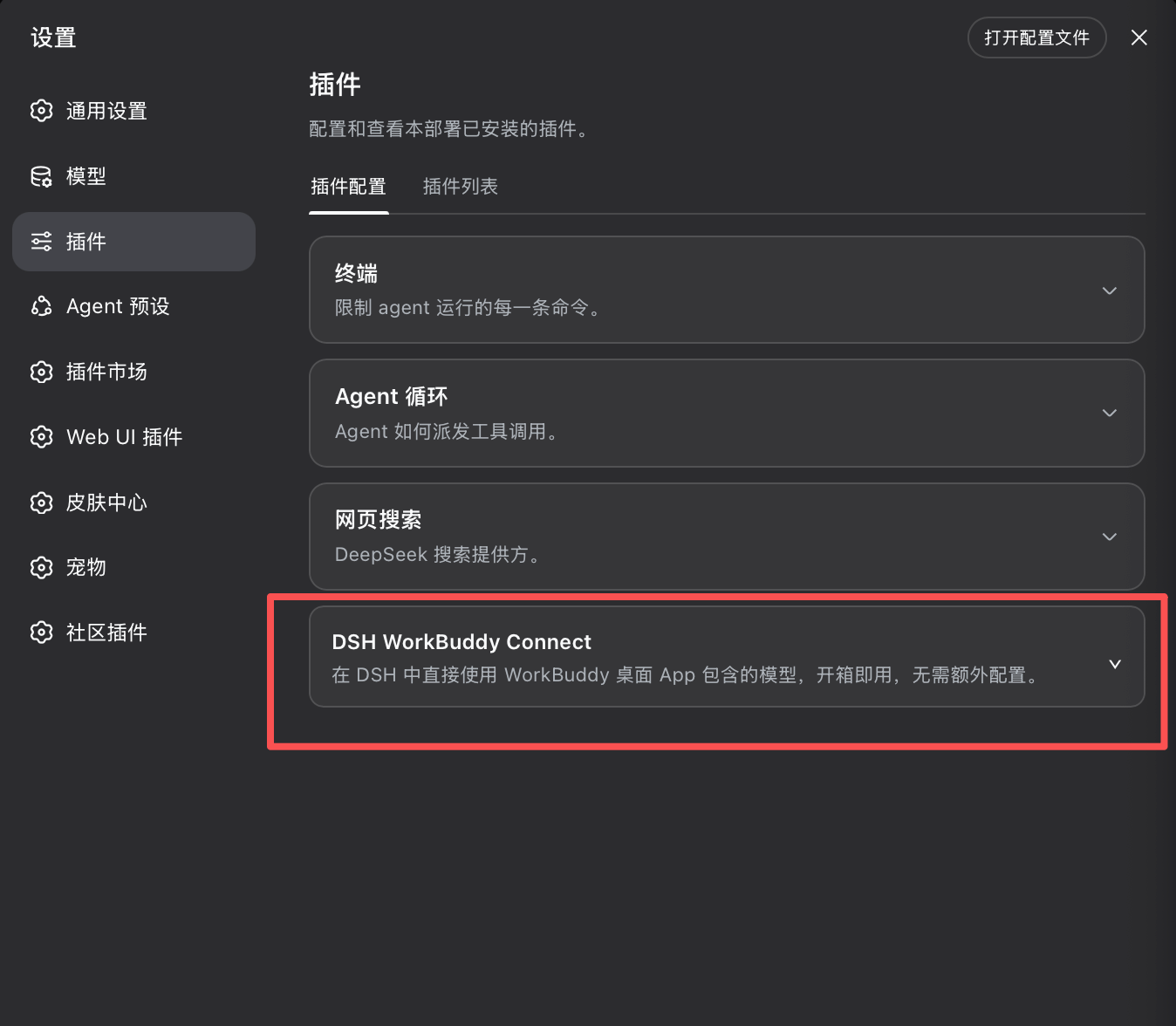
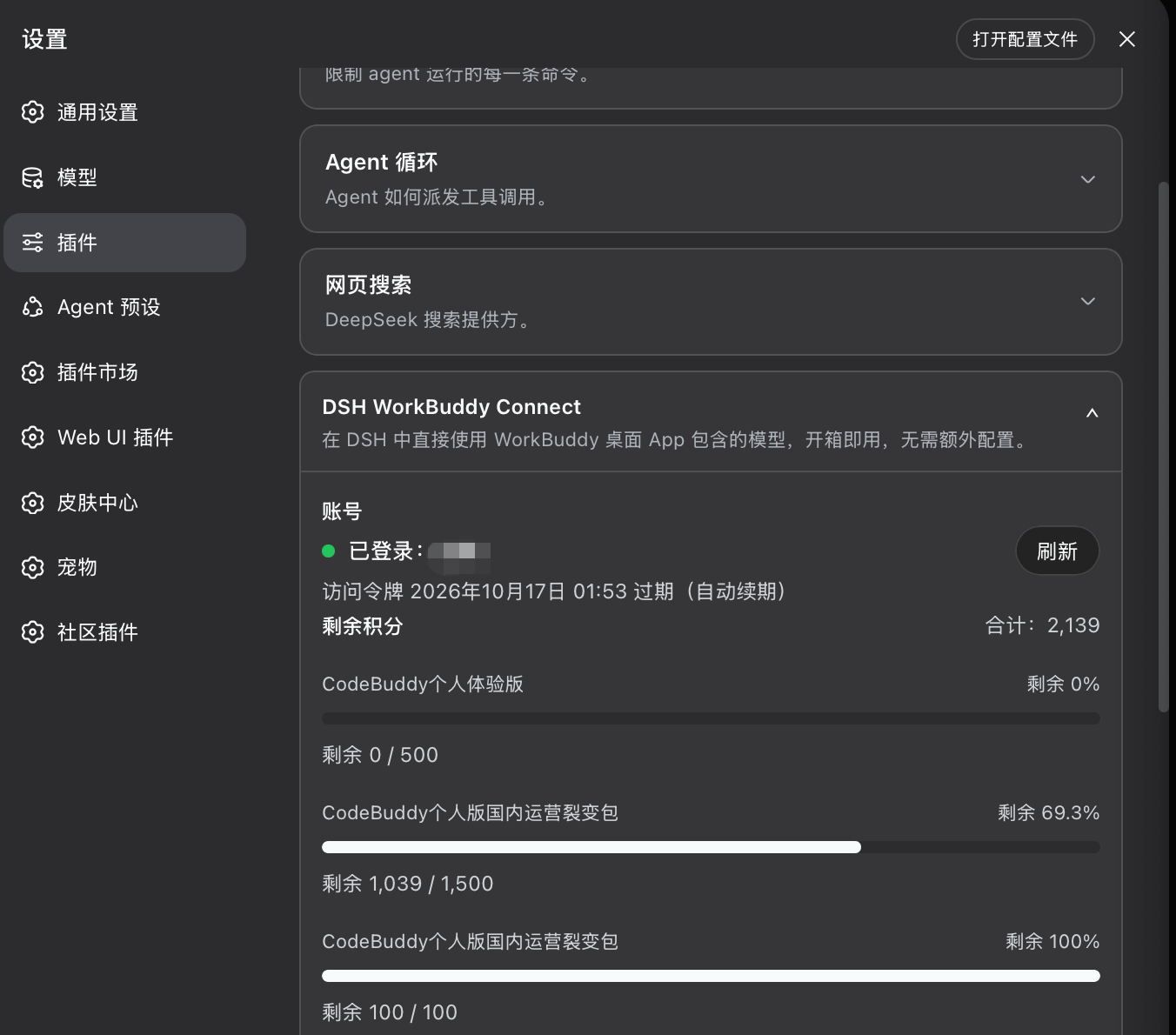
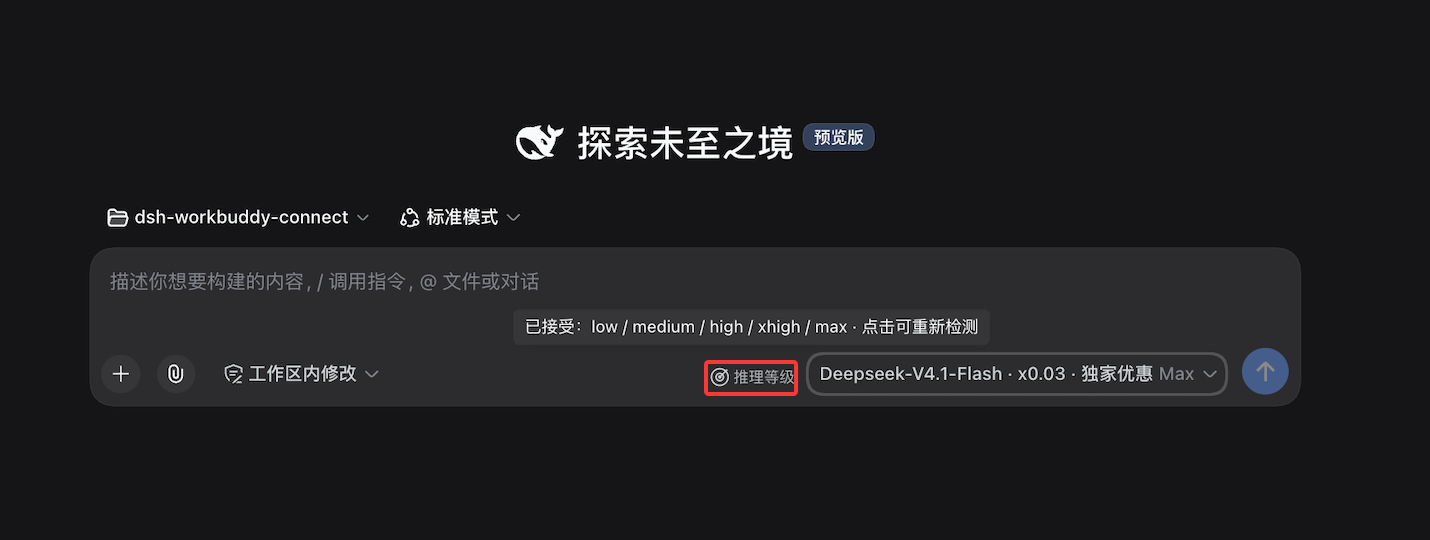
 DSH WorkBuddy Connect is a plugin for DeepSeek Harness (DSH) that pulls the models already available in your logged-in WorkBuddy or WorkBuddy AI desktop app straight into DSH, with zero extra configuration.
DSH WorkBuddy Connect is a plugin for DeepSeek Harness (DSH) that pulls the models already available in your logged-in WorkBuddy or WorkBuddy AI desktop app straight into DSH, with zero extra configuration.Is this a standalone app or a plugin for something else?It is a DSH provider plugin, not a standalone app: it piggybacks on the login session of an already-installed WorkBuddy desktop app, so account switching in the App is followed automatically.
It is a DSH provider plugin, not a standalone app: it piggybacks on the login session of an already-installed WorkBuddy desktop app, so account switching in the App is followed automatically.How do I install it in DSH?Easiest is to hand the install to any agent with terminal access (DSH Agent, Codex, Claude Code, Cursor); manually it's installed via the DSH plugin CLI with a version pinned to your DSH kernel, e.g. 'dsh plugin --profile web add [email protected]'.
Easiest is to hand the install to any agent with terminal access (DSH Agent, Codex, Claude Code, Cursor); manually it's installed via the DSH plugin CLI with a version pinned to your DSH kernel, e.g. 'dsh plugin --profile web add [email protected]'.Do I need anything installed before adding this plugin?You need the WorkBuddy (China) or WorkBuddy AI (international) desktop app already installed and logged in locally — the plugin reuses that app's own login session instead of asking for separate credentials.
You need the WorkBuddy (China) or WorkBuddy AI (international) desktop app already installed and logged in locally — the plugin reuses that app's own login session instead of asking for separate credentials.What's the biggest pitfall when installing this?The plugin version must exactly match your DSH kernel version (there's a compatibility table in the README); a mismatched combo makes DSH fail to start, and desktop builds auto-pick the plugin version from their bundled kernel.
The plugin version must exactly match your DSH kernel version (there's a compatibility table in the README); a mismatched combo makes DSH fail to start, and desktop builds auto-pick the plugin version from their bundled kernel.Does it work the same on macOS, Windows, and Linux?It's fully verified on macOS across DSH Web/Desktop/TUI; Windows and WSL are supported by probing AppData/registry paths, and Linux works but needs you to manually point it at the credential file location since there's no auto-discovery there.
It's fully verified on macOS across DSH Web/Desktop/TUI; Windows and WSL are supported by probing AppData/registry paths, and Linux works but needs you to manually point it at the credential file location since there's no auto-discovery there.What's the difference between the WorkBuddy and WorkBuddy AI groups this plugin adds?WorkBuddy is the domestic China version and WorkBuddy AI is the international version; each shows up as its own model group in DSH with separate accounts, logins and credit balances that never mix.
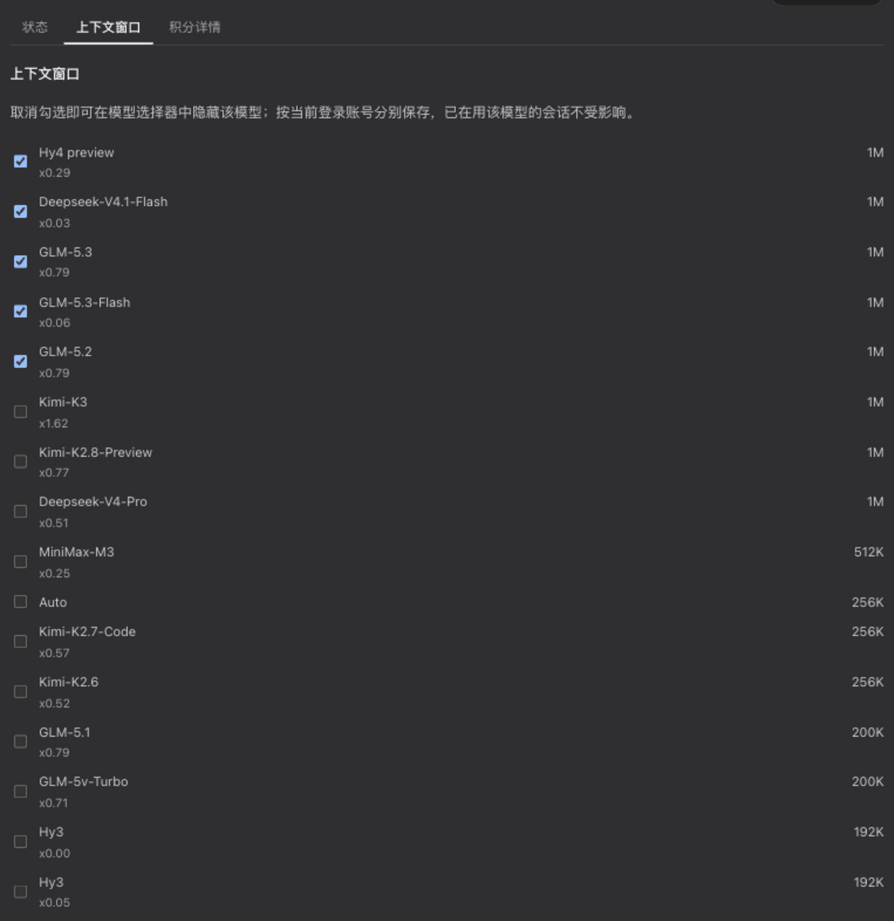
WorkBuddy is the domestic China version and WorkBuddy AI is the international version; each shows up as its own model group in DSH with separate accounts, logins and credit balances that never mix.Can I send images to the models through this plugin?Yes, most models including GLM-5.3-Flash and the DeepSeek-V4 series accept pasted or dragged images in chat; a few text-only models like GLM-5.1 and GLM-5.2 explicitly say they don't support it.
Yes, most models including GLM-5.3-Flash and the DeepSeek-V4 series accept pasted or dragged images in chat; a few text-only models like GLM-5.1 and GLM-5.2 explicitly say they don't support it.What happens if WorkBuddy changes its internal API?Since the plugin relies on WorkBuddy's private client interface rather than an official API, an upstream change can break the international model catalog; it then falls back from live data to the last saved list to a built-in list and marks which source is active.
Since the plugin relies on WorkBuddy's private client interface rather than an official API, an upstream change can break the international model catalog; it then falls back from live data to the last saved list to a built-in list and marks which source is active.Is this an official WorkBuddy or DeepSeek product?No. The README states it has no affiliation with Tencent, WorkBuddy, or DeepSeek and is not authorized or endorsed by them; it's intended for personal study and research use only.
No. The README states it has no affiliation with Tencent, WorkBuddy, or DeepSeek and is not authorized or endorsed by them; it's intended for personal study and research use only.What are similar projects?dsh-xdpool, dsh-our-free-model, cocode, oh-dsh, EAC-Desktop, dsh-liang-skin, dsh_desktop, dsh-web
dsh-xdpool, dsh-our-free-model, cocode, oh-dsh, EAC-Desktop, dsh-liang-skin, dsh_desktop, dsh-webWhich topics is it in?credentials, workbuddy, npm-package, dsh, dsh-plugin, deepseek-harness, electron, china, plugin, npm, chinese, tool
credentials, workbuddy, npm-package, dsh, dsh-plugin, deepseek-harness, electron, china, plugin, npm, chinese, tool