







这是做什么用的?
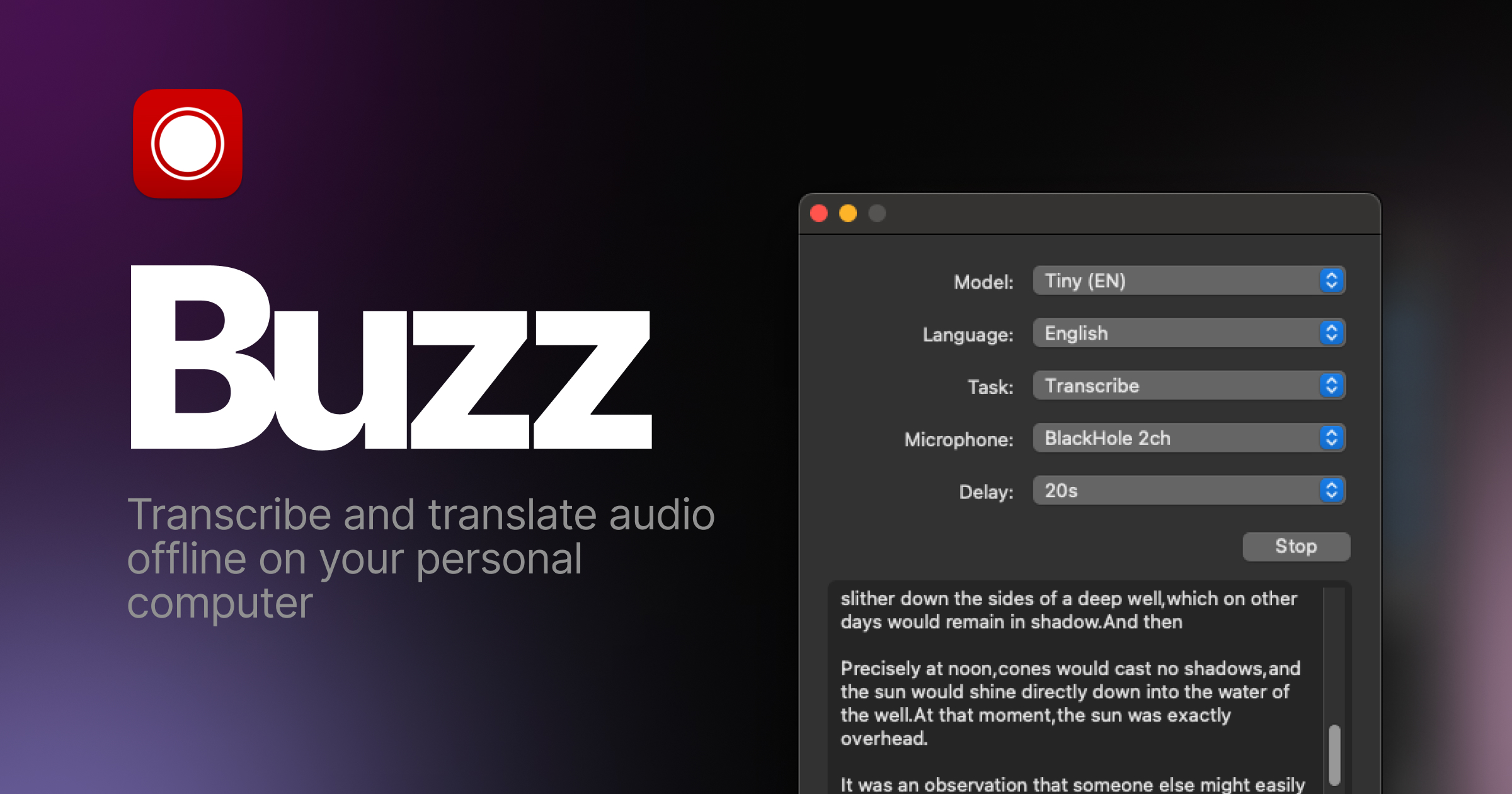
 Buzz 是一款免费开源的桌面应用,可以在你自己的电脑上离线转录和翻译音频,底层由 OpenAI 的 Whisper 驱动。
Buzz 是一款免费开源的桌面应用,可以在你自己的电脑上离线转录和翻译音频,底层由 OpenAI 的 Whisper 驱动。它是桌面应用还是命令行工具?它是安装到你电脑上的桌面应用,不是网页服务。如果你愿意,也可以从 PyPI 把它作为 Python 包安装。
它是安装到你电脑上的桌面应用,不是网页服务。如果你愿意,也可以从 PyPI 把它作为 Python 包安装。我怎么把它安装到电脑上?Windows 用户可以从 SourceForge 获取安装文件;Linux 上 Buzz 提供 Flatpak、Snap 或 AppImage 版本。走 PyPI 路线的话,需要 ffmpeg 和 Python 3.12 环境。
Windows 用户可以从 SourceForge 获取安装文件;Linux 上 Buzz 提供 Flatpak、Snap 或 AppImage 版本。走 PyPI 路线的话,需要 ffmpeg 和 Python 3.12 环境。为什么安装 Buzz 时 Windows 会弹出警告?Buzz 的 Windows 版没有做代码签名,所以安装时会出现警告。点击“更多信息”,然后选择“仍要运行”即可继续安装。
Buzz 的 Windows 版没有做代码签名,所以安装时会出现警告。点击“更多信息”,然后选择“仍要运行”即可继续安装。Buzz 能在我的老款 Intel Mac 上运行吗?Buzz 支持 Windows、Linux 和 Apple 芯片的 Mac。Intel Mac 已不再受支持:1.4.5 是最后一个能在其上运行的版本。
Buzz 支持 Windows、Linux 和 Apple 芯片的 Mac。Intel Mac 已不再受支持:1.4.5 是最后一个能在其上运行的版本。它能用我的 Nvidia 显卡来加快转录速度吗?可以。在 Buzz 1.4.6 及以上版本中,如果配有 Nvidia 显卡,可以从 Help -> About Buzz 里安装 CUDA Acceleration。如果你用的是 Windows 上的 PyPI 版本,请确保 torch 已启用 CUDA 支持。
可以。在 Buzz 1.4.6 及以上版本中,如果配有 Nvidia 显卡,可以从 Help -> About Buzz 里安装 CUDA Acceleration。如果你用的是 Windows 上的 PyPI 版本,请确保 torch 已启用 CUDA 支持。Buzz 是免费的吗?是的。它基于 MIT 许可证开源,使用这款应用完全不用花钱。
是的。它基于 MIT 许可证开源,使用这款应用完全不用花钱。Whisper 是什么?它是 OpenAI 的语音识别模型。Buzz 会在你的电脑上本地运行 Whisper,这也是转录和翻译能够完全离线完成的原因。
它是 OpenAI 的语音识别模型。Buzz 会在你的电脑上本地运行 Whisper,这也是转录和翻译能够完全离线完成的原因。我能在正式版发布前尝鲜新功能吗?可以。项目的 FAQ 说明了如何获取最新的开发版本,其中包含最新的功能和 bug 修复。
可以。项目的 FAQ 说明了如何获取最新的开发版本,其中包含最新的功能和 bug 修复。What are similar projects?pyvideotrans, whisper, omarchy-meeting-recorder, parrot, faster-whisper, VideoHighlighter, openwhispr, voicebox
pyvideotrans, whisper, omarchy-meeting-recorder, parrot, faster-whisper, VideoHighlighter, openwhispr, voiceboxWhich topics is it in?snap, appimage, flatpak, transcription, whisper, speech-to-text, speech-recognition, translation, audio, offline, local-first, openai
snap, appimage, flatpak, transcription, whisper, speech-to-text, speech-recognition, translation, audio, offline, local-first, openai